Managing Bookmarks and Removing Duplicates
Bookmark Dupes
1. Select Bookmarks | Top | Aud_Vid
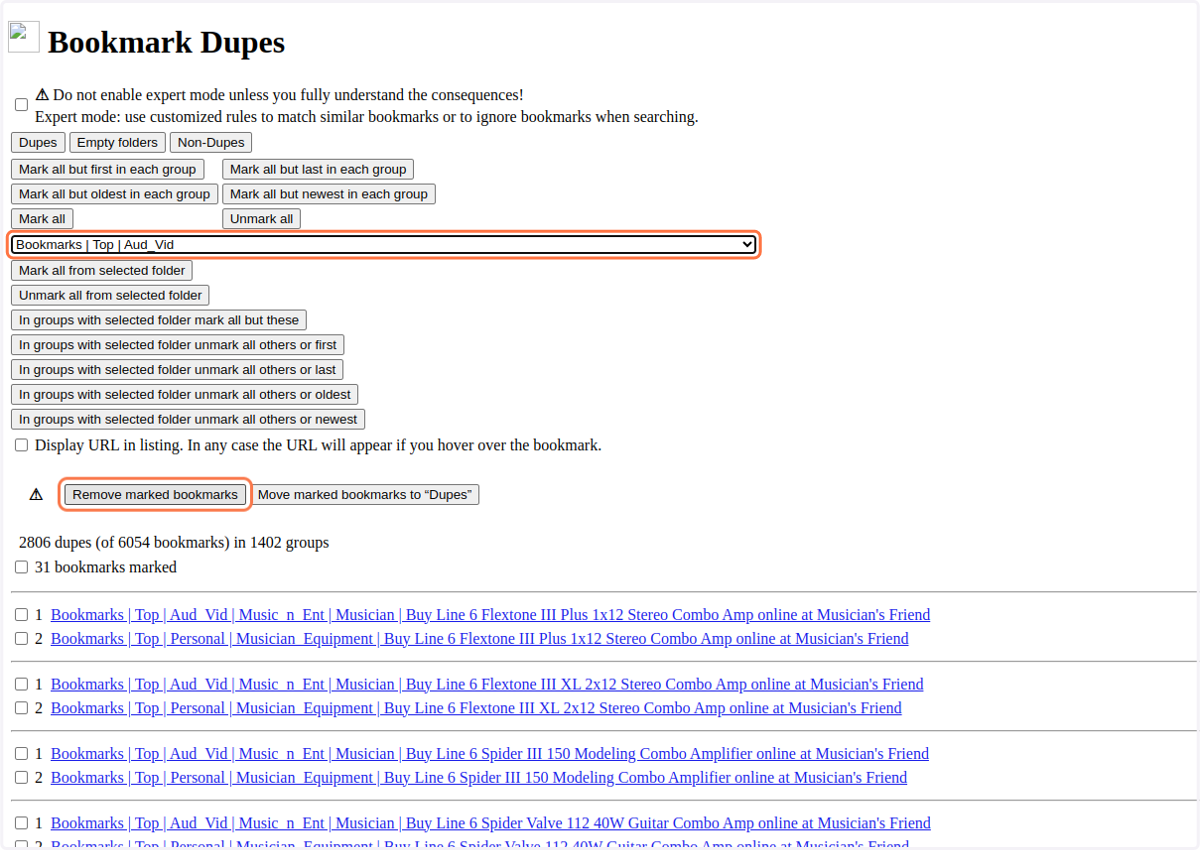
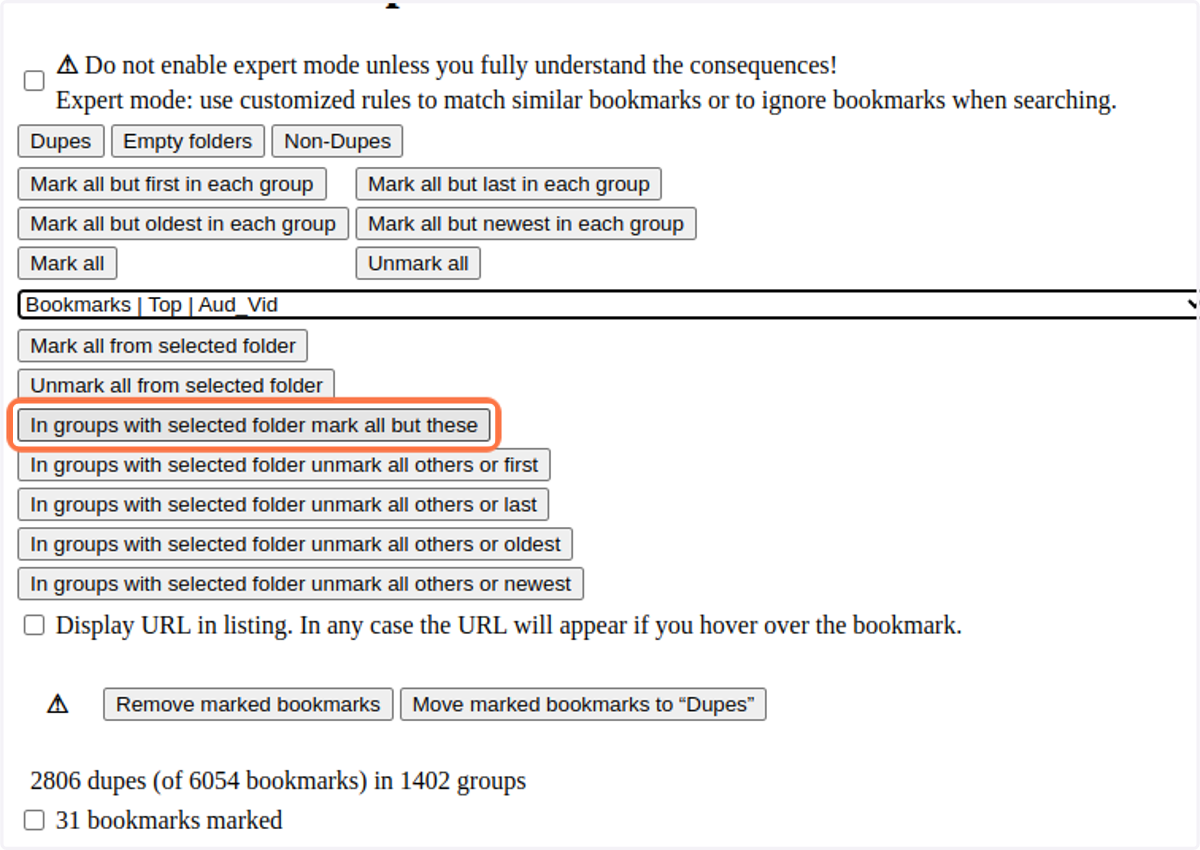
2. Click the Filter button, "In groups with selected folder mark all but these" (as highlighted)
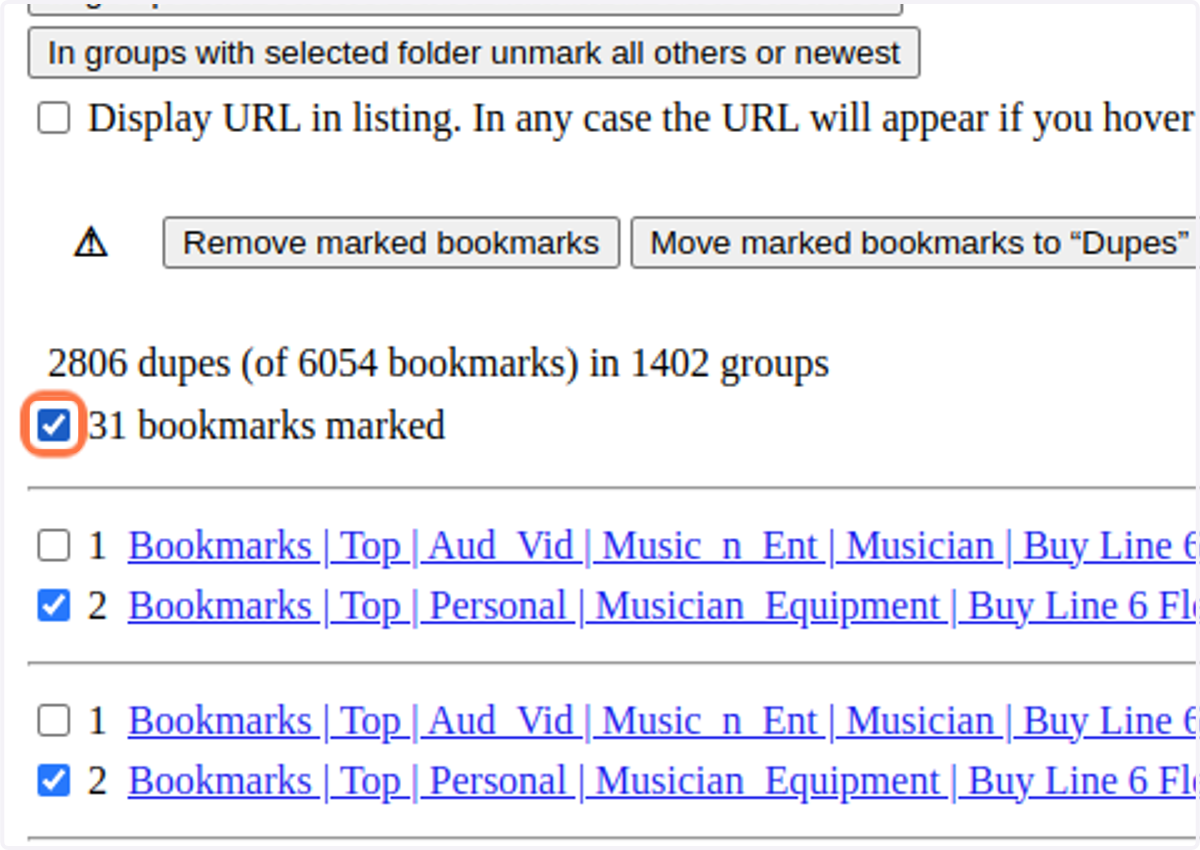
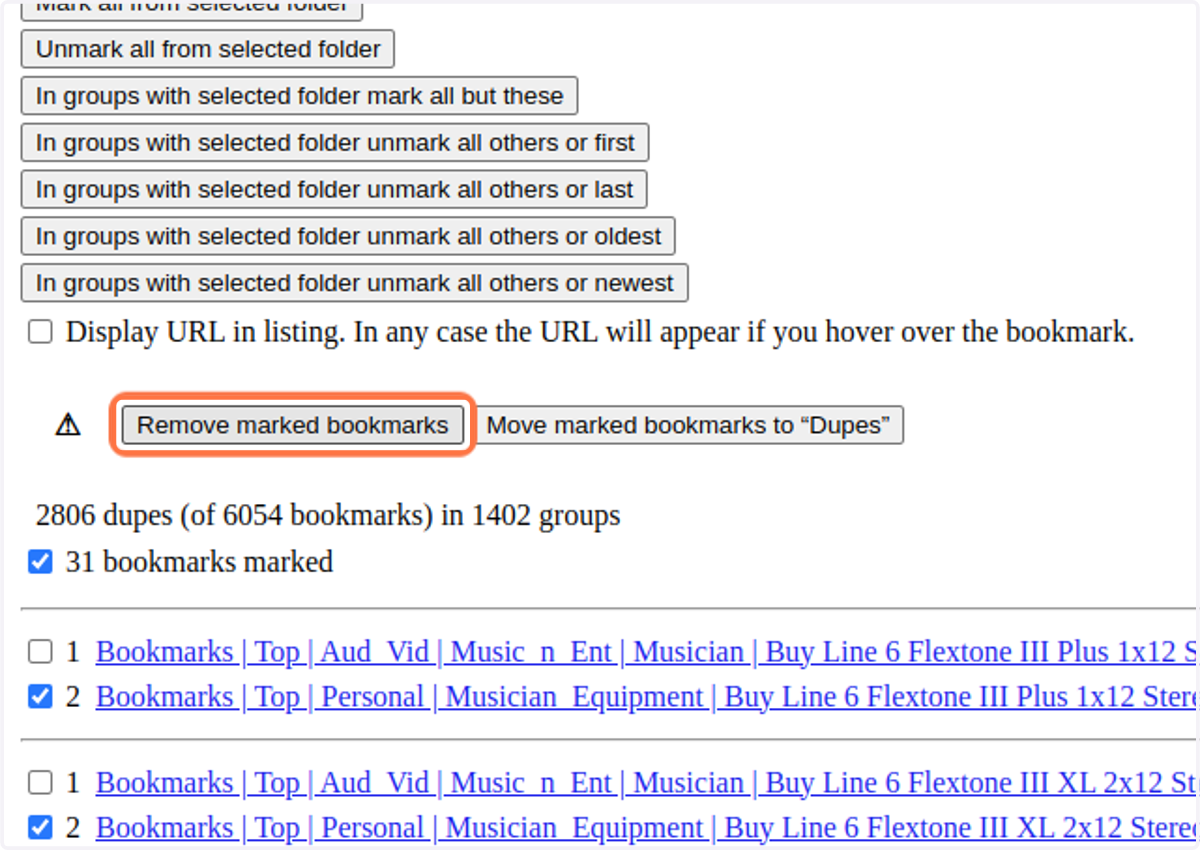
3. Check the box to confirm you want to delete the bookmarks you selected.
4. Once you click "Remove marked bookmarks", the data will be deleted completely!
Be certain this is what you mean to do!
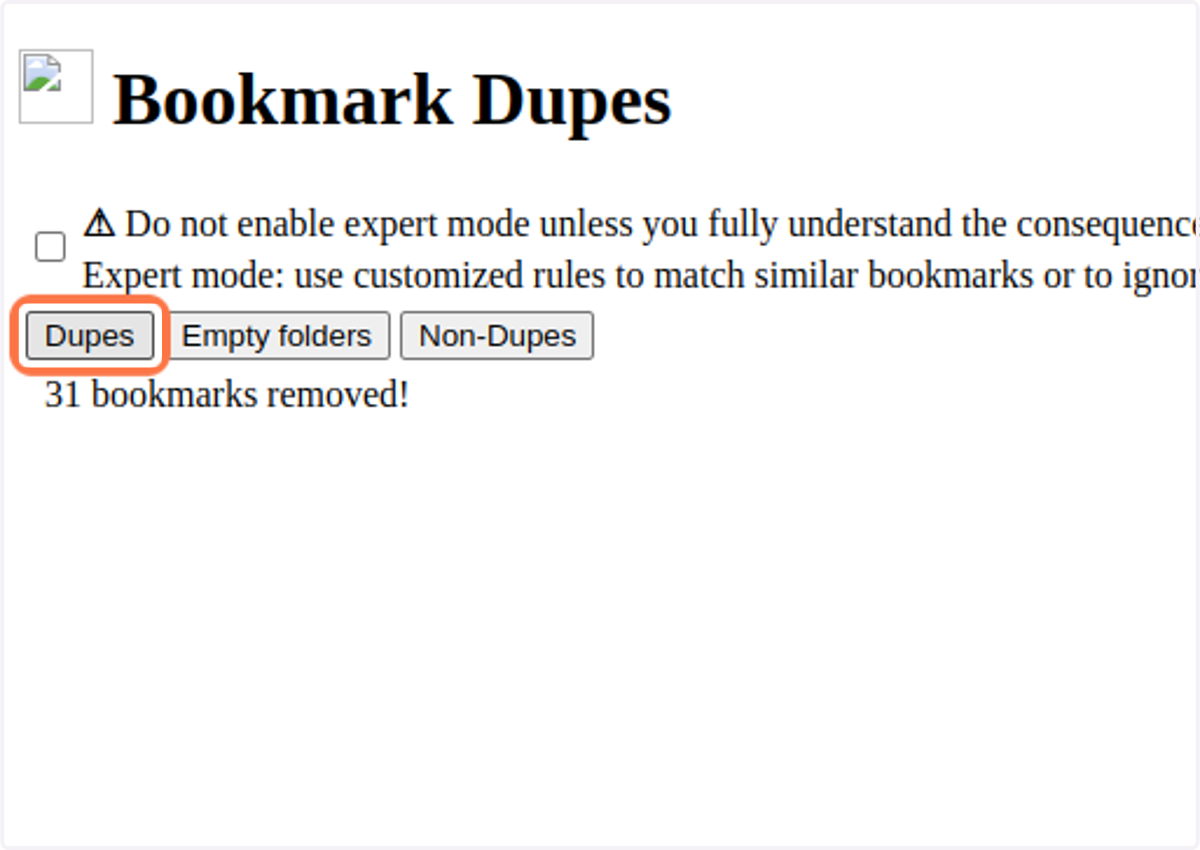
5. Click on Dupes again. Repeat the previous steps above.
Now that you have only one version of each of those you marked above, you can move on to another folder.
Try some different filter options next time (step #2). You might find a different filter will clear your duplicates more efficiently.