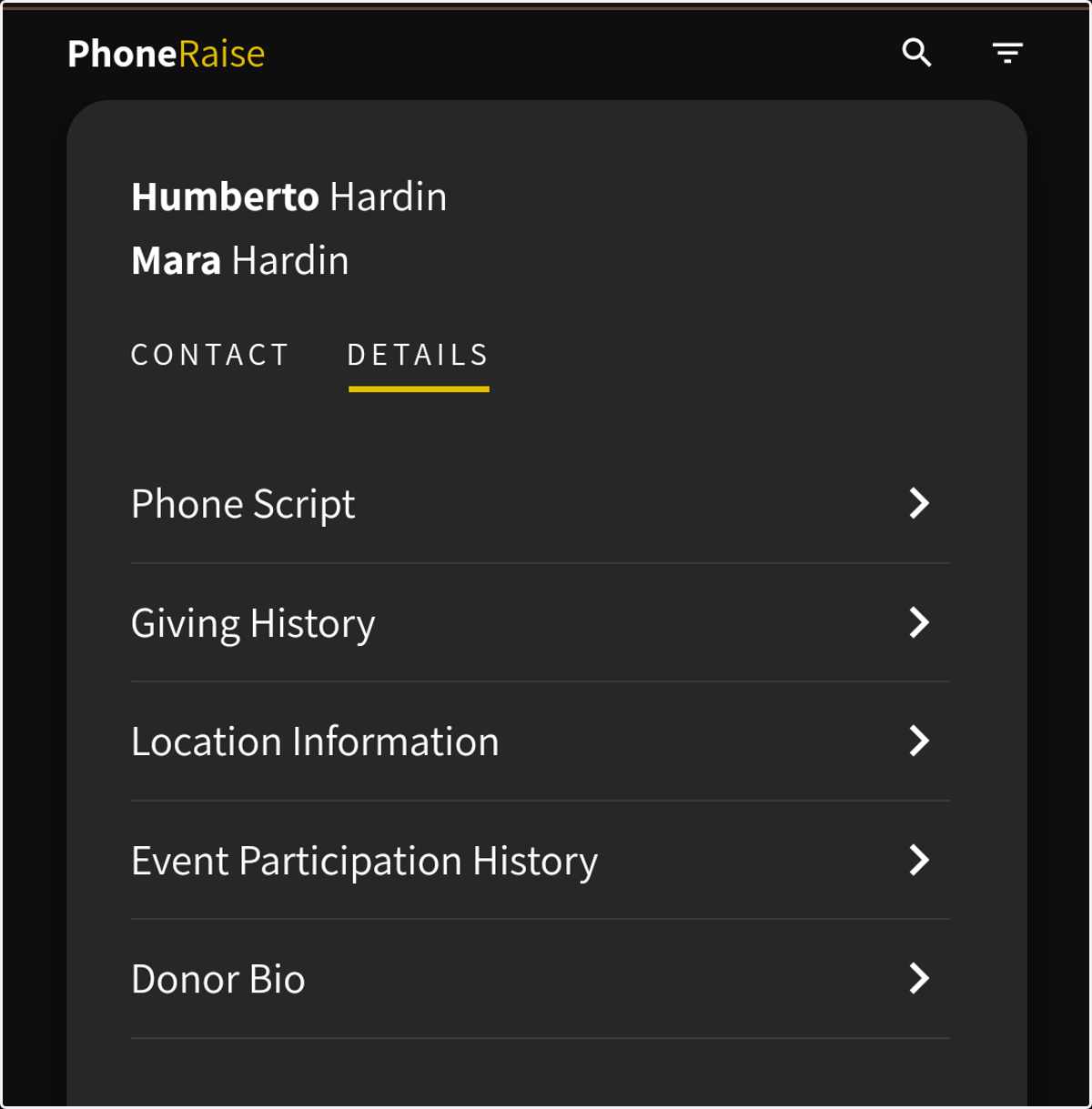
How to show donor data to users
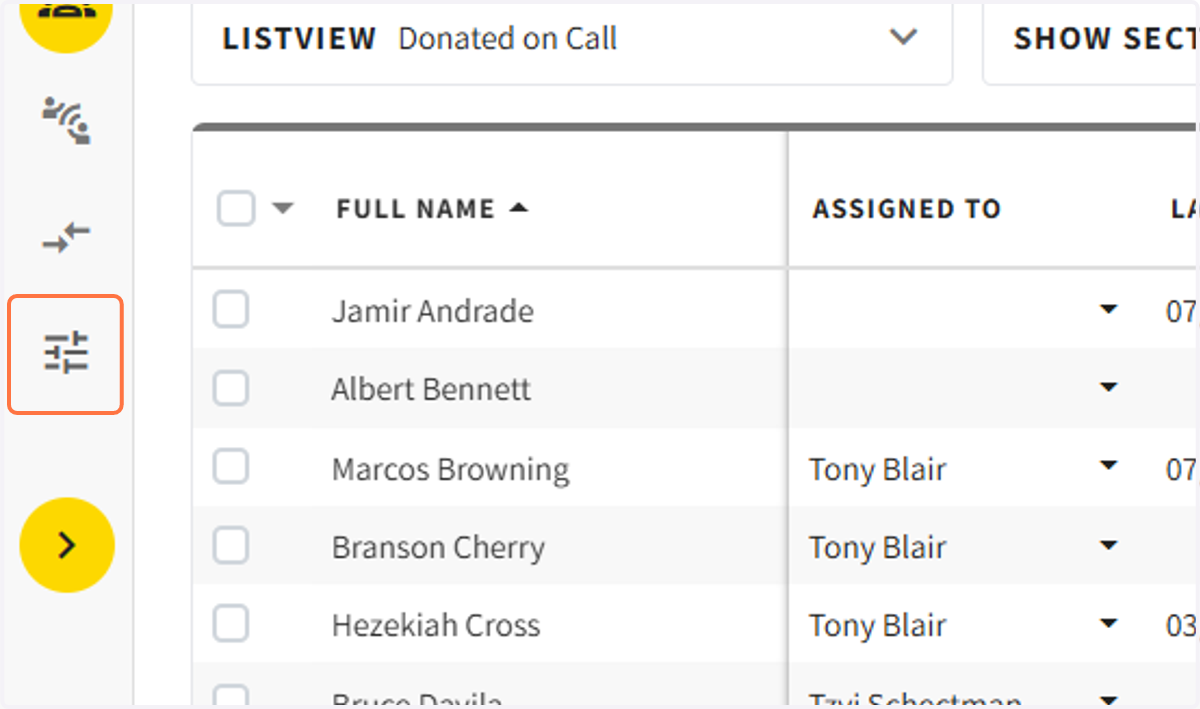
1. Go to campaign settings
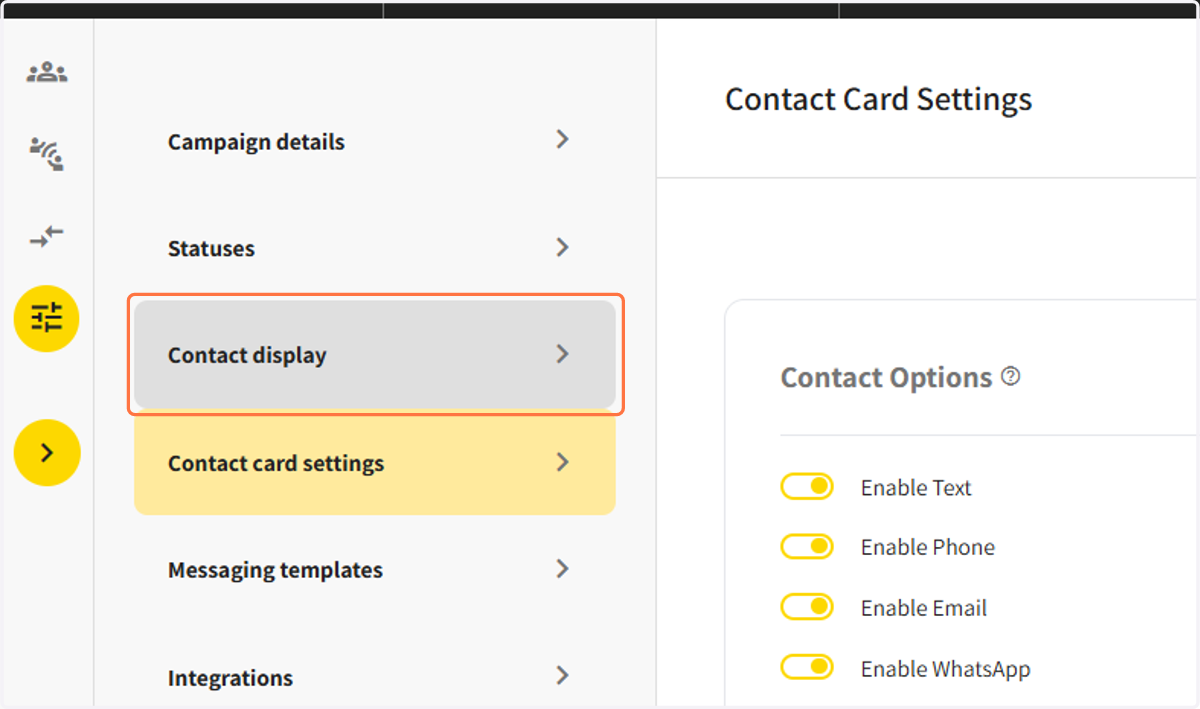
2. Click on Contact display…
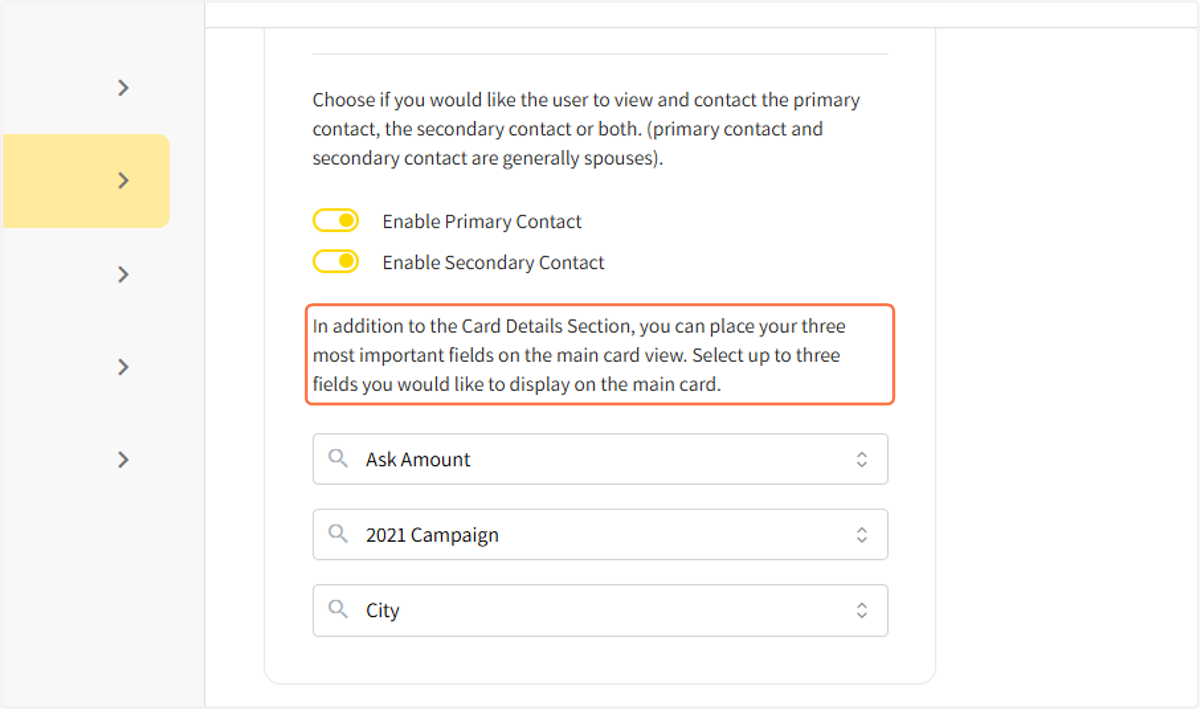
3. In the card view display, you can choose to see the primary contact, the secondary contact, or both.
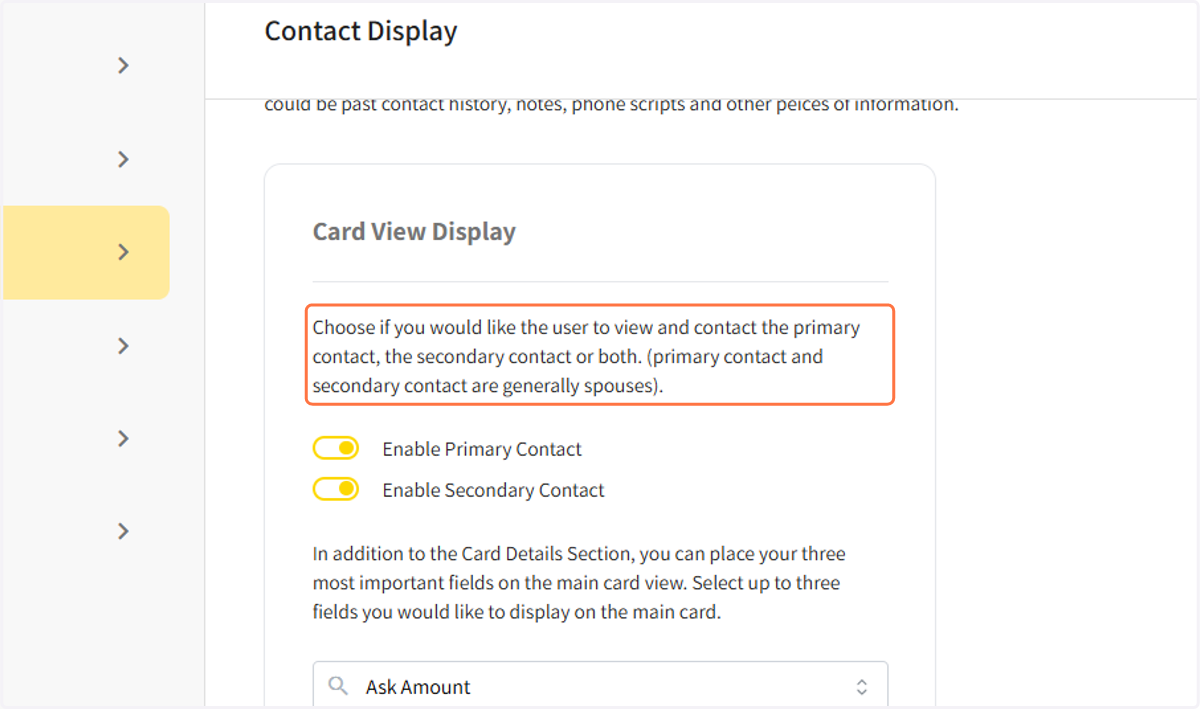
4. You can choose three datapoints for the user to see on the main screen.
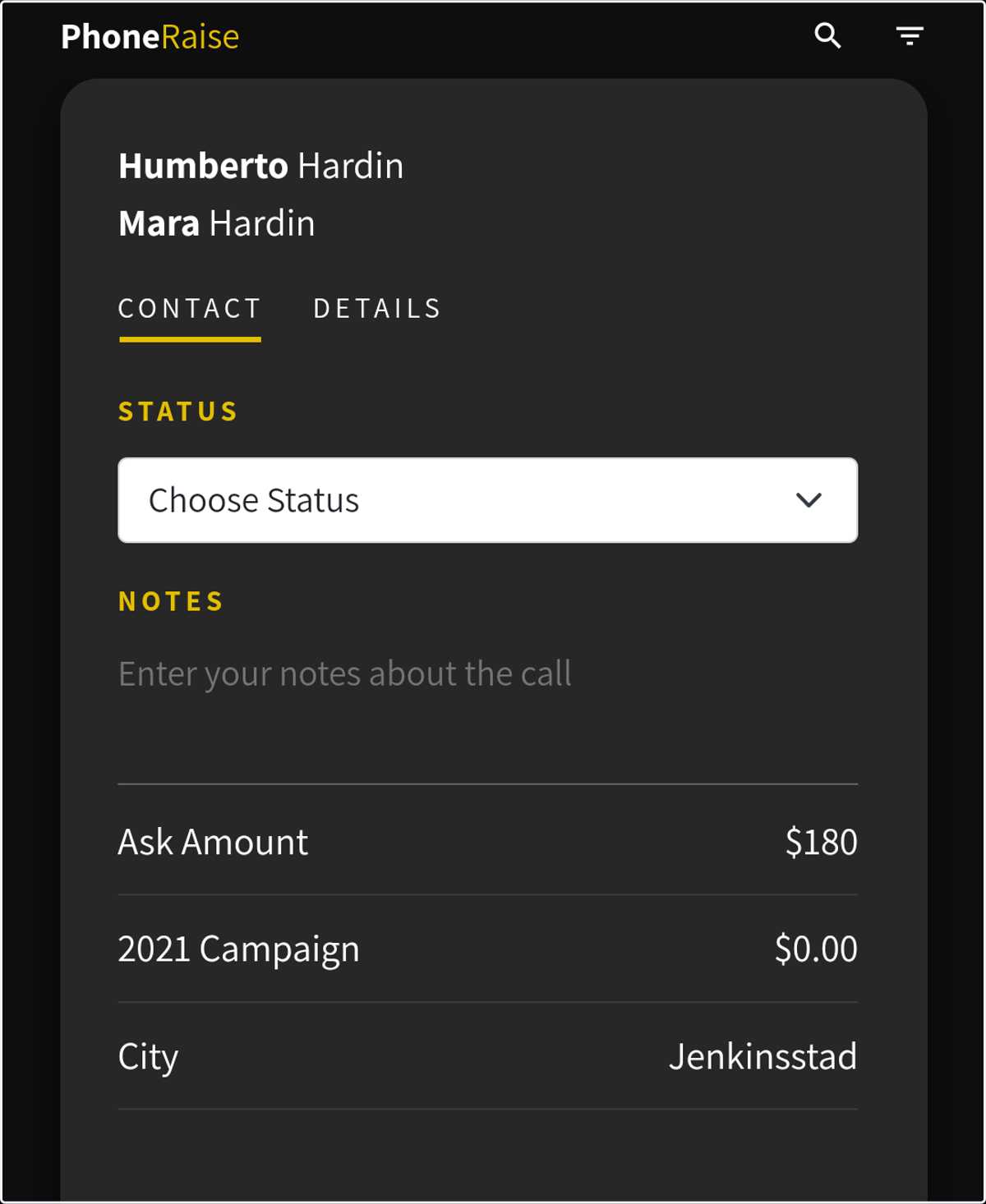
5. This is how the data points display on the users display
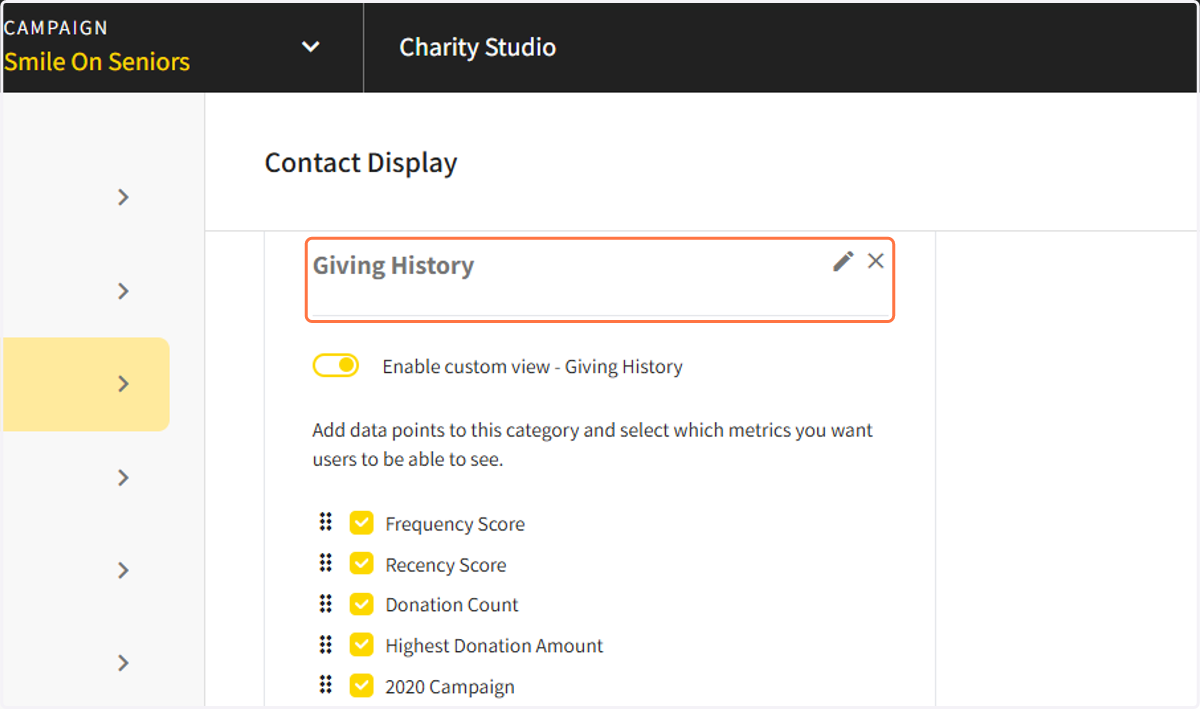
6. You can add more views that are visible in the details section
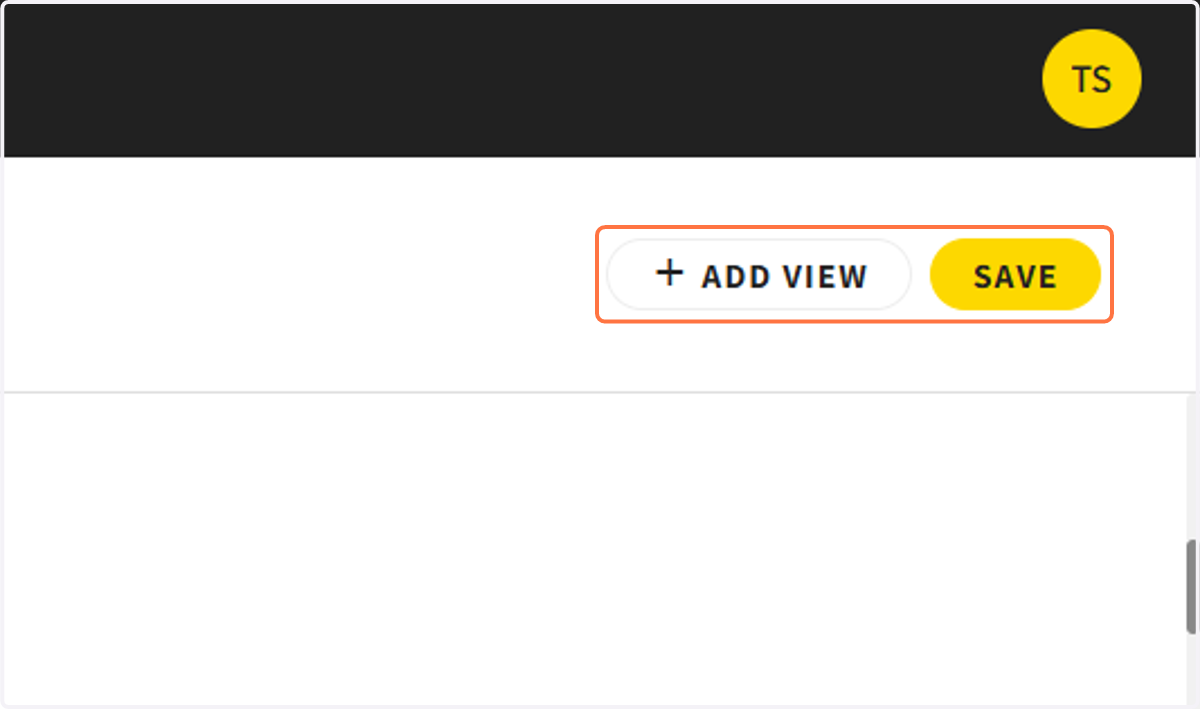
7. You can add more views that are visible in the details section
8. This is how it looks in the user's display