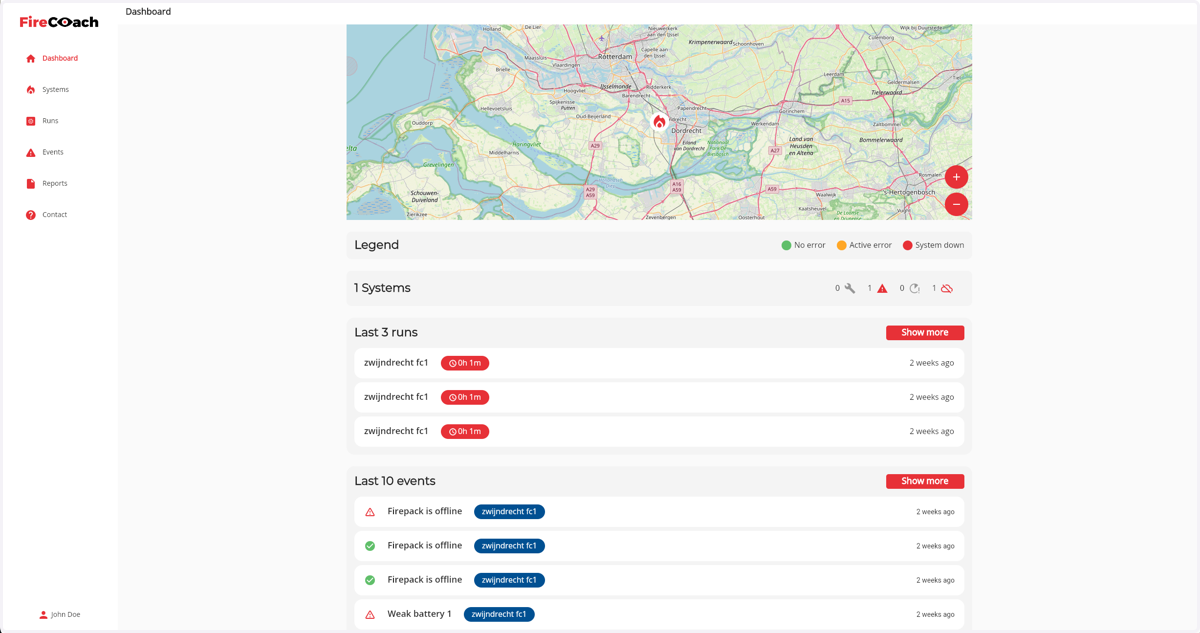
How to complete the creation of your Firecoach Account
To complete the registration and creation of a Firecoach account the first step is to open the registration email.
1. Click on Complete registration
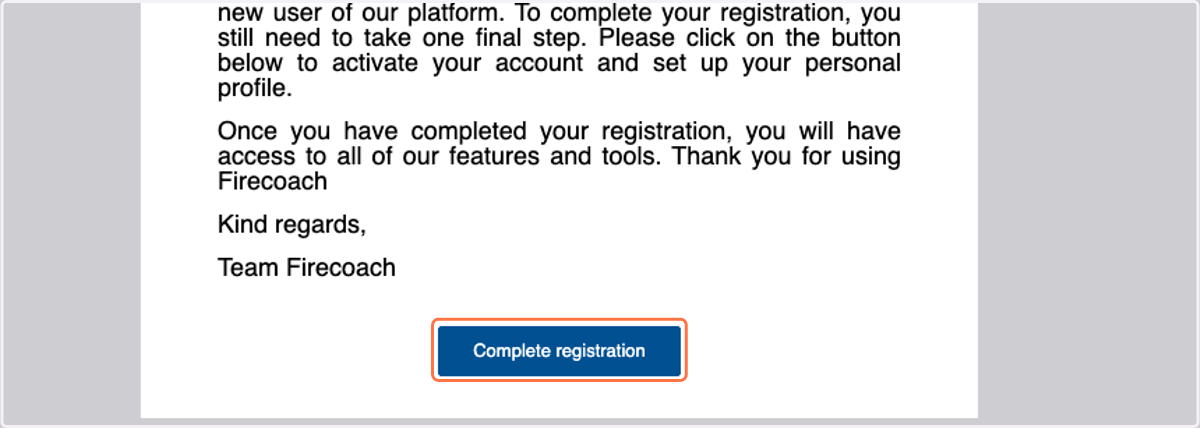
After clicking the Complete registration button, you will receive a different email to setup a password for your account.
2. Click on Set password
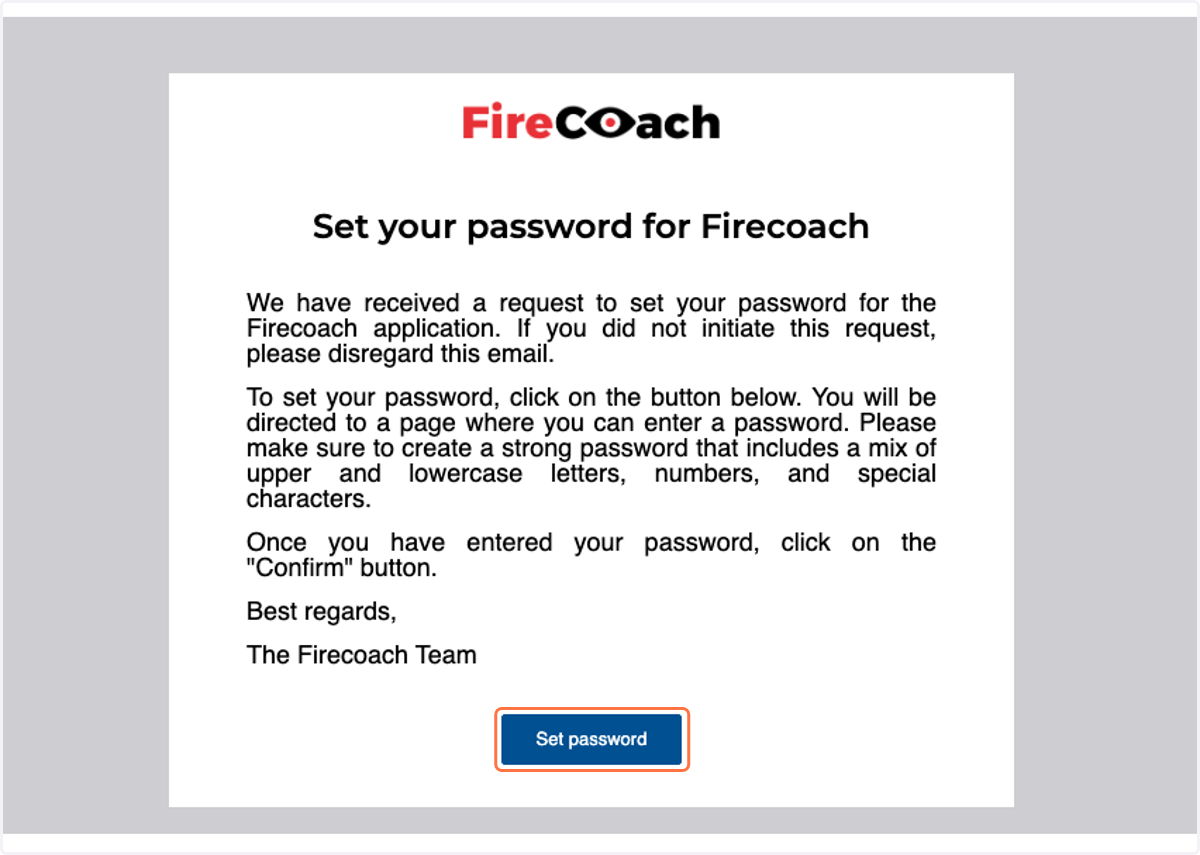
You will get directed to the Firecoach application to setup a password
3. Enter your desired password
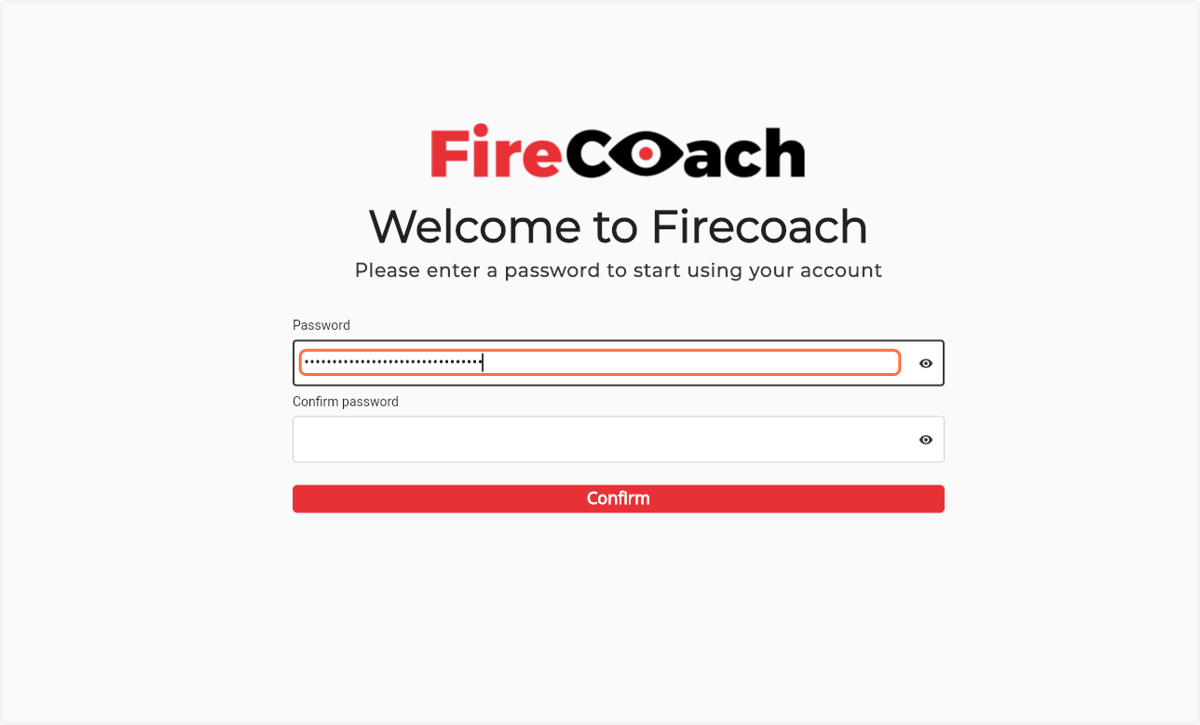
4. Enter your desired password
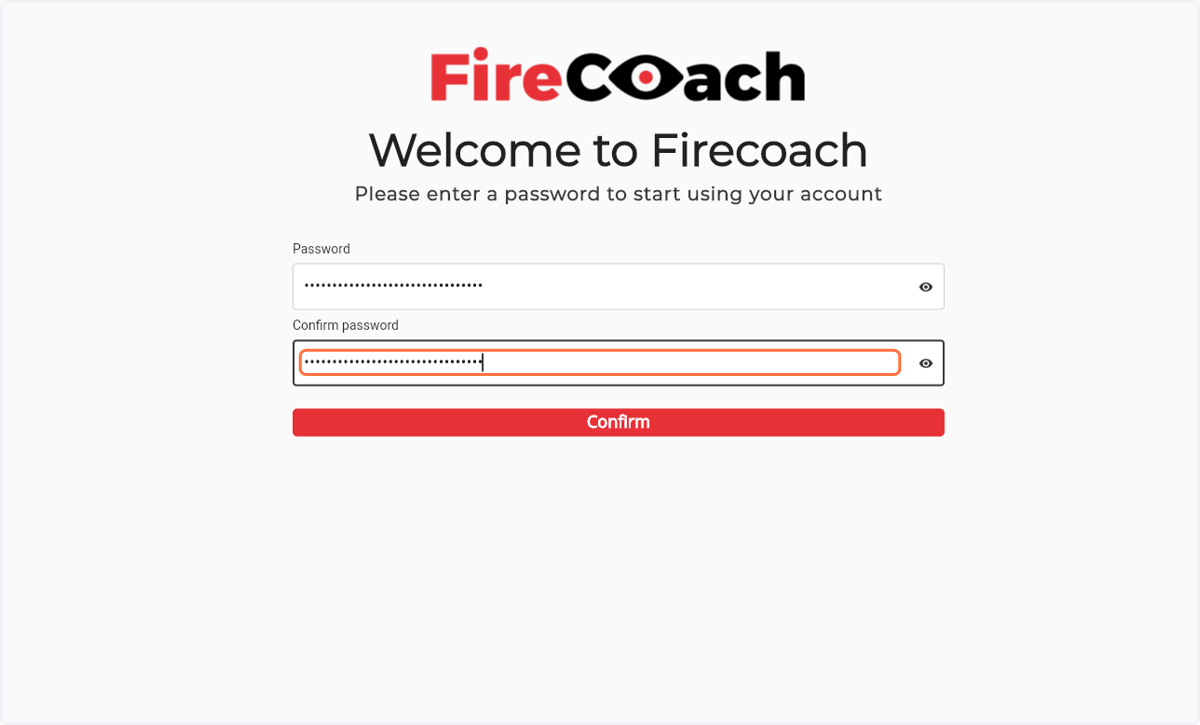
5. Confirm password by clicking the 'Confirm' button
6. Log in with the email account on which you received the invitation
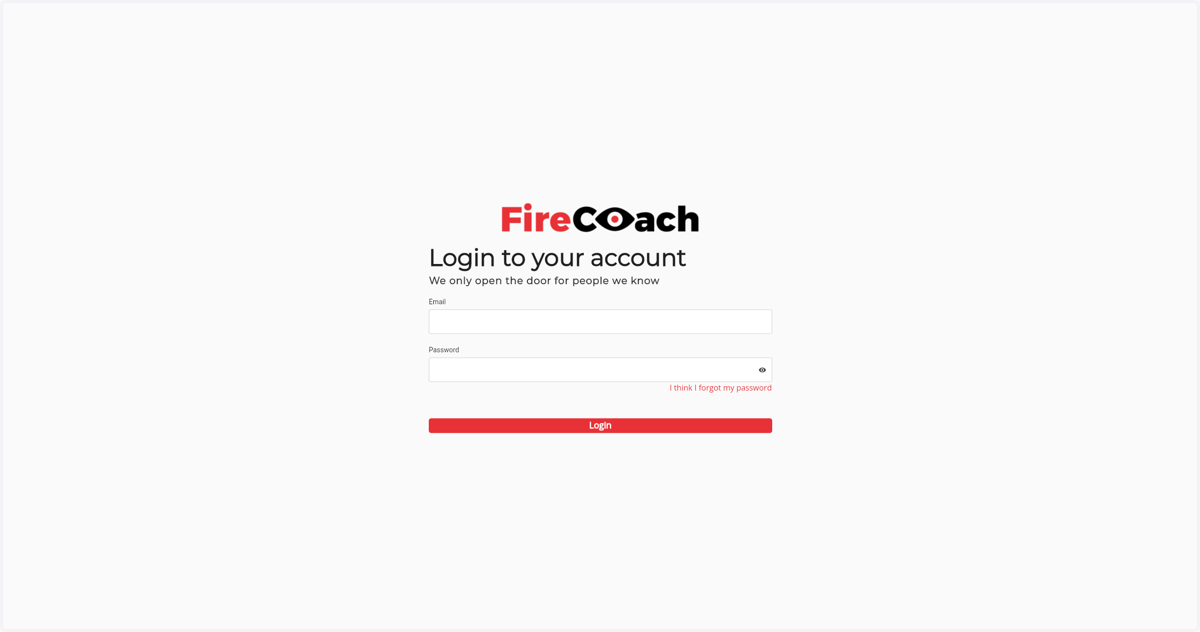
7. Enter your previously chosen password
8. Click 'Submit'
9. Enter your personal details
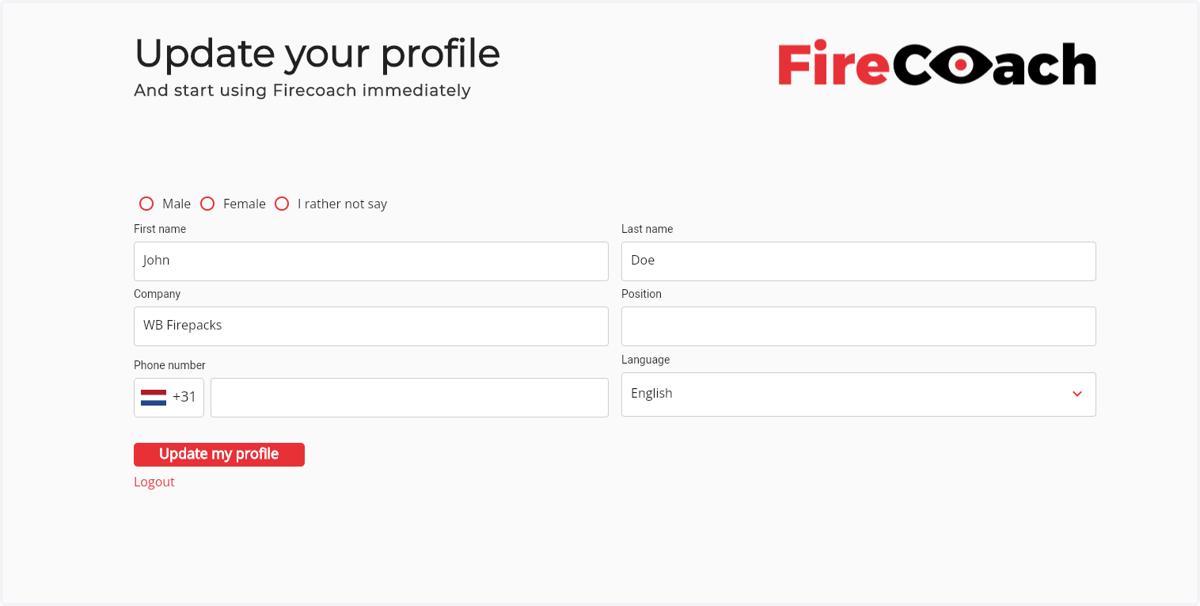
10. After filling in all fields, click the 'Update my profile' button
11. Get redirected to the dashboard