Creating a Class Section Contact List for Parents in Thrillshare
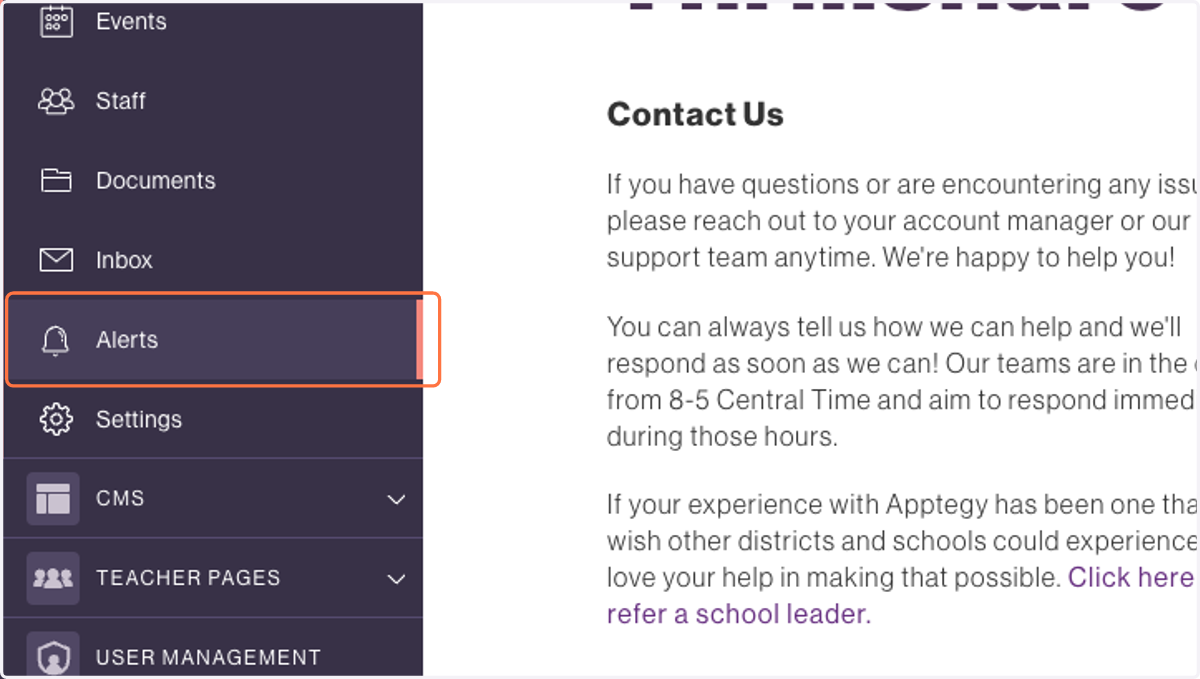
1. Click on Alerts
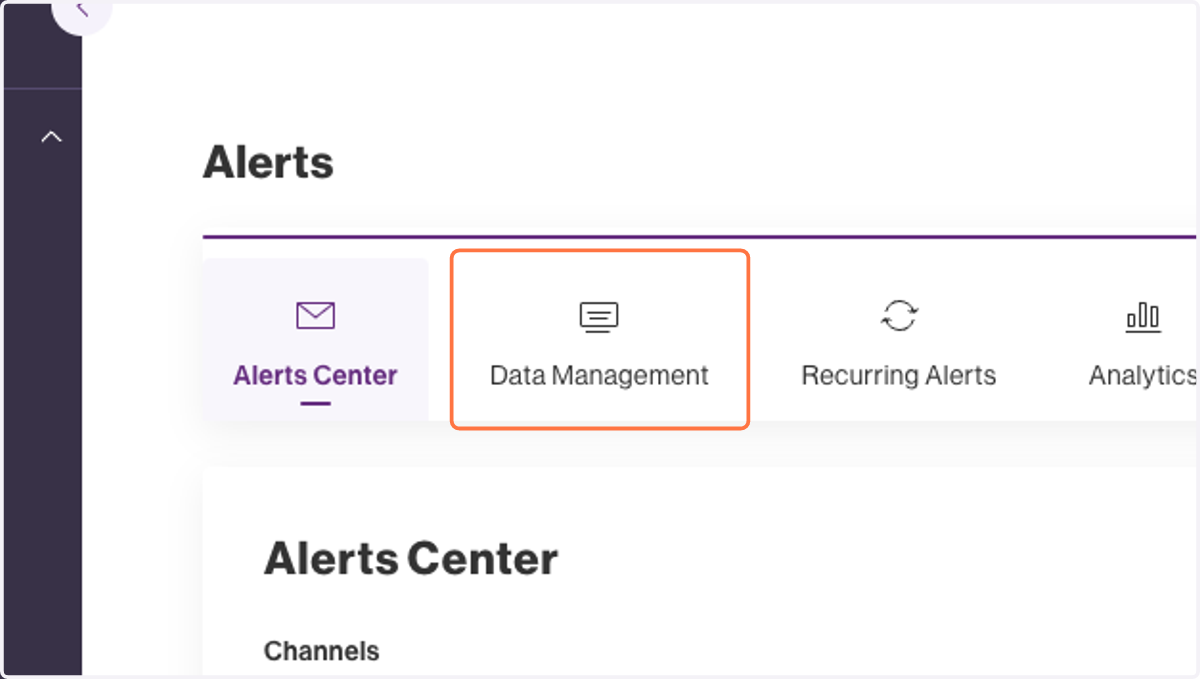
2. Click on Data Management
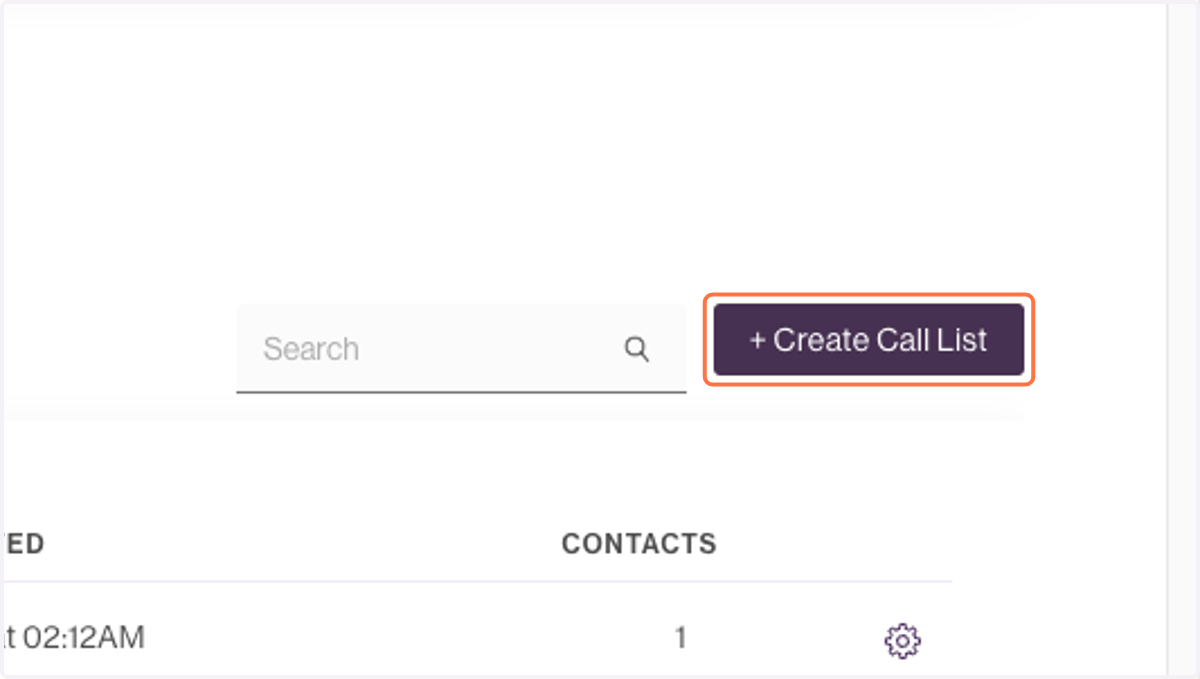
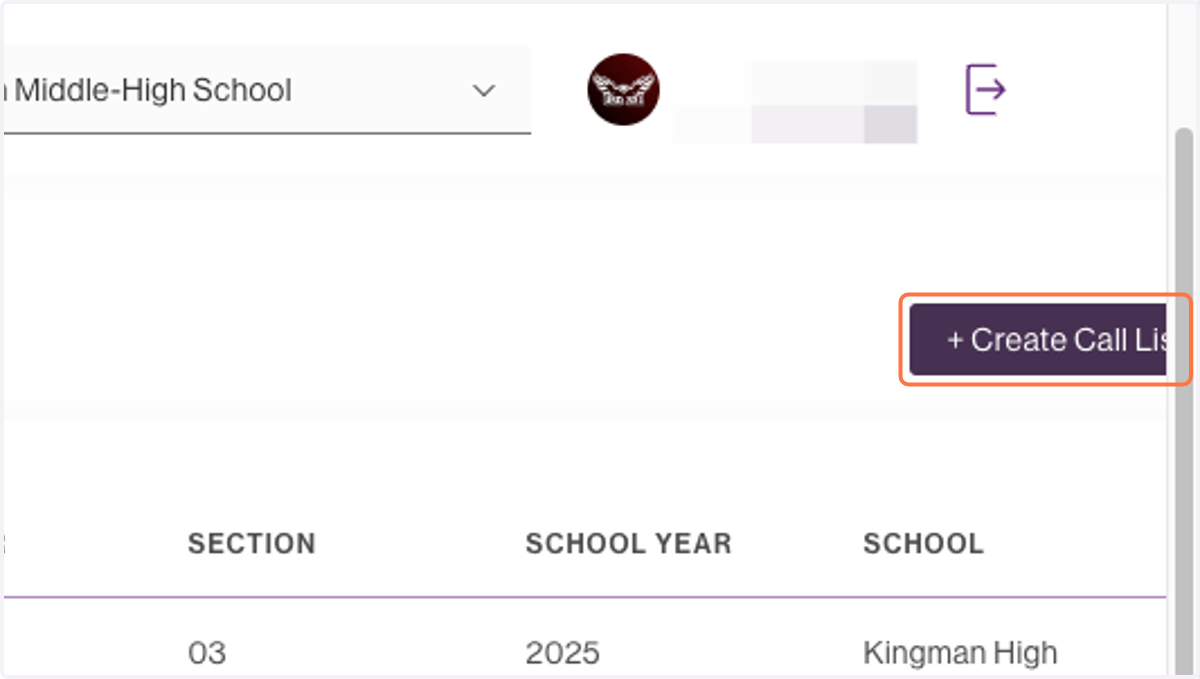
3. Click on + Create Call List
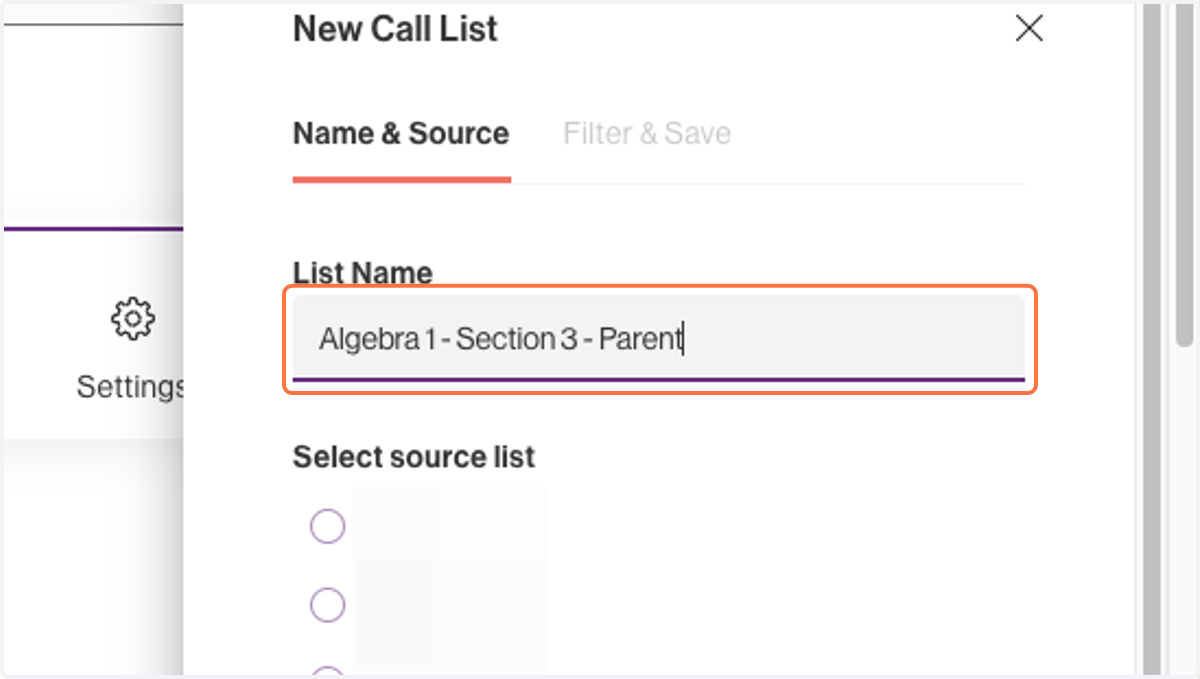
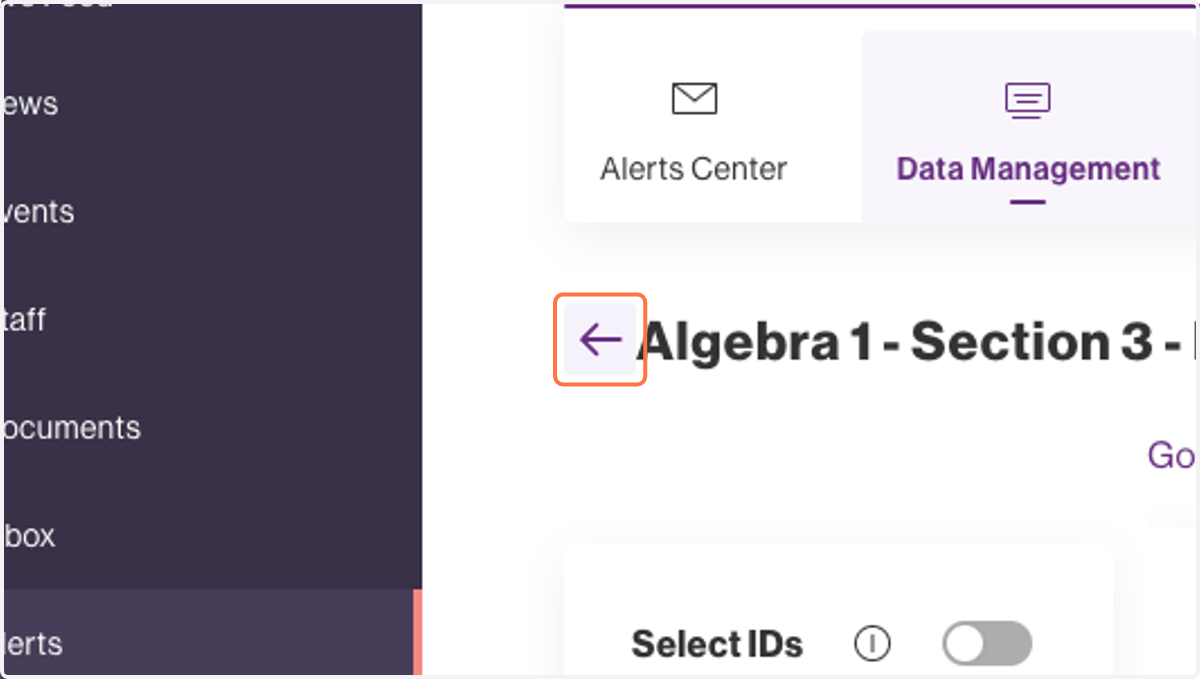
4. Type "Algebra 1 - Section 3 - Parents"
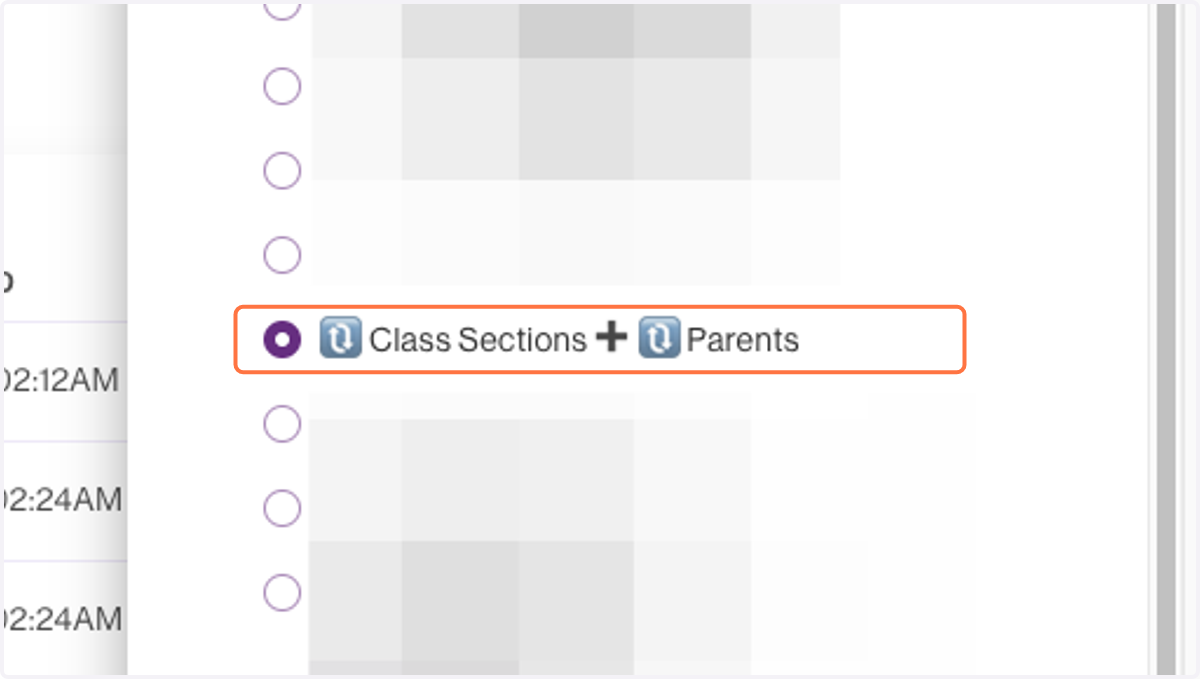
5. Select 🔃 Class Sections➕ 🔃 Parents
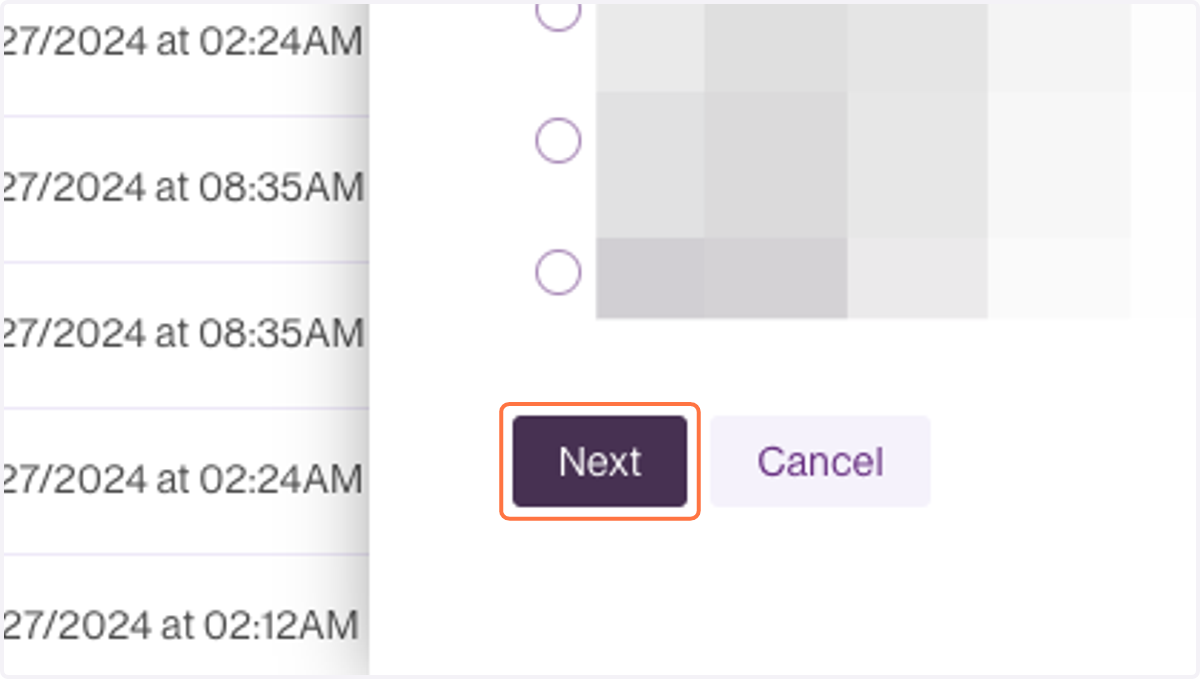
6. Click on Next
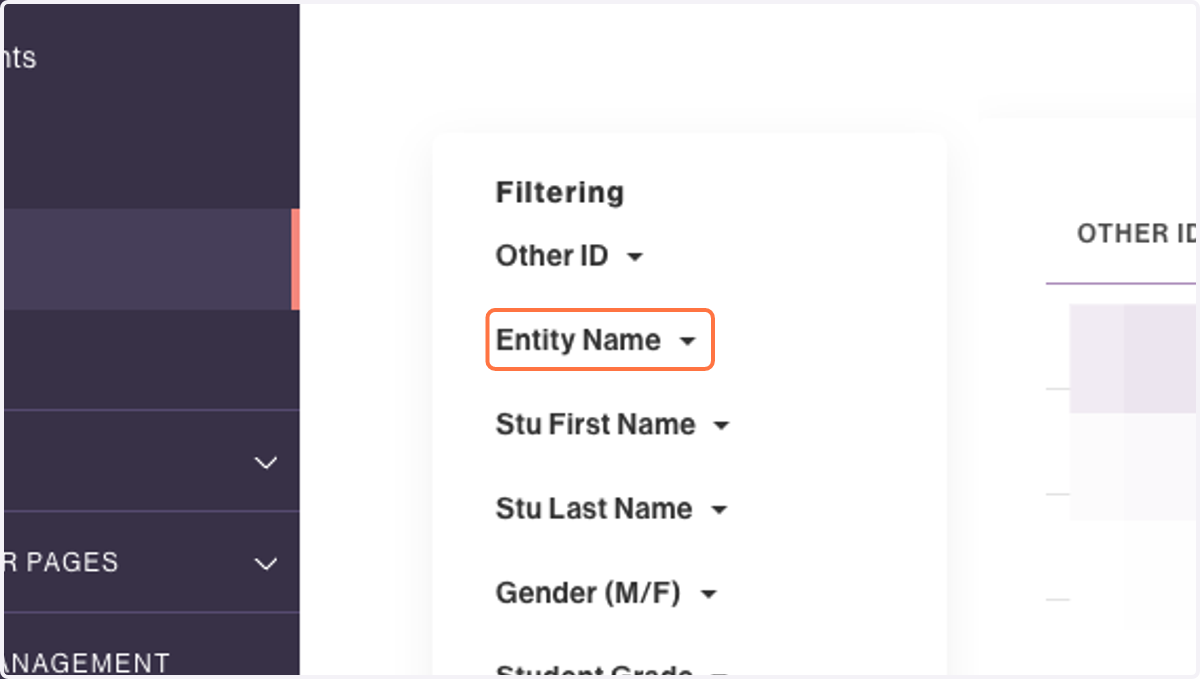
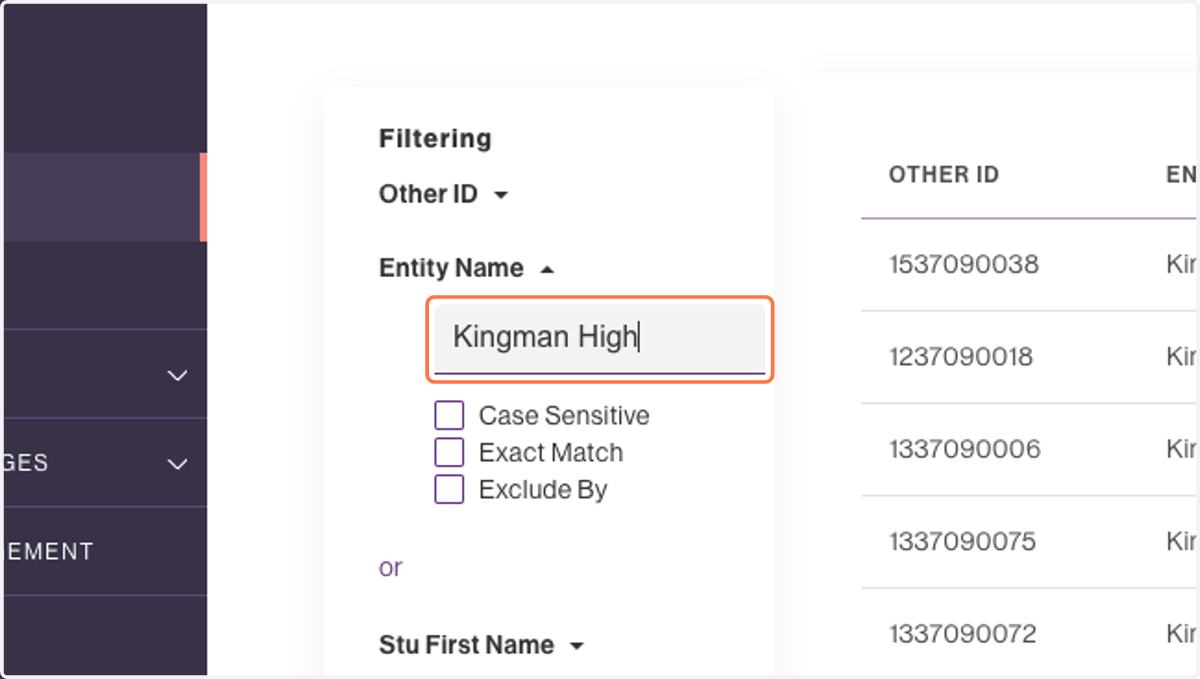
7. Click on Entity Name
8. Type "Kingman High"
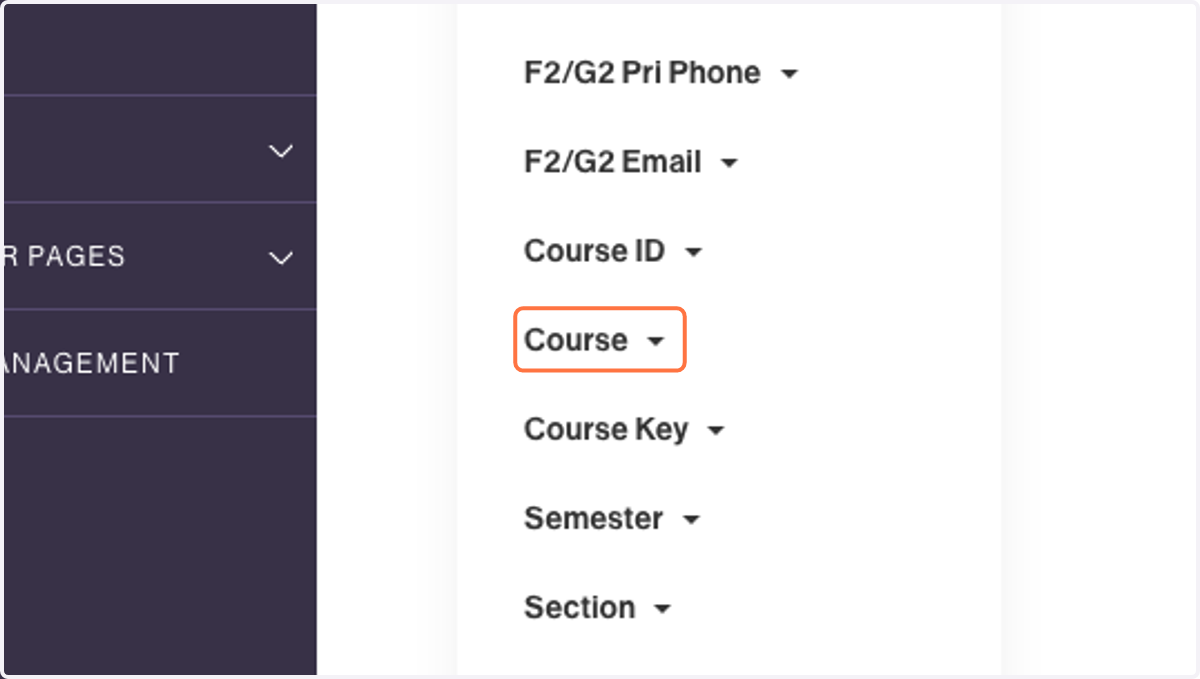
9. Click on Course
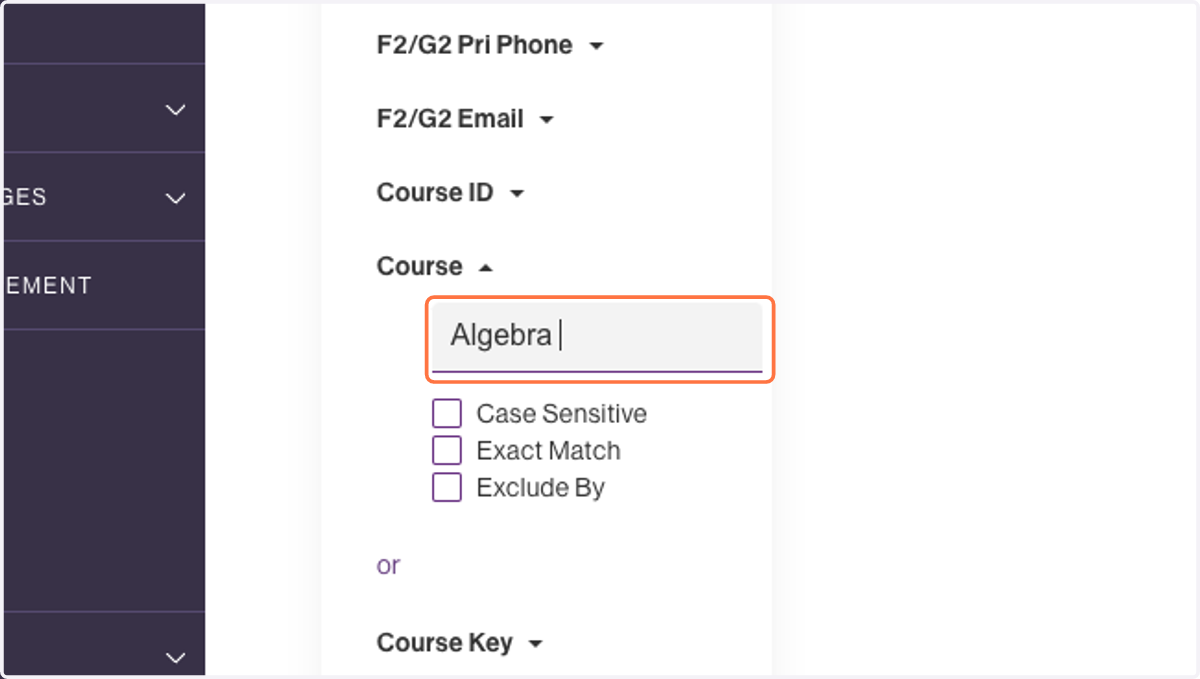
10. Type "Algebra I"
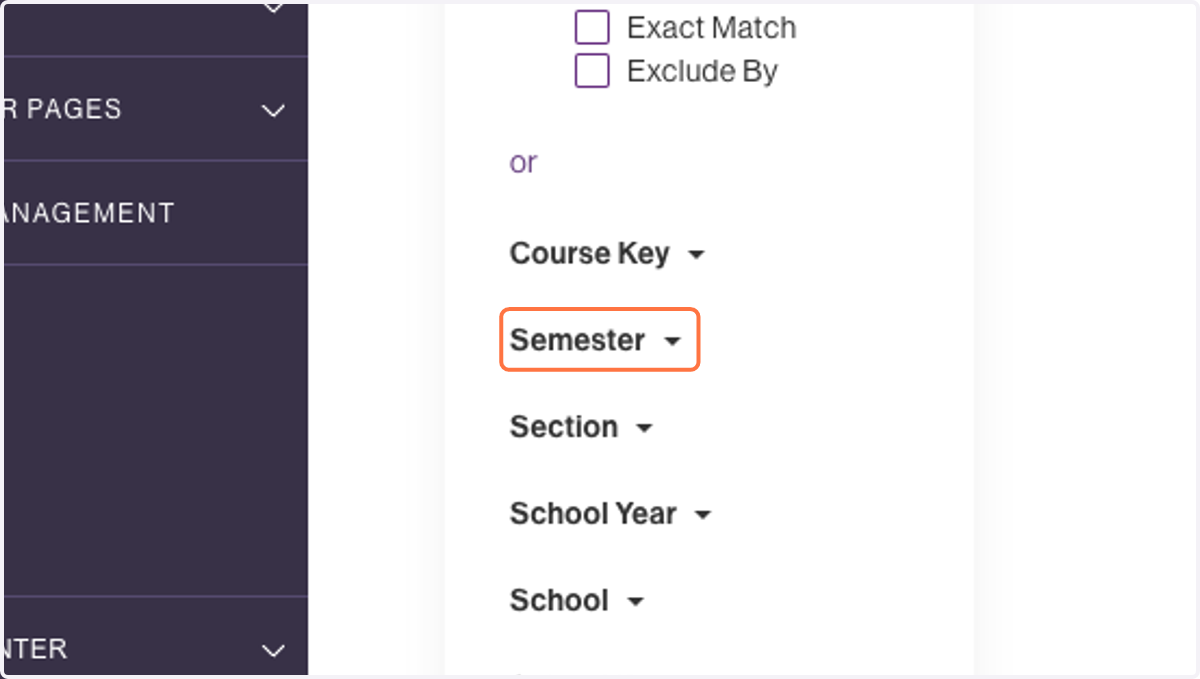
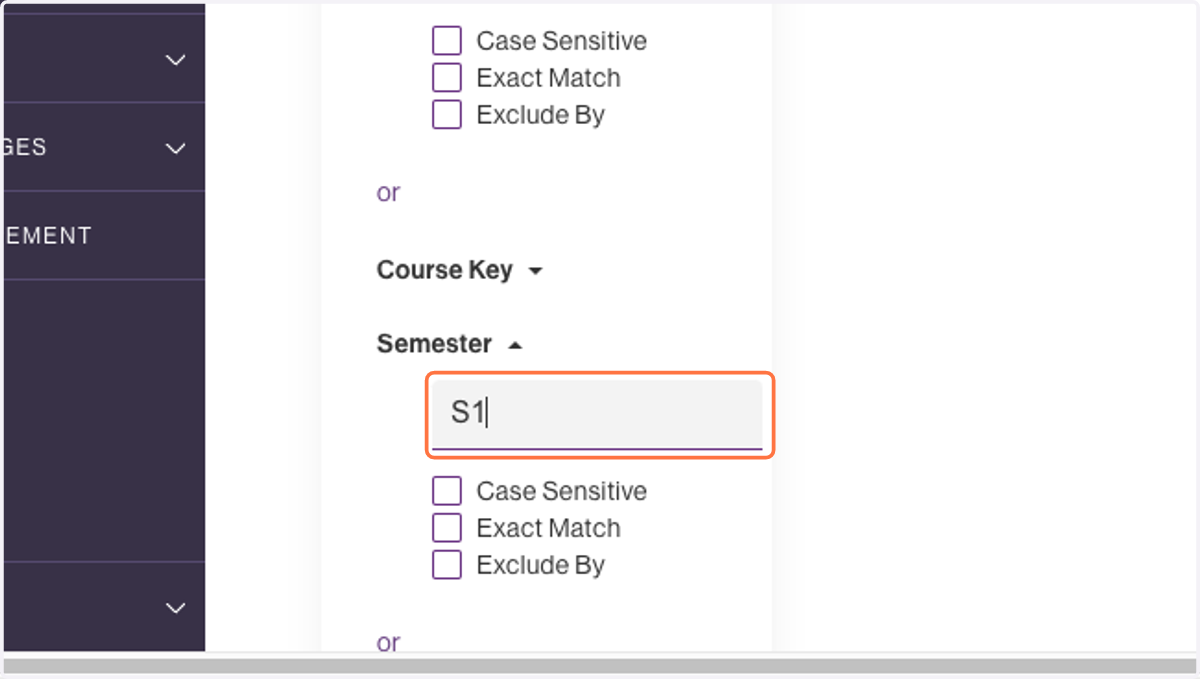
11. Click on Semester
12. Type "S1"
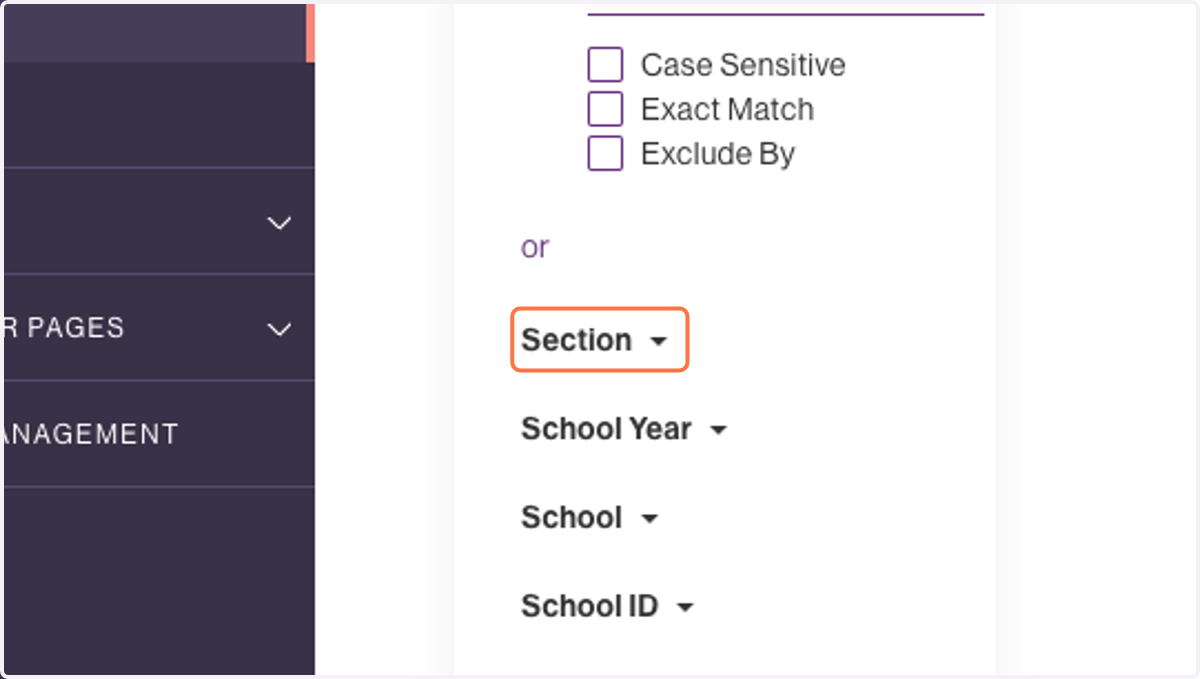
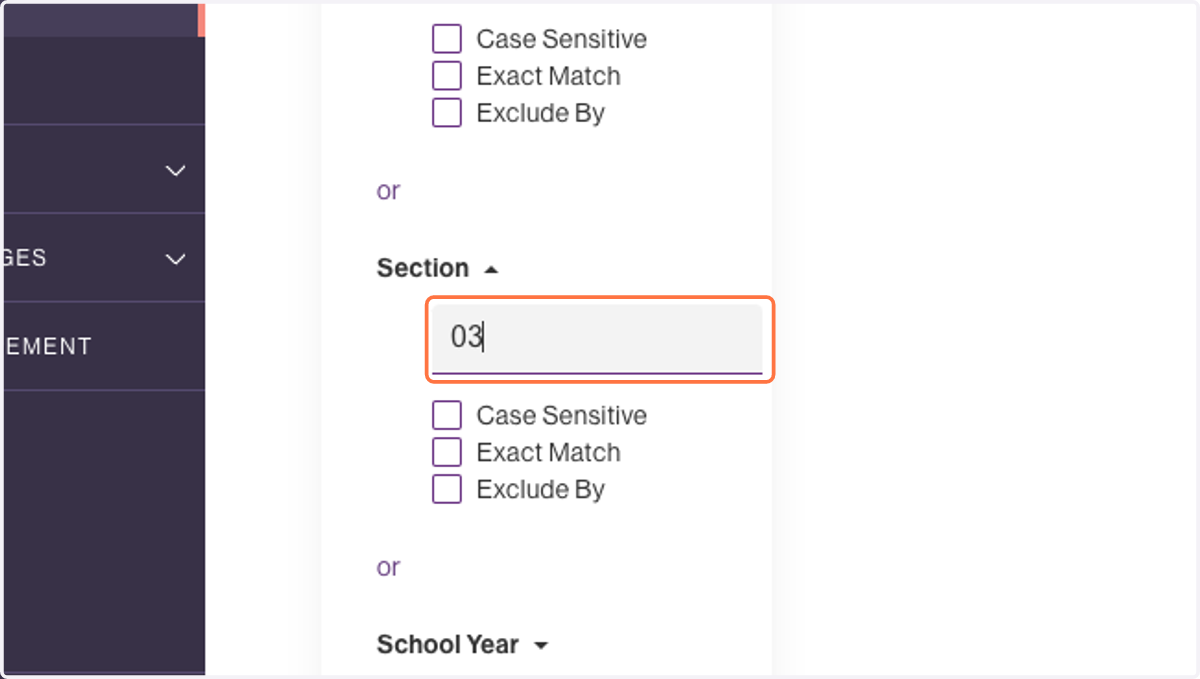
13. Click on Section
14. Type "03"
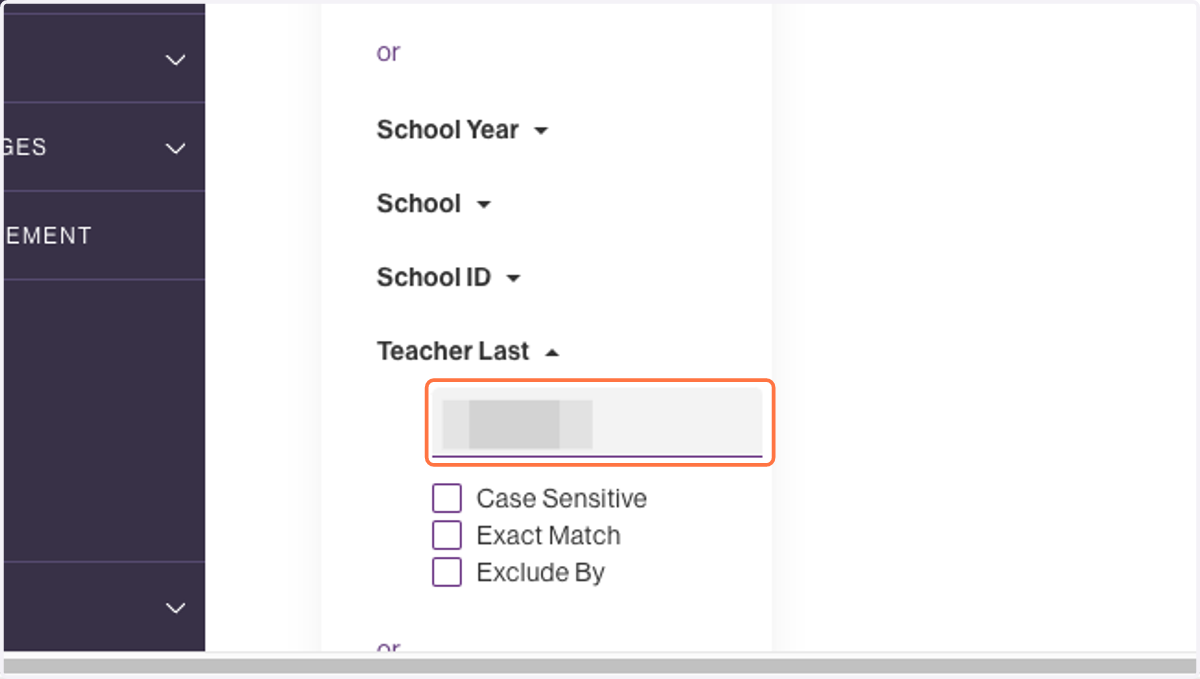
15. Click on Teacher Last
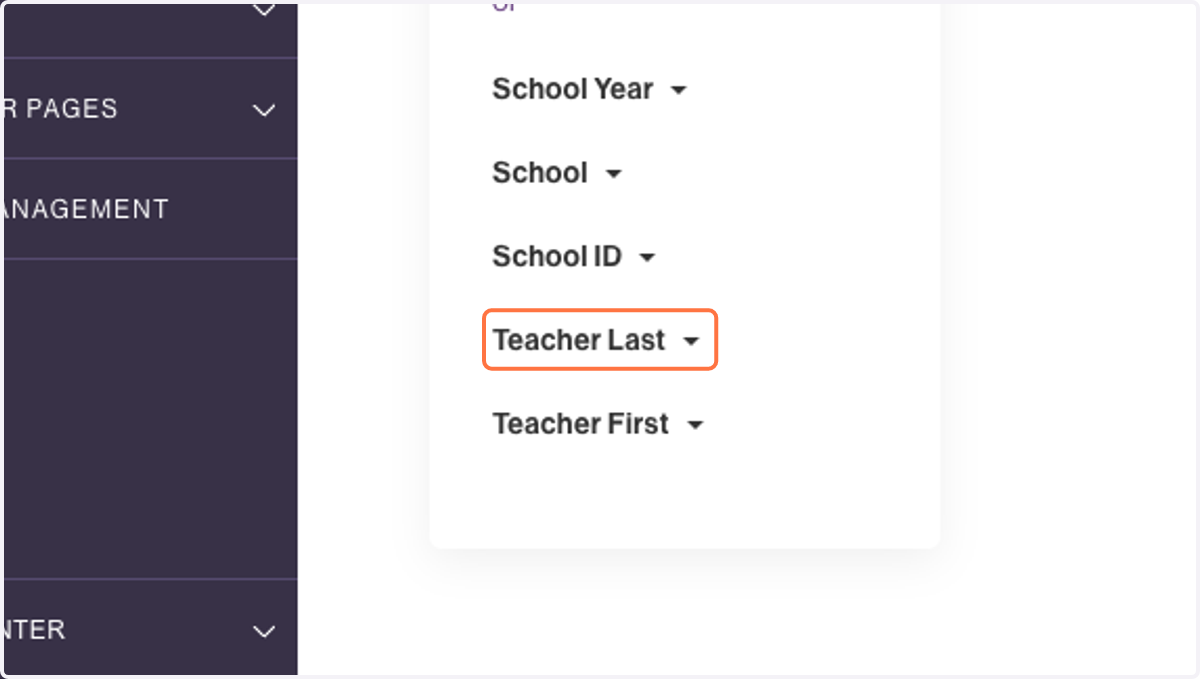
16. Type "Teacher Last Name"
17. Click on + Create Call List
18. Click on Algebra 1 - Section 3 - Parents
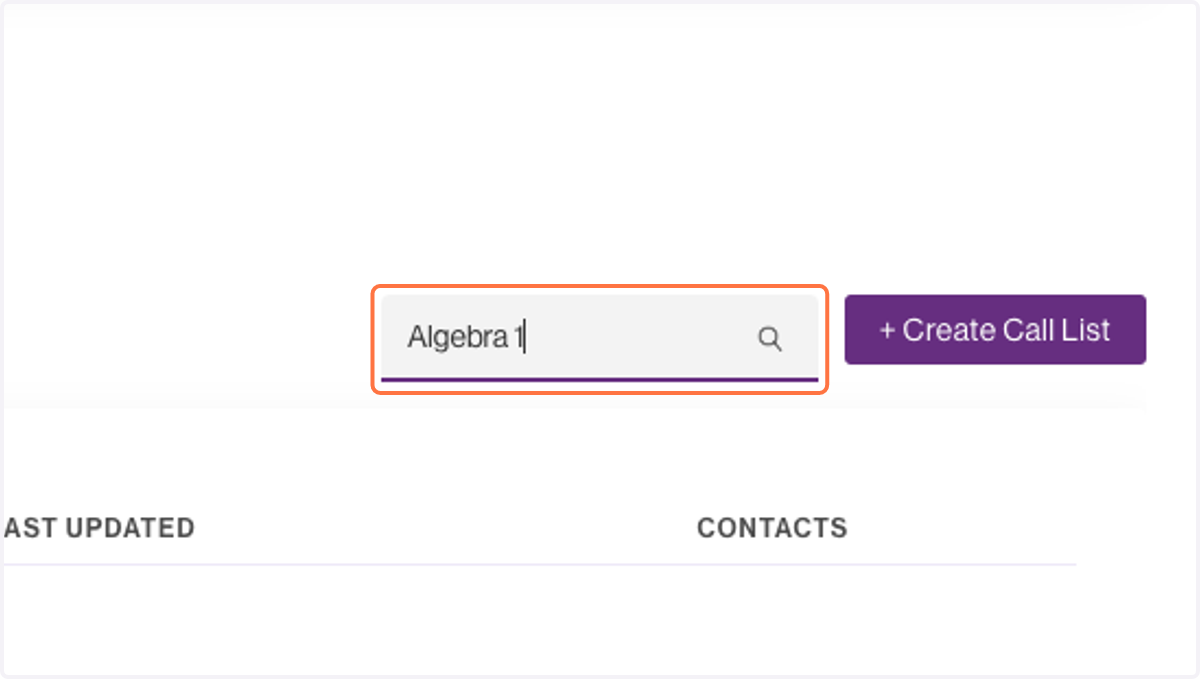
19. Type "Algebra 1" to search for your list