Training Content Overview
The Training Content module is designed to enhance the way your organization creates, manages, and distributes content specific to the competencies defined in your win loss analysis and customer experience programs.
By creating enablement content that is specific to a competency (sales skill, customer success skill, product capability or company attribute), you can improve your content delivery processes, ensuring that the right content reaches the right user at the right time.
TruVoice Dashboard
1. Expand the Administration section
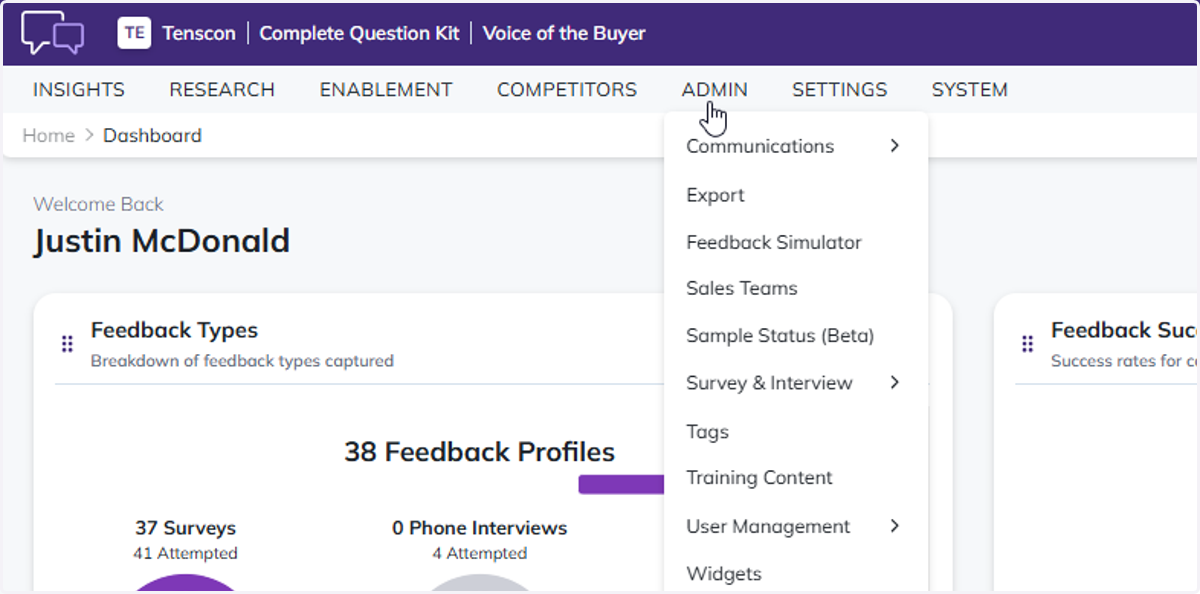
2. Select Training Content
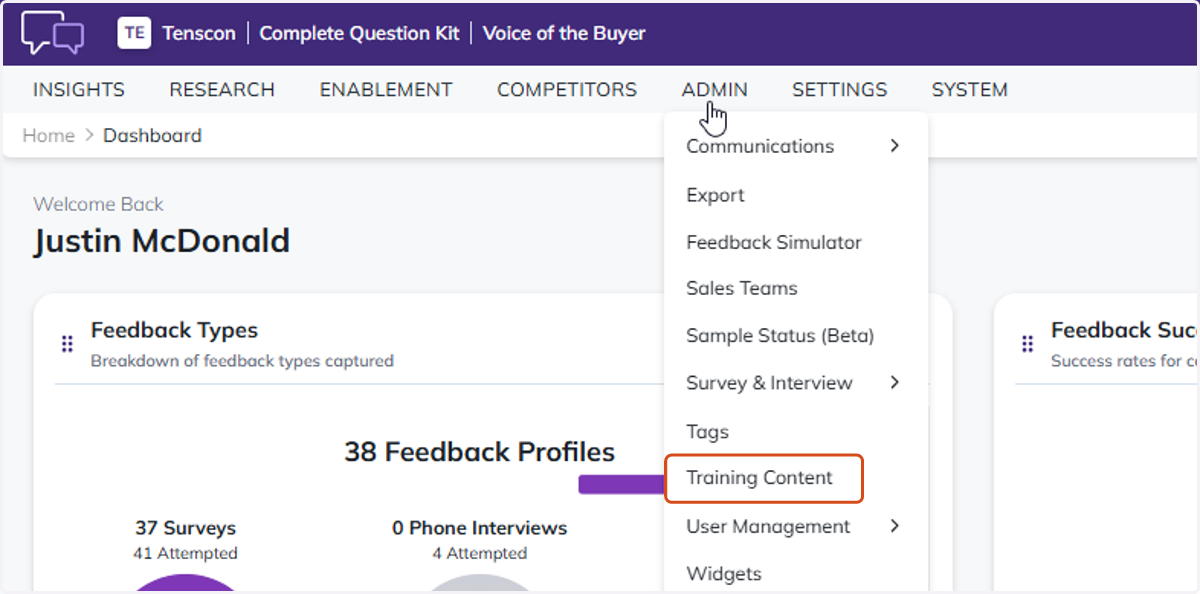
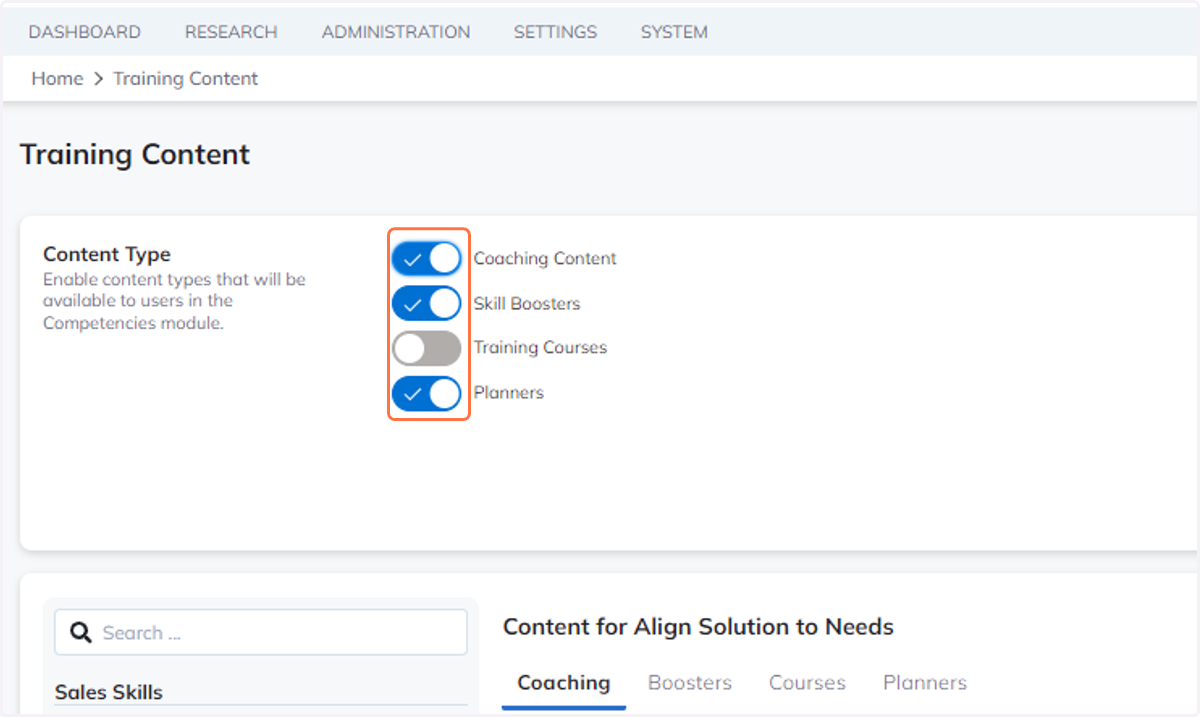
3. Enable or Disable Content Types
Enable content types that will be available to users in the Competencies module.
4. Select any Skill to add or edit the training content
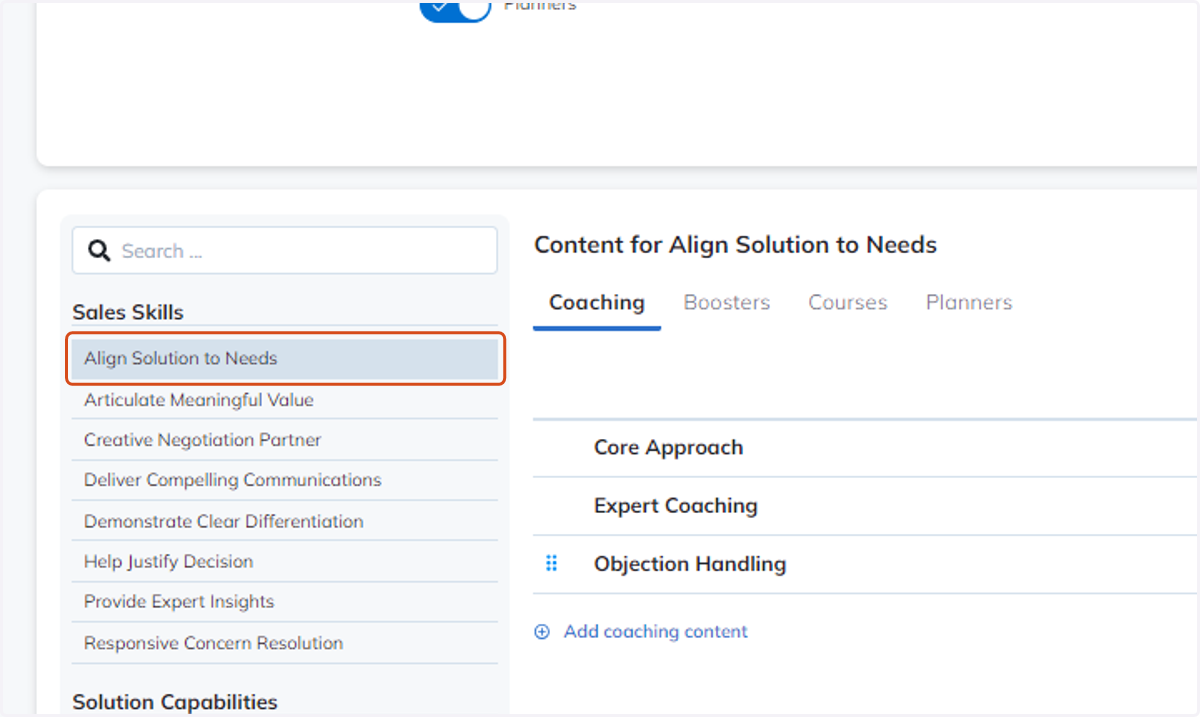
5. Select which category to create or edit content for
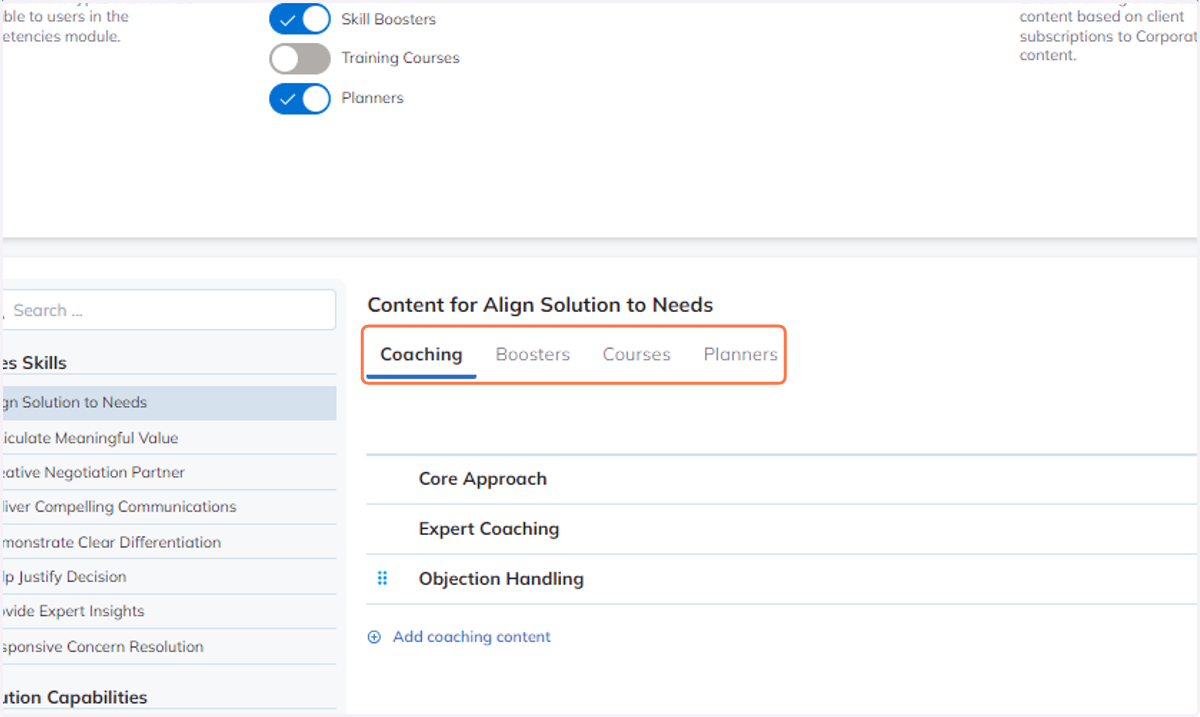
TruVoice provides four different categories of content that can be used in any way that makes sense for your content and organization. You can use, or not use, any combination of the content categories to help enable your TruVoice users. We suggest using the four content categories as follows:
The "Coaching" content category can be used for coaching-related content, or enablement content that guides a user on how to improve in the selected competency.
The "Boosters" content category can be used for content that is quick to consume and helps boost a users knowledge in that competency.
Use the "Courses" content category for content that tends to be longer, or course-like in nature. This could be things like recorded webinars, or long-form tutorial videos.
Use the "Planners" content category for downloadable materials that can help a user practice their skills for the selected competency.
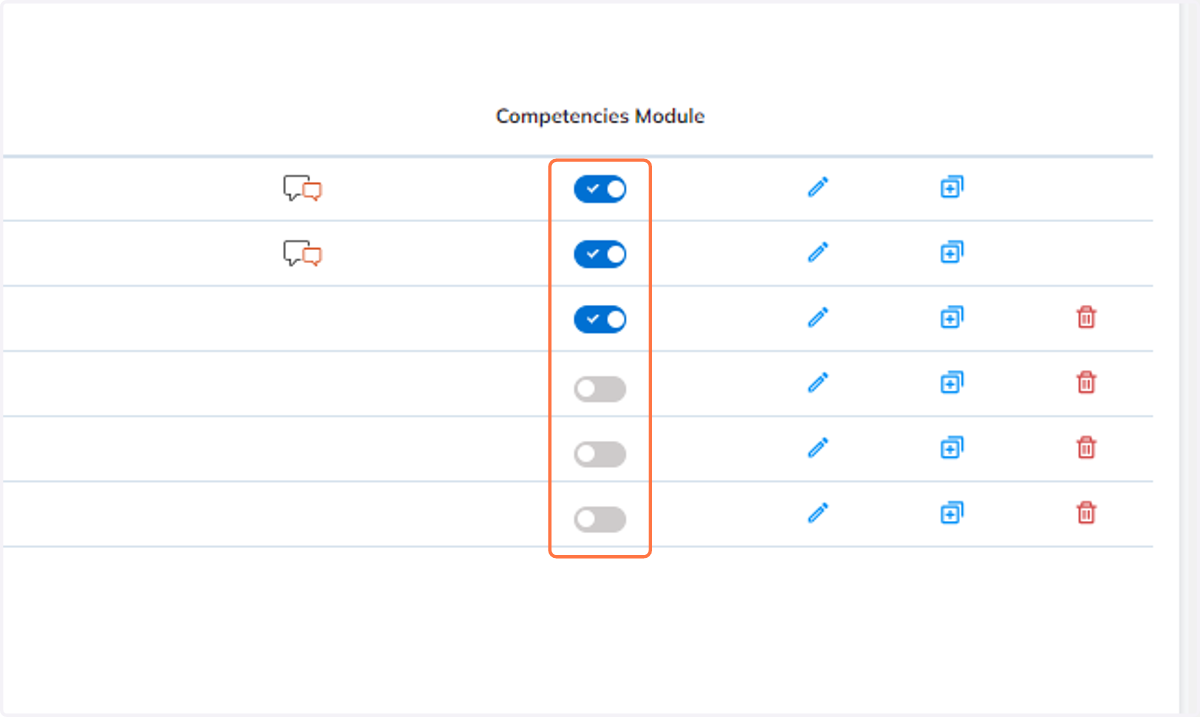
6. Competencies module control
You can control to enable or disable content that will be appearing in the Competencies module
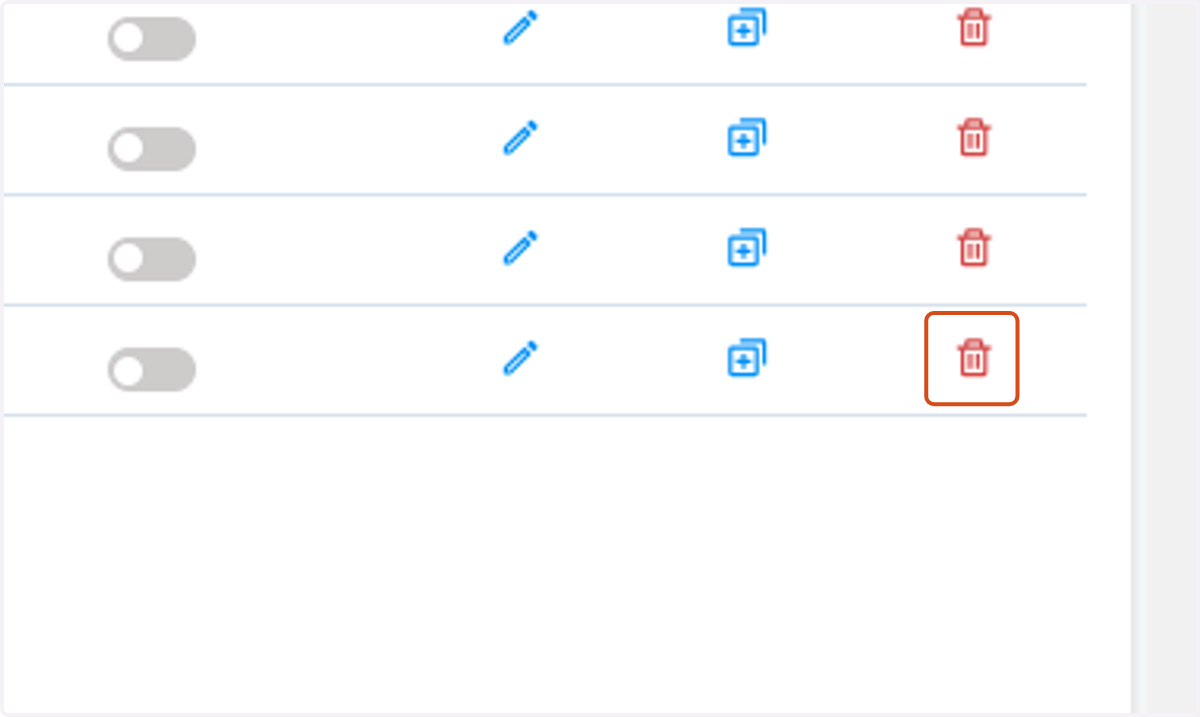
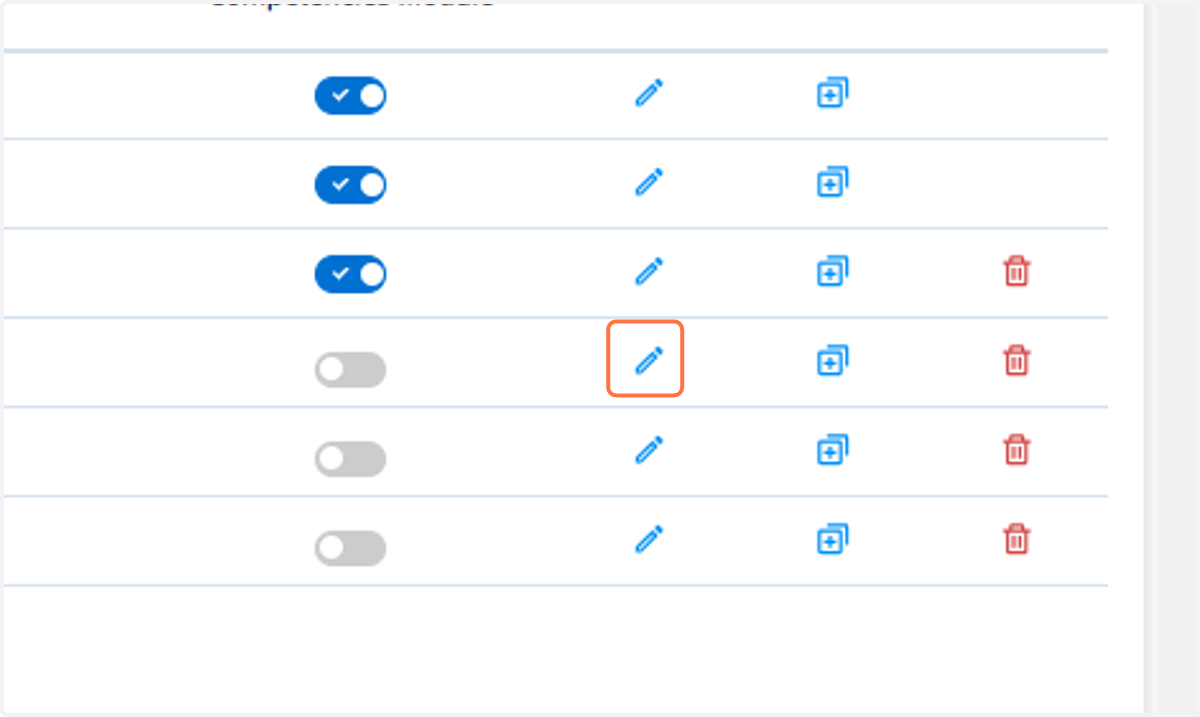
7. Click to edit existing content
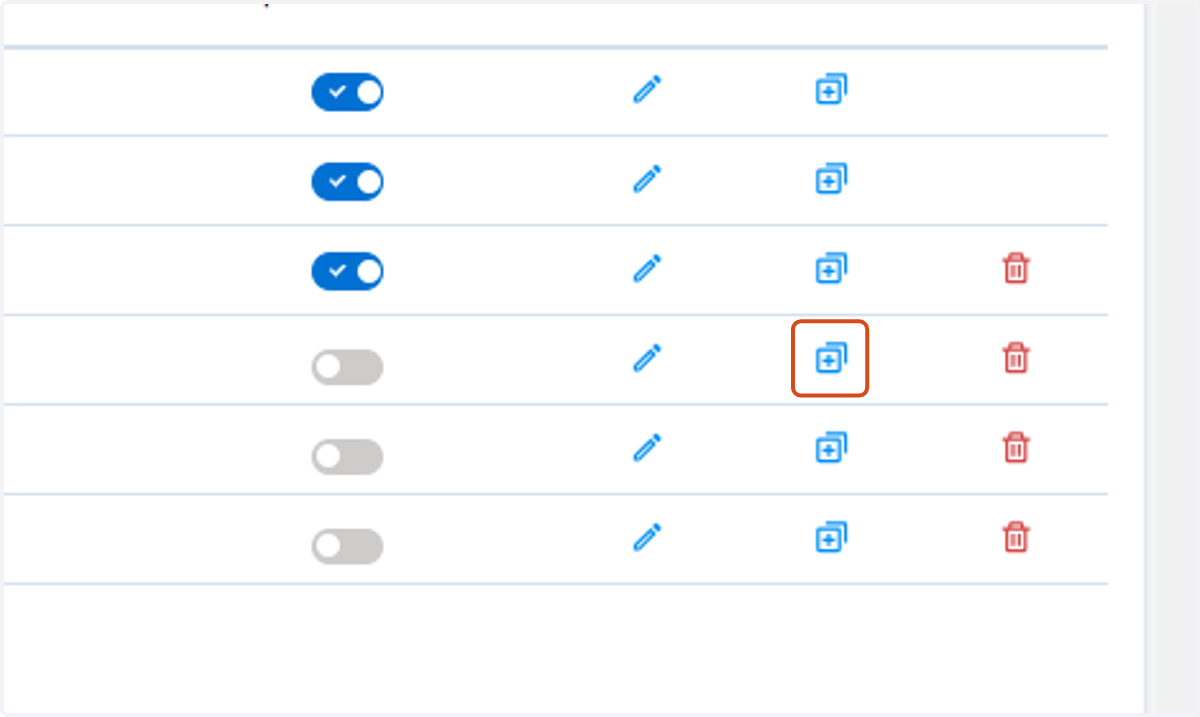
8. Click to duplicate content
9. Click to delete content