Create a Course
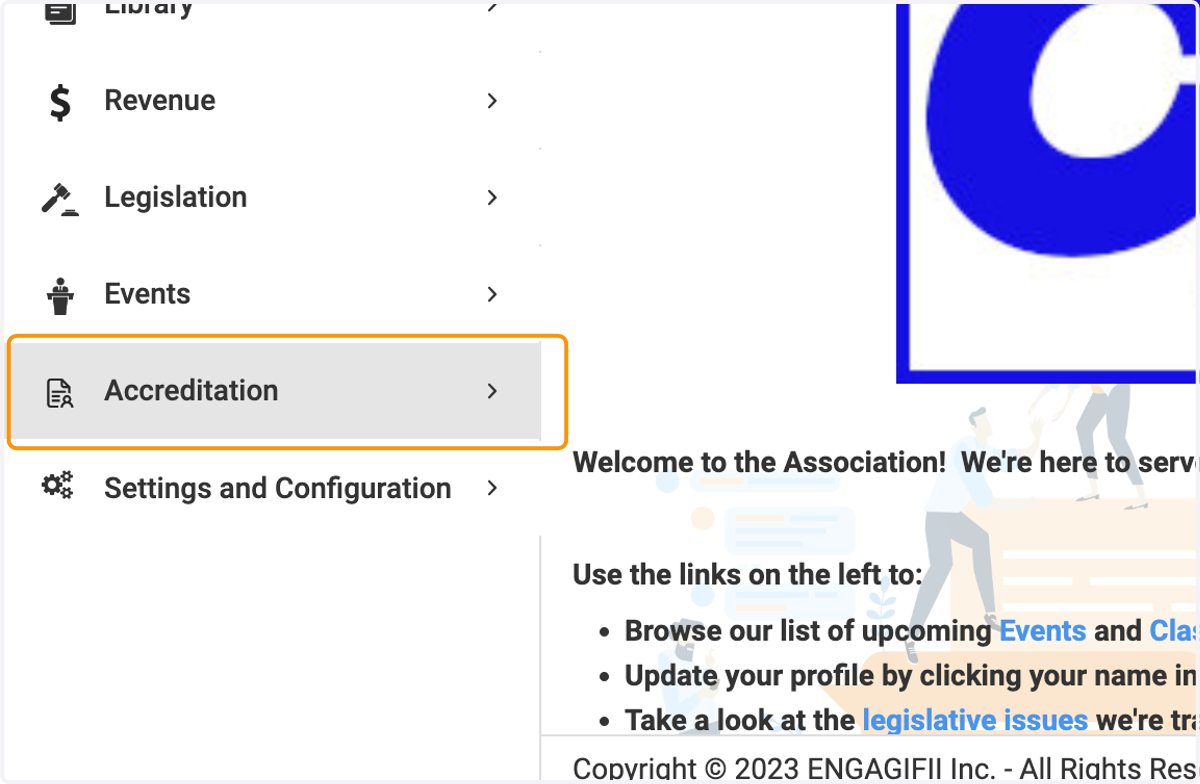
1. Click on Accreditation
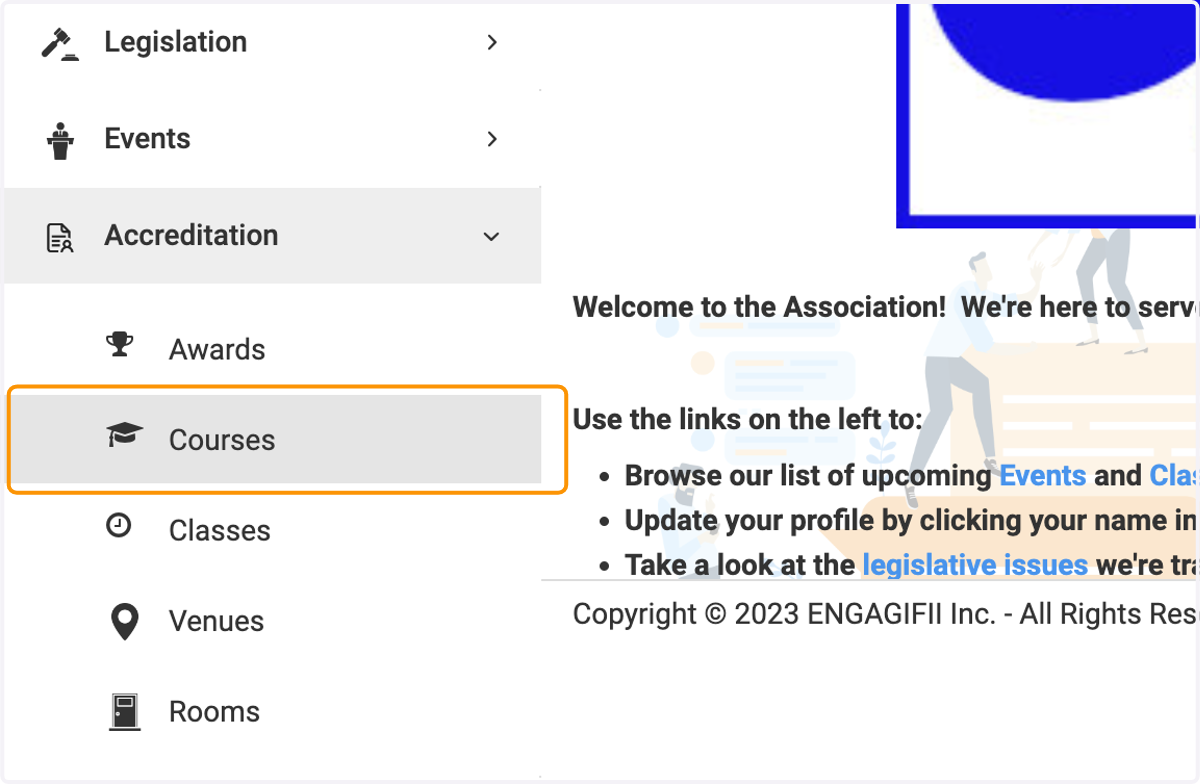
2. Click on Courses
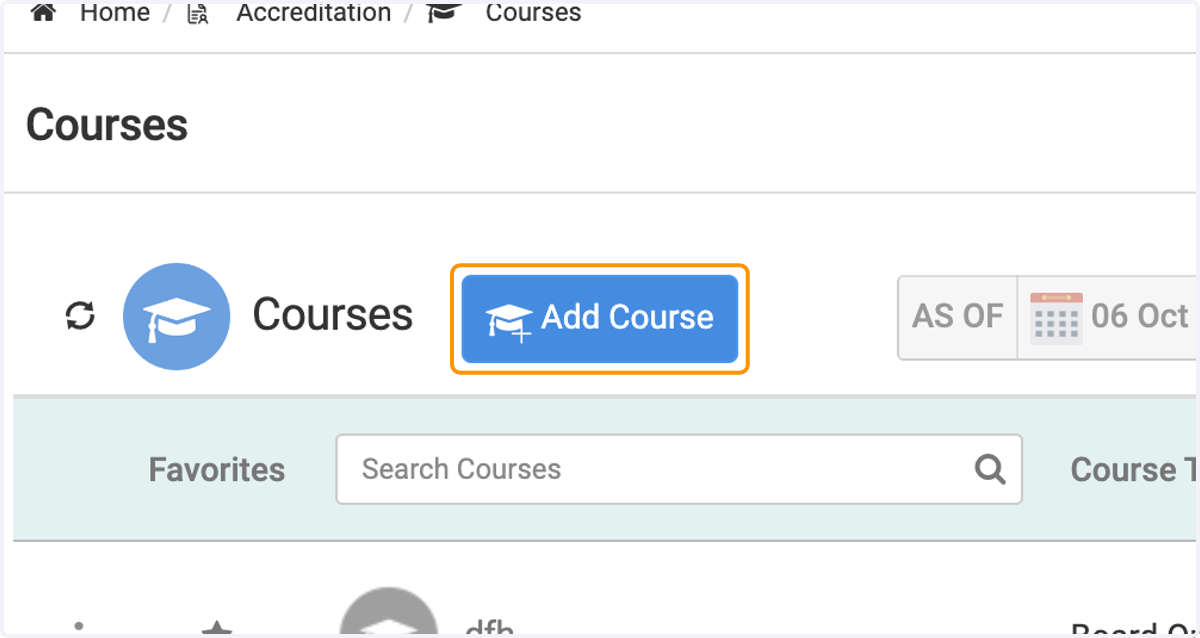
3. Click on Add Course
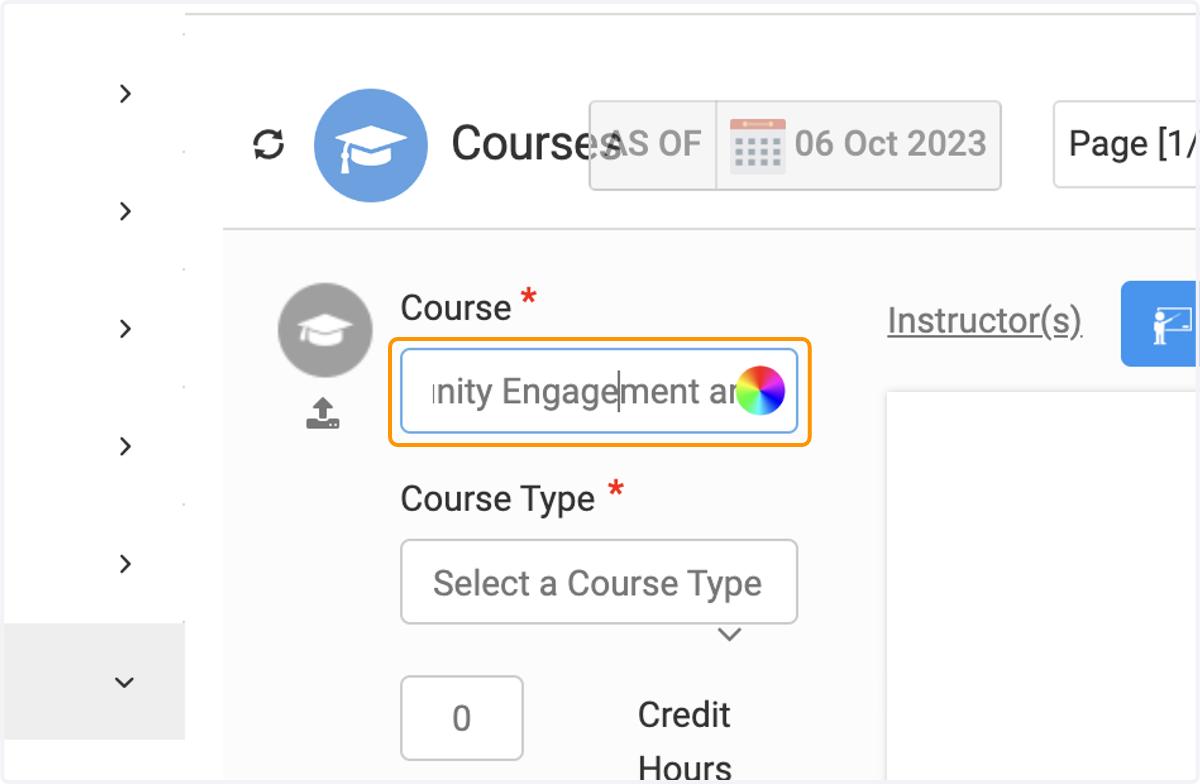
4. Type your Course name
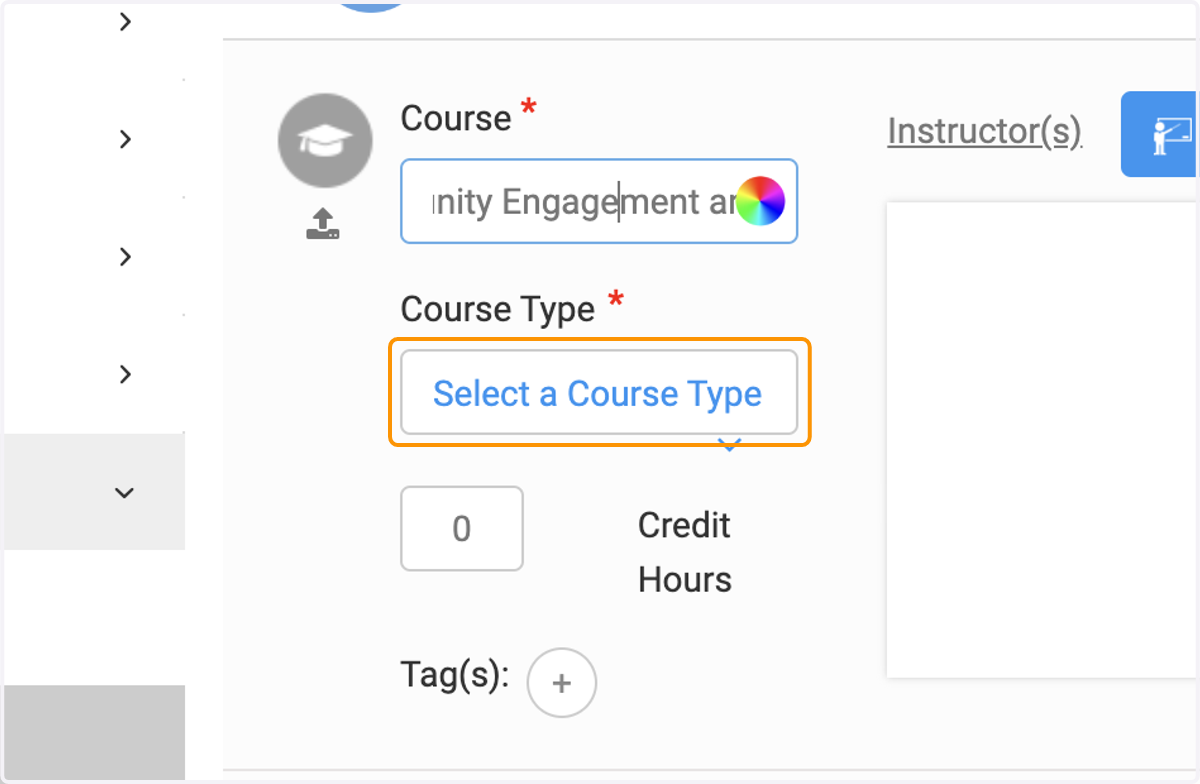
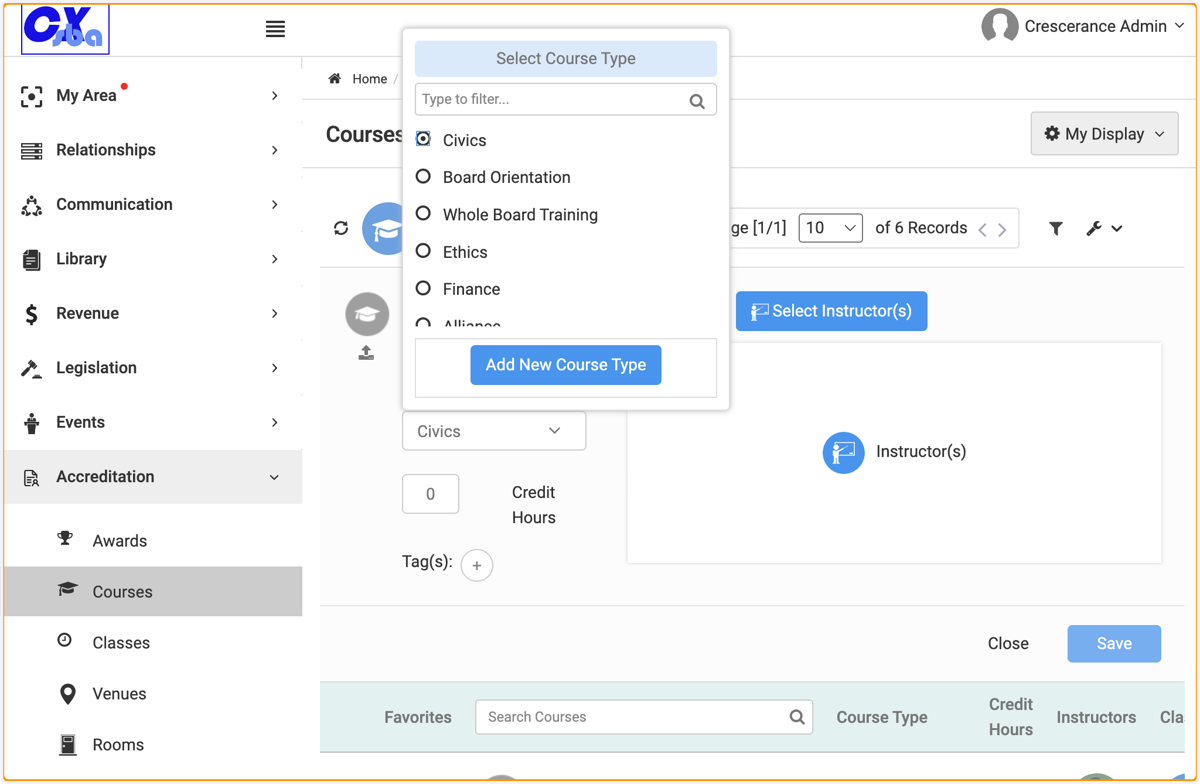
5. Click on Select a Course Type or add a new course type.
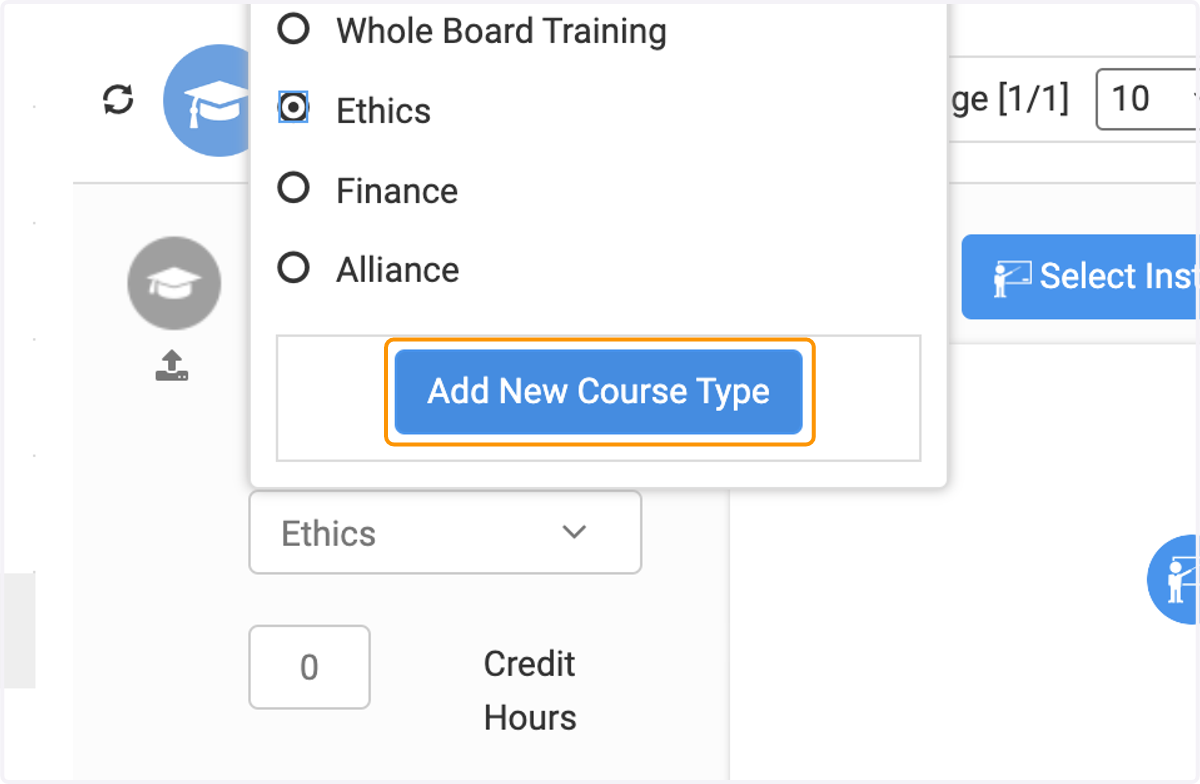
6. Click on Add New Course Type
7. Type the course type
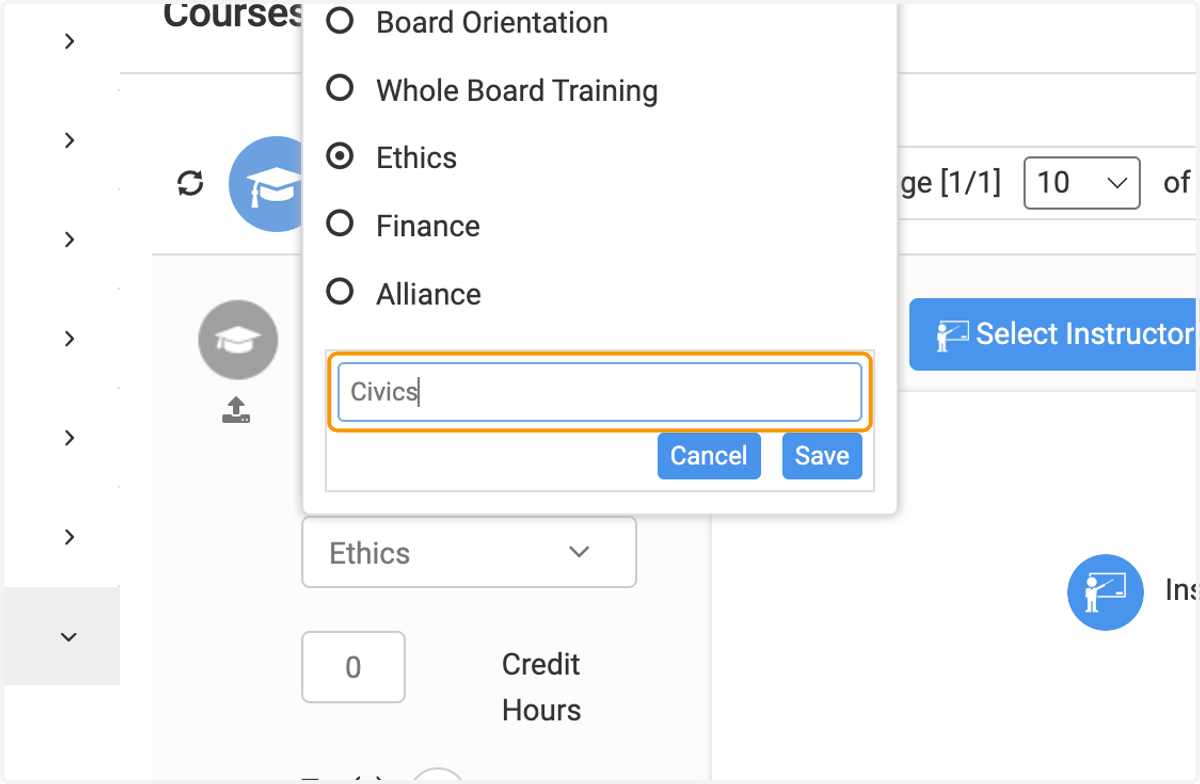
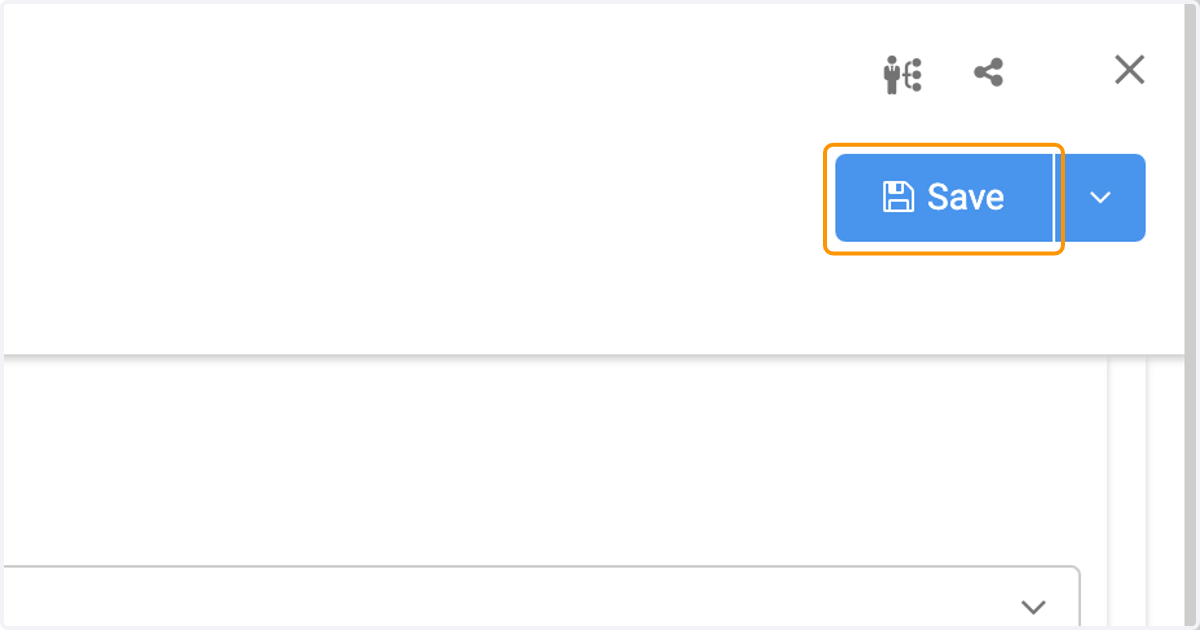
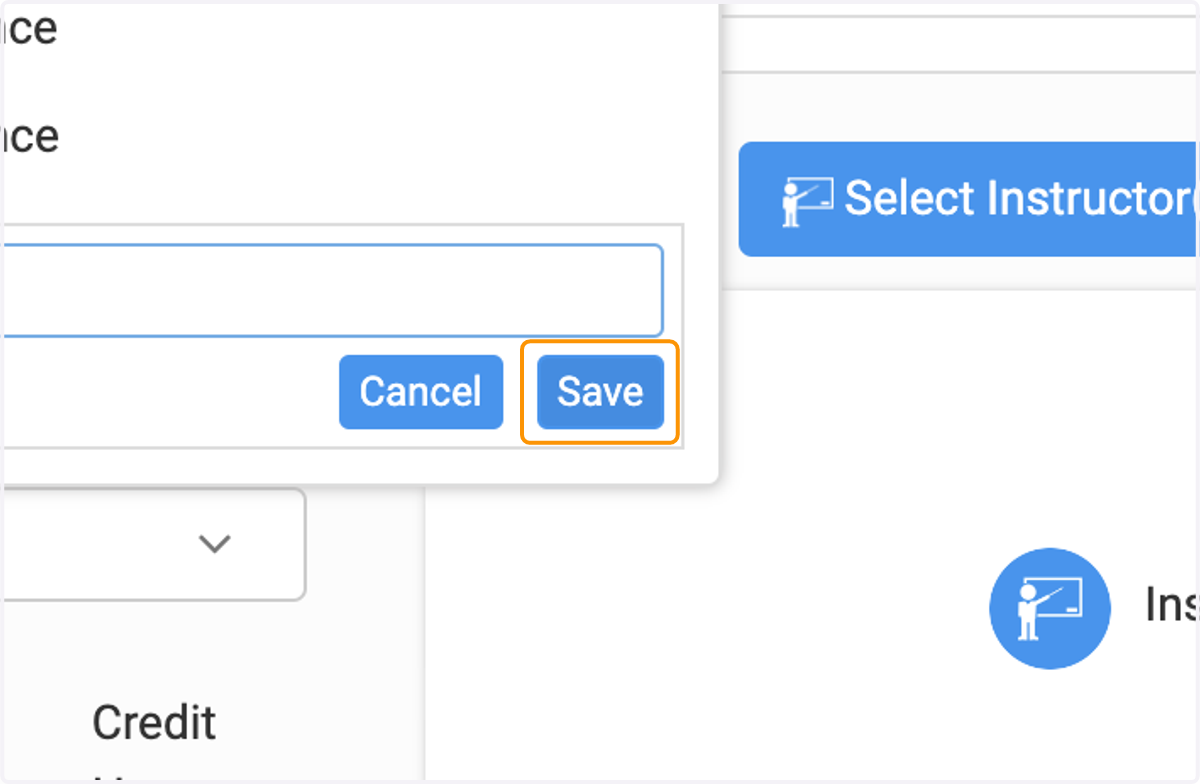
8. Click on Save
9. Select your course type.
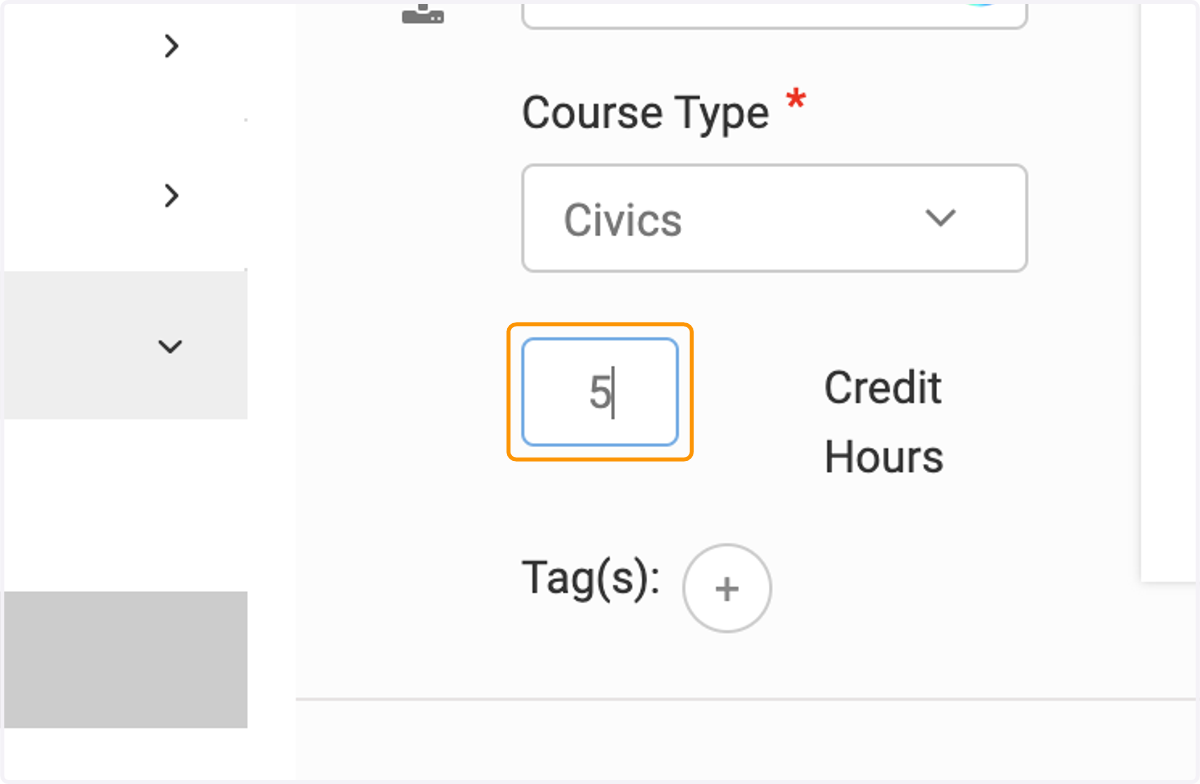
10. If your course has credits, enter here.
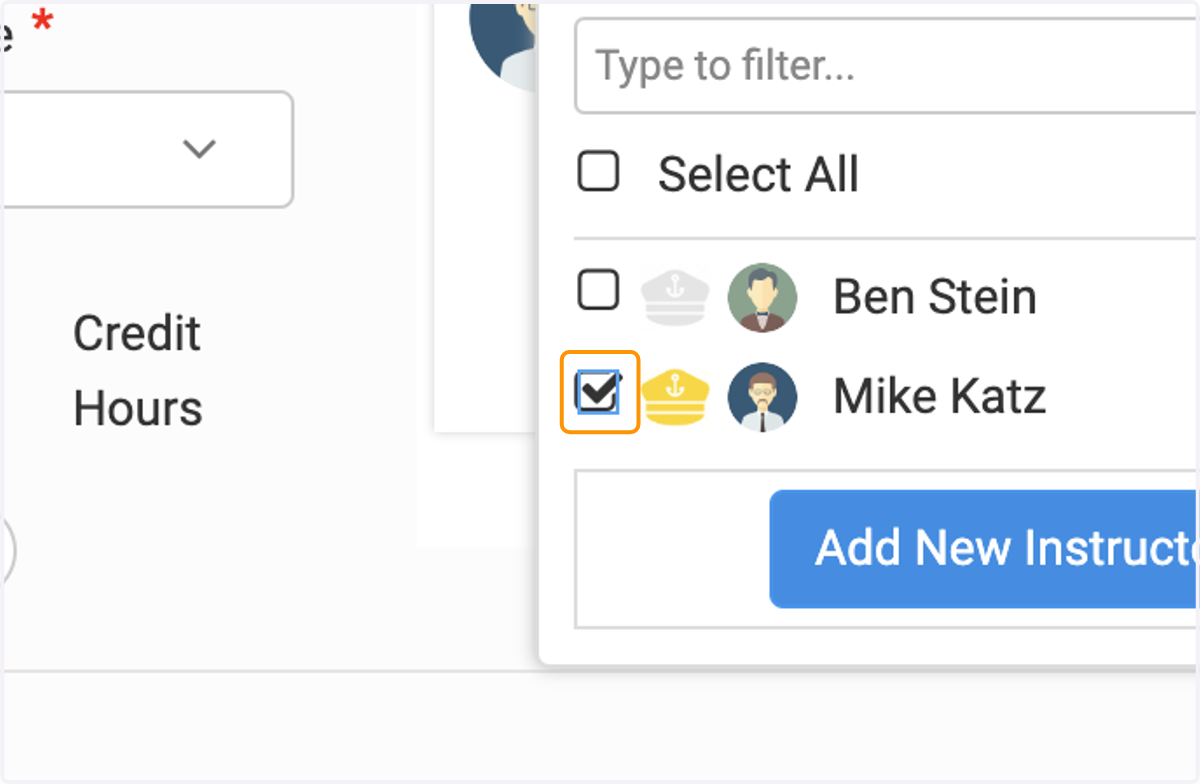
11. Click on Select Instructor(s)
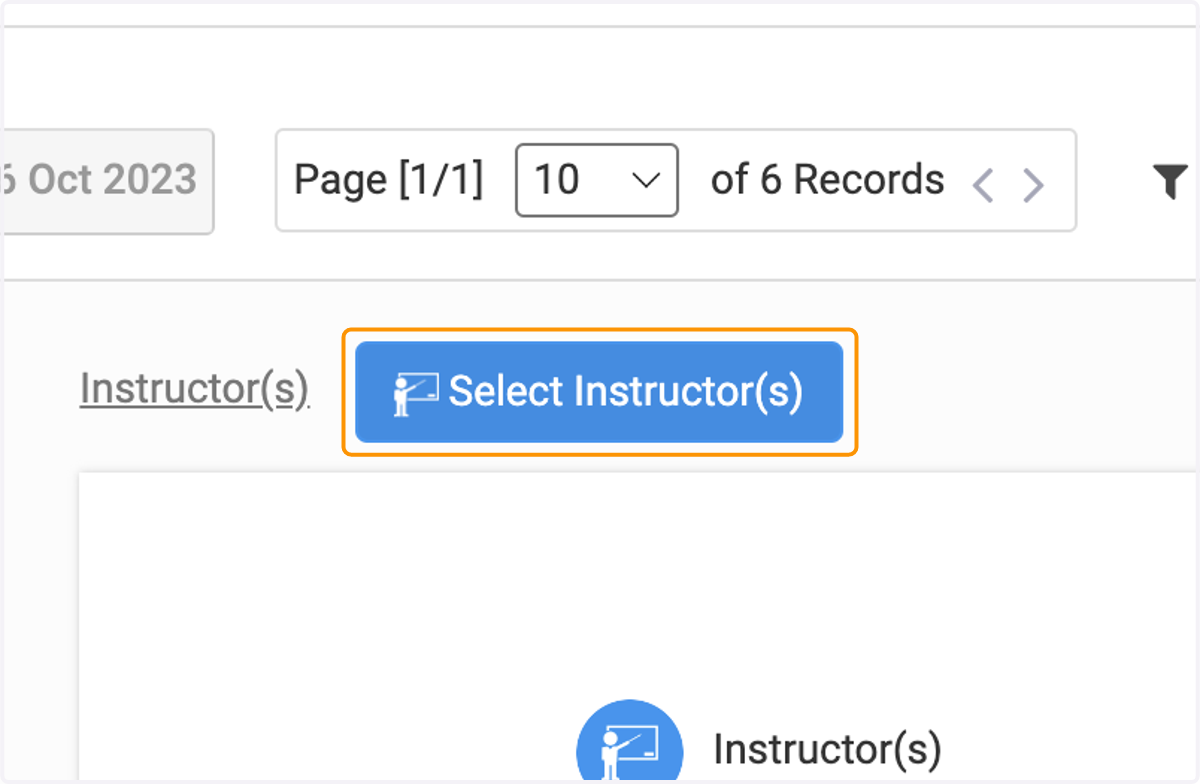
12. Select or Add New Instructor.
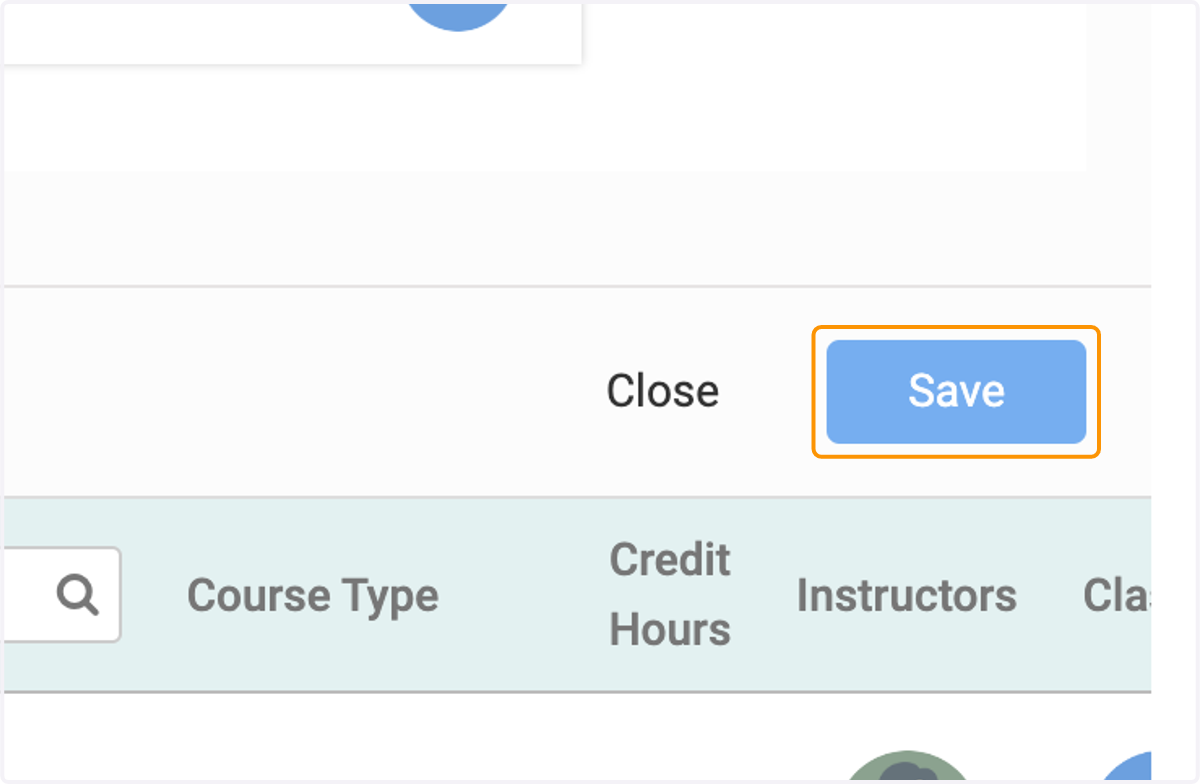
13. Click on Save
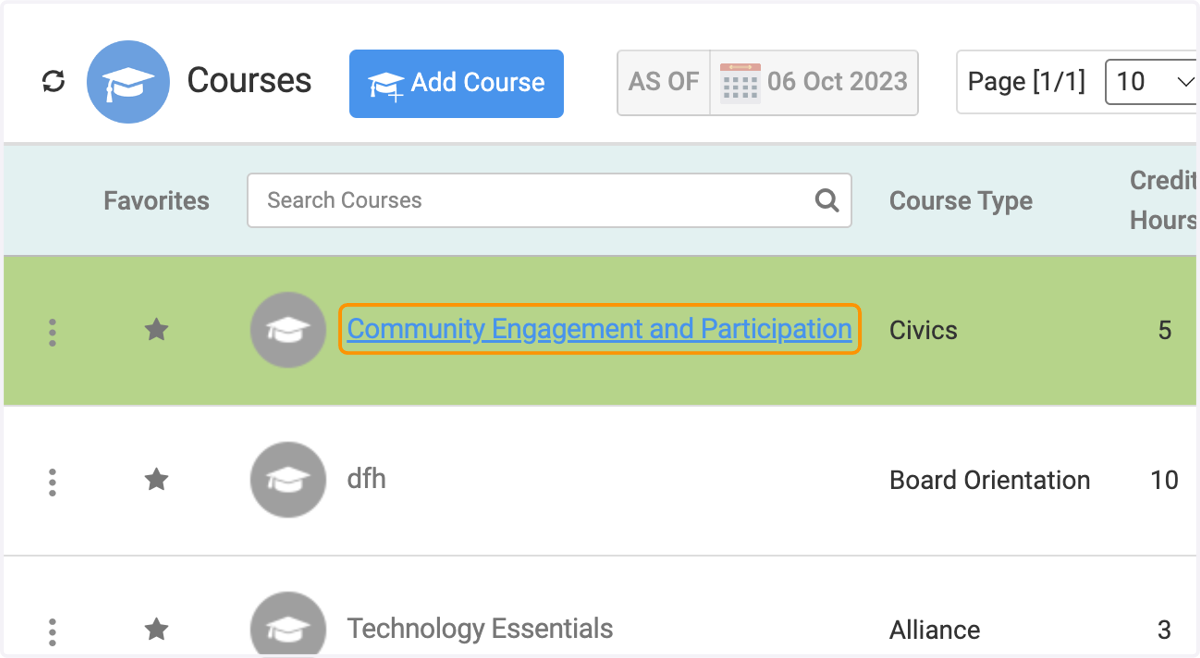
14. Select the course you just added.
15. Click on Edit
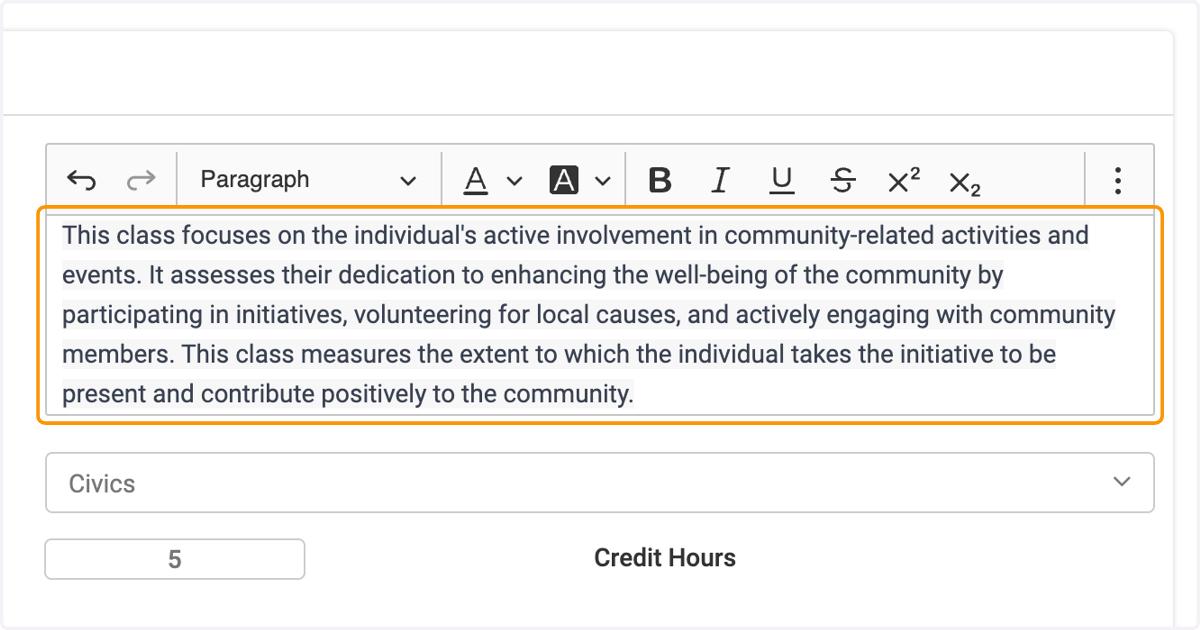
16. Add your course description
17. Click on Select Contact and add.
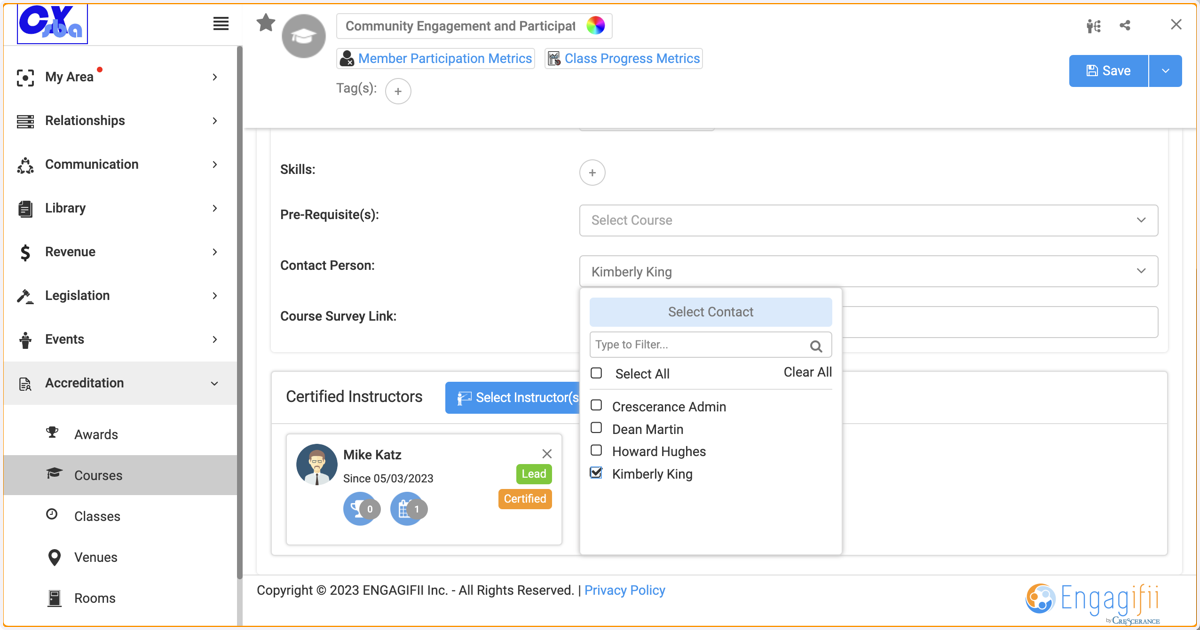
18. Click on Save