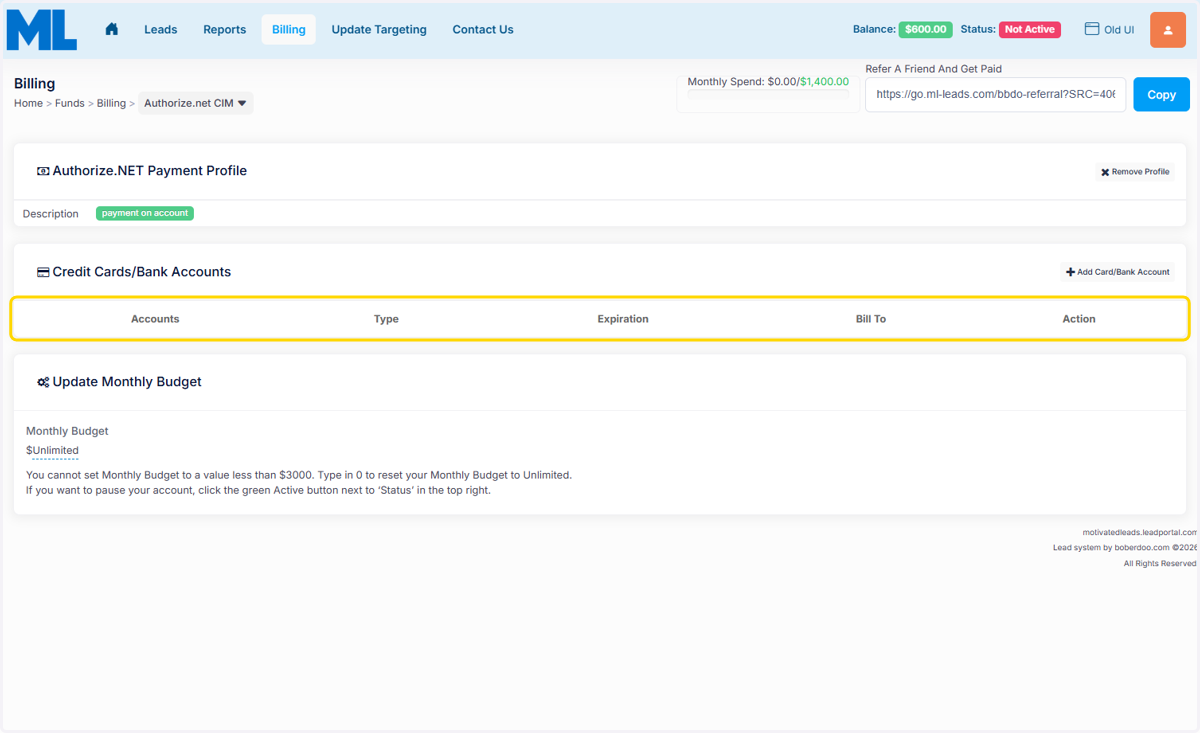
How to Update Payment Methods
Log into Your Portal
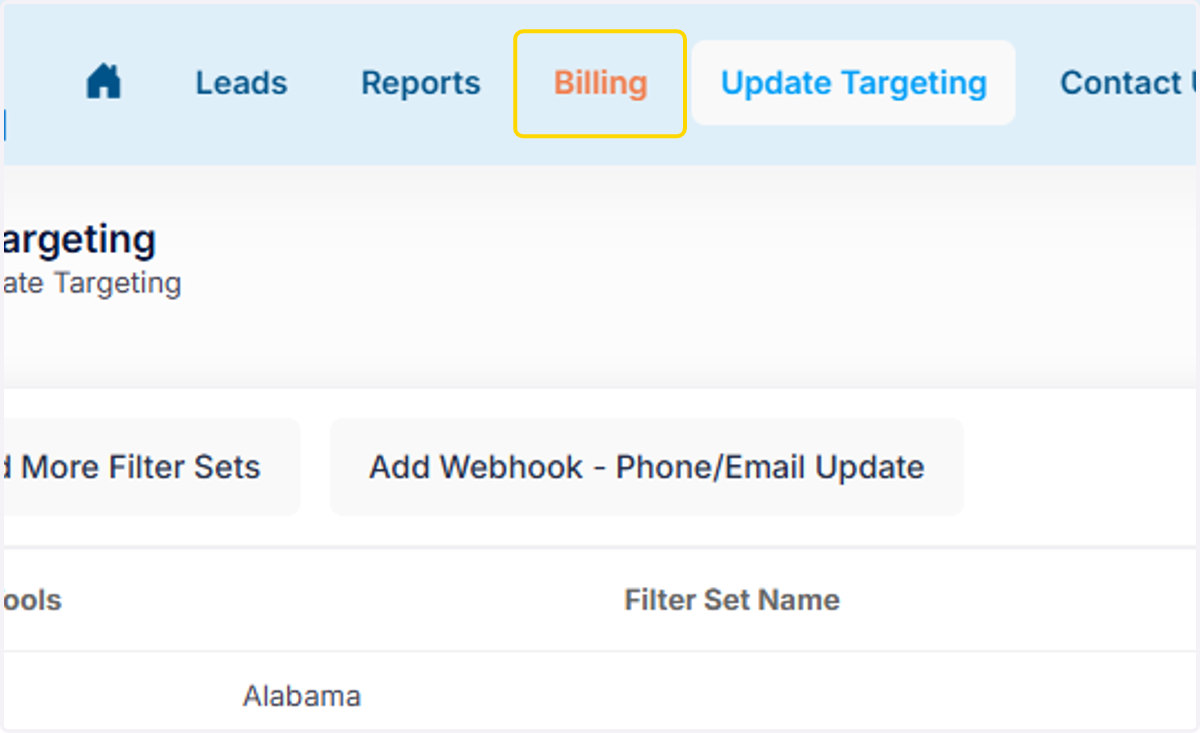
1. Click on Billing Tab
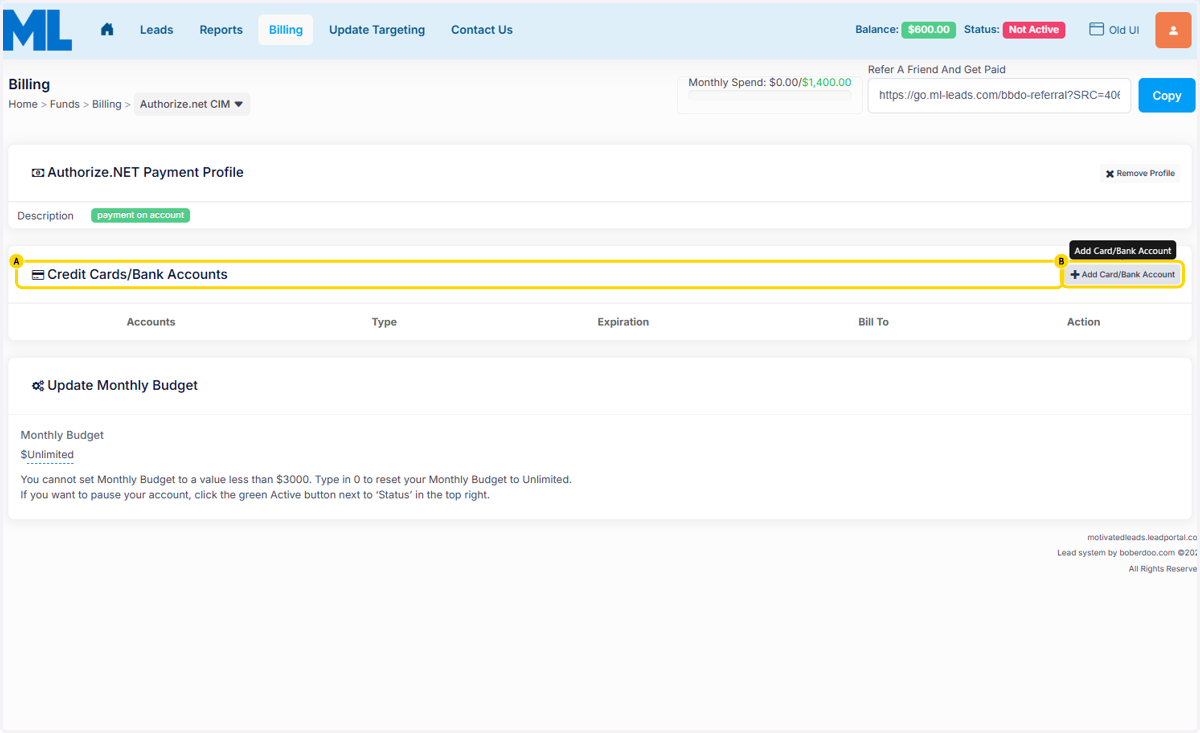
2. A. Click on Credit Cards/Bank Accounts
2. B. Click on Add Card/Bank Account
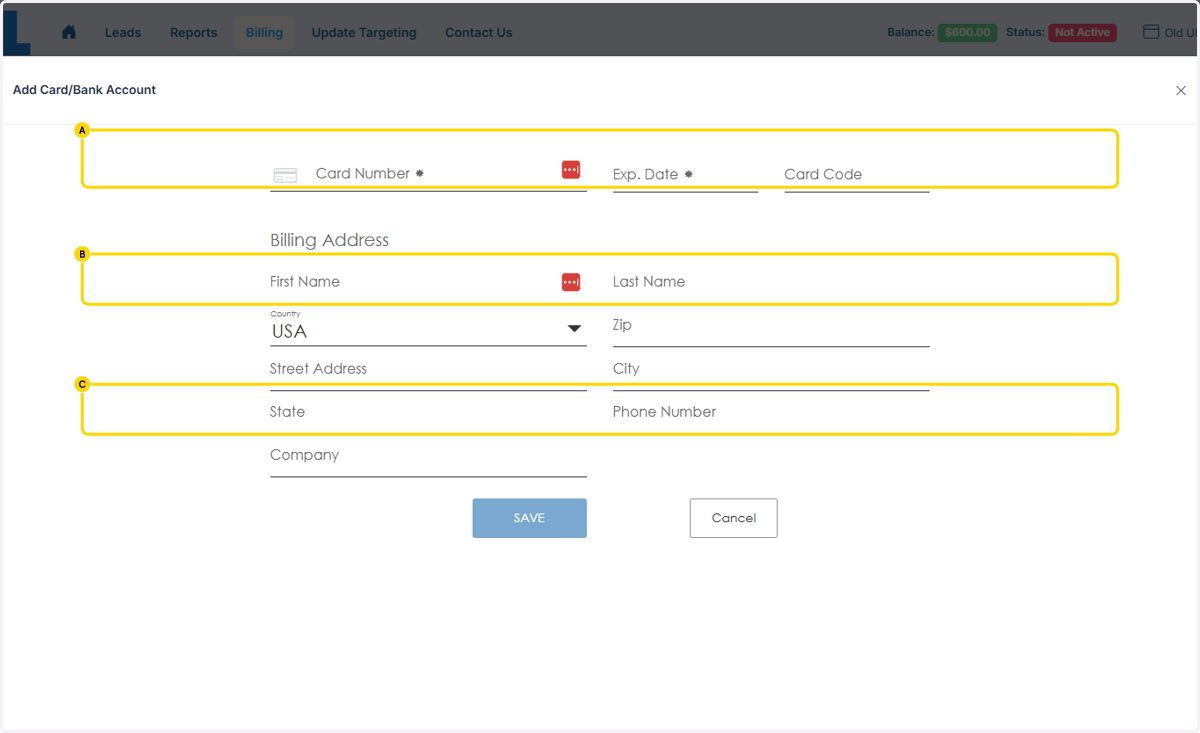
3. A. Fill in your Credit Card Information
3. B. Click on First Name…
3. C. Click on Save
4. You can delete payment methods by clicking the "X" under action.