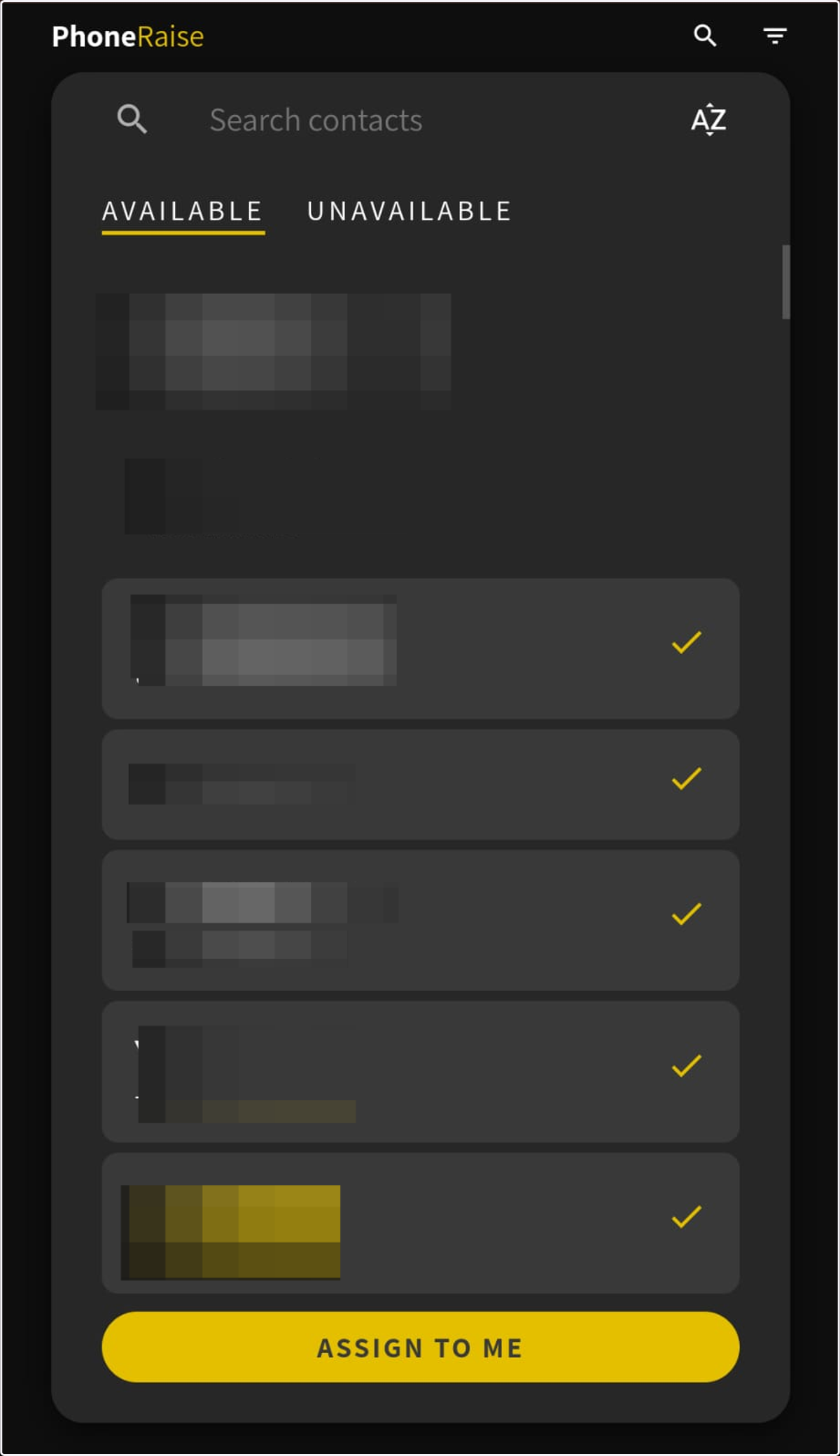
User assignment: User import via Google contacts
From the backend
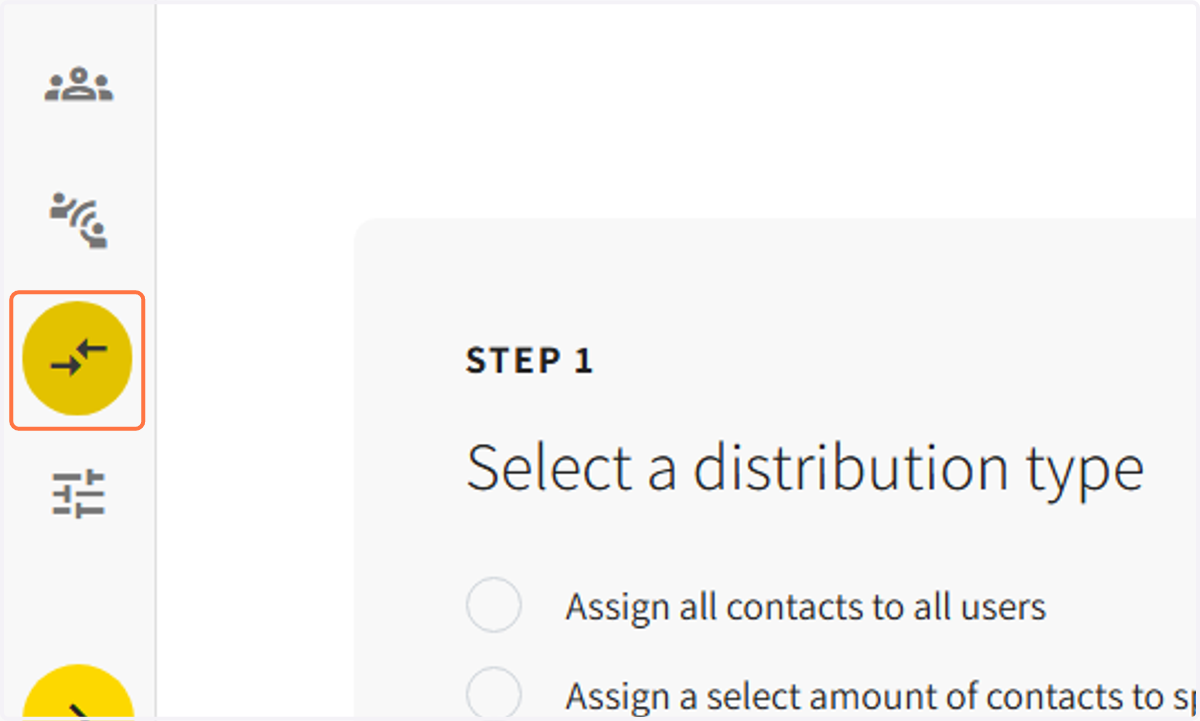
1. Select the 'ASSIGNMENT' icon on the guide tab
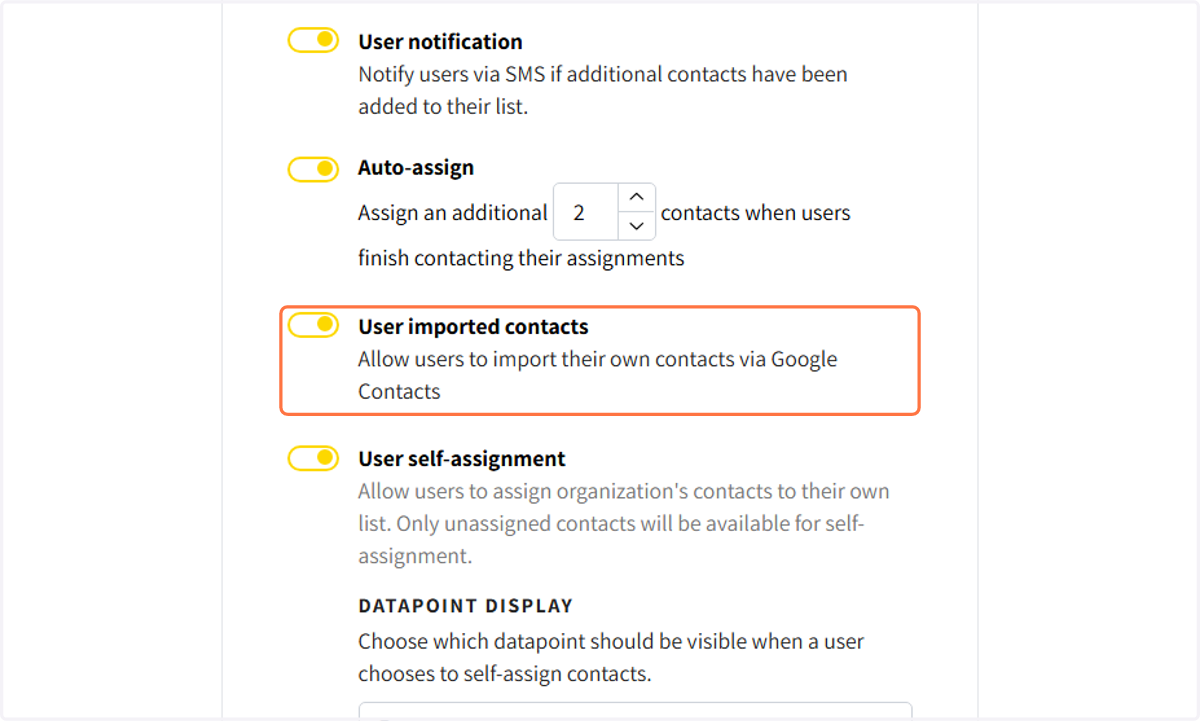
2. Toggle on "User Imported contacts to upload contacts from Google contacts
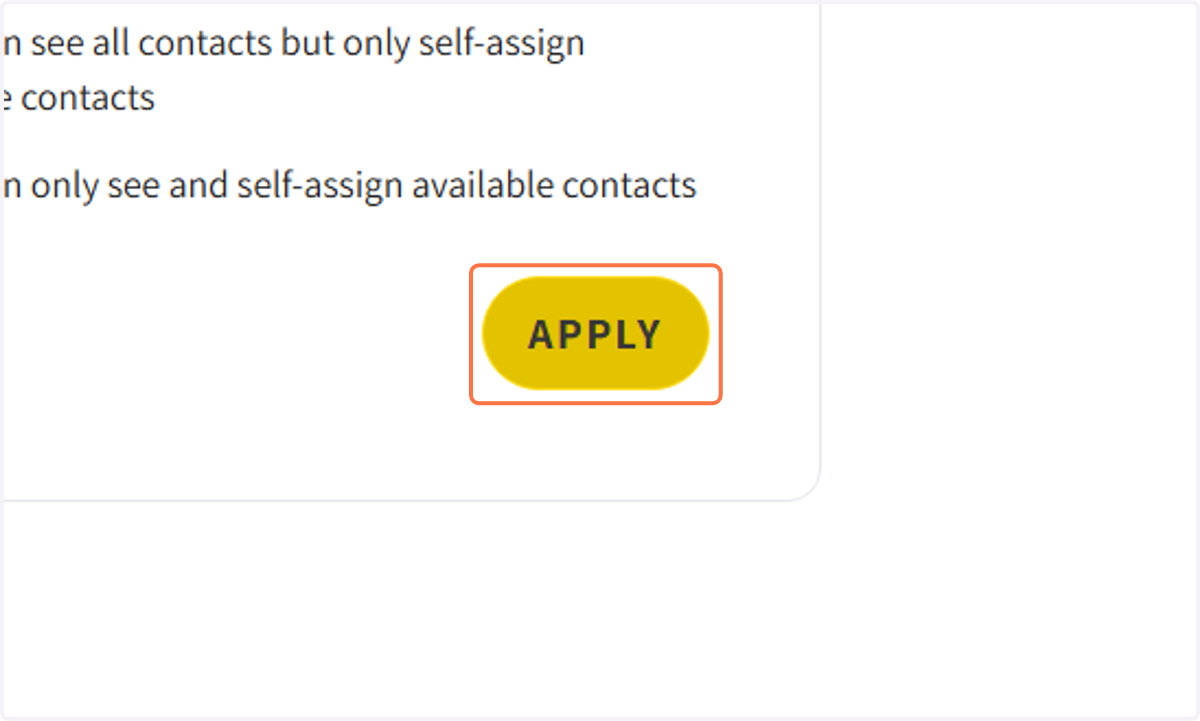
3. Click on APPLY to save settings
From the User's web app
4. Open your PhoneRaise app and select the '+ contacts' icon on the bottom guide bar

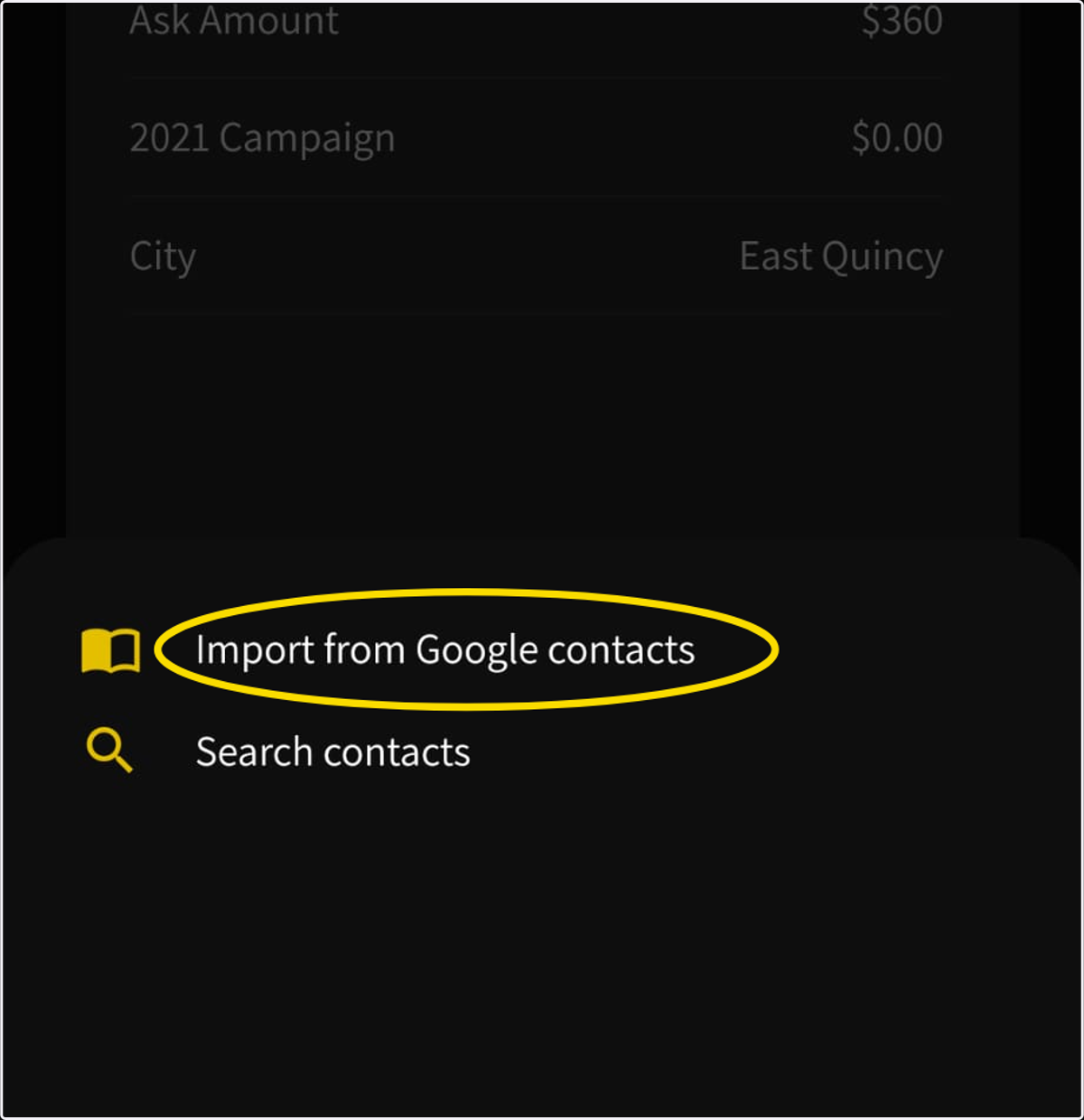
5. Select the tab 'Import from Google contacts'
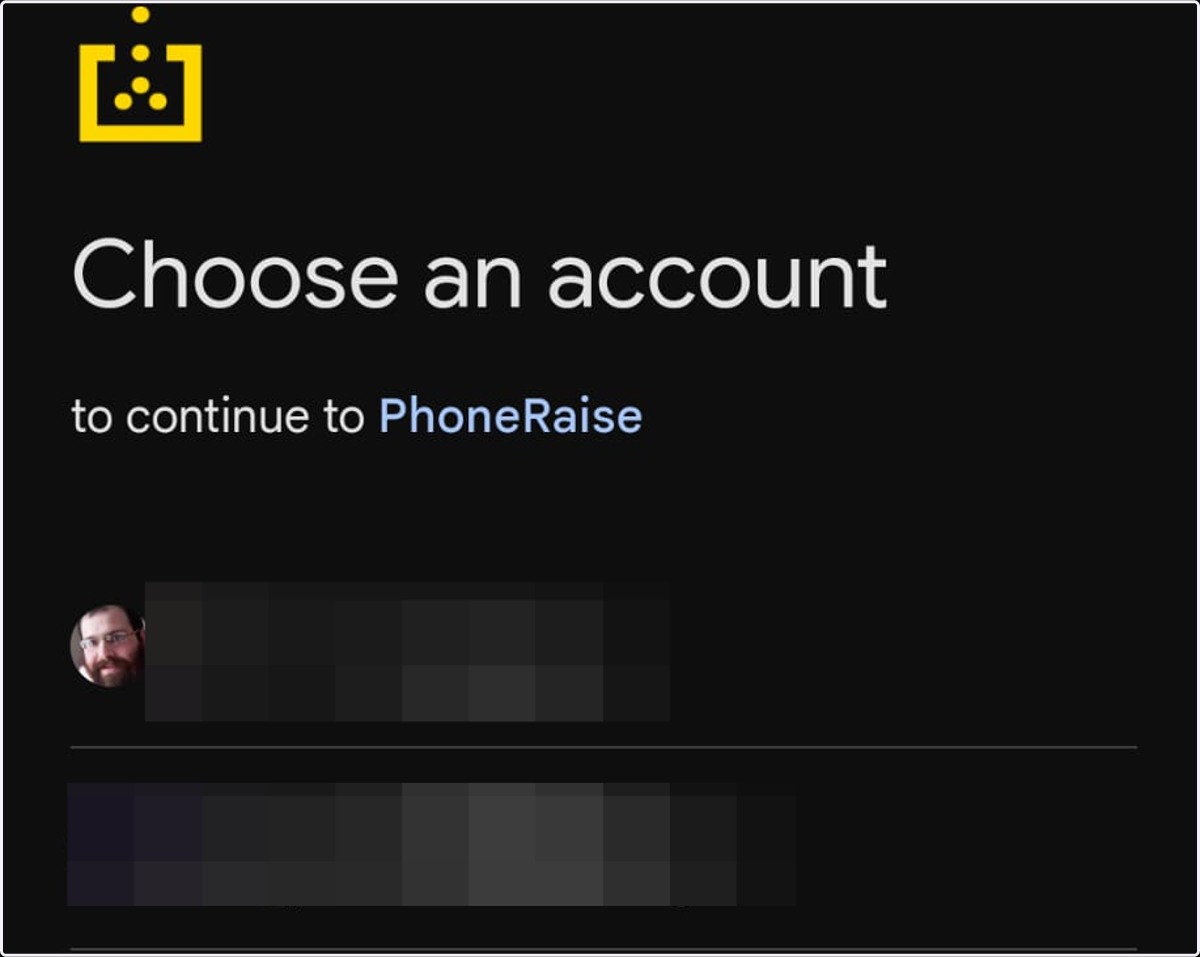
6. Choose a Google account to upload contacts from
7. Select contacts to upload and assign