Work Based Learning Tracking
How to Track Your Work-Based Learning Hours
Work-based learning helps you build real-world experience and career skills—whether you’re working at a job site, helping out after school, or participating in a simulated workplace. It’s important to keep track of these experiences so you can reflect on your growth and show your skills in the future.
Use the Experience Tracker in SchooLinks to log your work. Make sure to include:
Where you worked
What tasks you completed
What skills you developed
The name and email address of your supervisor or mentor
Your supervisor will get a separate email to verify your hours. Once they confirm, Sycamore staff will review and approve them.
Schoolinks
1. Click on School
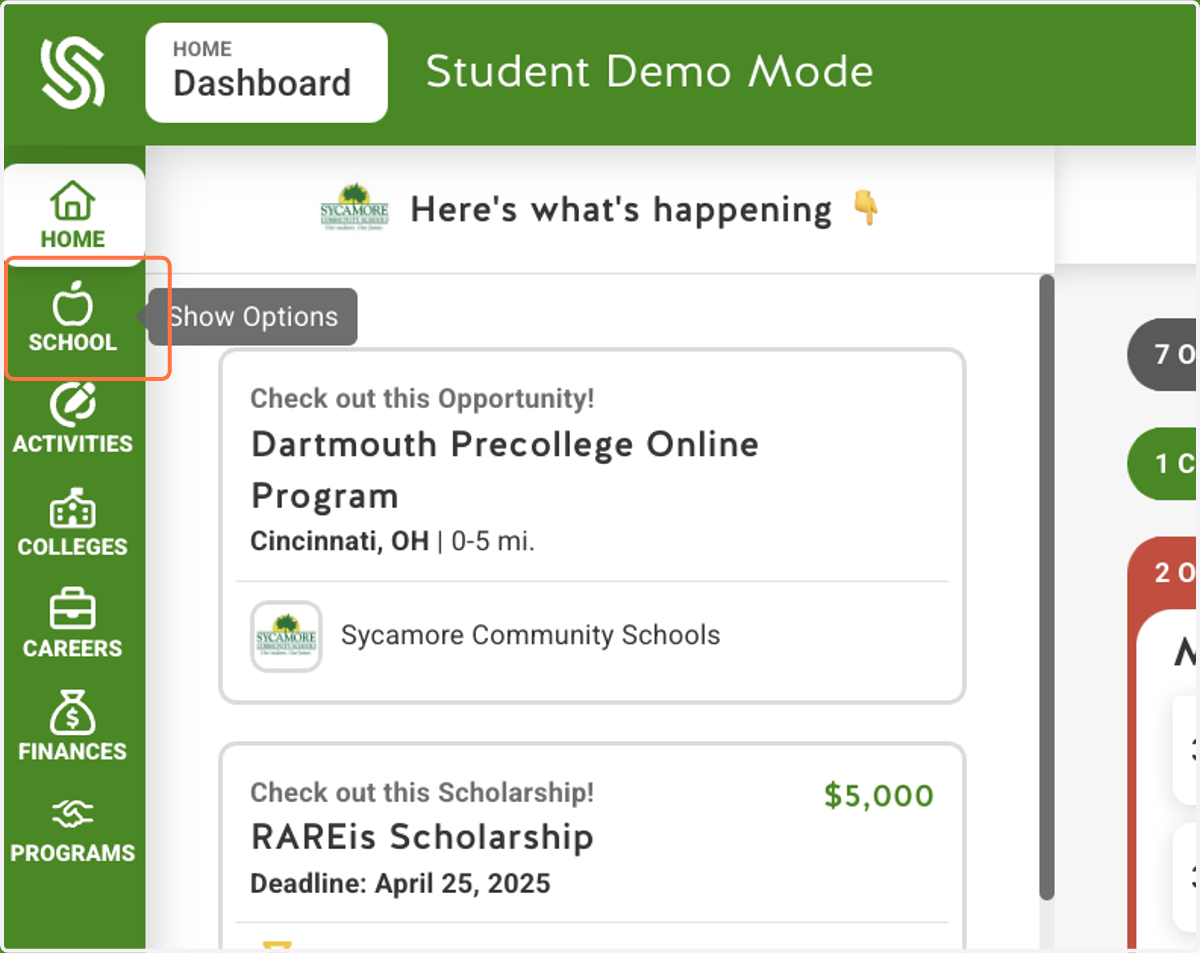
2. Click on Experience Tracking
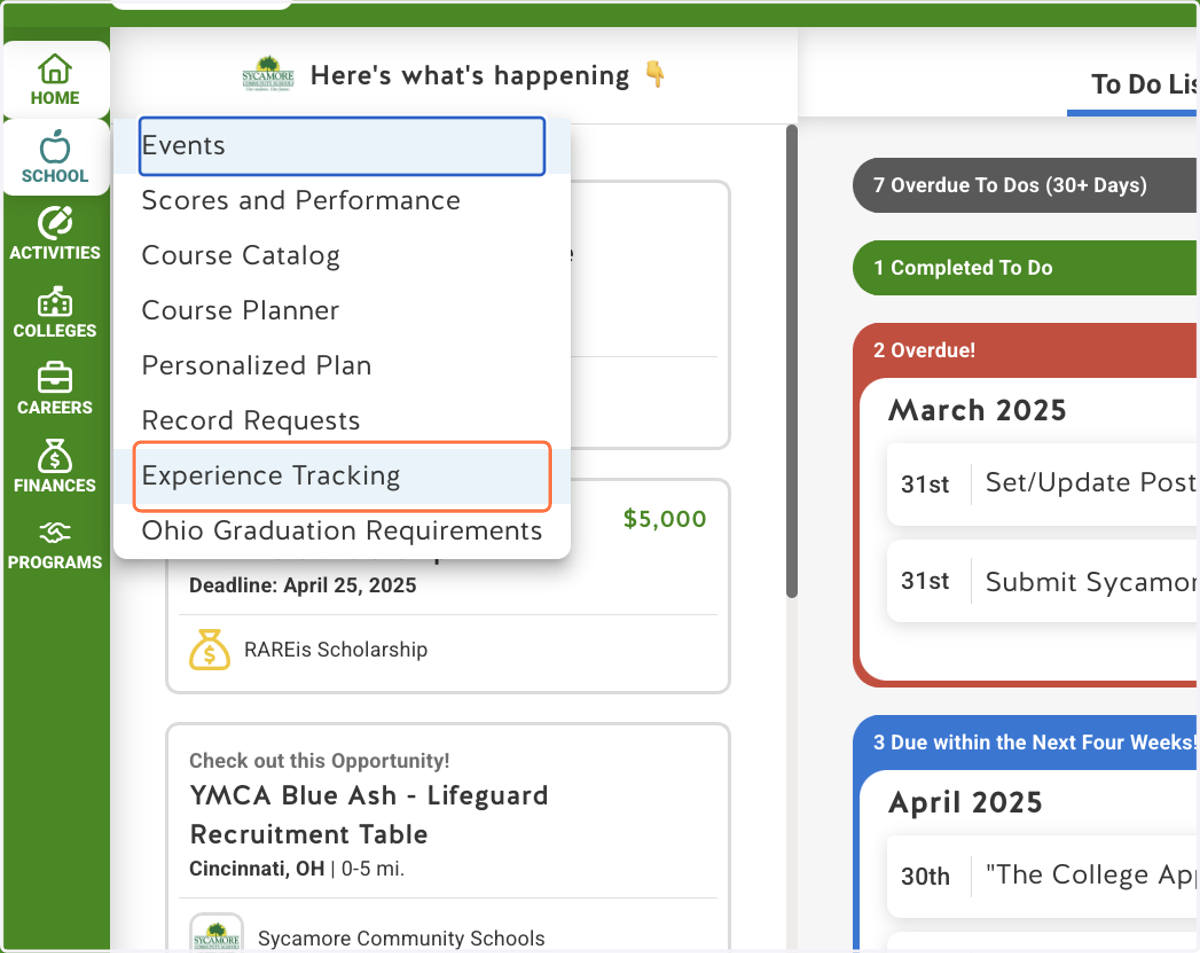
3. Click on Work Based Learning…
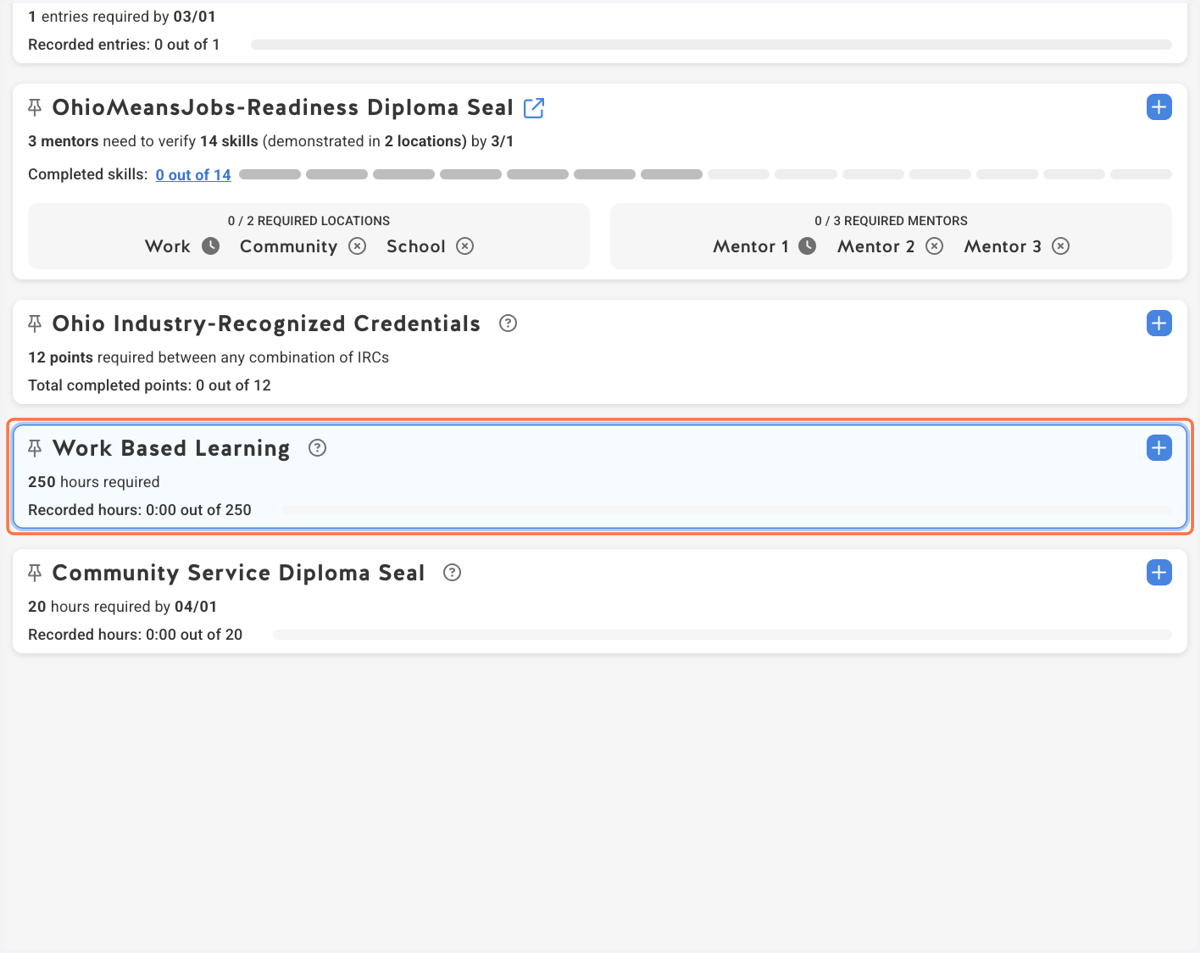
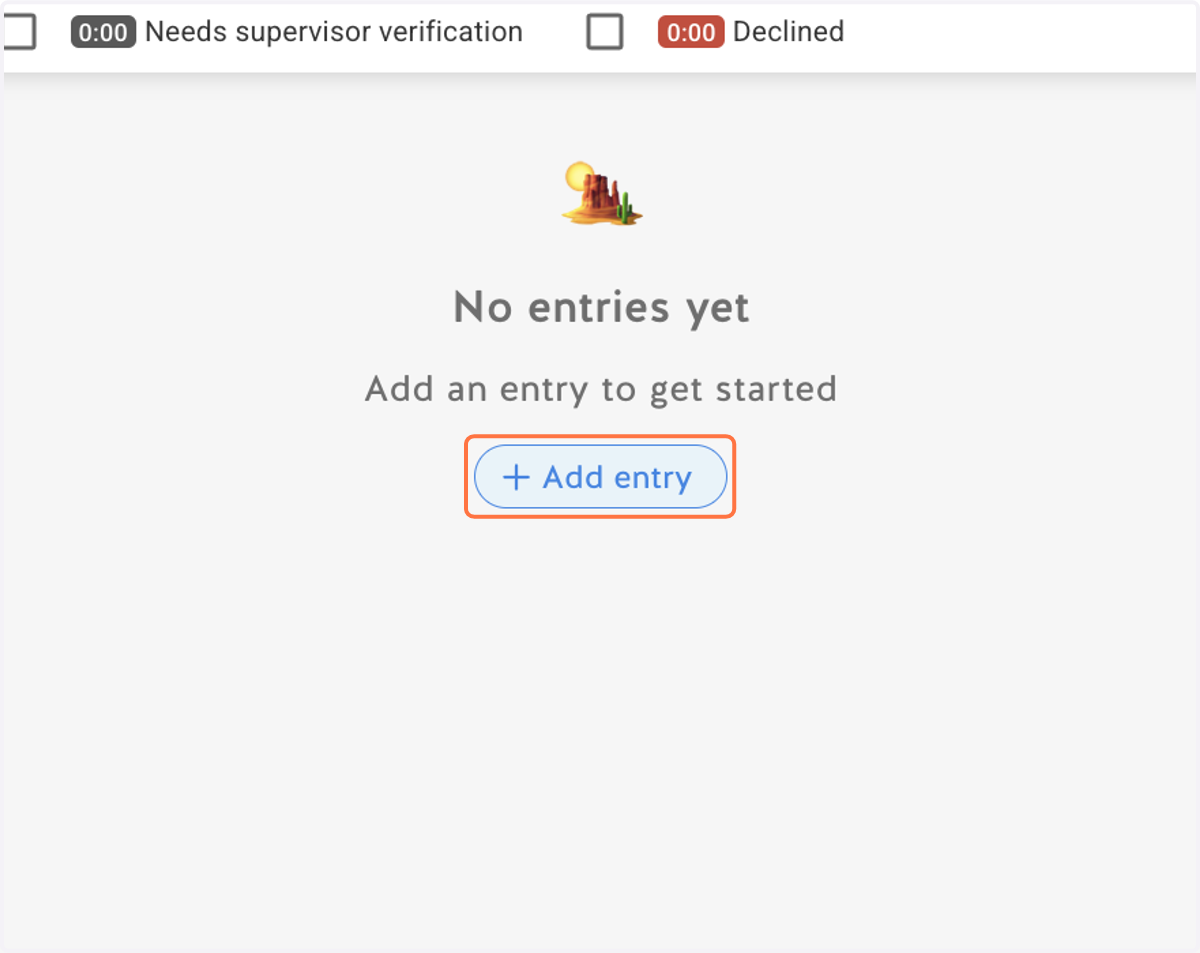
4. Click on Add entry
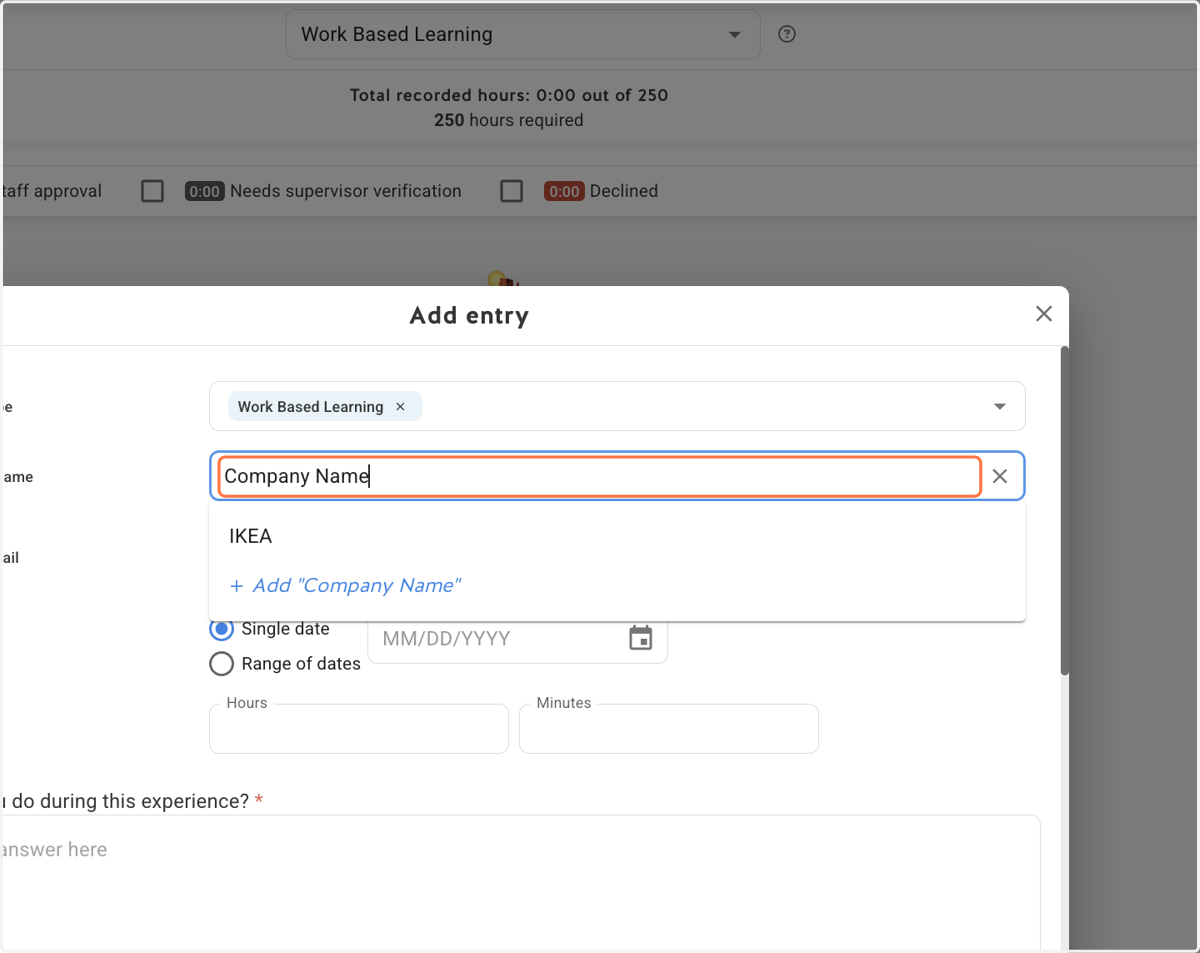
5. Provide the Organization Name
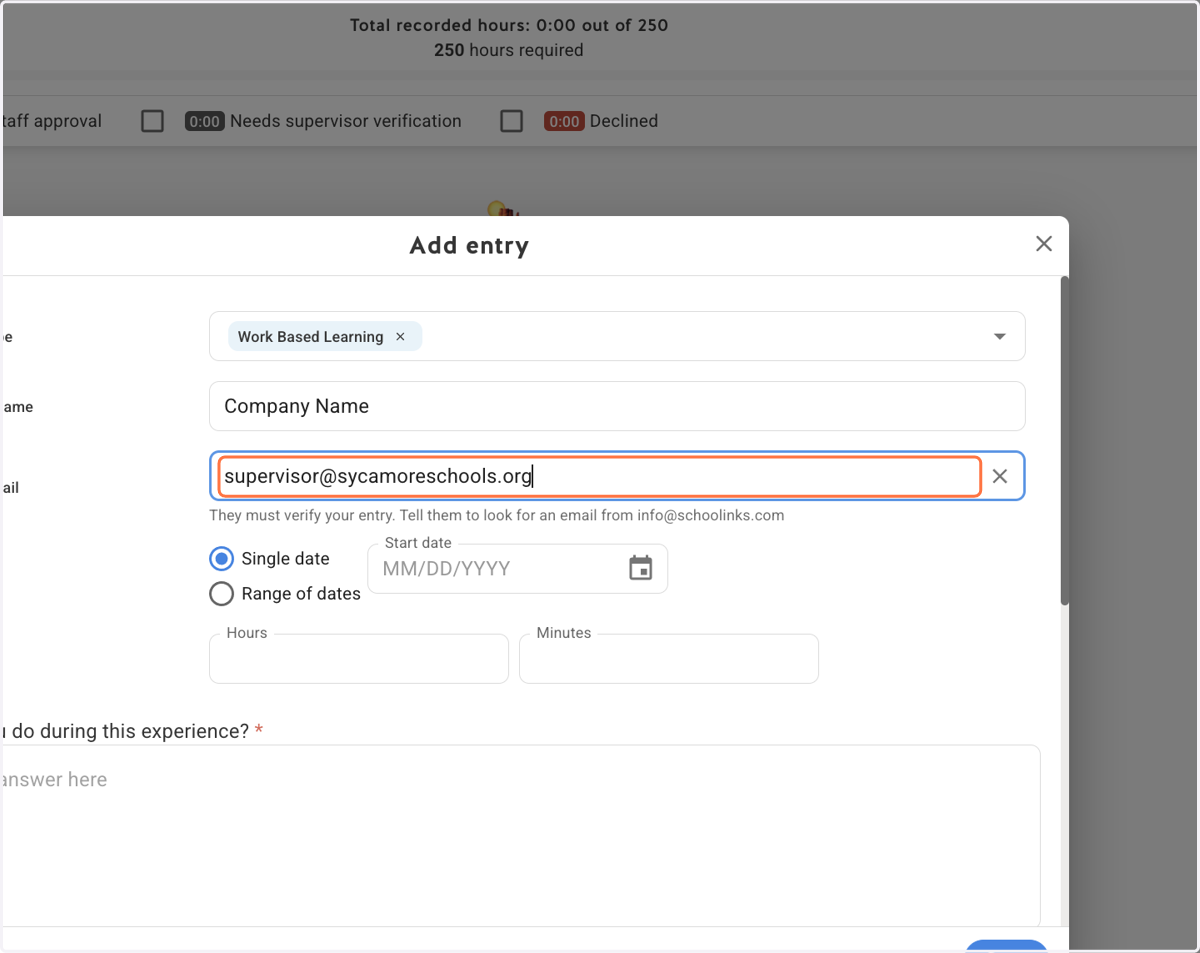
6. Provide your supervisor's email address.
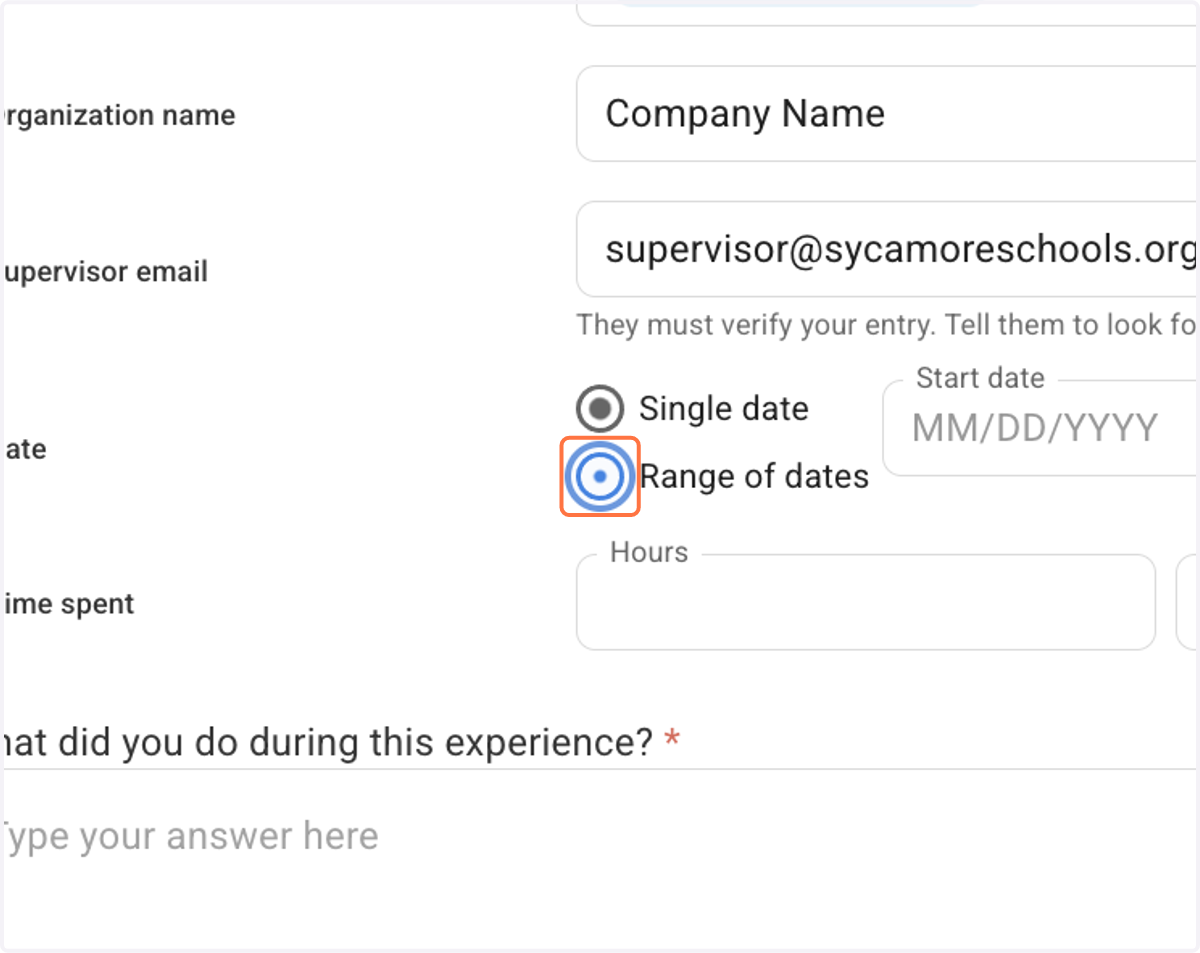
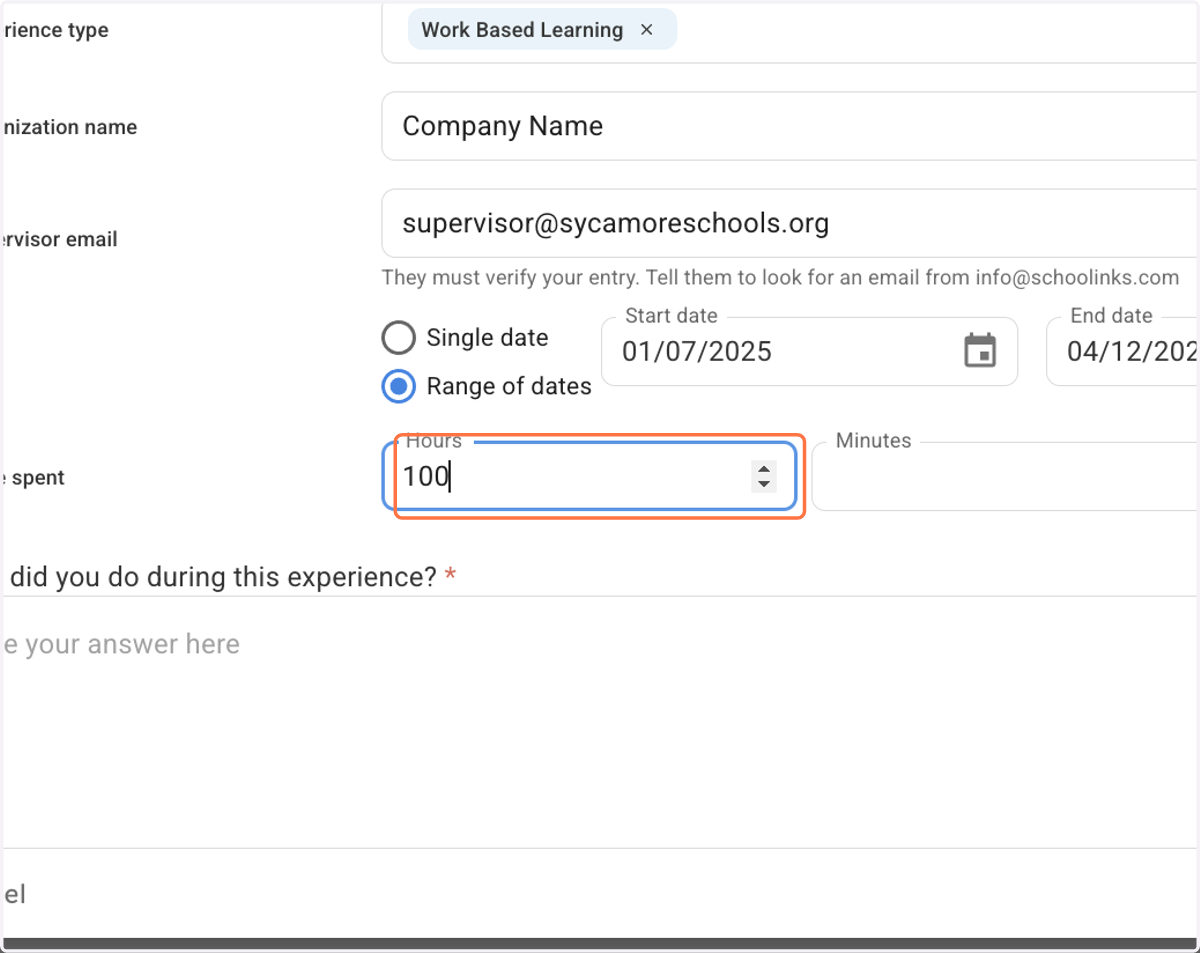
7. Select a Single date or Range of dates
For a range of dates, type in your start and end dates. Your end date can’t be in the future.
8. Type the total number of hours spent on this experience.
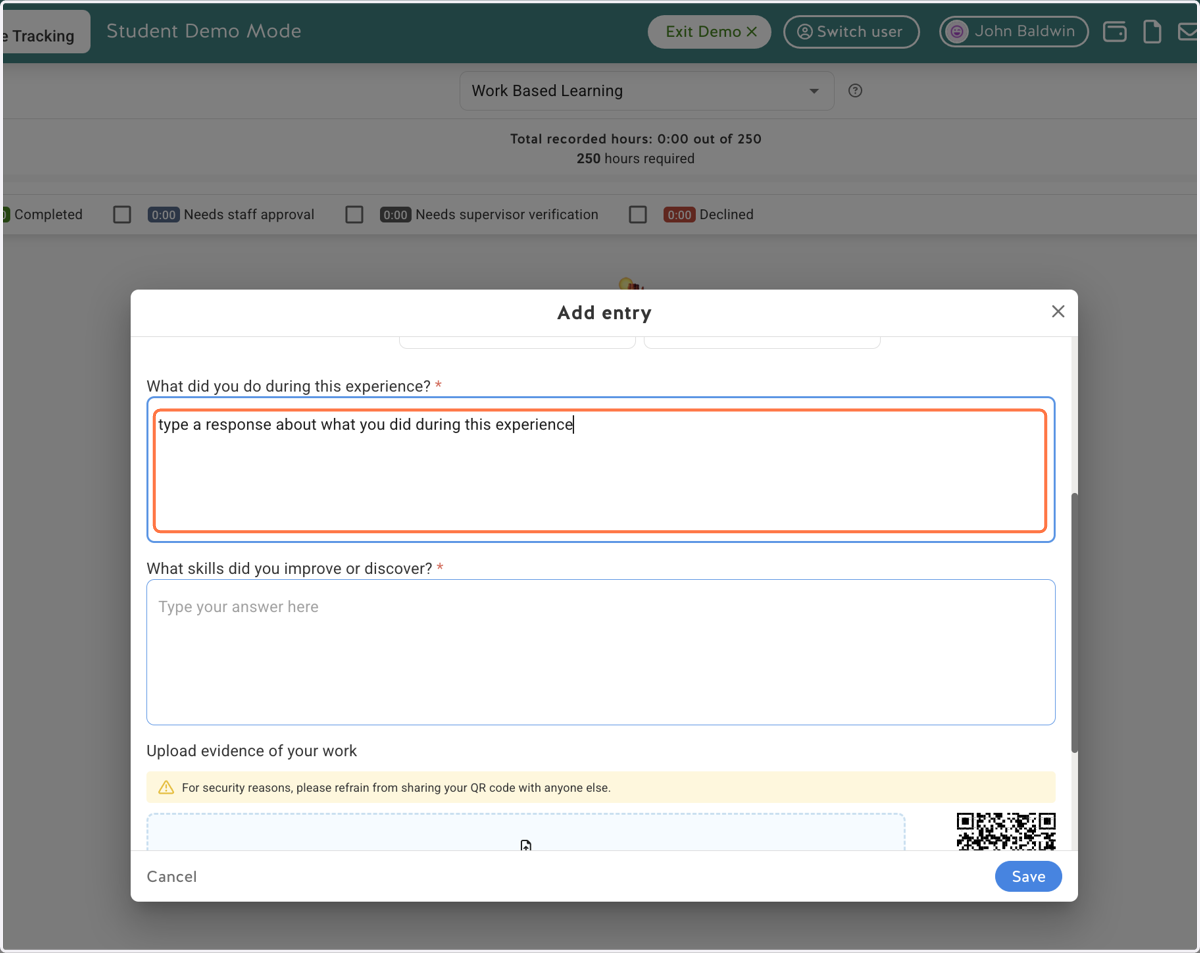
9. Share what you did during this experience
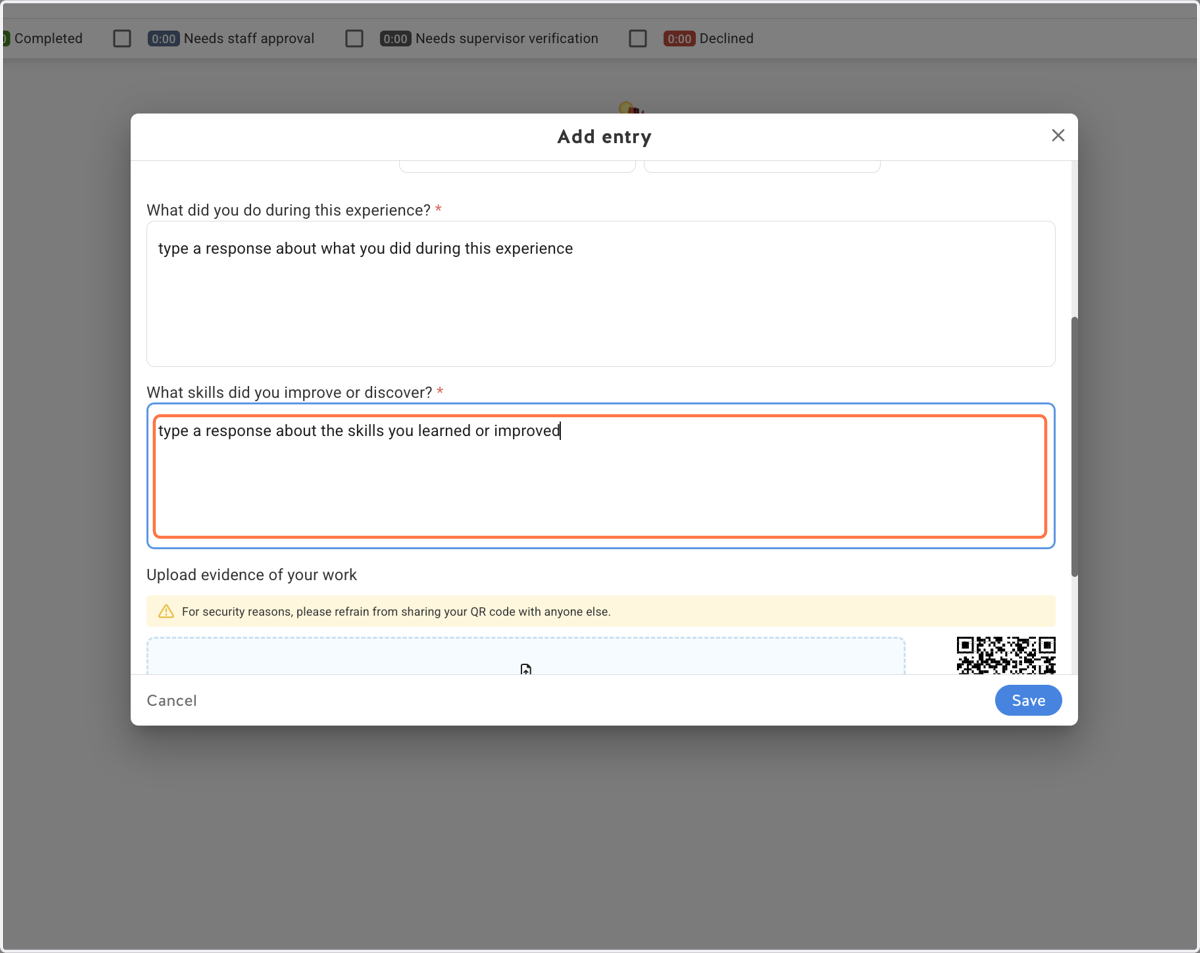
10. Provide information about the skills you learned or improved
11. Optional: Upload evidence of your work
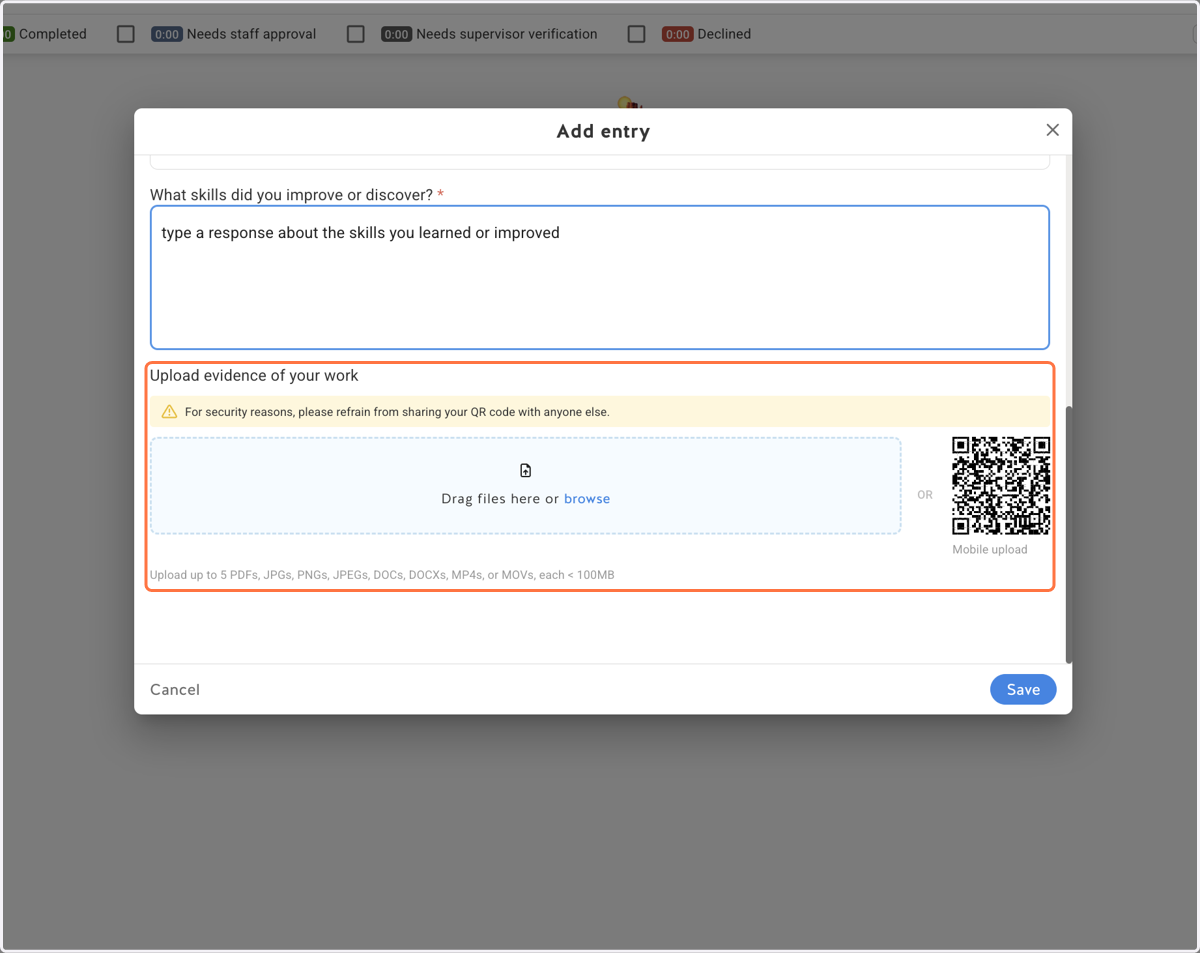
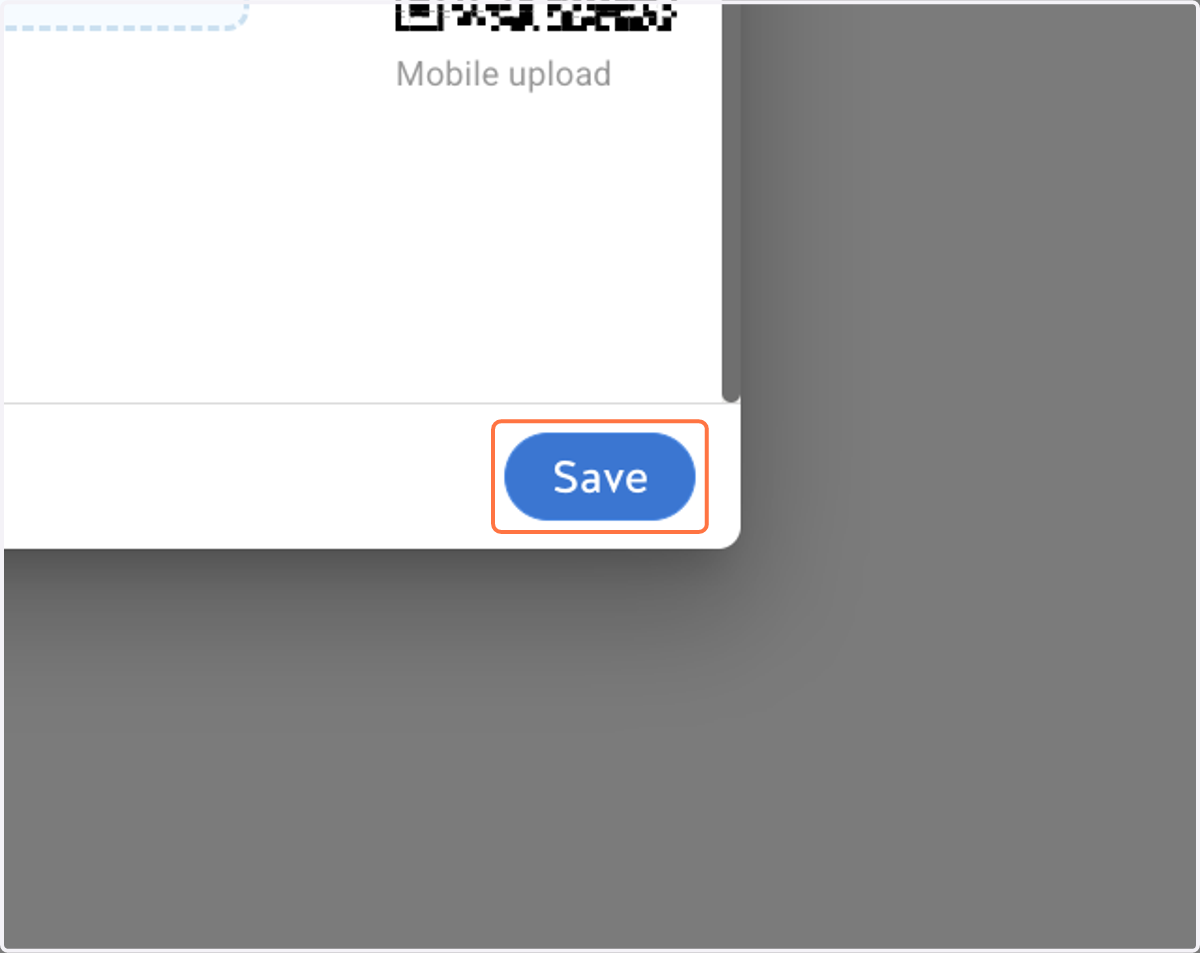
12. Click on Save