ADA Coordinator Login with Email and Password
Logging in as an ADA Coordinator with Email and Password
Carevalidate
1. Go to accommodations.carevalidate.com
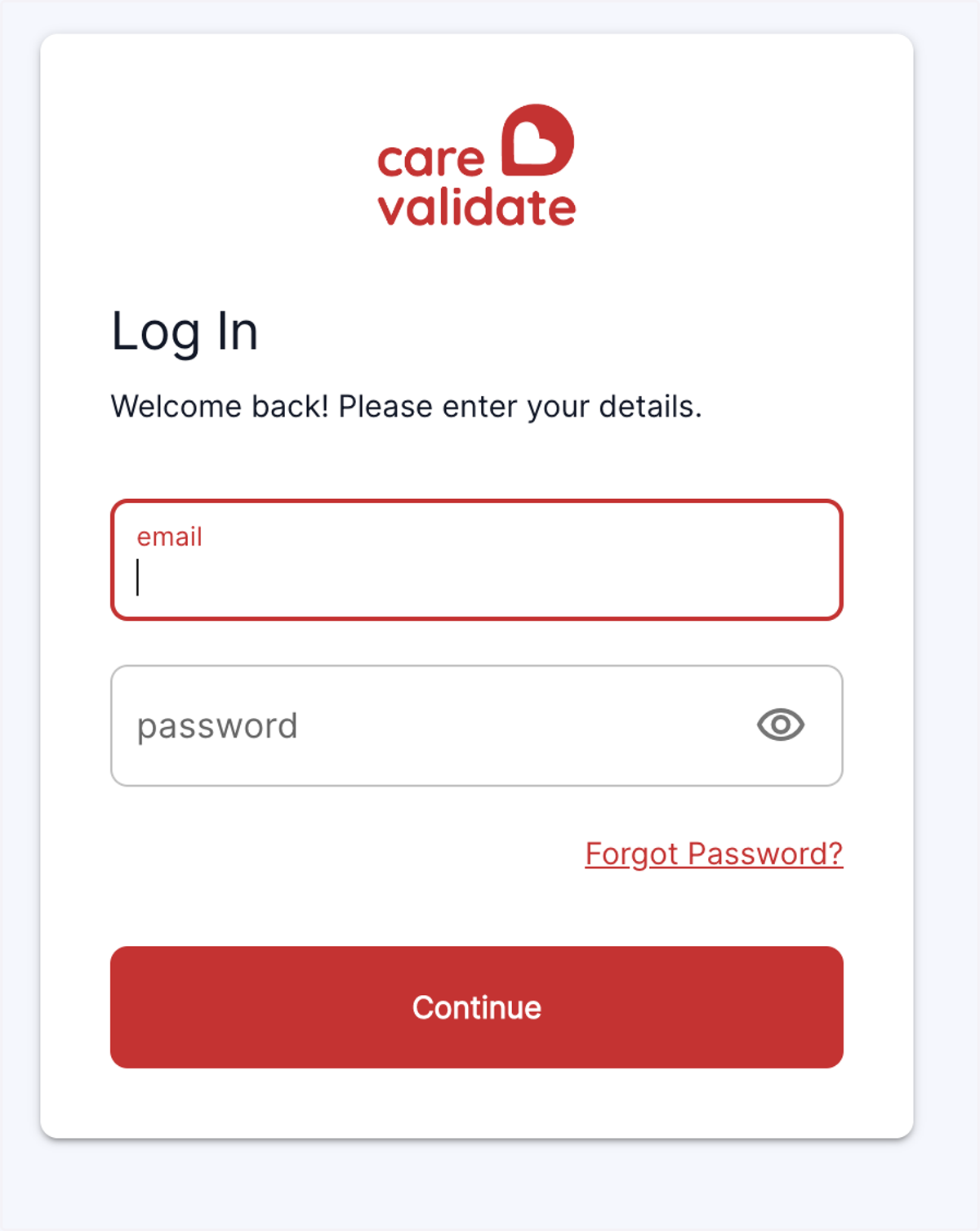
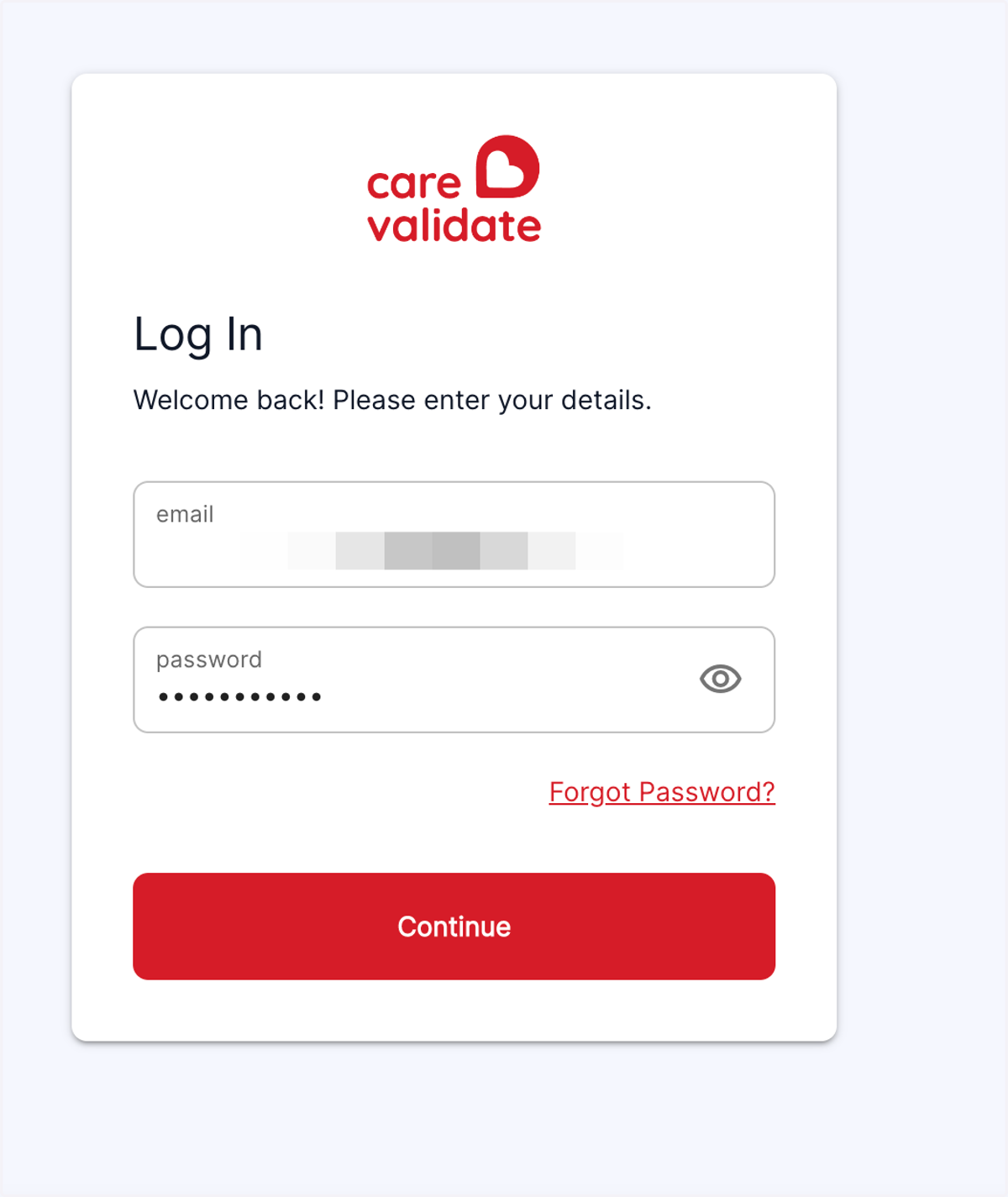
2. Enter your email and password
You will have received an invitation email from your employer, which allowed you to set up a password. Enter your email and password here.
3. Click on Sign In
4. Landing Page
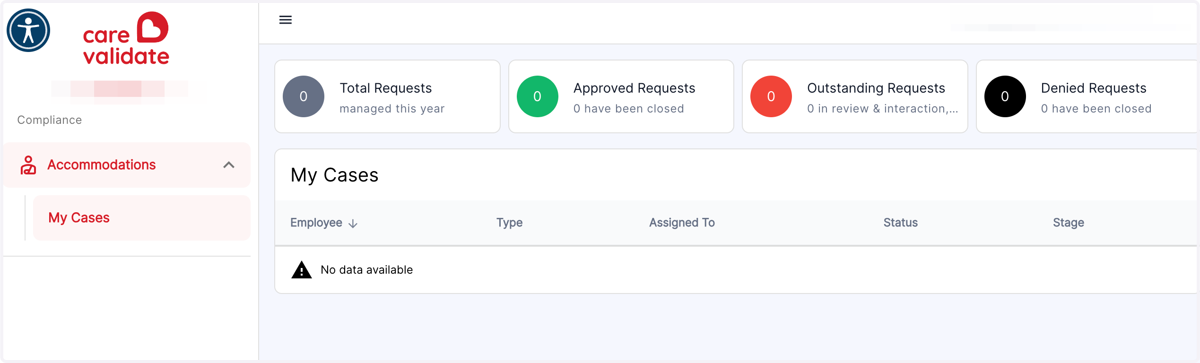
Here you will see a dashboard of your requests and active Cases. Clicking on one of them will open that particular case.