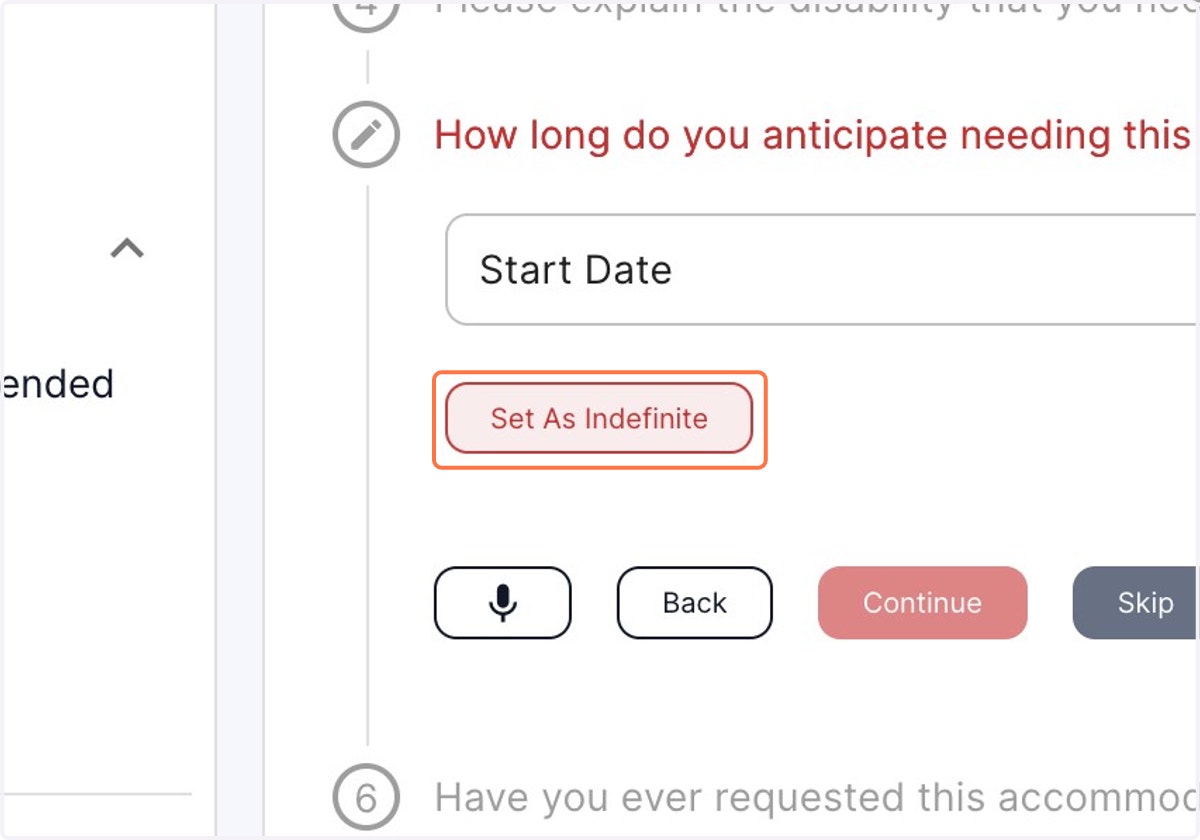
Setting Date range as Indefinite, for the accommodation required
AccommoCare
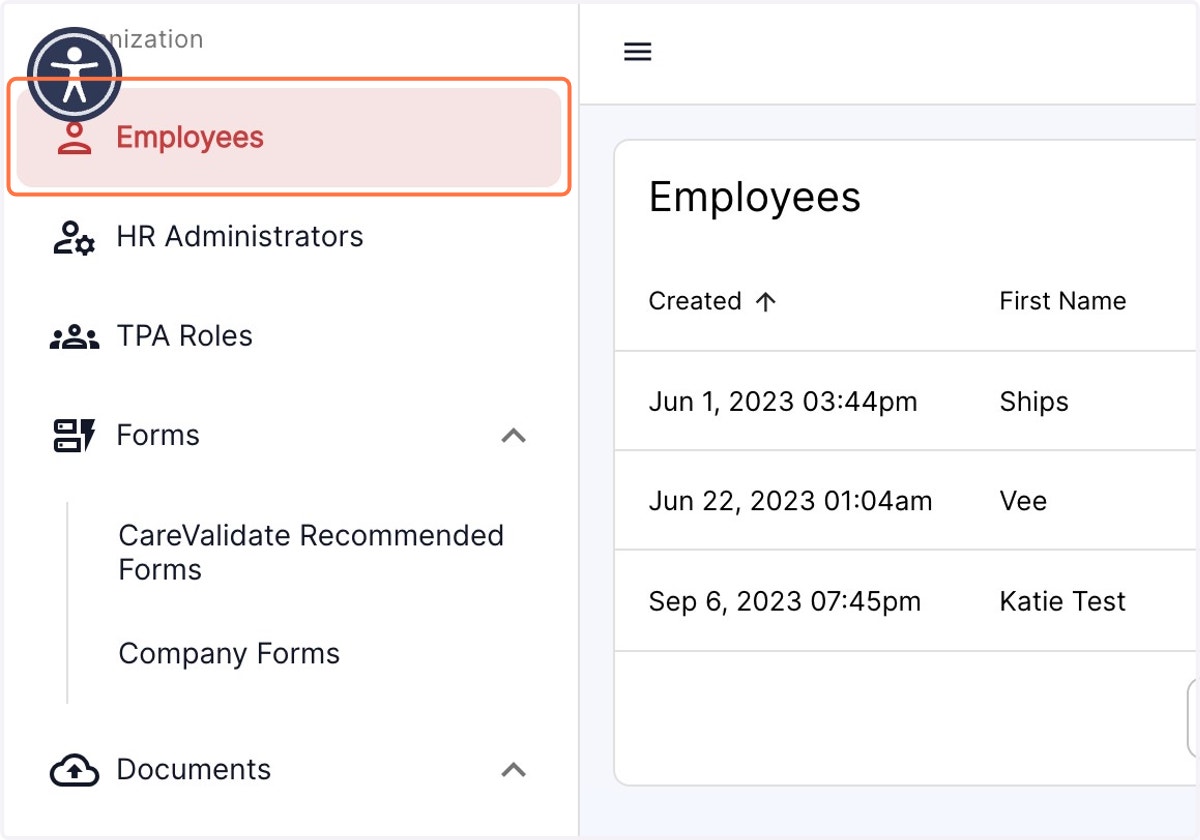
1. Click on the Employee tab in the left panel.
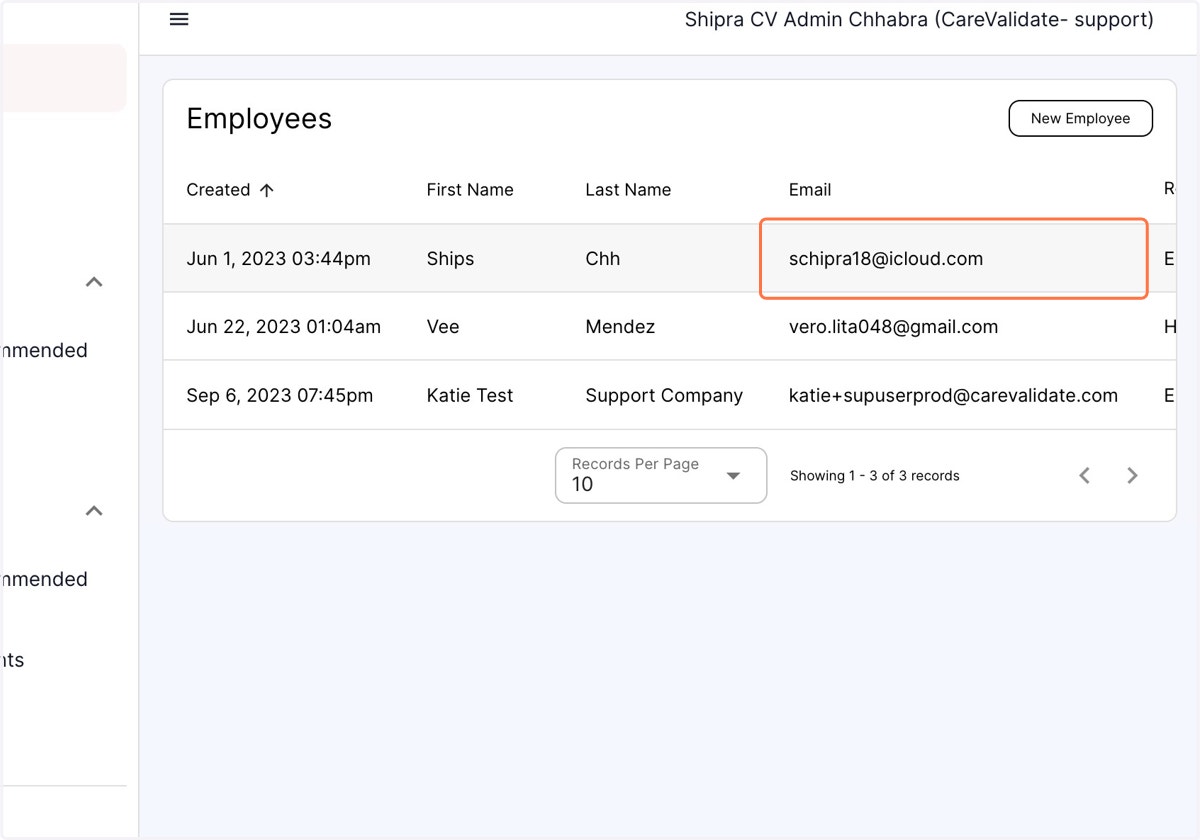
2. Click on the desired employee's profile
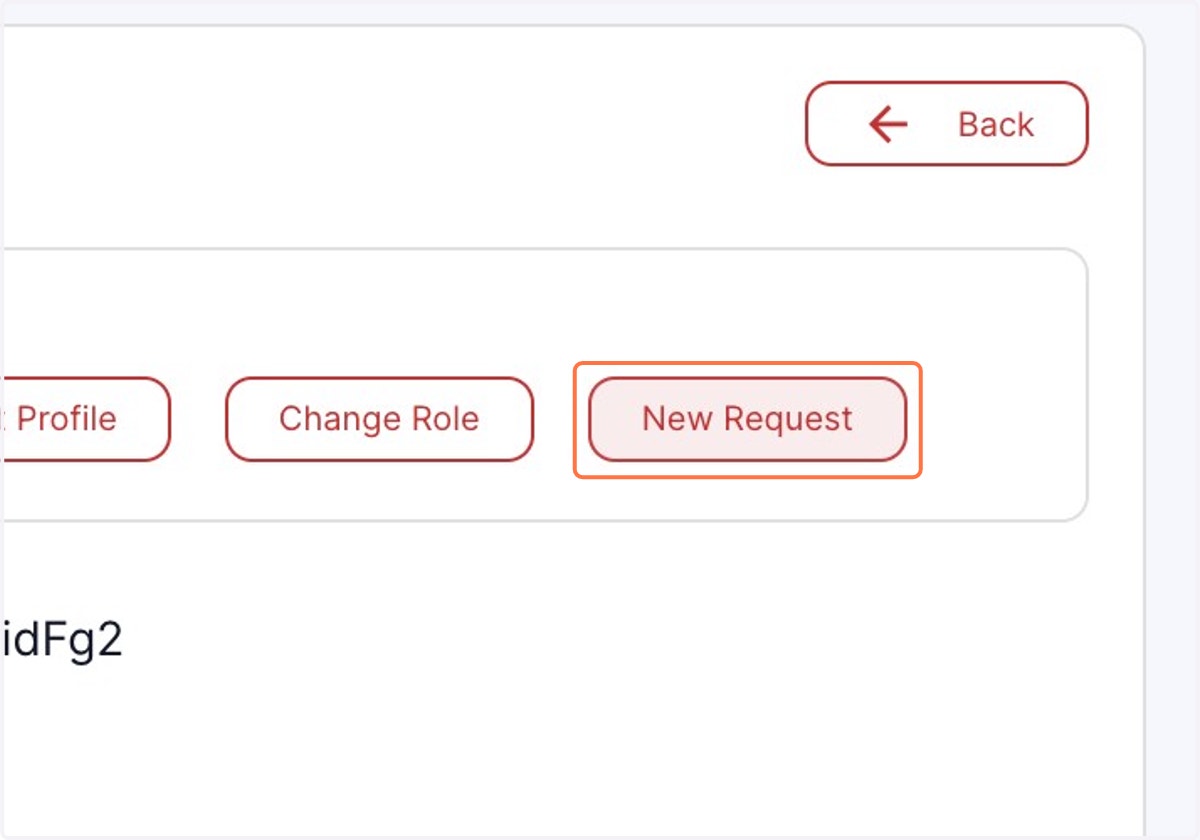
3. Click on form by clicking on New Request
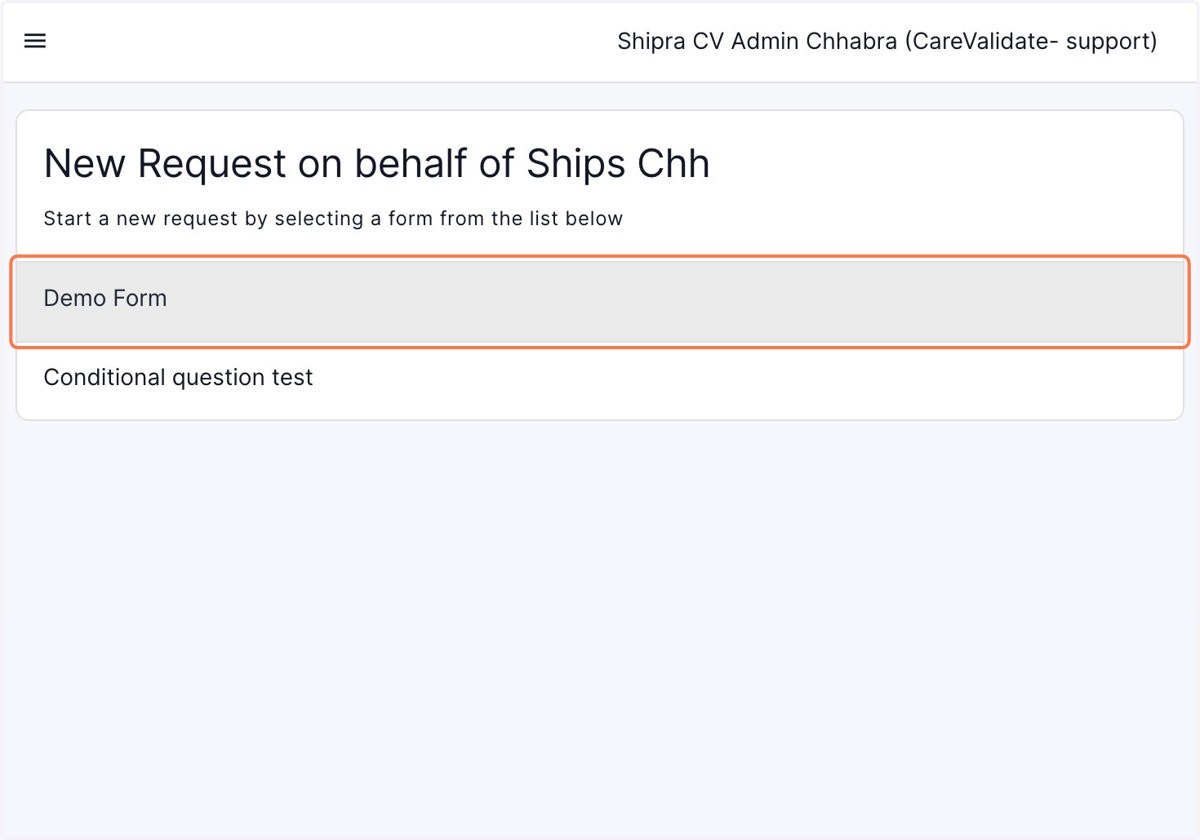
4. Click on required Form
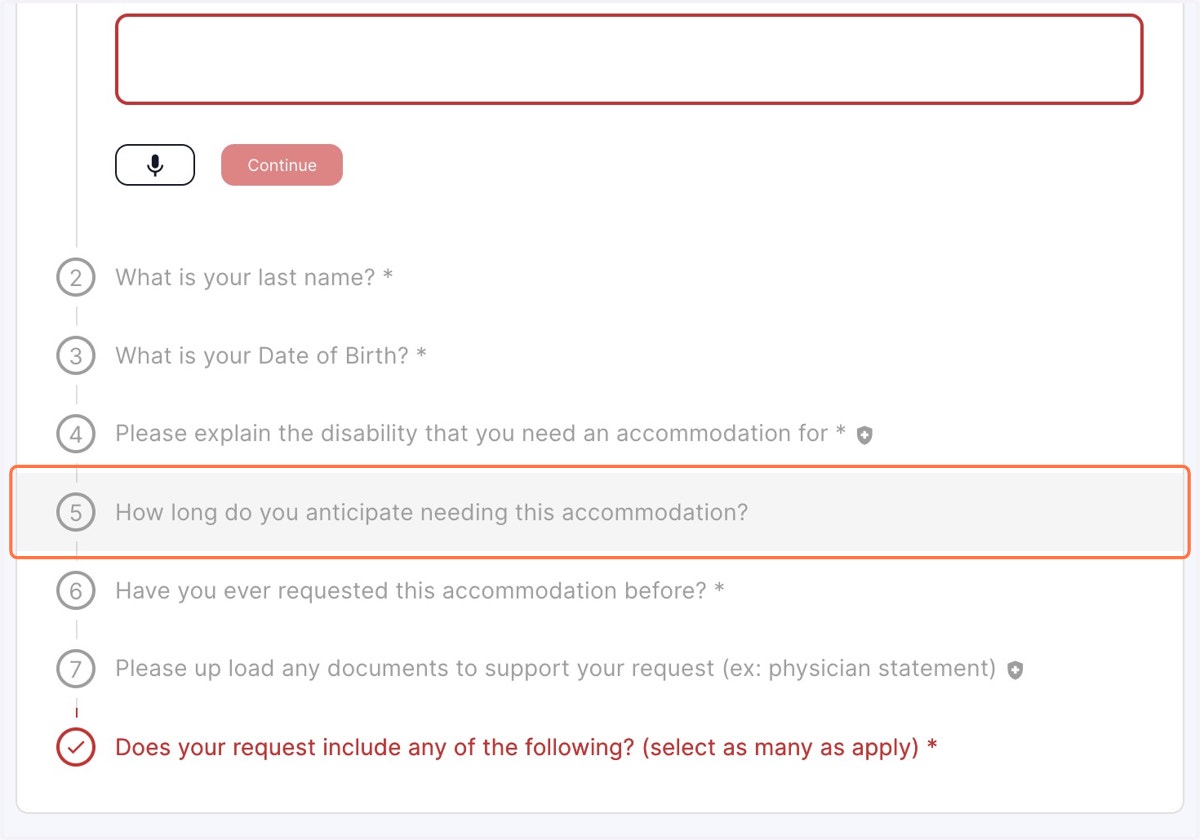
5. Select the question pertaining to the time frame required for the accommodation.
6. Enter the start date and click on Set As Indefinite to leave the end date blank.