Adding multiple organizations and positions to a person's profile
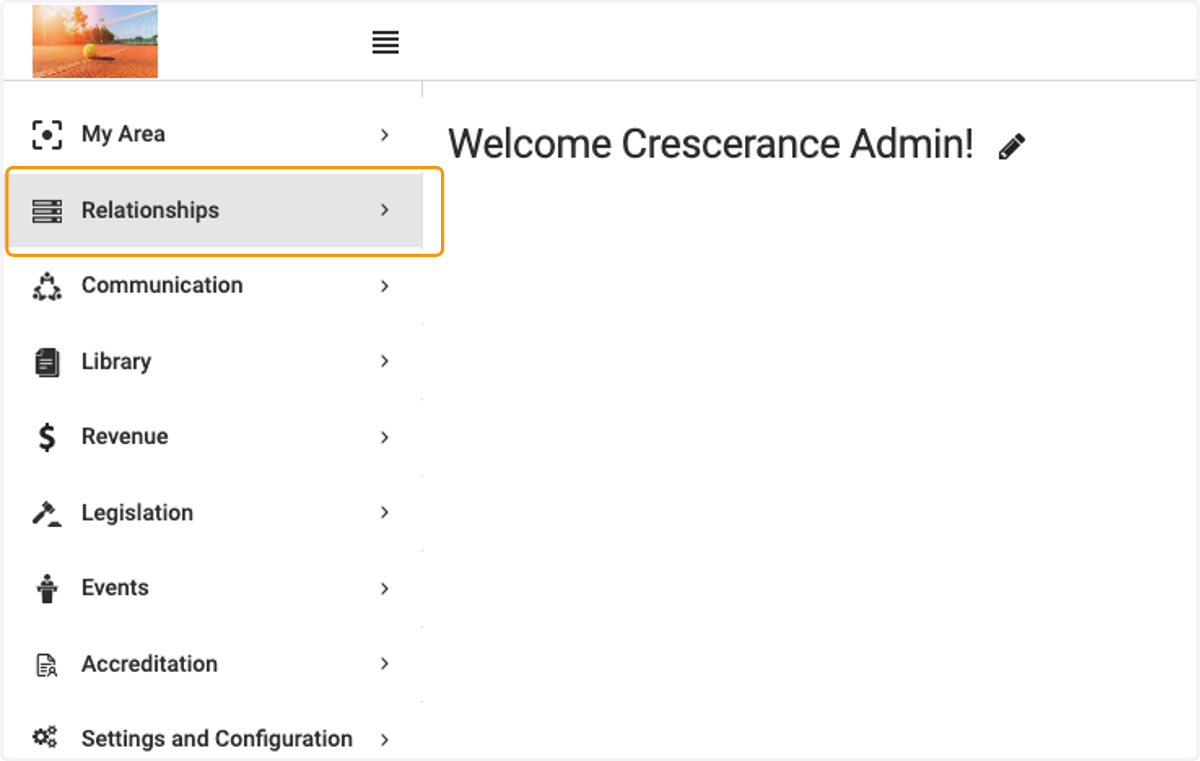
1. Click on Relationships
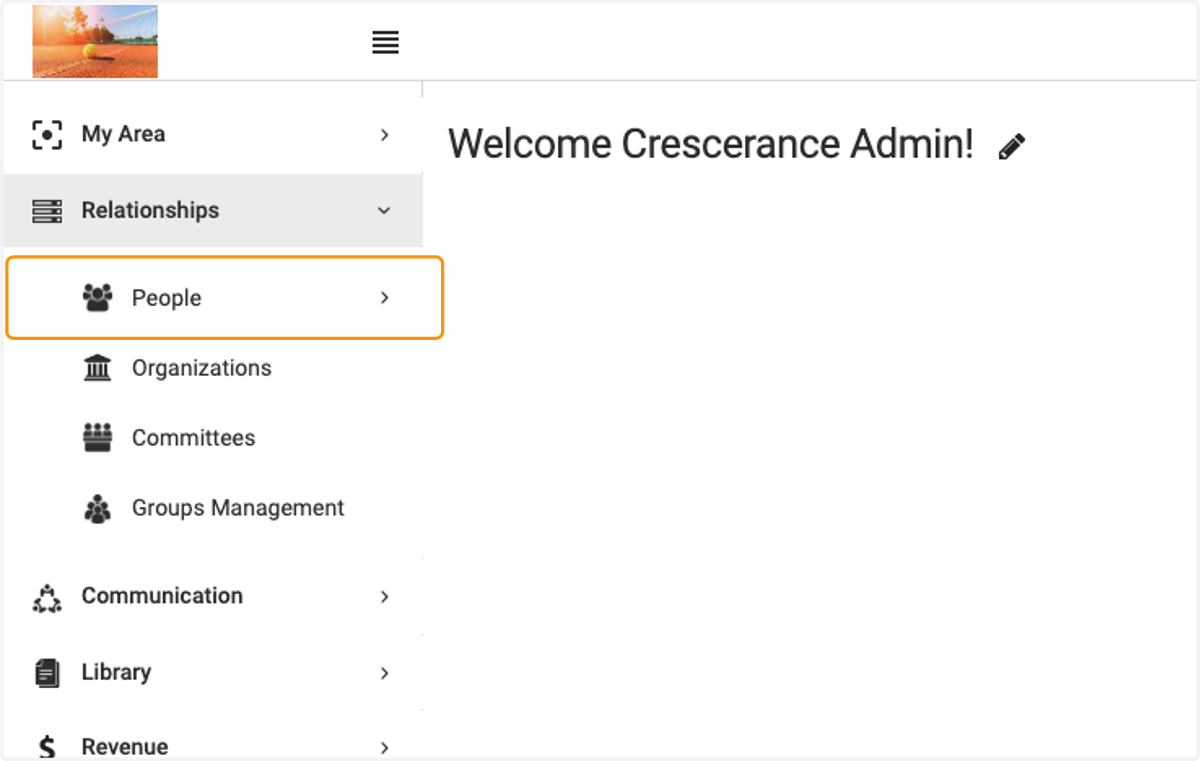
2. Click on People
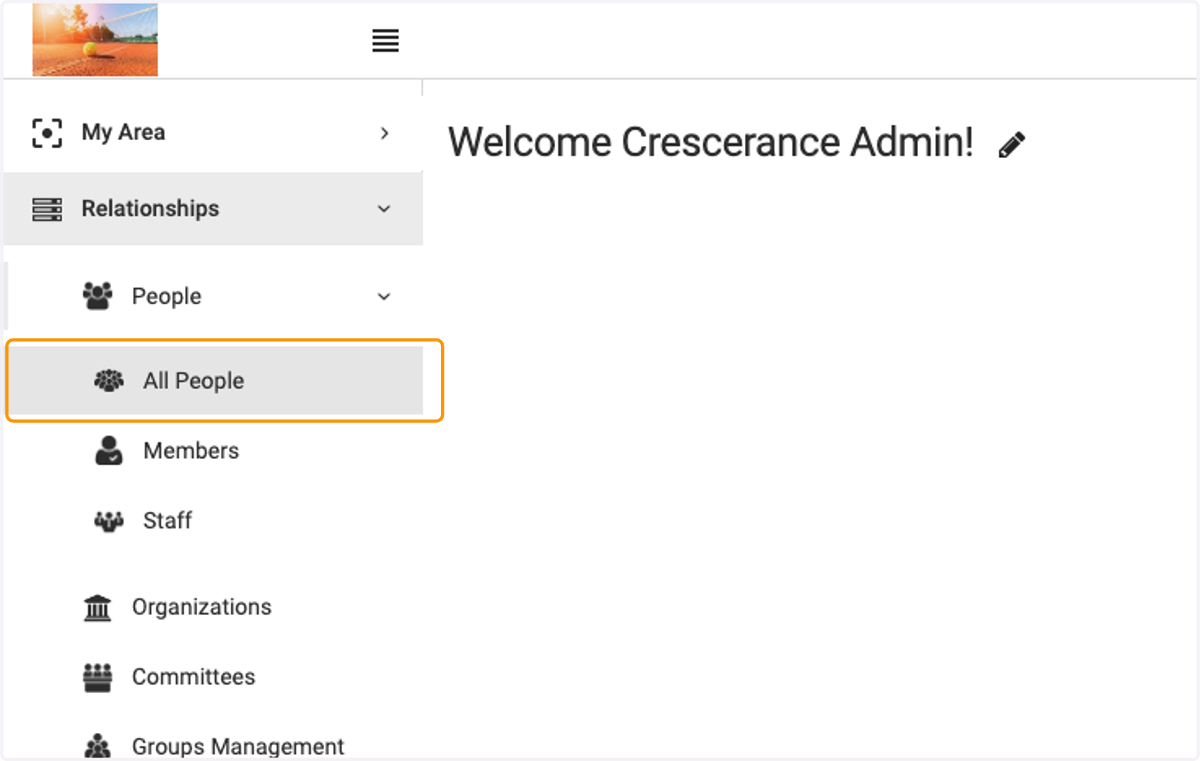
3. Click on All People
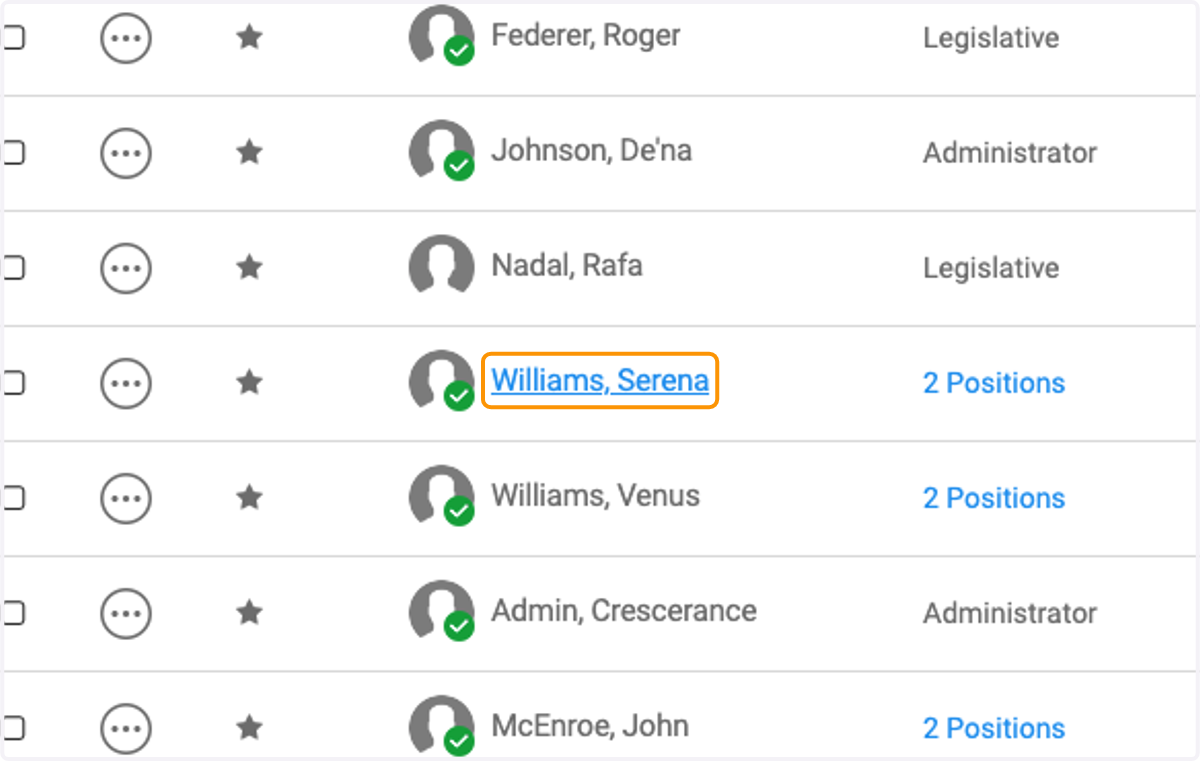
4. Click on the person you wish to edit
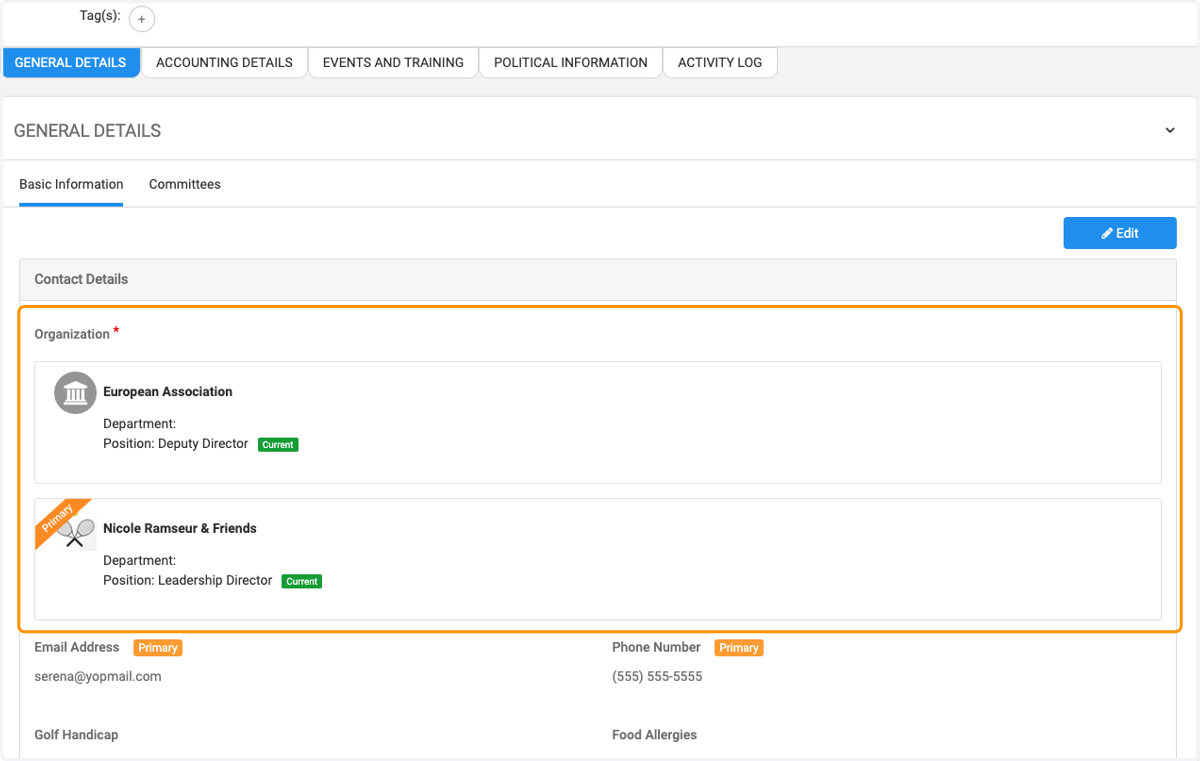
5. Scroll to the Organization
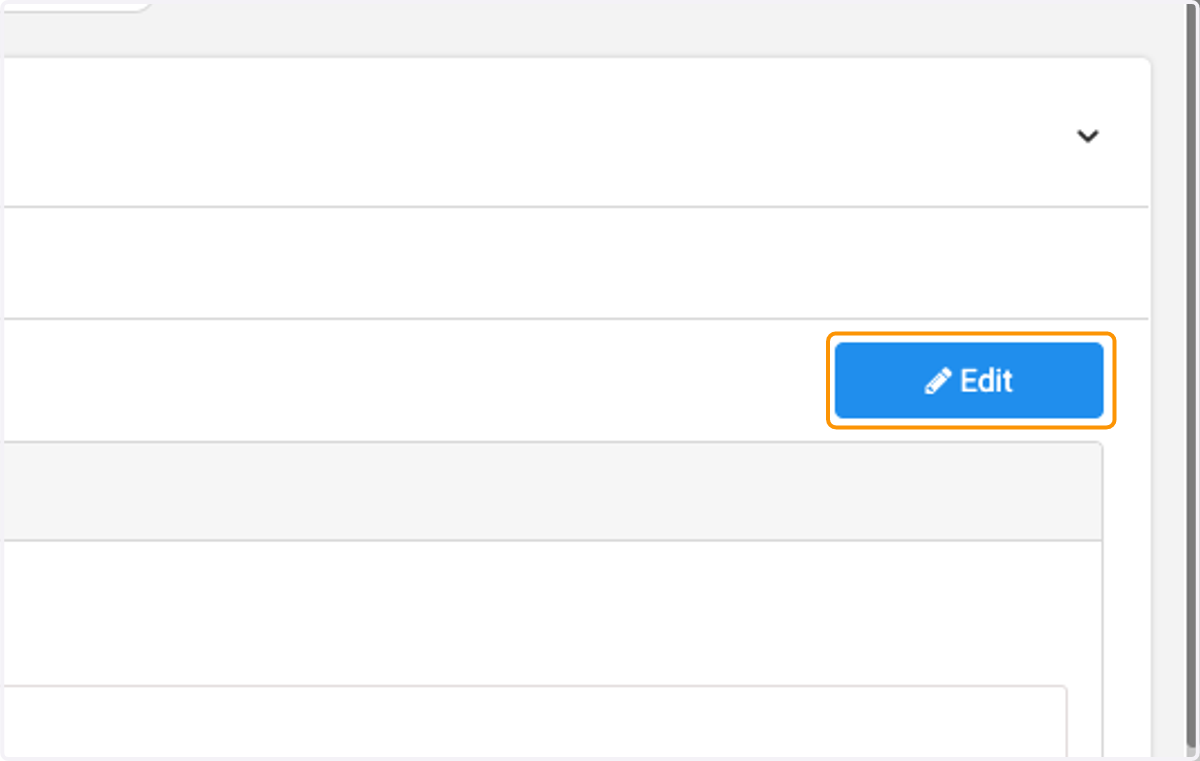
6. Click on Edit
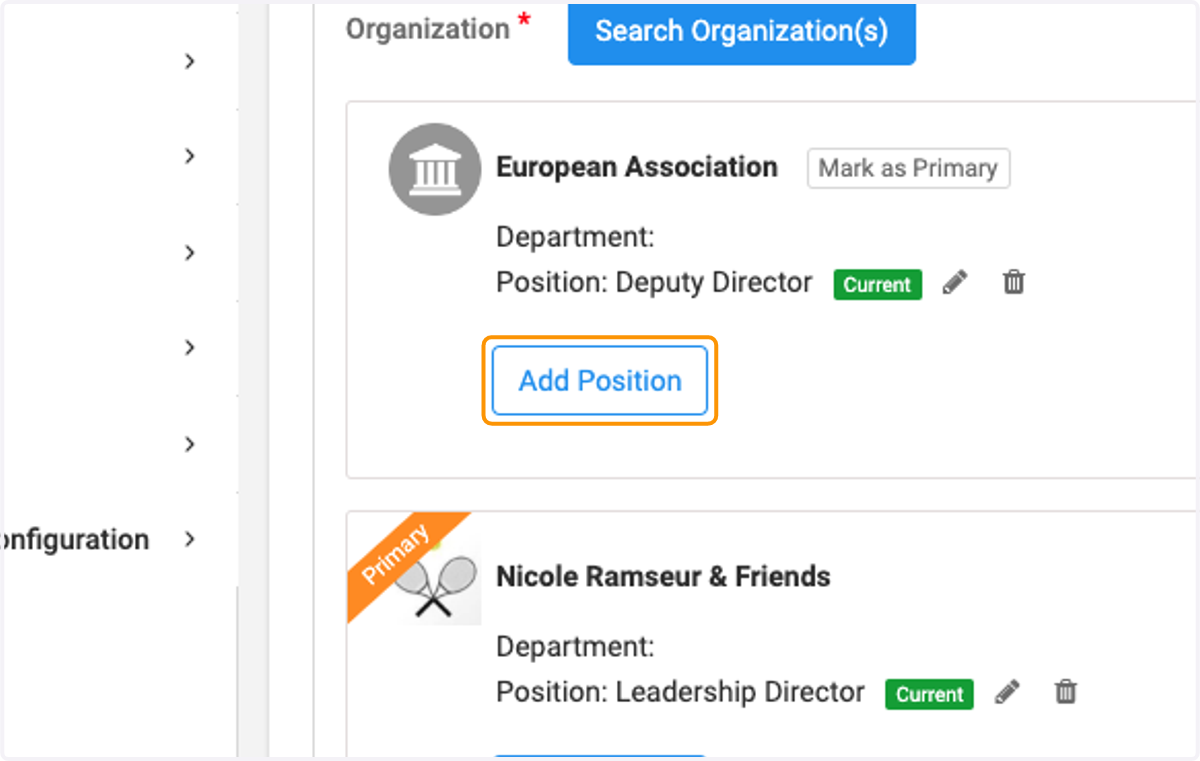
7. Click on Add Position to add another position or department to an existing organization.
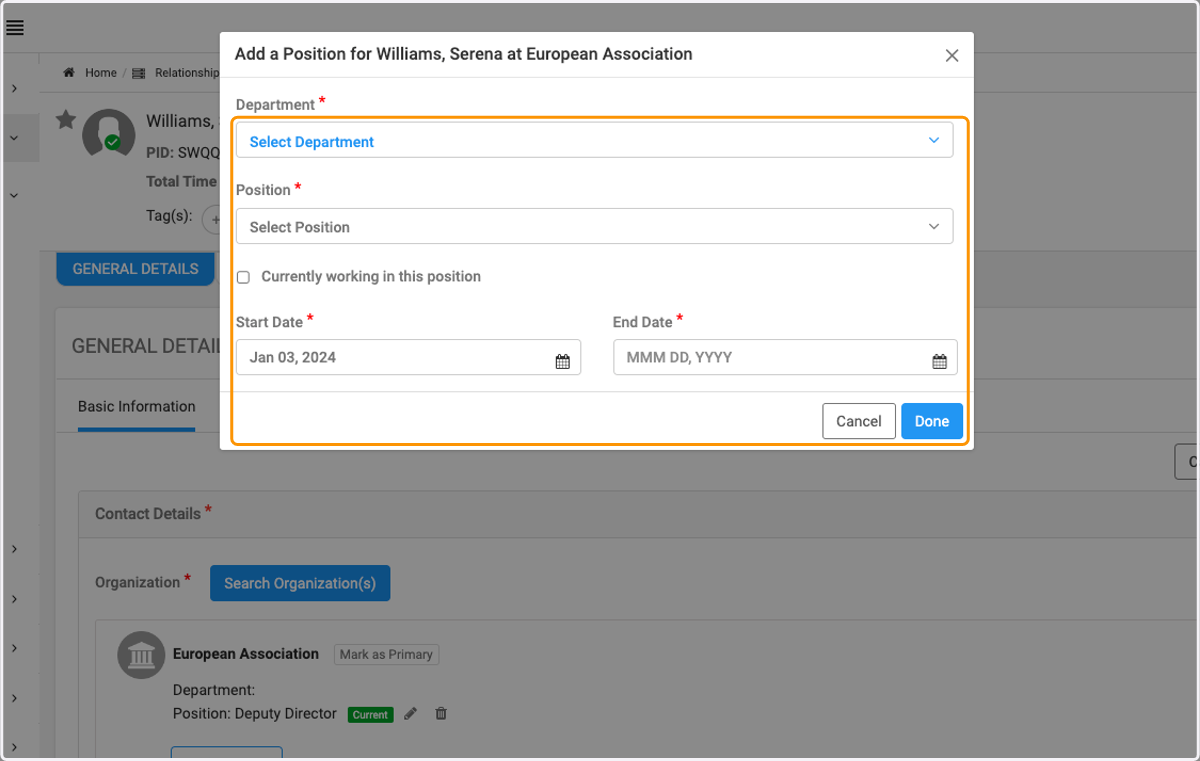
8. Select Department and Position from the dropdown list
Select Currently working in the position (if applicable) and enter dates. Click on Done when finished.
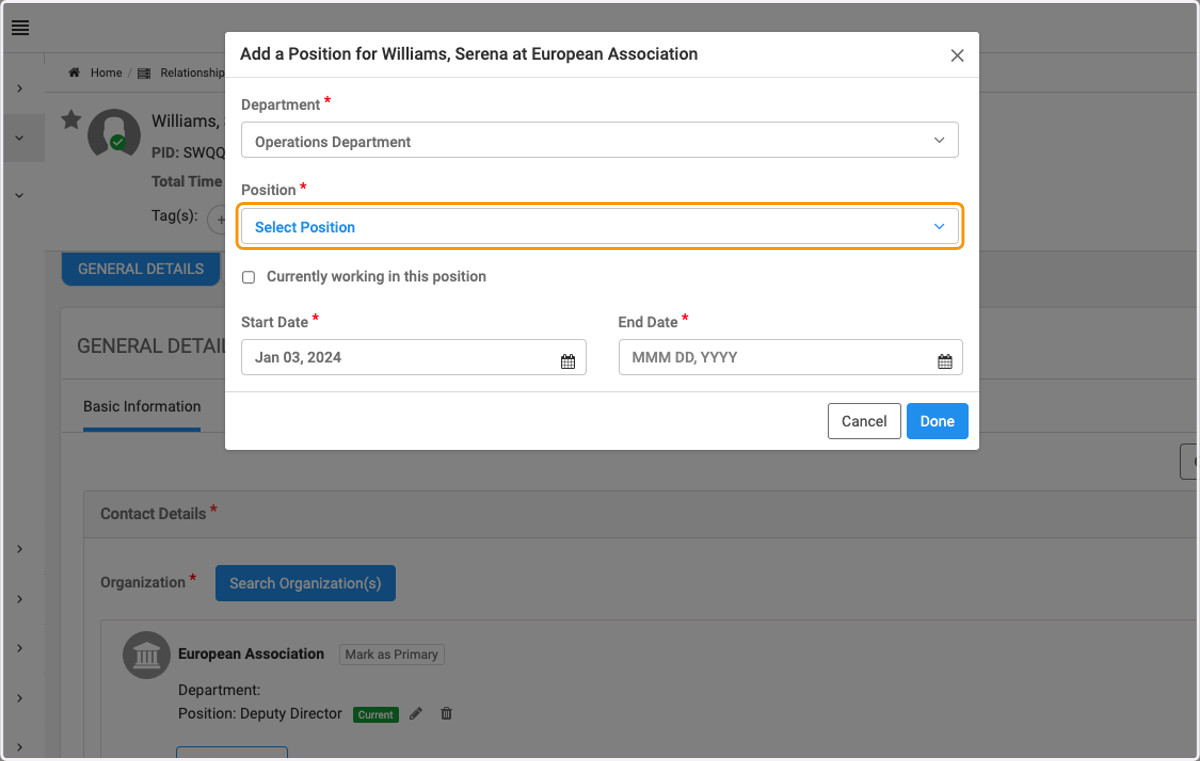
9. Click on Position and select one from the drop down menu
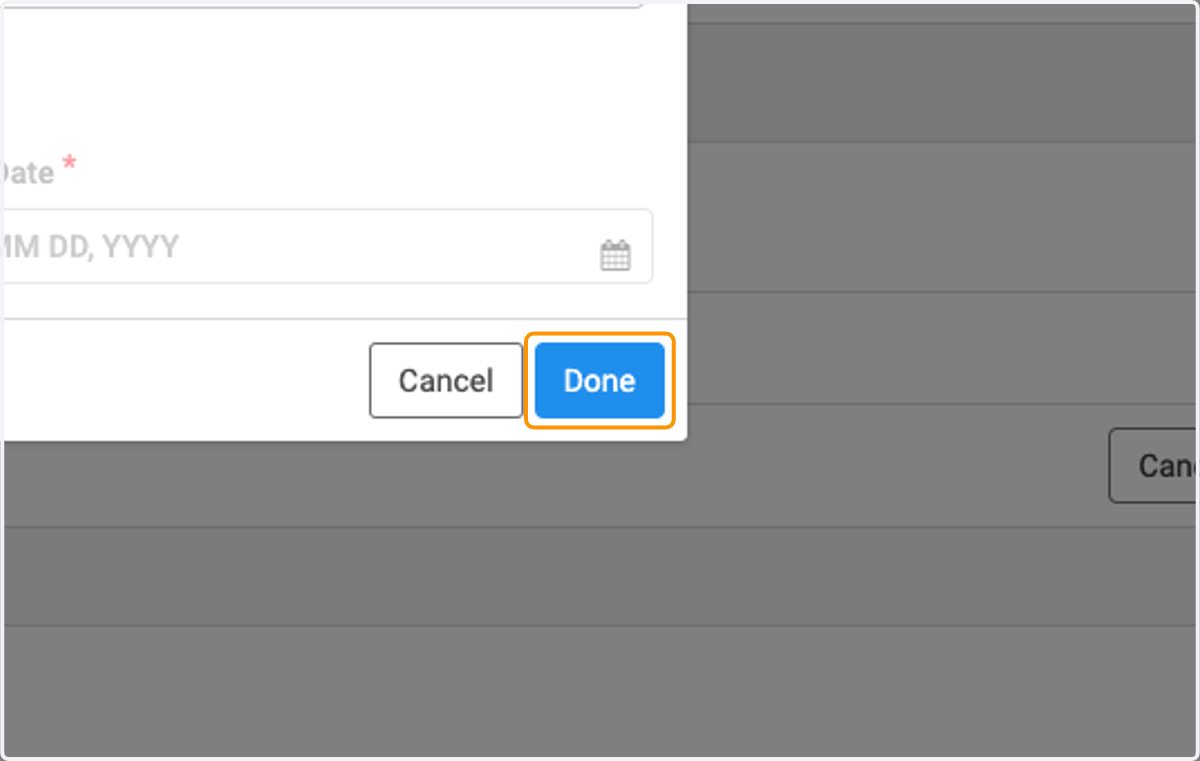
10. Click on Done
11. You can view the new department / position
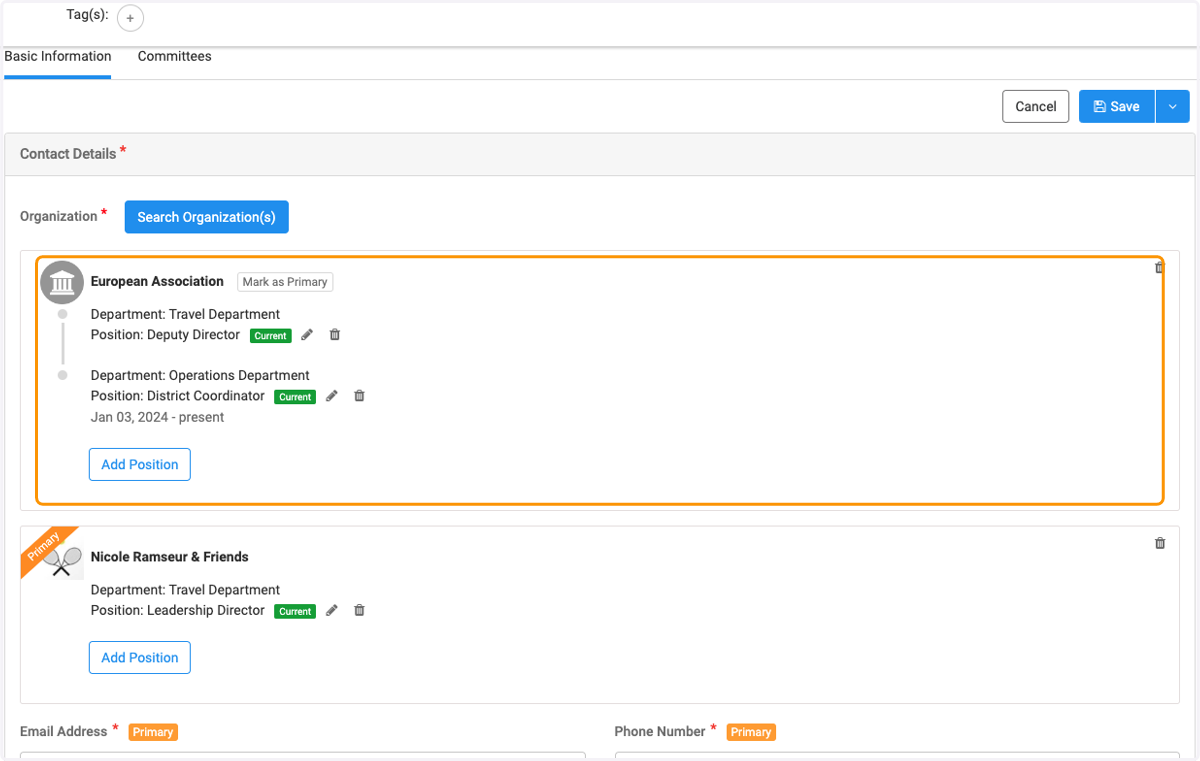
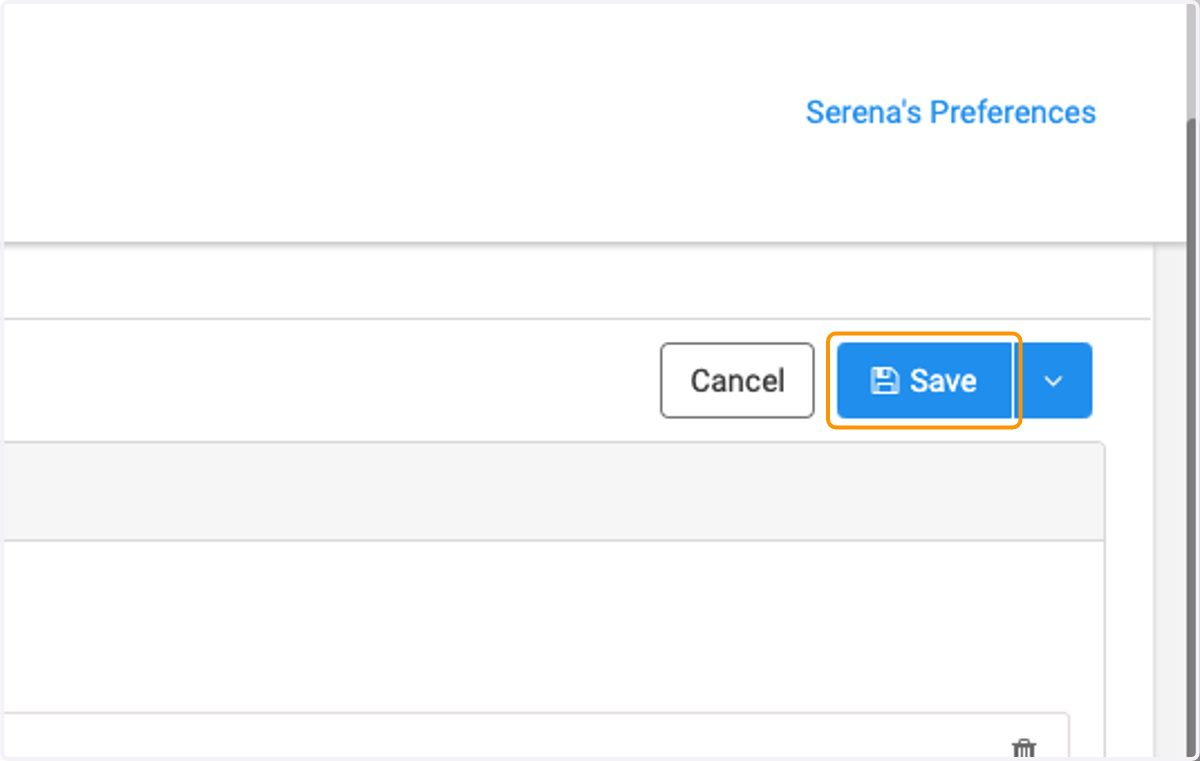
12. Click on Save to save final changes