Setting up your terminal
1. Plug your terminal in
-You may see that it first shows a battery symbol. It will need a few minutes to charge before you are able to proceed and the terminal might update once this turns on.
-There may be an an button on the side of the terminal.2. You will want to connect the terminal to your WIFI
3. Entering registration Code
A registration code was sent to your email. This is a 8-digit number. Please reach out to us at 404-999-3285 if you cannot find this code
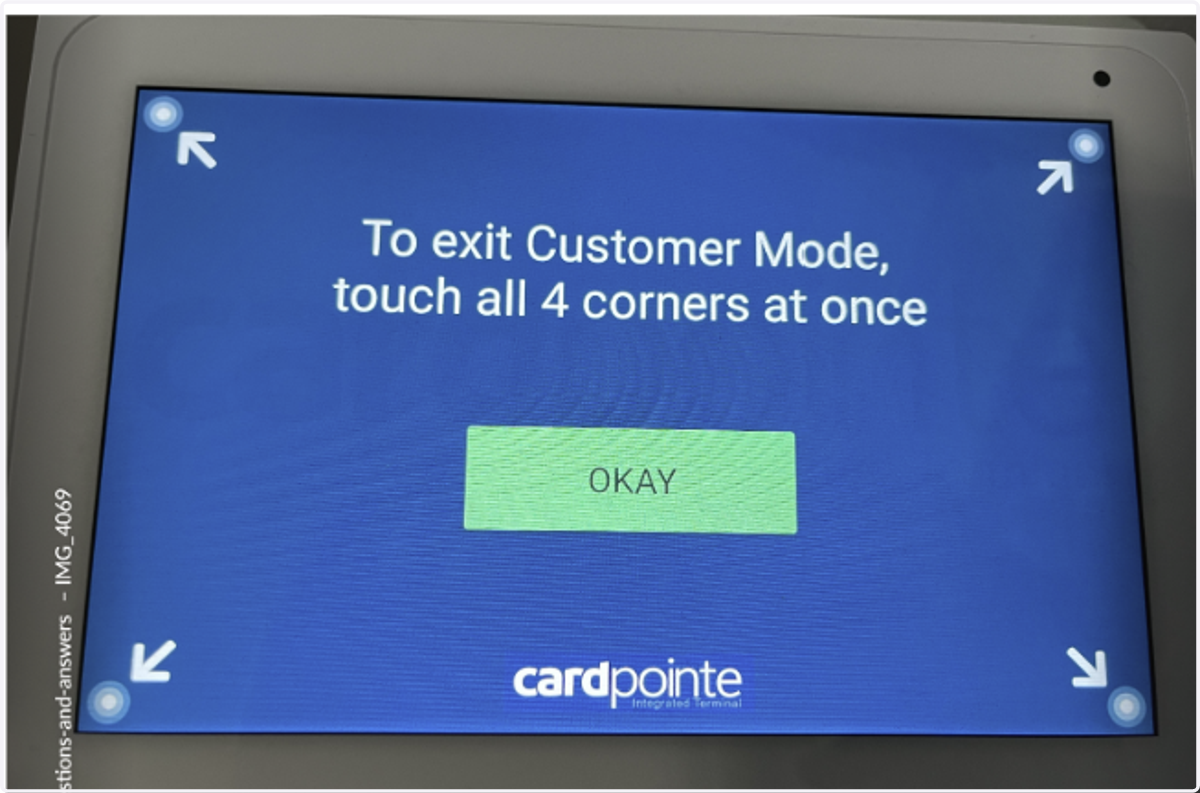
4. At this screen you will press Okay
If you ever need to go back to settings you would press the 4 corners to get out of customer mode
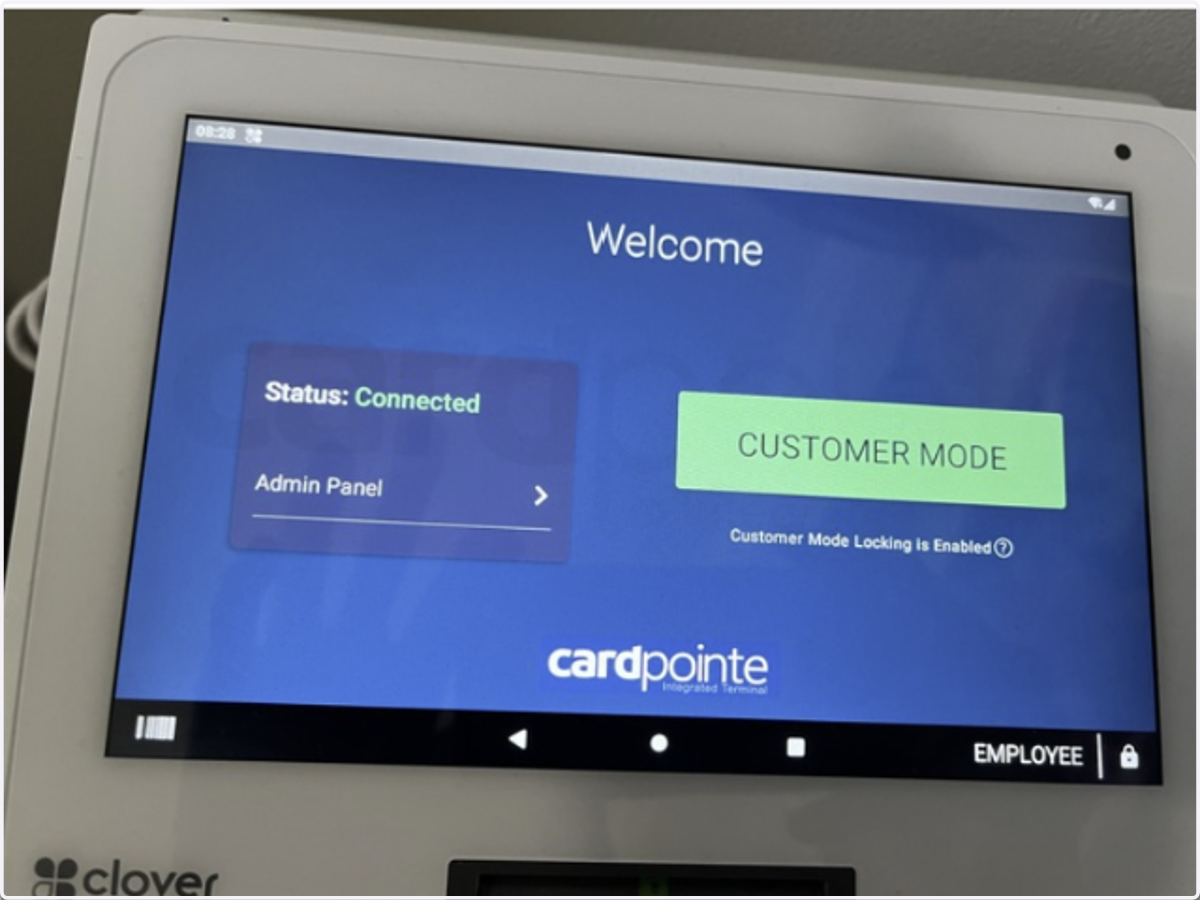
5. Here you will press the green button that says Customer Mode
6. You are ready to test the terminal once you see the white screen that says Cardpointe