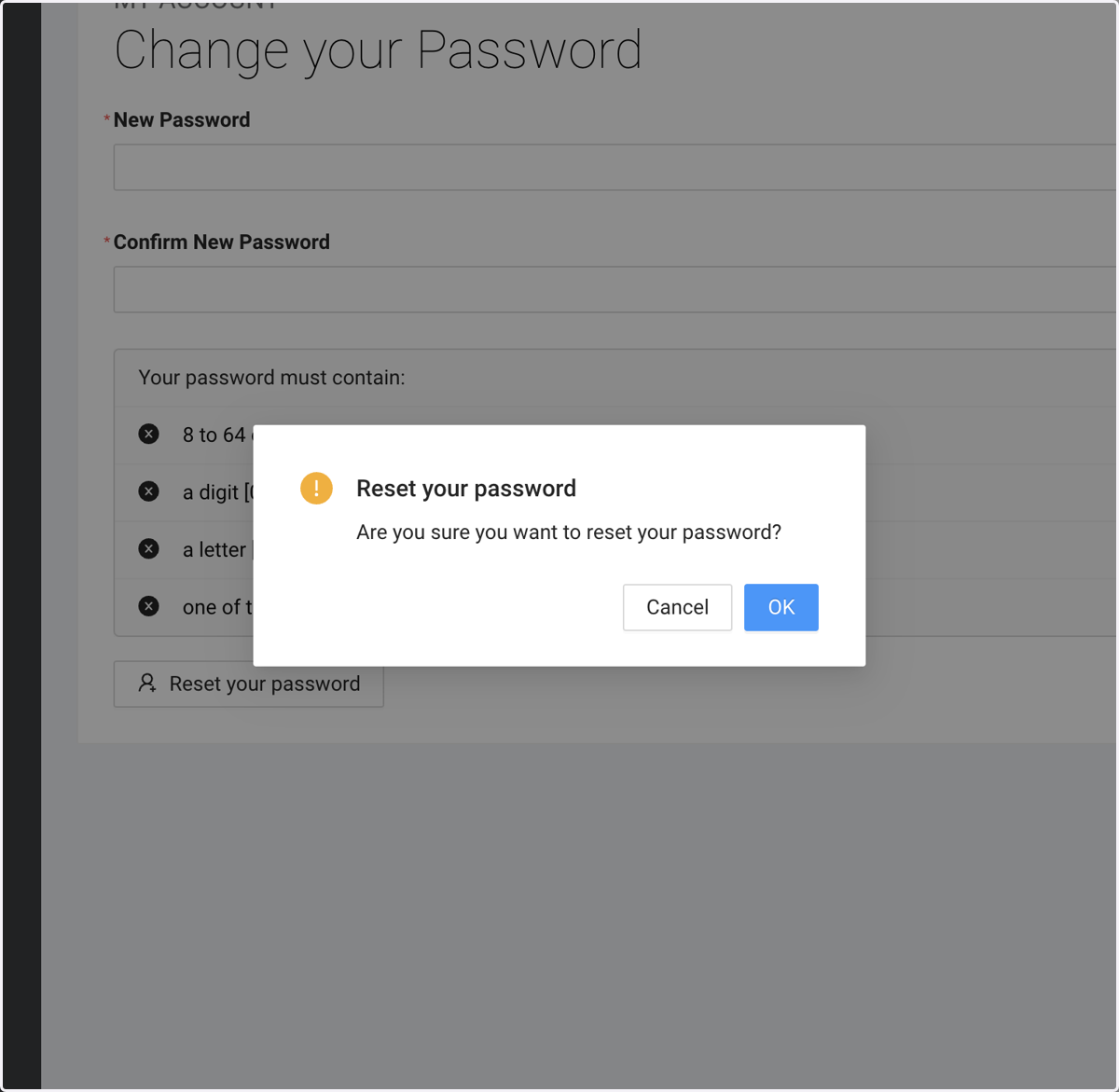
Reset Password
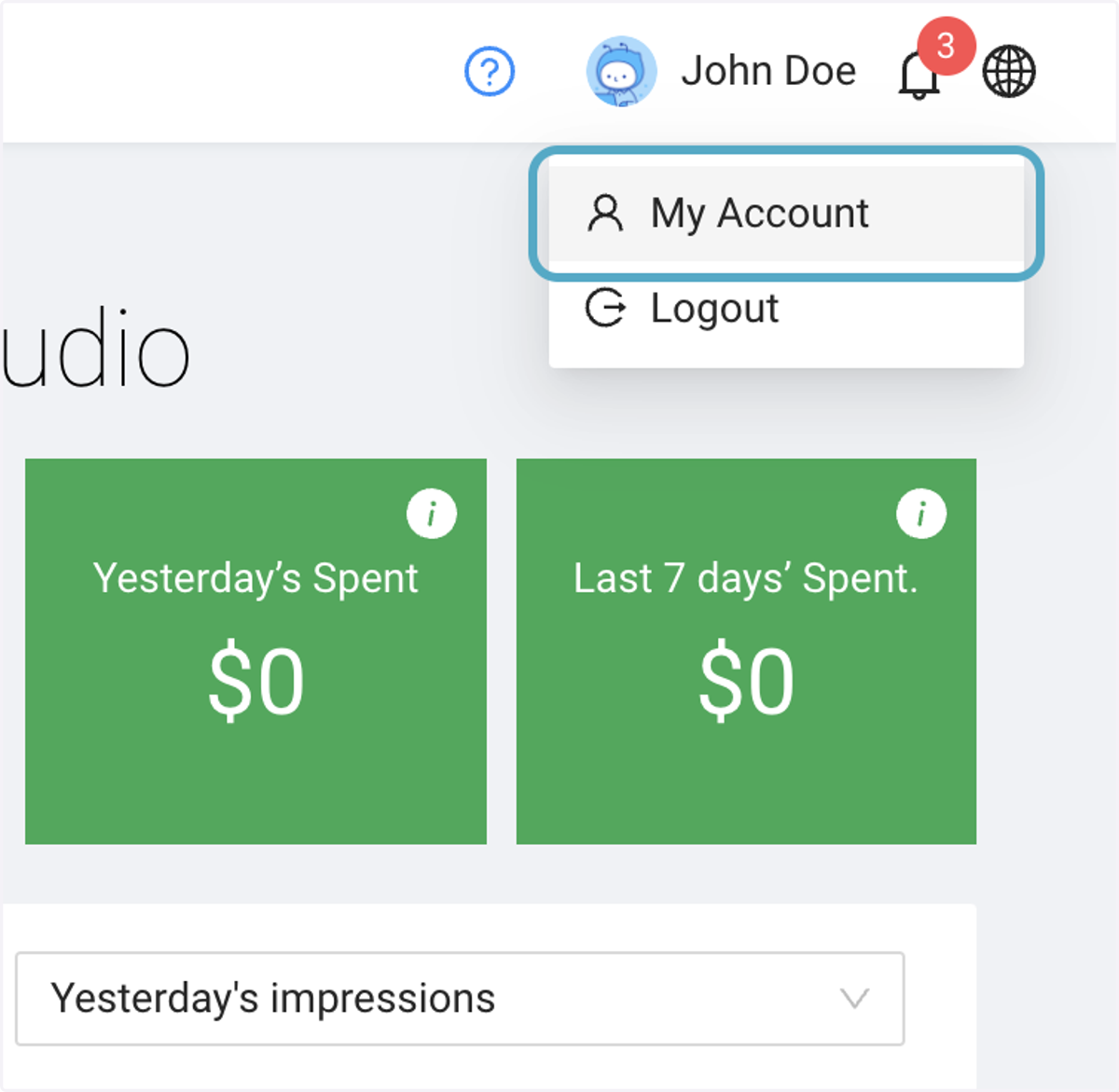
1. On the Dashboard, Click on your name then My Account
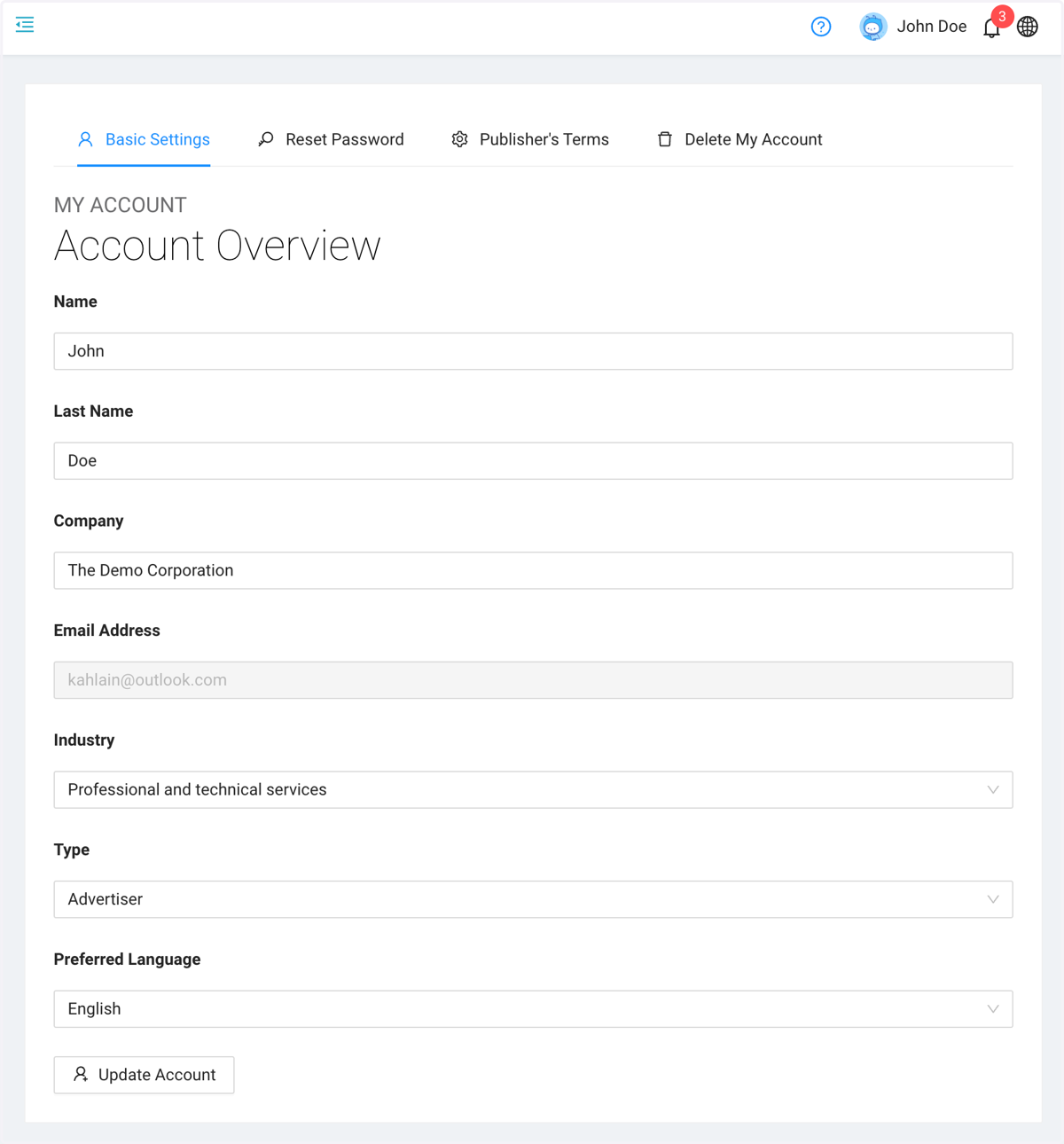
2. Once on your Account page, click on Reset Password Tab
3. On Reset Password
Follow the instruction : Enter your new password twice to confirm.
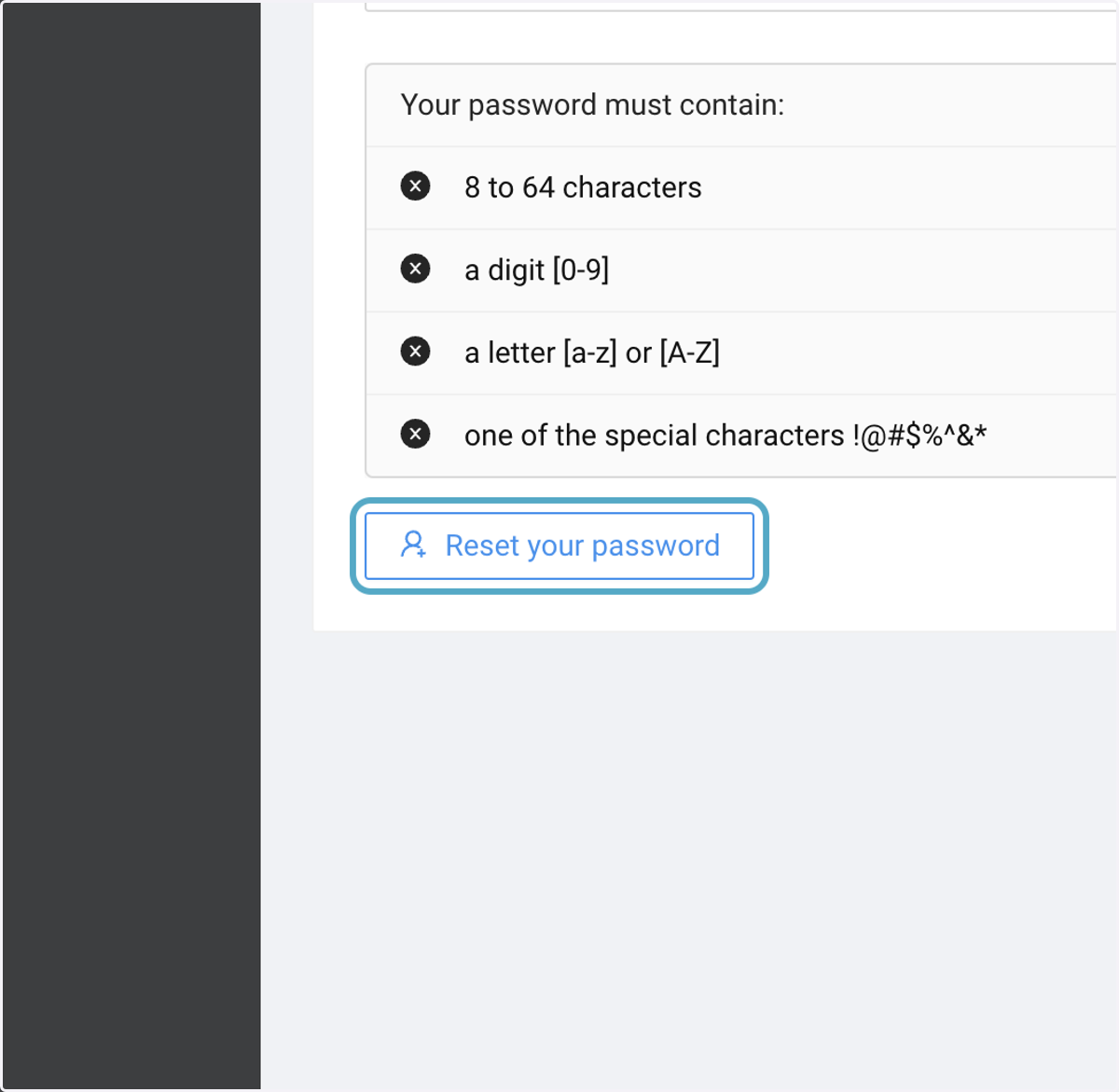
Click the "Reset your password" button to update your password.
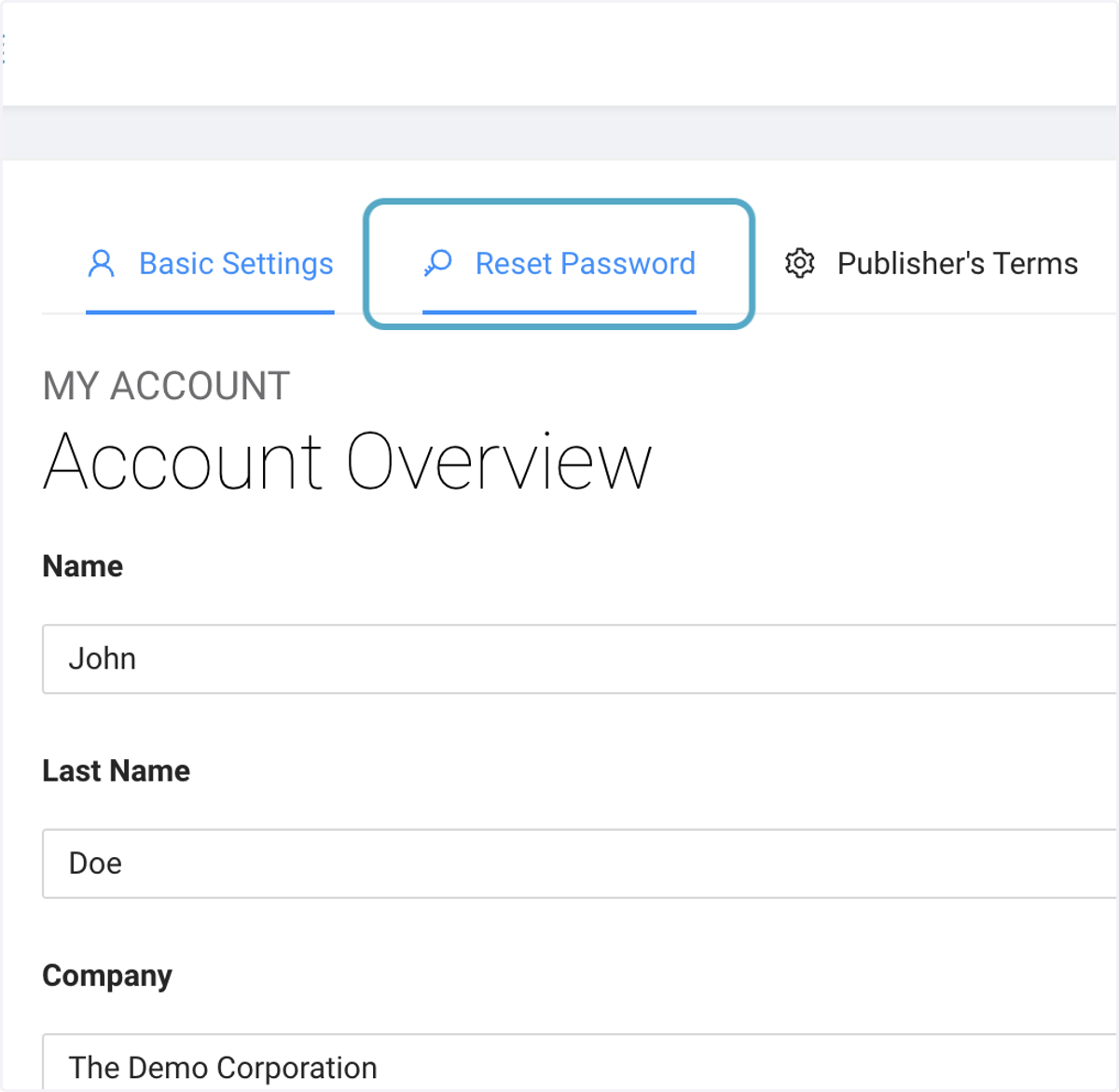
4. Click on Reset your password
5. Make sure to confirm