How to Activate Max Yield for a New Unit
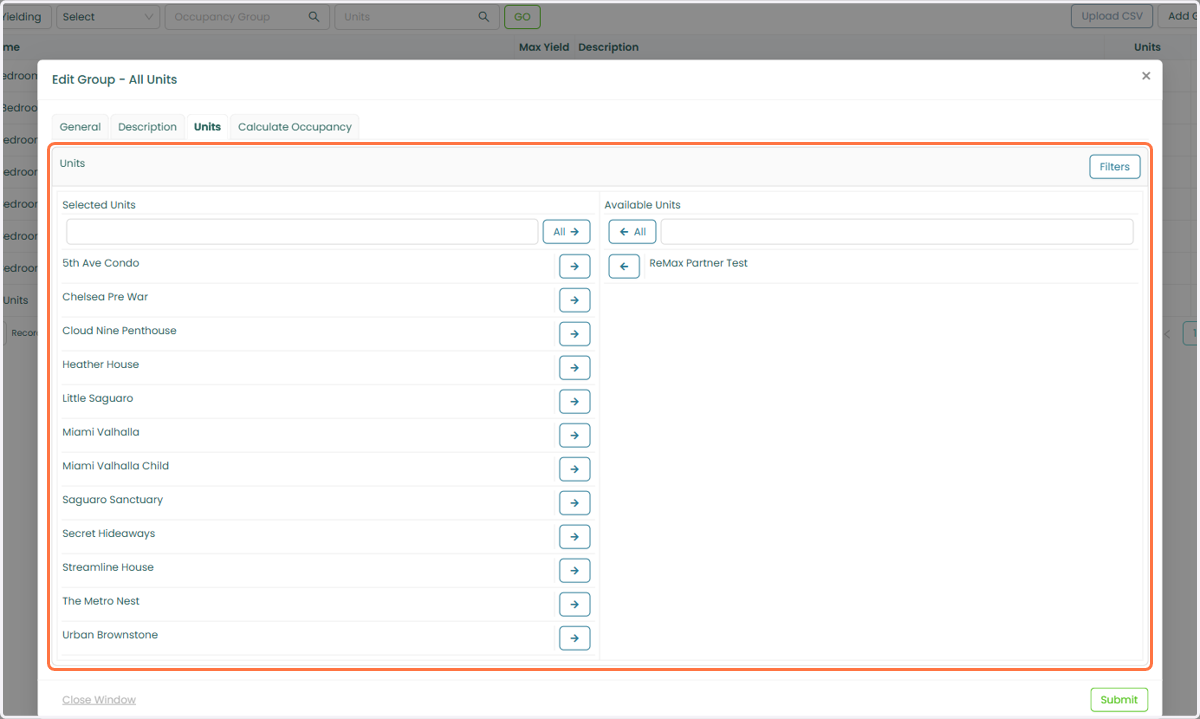
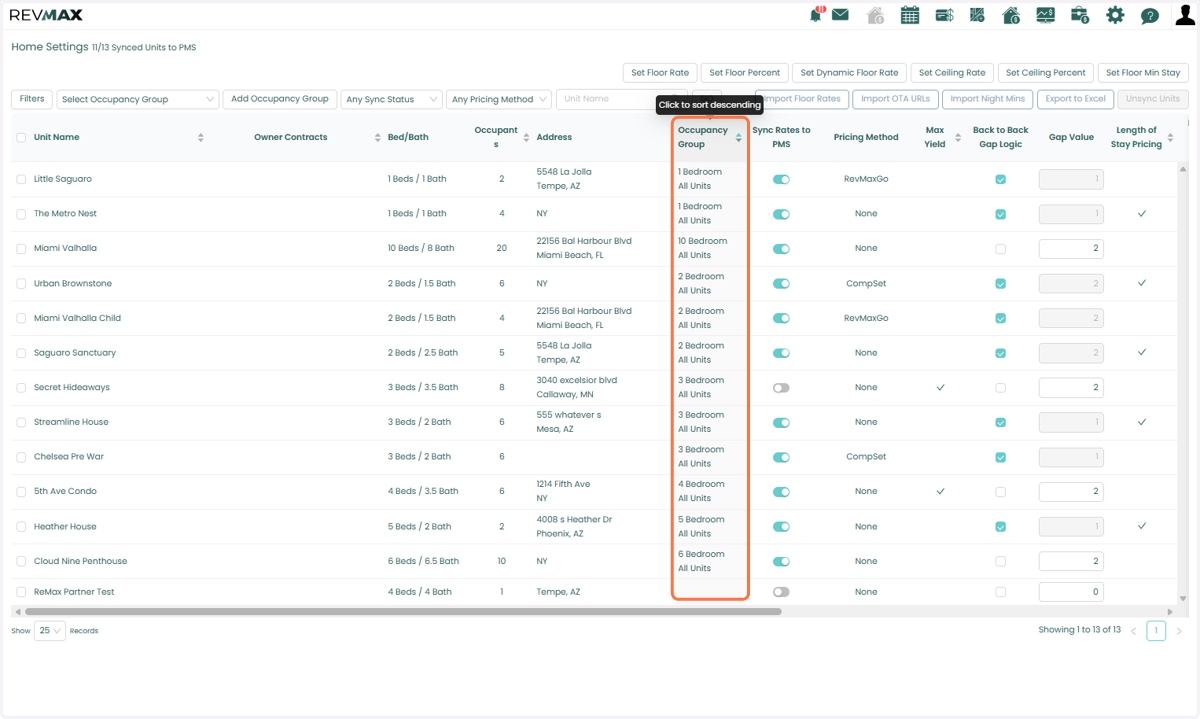
Before activating Max Yield, ensure that the unit is assigned to the appropriate Occupancy Group to be used for yielding and that the unit's floor rates are set before activating the map. You can verify the assigned Occupancy Group from either the Occupancy Group page or the unit's Home Settings page.
1. Max Yield > Occupancy Group Page > Occupancy Group settings > Under Units Tab you'll see all units configured for that group
2. The Occupancy Group column in the Home Settings Page will also show you the Occupancy Group the unit belongs to.
Activating Max Yield for an Individual Unit
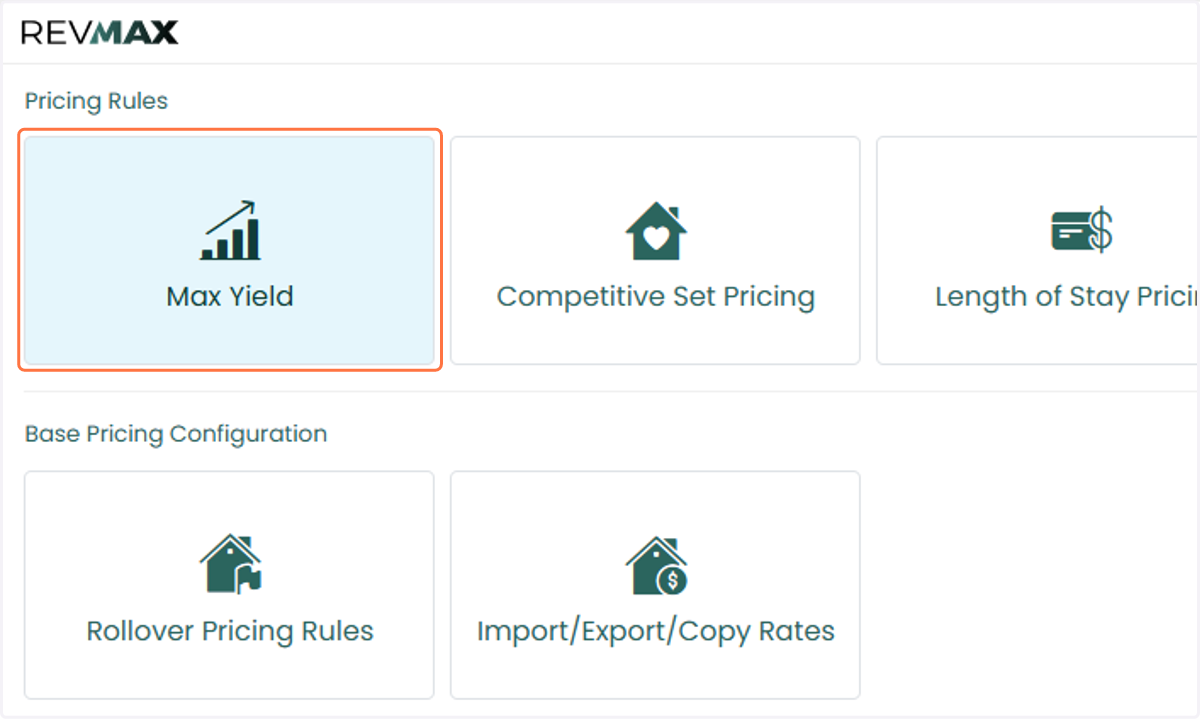
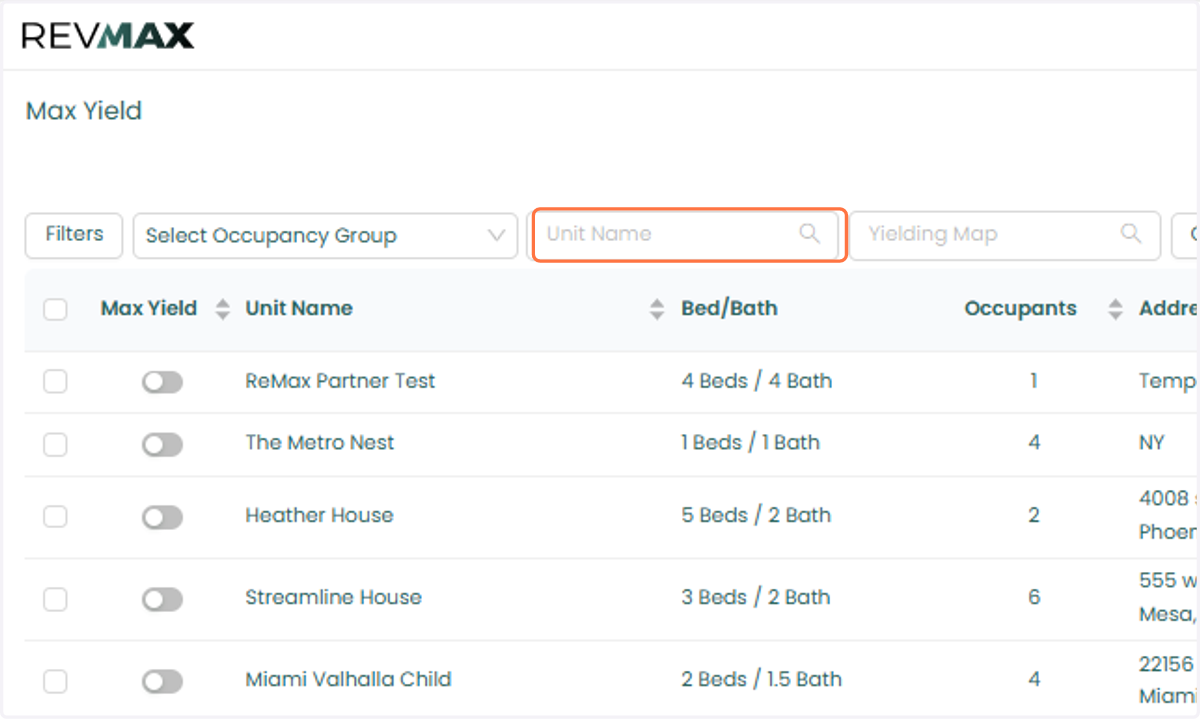
3. Navigate to the Max Yield page. You can also access the unit-level settings in the Tape Chart and Home Settings Page.
4. Use the filters to locate the unit you would like to activate.
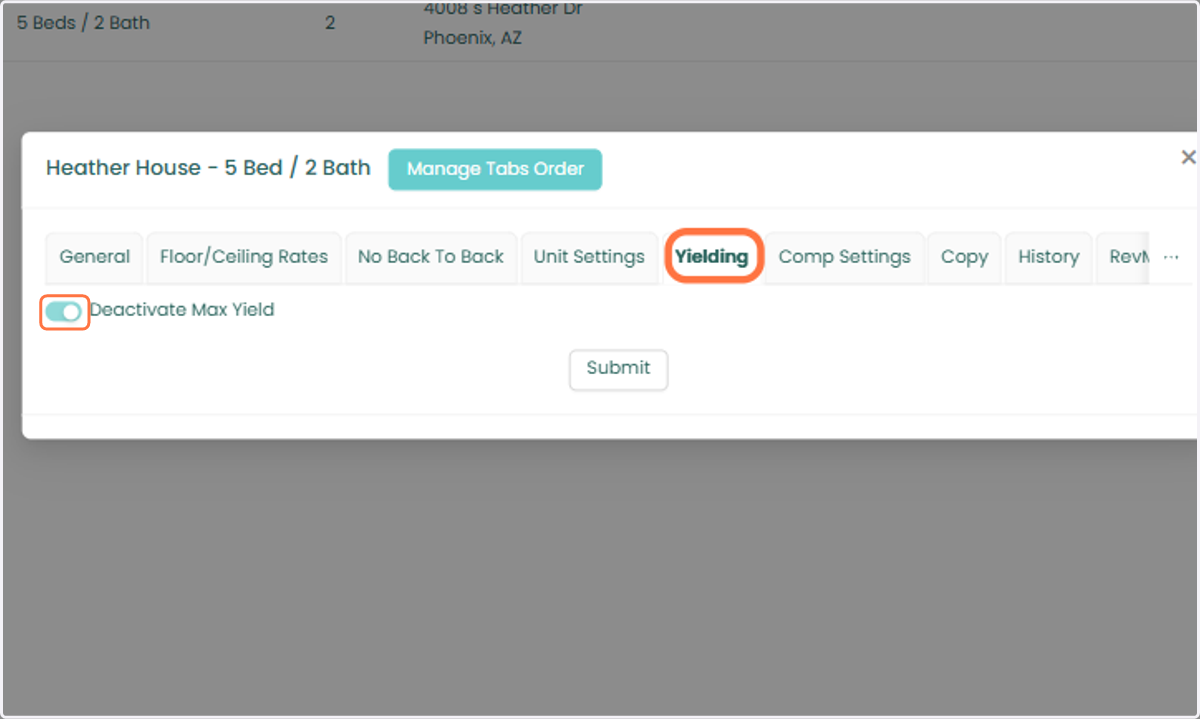
5. Open the unit-level settings and select the Yielding tab. Then, disable the Deactivate Max Yield toggle.
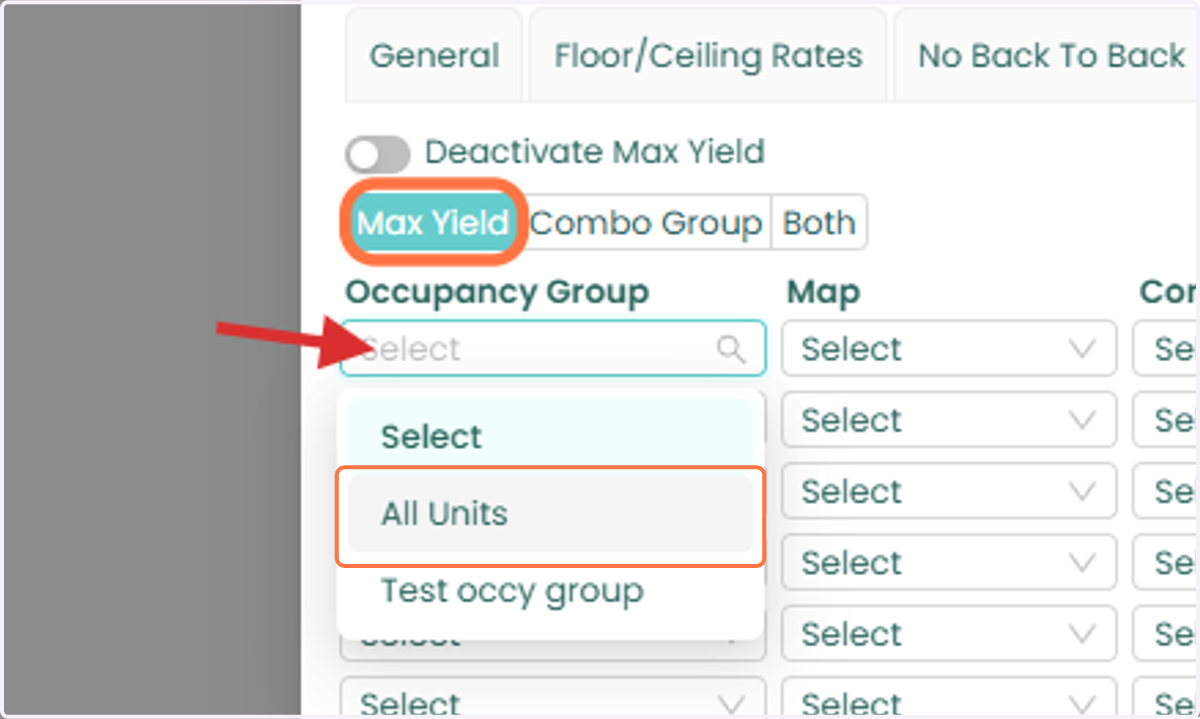
6. 5. In the Max Yield panel, select the Occupancy Group assigned to the unit.
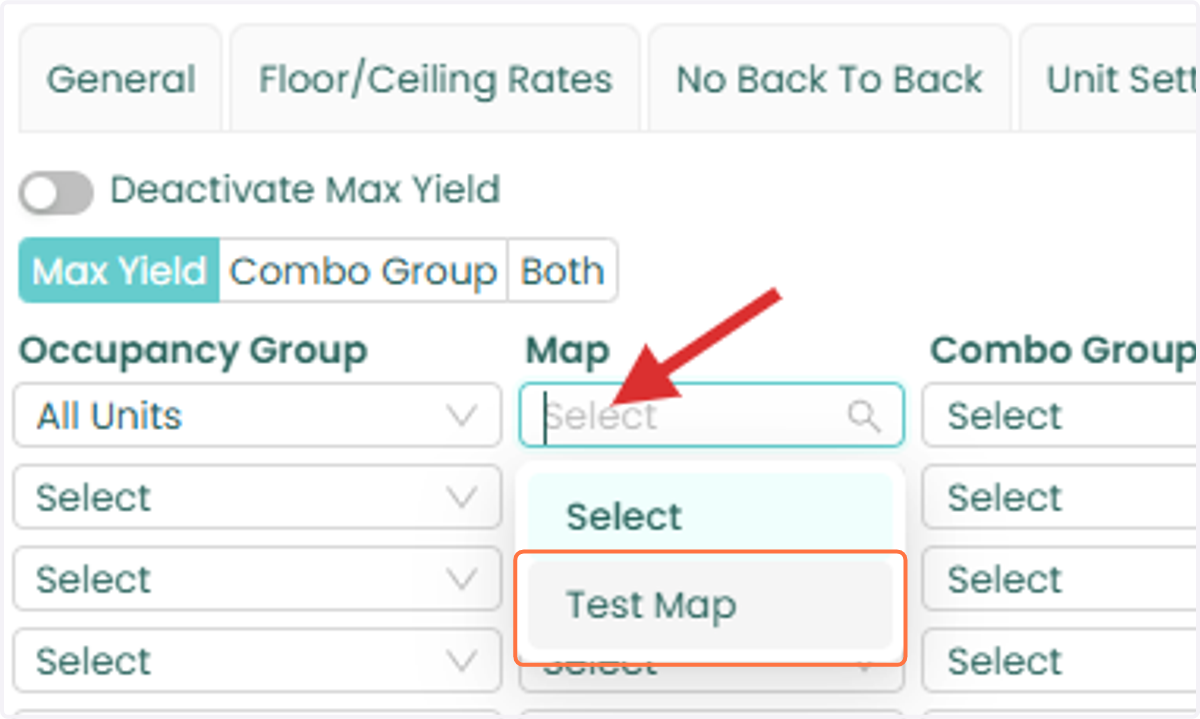
7. Choose the appropriate Yielding Map.
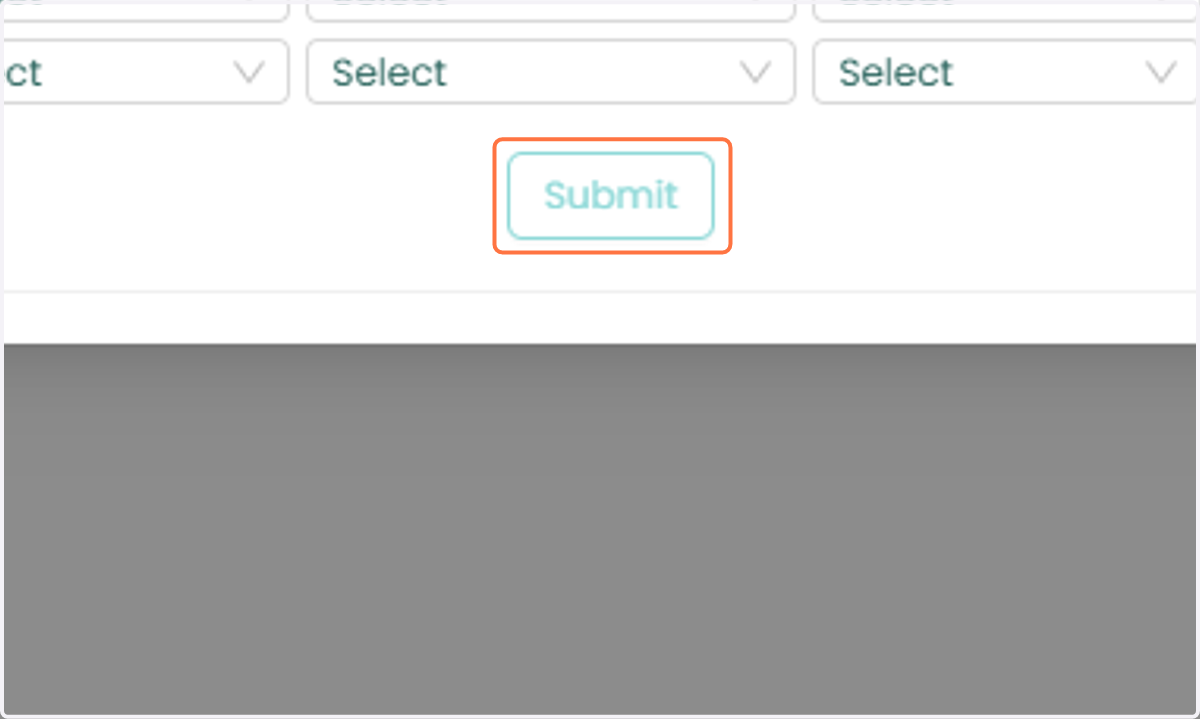
8. 6. Click Submit to save your changes.
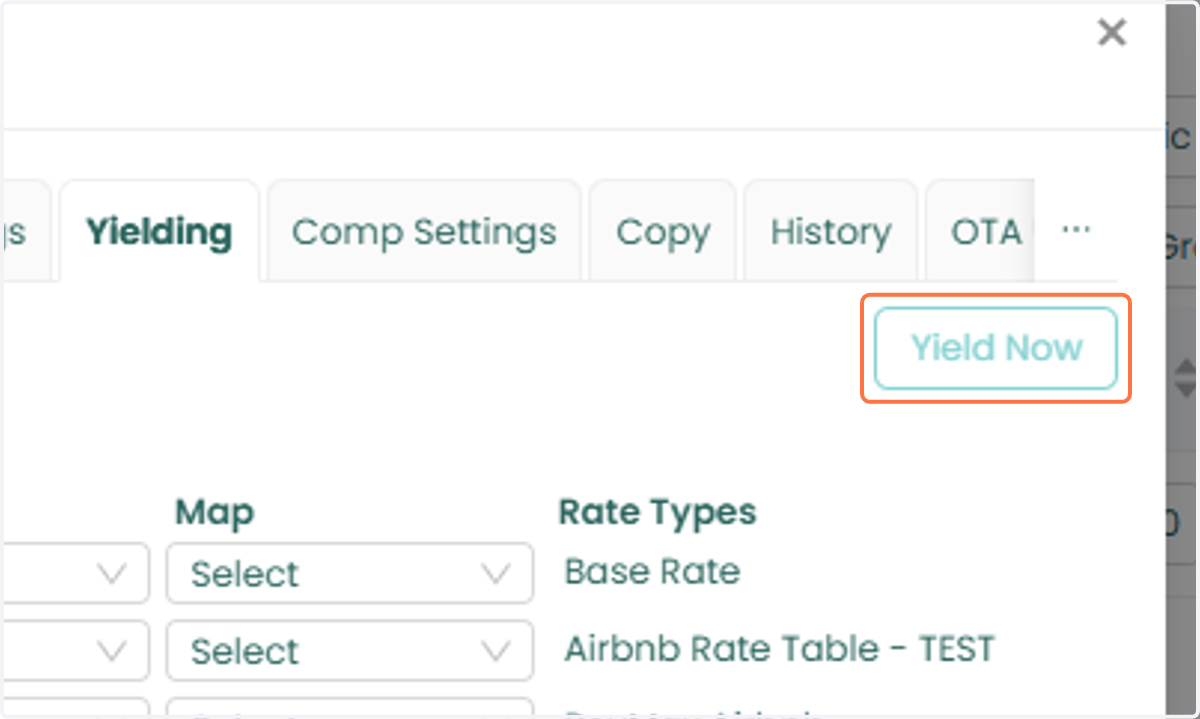
9. After activating Max Yield, you can apply yielding immediately by returning to the unit-level settings, opening the Yielding tab, and clicking Yield Now. This action will instantly apply the current Max Yield recommendations to the selected unit.
Activating Max Yield in Bulk
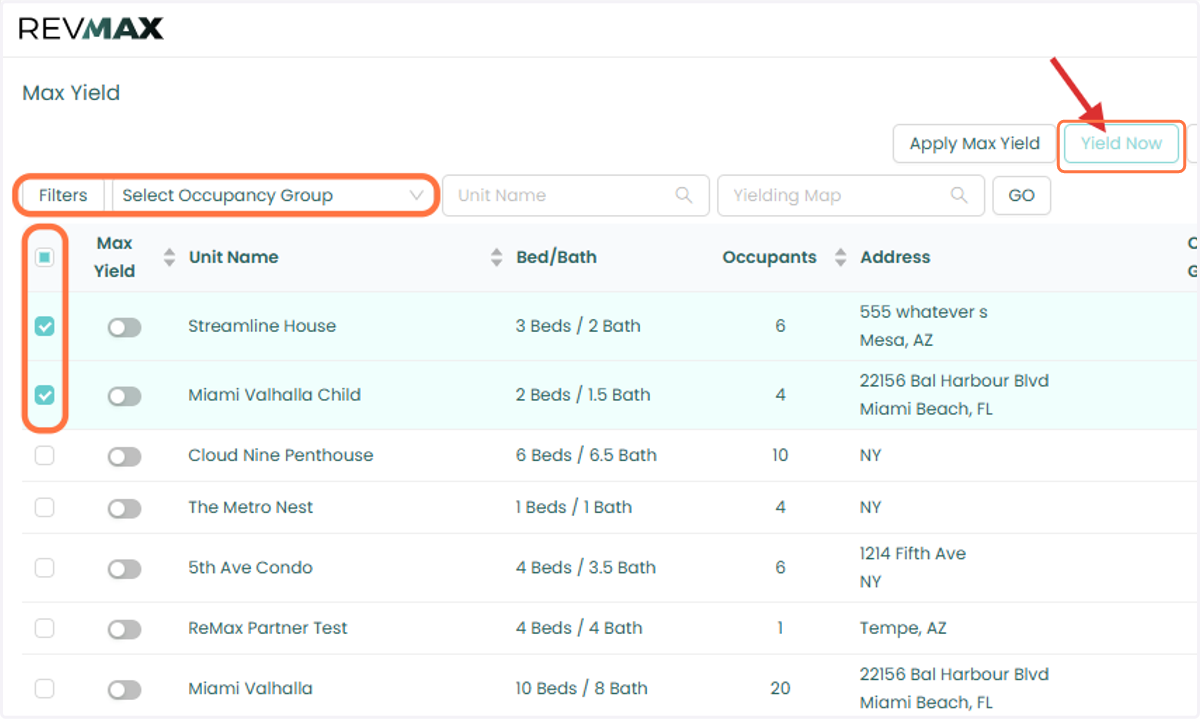
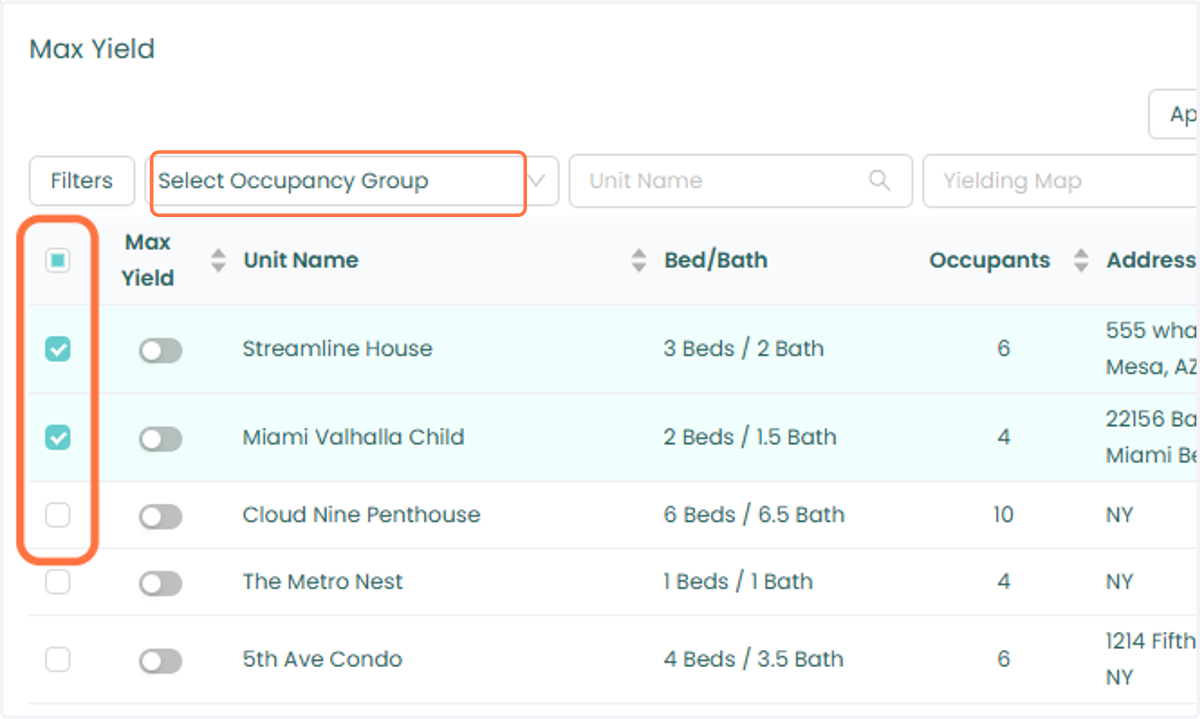
10. Navigate to the Max Yield page. Filter units by Occupancy Group or manually select the units you would like to update.
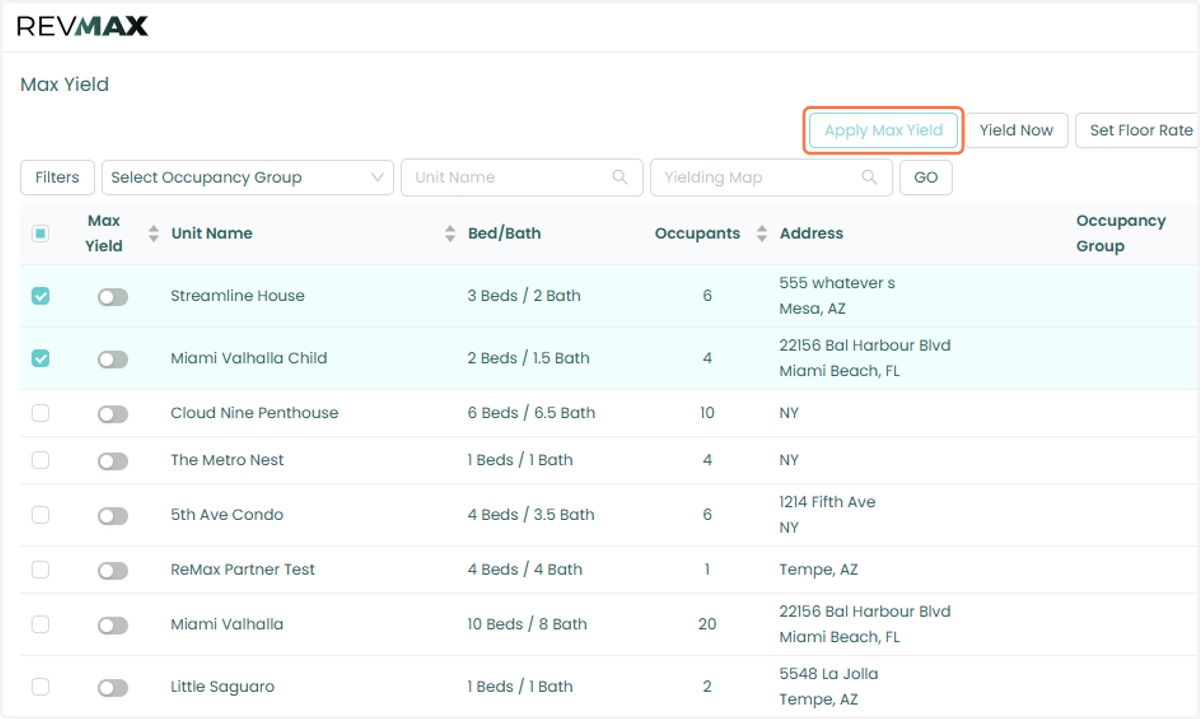
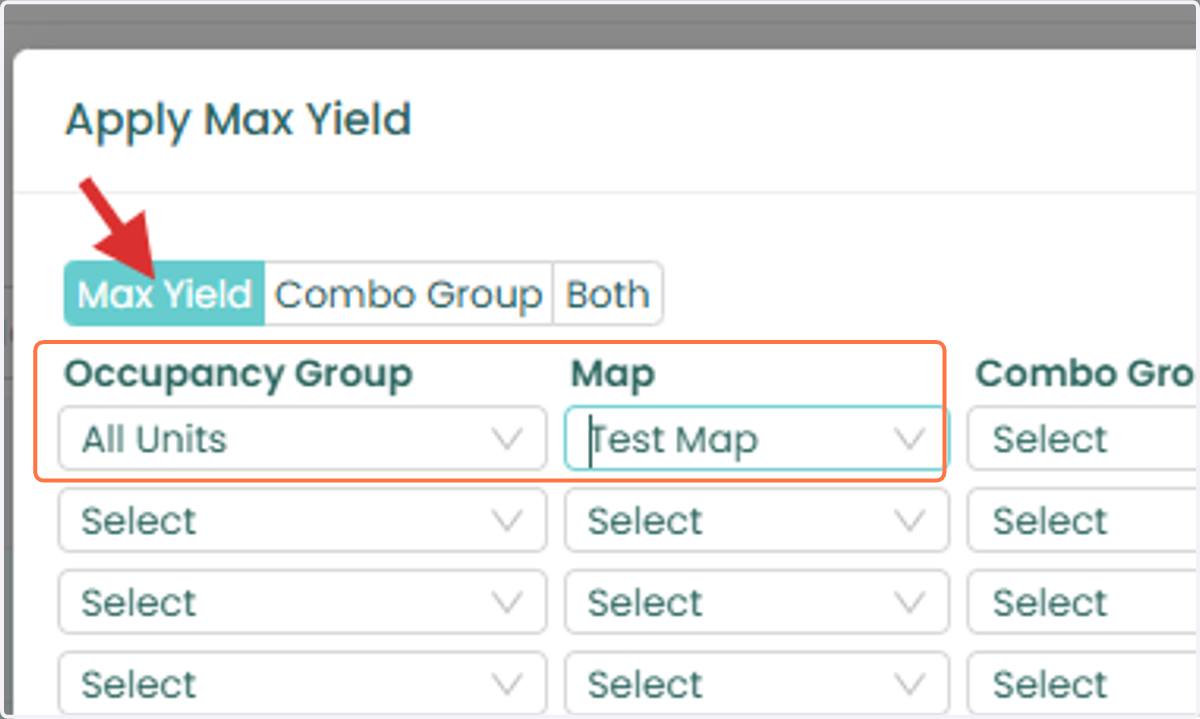
11. Click Apply Max Yield.
12. Select the appropriate: o Occupancy Group o Yielding Map
Click Submit to activate Max Yield for the selected units.
13. You can also use the Yield Now option to apply Max Yield to multiple units at the same time. To do this, navigate to the Max Yield page, select the units you would like to update, and click Yield Now. The selected units will immediately receive the latest Max Yield adjustments.