Remove Member

Super DAO

  1. 1. Copy the public address of the manager you want to remove GT tokens from in the DAO members section of the Activity page in your DAO
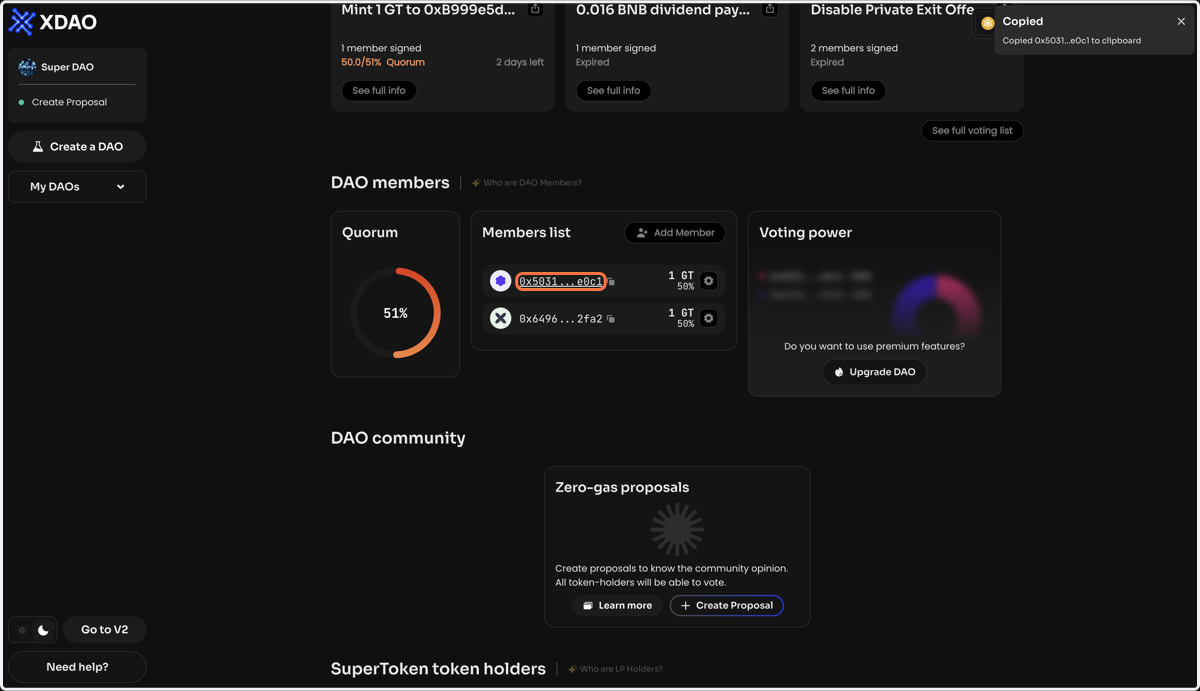
    Copy the public address of the manager you want to remove GT tokens from in the DAO members section of the Activity page in your DAO
  2. 2. Click Remove Member on the Manage page of your DAO
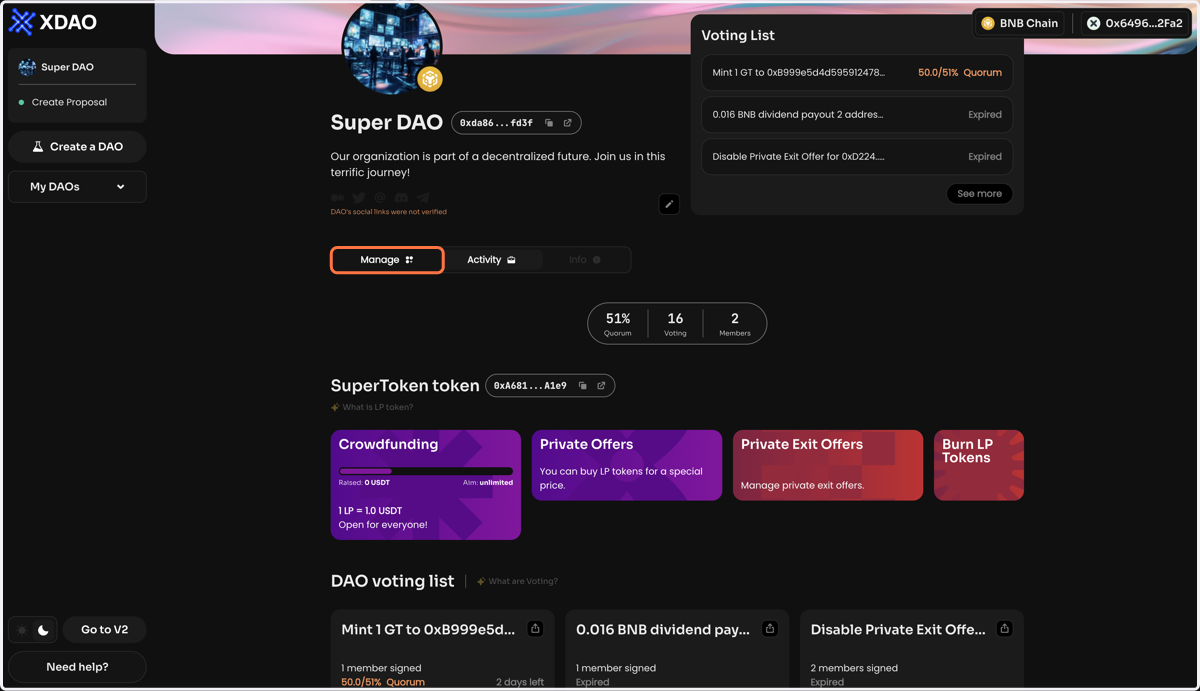
    Click Remove Member on the Manage page of your DAO
  3. 3. To exclude a member, enter their public address and number of GT tokens
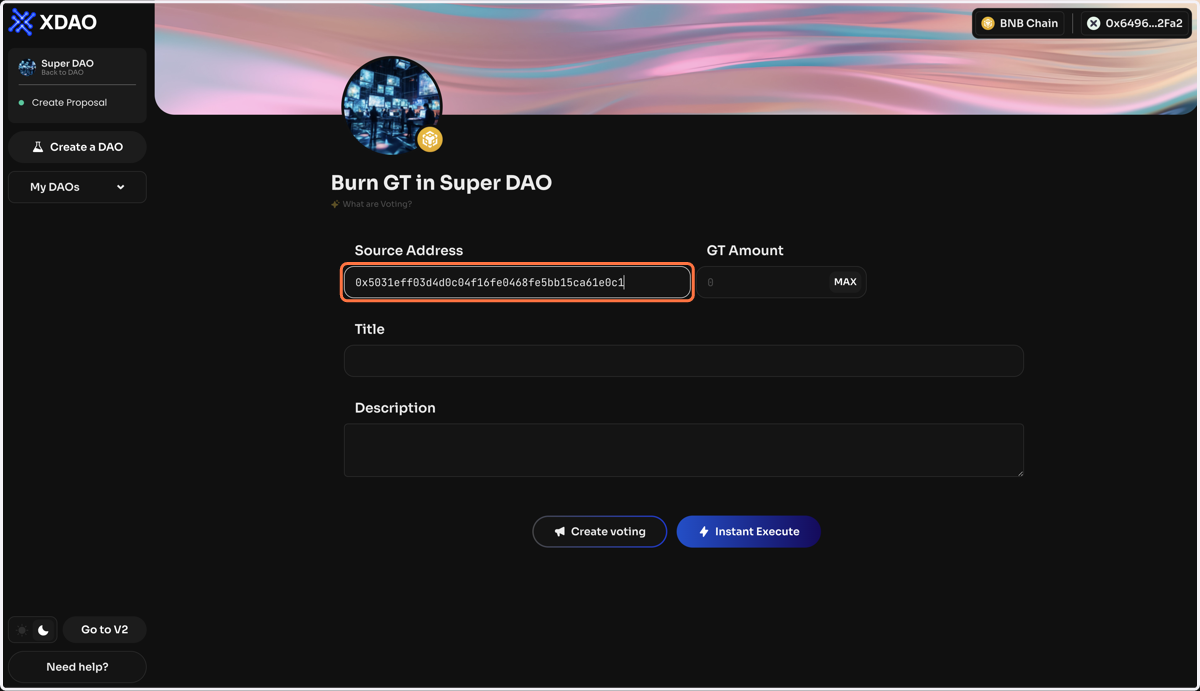
    To exclude a member, enter their public address and number of GT tokens
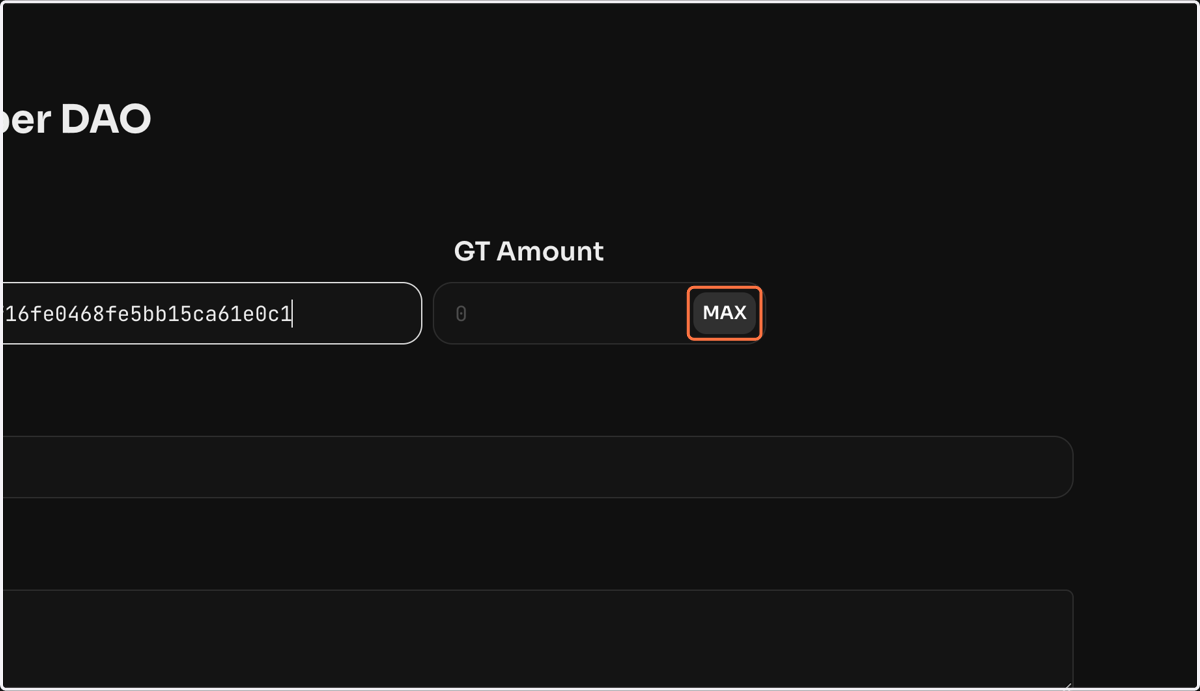
  4. 4. Click on MAX

    Click on MAX
  5. 5. Once the vote is created and activated, the specified amount of GT will be burned from the DAO member and they will be removed from the DAO members section of the Activity page of your DAO
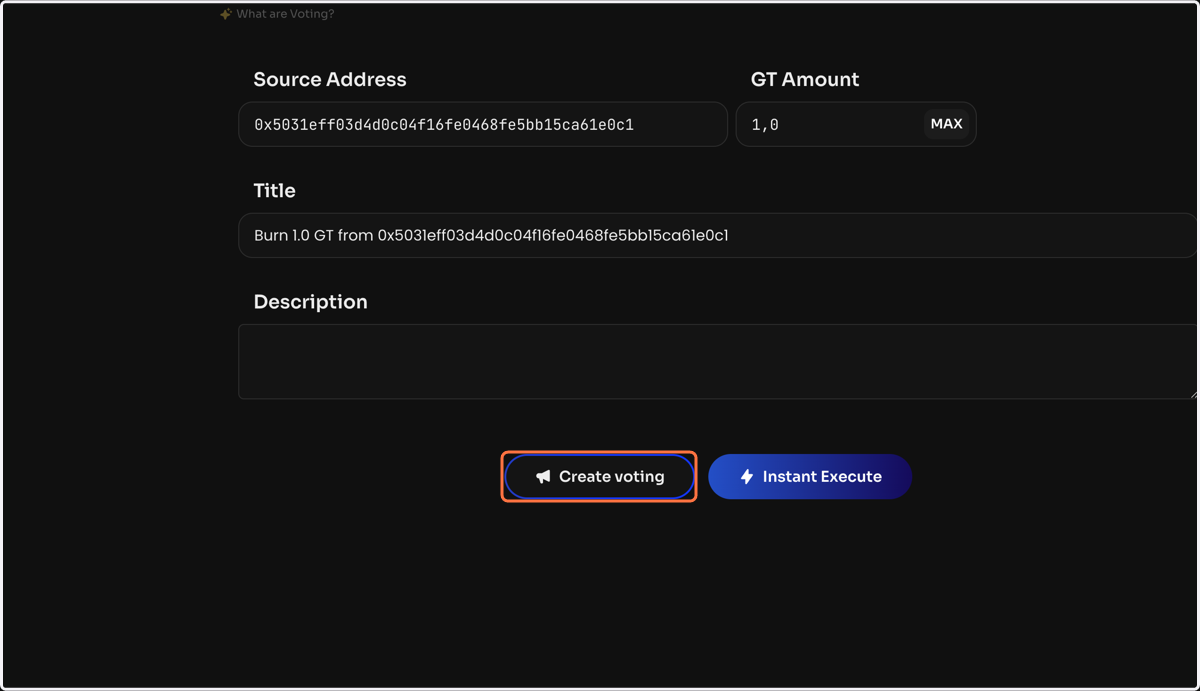
    Once the vote is created and activated, the specified amount of GT will be burned from the DAO member and they will be removed from the DAO members section of the Activity page of your DAO