Changing Your Engagifii Password
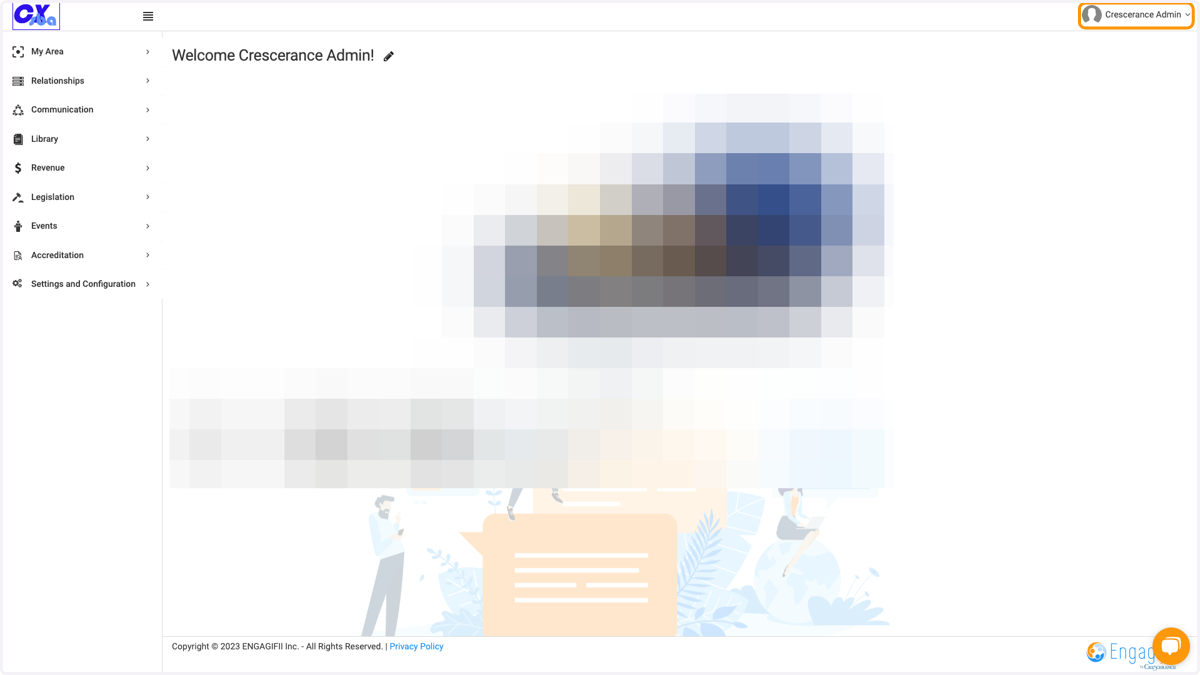
1. Click on your name at the top right of the page
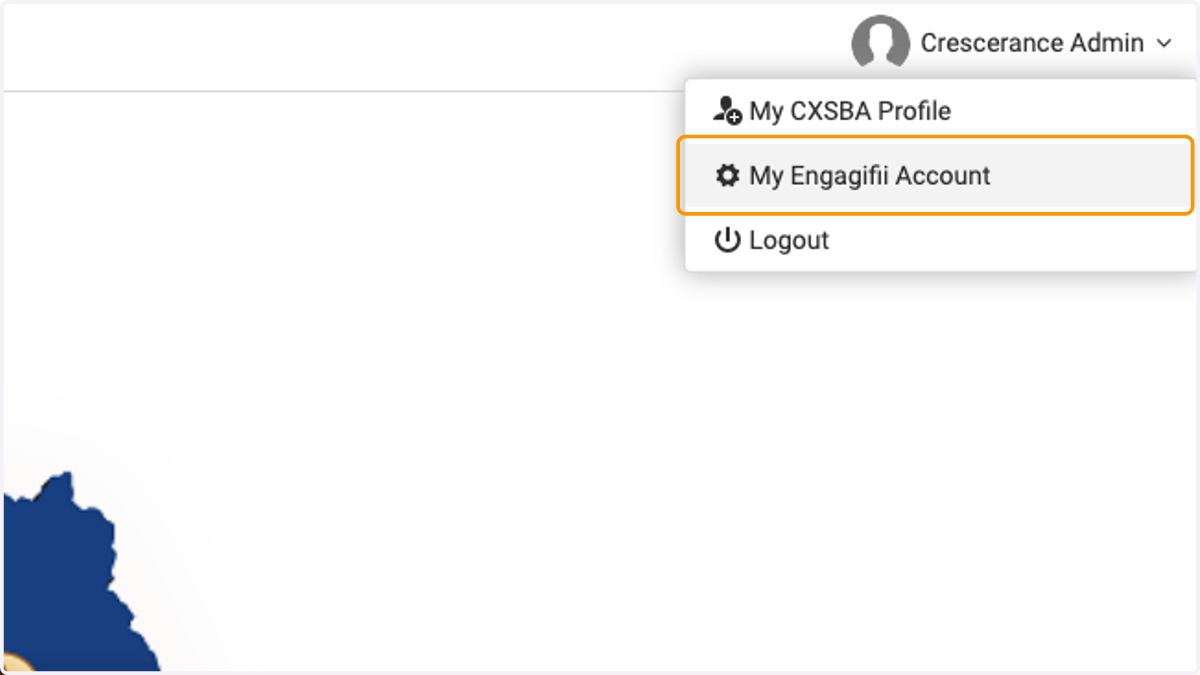
2. Click on My Engagifii Account
Profile - Engagifii.Identity
3. Enter your current password
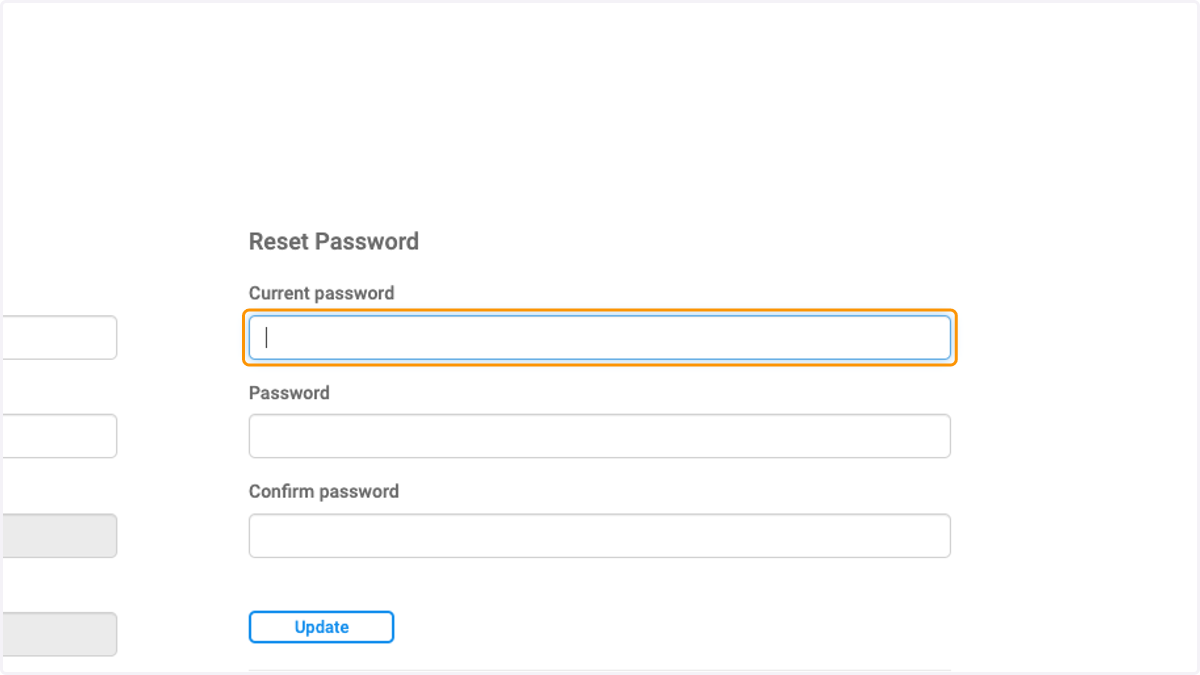
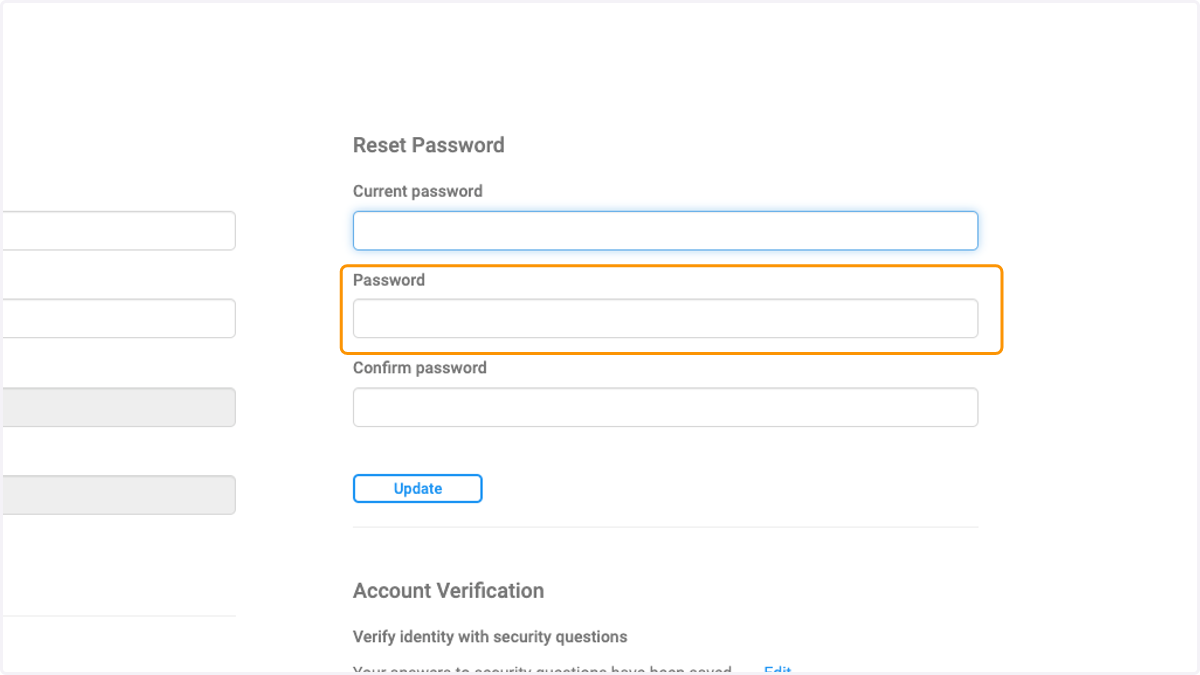
4. Type in your new password
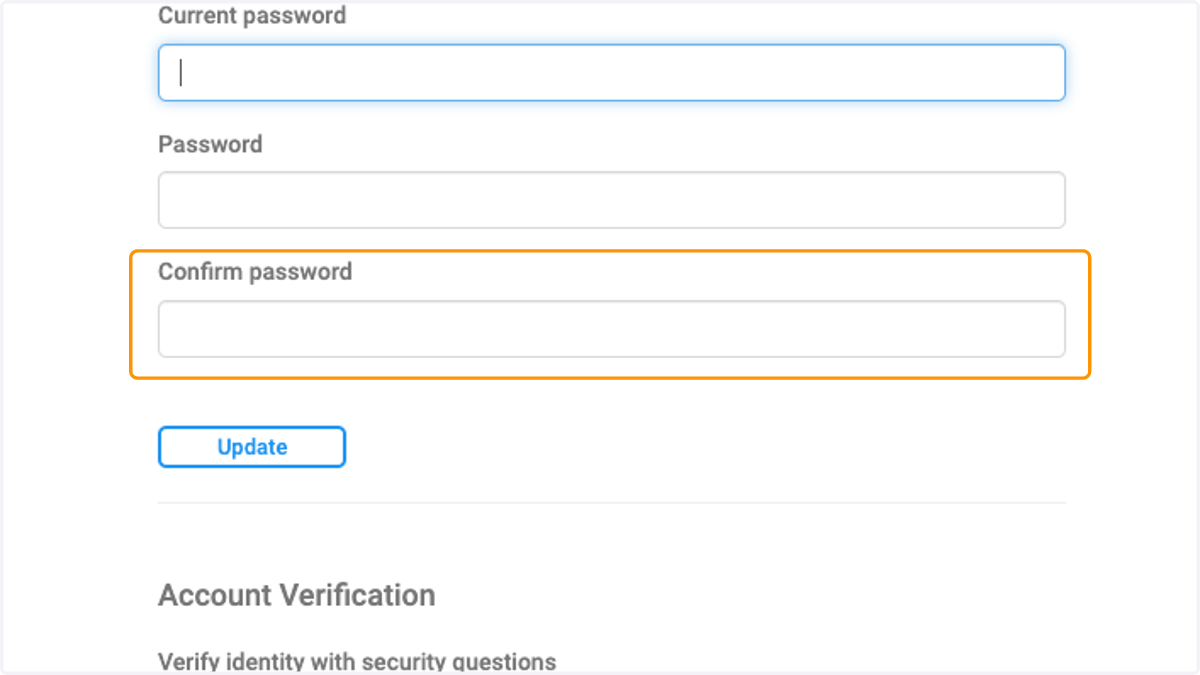
5. Type in new password to confirm
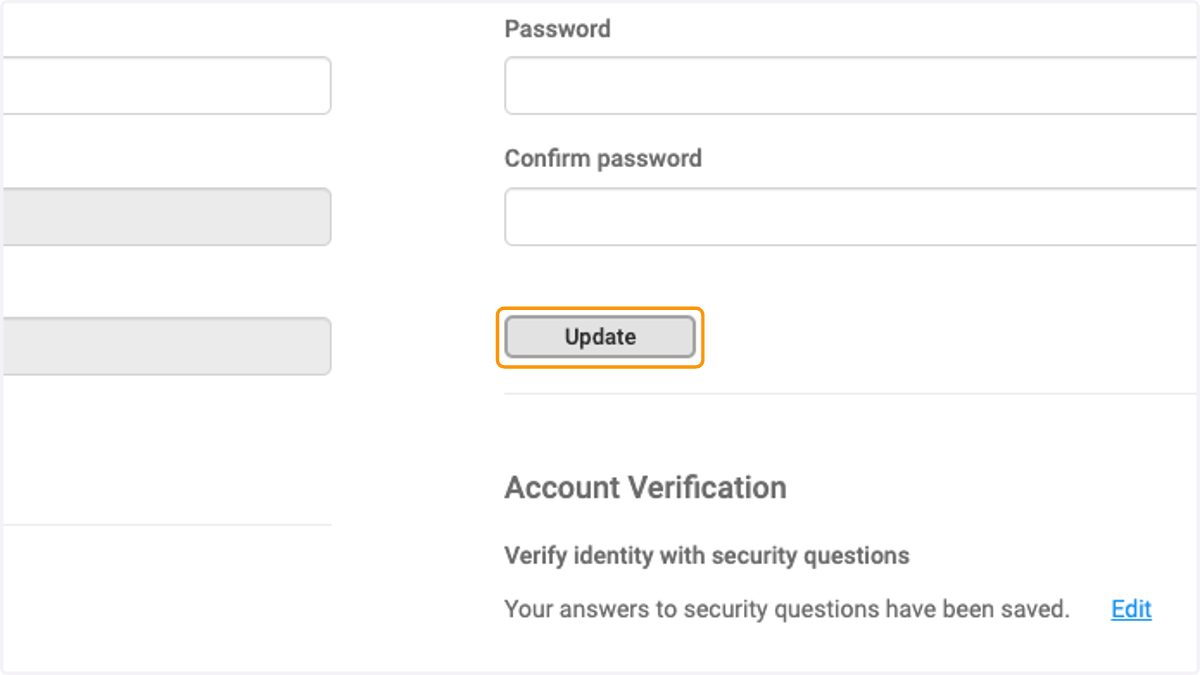
6. Click on Update to save the new password