How to edit a file delivery

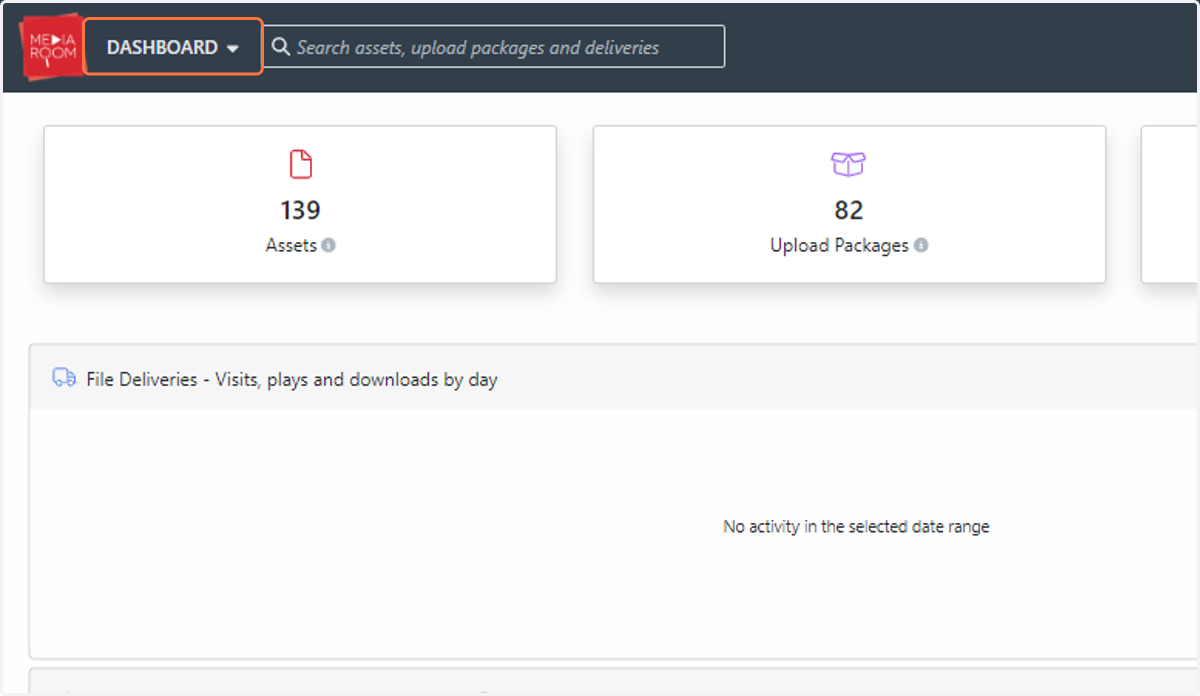
  1. 1. Click on DASHBOARD

    Click on DASHBOARD
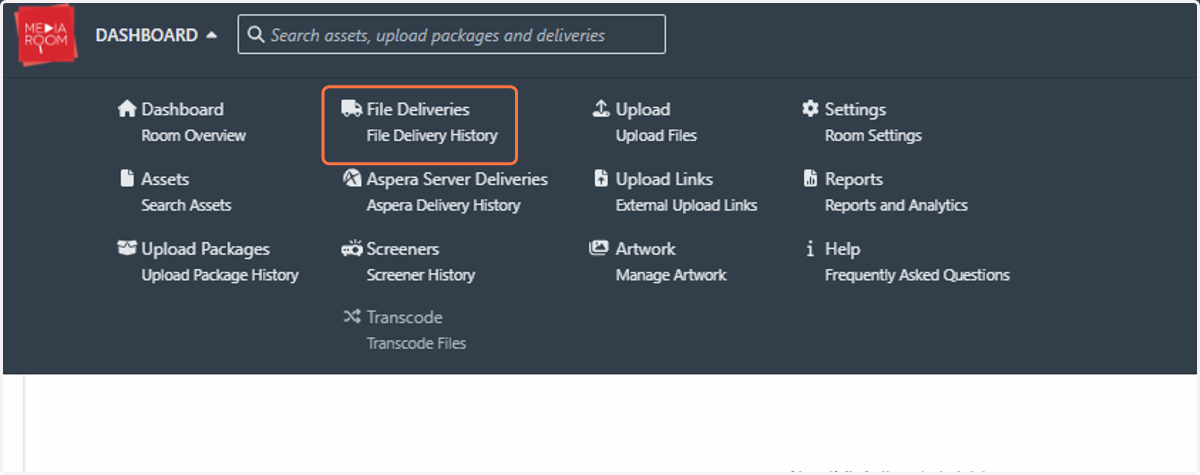
  2. 2. Click on File Deliveries

    Click on File Deliveries
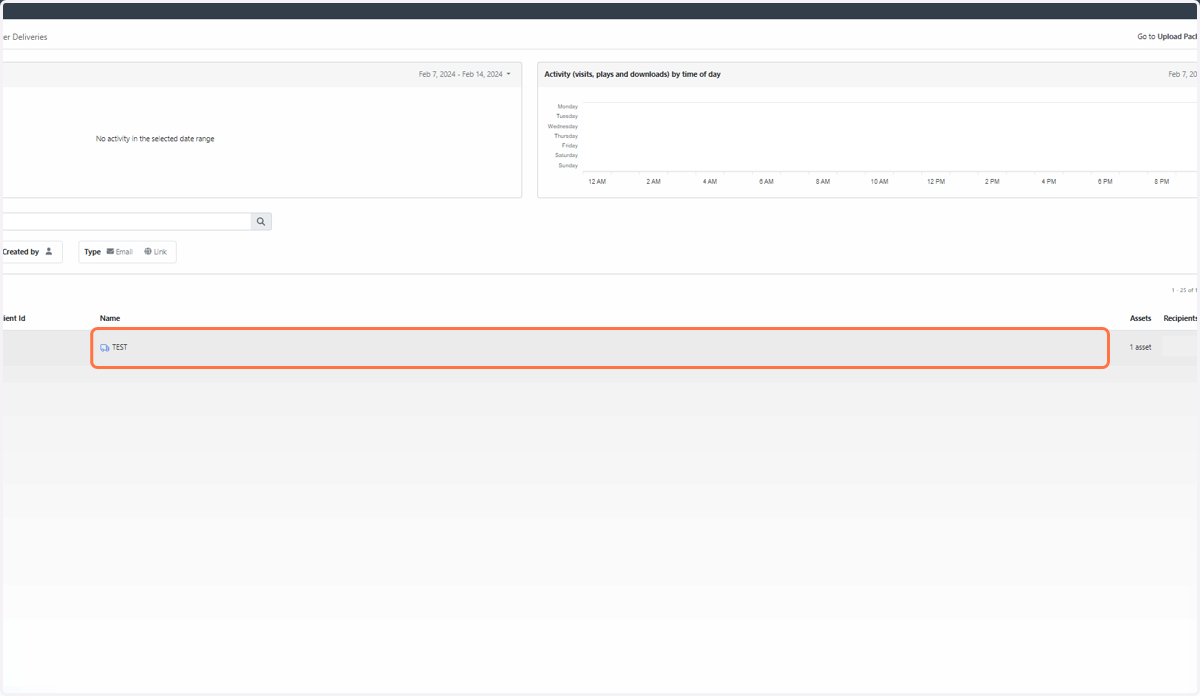
  3. 3. Click on the name of the delivery

    Click on the name of the delivery
  4. 4. Click on the “Edit” button on top of the “Delivery Details” table
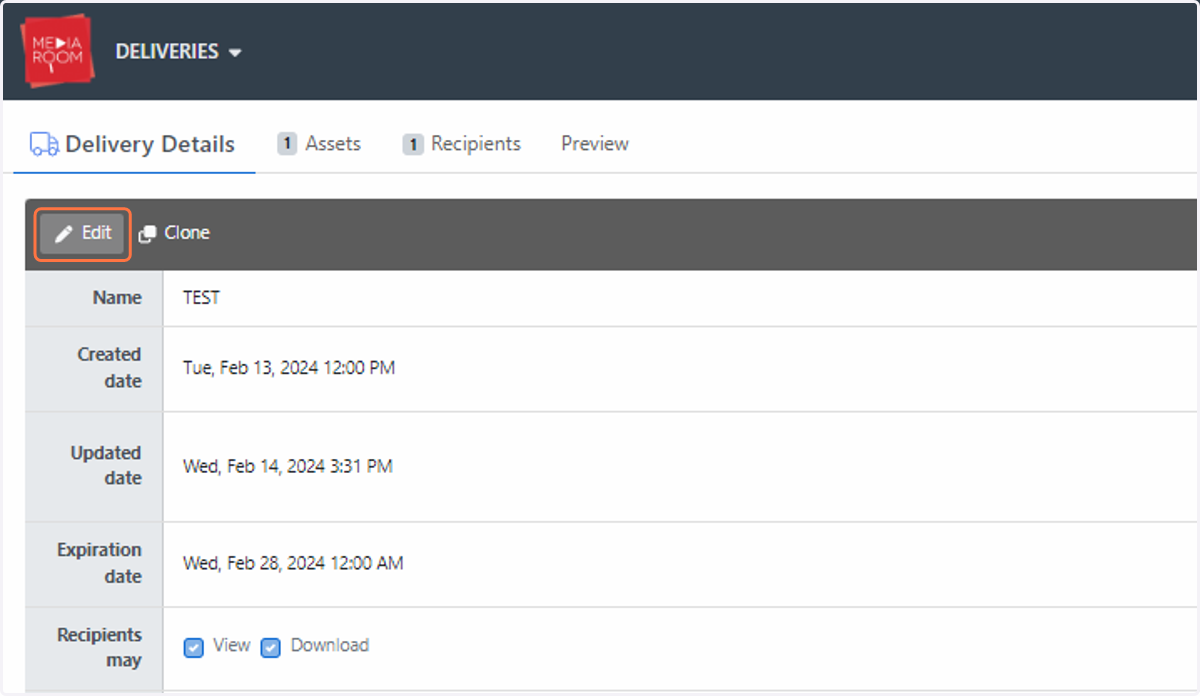
    Click on the “Edit” button on top of the “Delivery Details” table
  5. 5. Fill out the "Delivery Details" table with your amendments
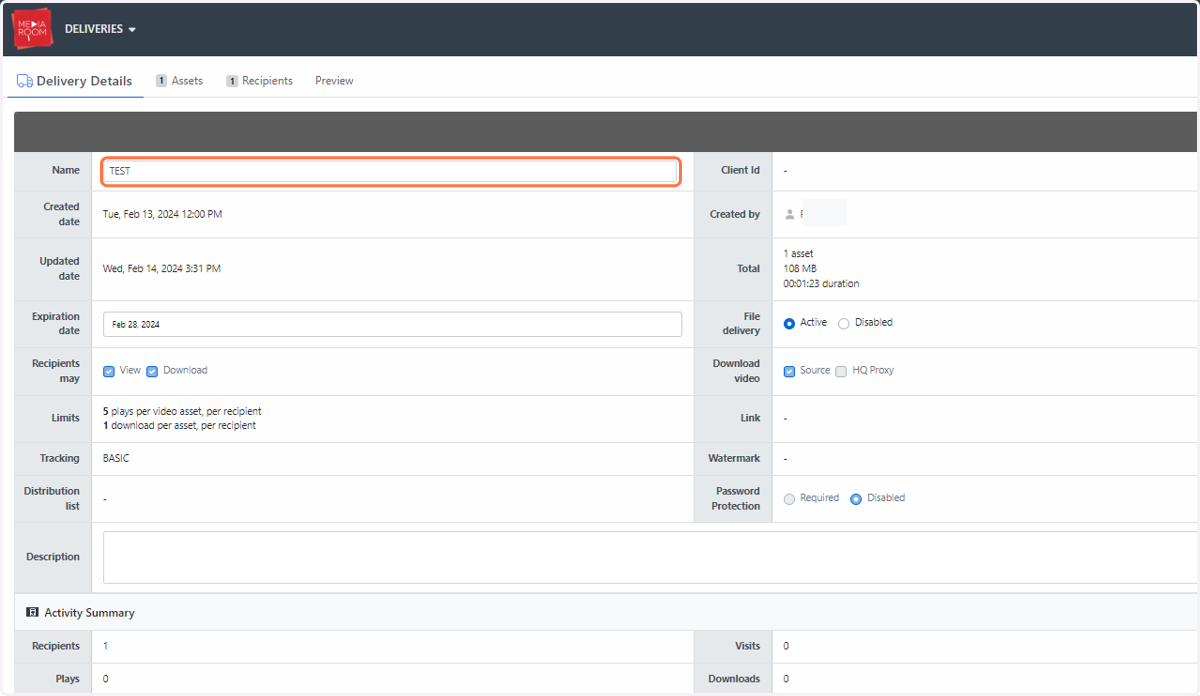
    Fill out the "Delivery Details" table with your amendments
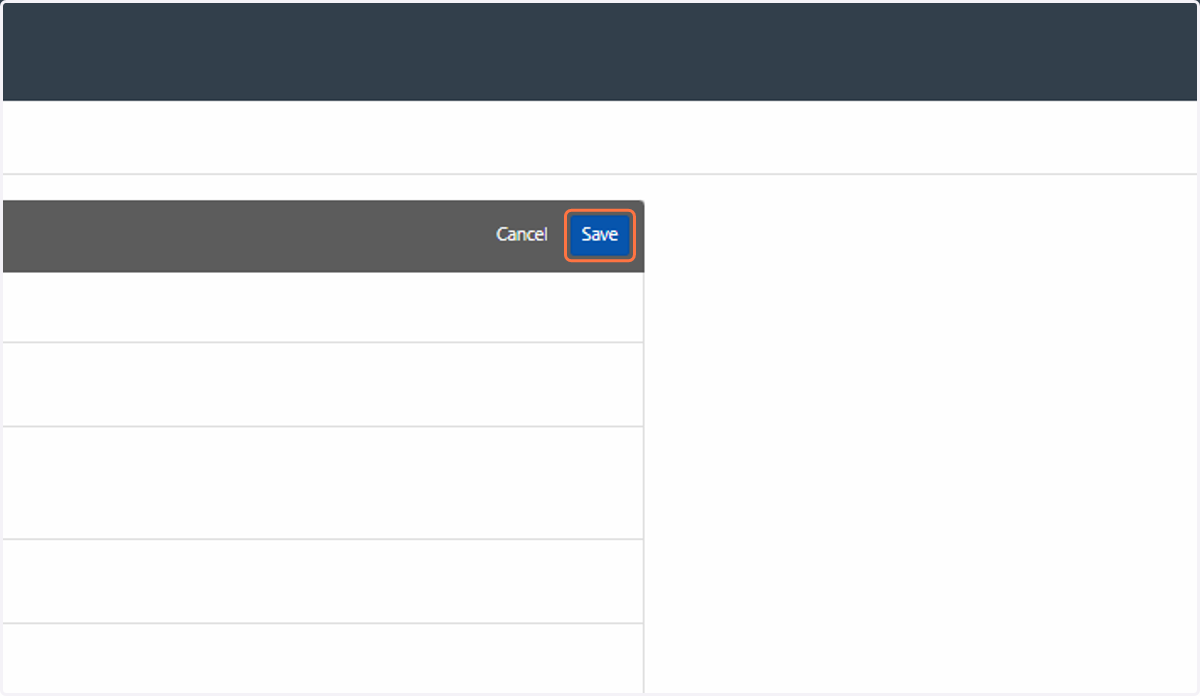
  6. 6. Click on Save

    Click on Save