Create the Process Management Added Filters Scheduler
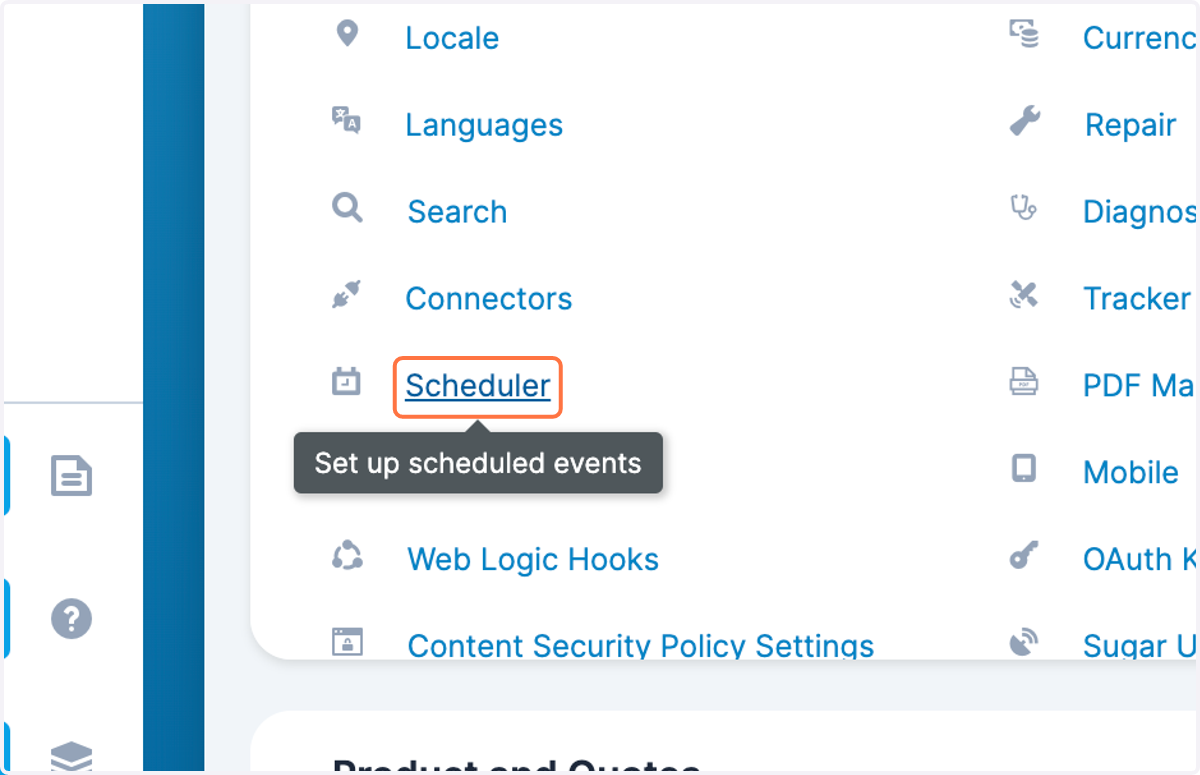
1. Navigate to Admin > Scheduler
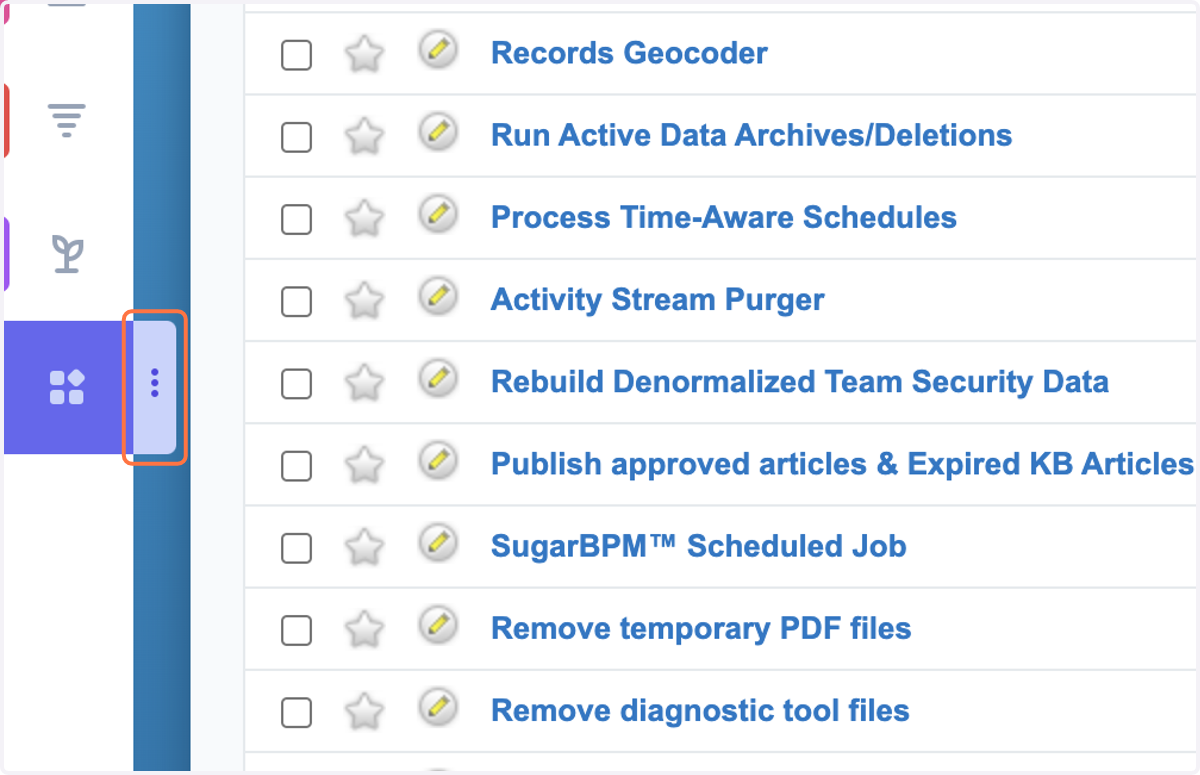
2. Click on the three dots in the Sugar Scheduler menu
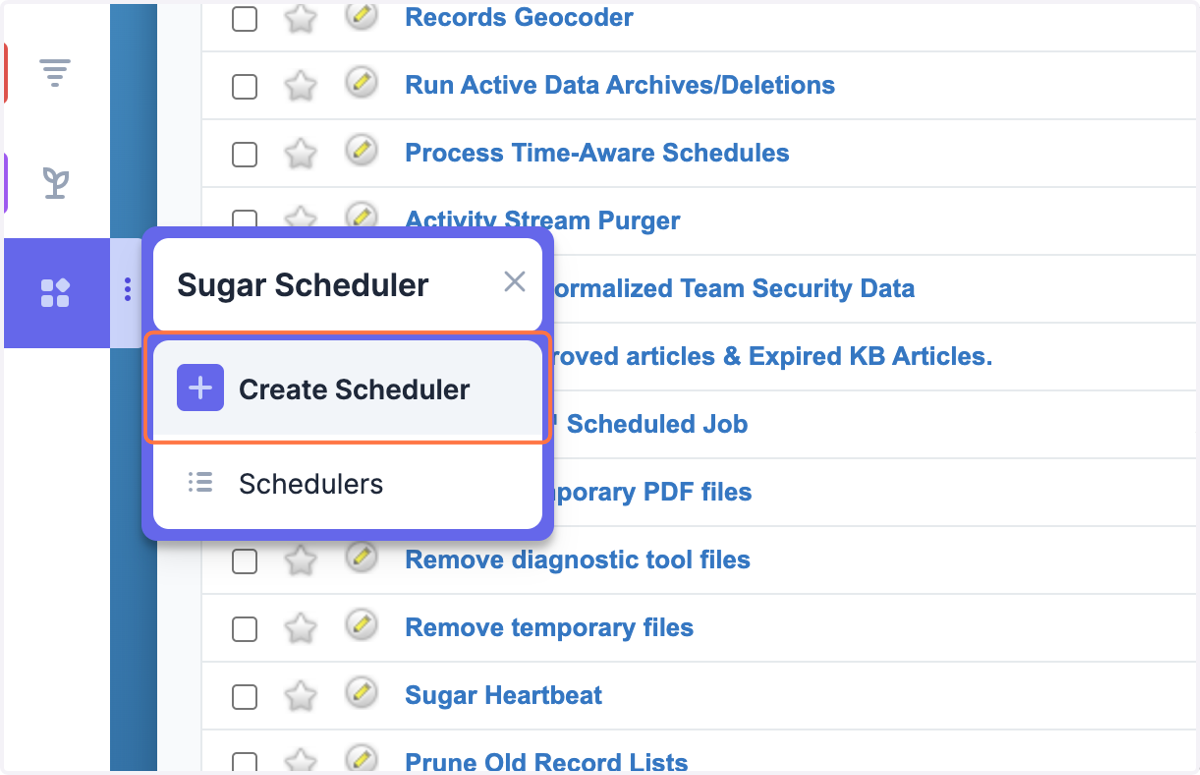
3. Click on Create Scheduler
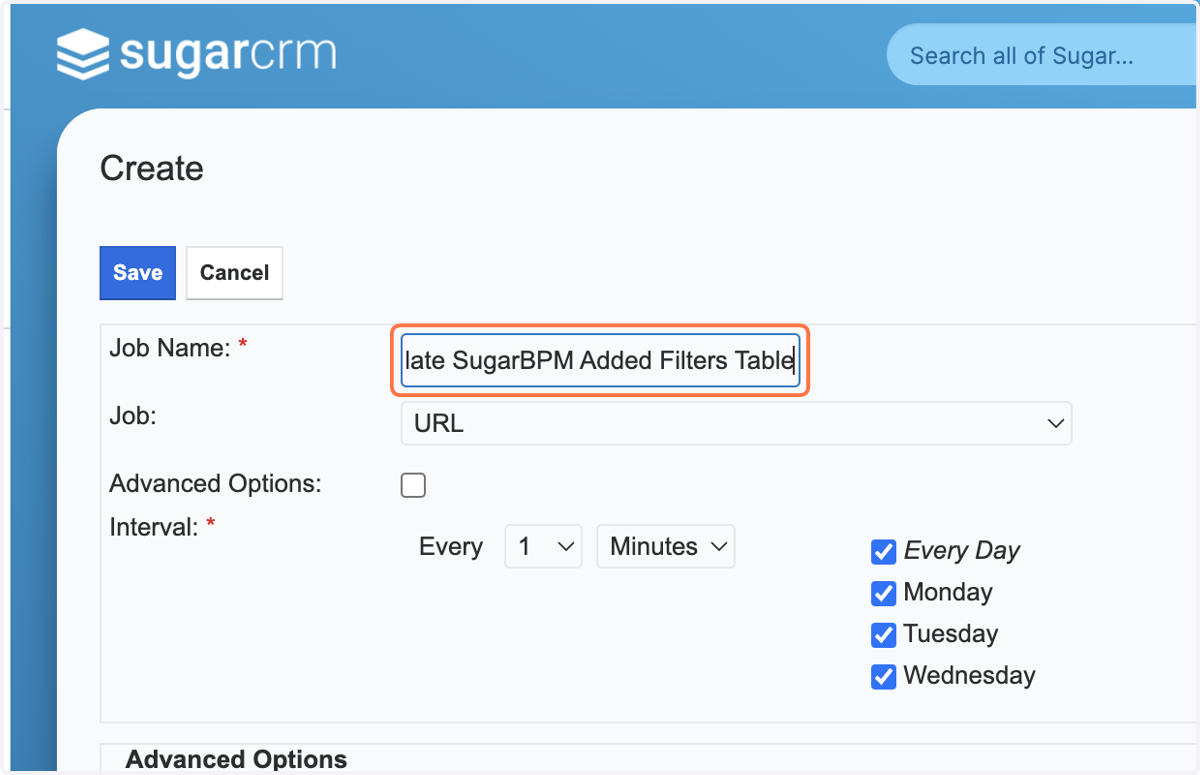
4. Type "Populate SugarBPM Added Filters Table" as the Job Name
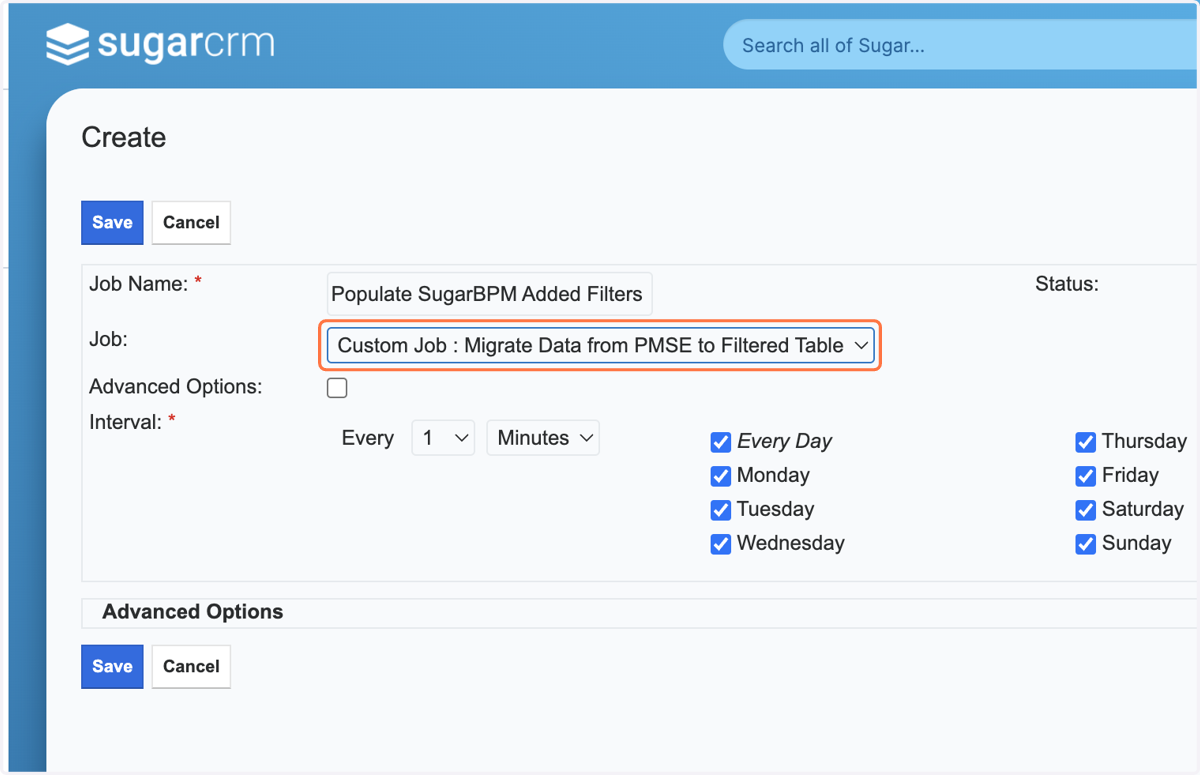
5. Select the Job "Custom Job : Migrate Data from PMSE to Filtered Table"
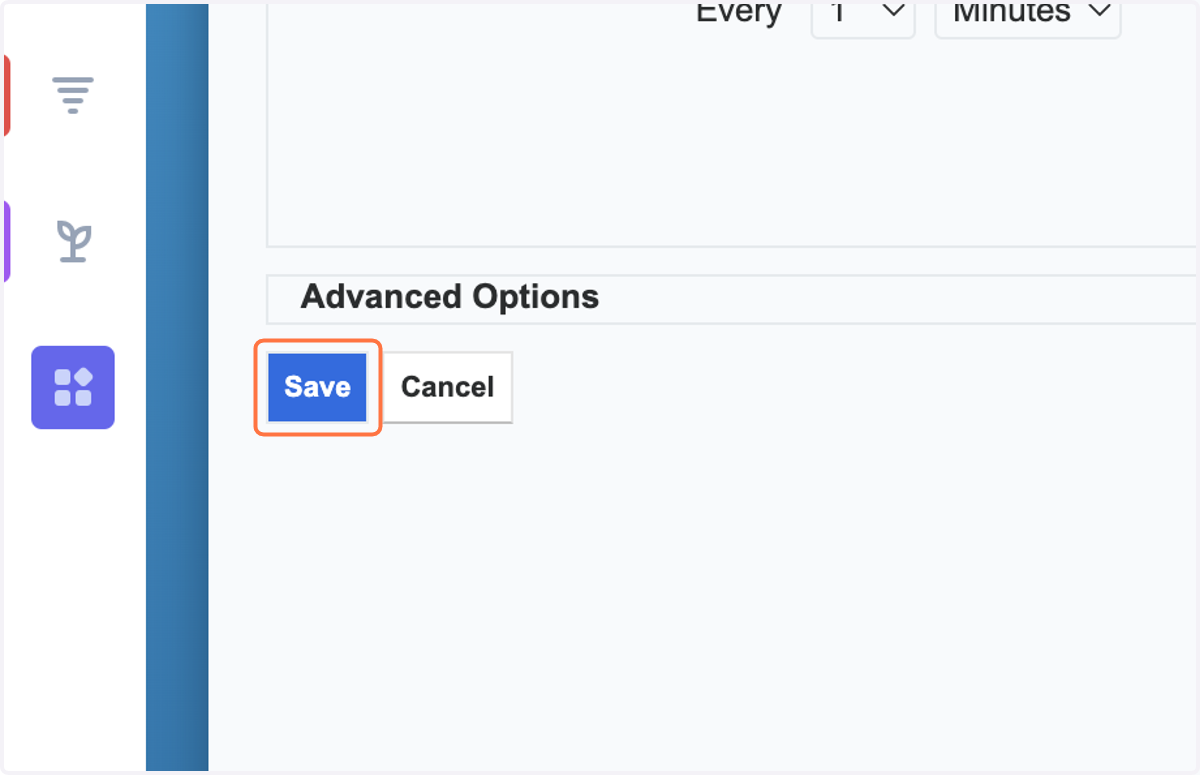
6. Click on Save