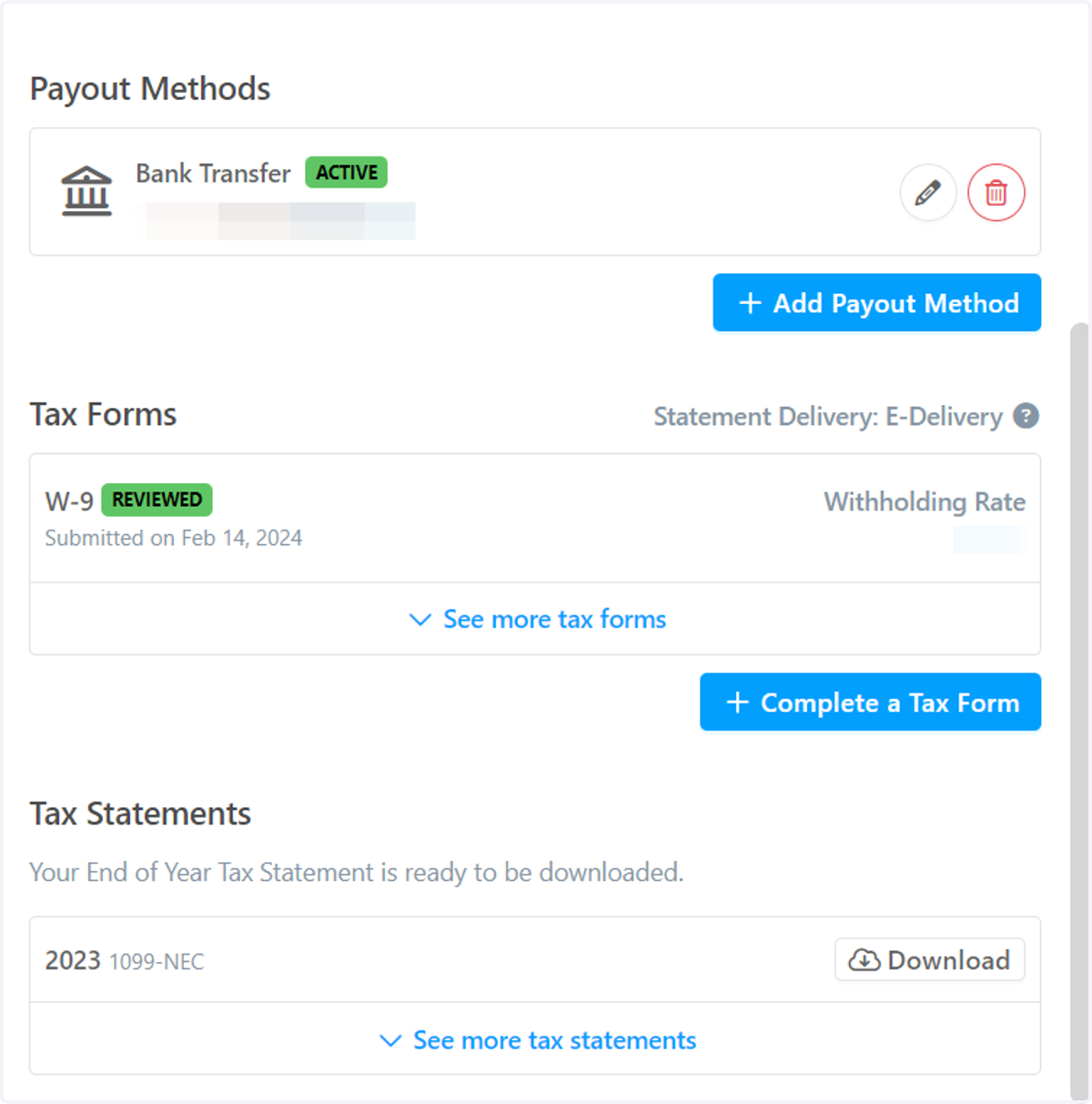
How to Find and Download my 1099
Enrollify
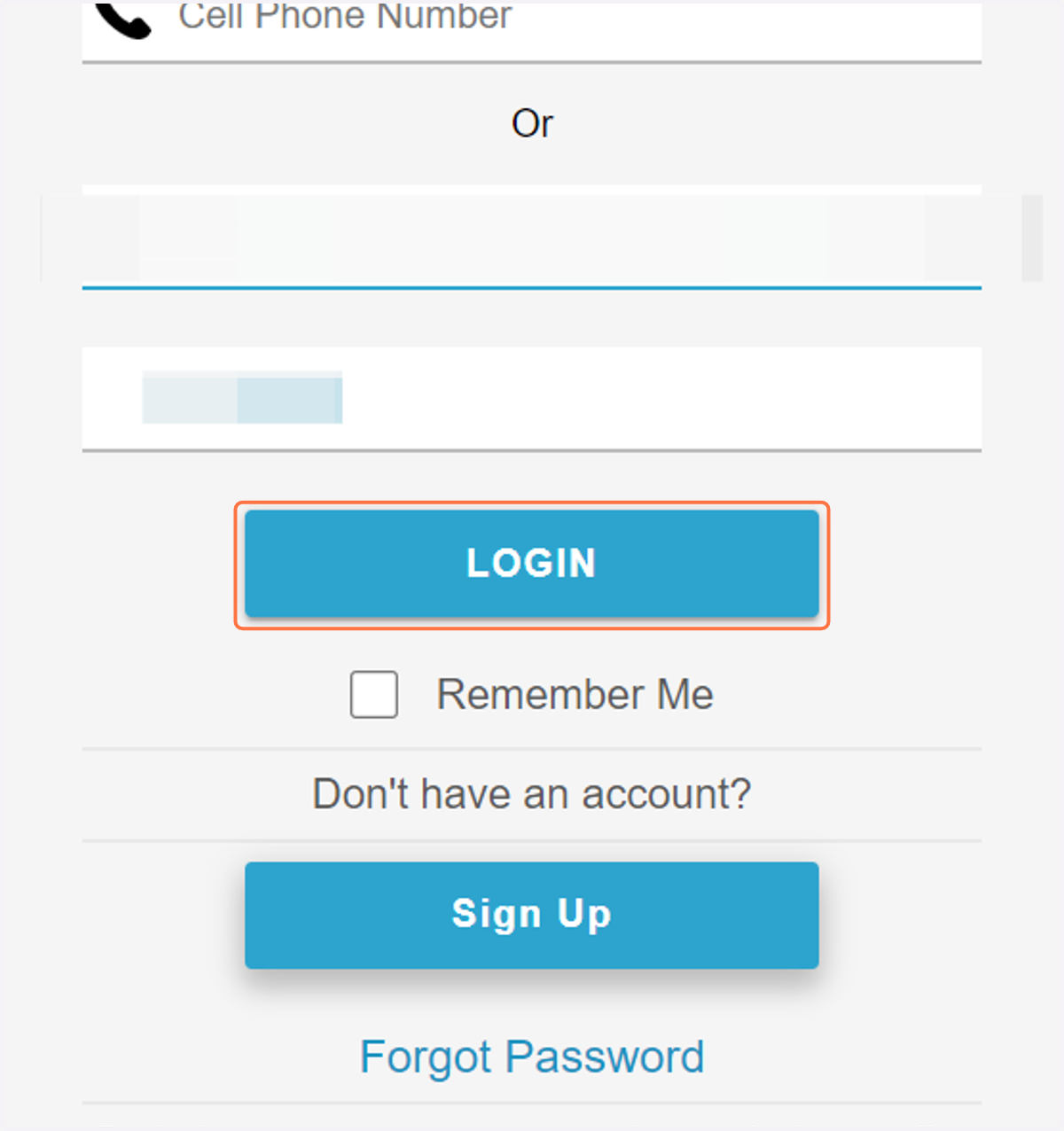
1. Log In to your Account
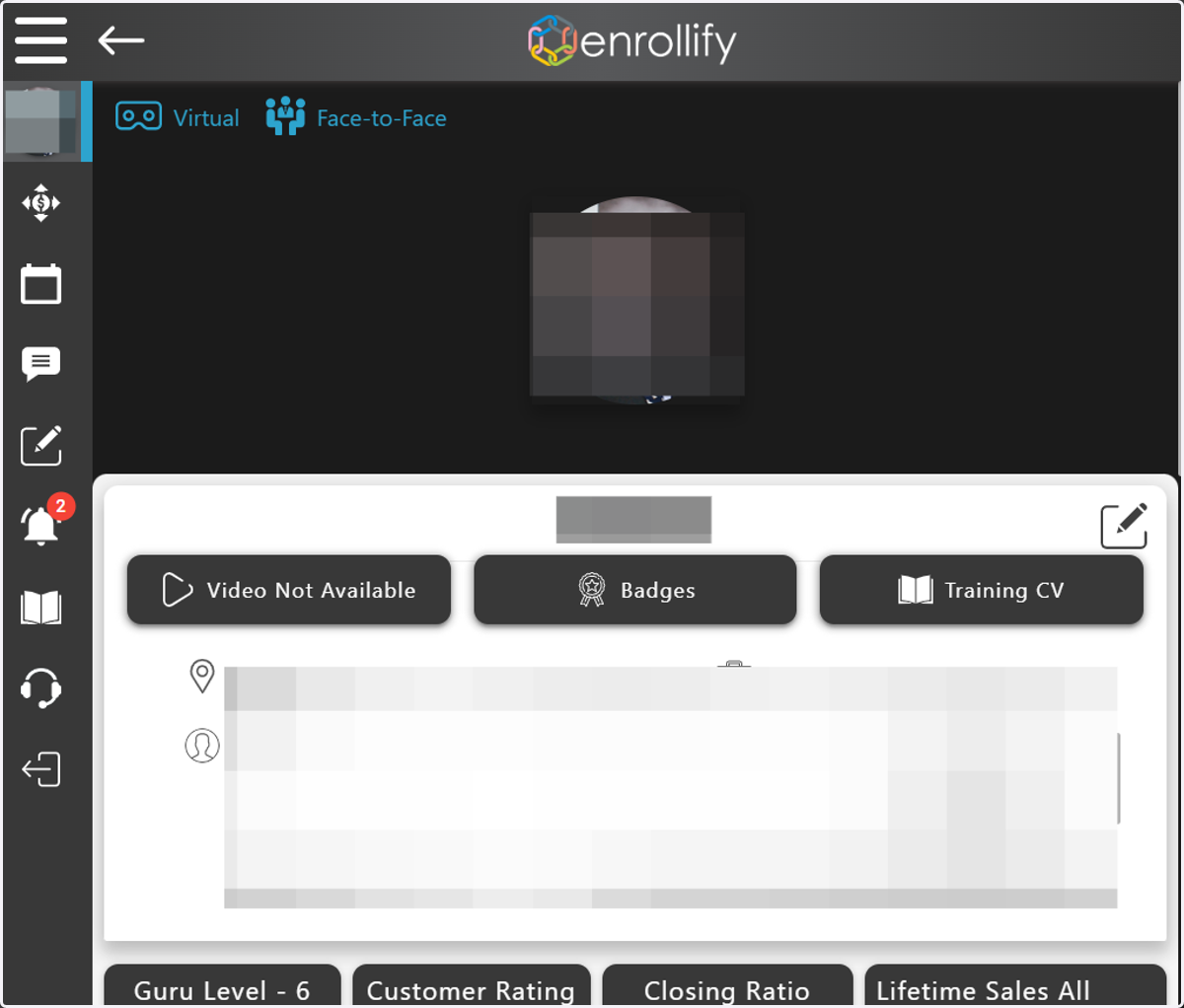
2. Go to your Profile Page
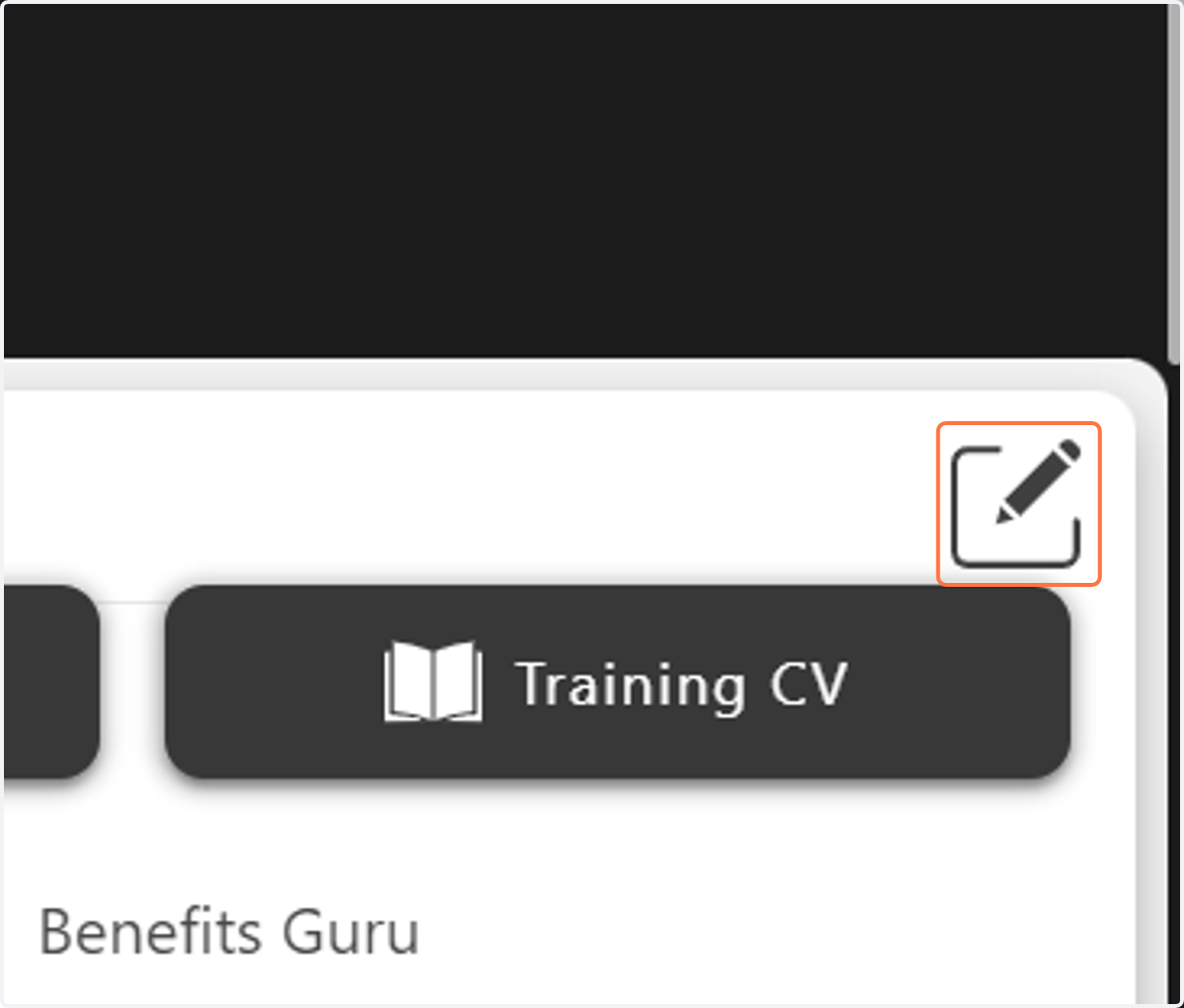
3. Click on the Edit Icon
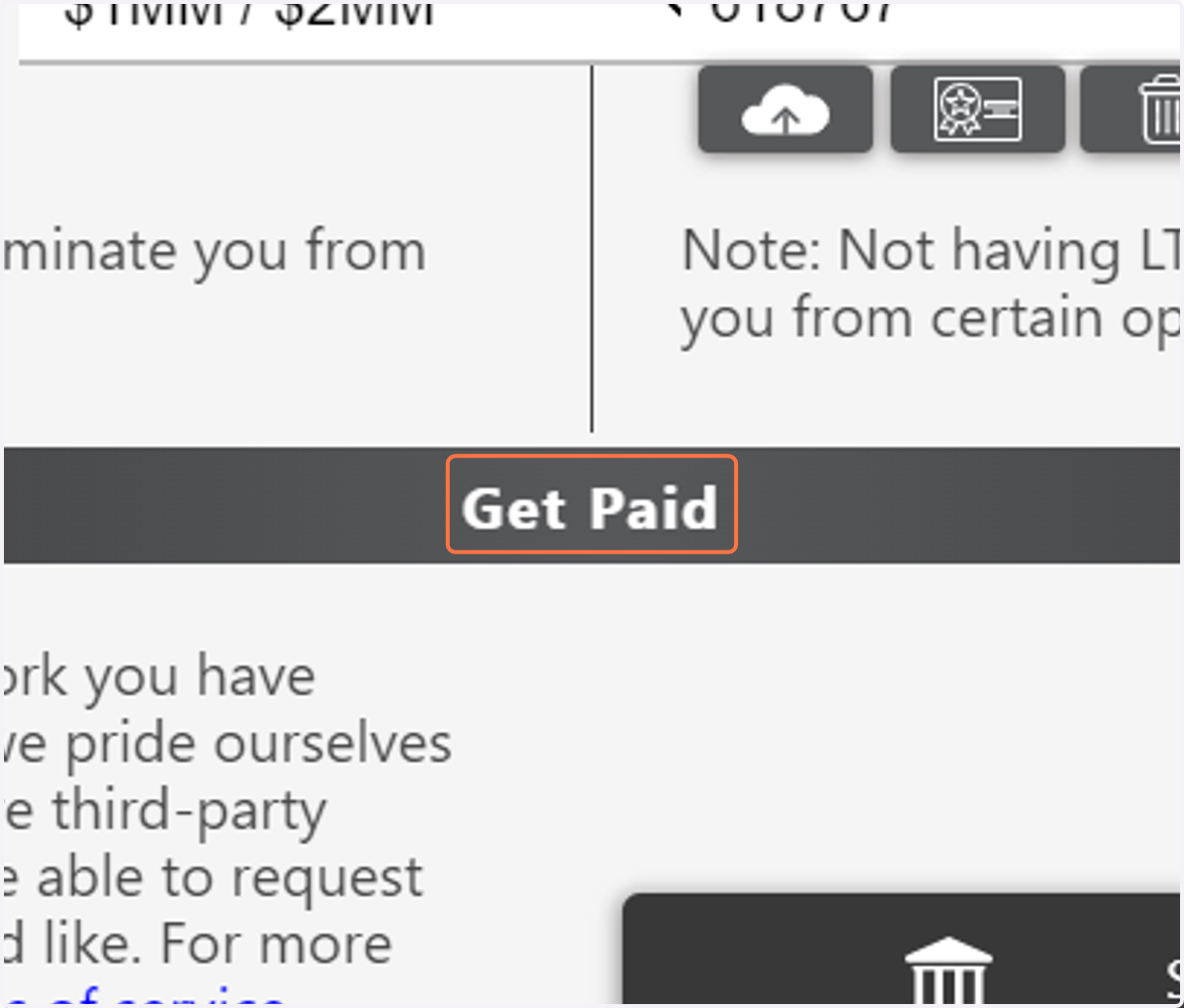
4. Click on Get Paid
Scroll down the page until you find the "Get Paid" section.
5. Click on Setup Payment
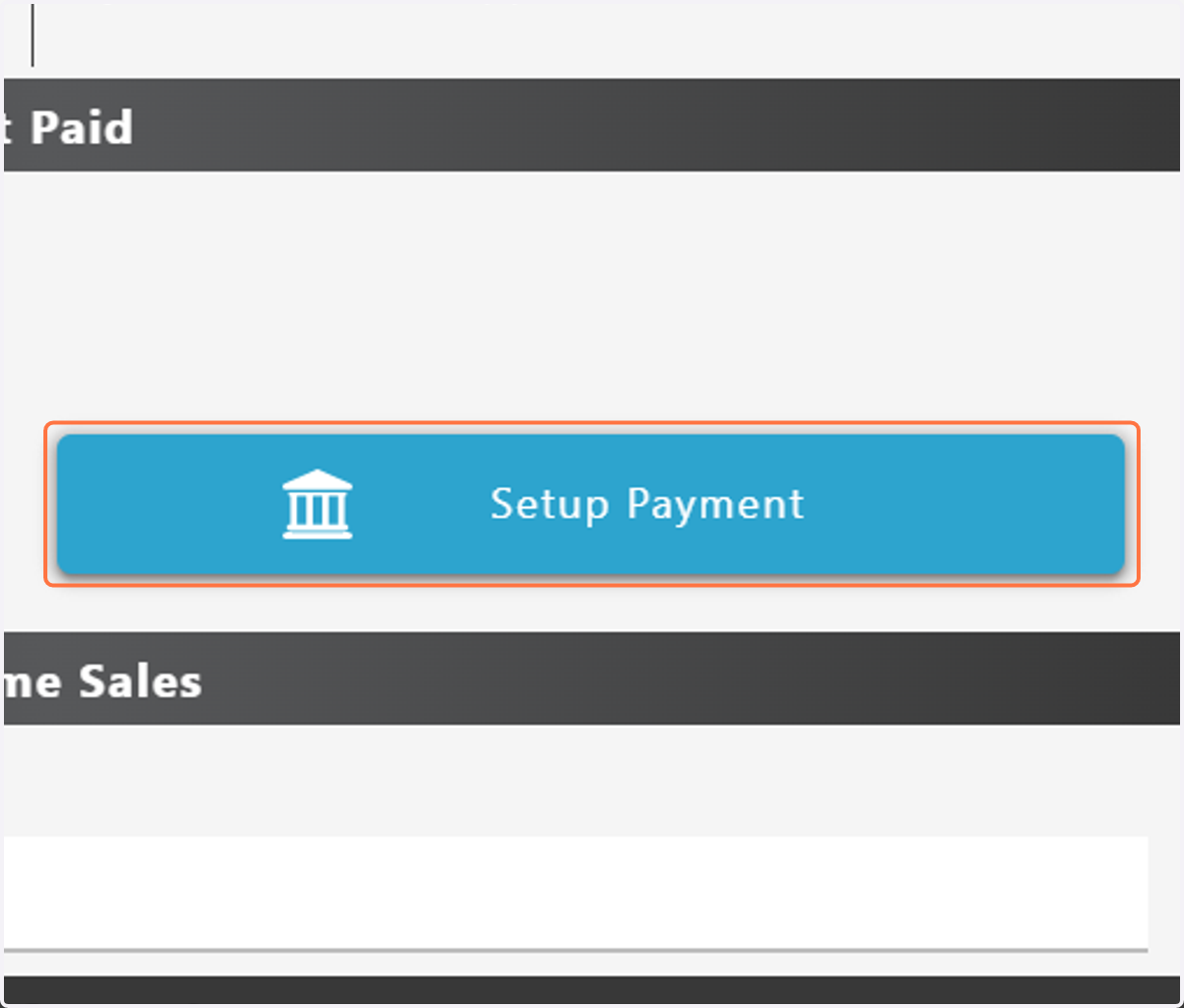
Trolley Widget
You will then be moved to our third party payment method.
6. Click "Download"
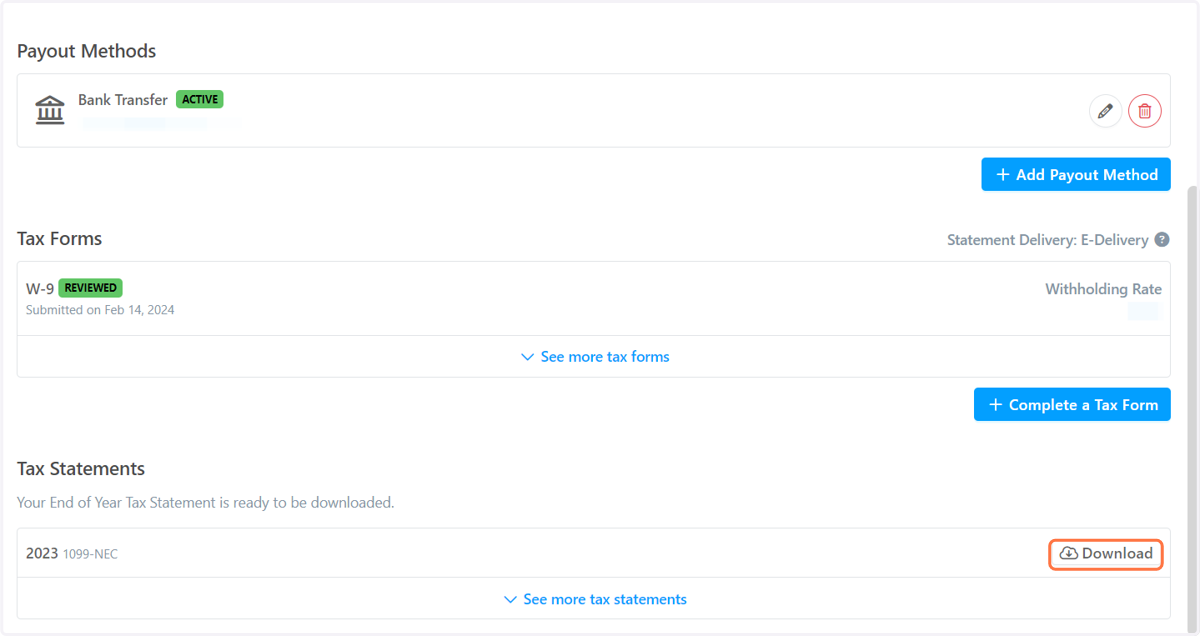
7. Scroll down the payment page until you see the 'Tax Statements' section