Microsoft GDAP Permission Review
partner.microsoft.com
1. Go to partner.microsoft.com and click on Partner Center
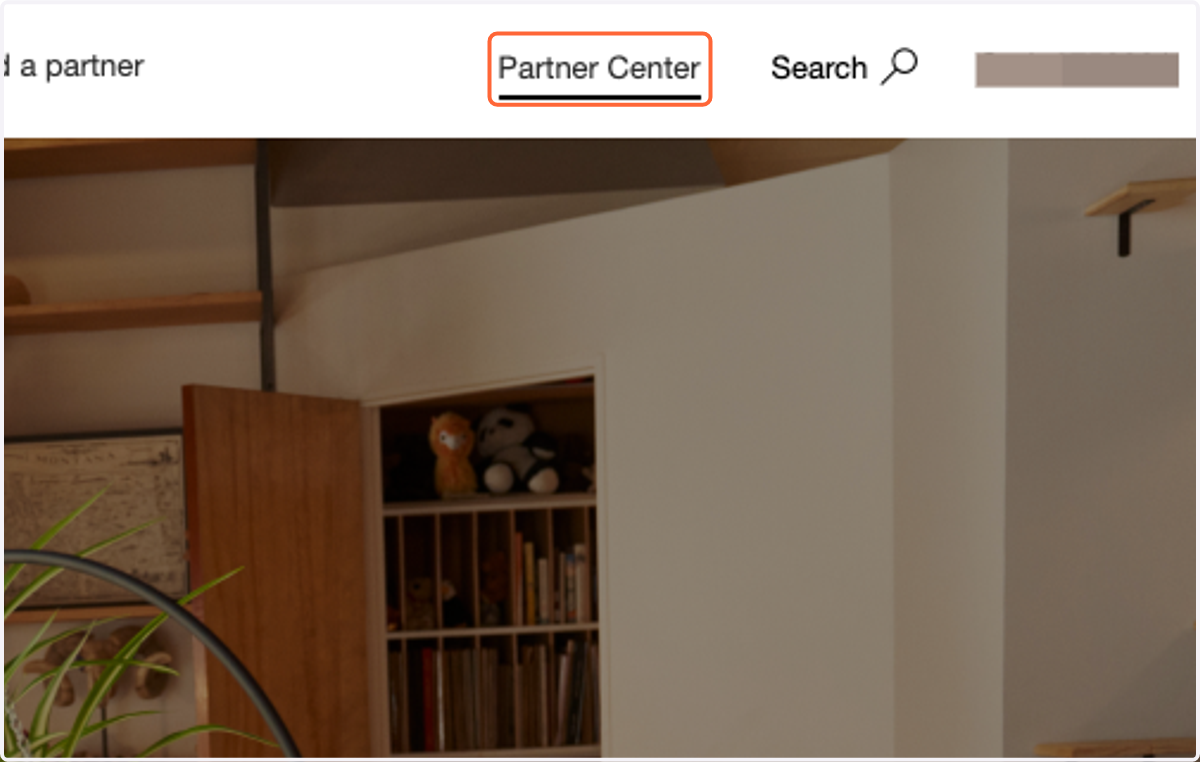
Partner Center
2. Click on Customers
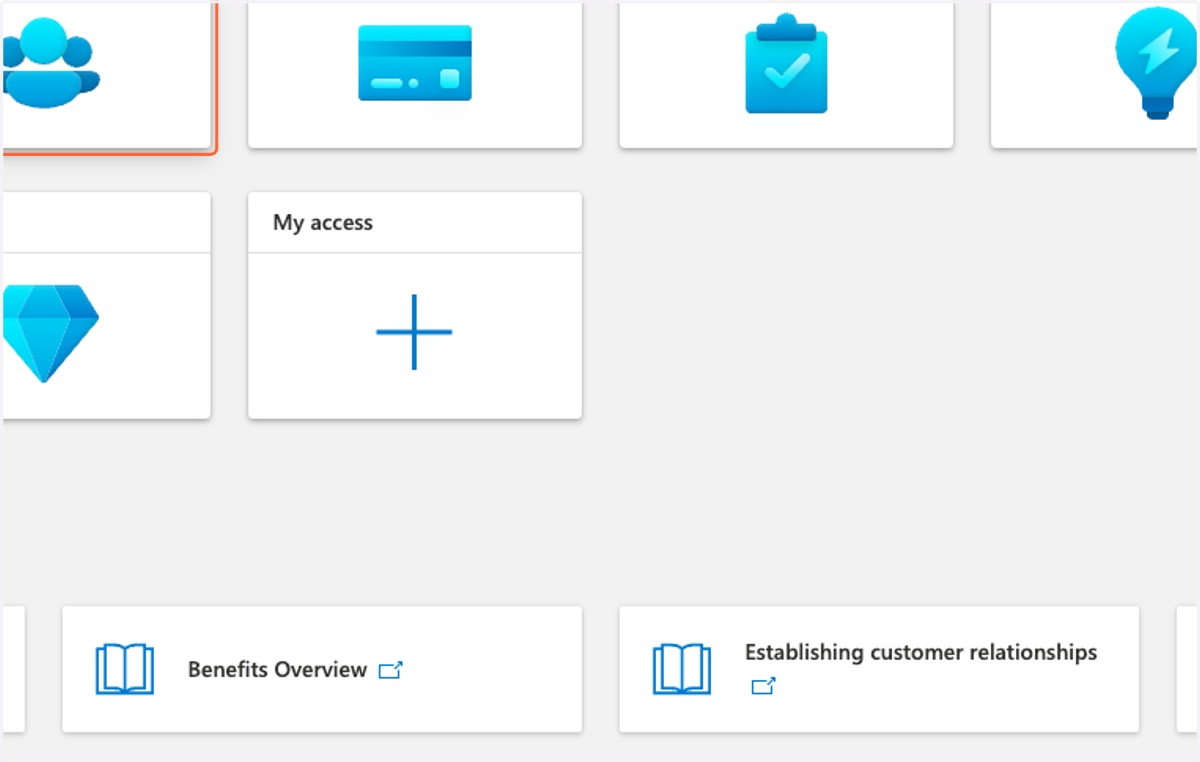
3. Click on Administer
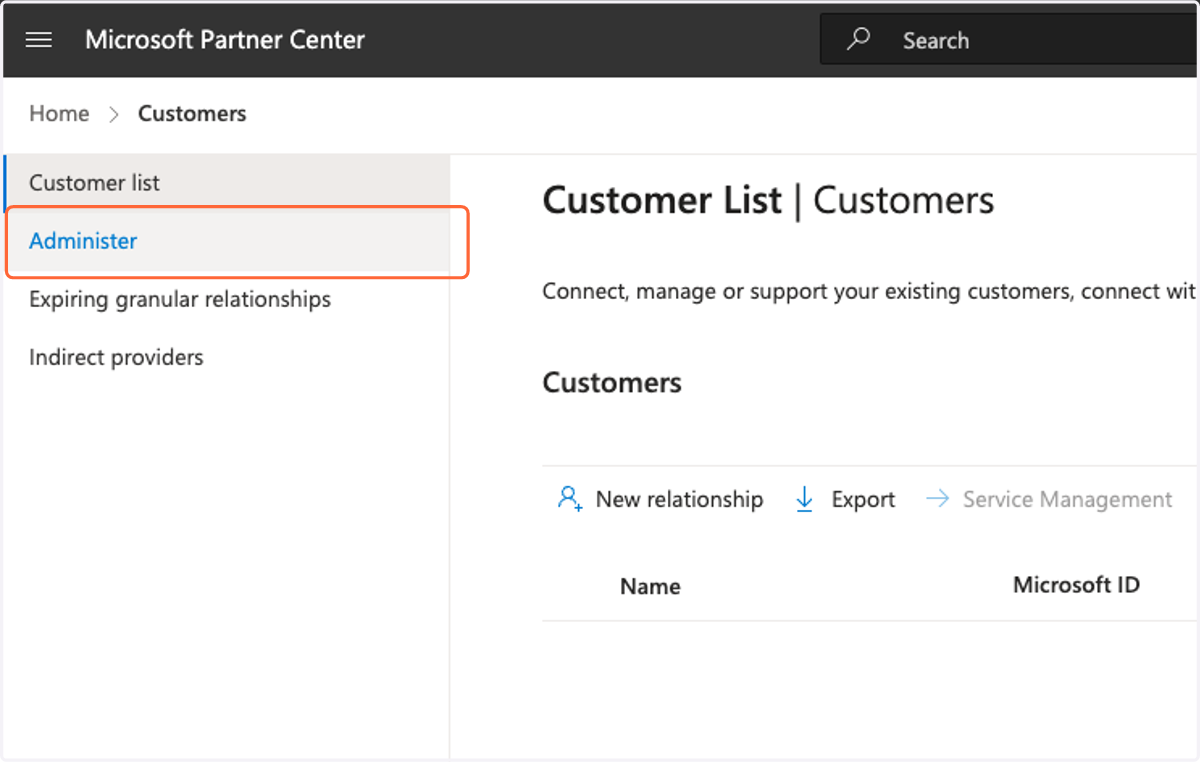
4. Select a customer
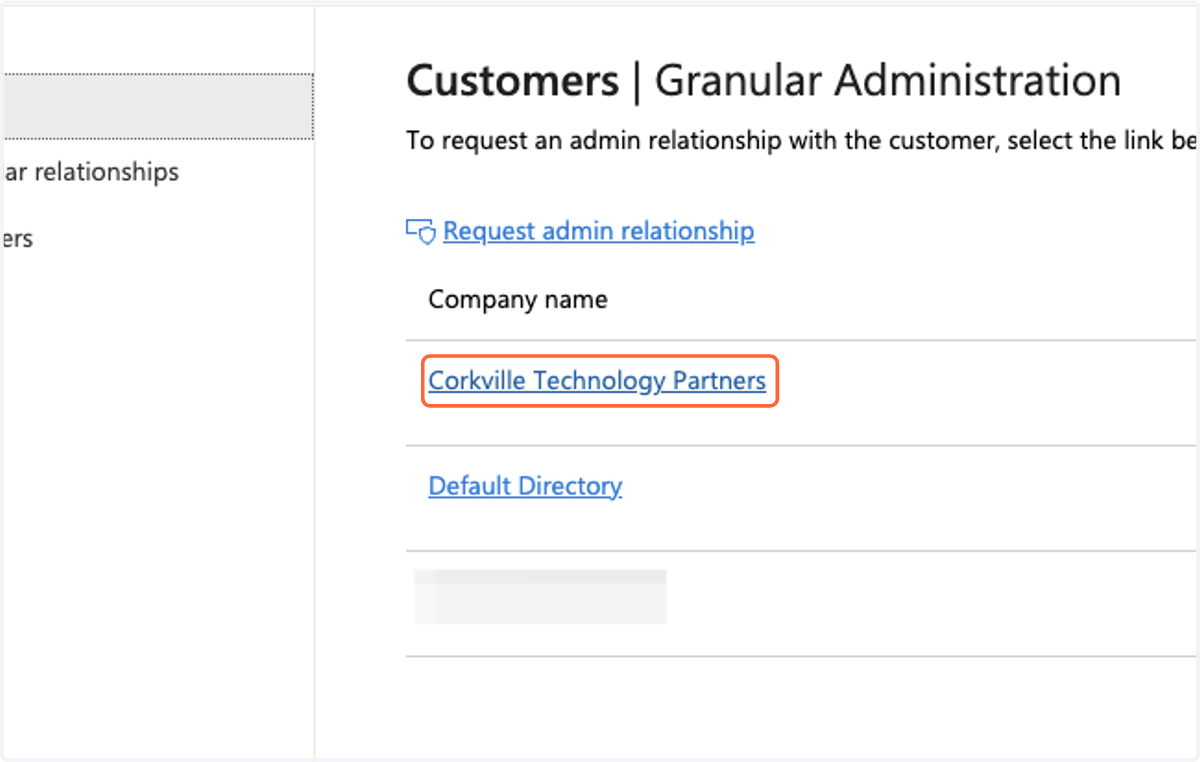
5. Select an admin relationship
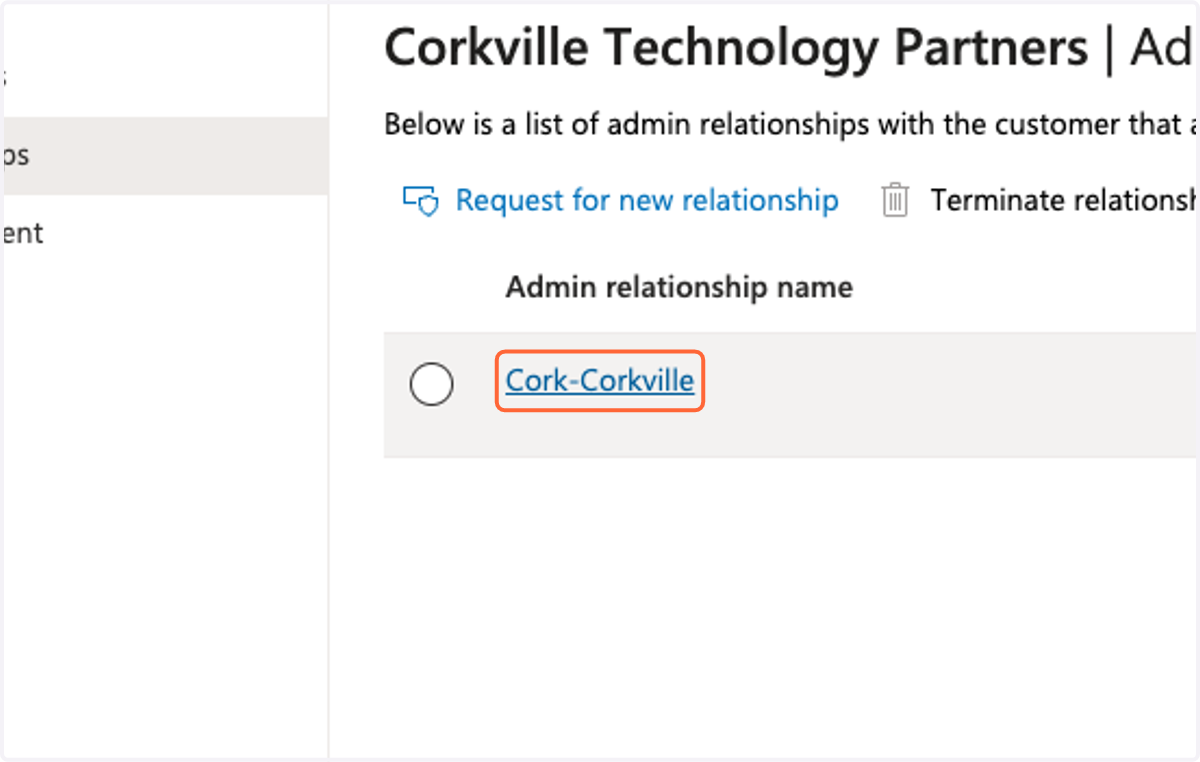
6. Verify that "Global administrator" or "M365 Company Administrator" is present. If not, follow the next steps.
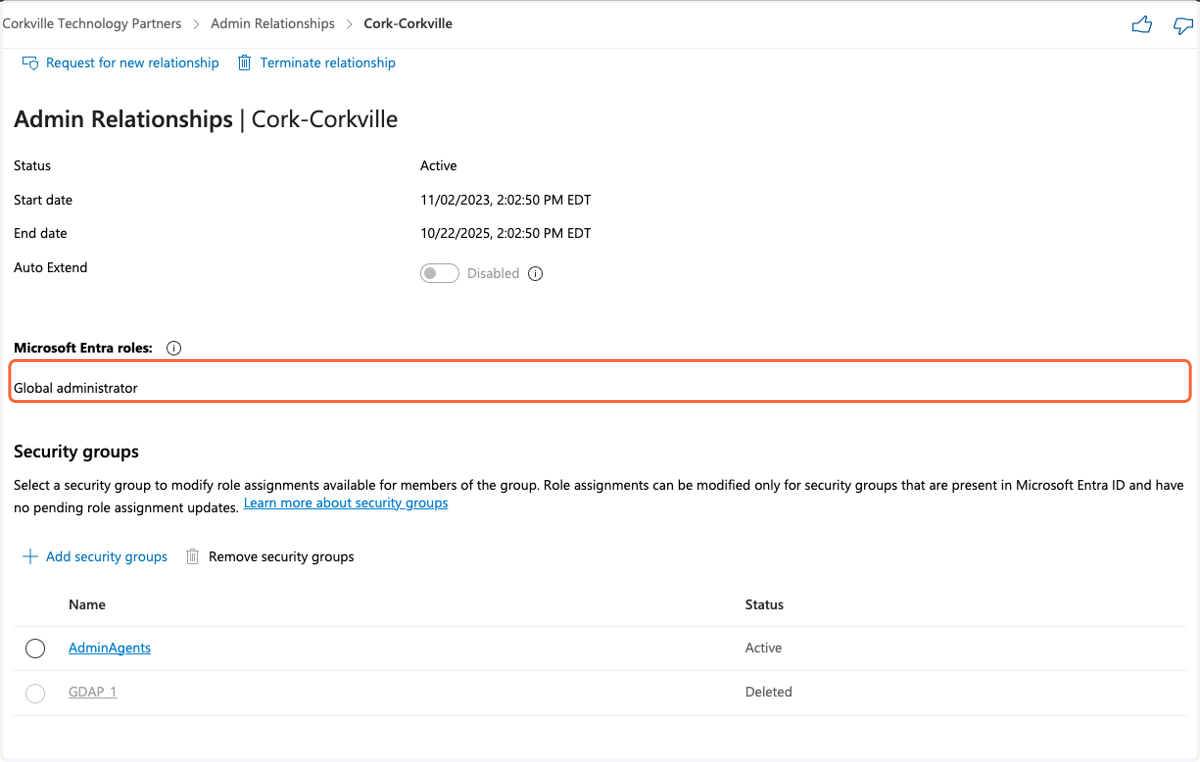
7. If one is available, click on a Security Group
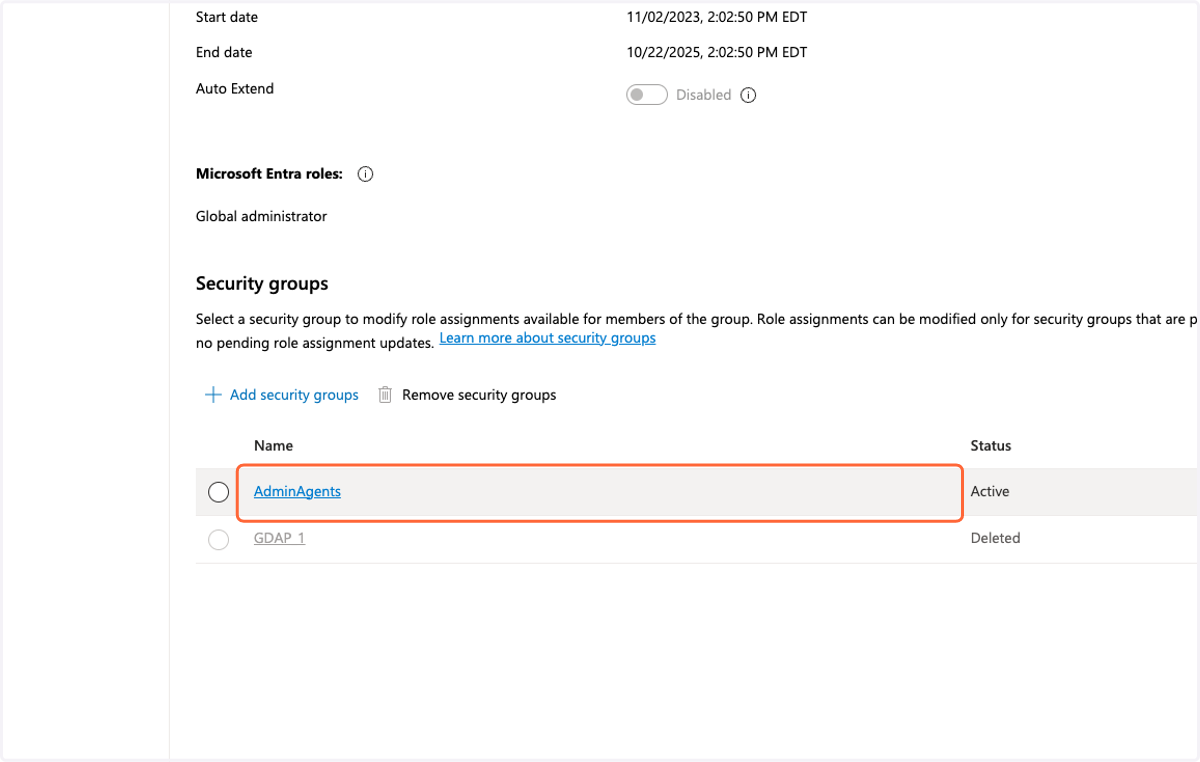
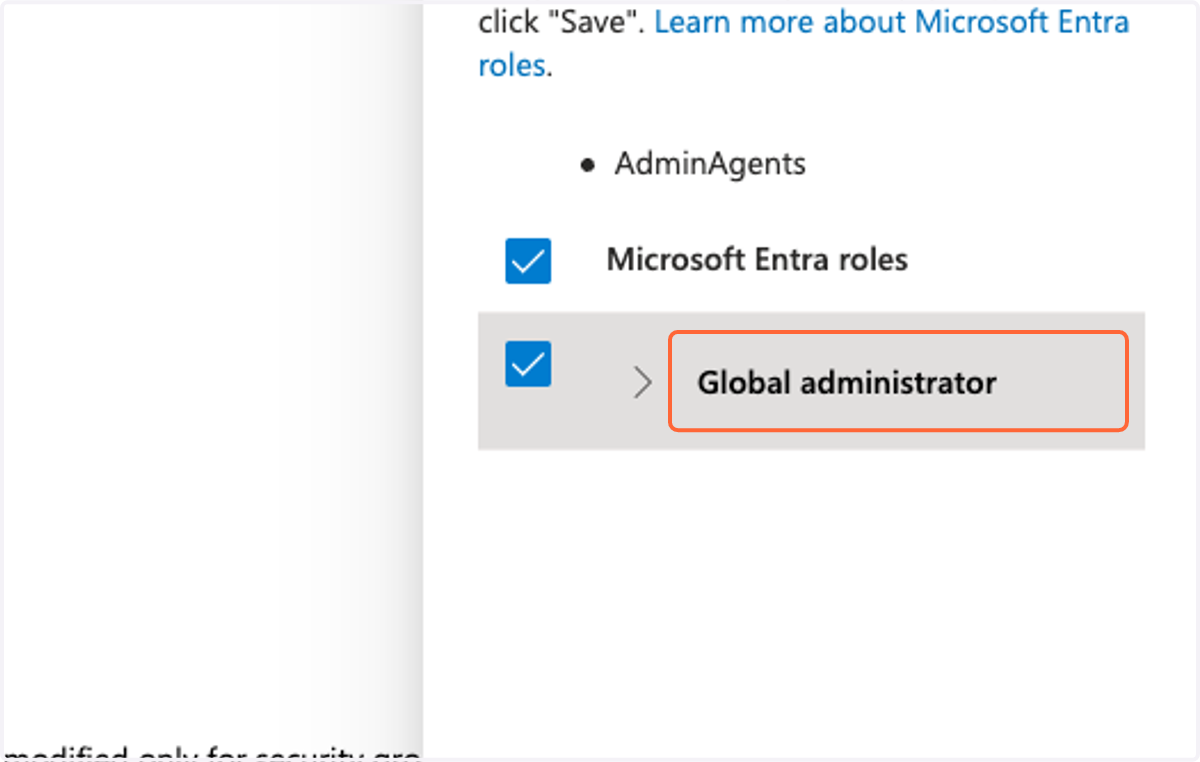
8. View the roles that are available to the security group.
If Global Administrator is available, select it.
9. If you do not have a relationship that permits Global Administrator permissions, you will need to request a new relationship with the client that contains Global Administrator privileges.
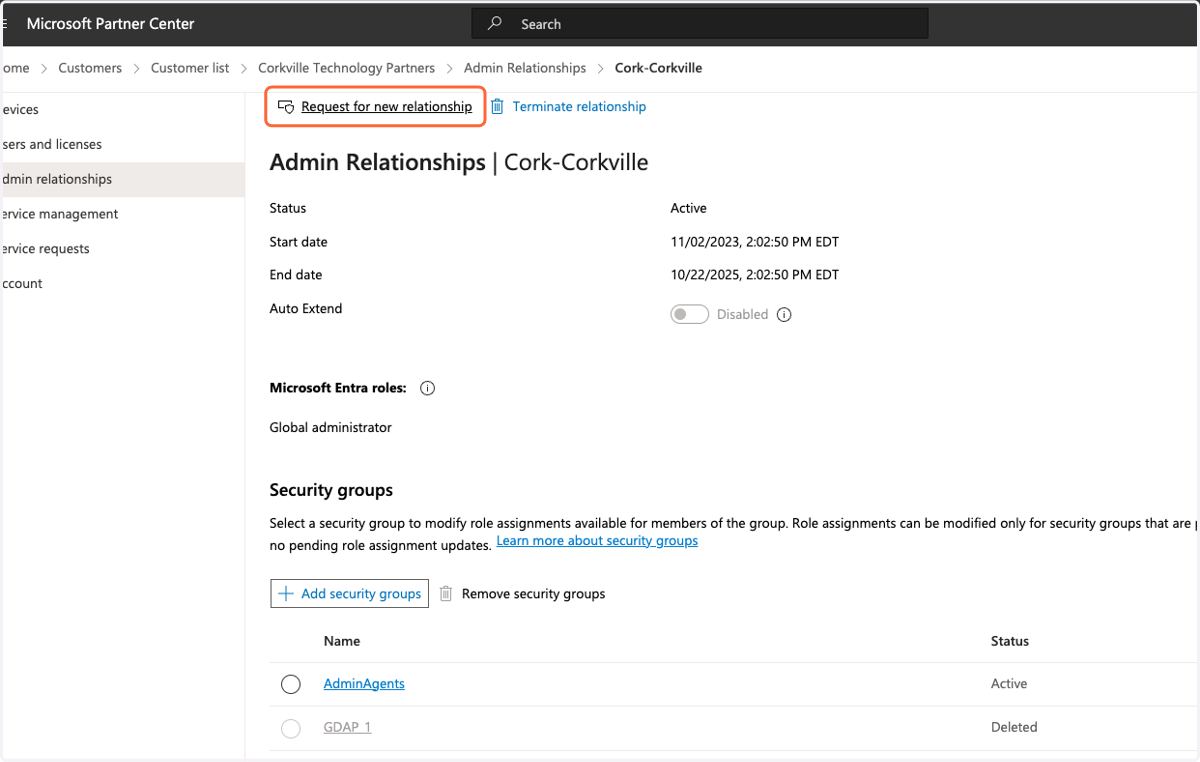
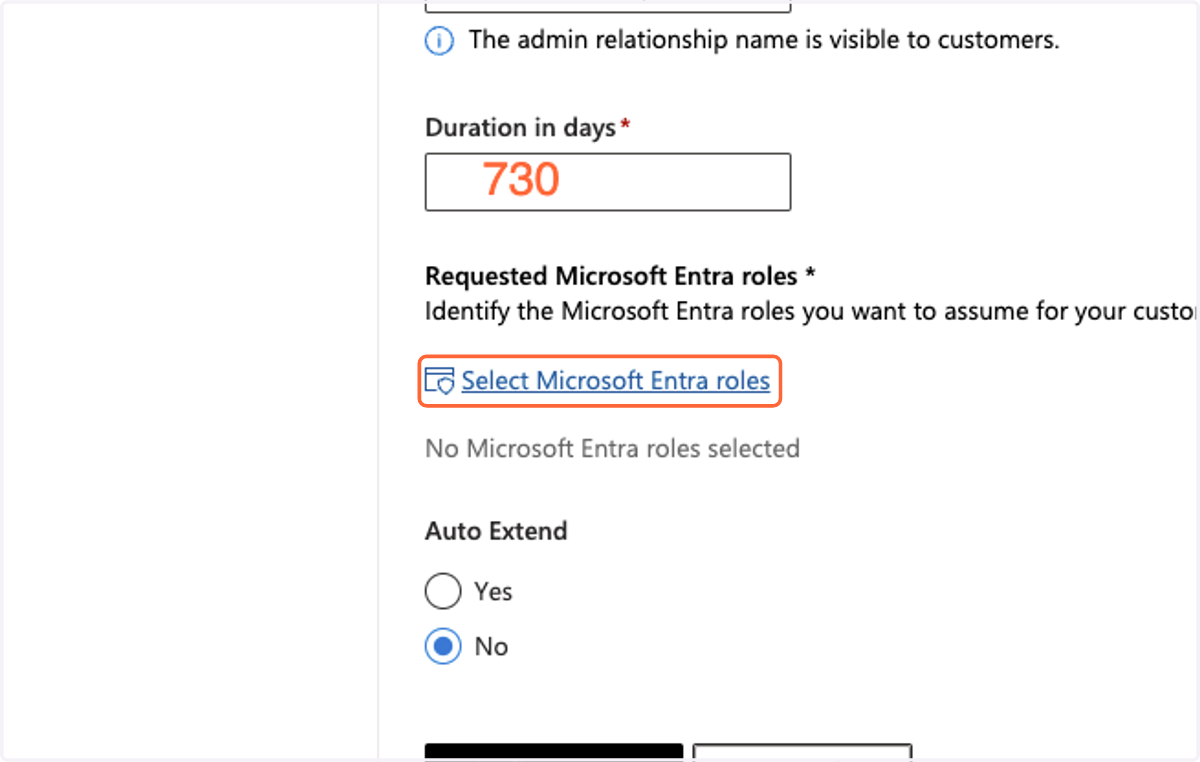
10. Click Select Microsoft Entra roles and set the duration to 730 days.
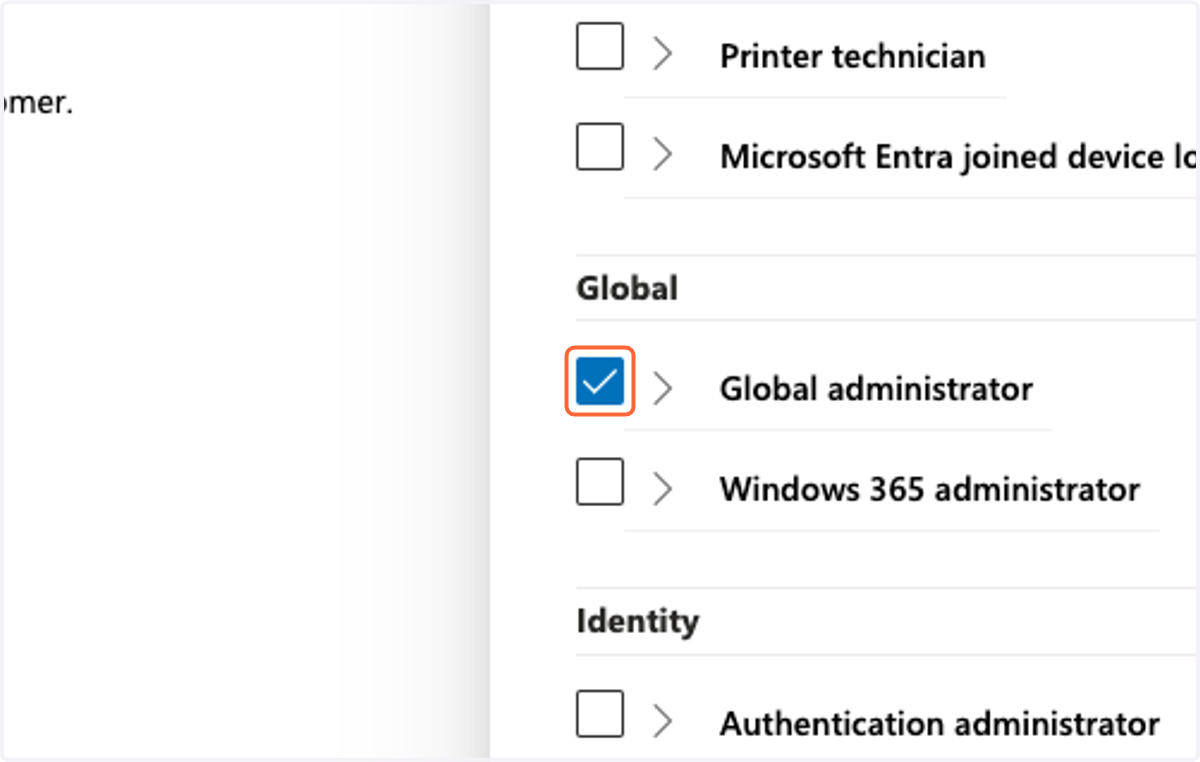
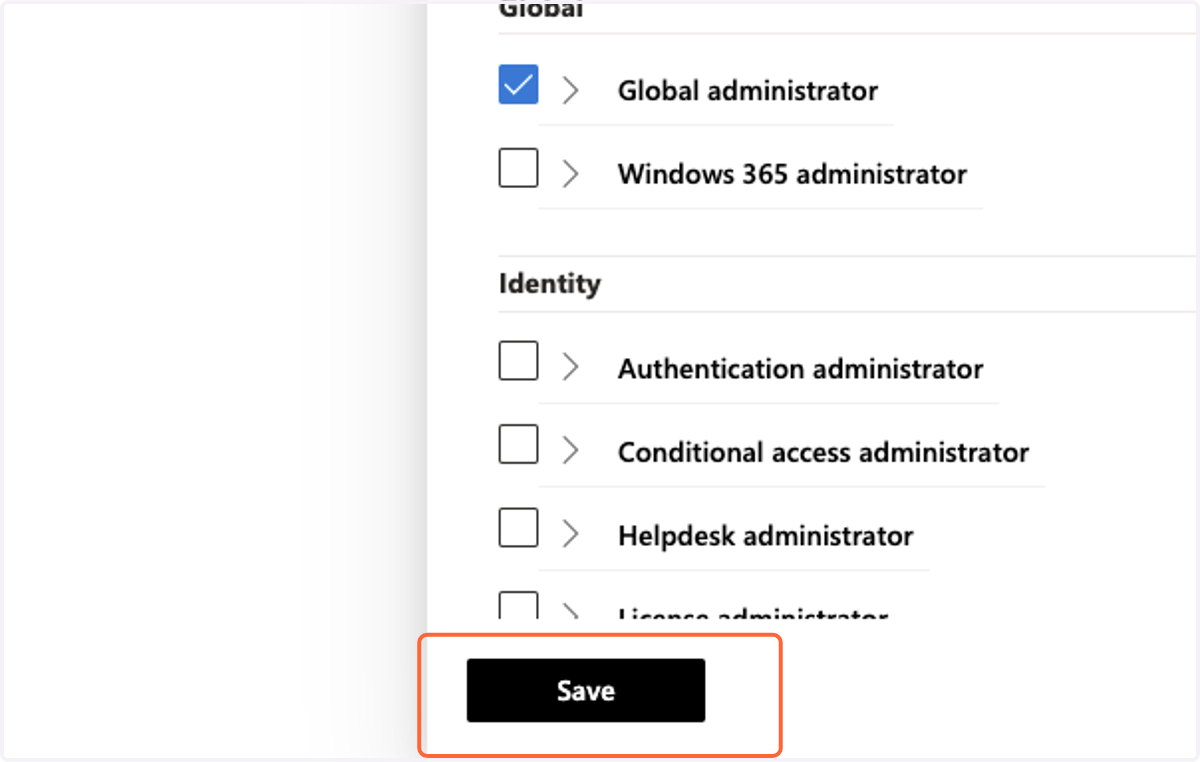
11. Select Global Administrator
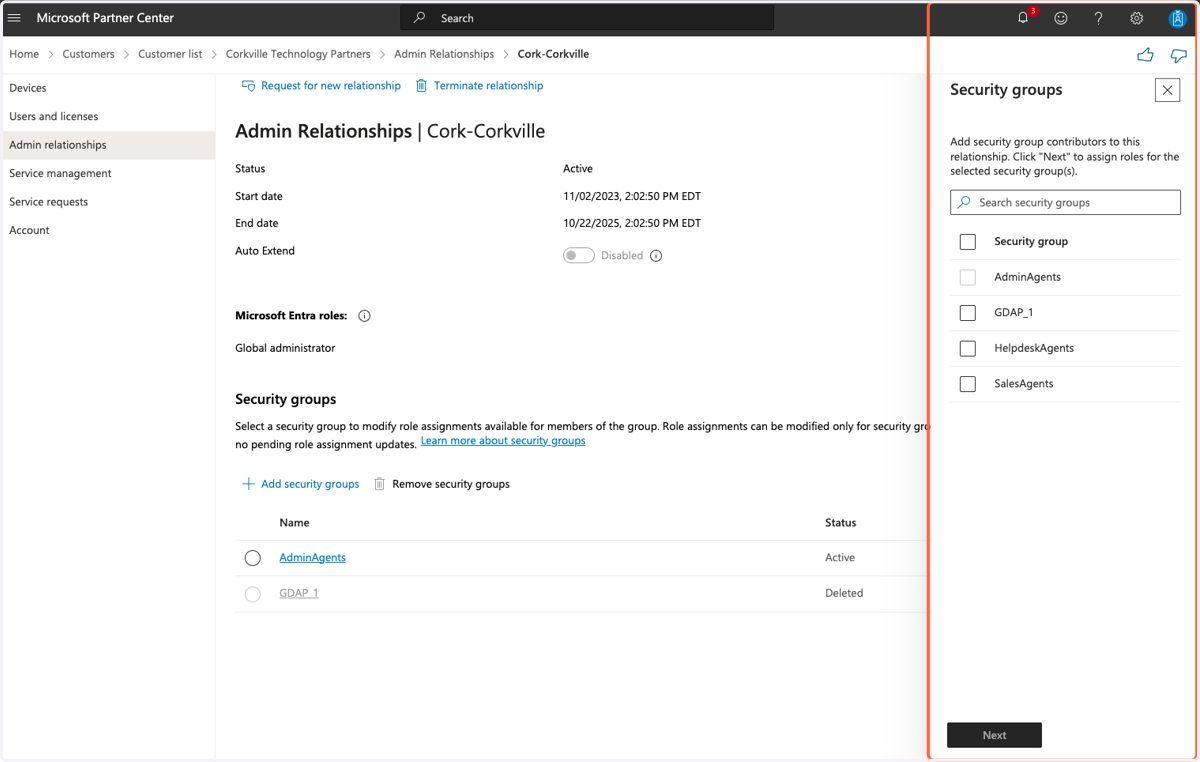
12. Once the relationship is created, select a Security Group that has Global Administrator privileges and contains the user that will manage the relationship.
13. Click Save
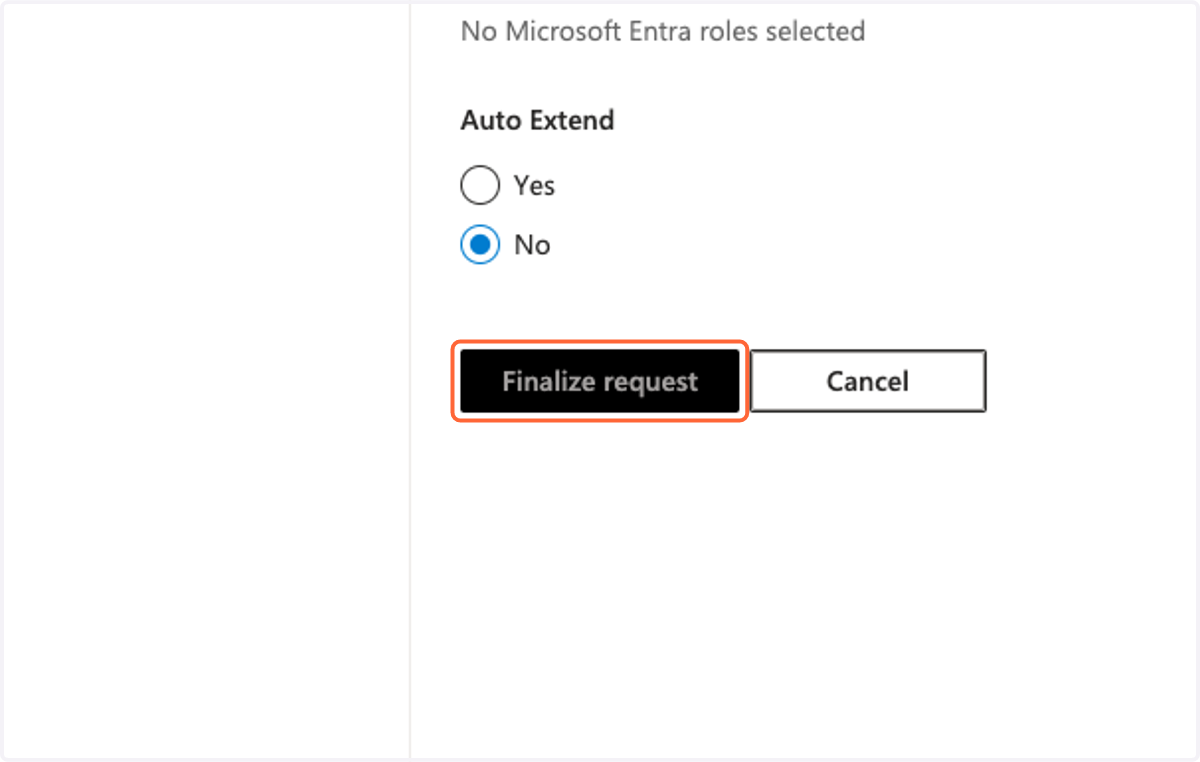
14. Click Finalize Request
15. Repeat for each client without a relationship containing Global Administrator permissions.