Download and Share
PASS PLUS
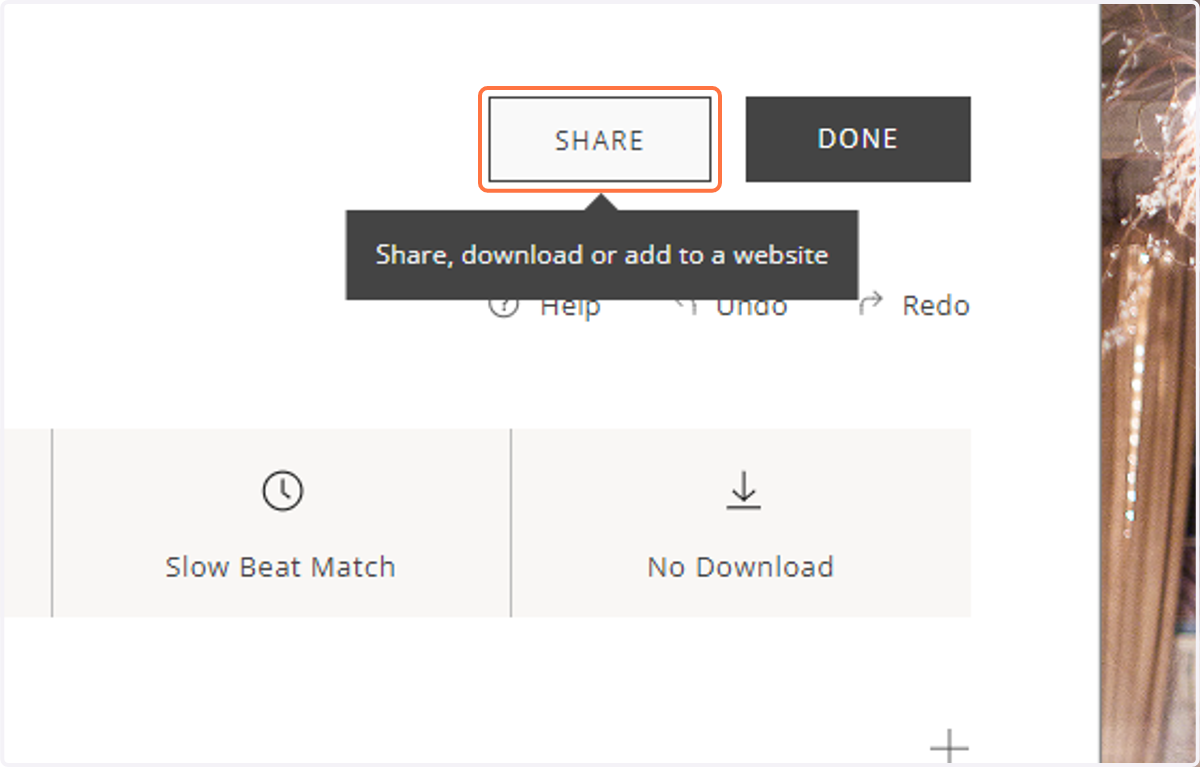
1. When you are done creating your slideshow, click the Share button in the slideshow editor to open the Sharing window.
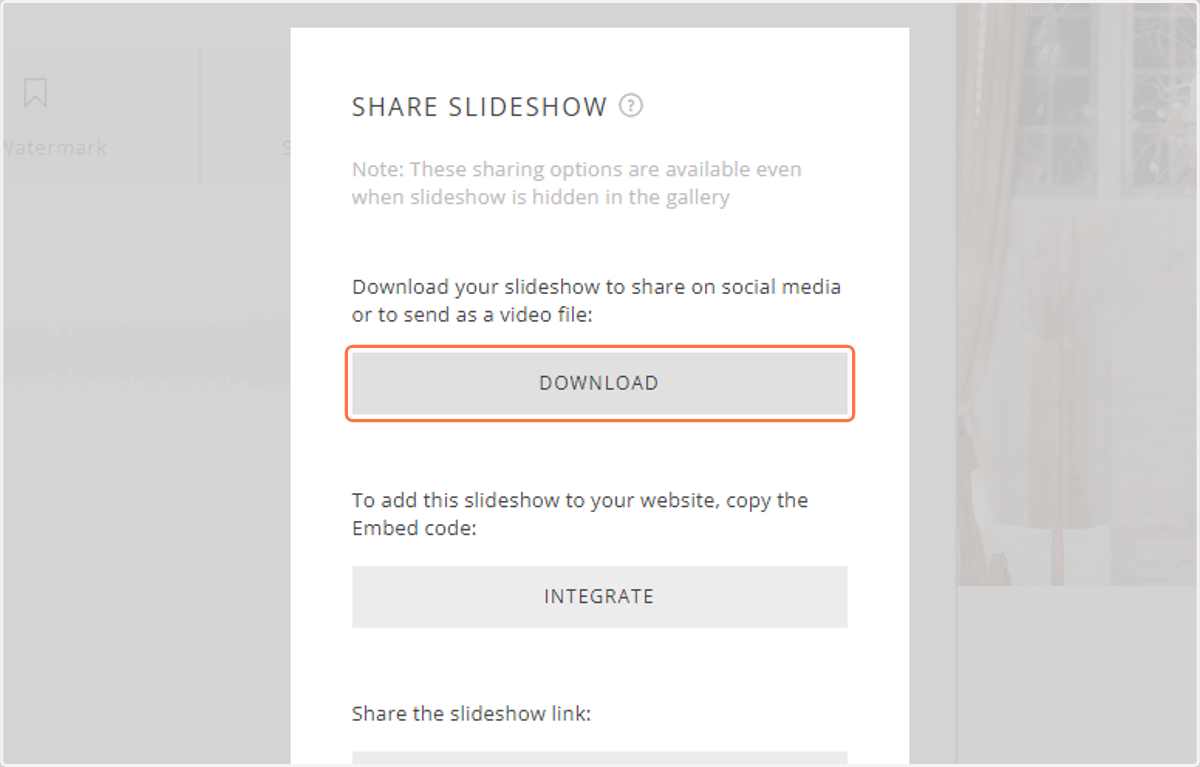
2. Click the Download button to generate a file of your slideshow.
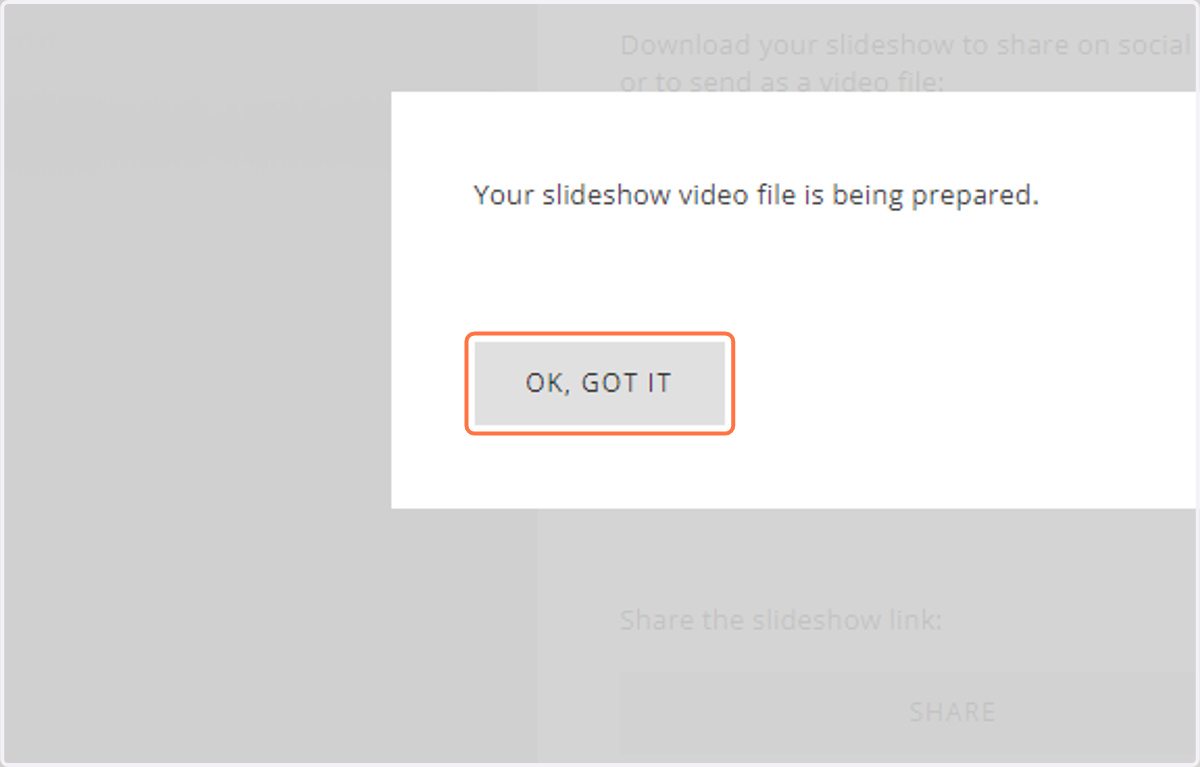
3. This may take up to an hour for the slideshow to render, so you will be emailed the link to download when your slideshow is ready.