Deploying a Model on Runpod using Hugging Face
My Endpoints
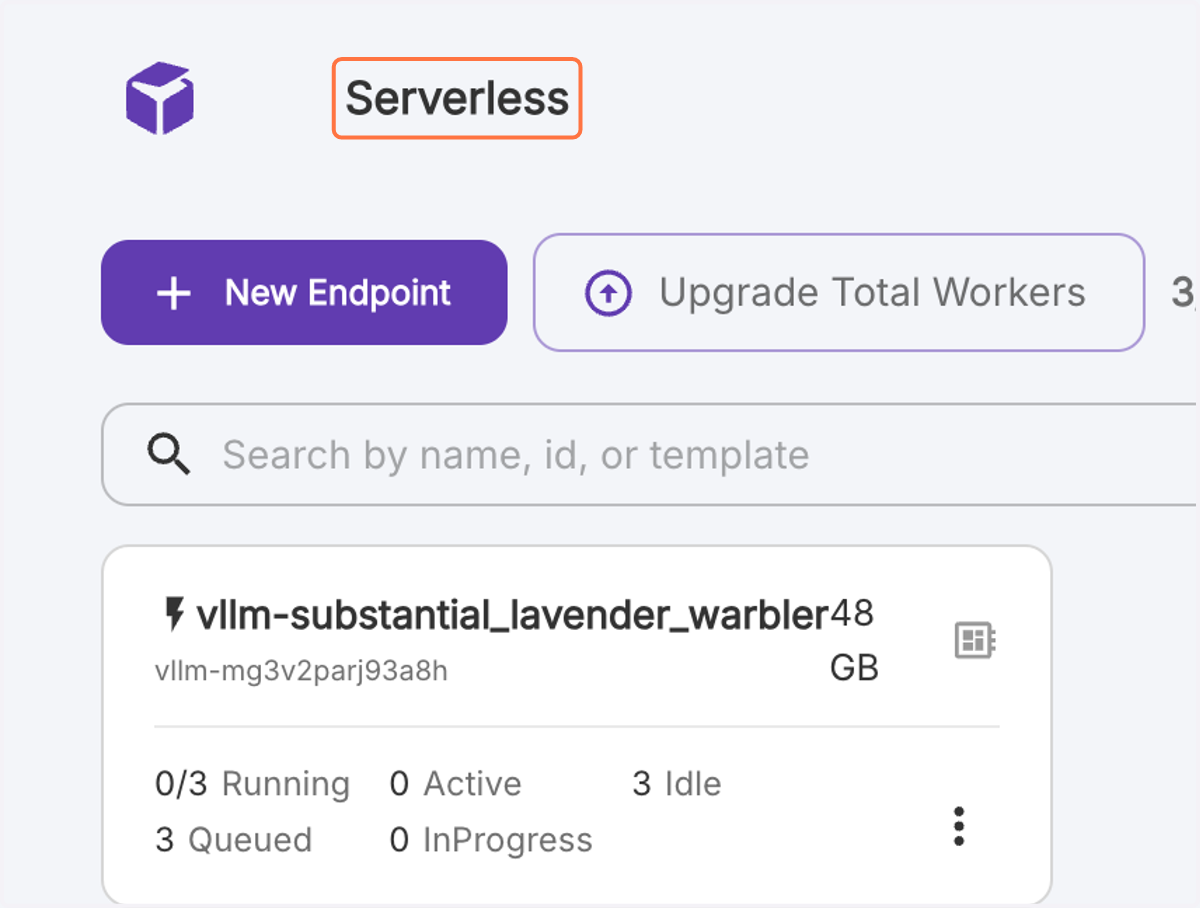
1. Serverless page
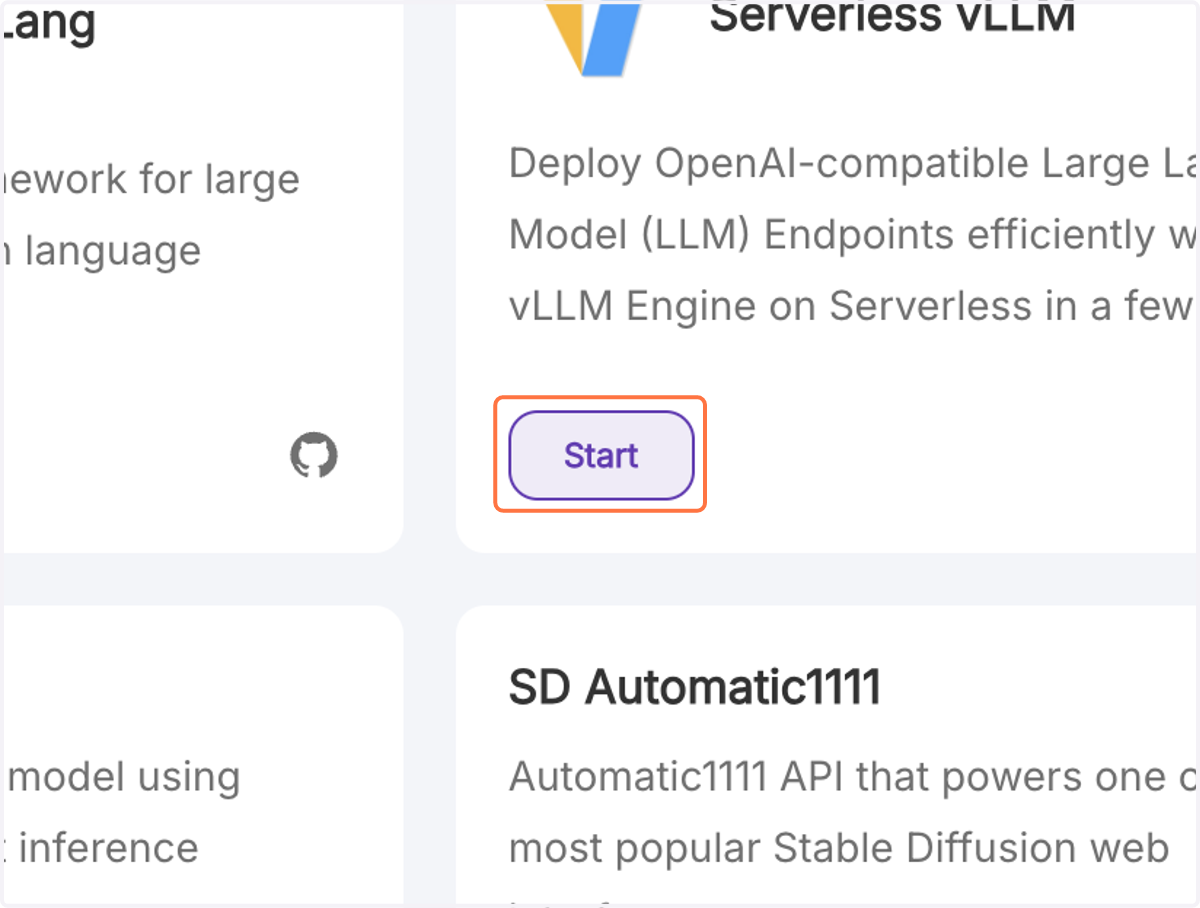
2. Click on Start vLLM
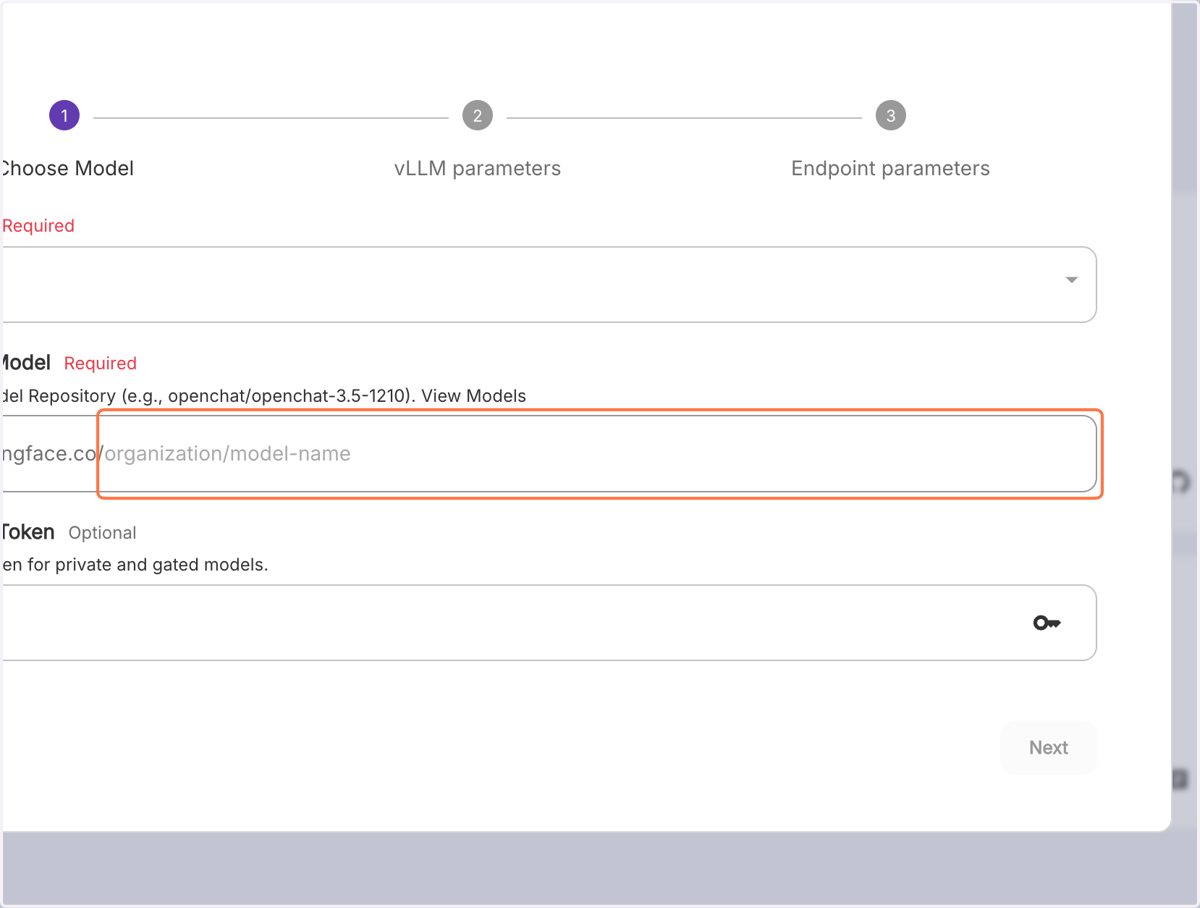
3. Click on organization/model-name
My Endpoints
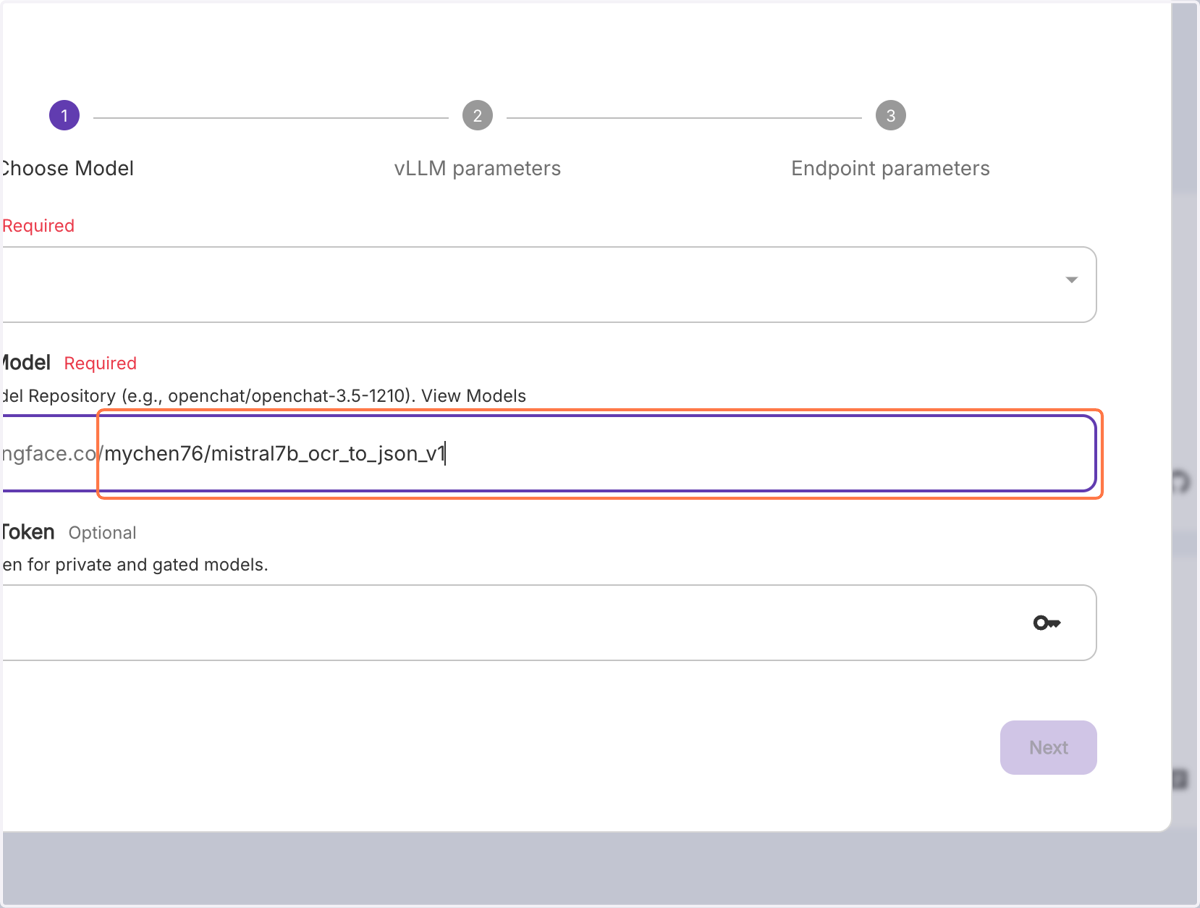
4. Paste "https://huggingface.co/mychen76/huggin_face_model" into input
5. Click on Next
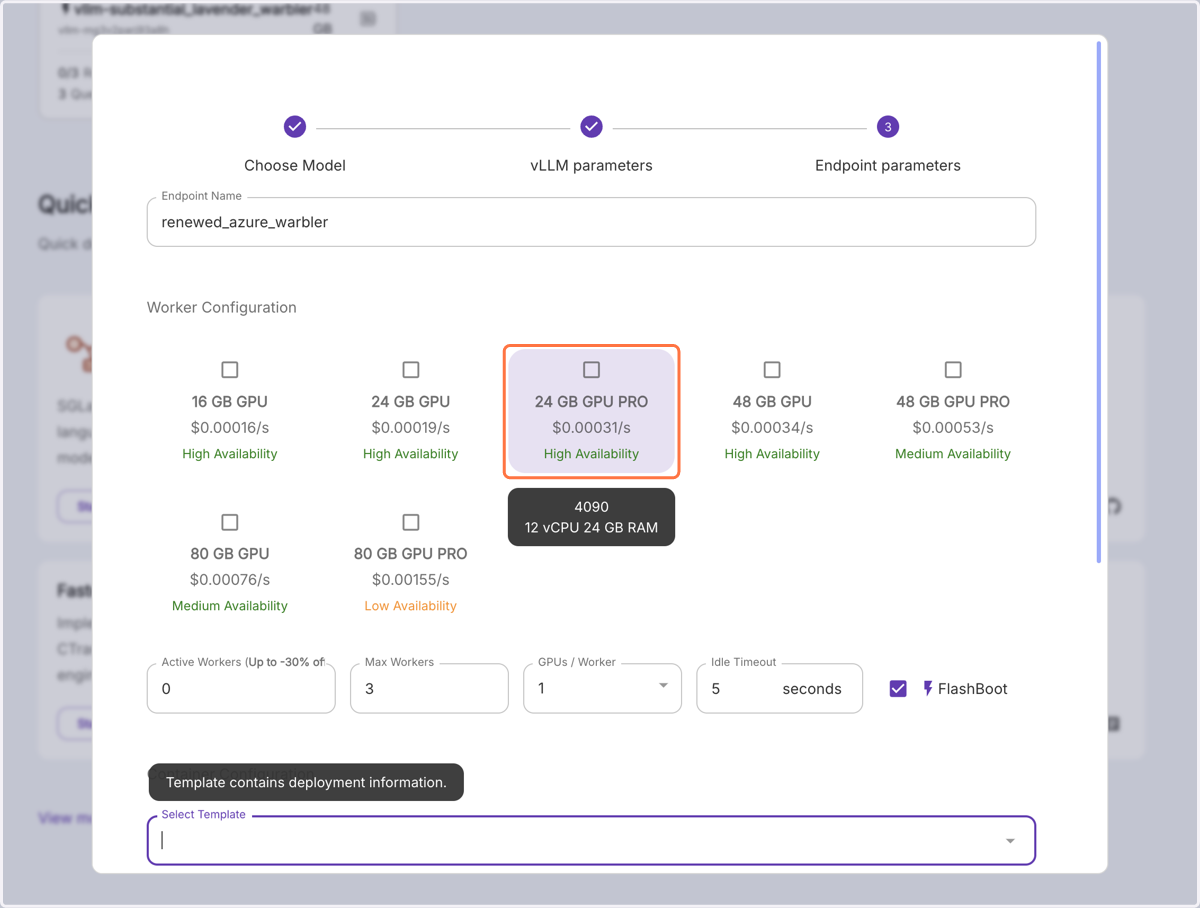
6. Choose GPU of choice
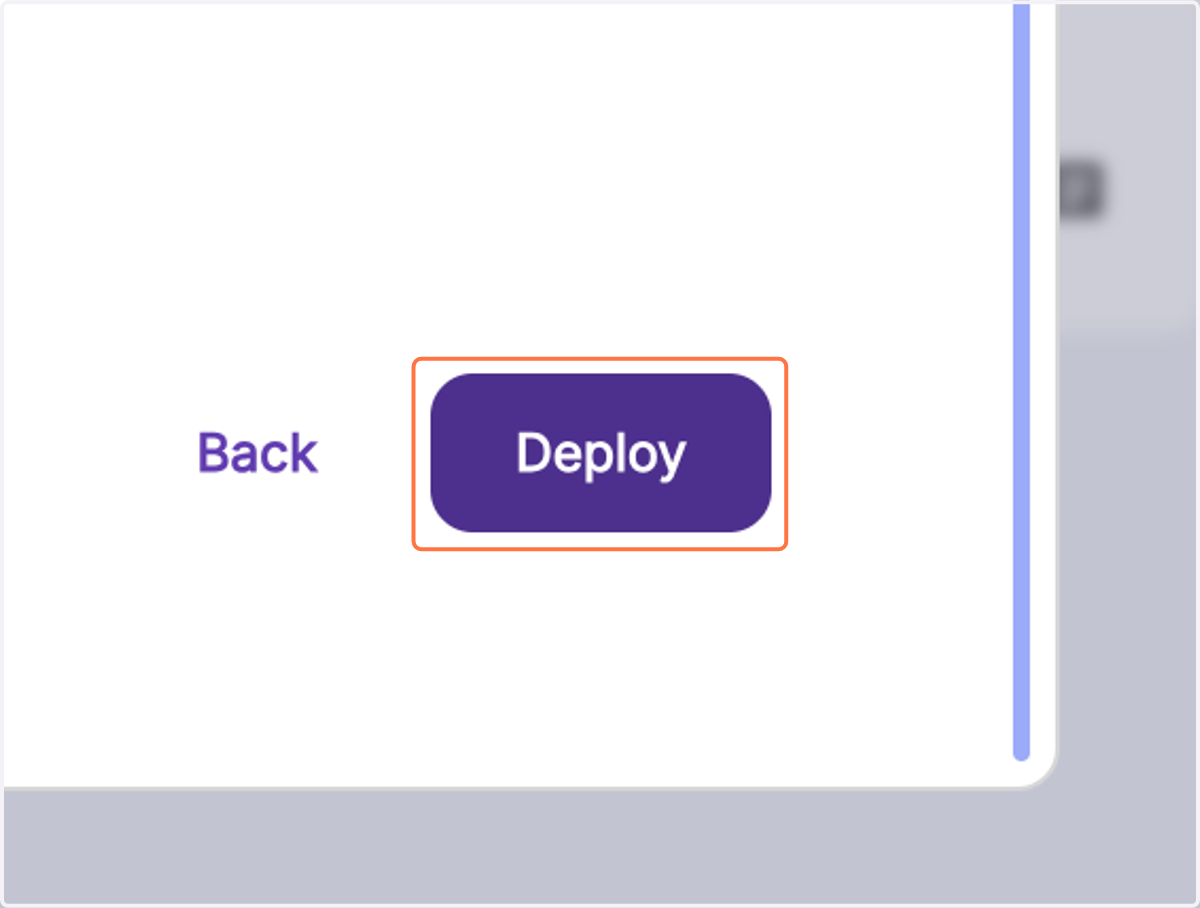
7. Click on Deploy