Adding and Updating Pricing
JustPark Suite
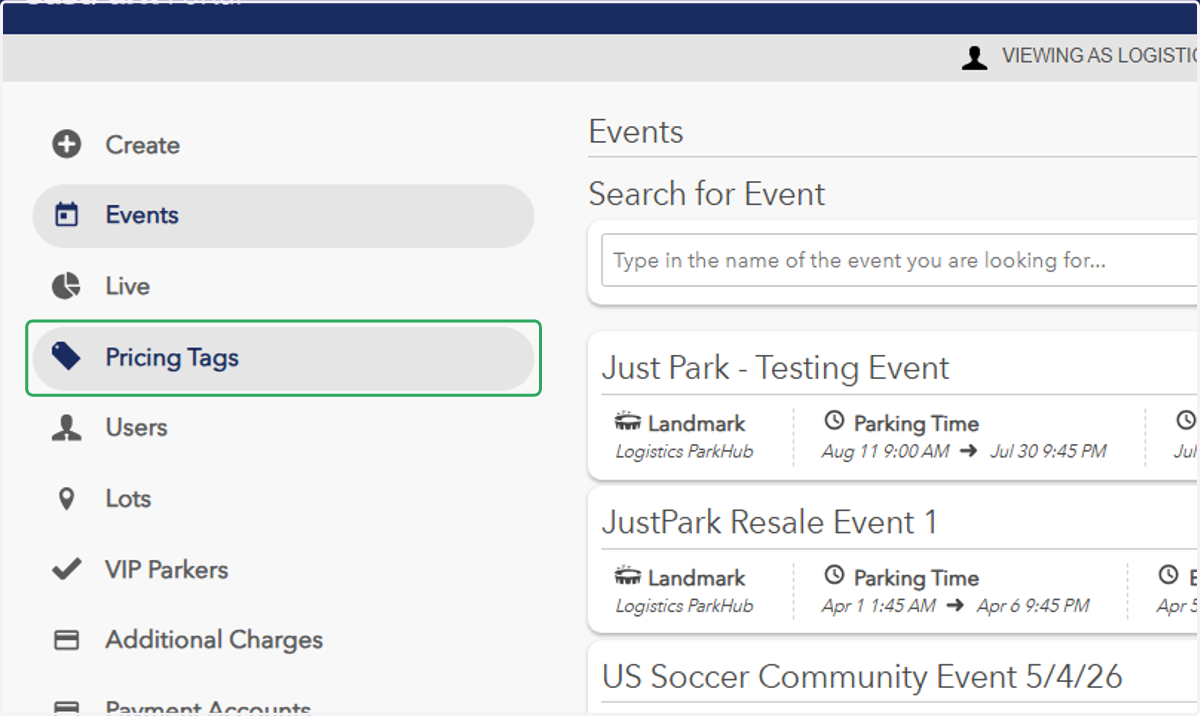
1. In Legacy Portal, click on "Pricing Tags"
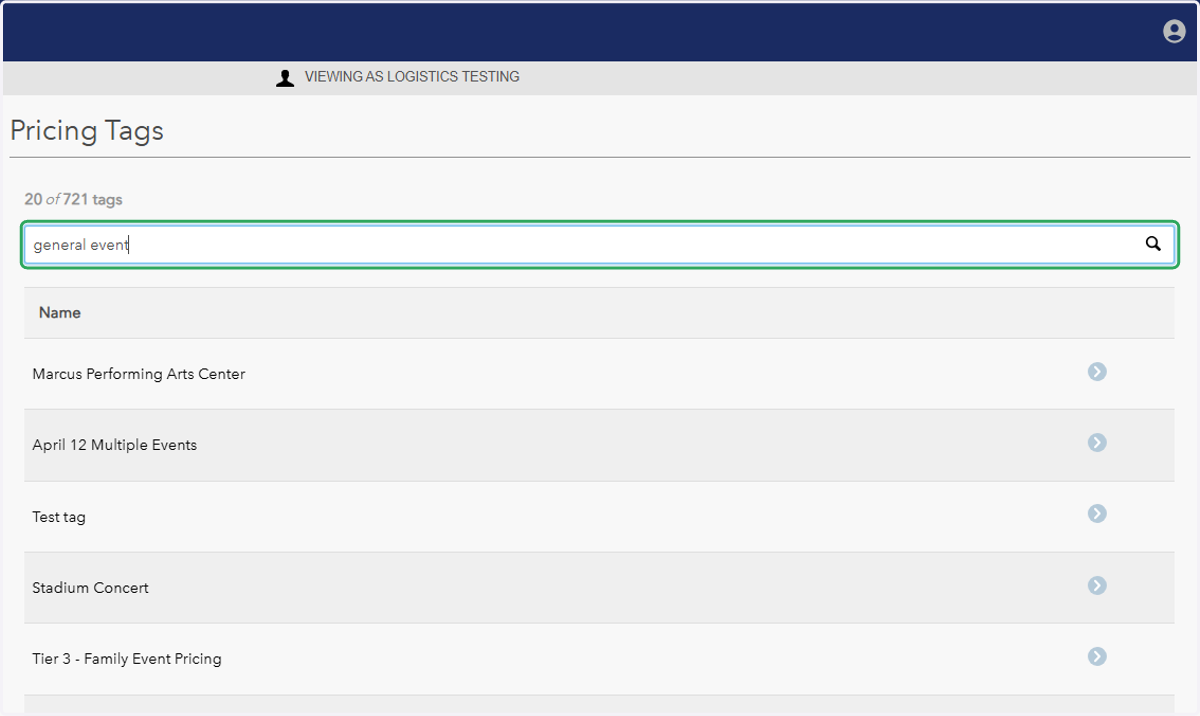
2. Search for the pricing tag you'd like to adjust/add pricing for
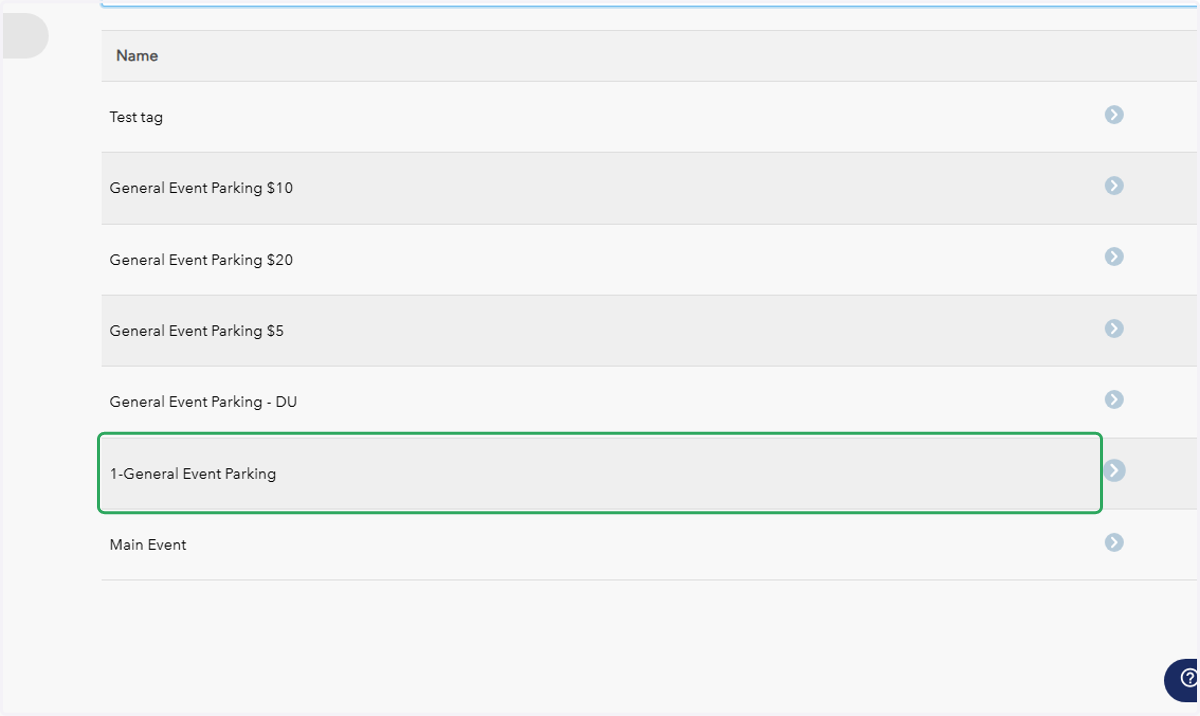
3. In this example, we'll use the tag 1-General Event Parking.
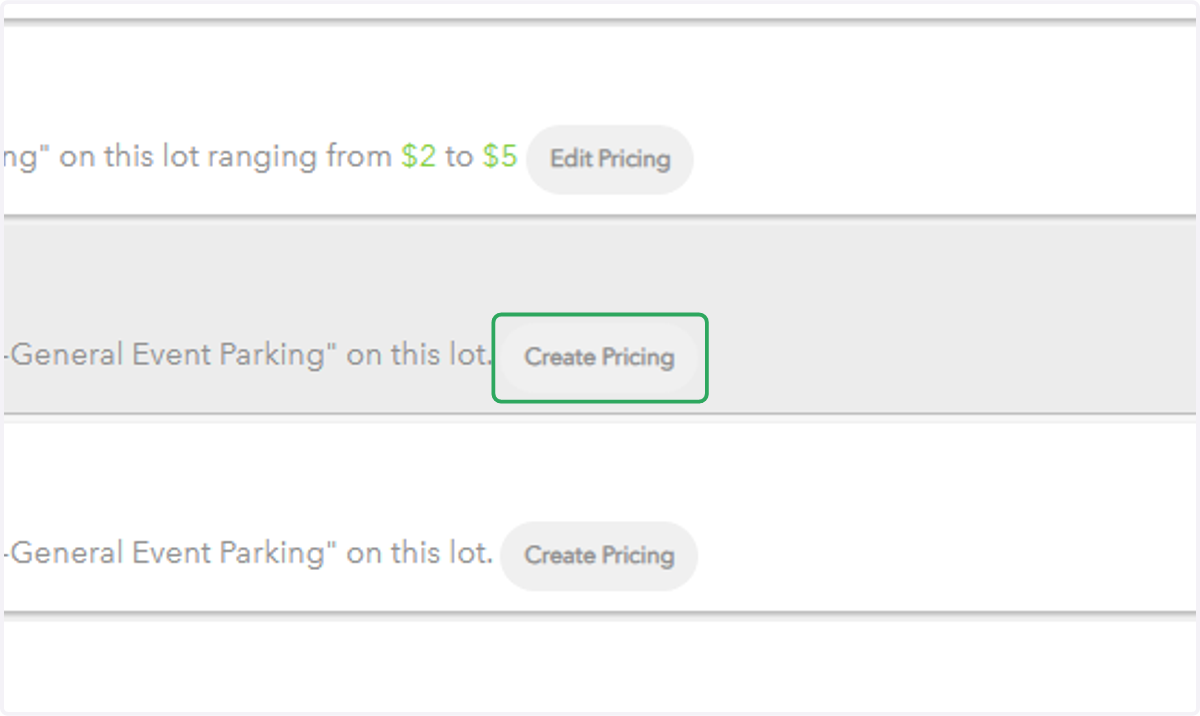
4. After clicking the desired pricing tag, click on "Create Pricing"
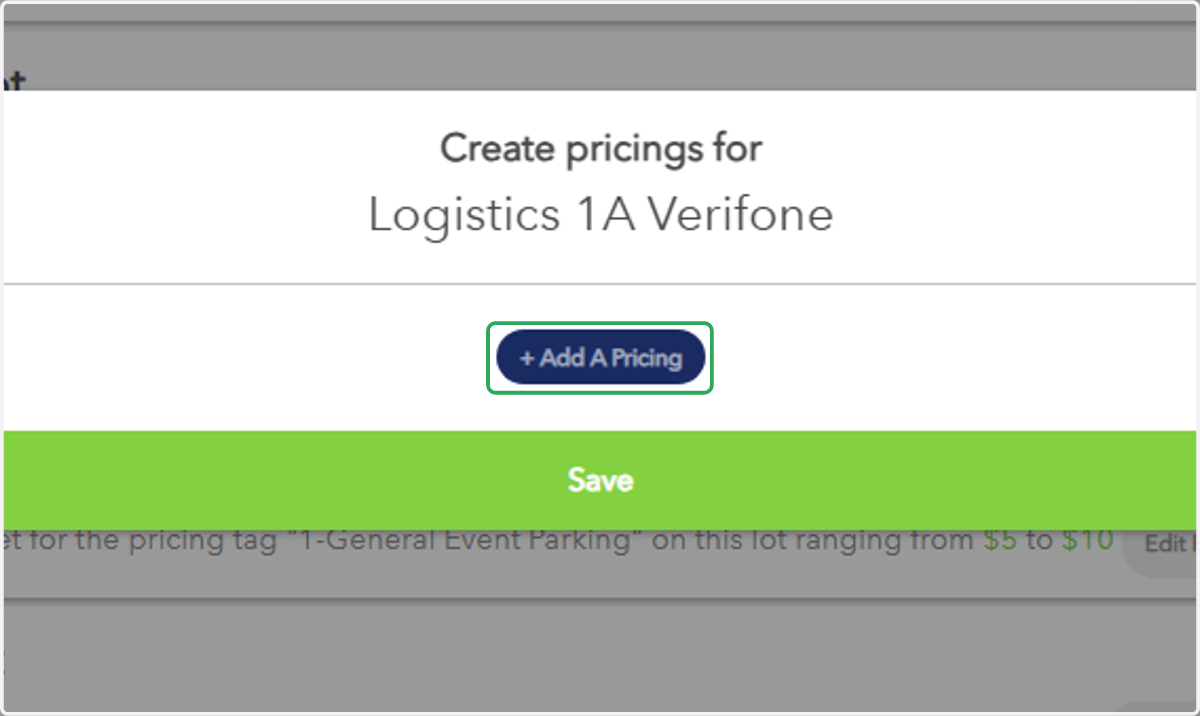
5. Click on "+ Add A Pricing"
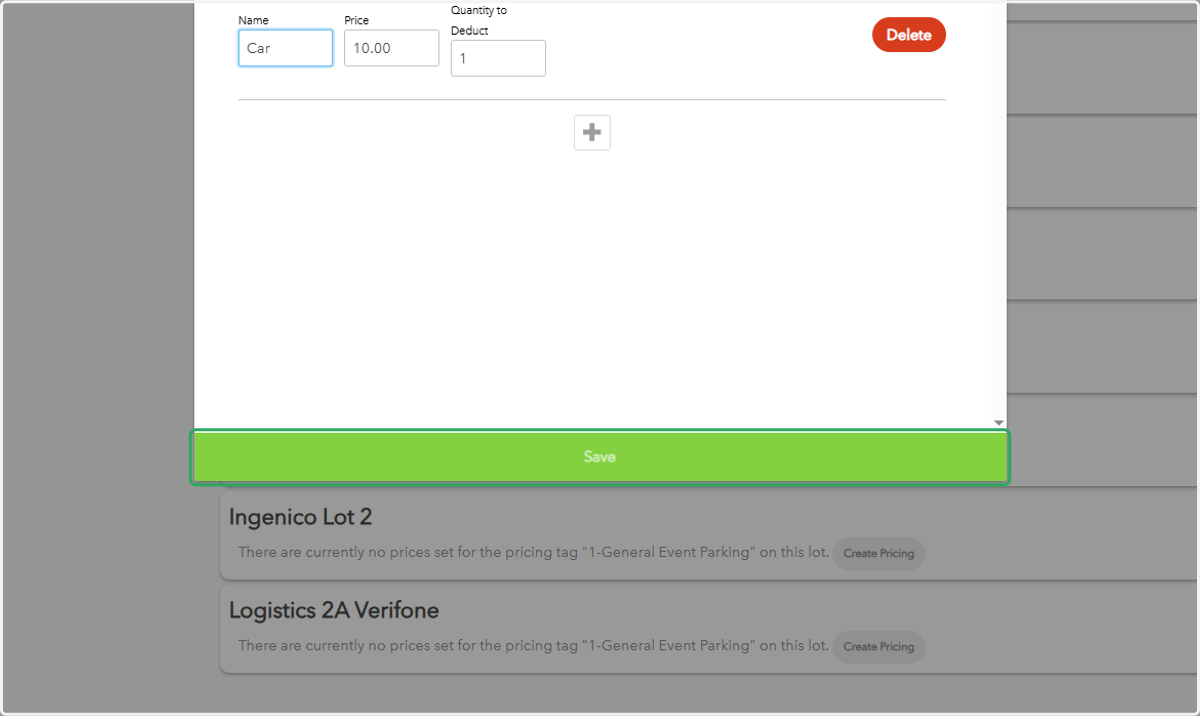
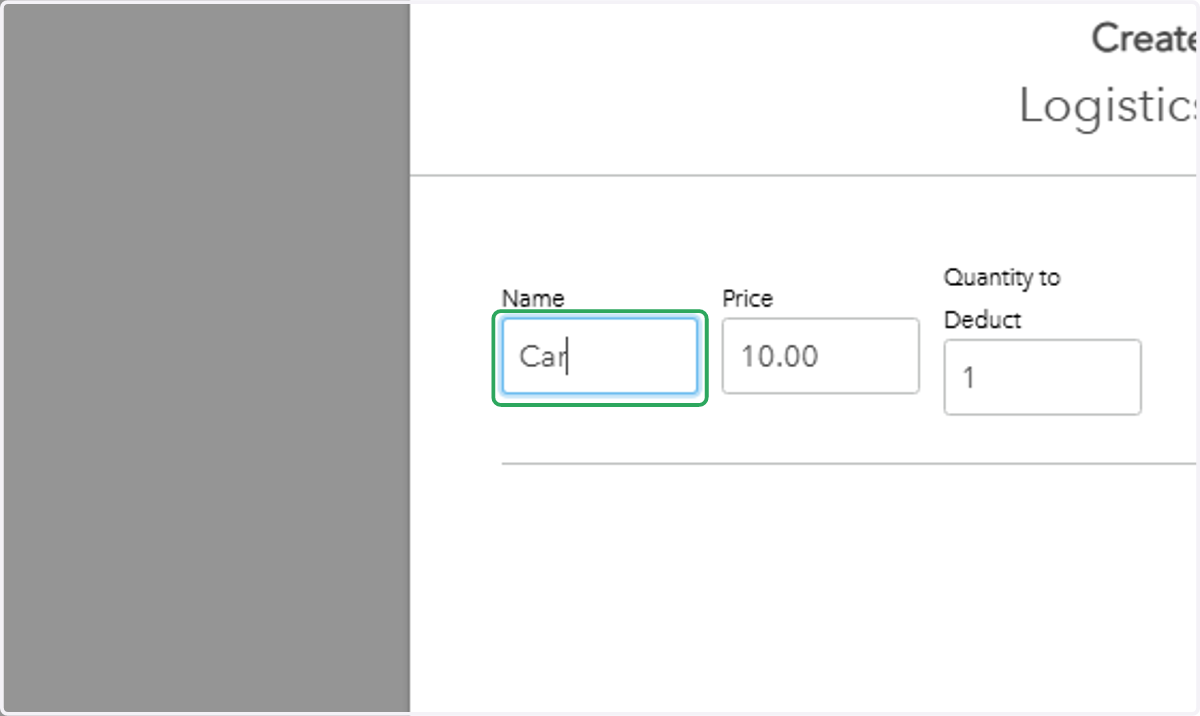
6. Enter the pricing name (optional), the price, and the quantity of spots to deduct Name
7. Click "Save"