How to view the live status of all systems
1. Navigate to web.firecoach.app
2. Log in with your Firecoach account
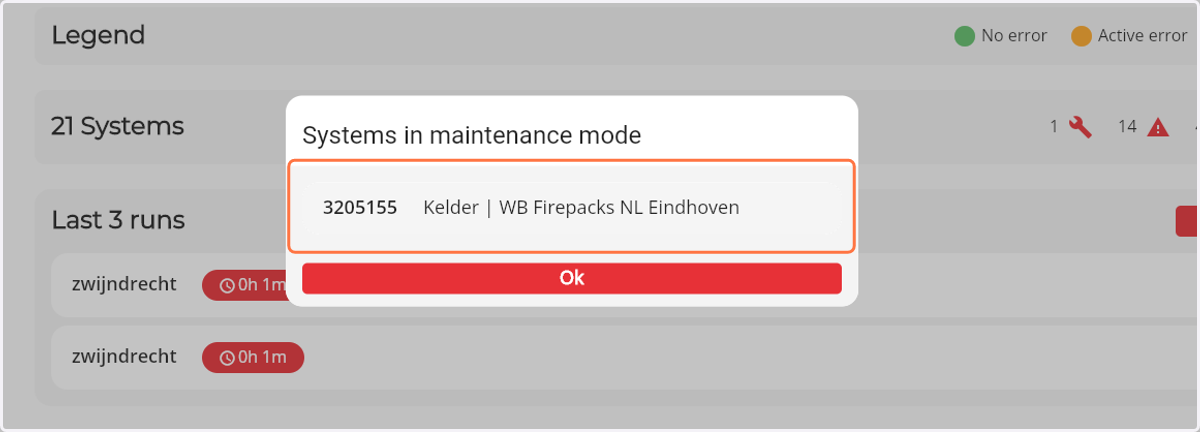
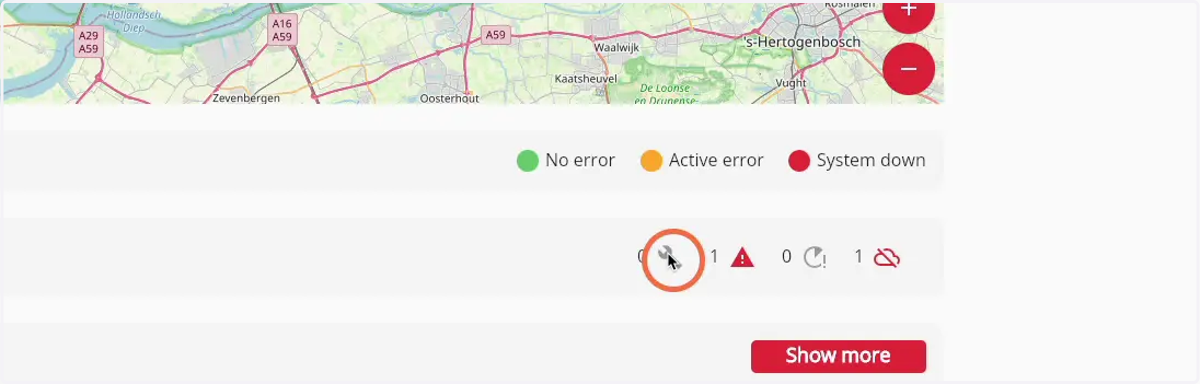
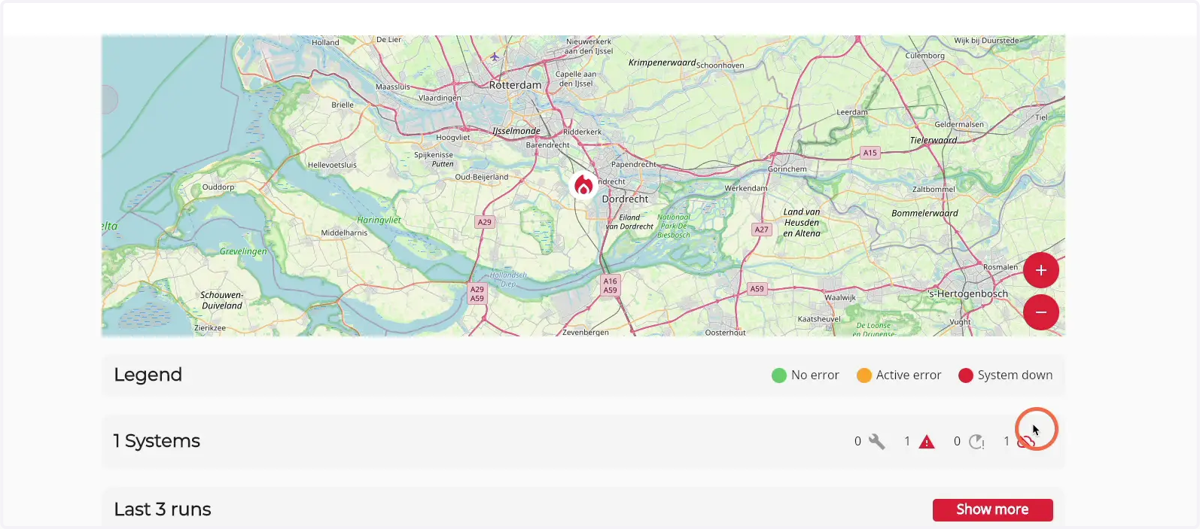
3. The 'wrench' icon shows all systems currently in maintenance mode
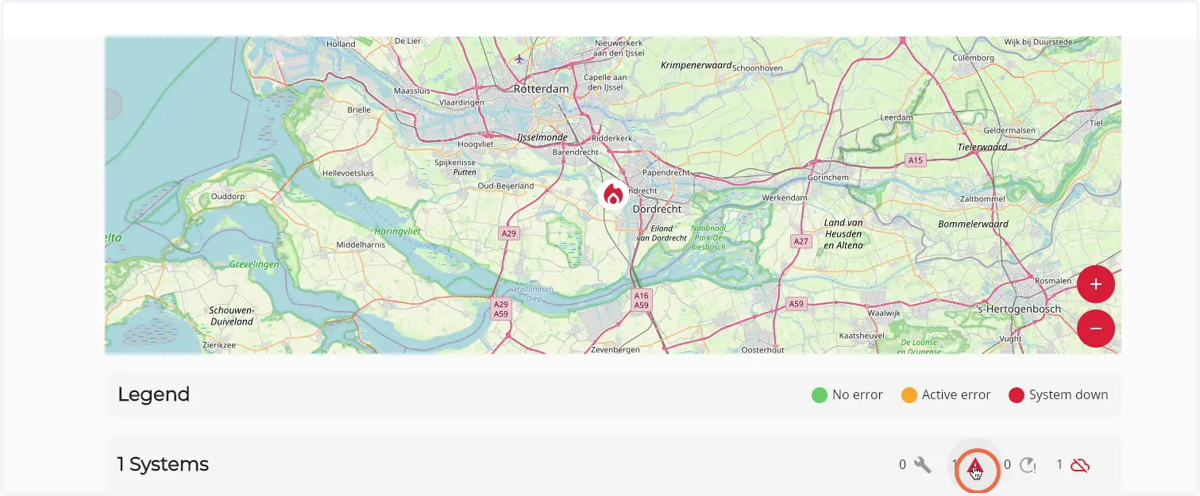
4. The 'exclamation mark' icon shows all systems that currently have an error
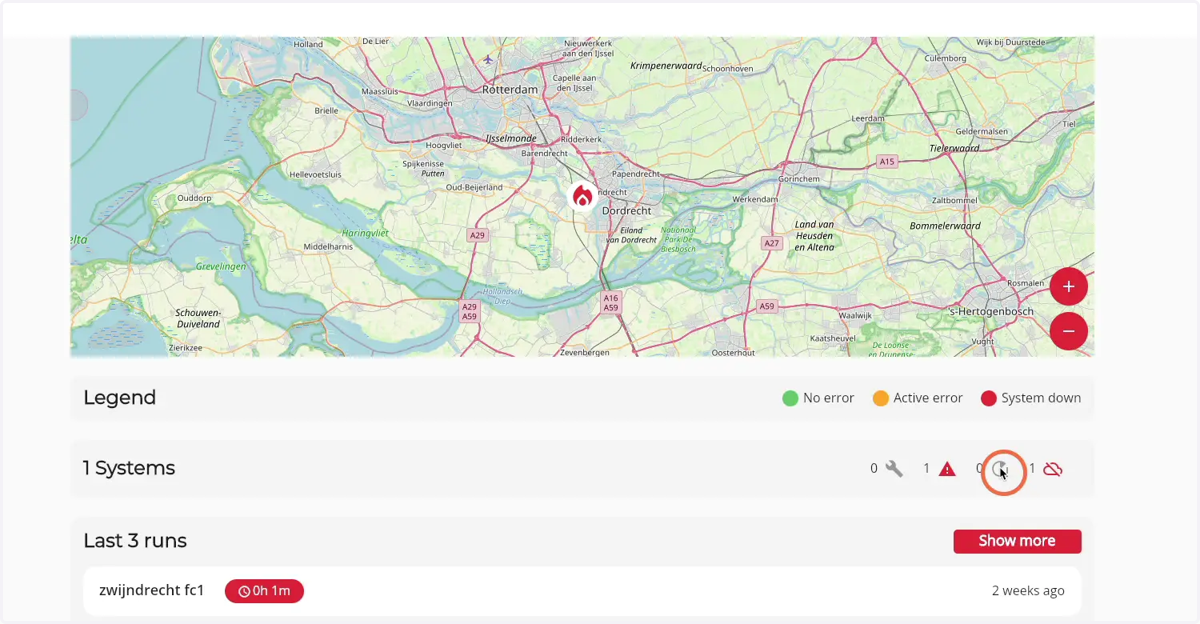
5. The 'run' icon shows all systems that are currently running
6. The cloud icon shows all systems that are currently offline
7. By clicking on one the name of a Firecoach you get directed to the system detail page