Uploading the Department Summary Letter
The steps below will show you how to upload the Department Summary Letter to Interfolio.
Interfolio
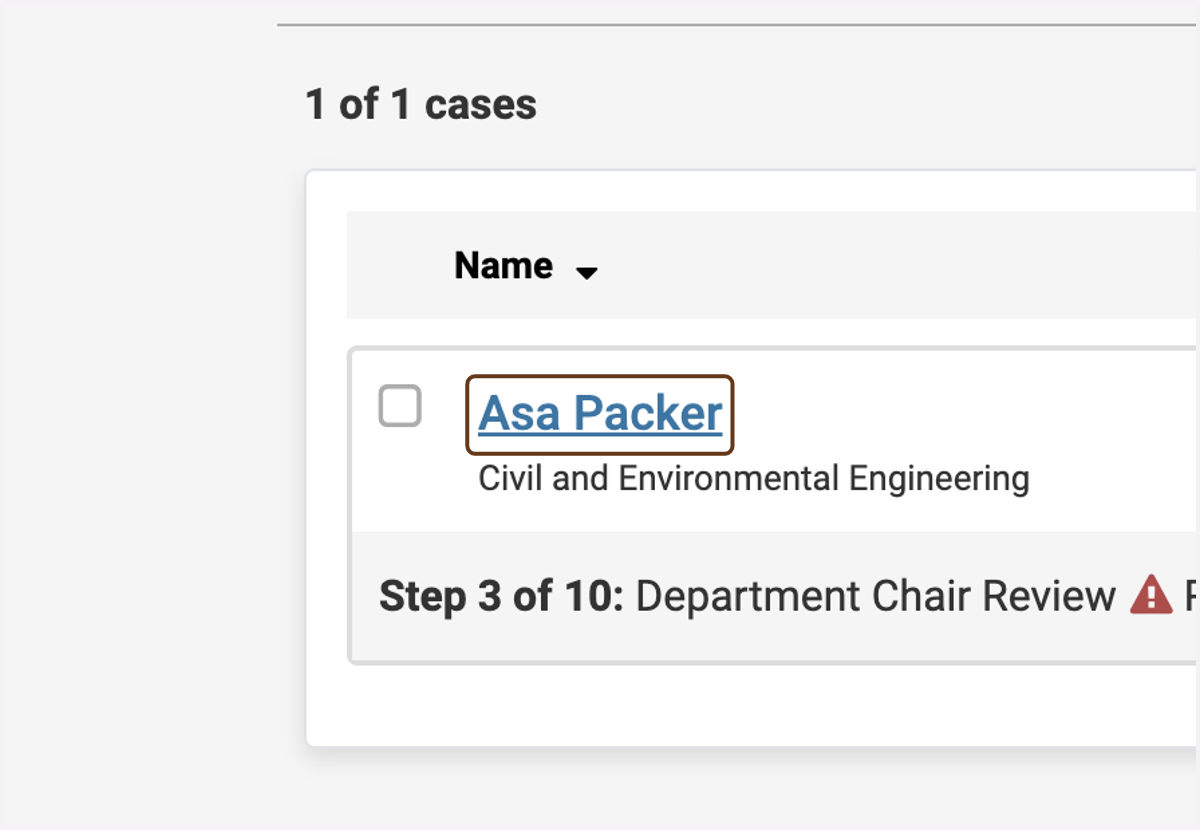
1. Click on the candidate's name
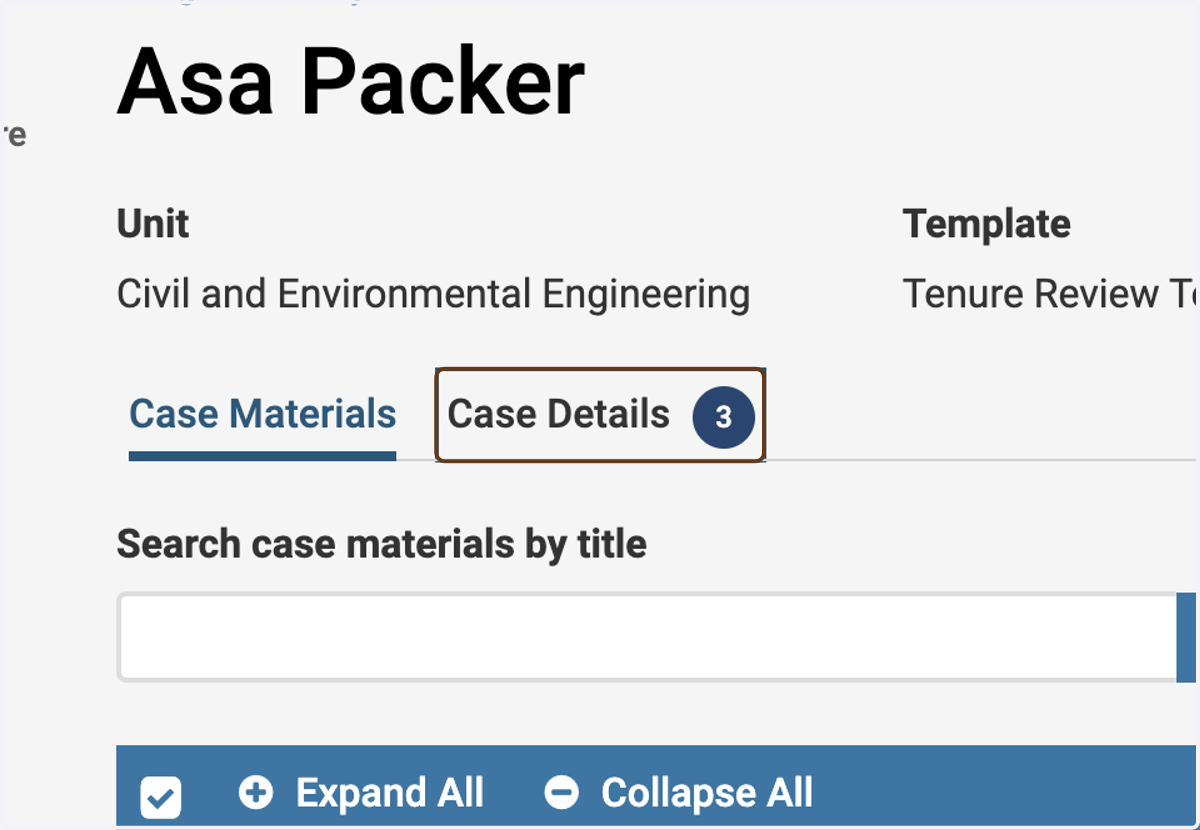
2. Click on the Case Details tab
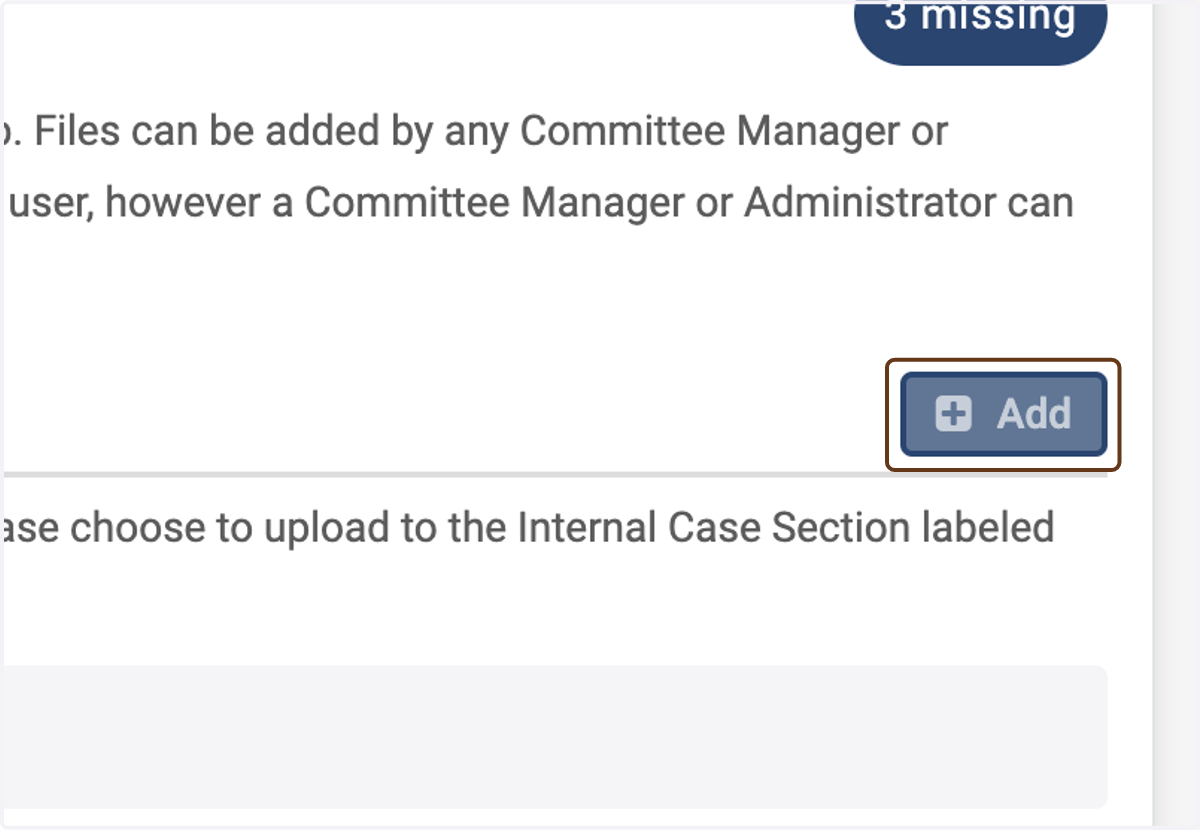
3. Click on Add next to Department Summary Letter
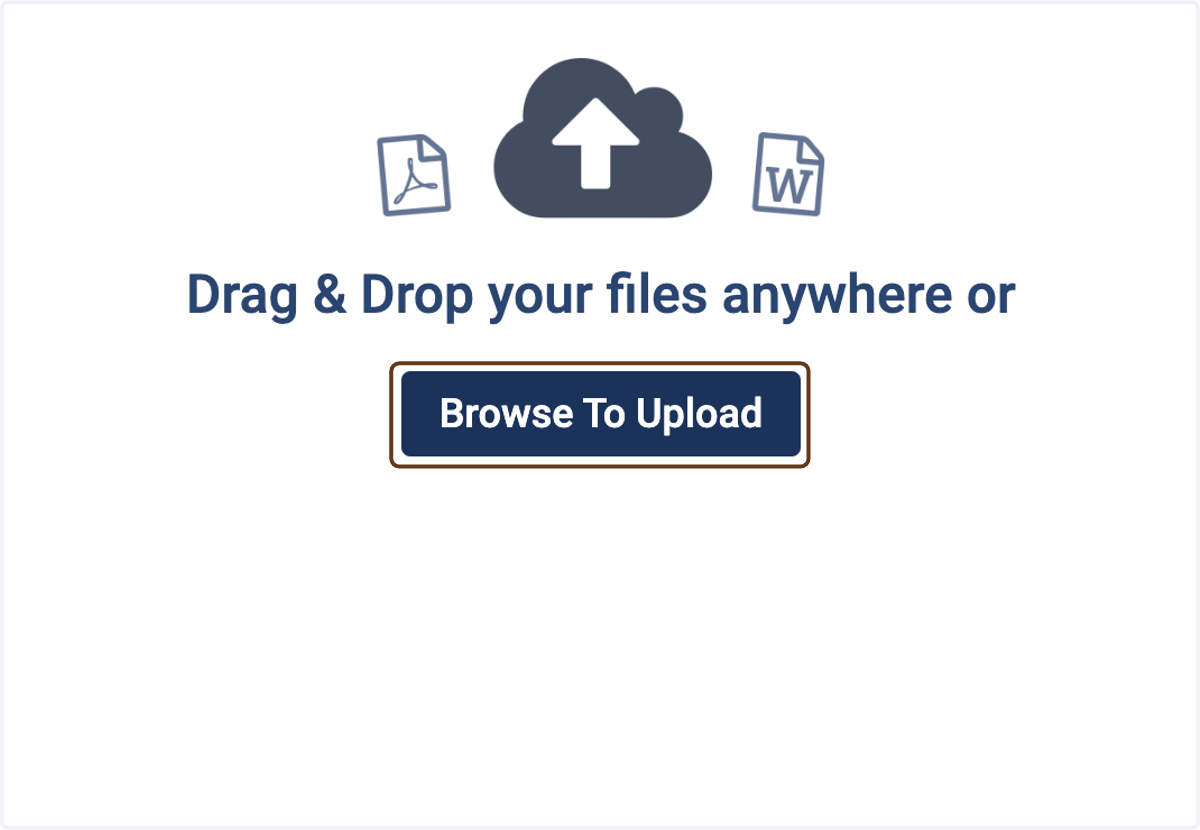
4. Click on Browse To Upload
(or drag and drop)
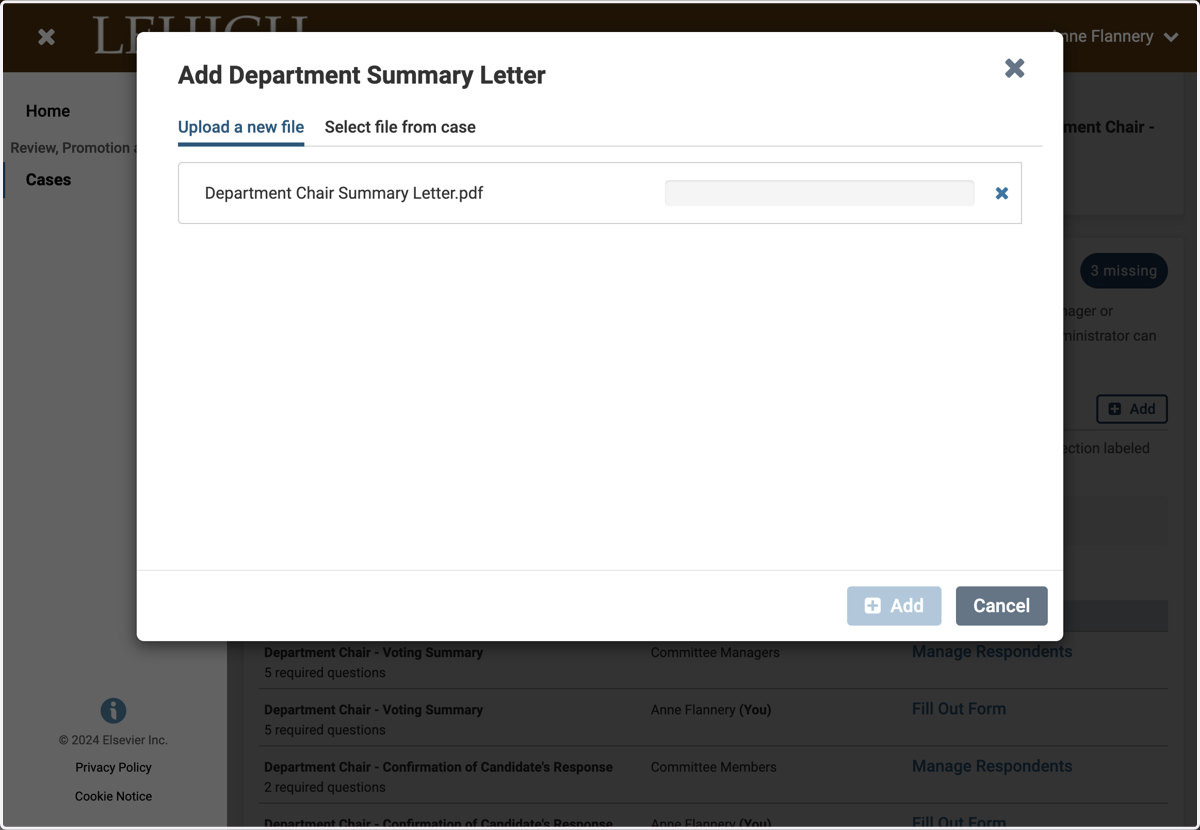
5. Select a file from upload menu
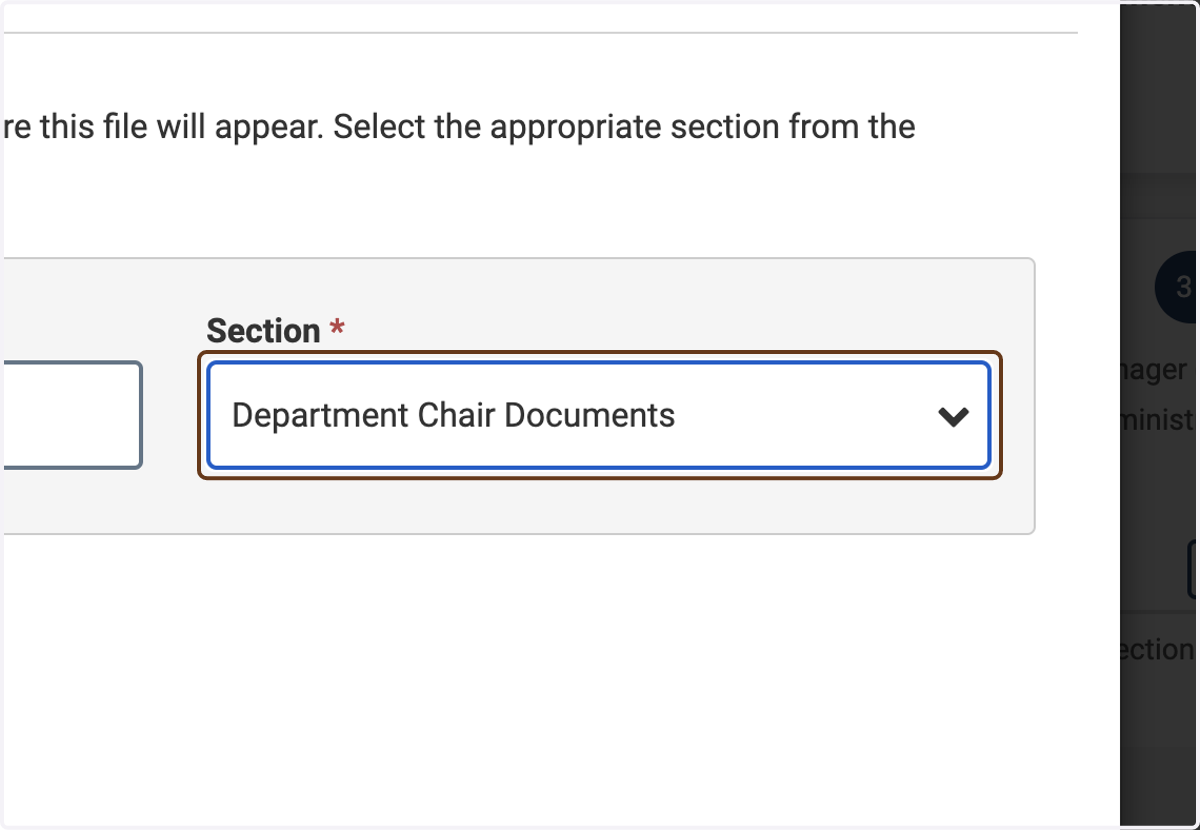
6. Select Department Chair Documents
Important: Under Section, choose "Department Chair Documents." This will ensure that the document is stored in the correct section of the case.
7. Click on Add