Add Planned Income in the project study
Odoo
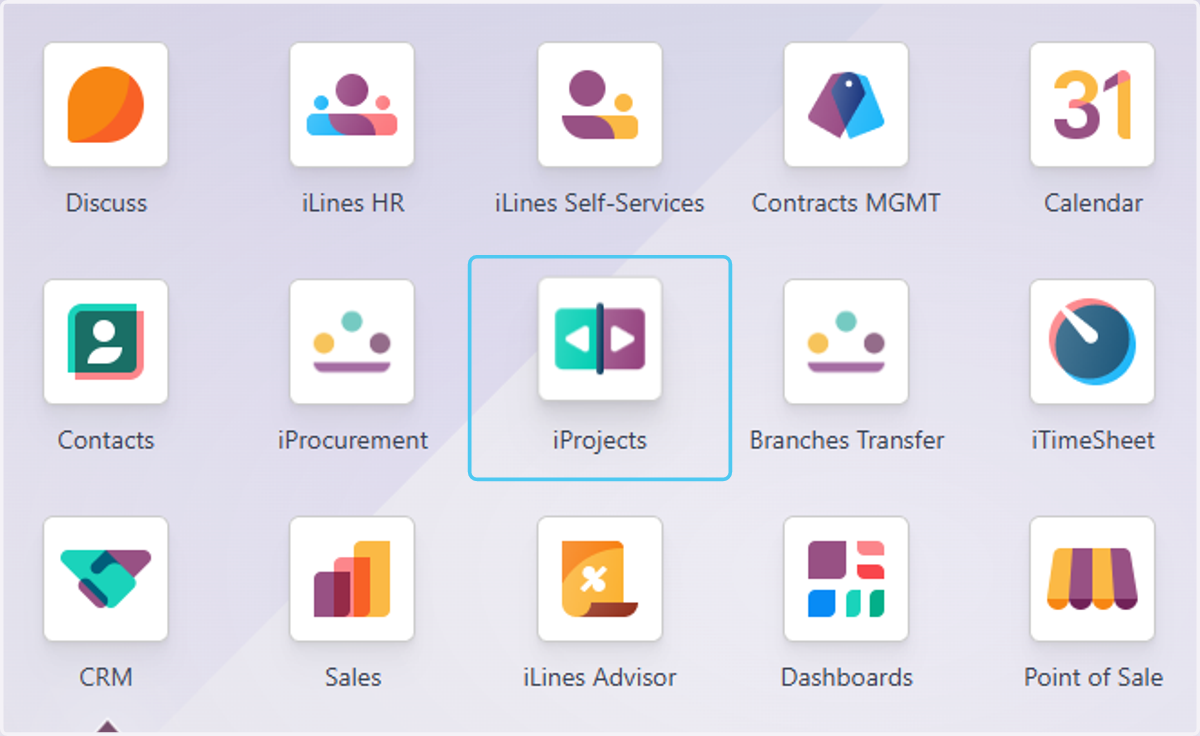
1. Click on iProjects
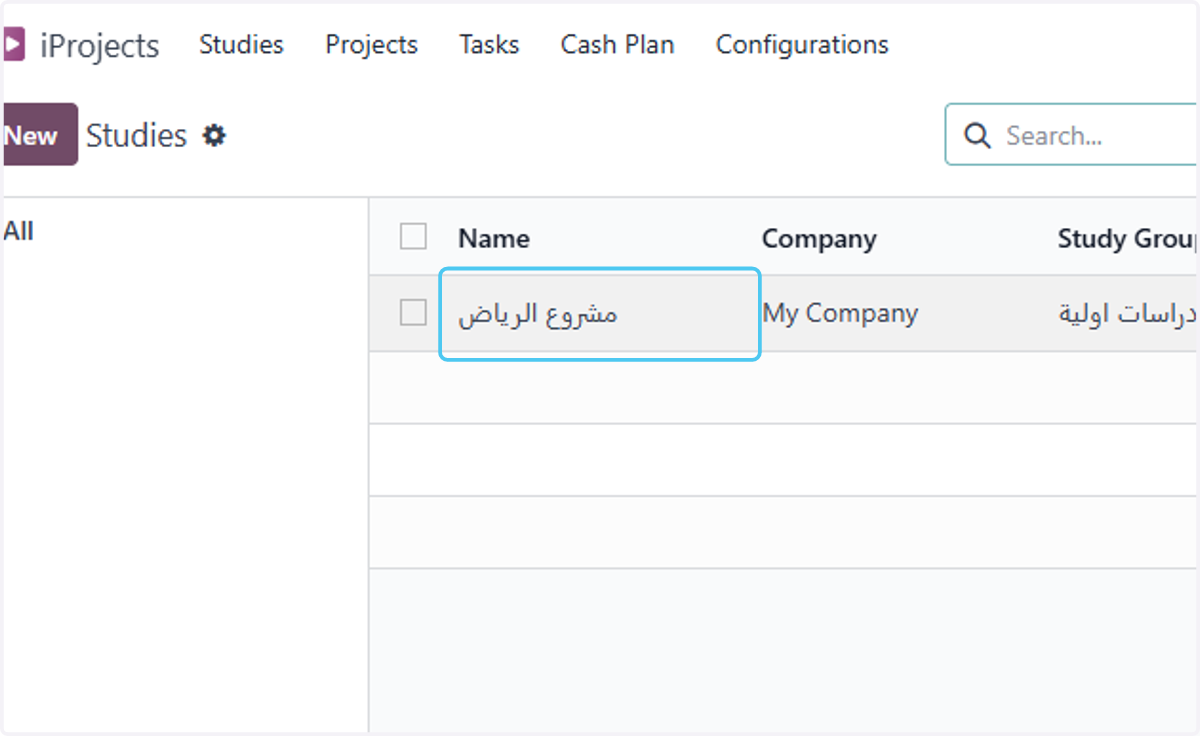
2. choose your study
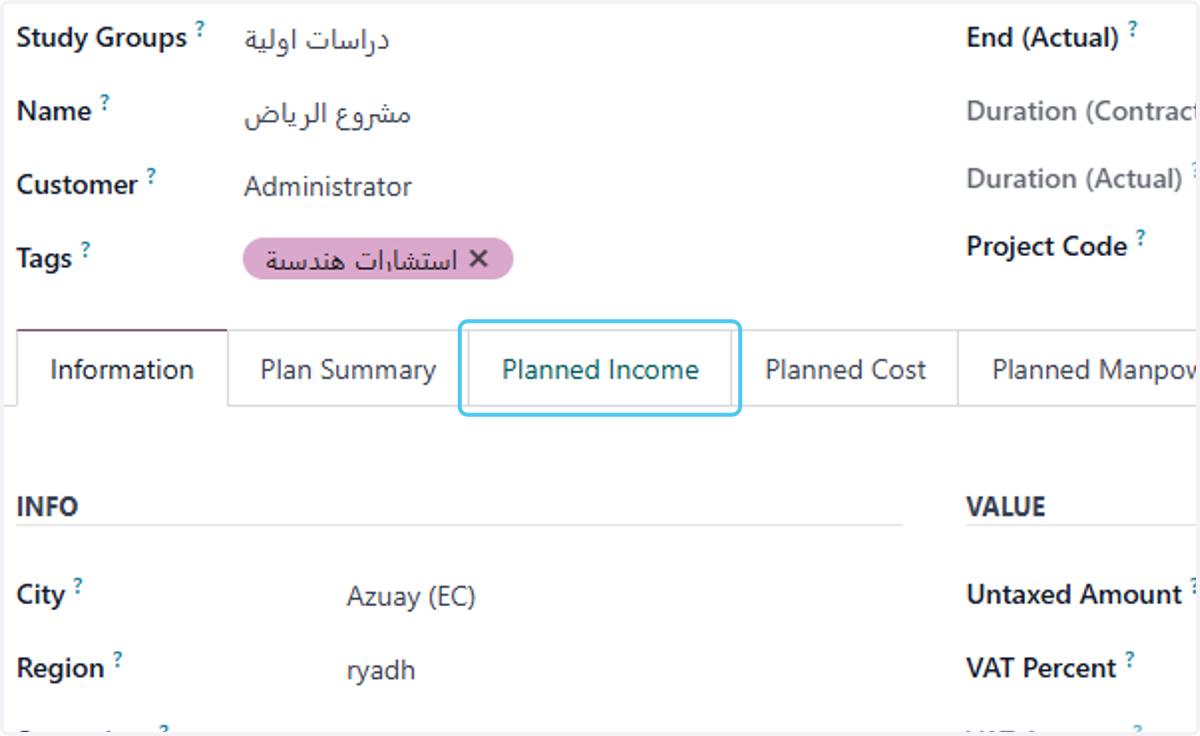
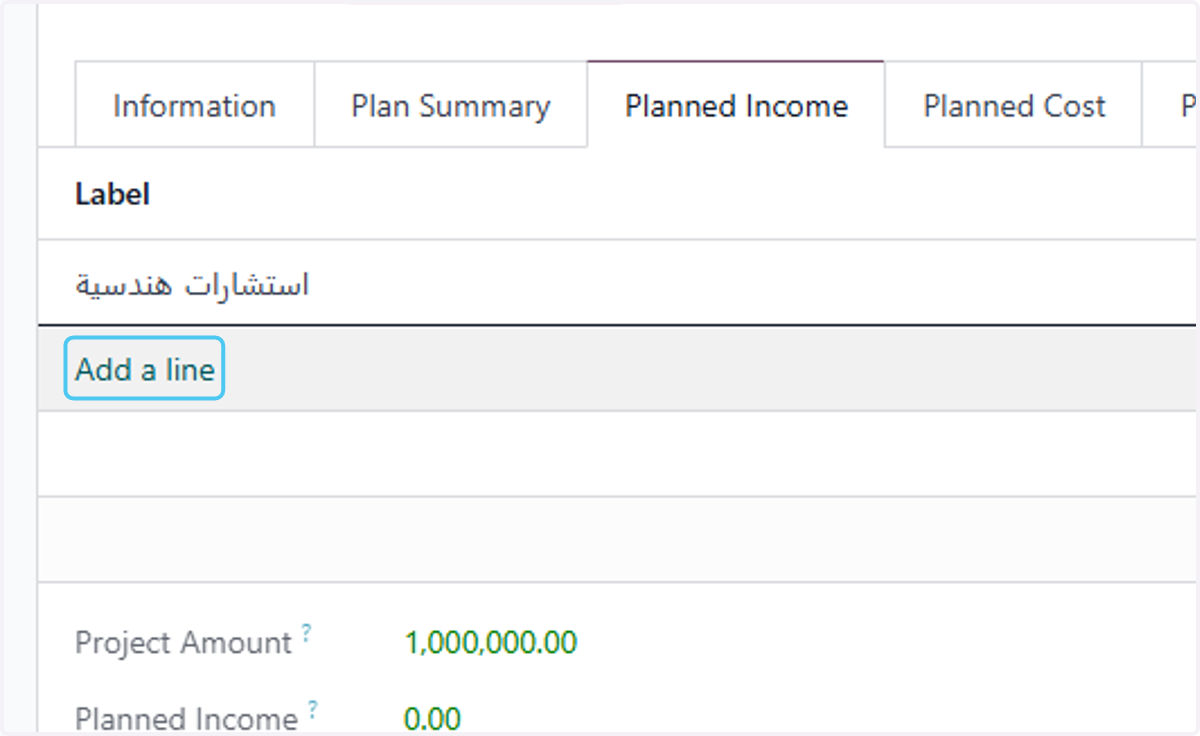
3. Click on Planned Income
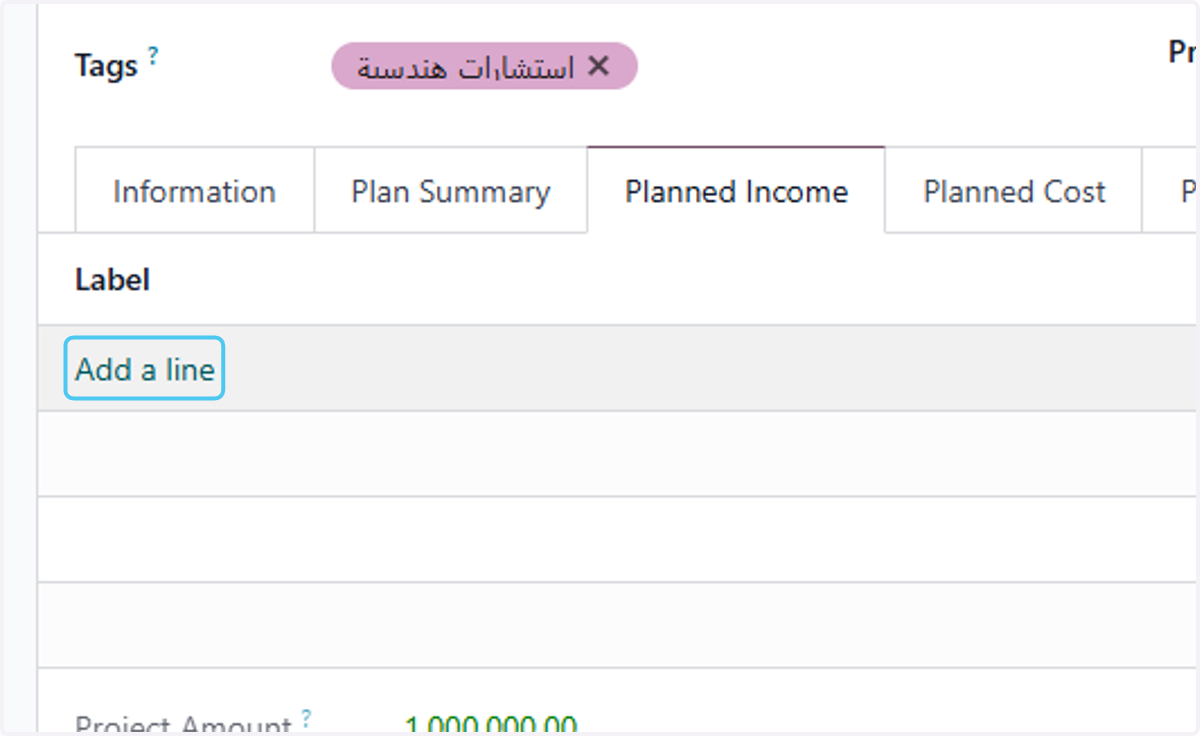
4. Click on Add a line
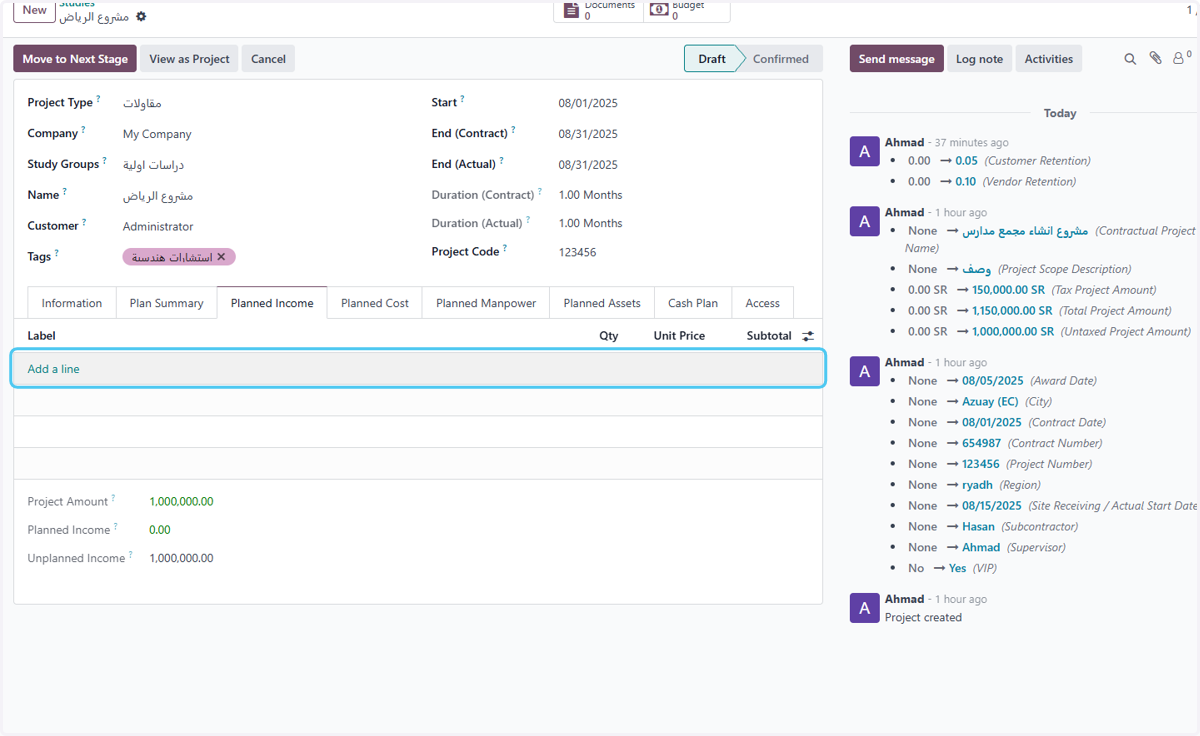
5. Click on Add a line
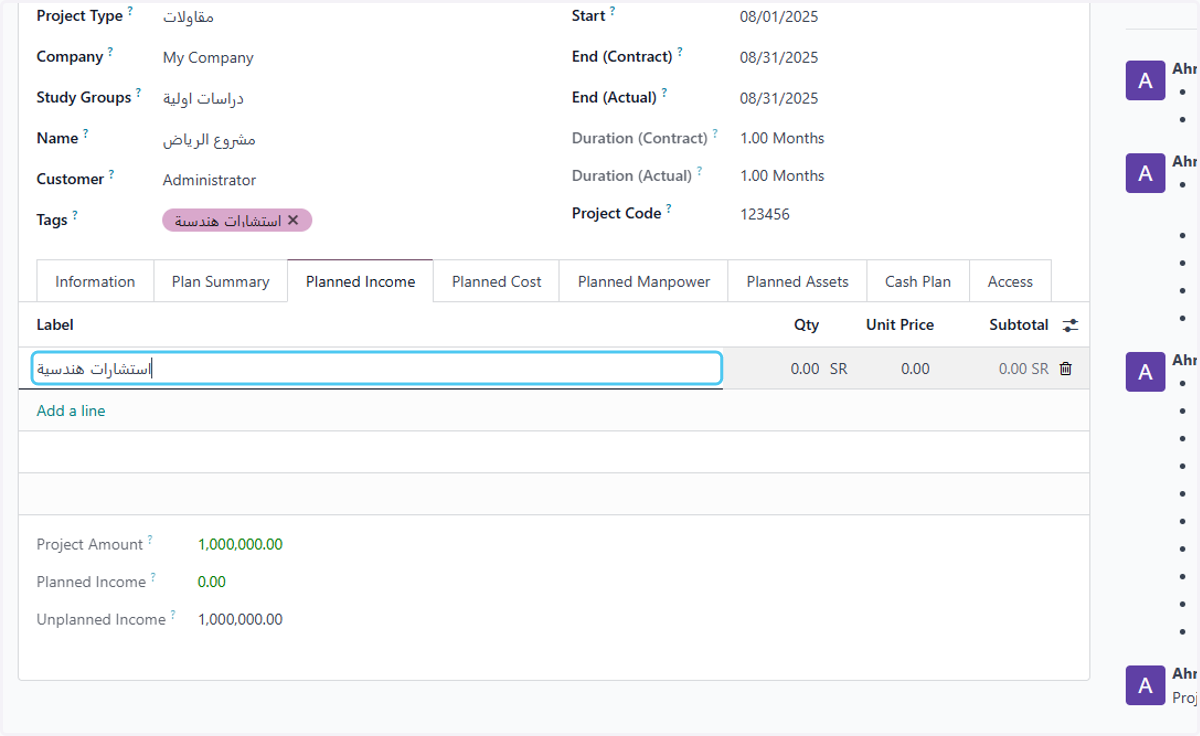
6. Type the income type
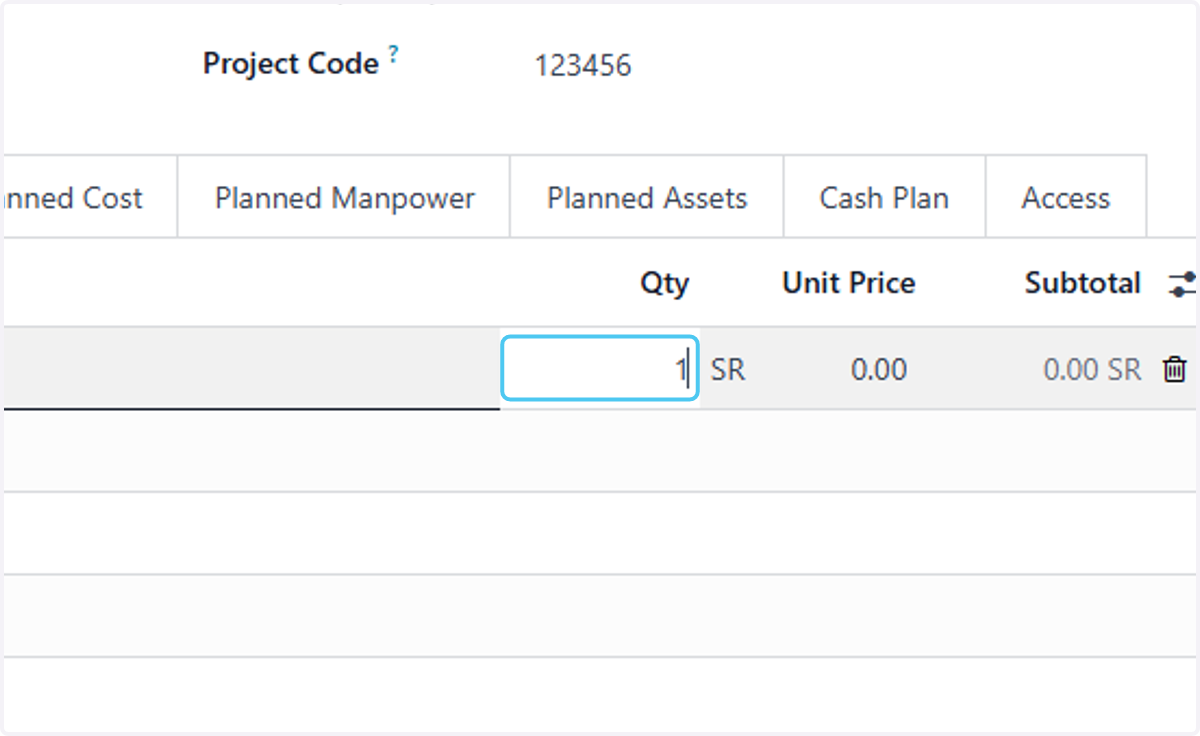
7. Type the quantity
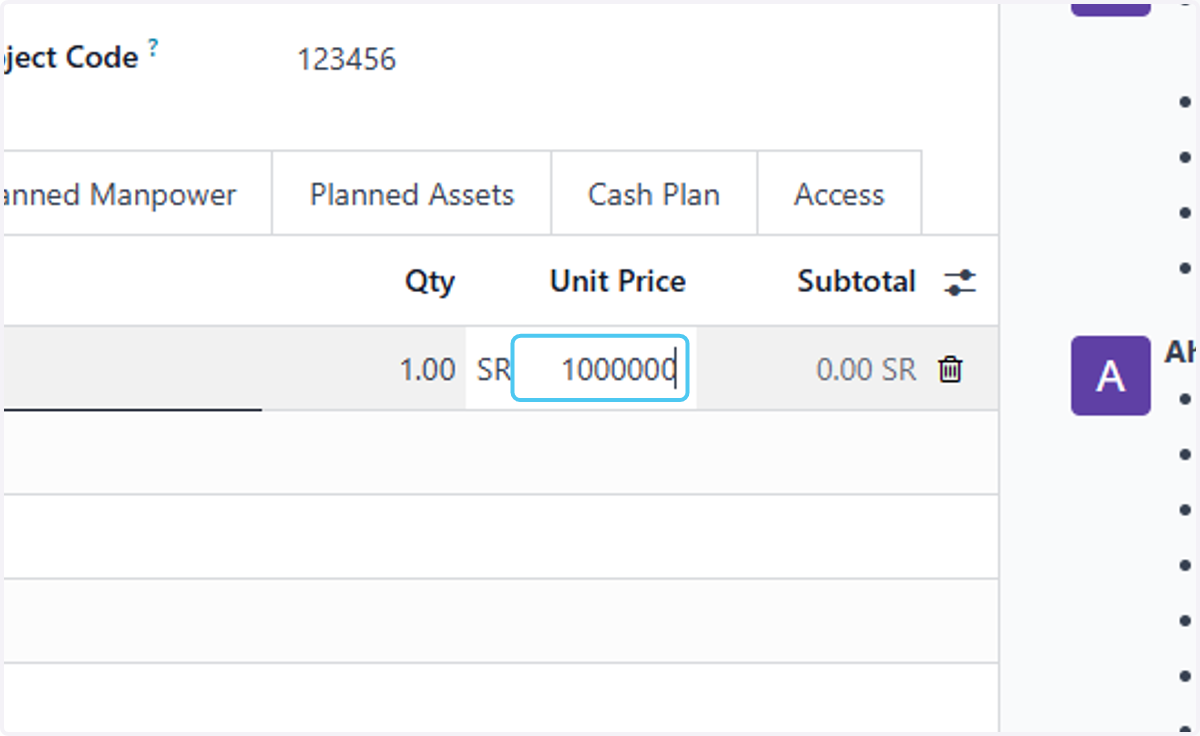
8. Type the price
9. Click on Add a line if you want to add another income type
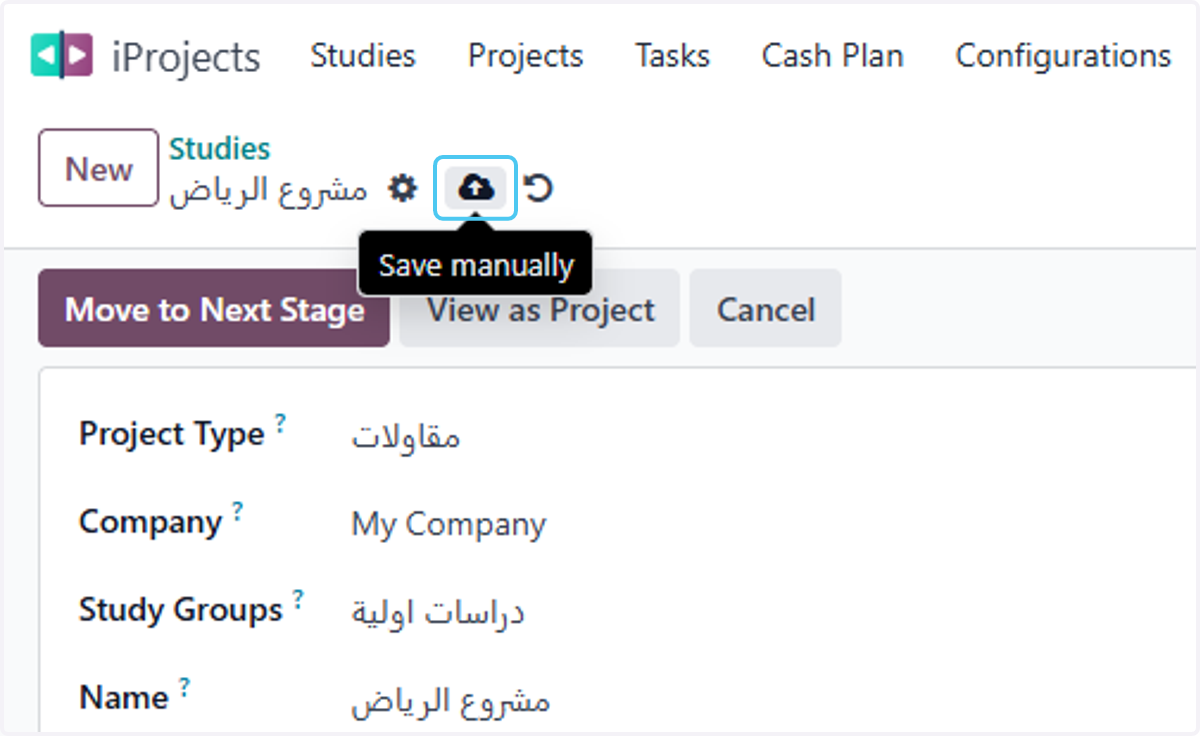
10. Click on Save manually