How to Add a Blog to Canvas
Instructure
1. Login to your Canvas course.
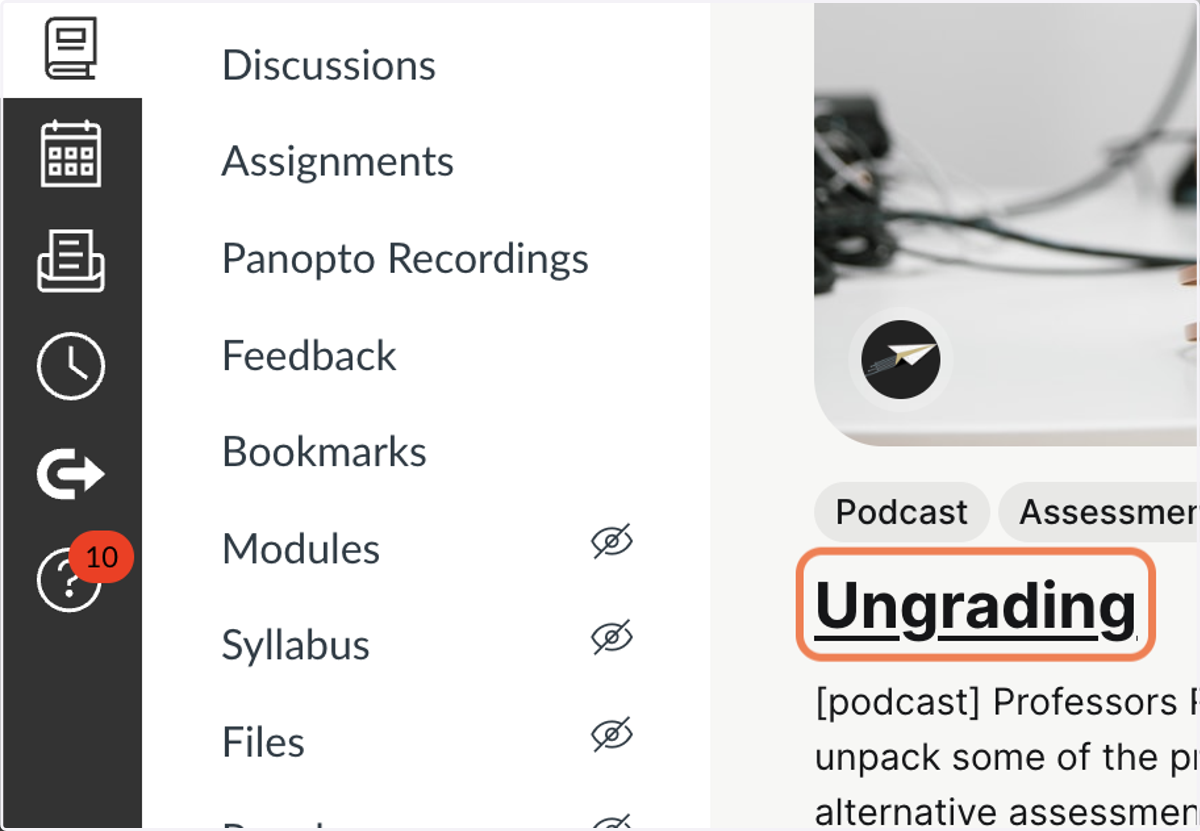
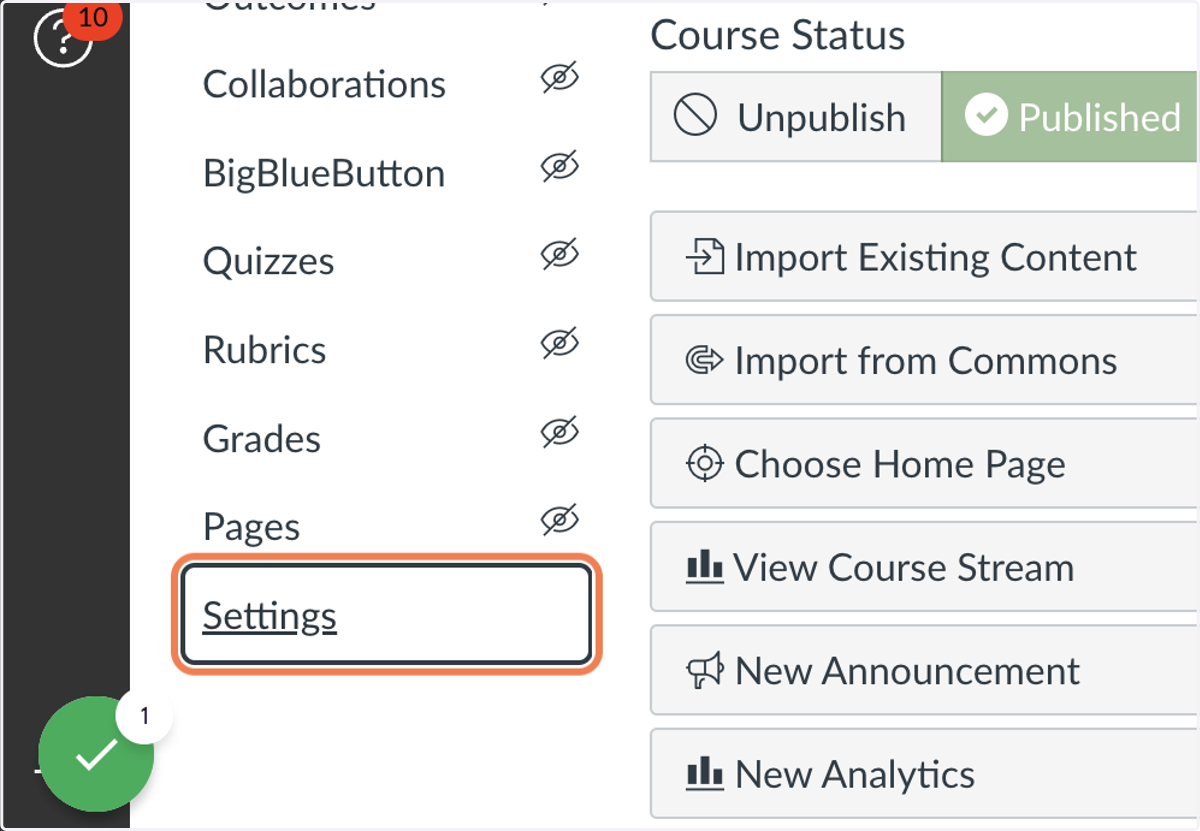
2. Click on Settings (lower left menu)
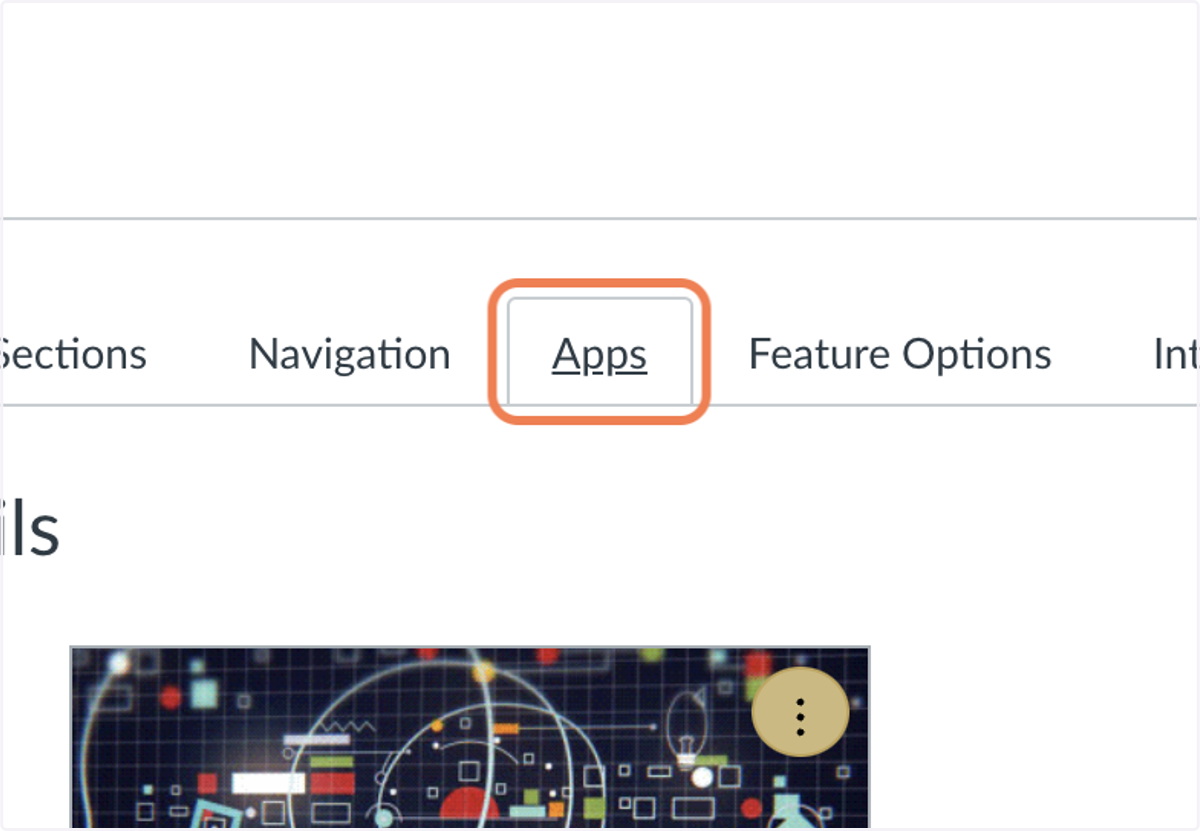
3. Click on Apps (upper middle tab)
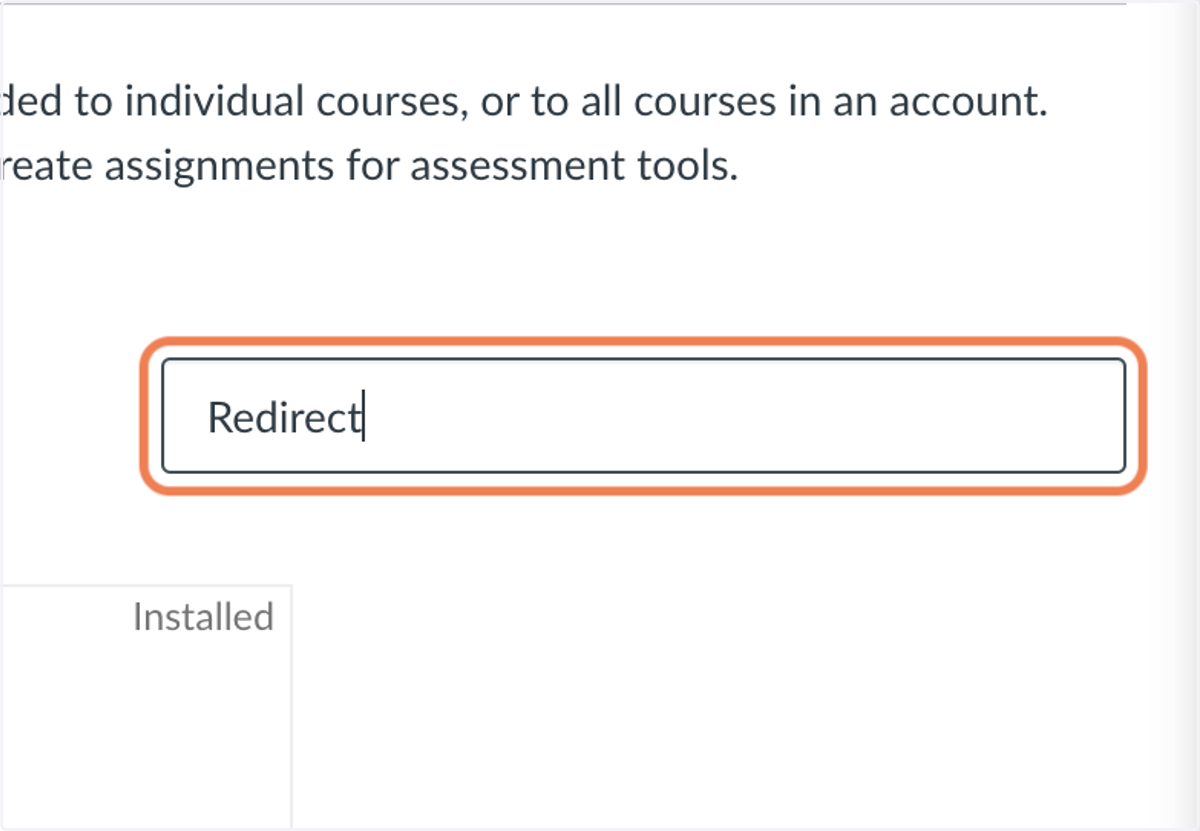
4. Type "Redirect"
Most Apps are useless. Redirect is a diamond in the rough.
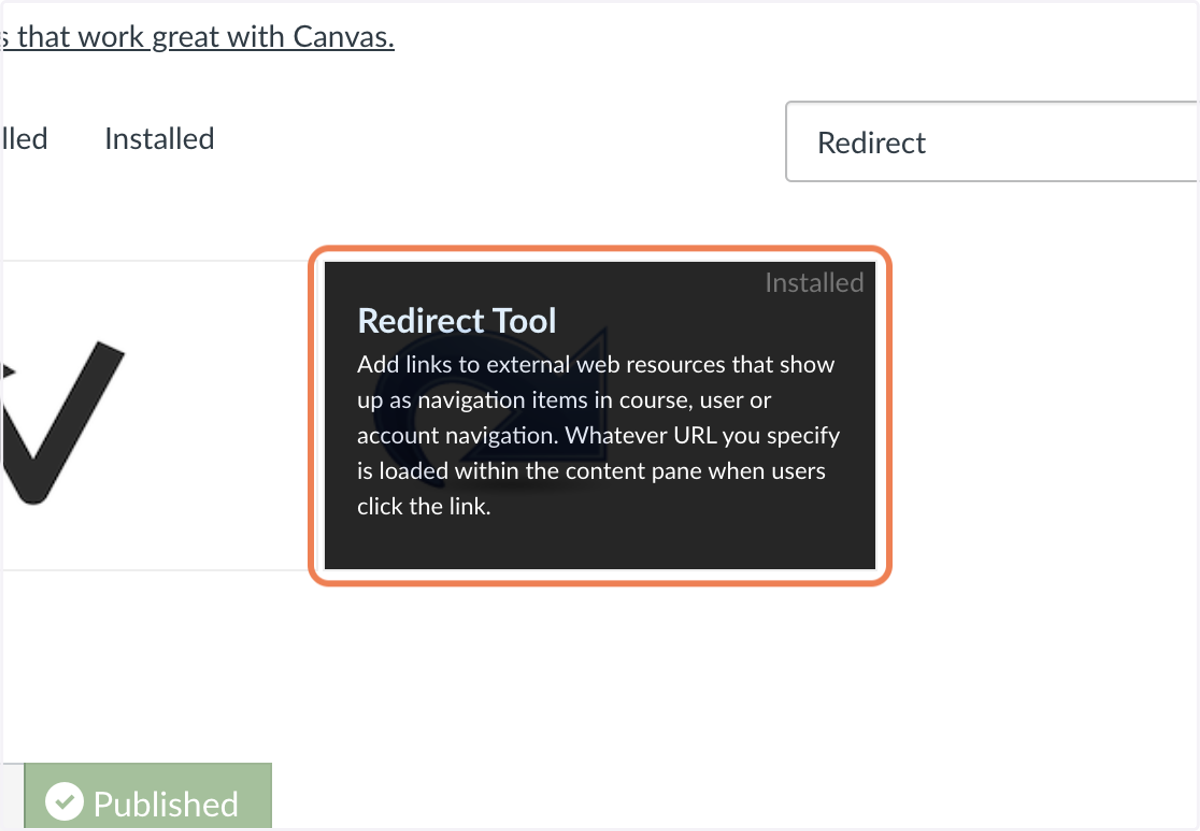
5. Click on Redirect.
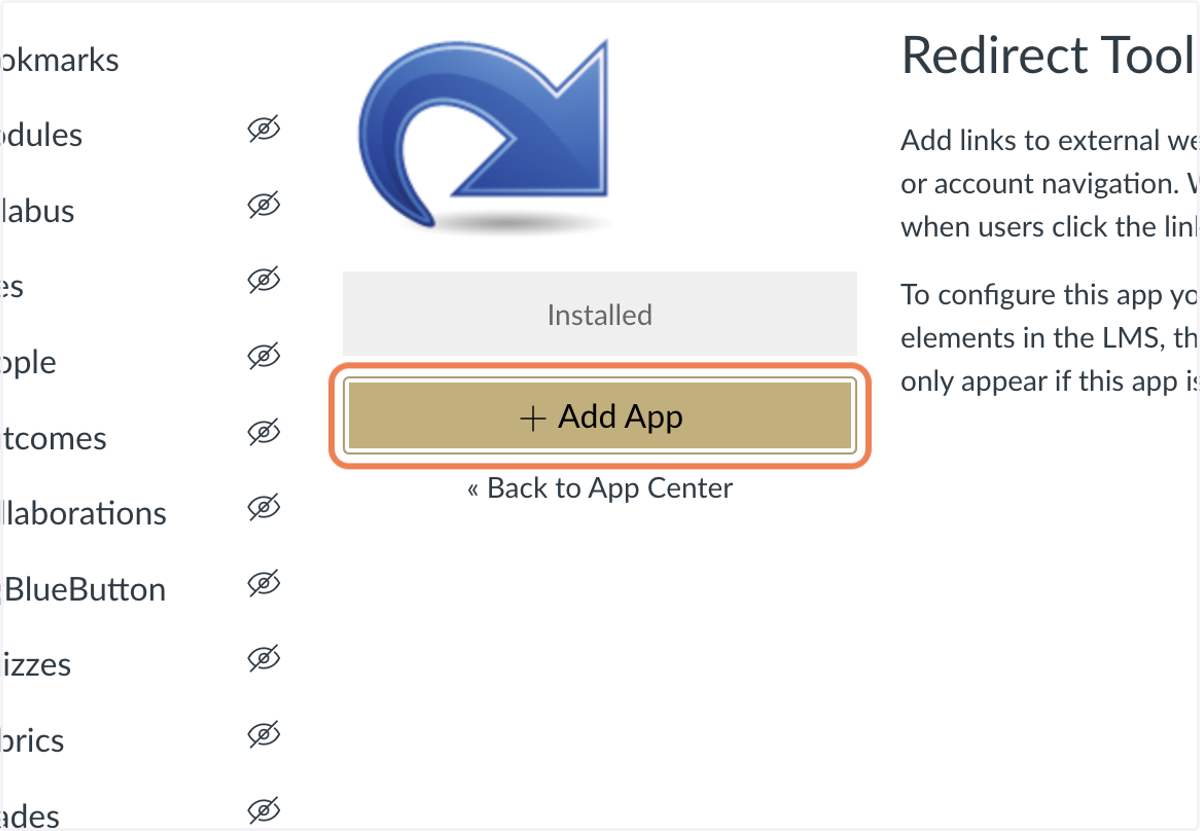
6. Click on + Add App
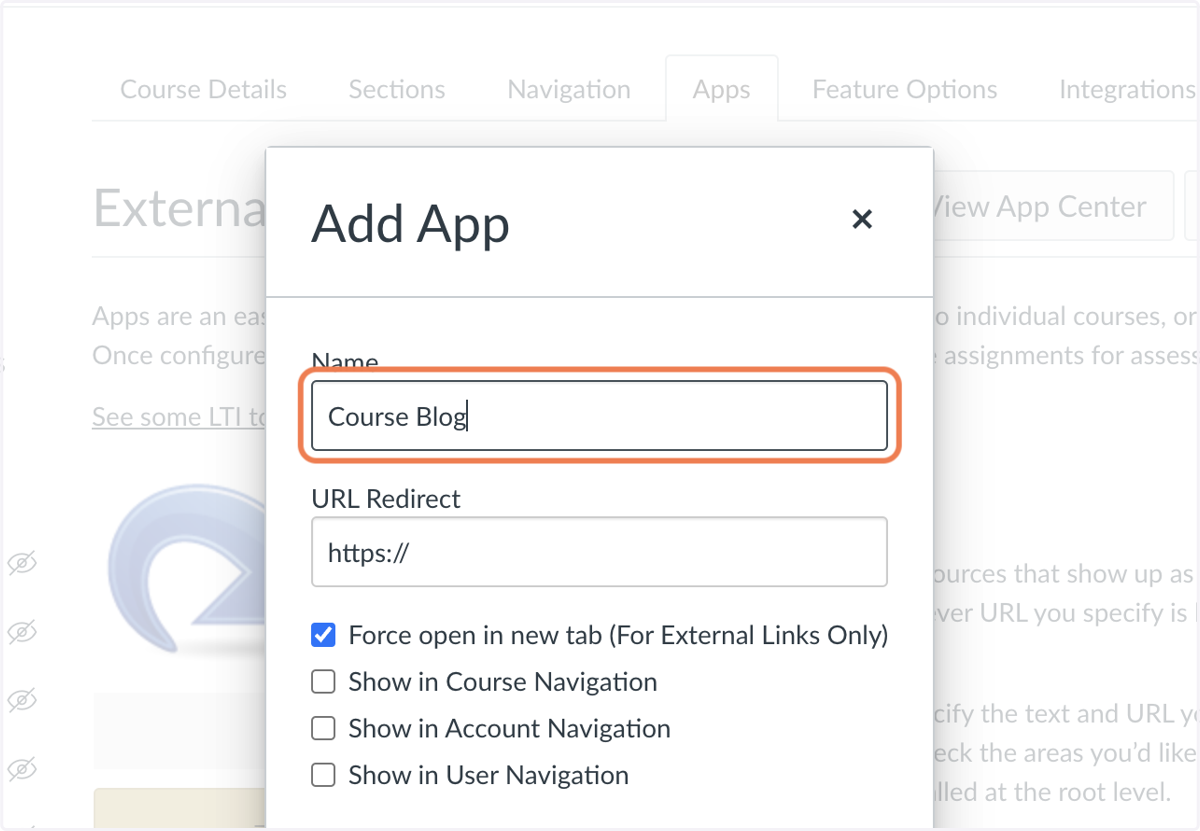
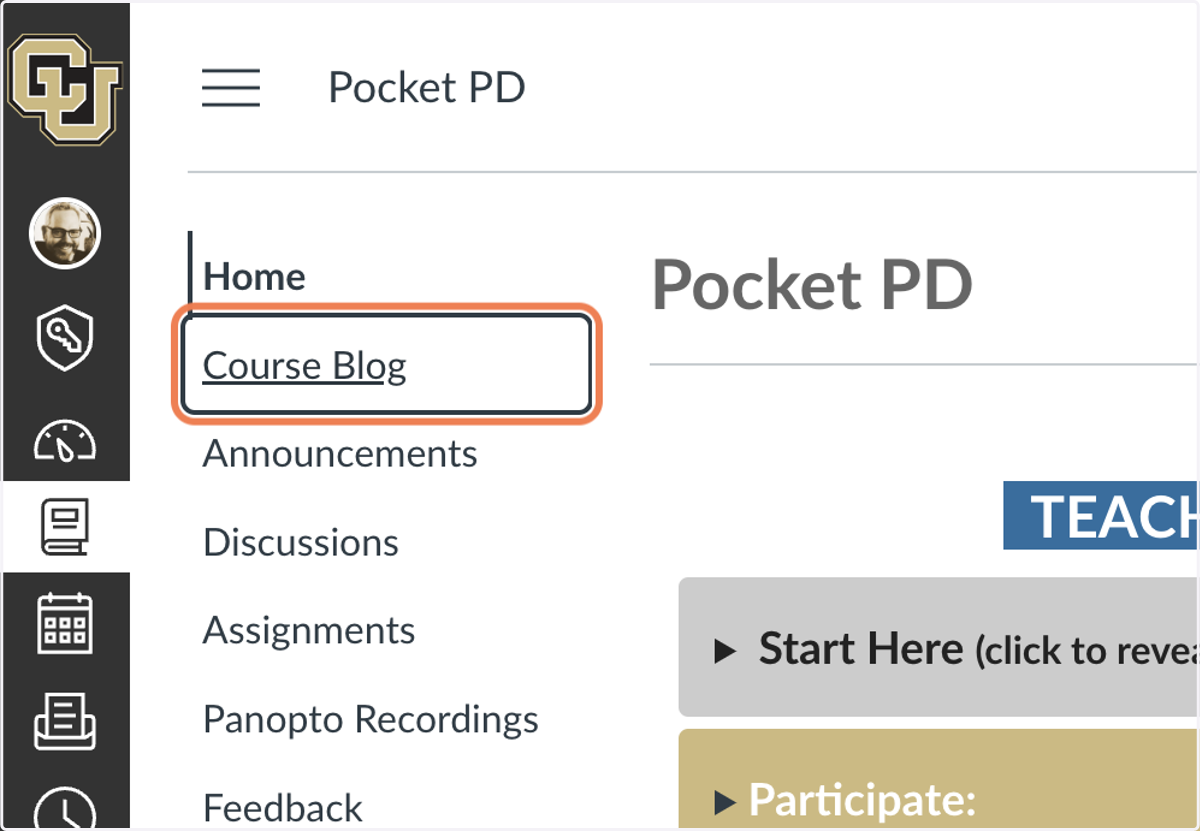
7. Name it. This will appear in your course menu on the left.
8. Enter the URL to your blog.
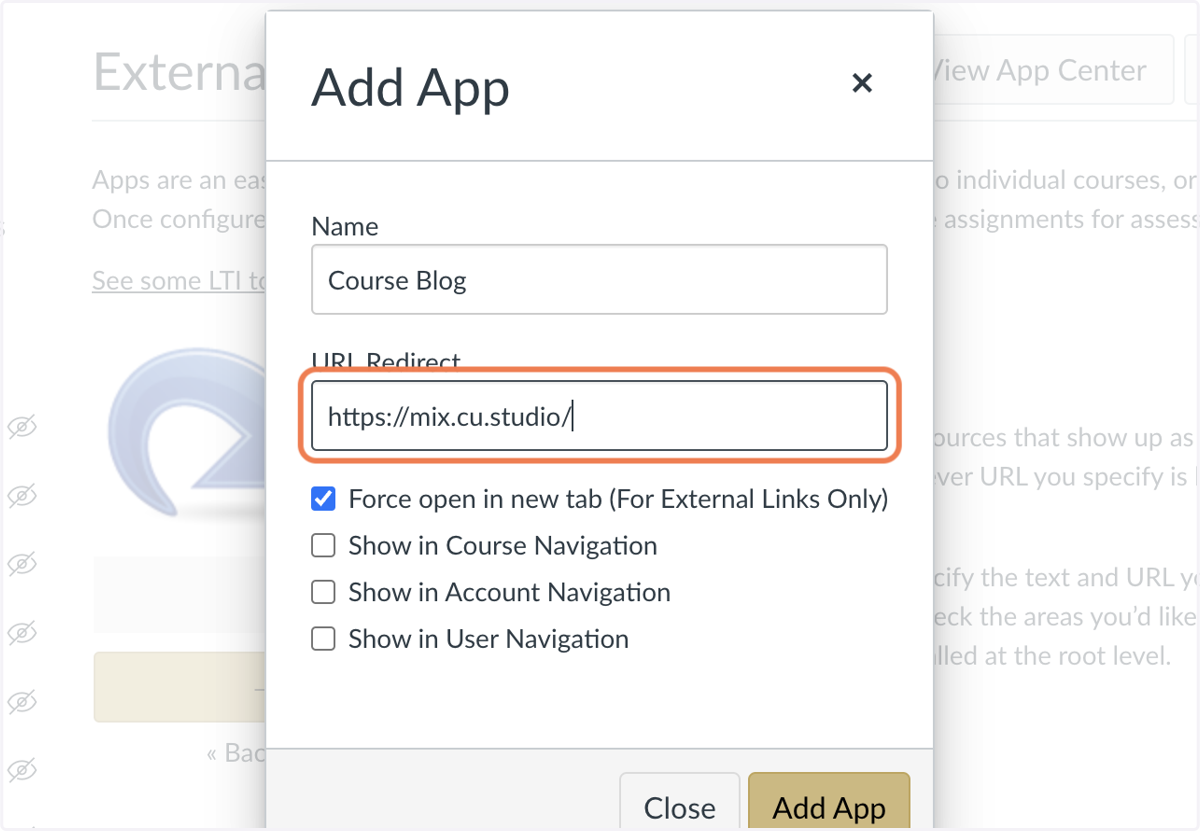
9. Uncheck Force open in new tab (For External Links Only)
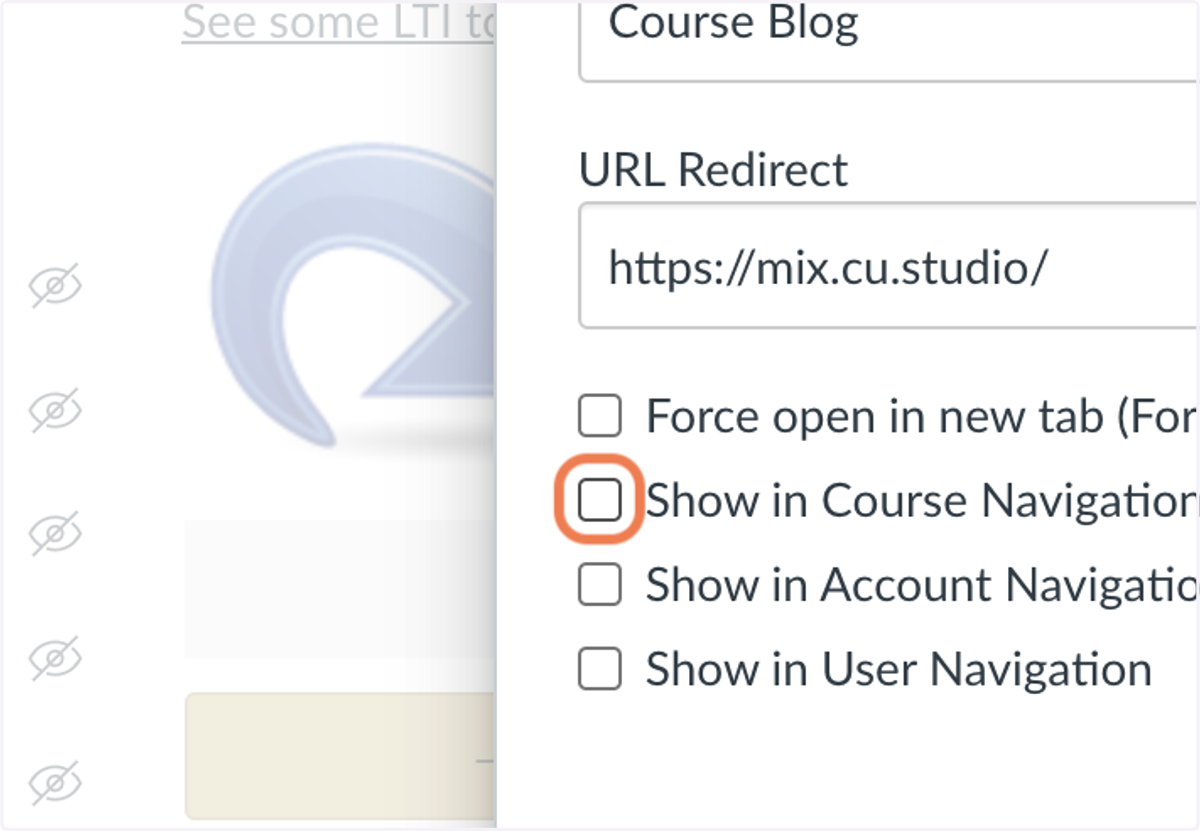
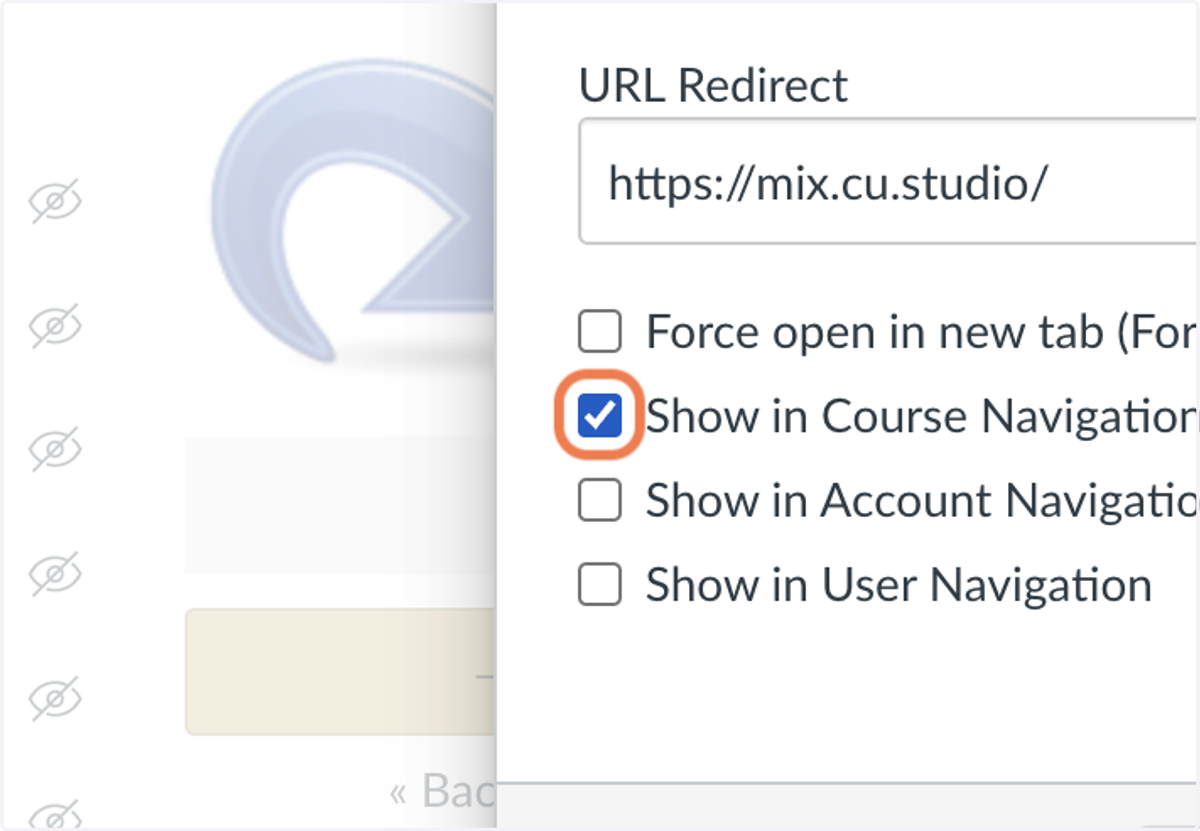
10. Check Show in Course Navigation
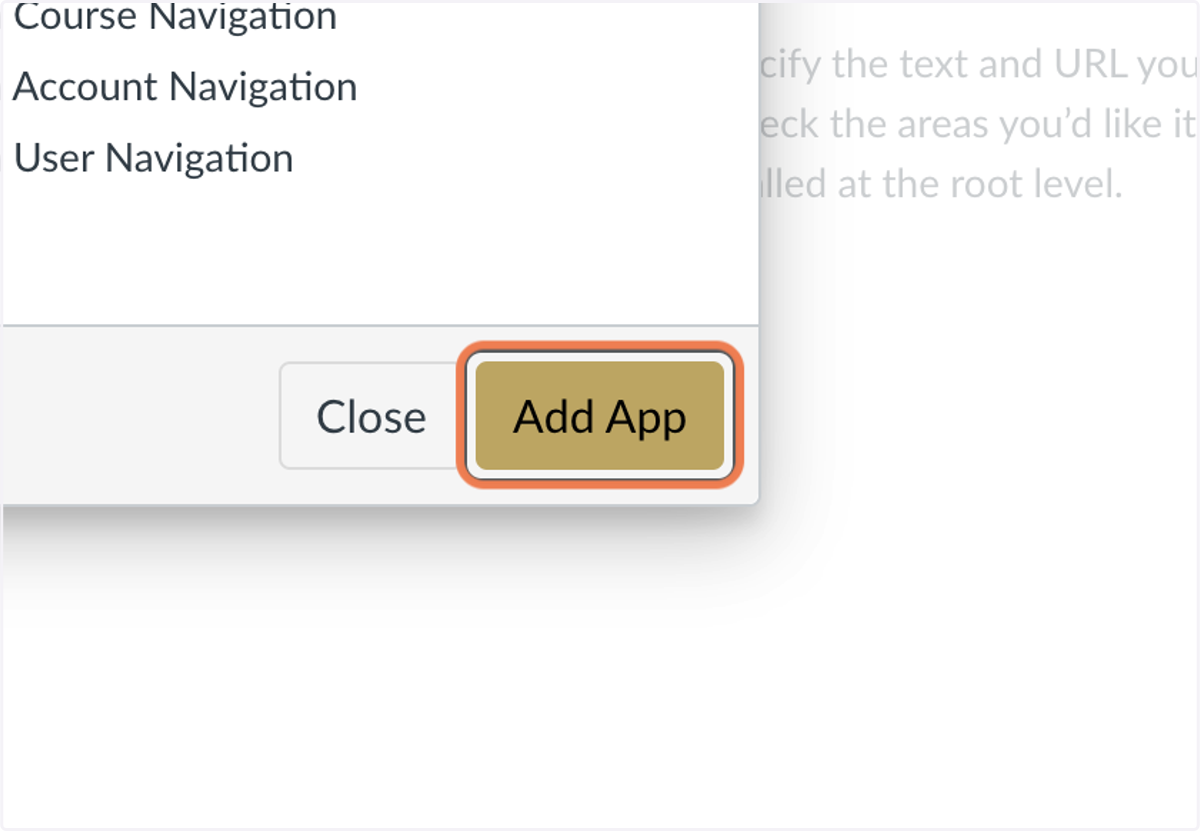
11. Click on Add App
12. Click on Home
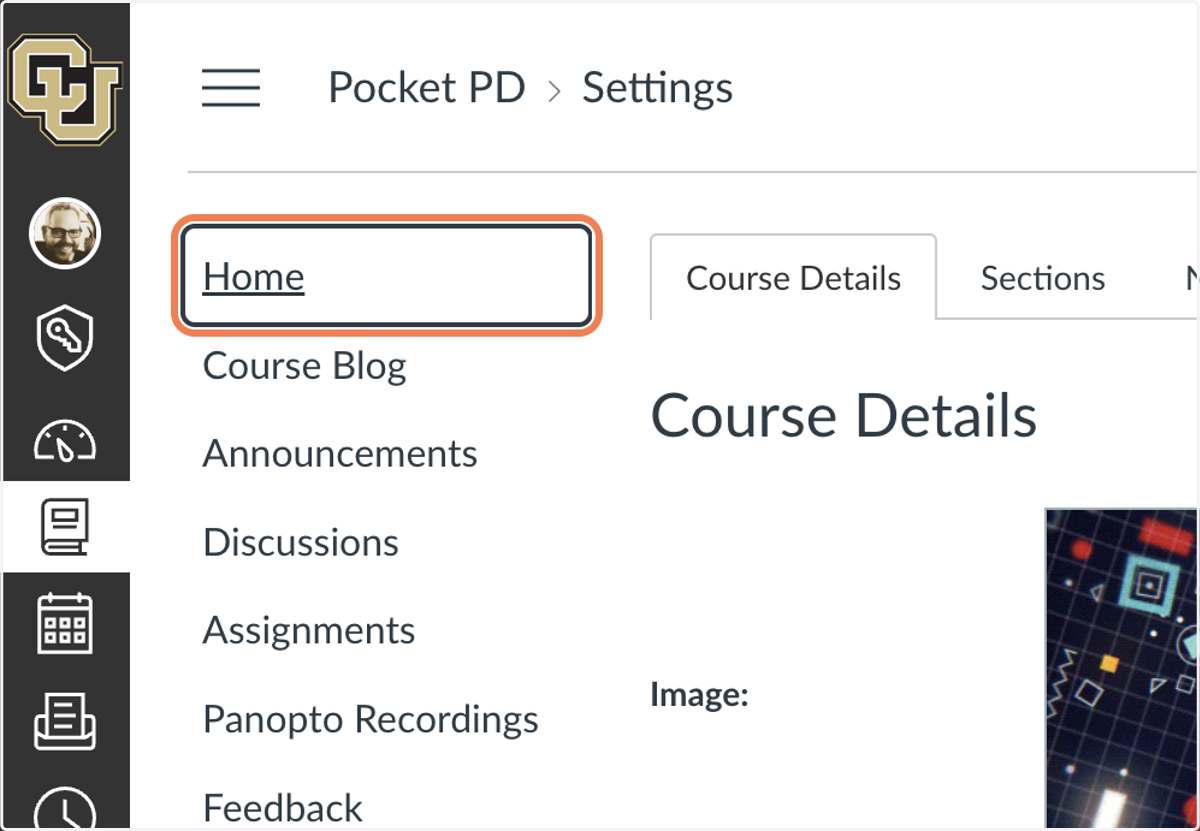
13. Click on your new menu item
Cu
14. The blog will load in Canvas.