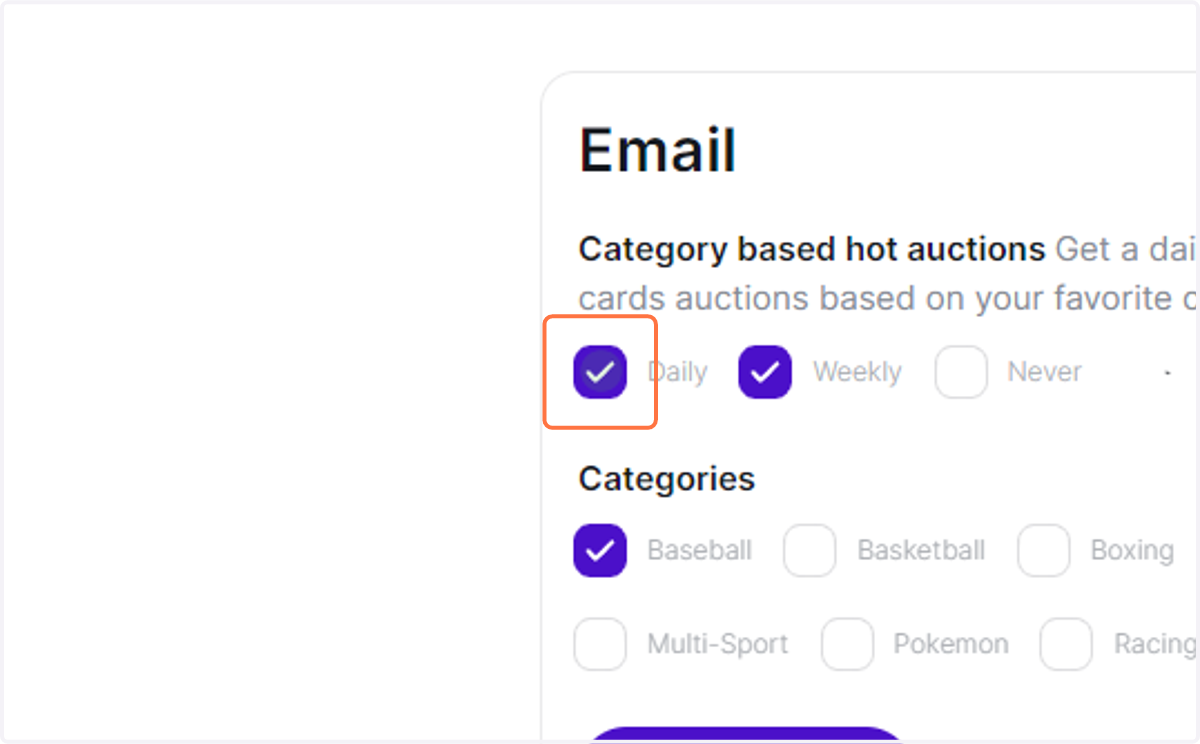
Managing Email Notifications on Collectibles.com
Feed | Collectibles.com | Collectibles
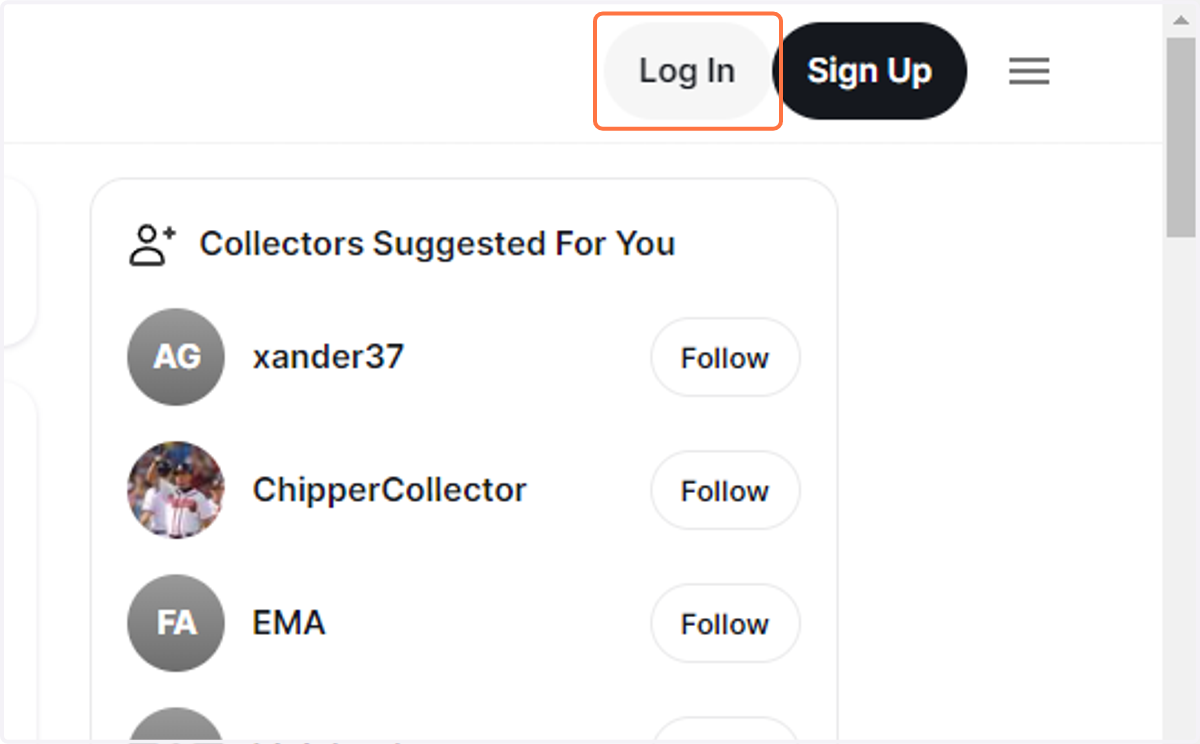
1. Click on Log In
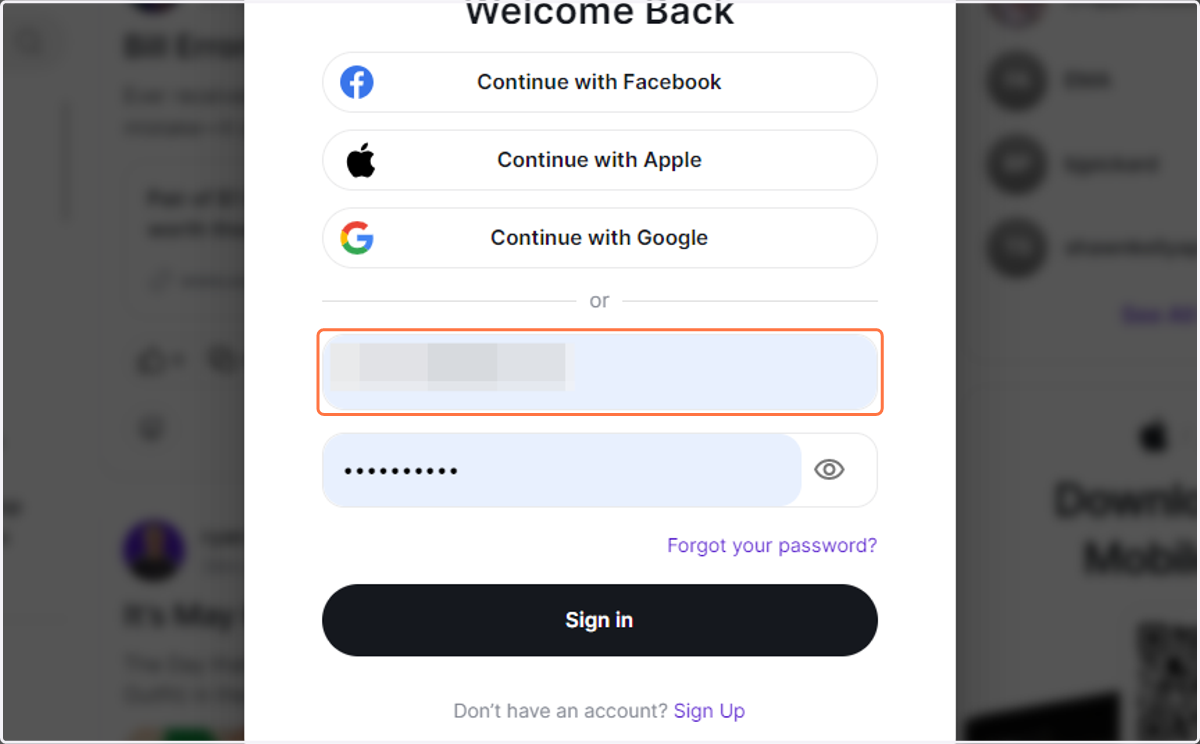
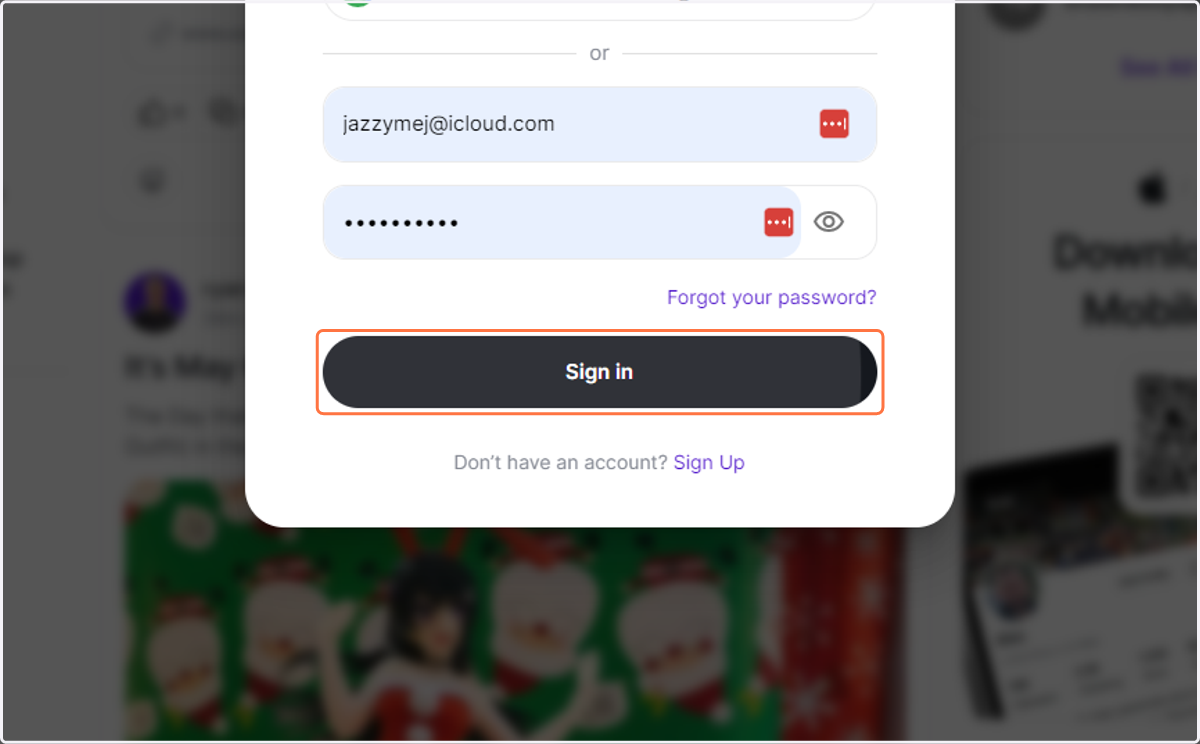
2. Type your e-mail
3. Type password
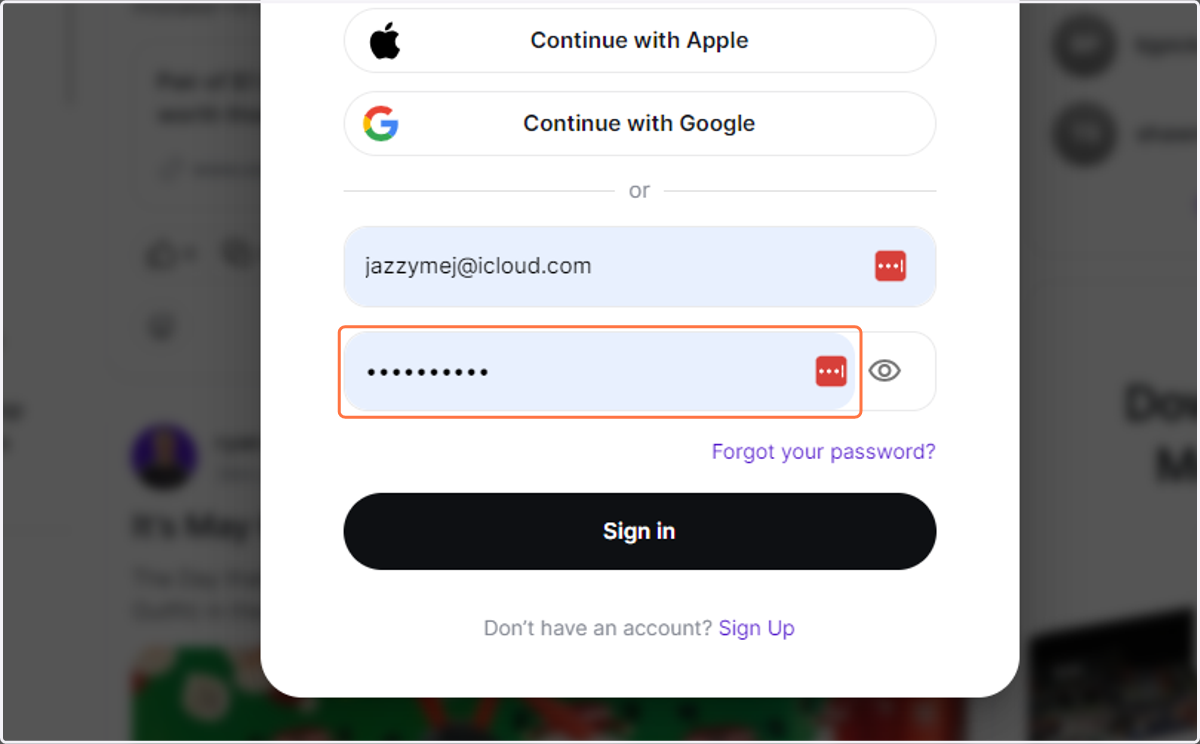
4. Click on Sign in
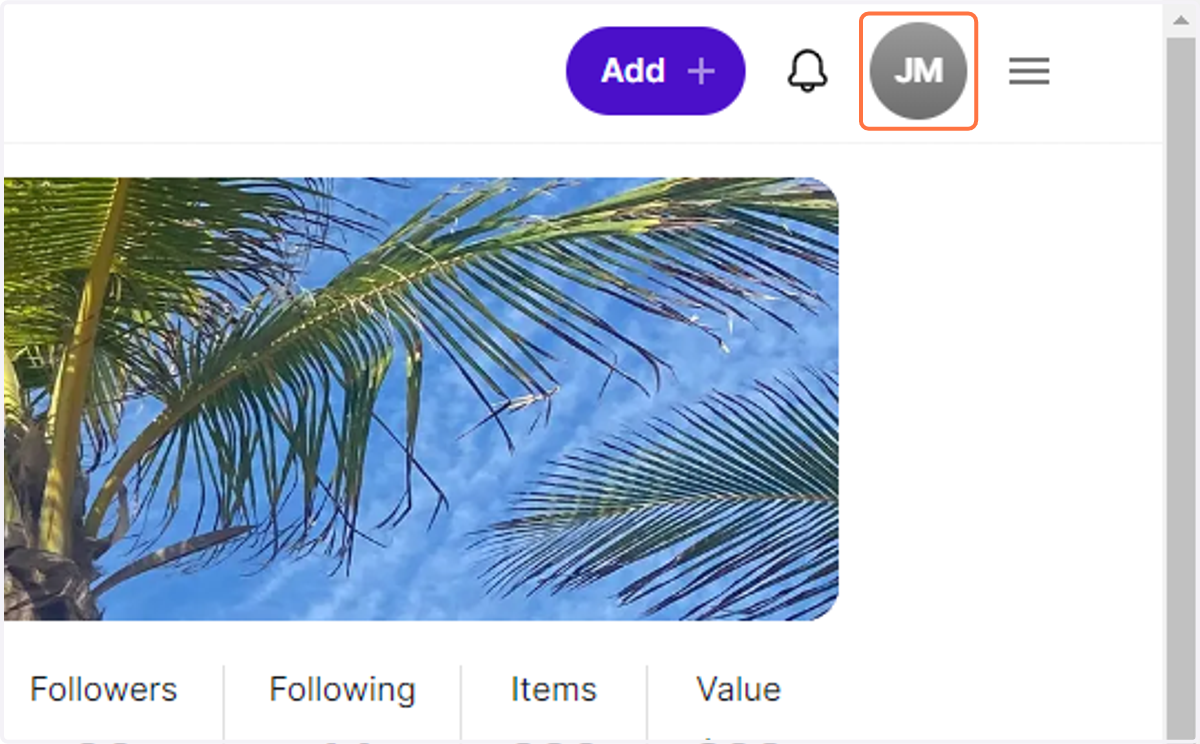
5. Click on your profile Icon at the top right.
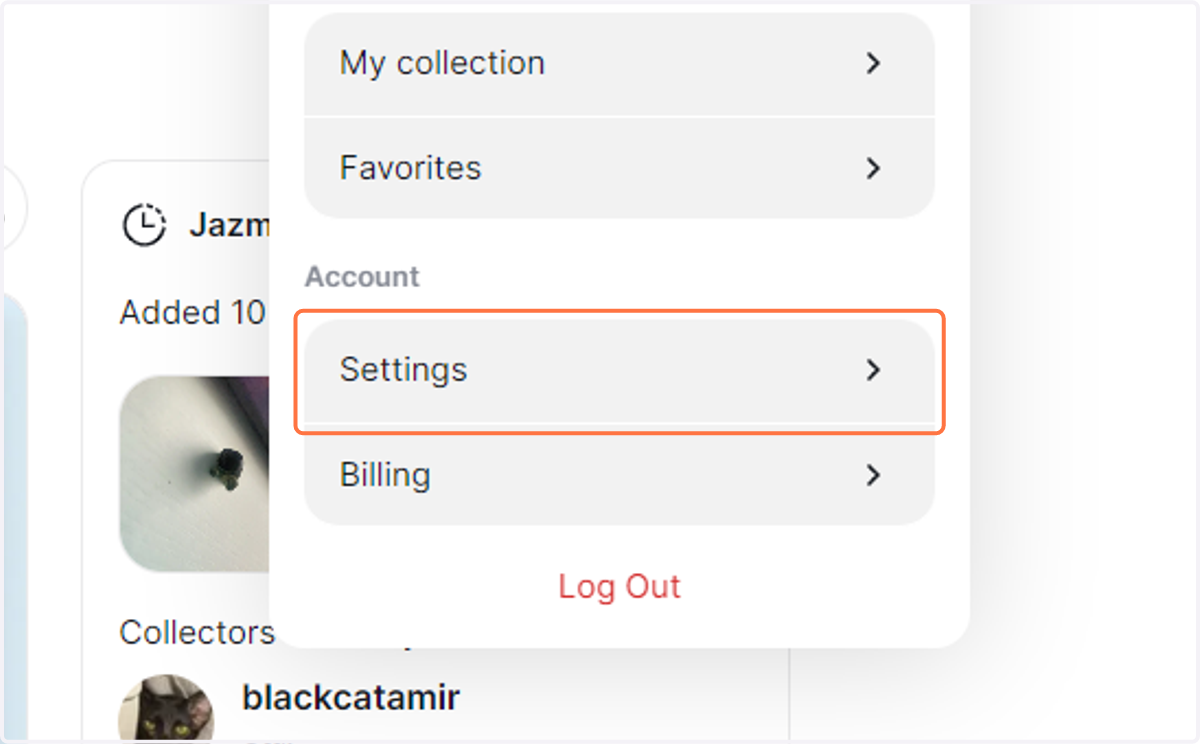
6. Click on Settings
7. Scroll all the way down to the email section.
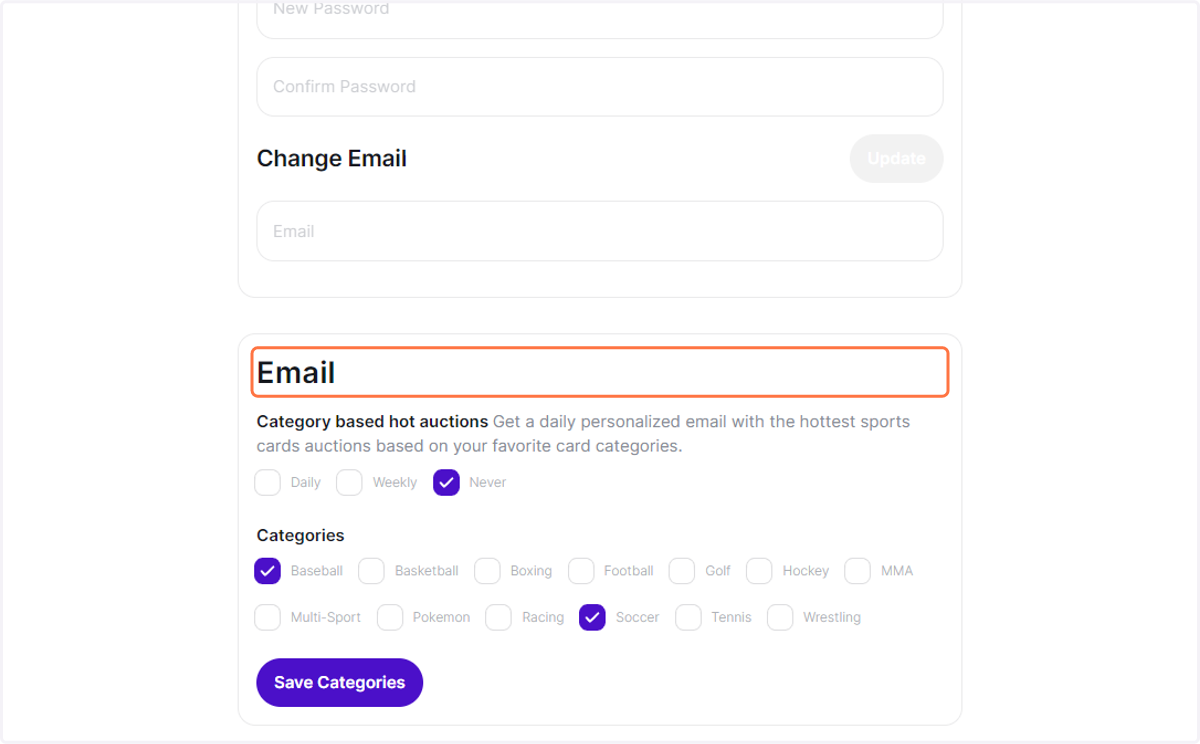
8. Check the frequency you prefer.