Adding a New User to Marq
From the Marq homepage
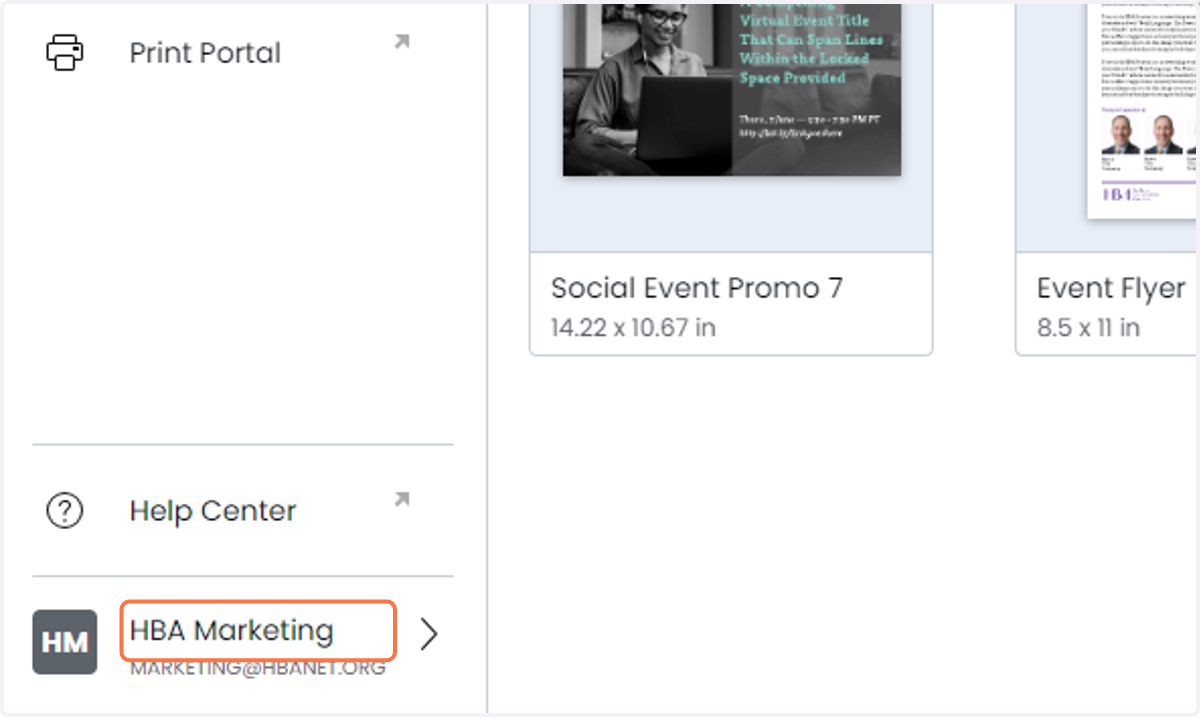
1. Click on HBA Marketing
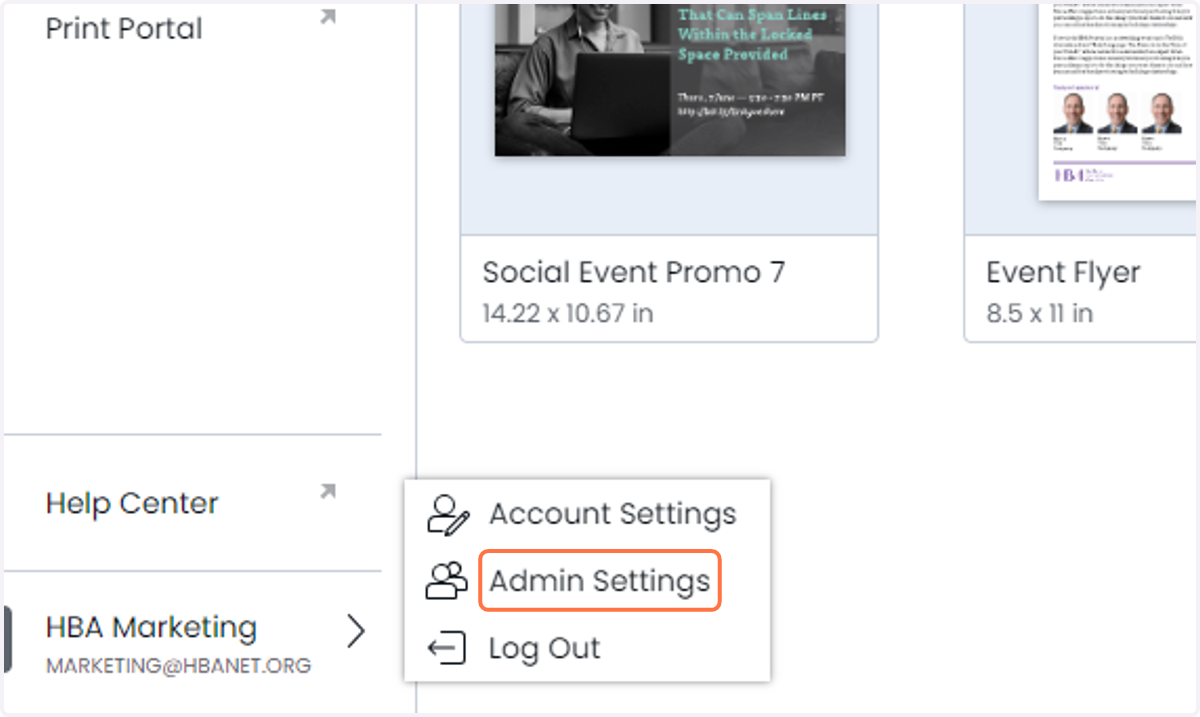
2. Click on Admin Settings
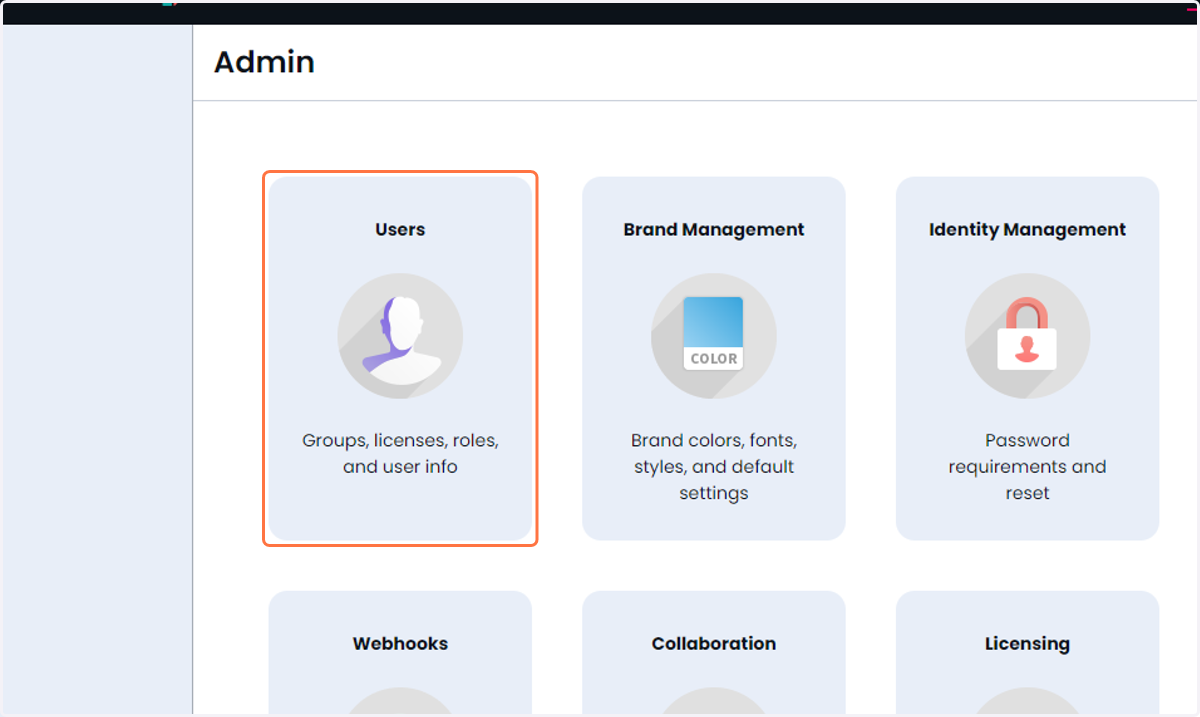
3. Click on Users…
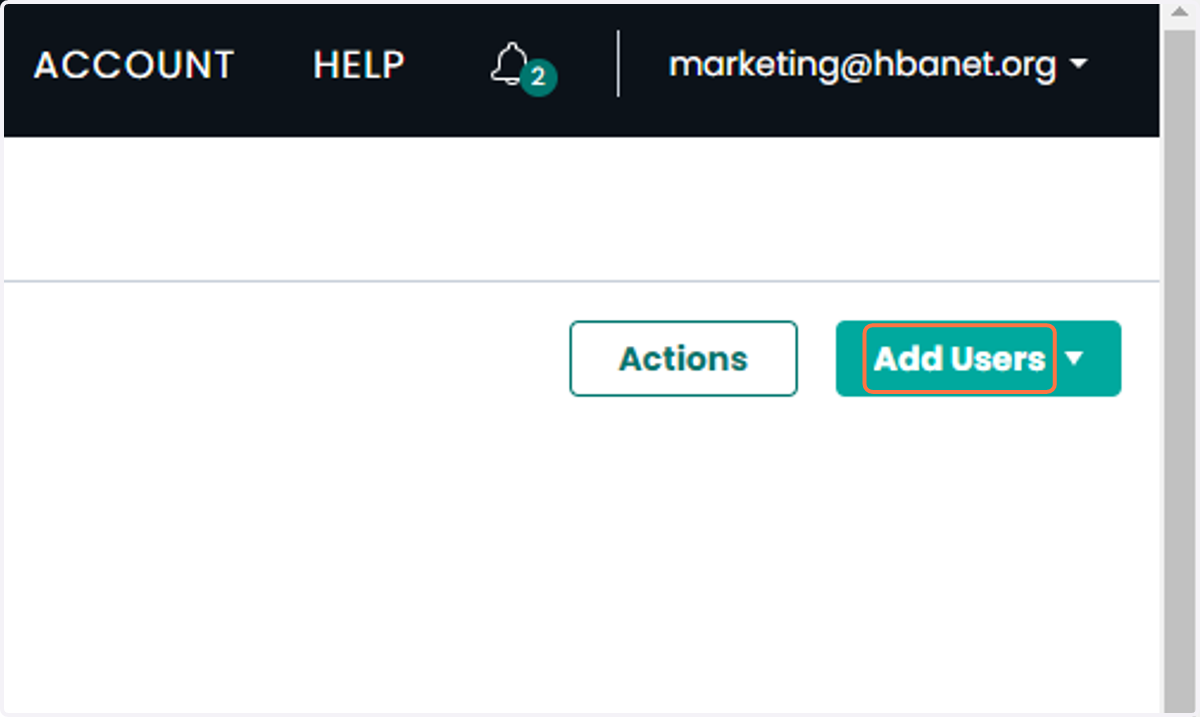
4. Click on Add Users
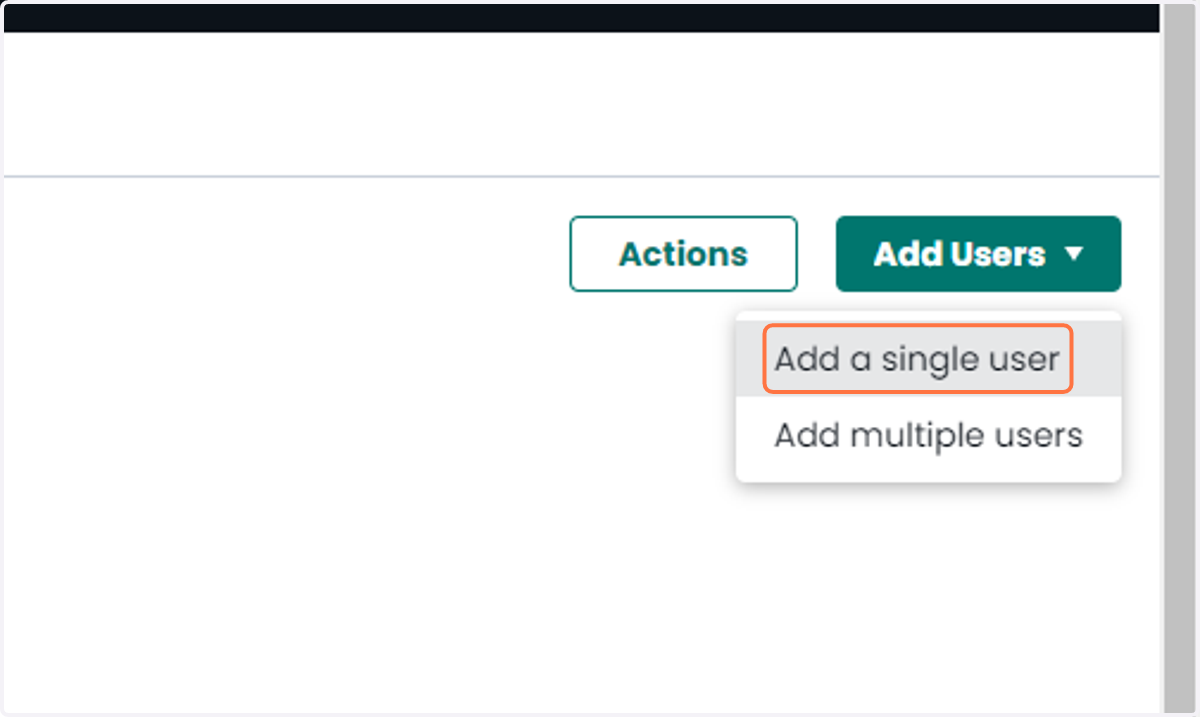
5. Click on Add a single user
Marq
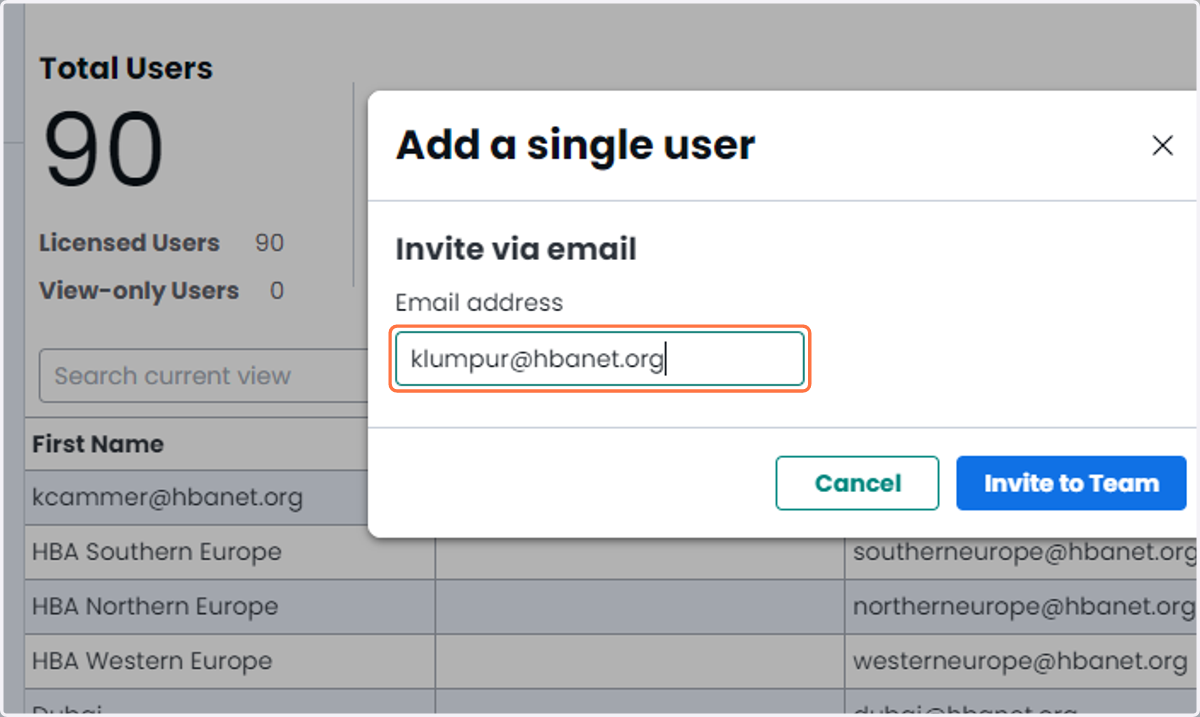
6. Add the requested email address
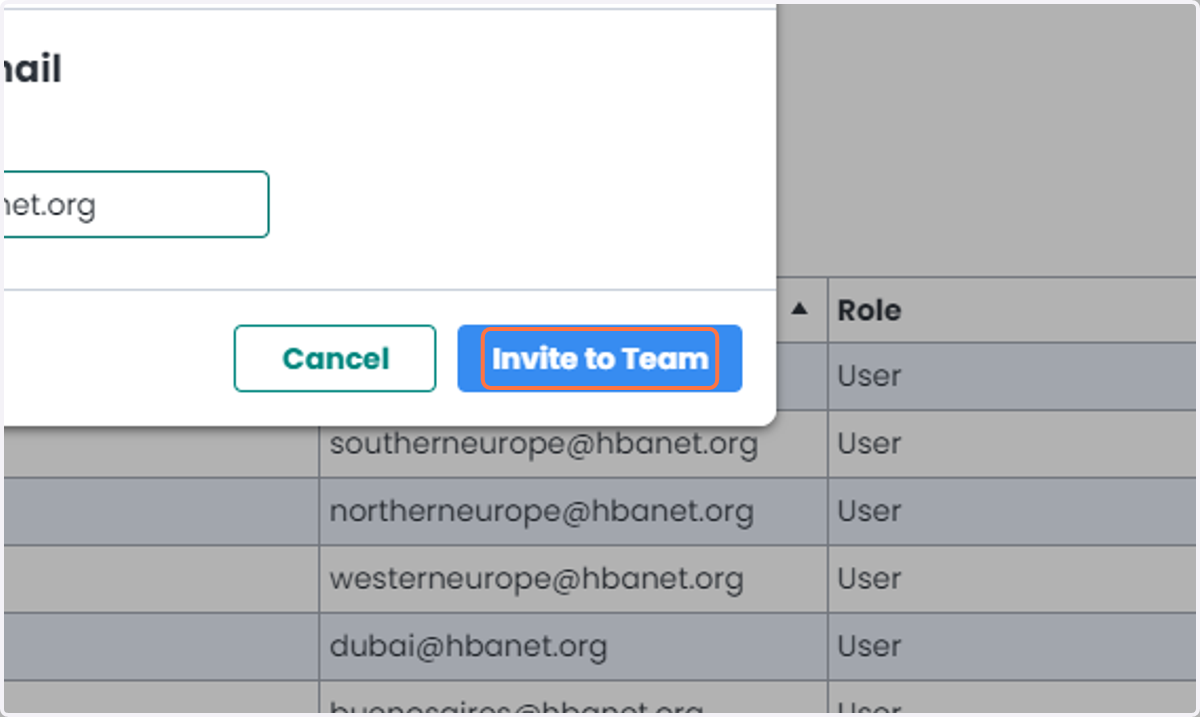
7. Click on Invite to Team
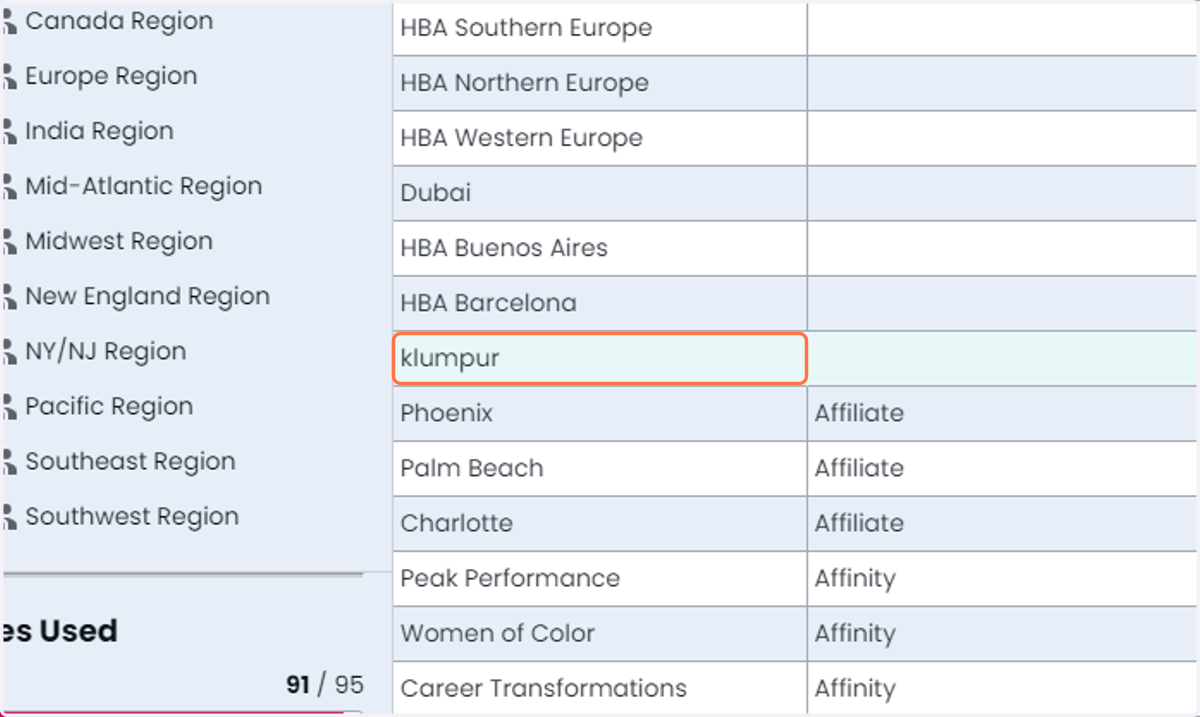
8. To set a password, click on the newly created user
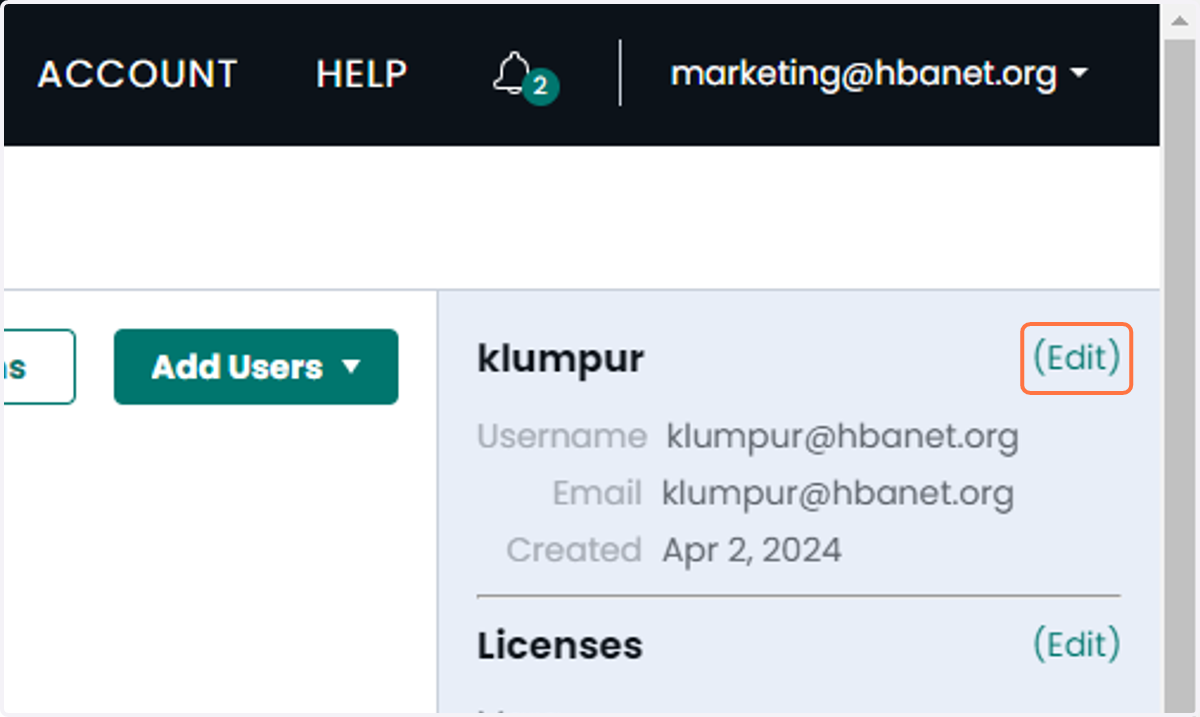
9. Click on (Edit)
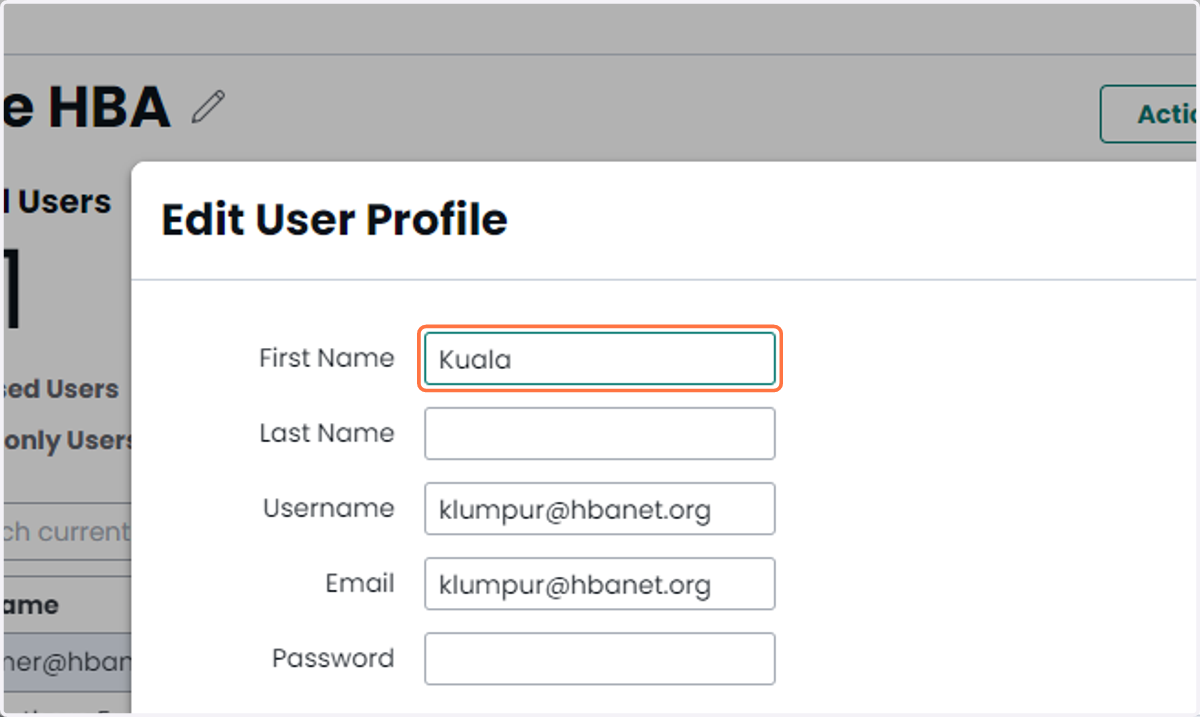
10. Type "Kuala"
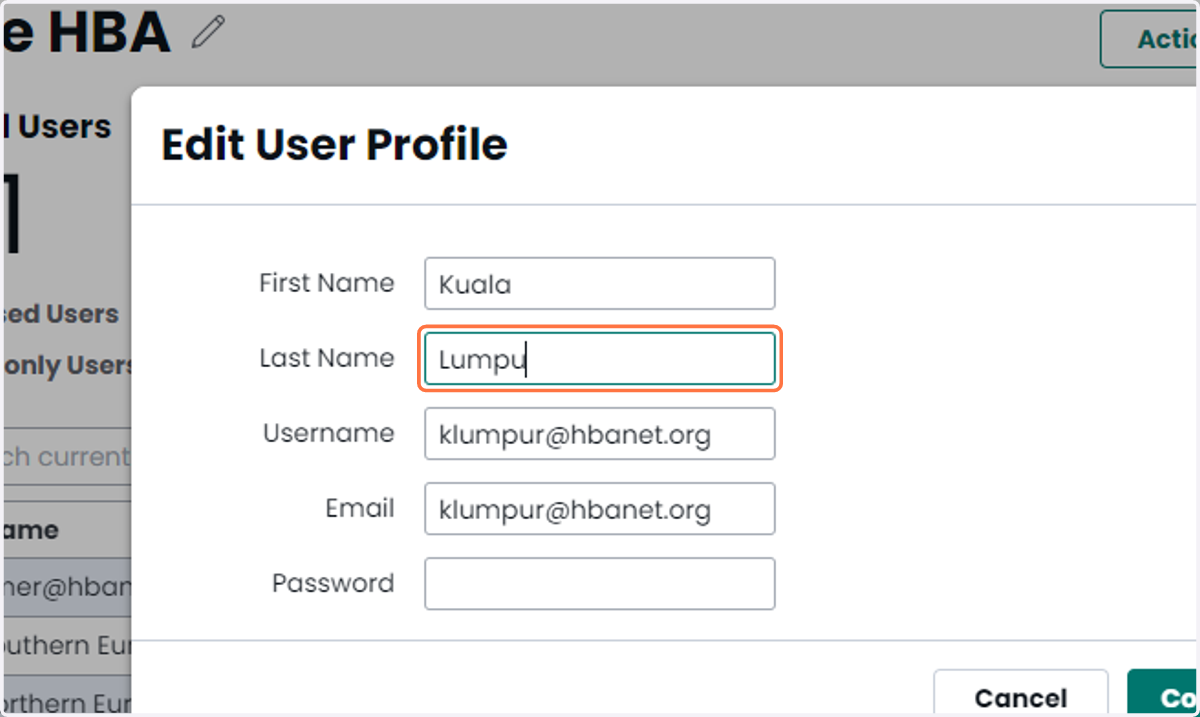
11. Type "Lumpur"
Marq
12. Enter the requested password
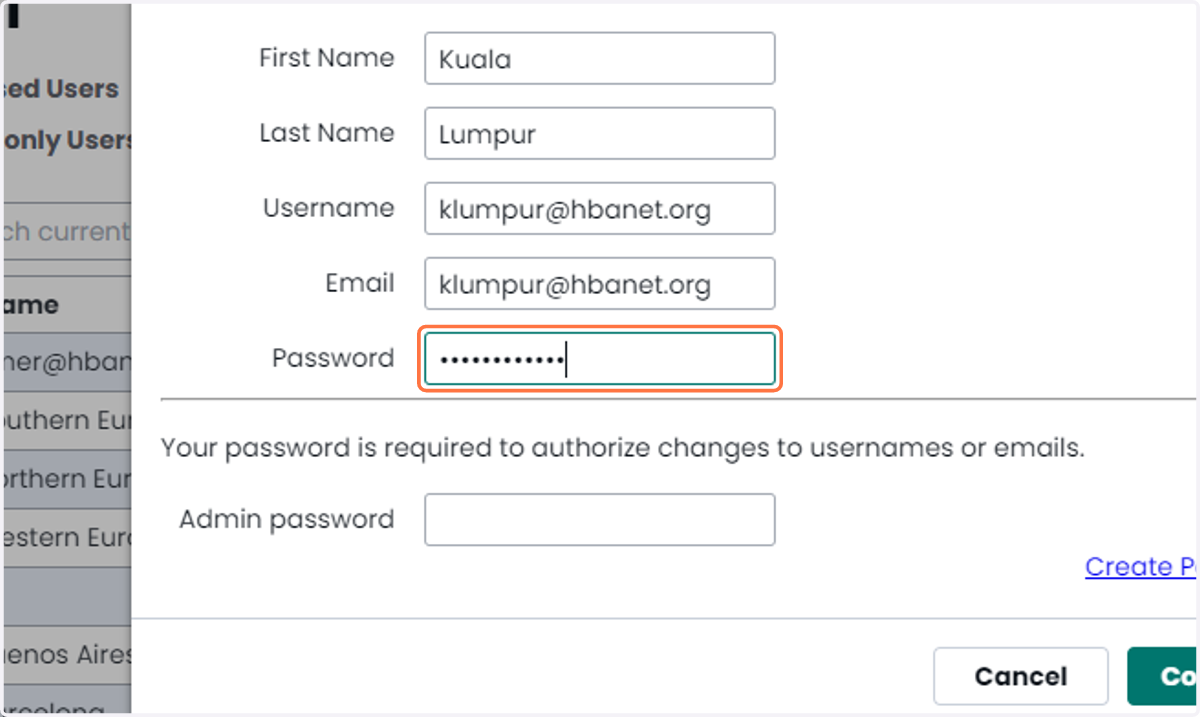
13. Type admin password to confirm
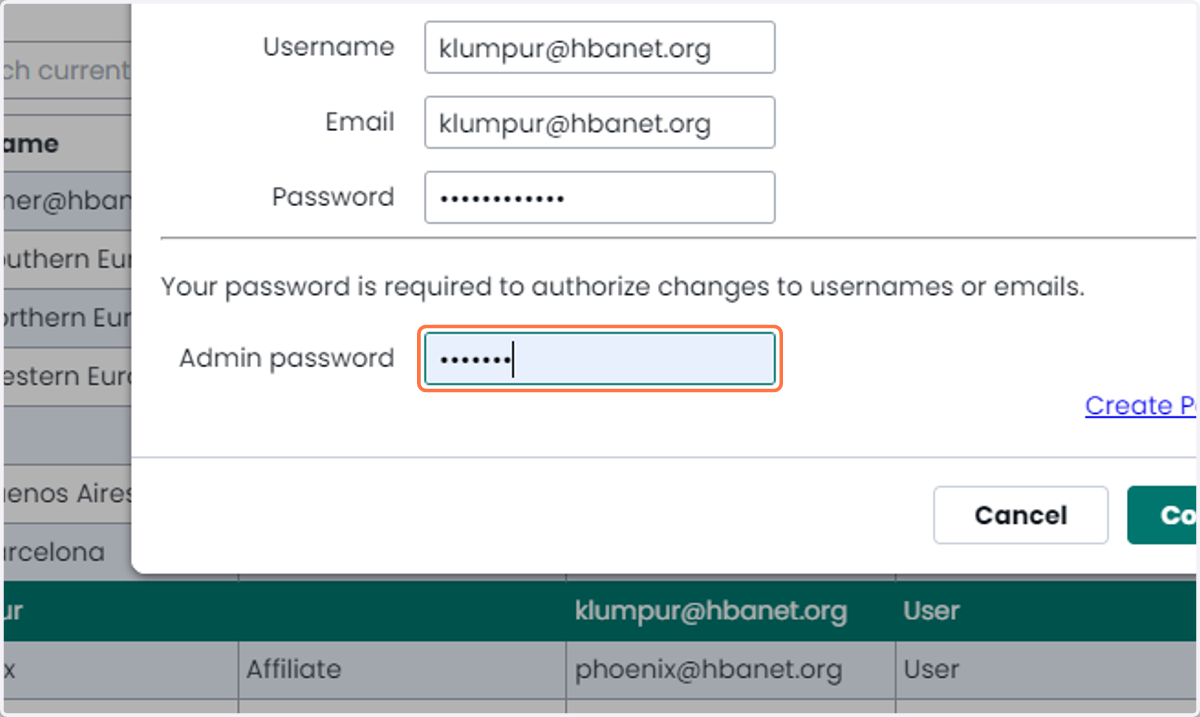
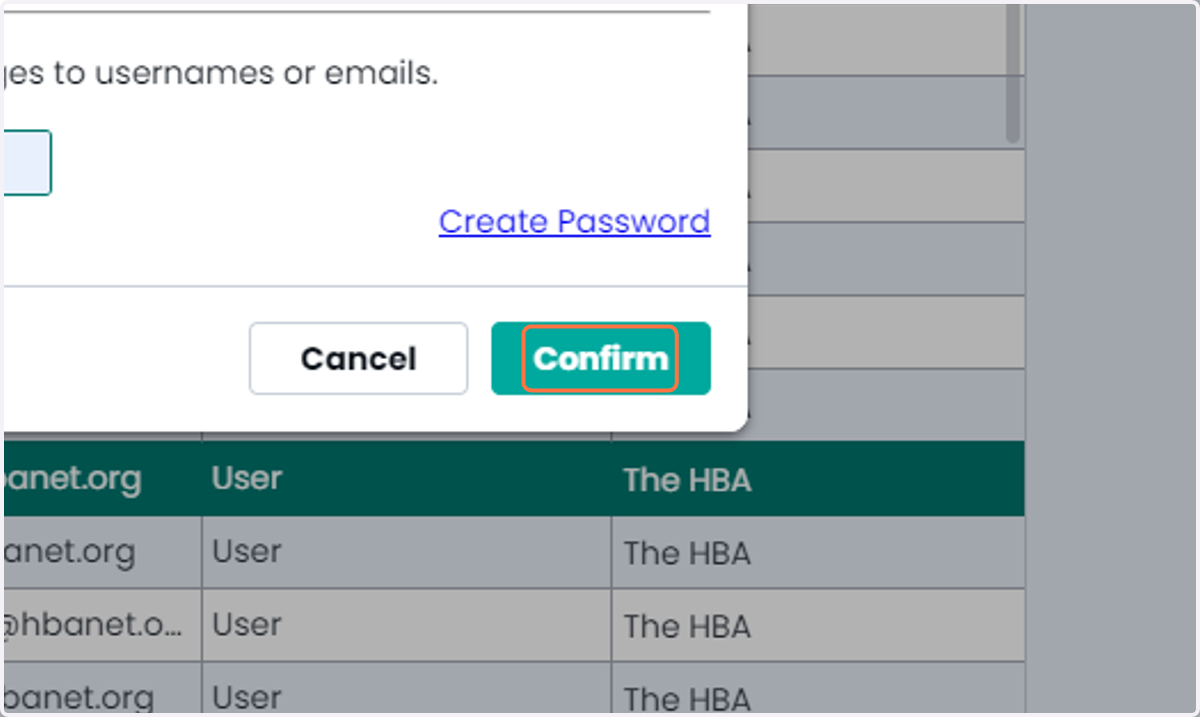
14. Click on Confirm