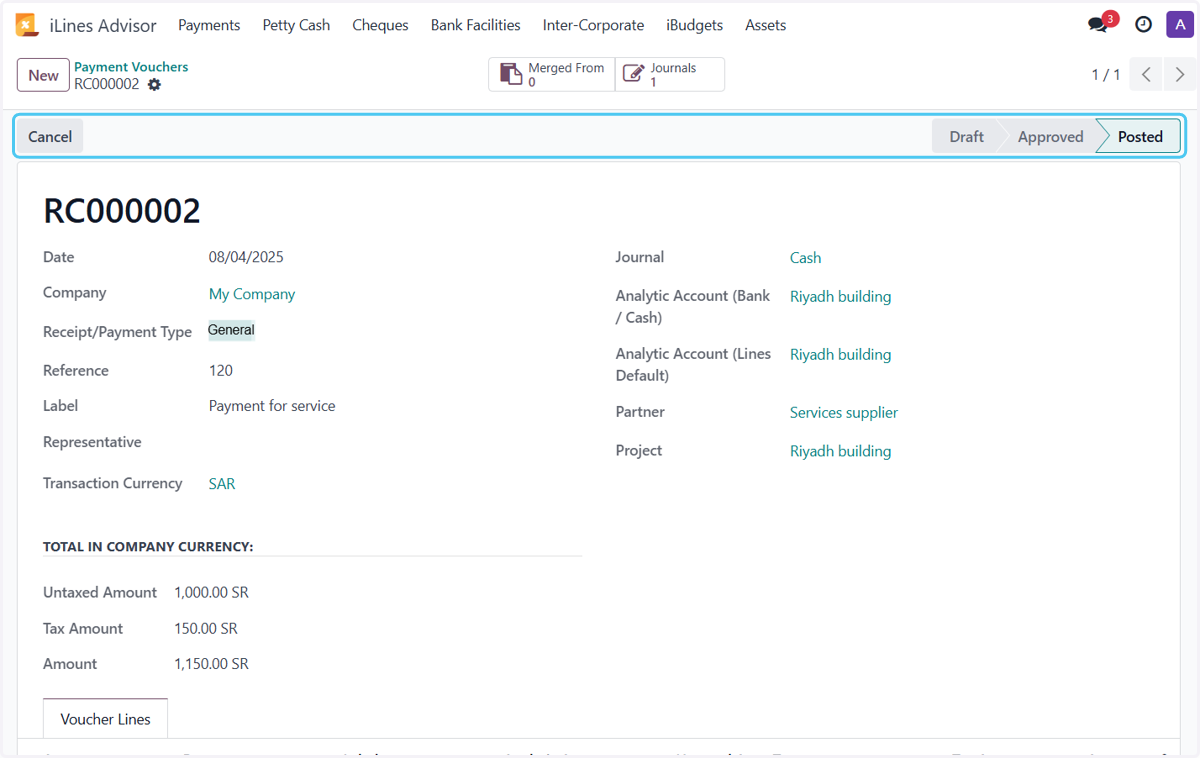
Create Payment Voucher in Odoo From Cash
Setting
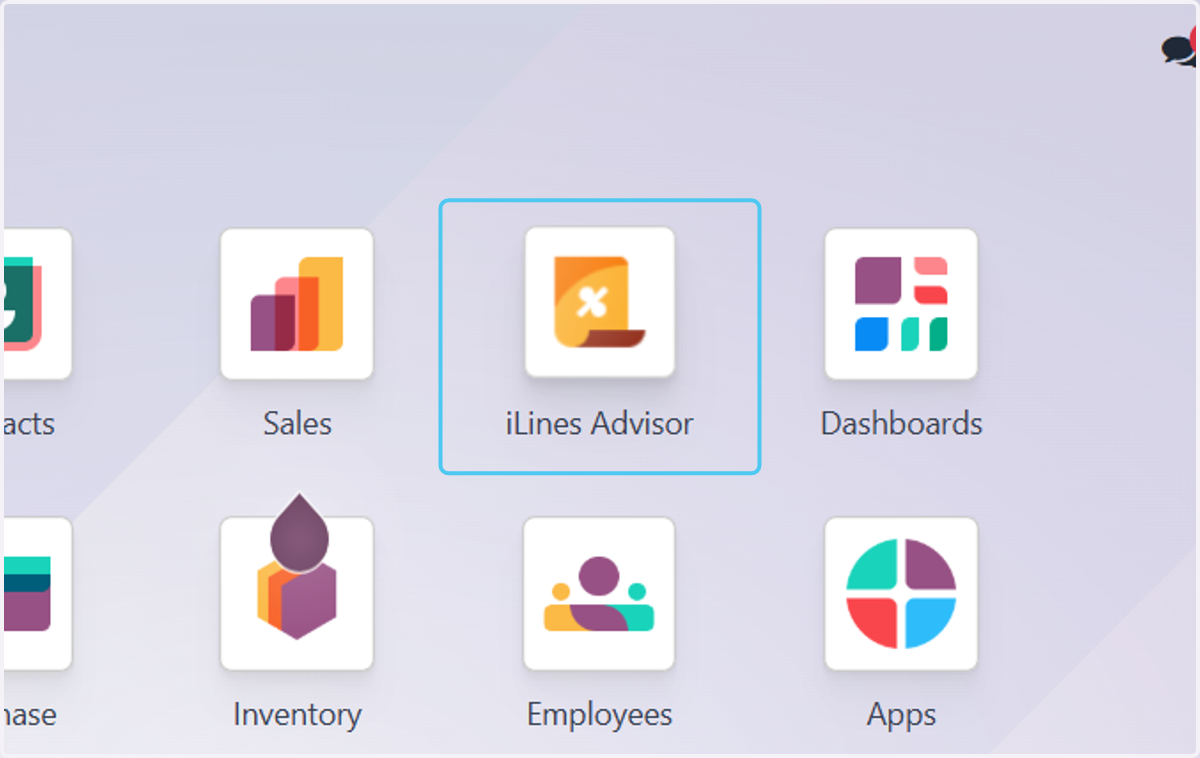
1. Click on iLines Advisor
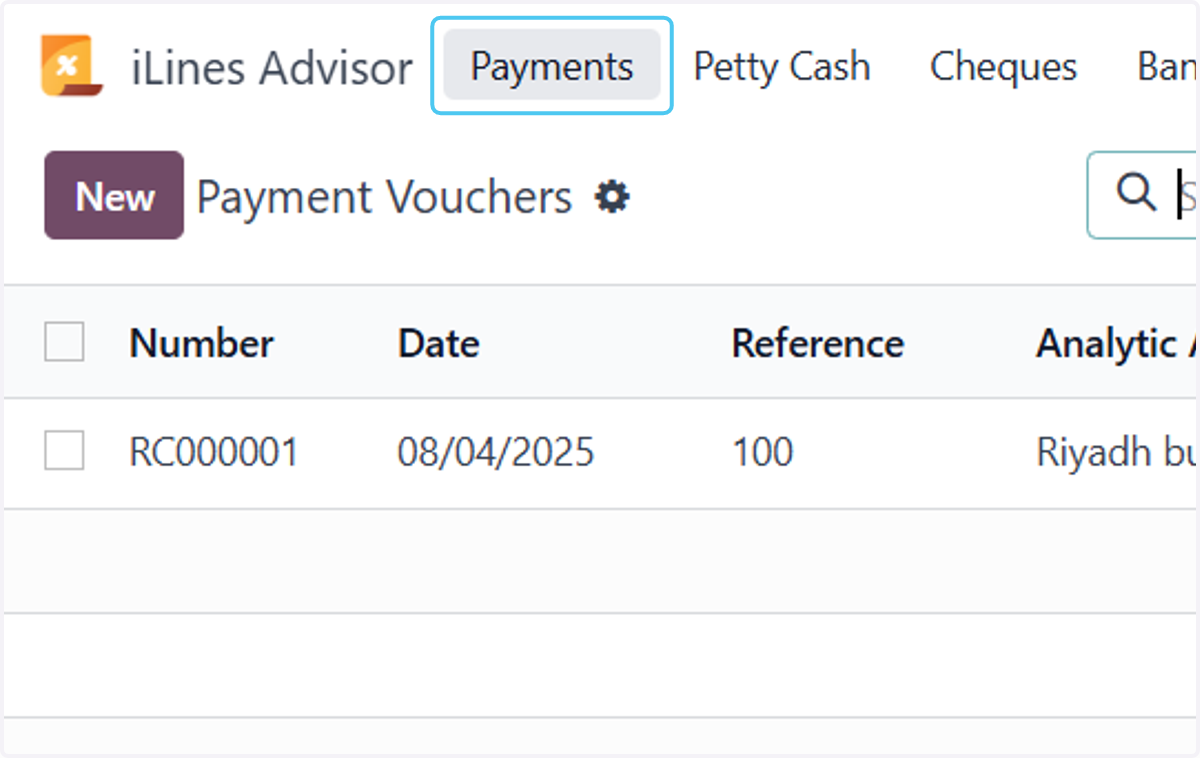
2. Click on Payments
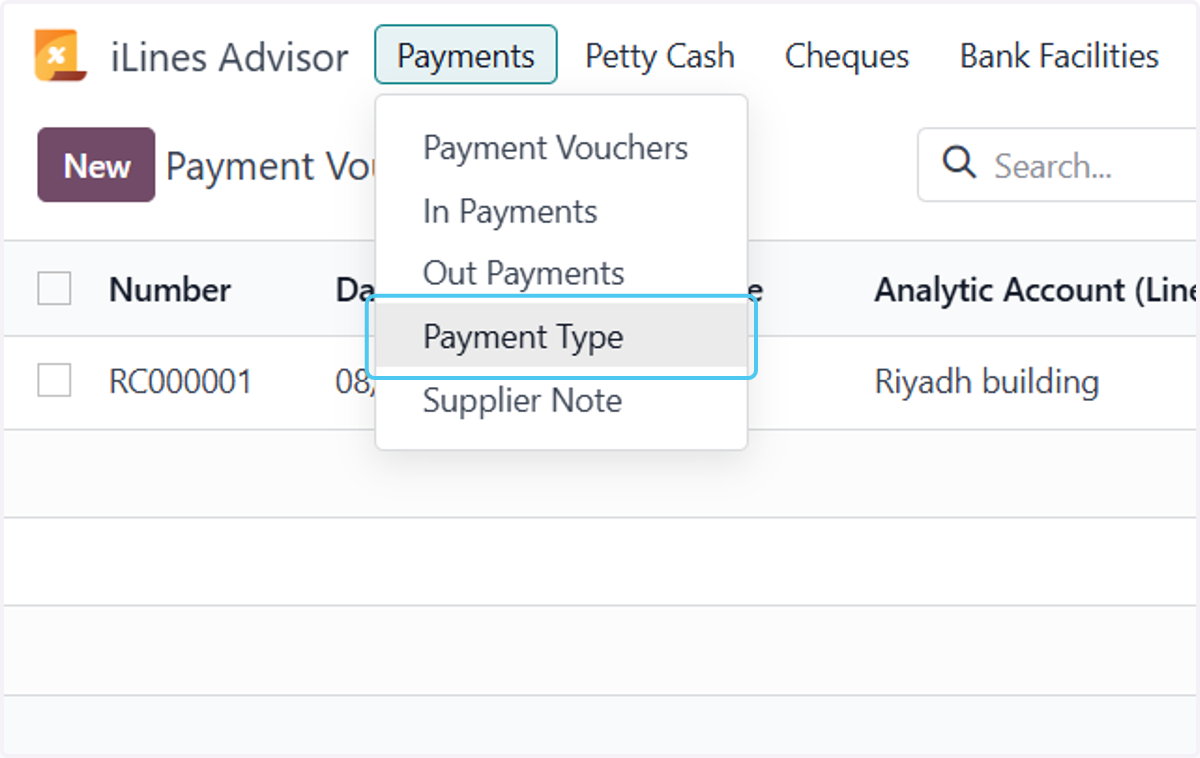
3. Click on Payment Type
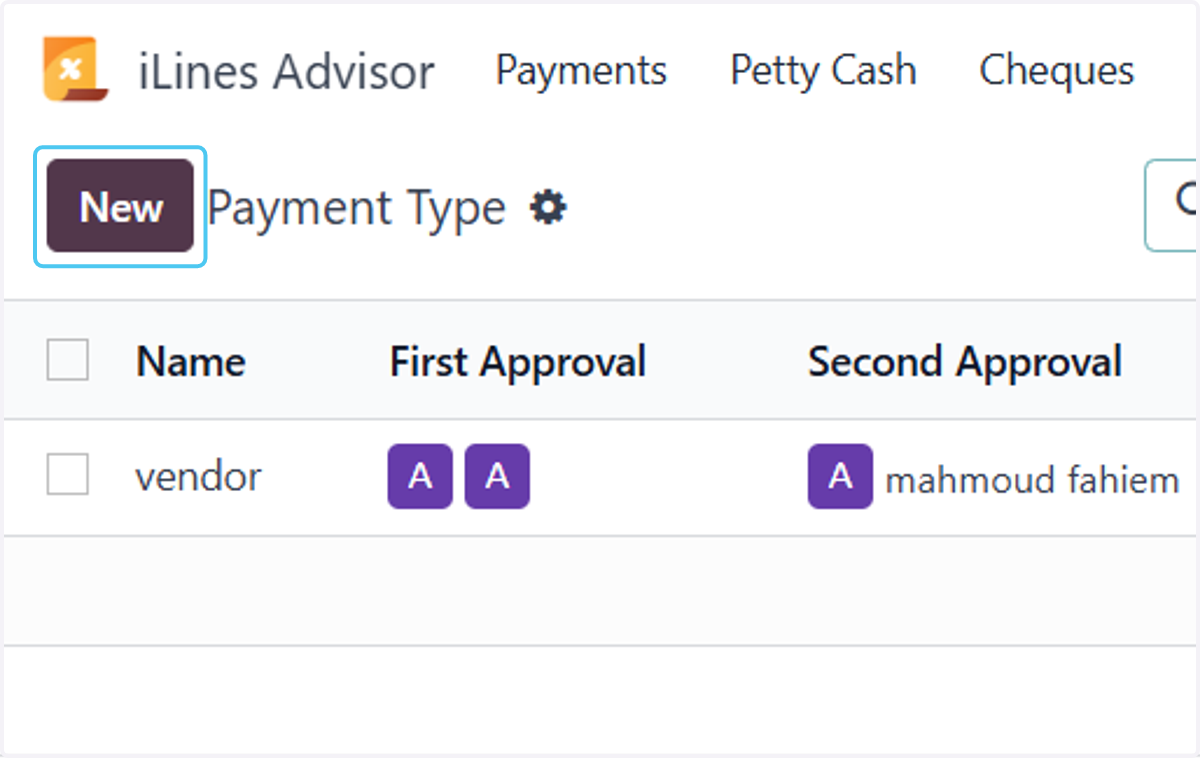
4. Click on New
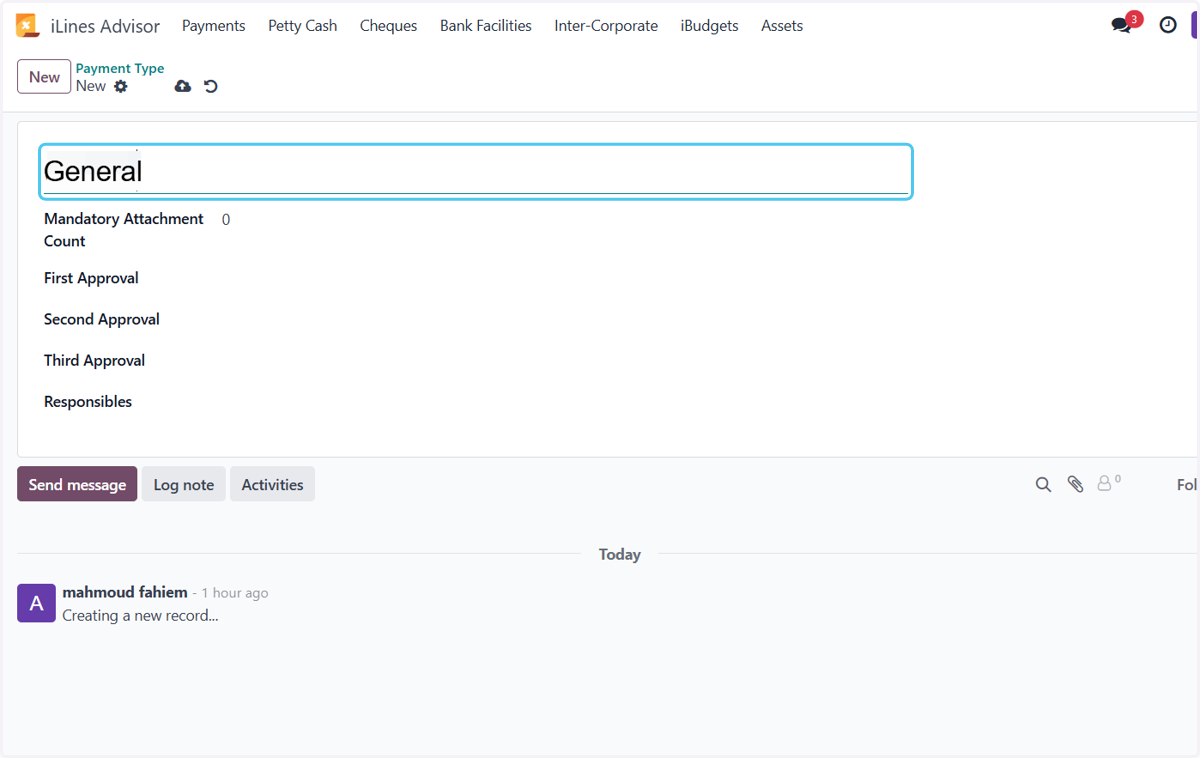
5. Type Name "Genral"
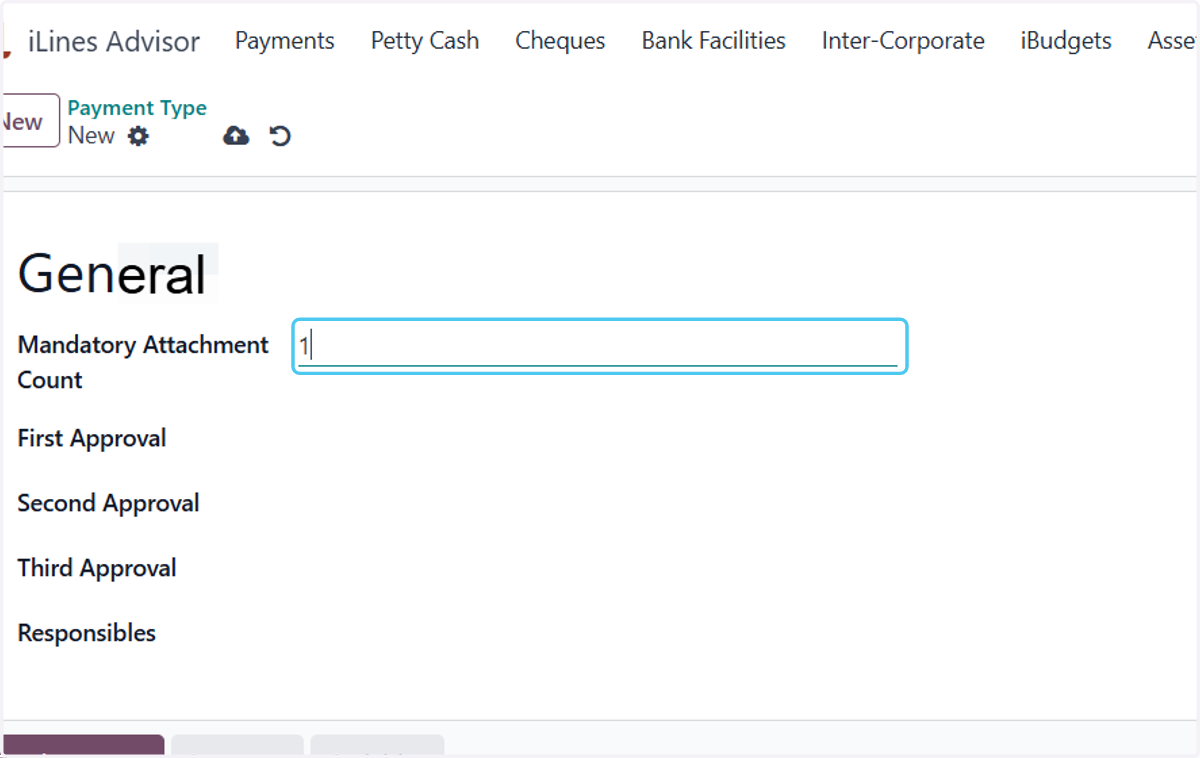
6. Type Mandatory Attachment Count
"1 or more"
7. Add one or more people responsible for approval
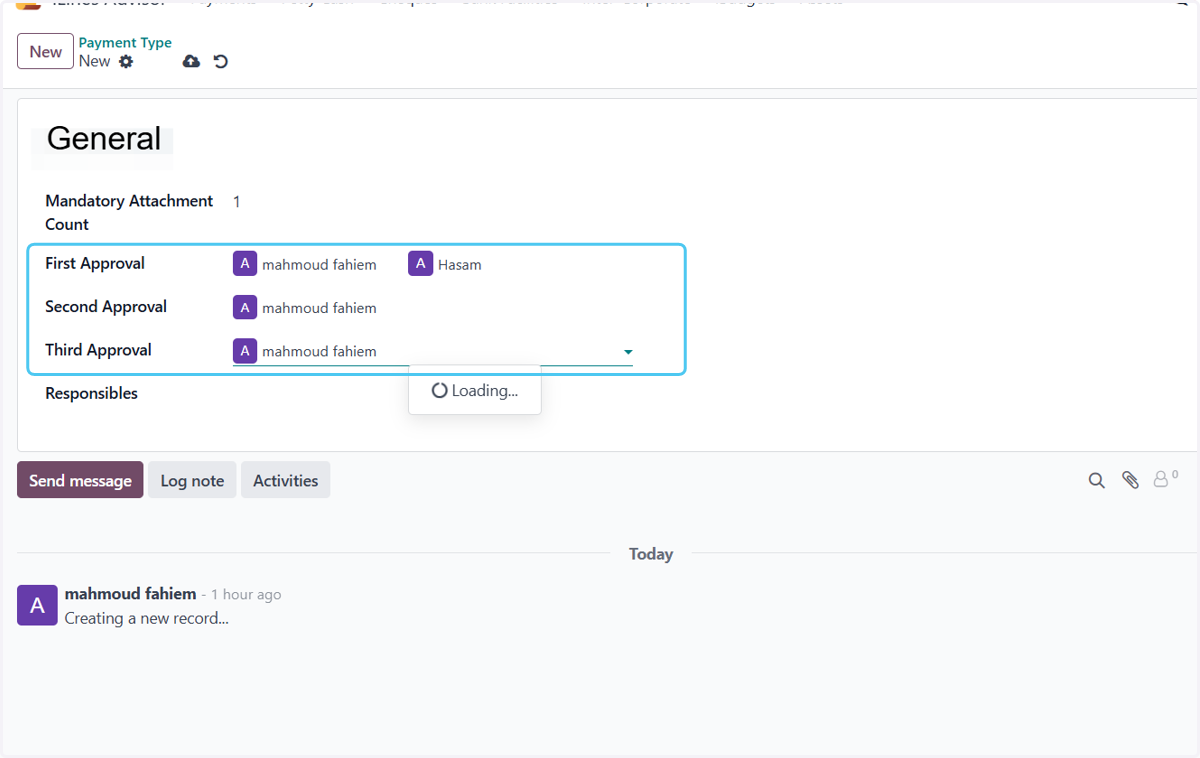
8. Add one or more people responsible for post

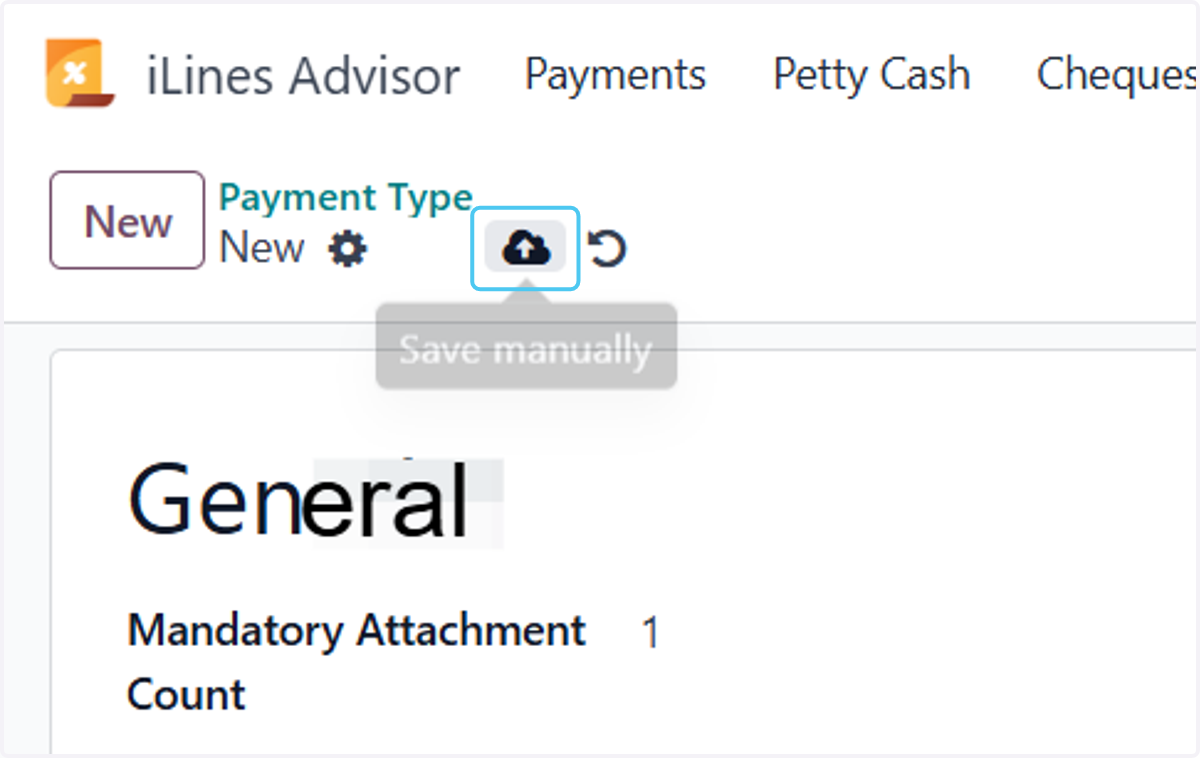
9. Click on Save manually
Operations
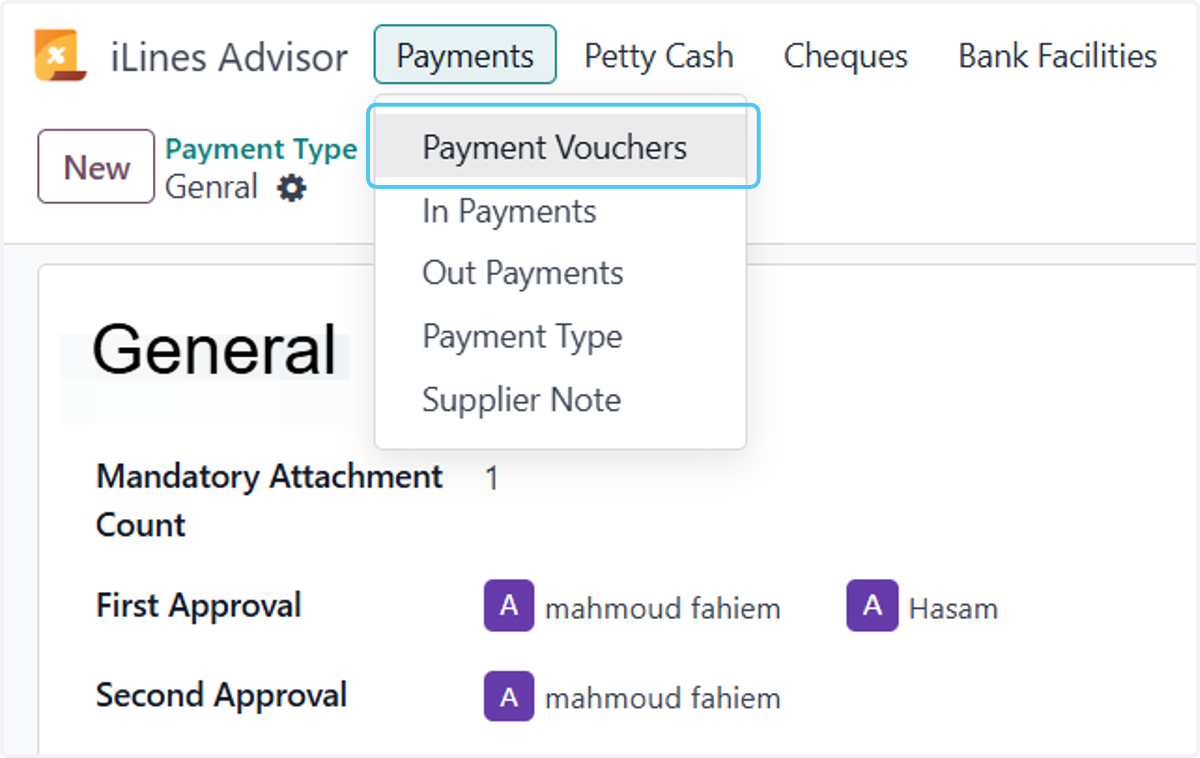
10. Click on Payment Vouchers
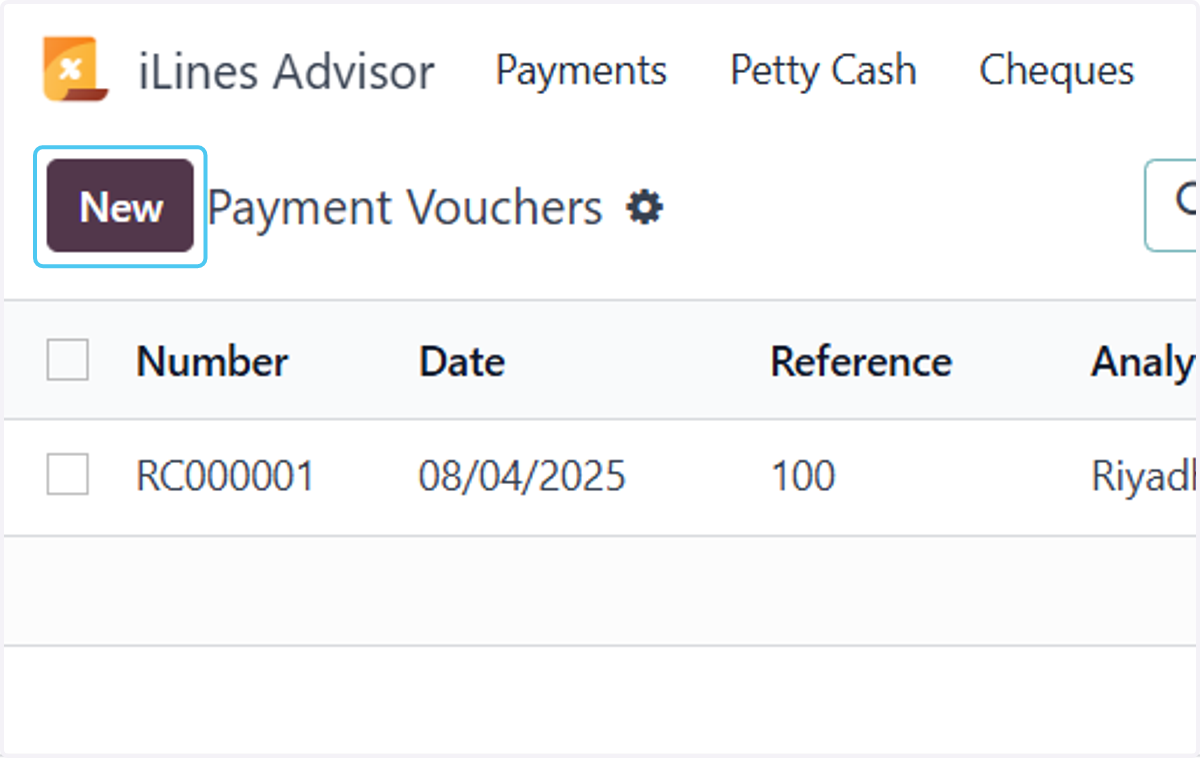
11. Click on New
12. Selecting the type and writing the reference and label
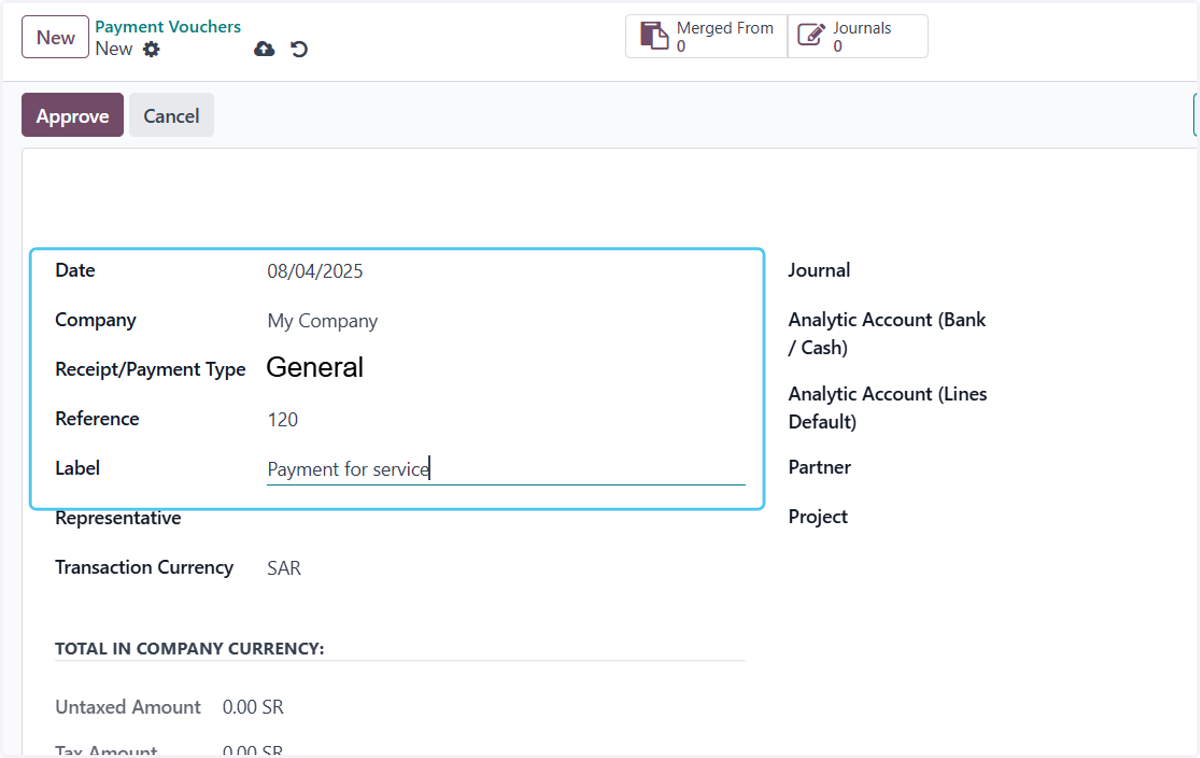
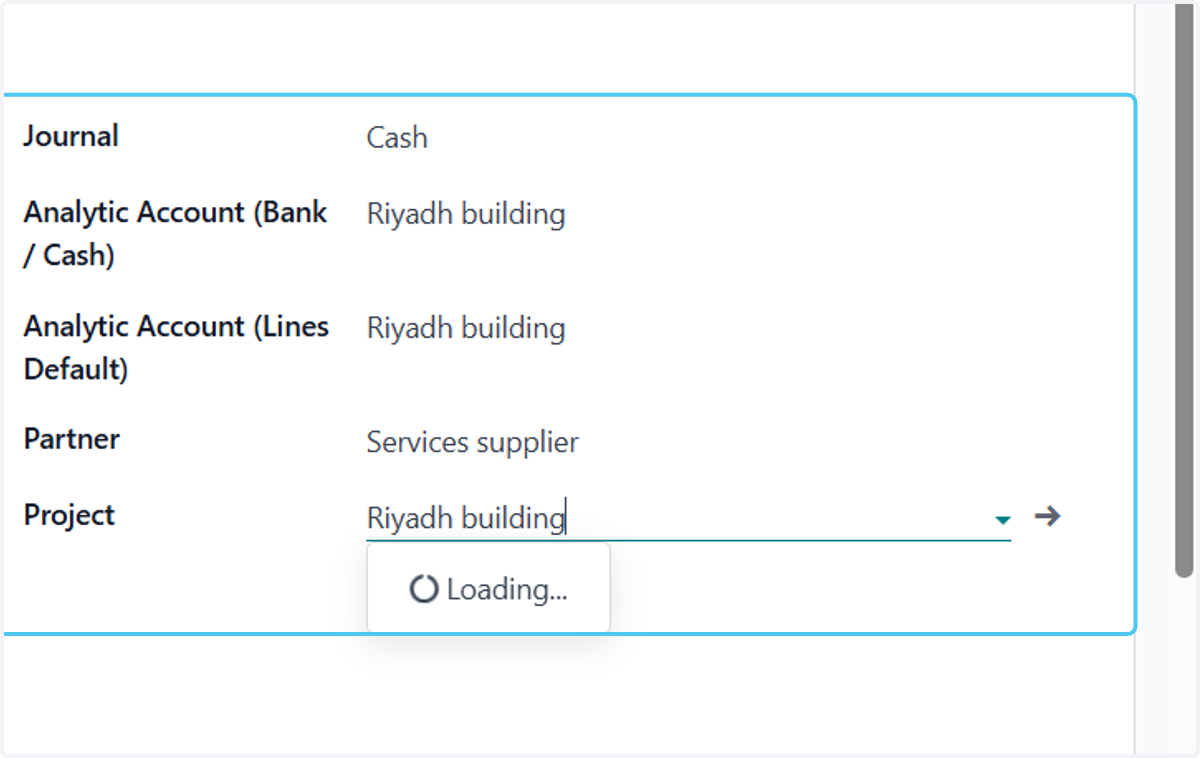
13. Rest of data selection
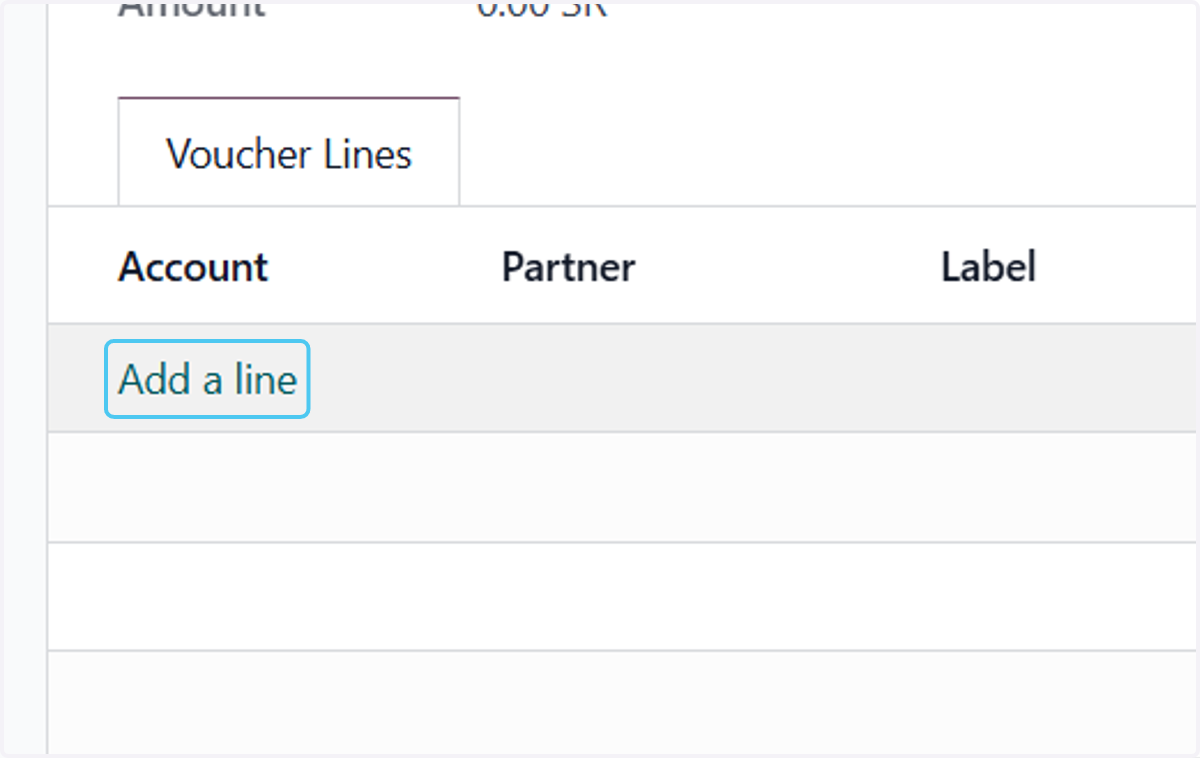
14. Click on Add a line
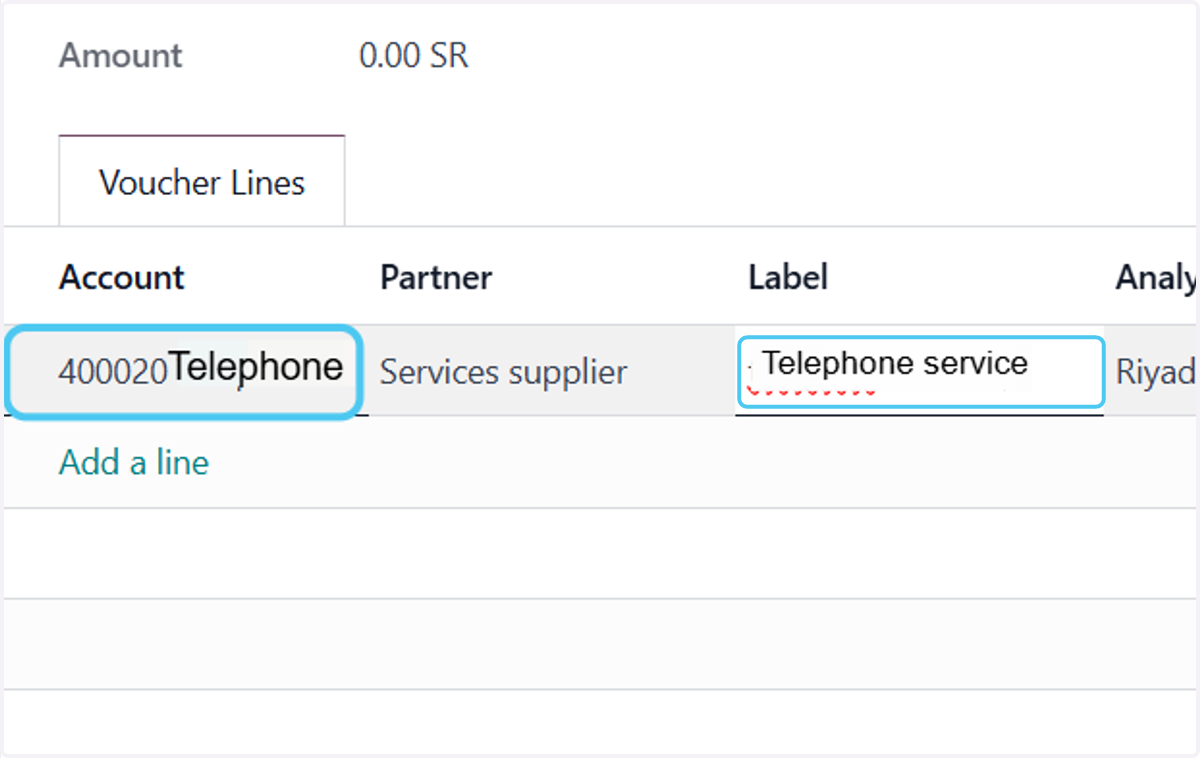
15. Select the account and write the label
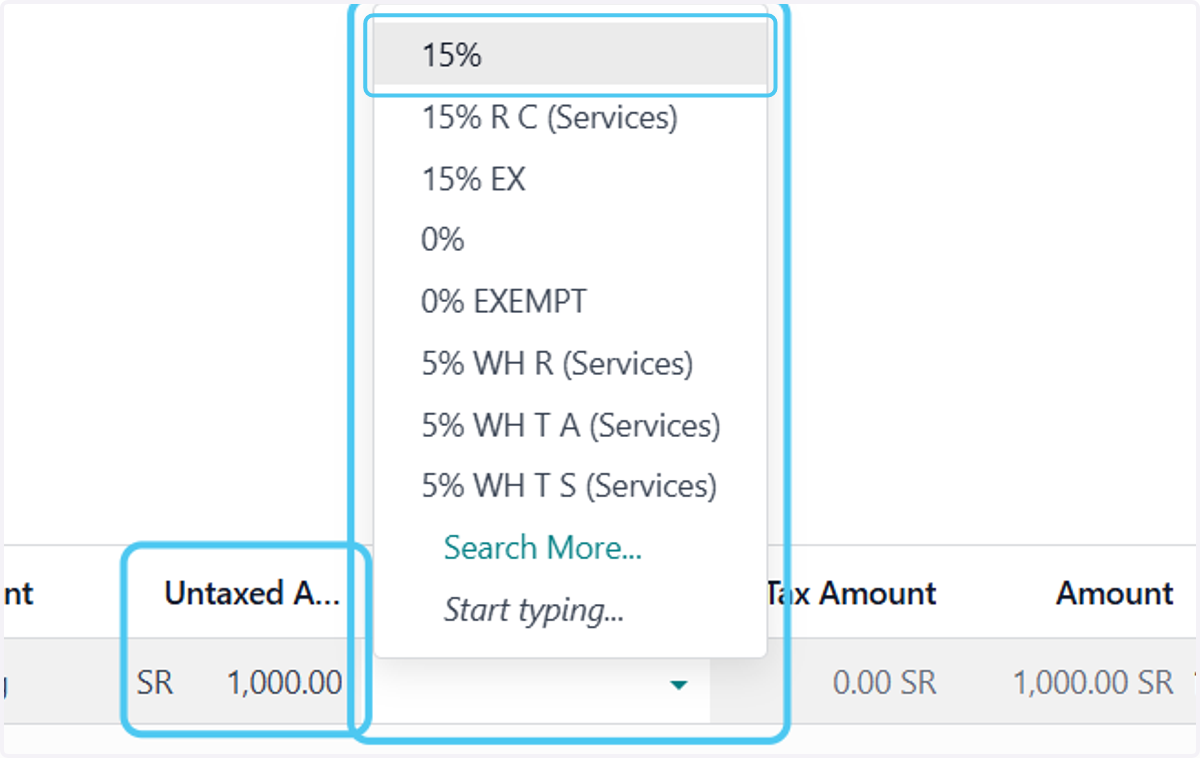
16. Write the amount without tax and select the tax if available.
17. Click on Attach files to add attachment
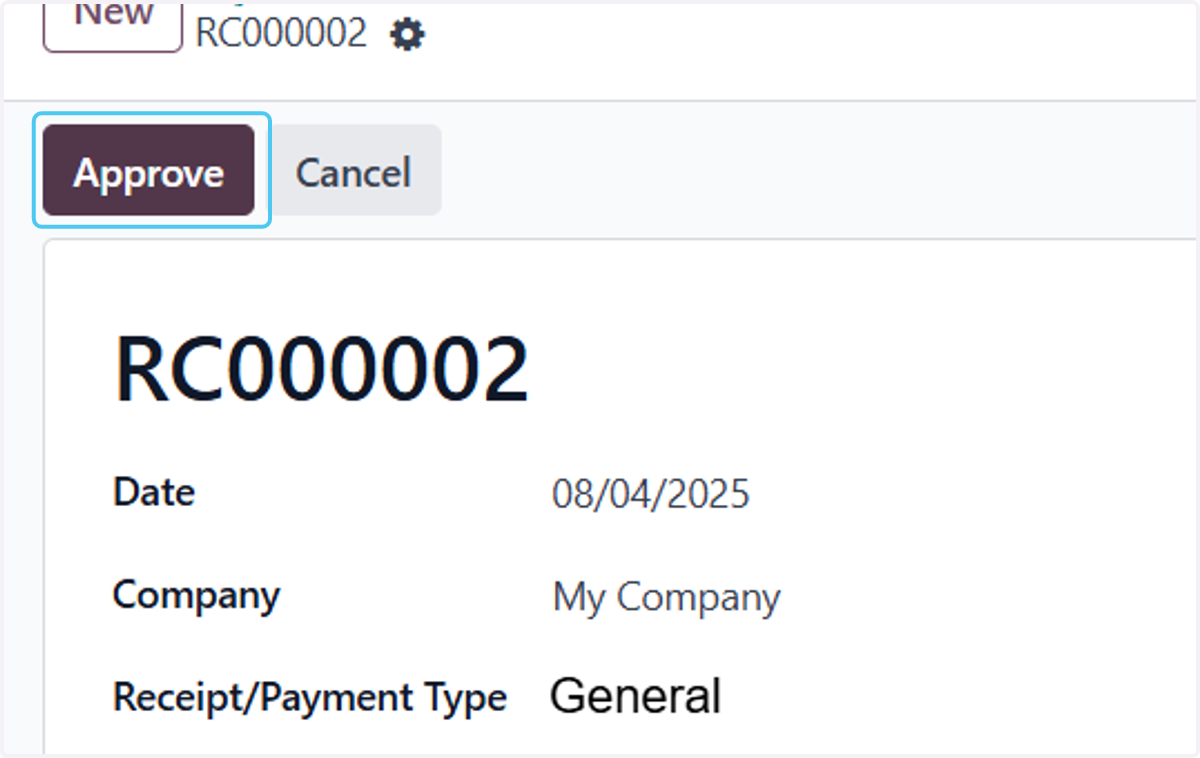
18. Click on Approve
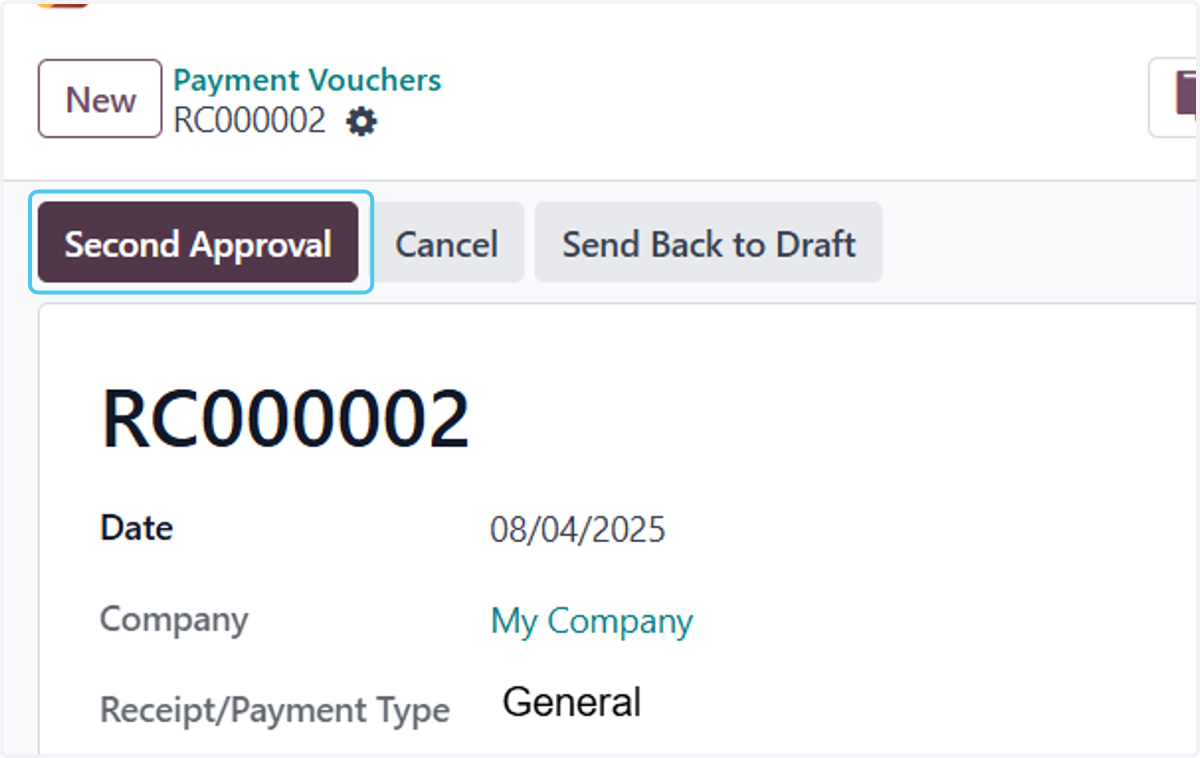
19. Click on Second Approval
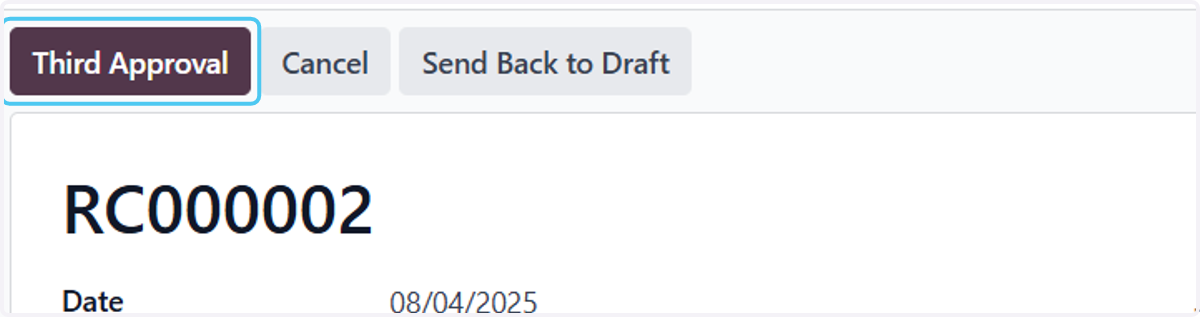
20. Click on Third Approval
21. Click on Post
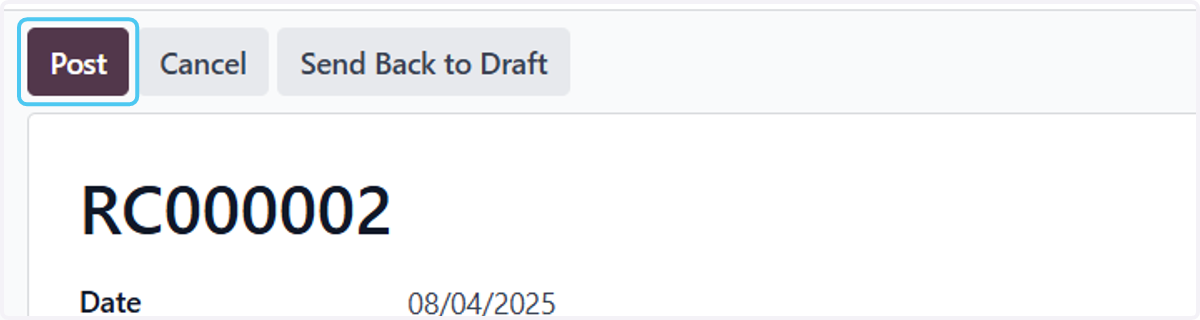
22. Click on Cancel…