Adding the Committee to the Case
Interfolio
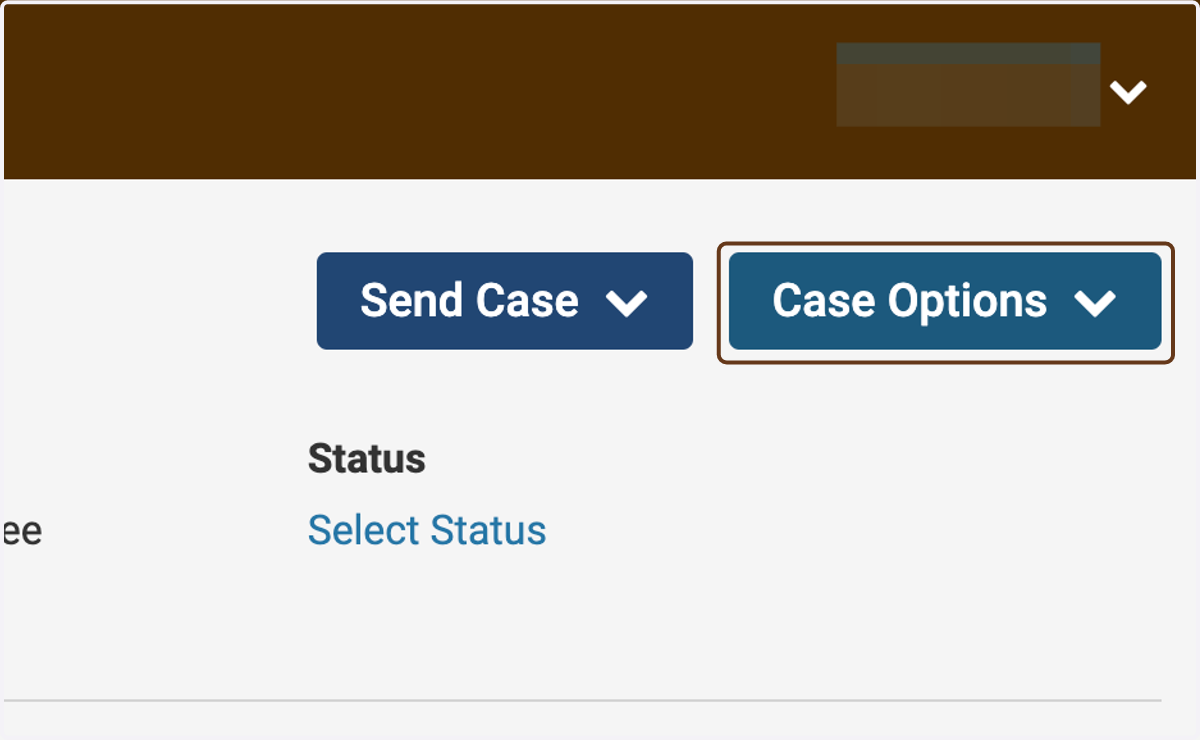
1. Click on Case Options
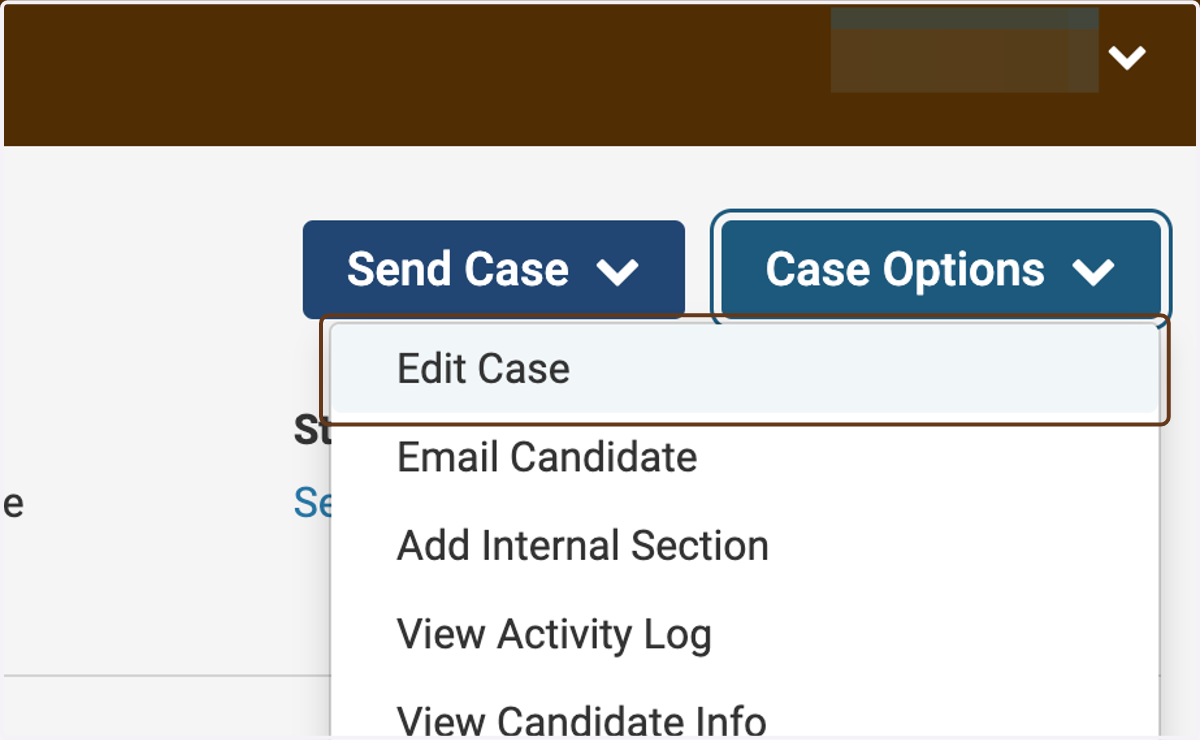
2. Click on Edit Case
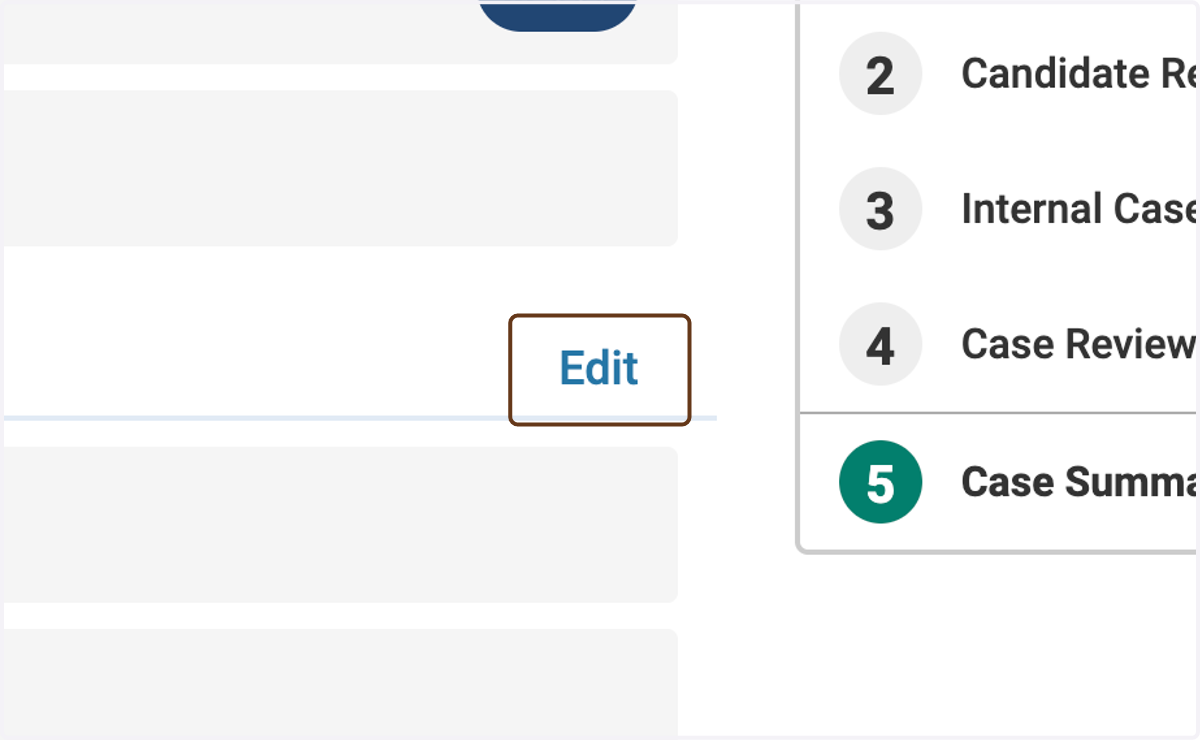
3. Click on Edit next to Case Review Steps
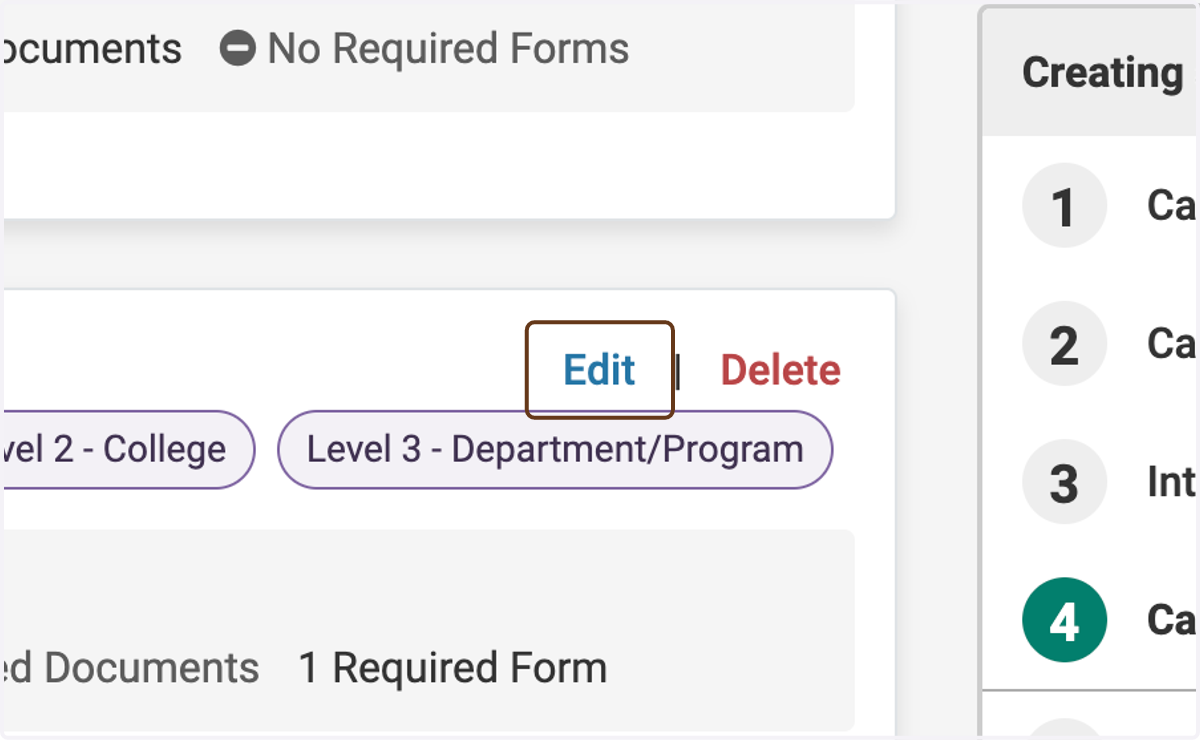
4. Click on Edit next to the step at which you want to add the committee
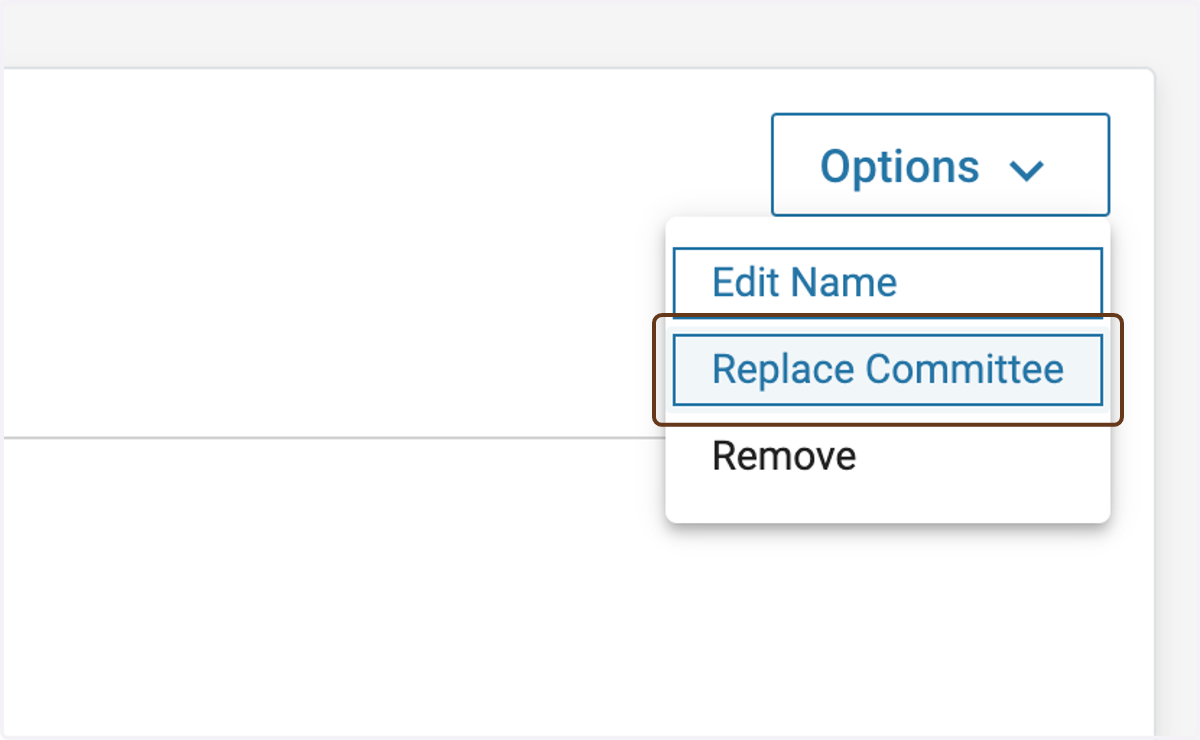
5. Click on Options

6. Click on Replace Committee
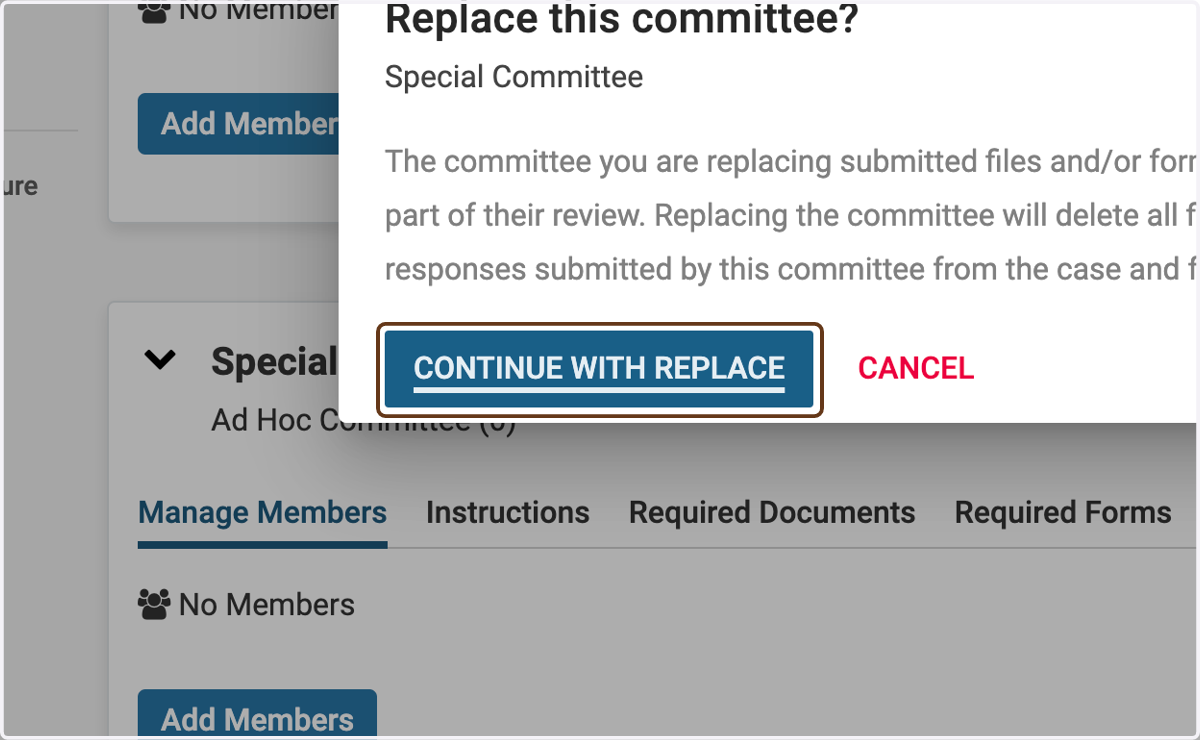
7. Click on CONTINUE WITH REPLACE
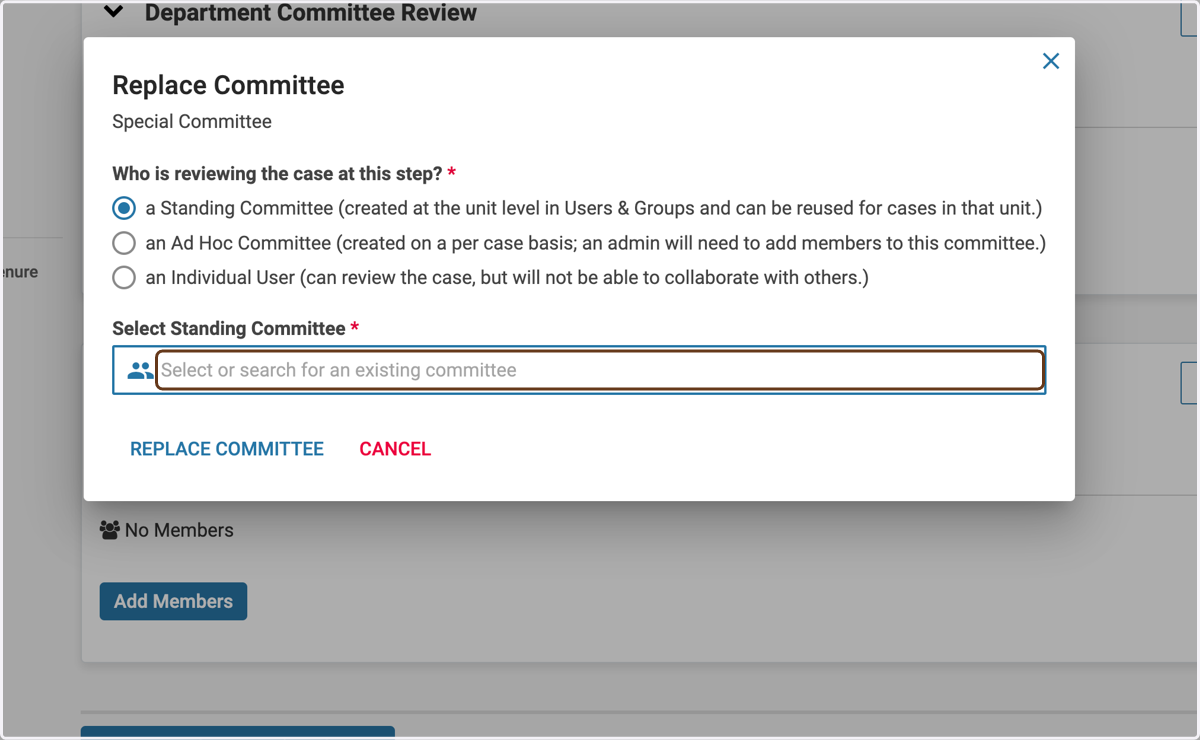
8. Choose "a Standing Committee"
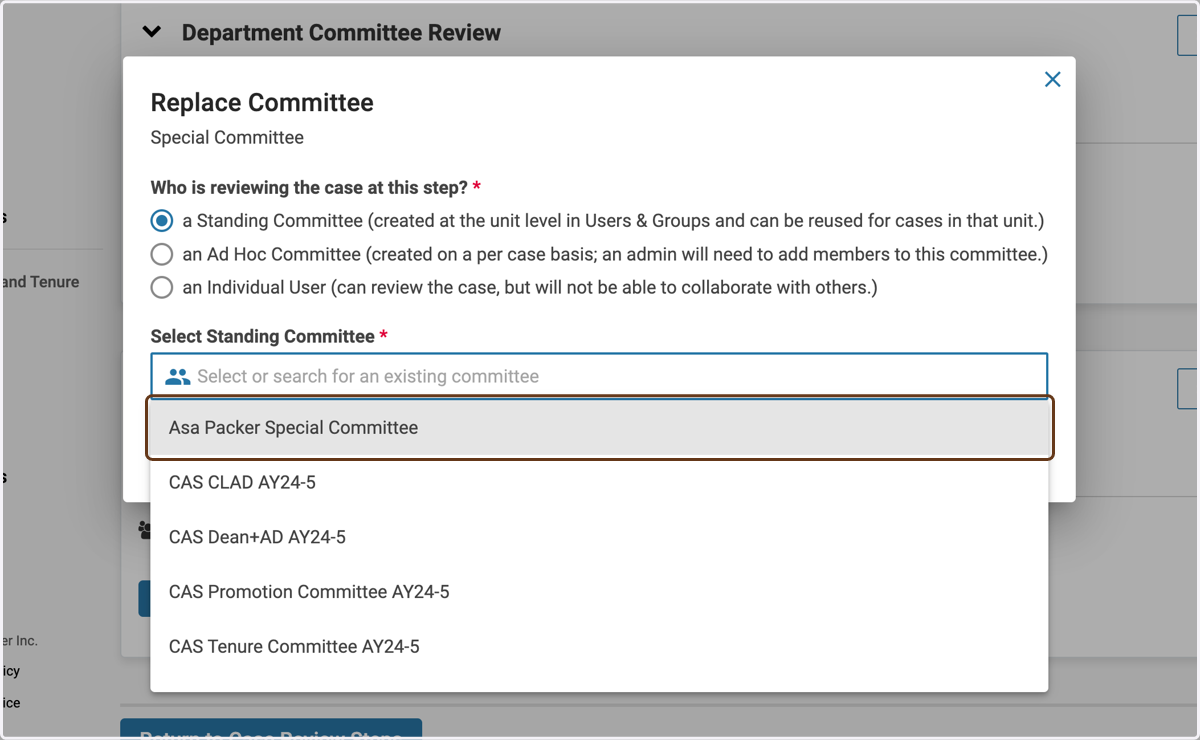
9. Find the special committee name in the dropdown
10. Click on REPLACE COMMITTEE