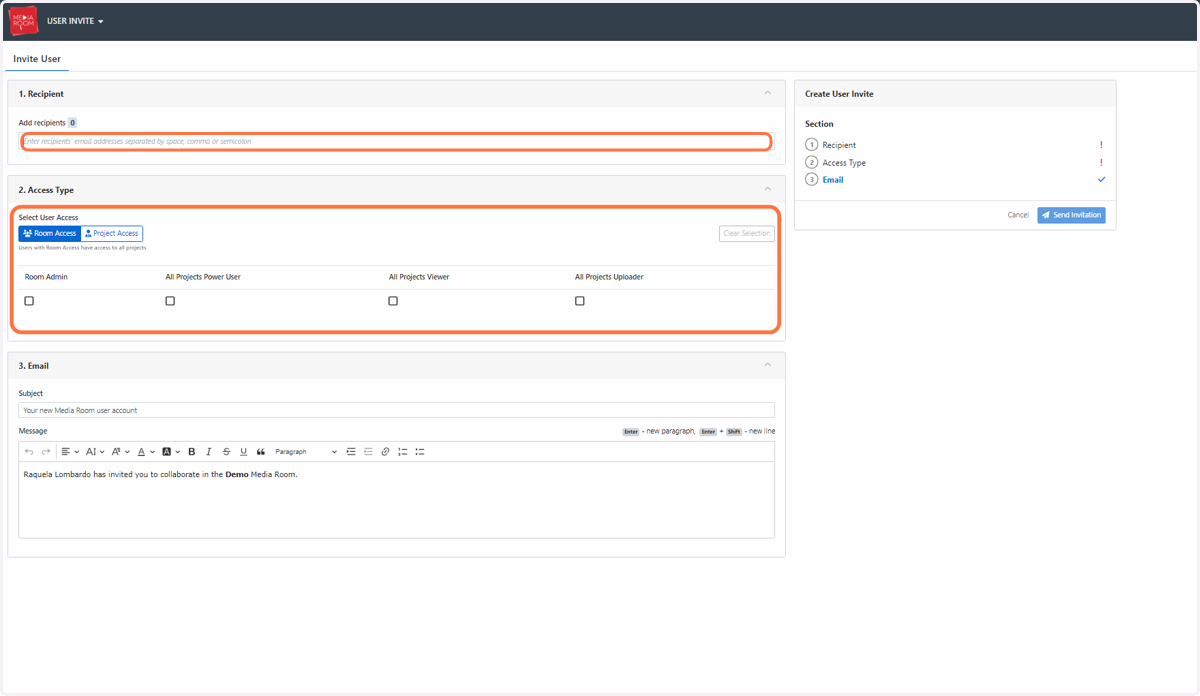
How do I invite users into the Media Room?
A user with admin access has the highest level of access and privileges in their Media Room. Admins have the capacity to manage user invites, permissions and access levels for each user.
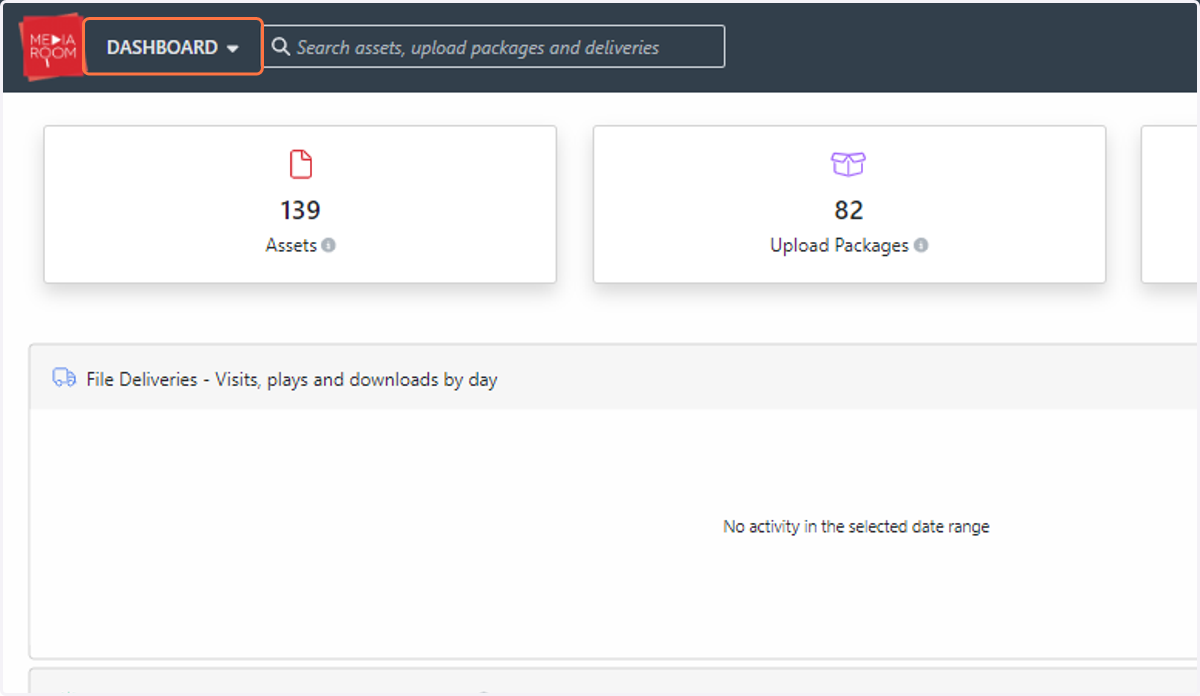
1. Click on DASHBOARD
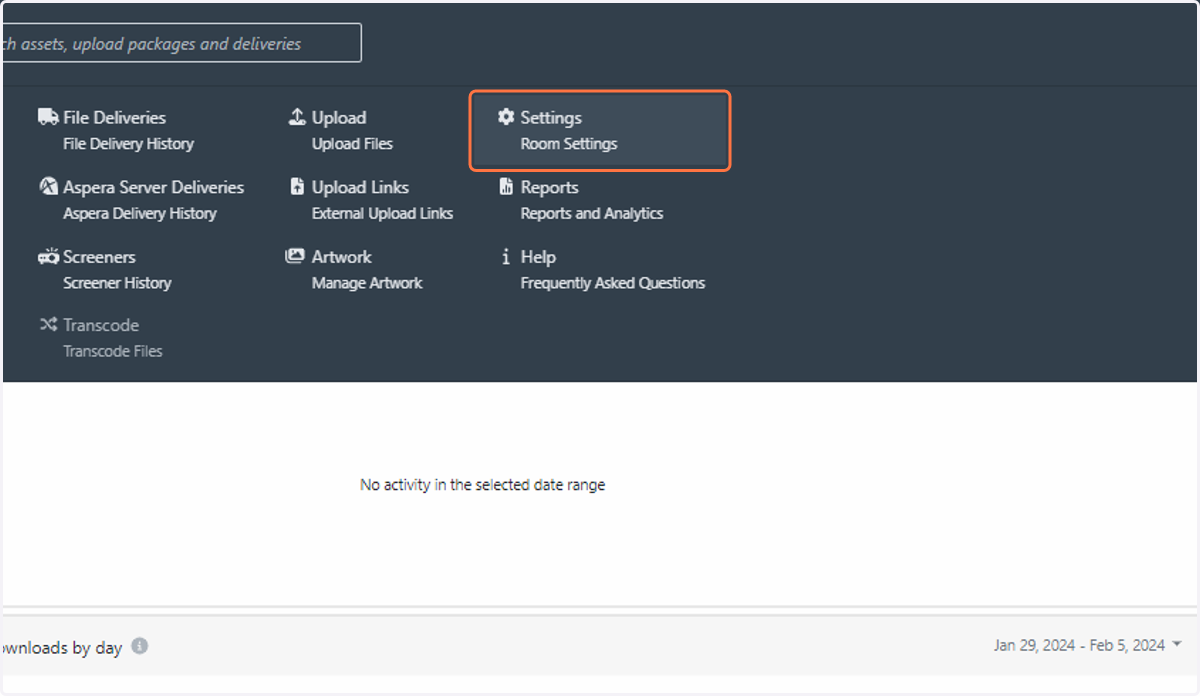
2. Click on Settings
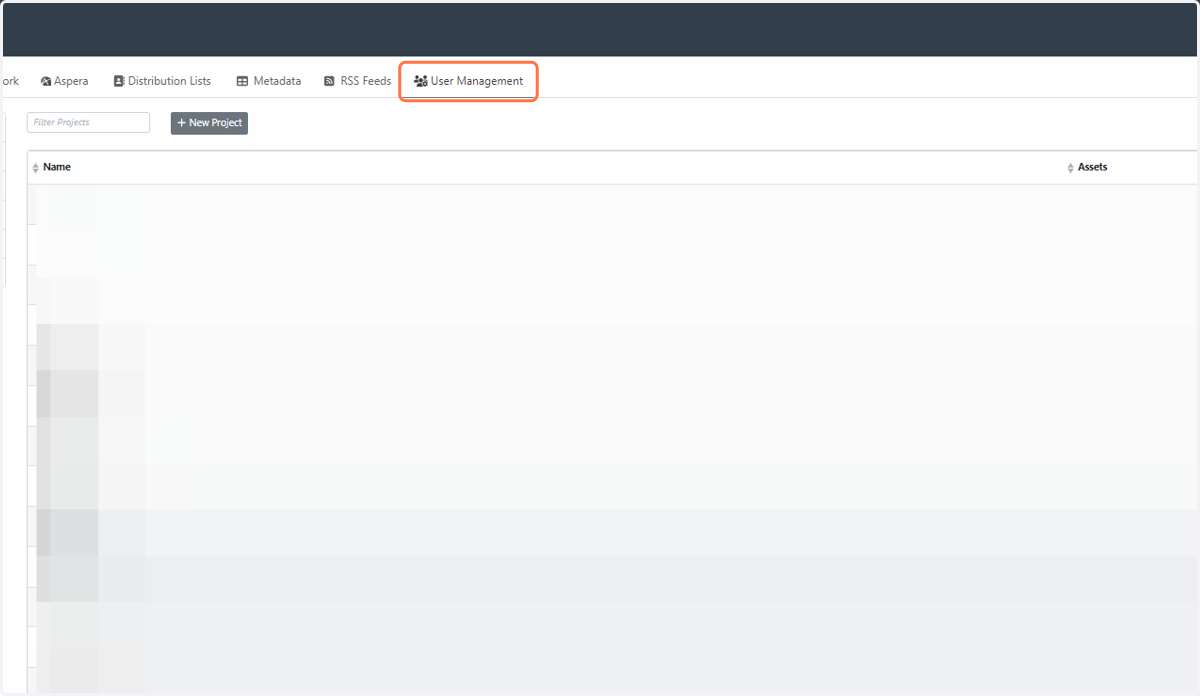
3. Click on User Management
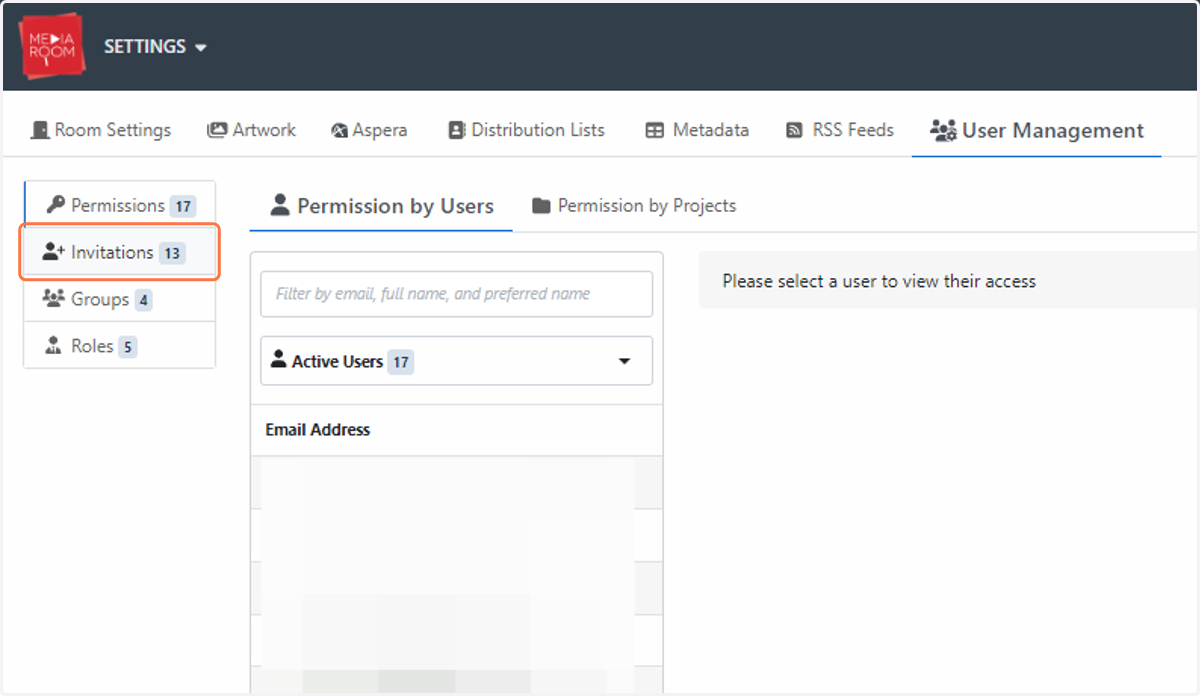
4. Click on Invitations
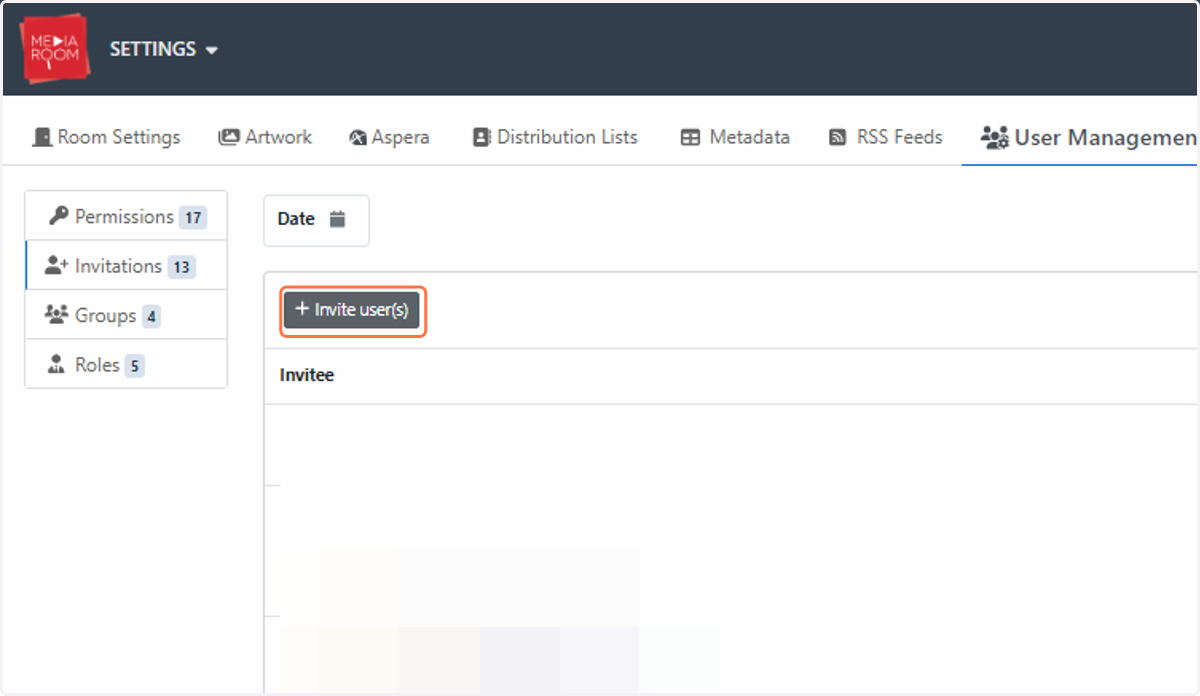
5. Click on Invite user(s)
6. Enter recipient's email address and select the level of access that you would like them to receive.