Distribution lists
Distribution lists contain the contact information of individuals receiving deliveries via the Media Room. This database can be conveniently stored in your room (The valid file formats are .csv .txt), and selected while creating a delivery/screener.
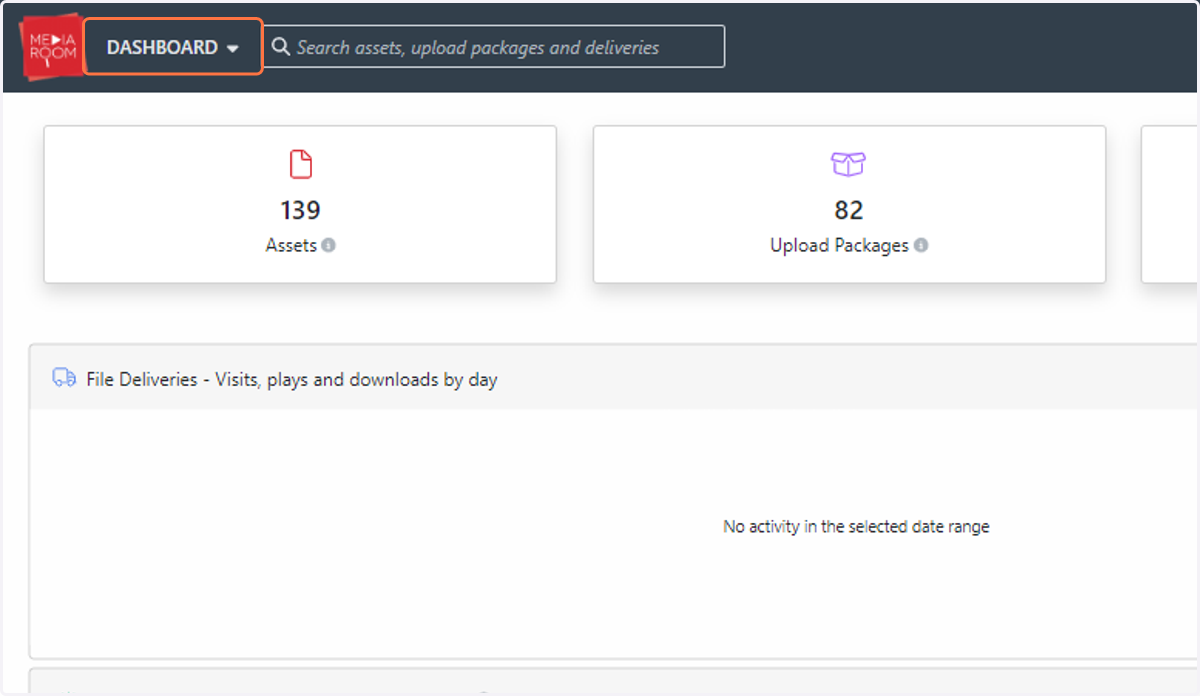
1. To begin the process of creating and storing your distribution lists, click on DASHBOARD
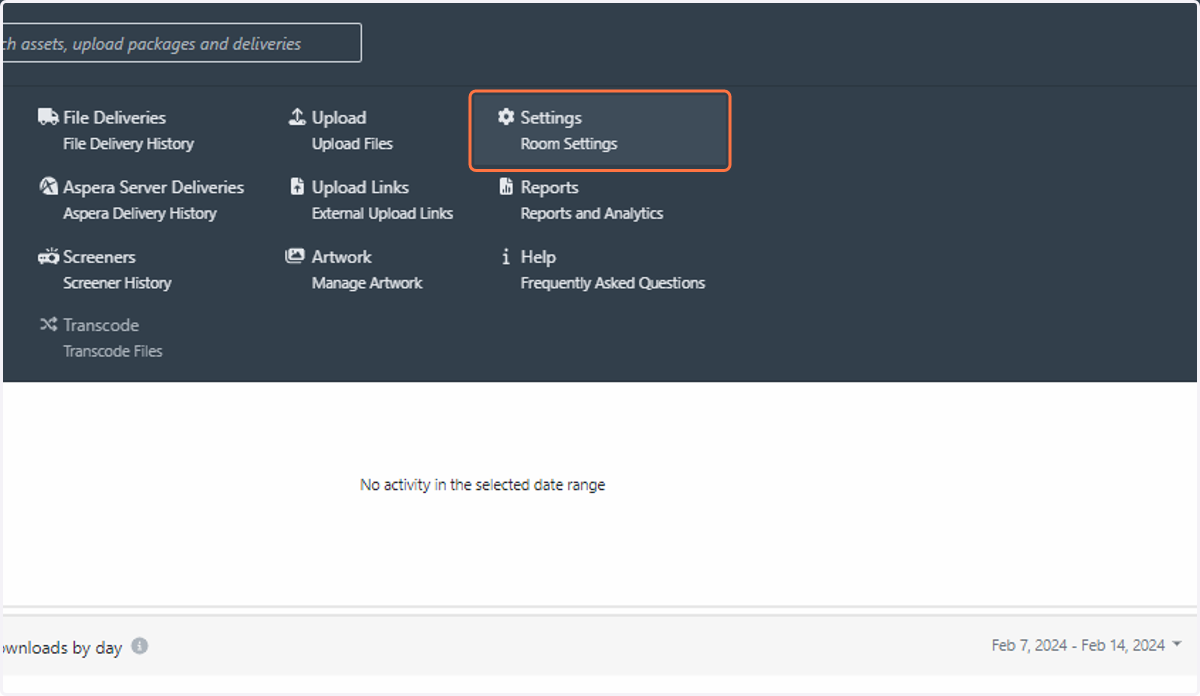
2. Click on Settings…
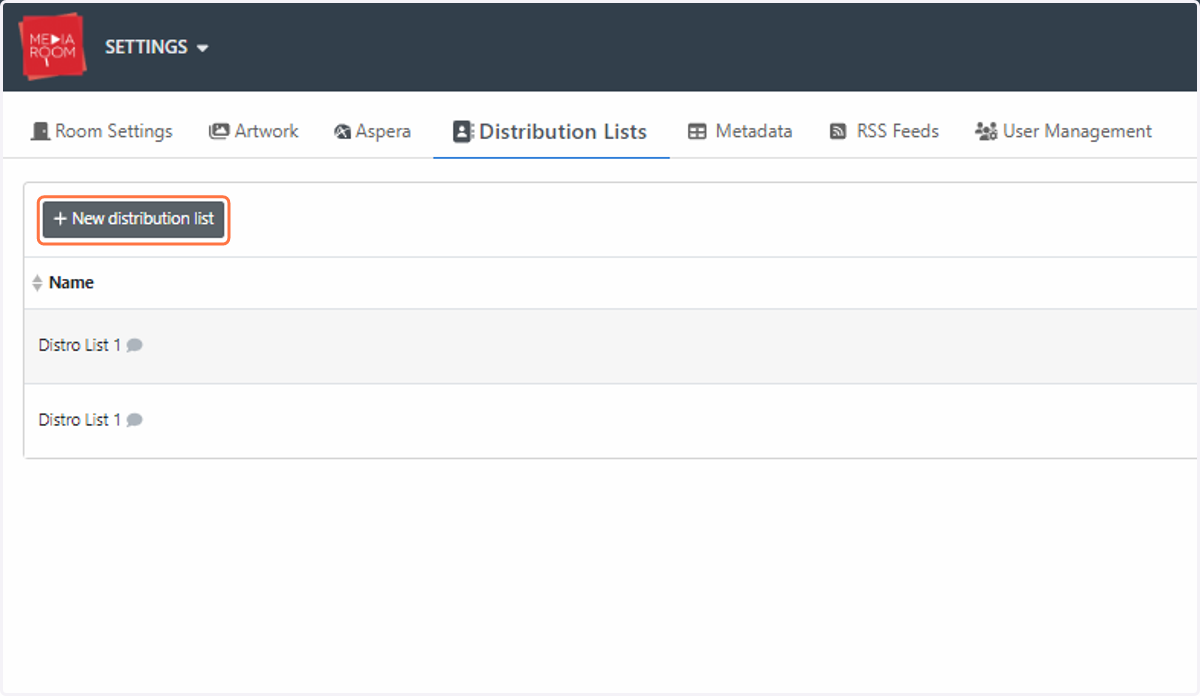
3. Click on New distribution list
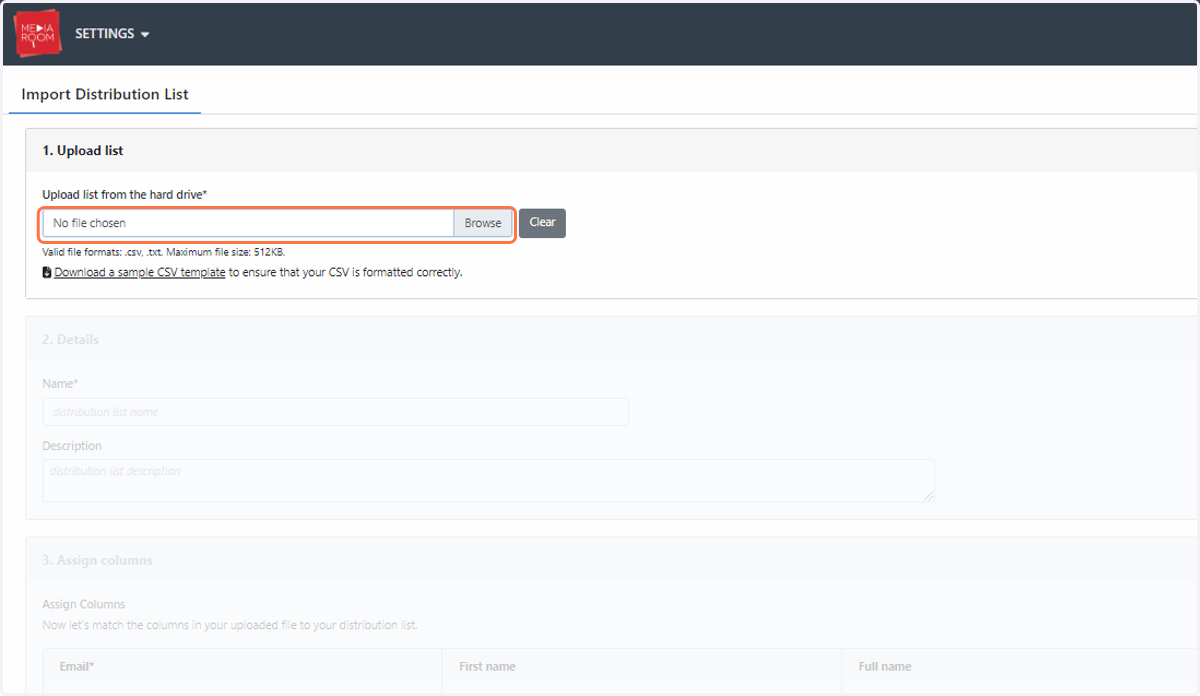
4. Download our sample template to ensure that your CSV document is correctly formatted for Media Room usage. The valid file formats are .txt and .csv and the maximum file size is 512KB. Simply import your distribution list into Media Room via the “Browse” button, as below:
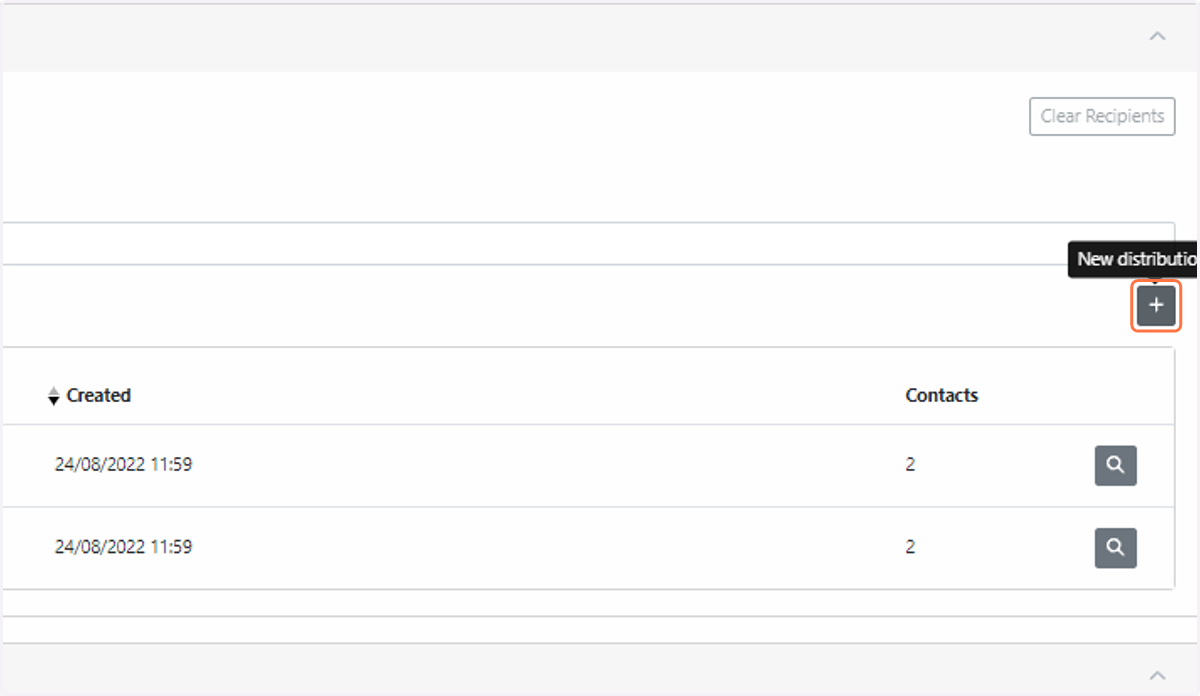
5. Lists are accessible when filling out a delivery form. Simply click the “+” button next to the “Add delivery recipients from distribution lists” heading. To access the delivery form, see the steps outlined in Deliveries / Deliveries - FAQ / How do I create a file delivery?