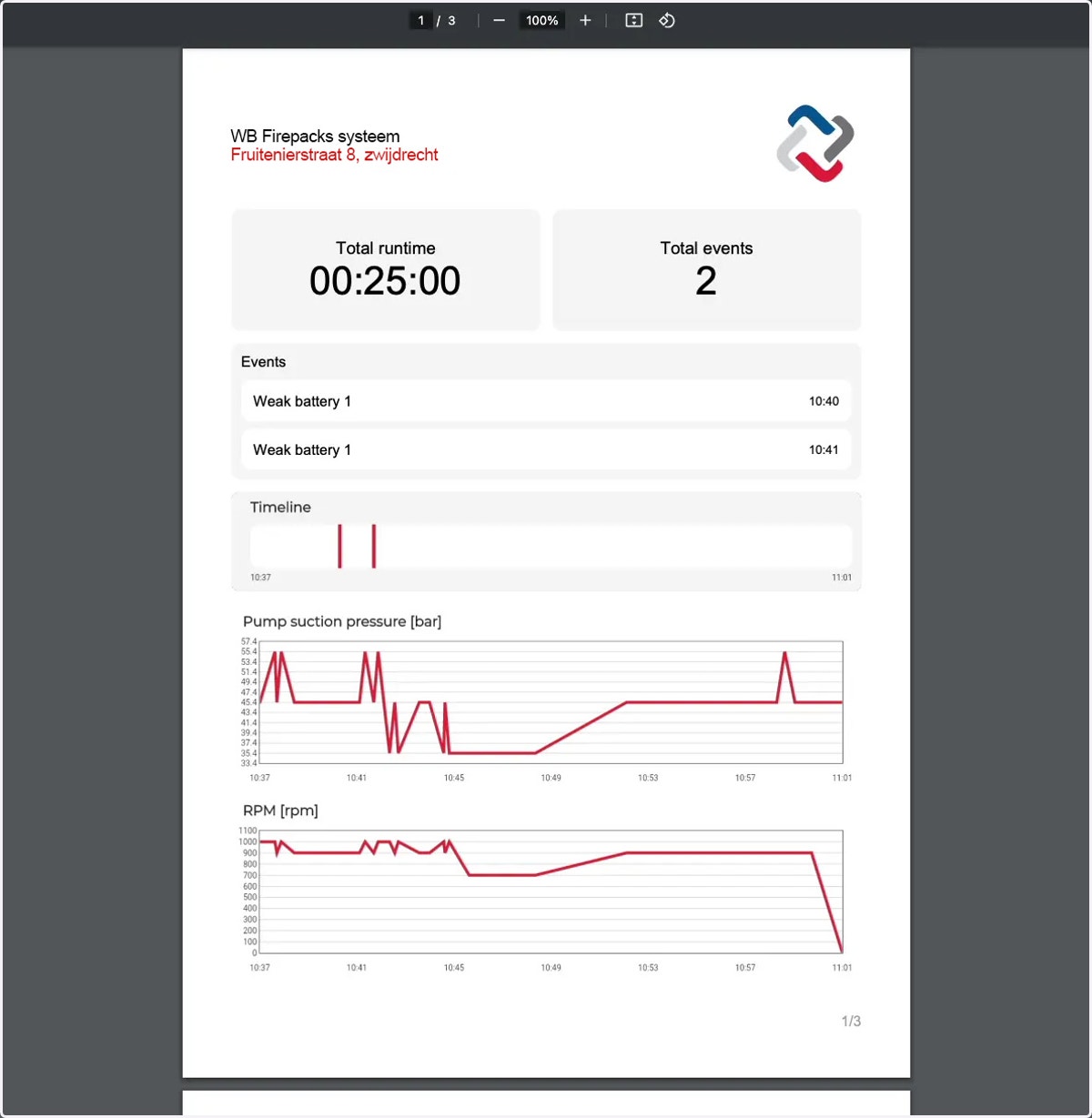
How to see and download the details of a Firepack run
1. Navigate to web.firecoach.app
2. Log in with your Firecoach account
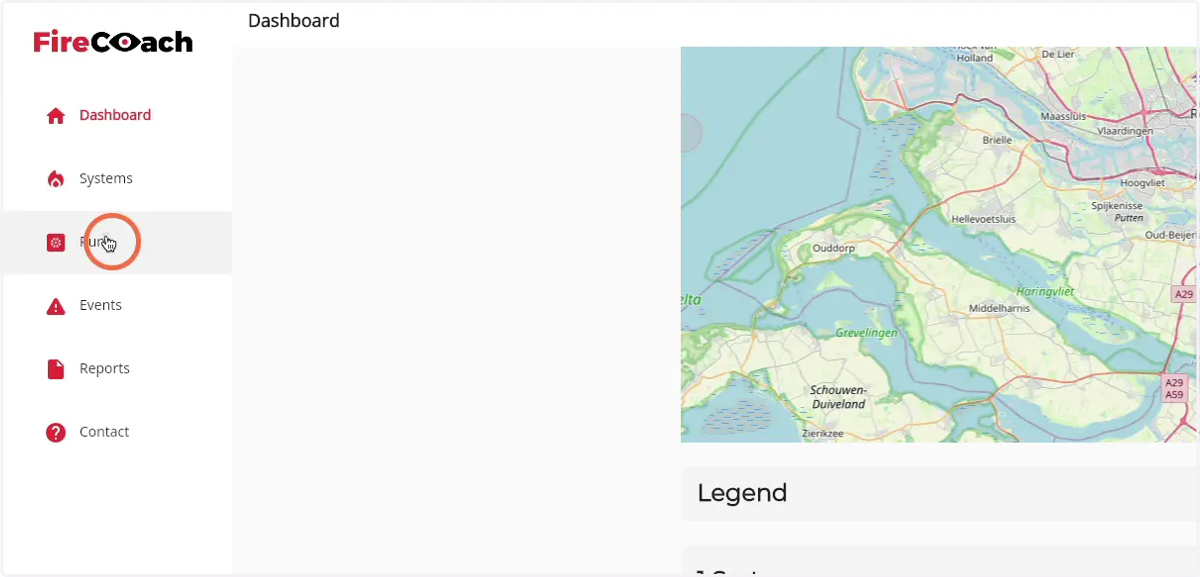
3. Click on 'Runs'
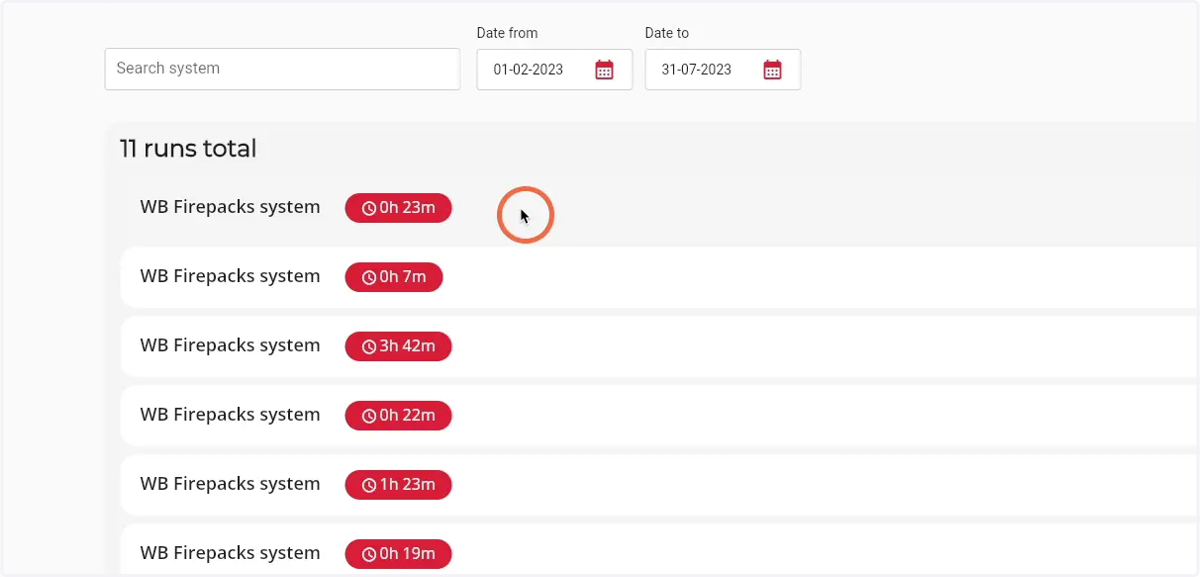
4. Click on the run you would like the details of
5. The run details page will open
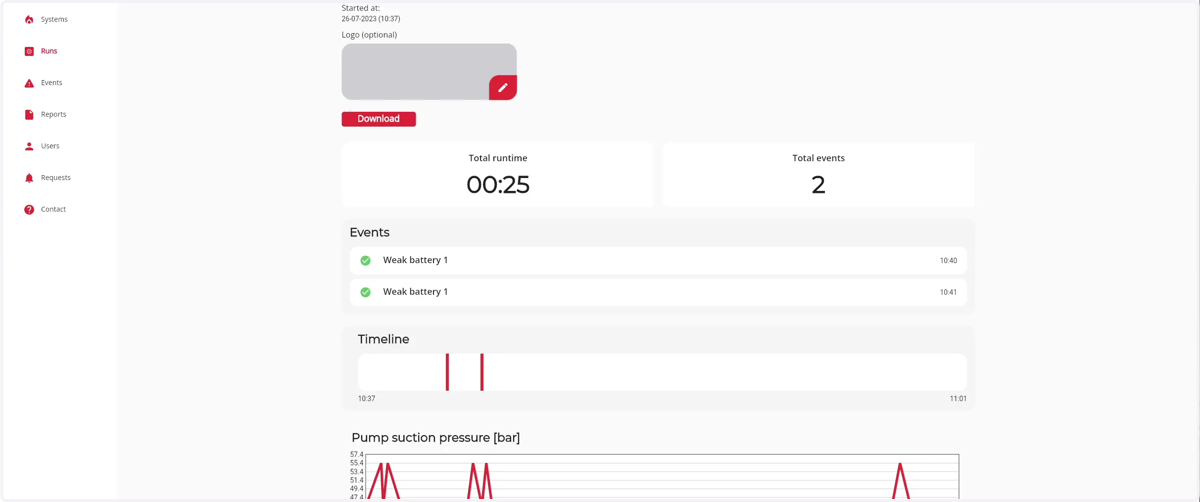
6. Click the 'Pen' icon to setup a logo for the PDF download
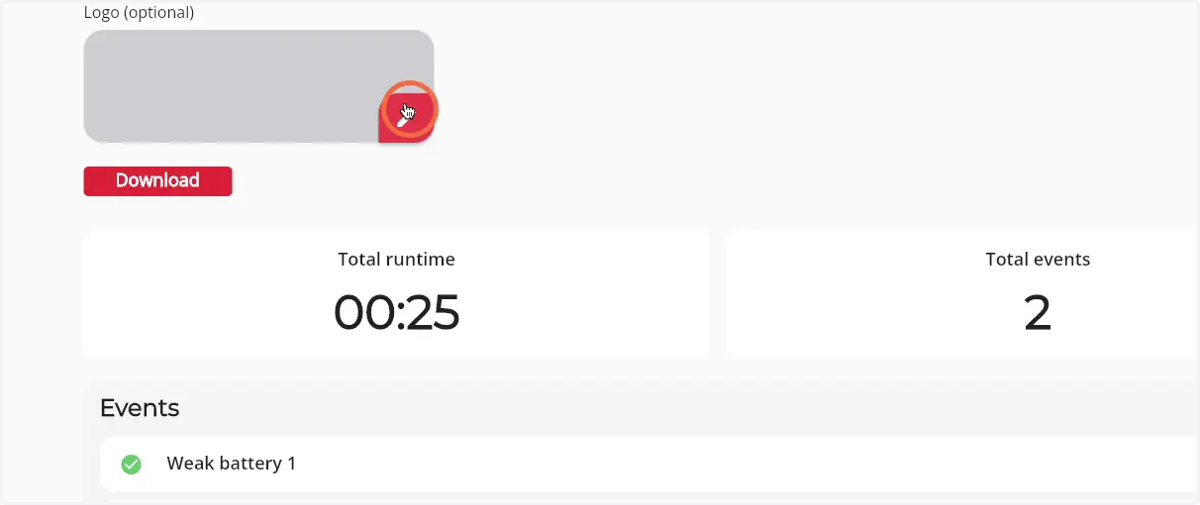
7. Click 'Download' to download the run as a PDF file
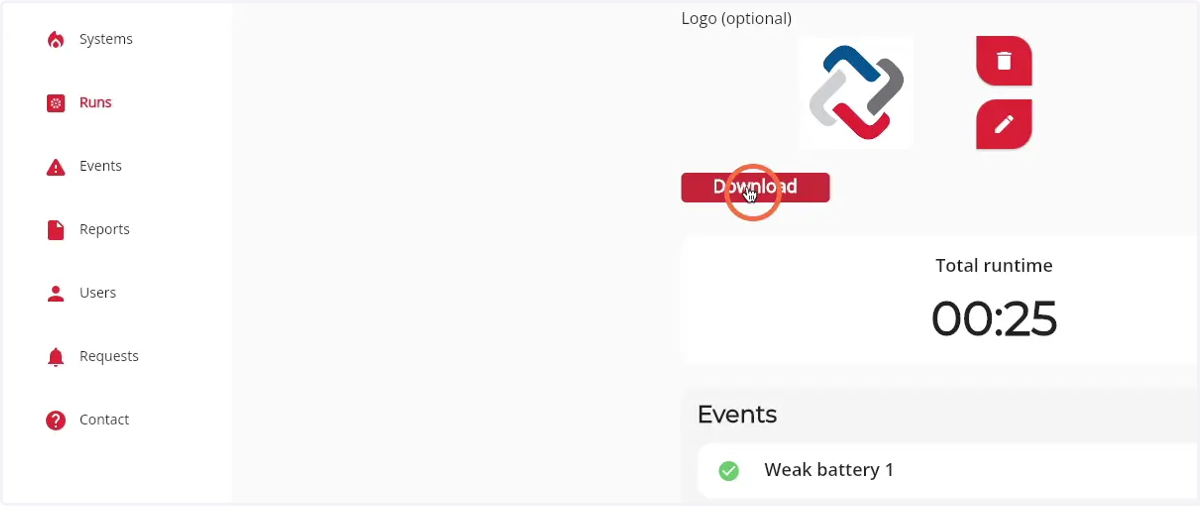
8. The PDF File of the run will open in a new tab