Get API Tokens from Wise

Wise

  1. 1. After logging into Wise, click on your account button
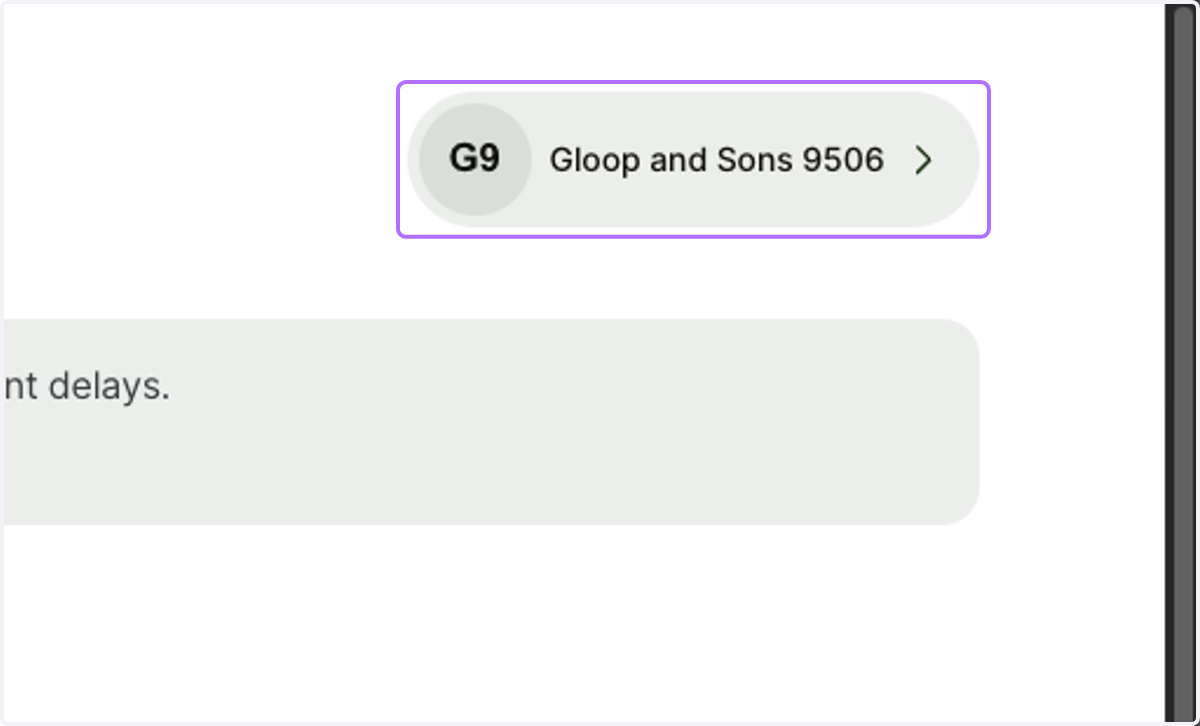
    After logging into Wise, click on your account button
  2. 2. Scroll down and click on "Integrations and tools"
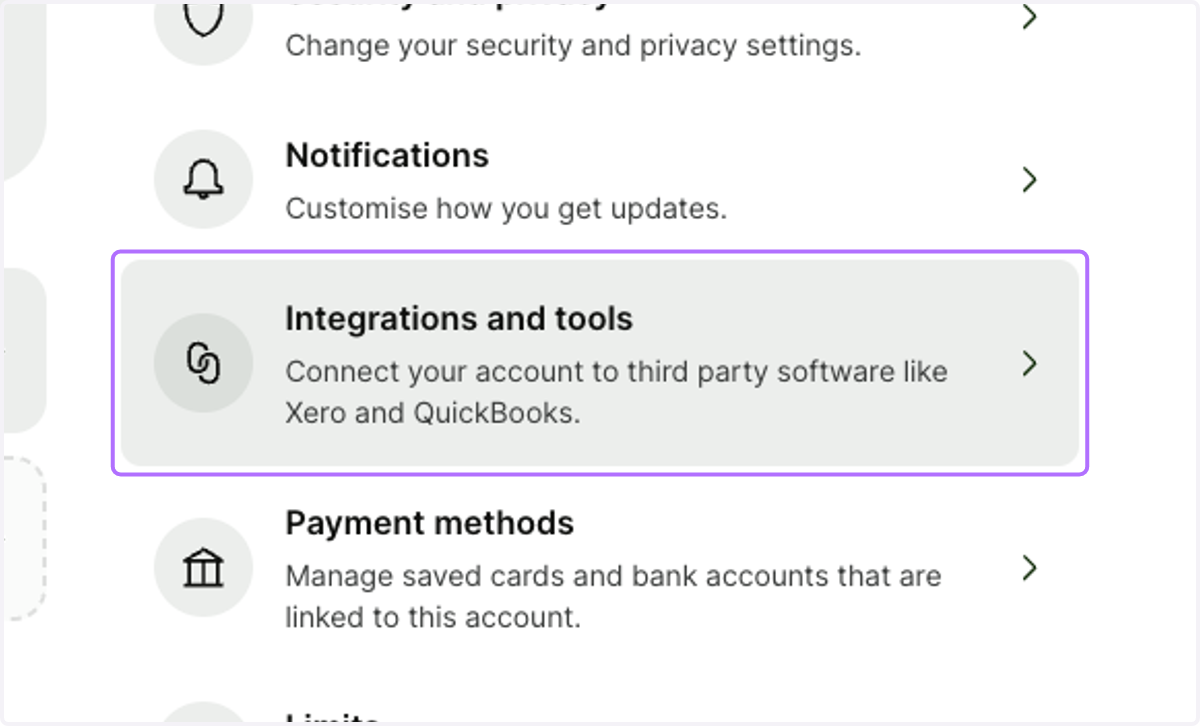
    Scroll down and click on "Integrations and tools"
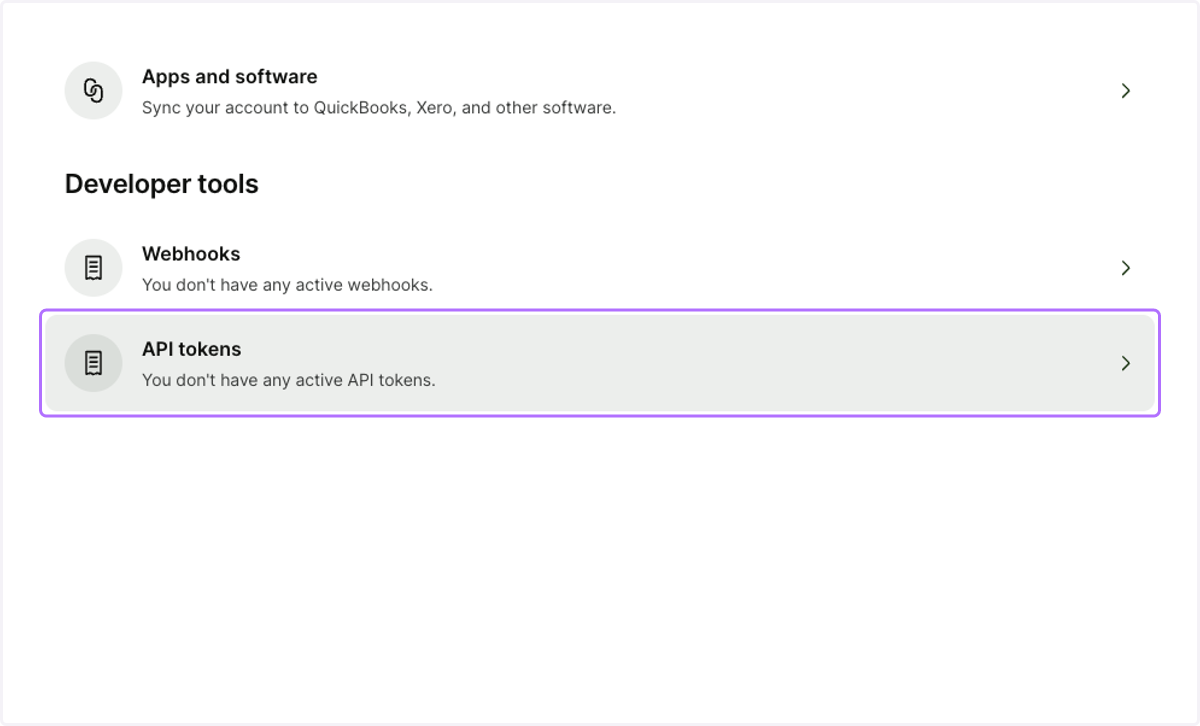
  3. 3. Click on "API tokens"

    Click on "API tokens"
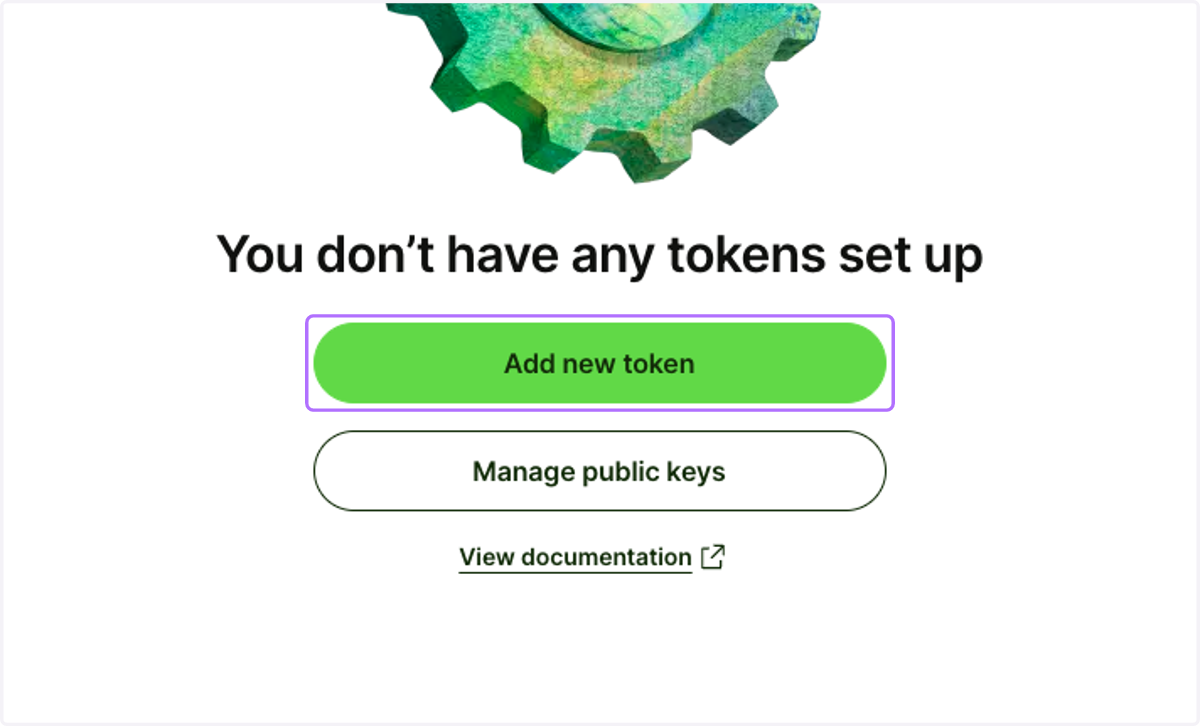
  4. 4. Select "Add new token"

    Select "Add new token"
  5. 5. Please ensure you select "Read only" permission
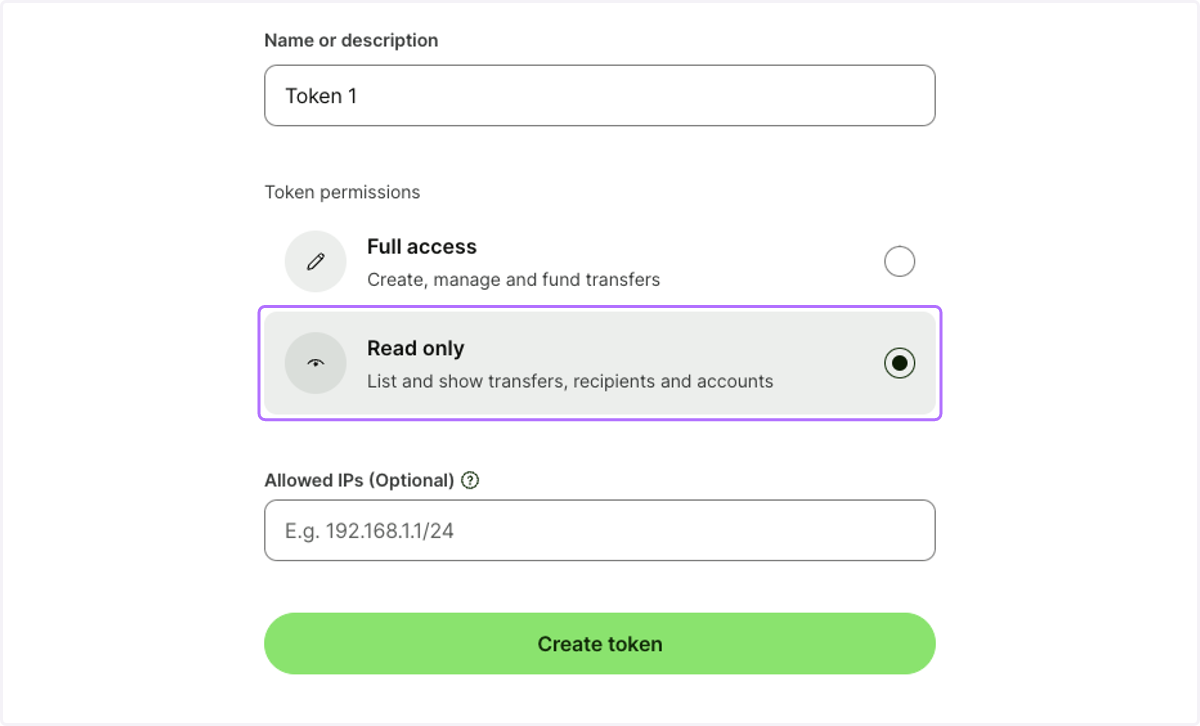
    Please ensure you select "Read only" permission
  6. 6. Once token has been created, click on "Reveal key"
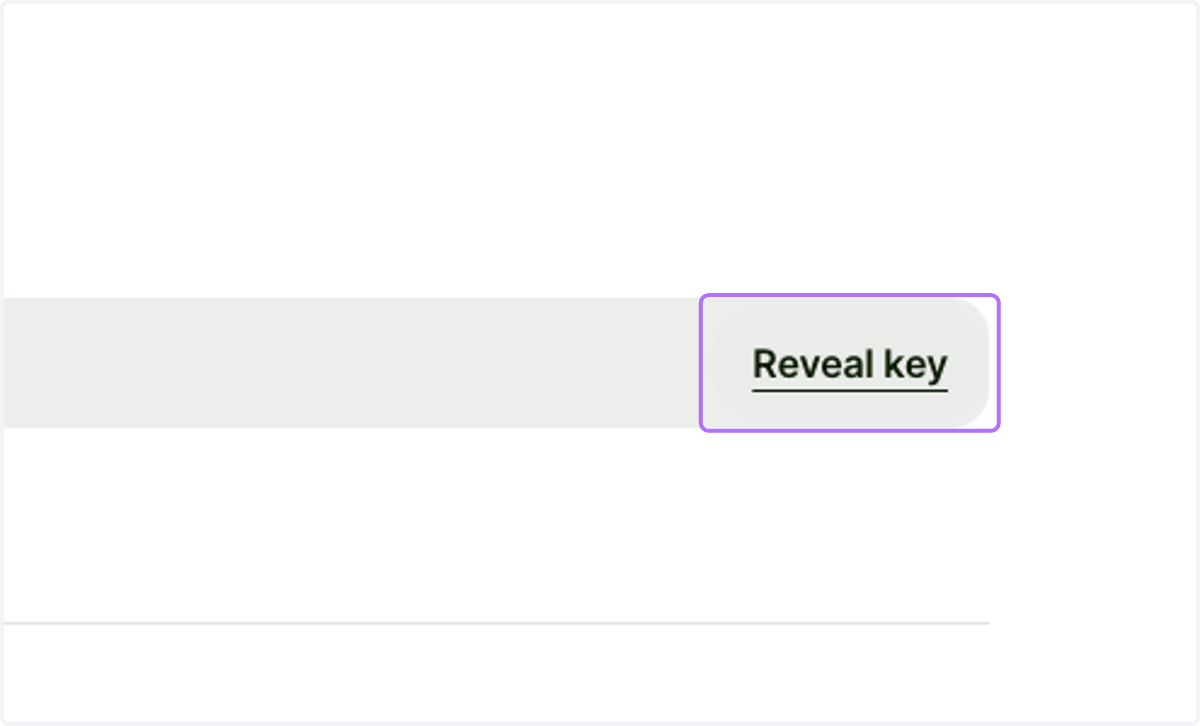
    Once token has been created, click on "Reveal key"
  7. 7. You will be asked to enter your password
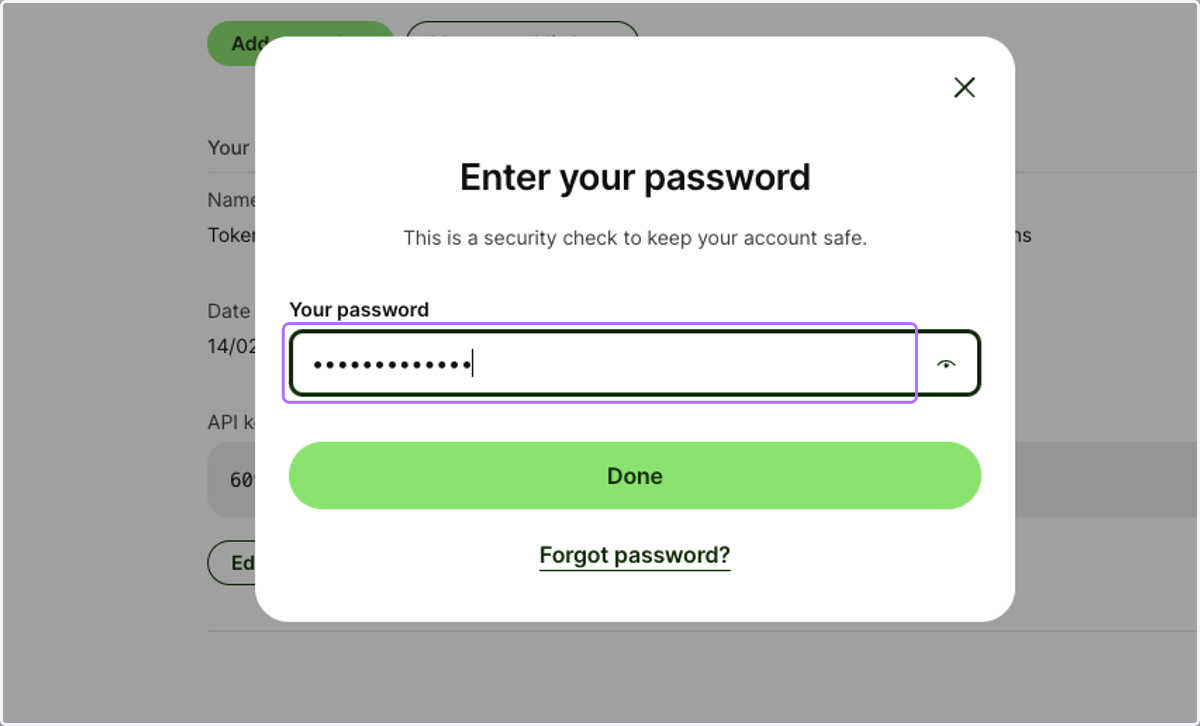
    You will be asked to enter your password
  8. 8. Once API token is visible, click on "Copy key" and paste it back in Finmo
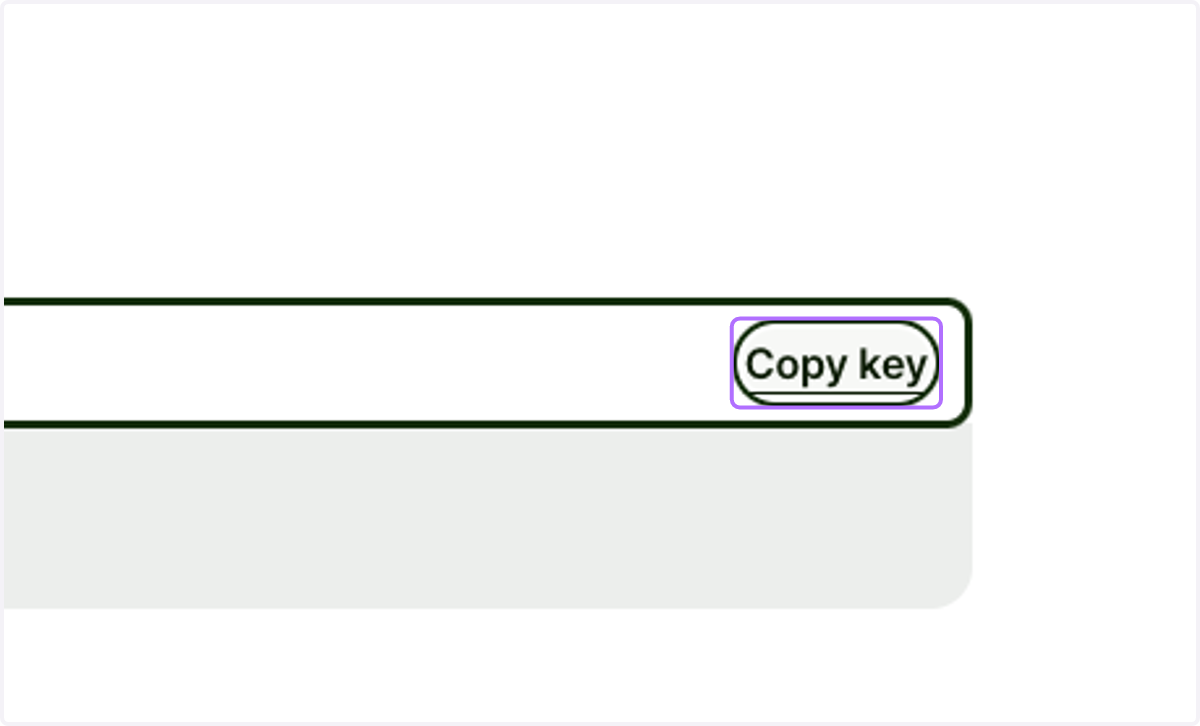
    Once API token is visible, click on "Copy key" and paste it back in Finmo