Managing Inbound Dynamic Queue Rules
Login to TrustHQ on ResellerRatings
1. Click on Settings

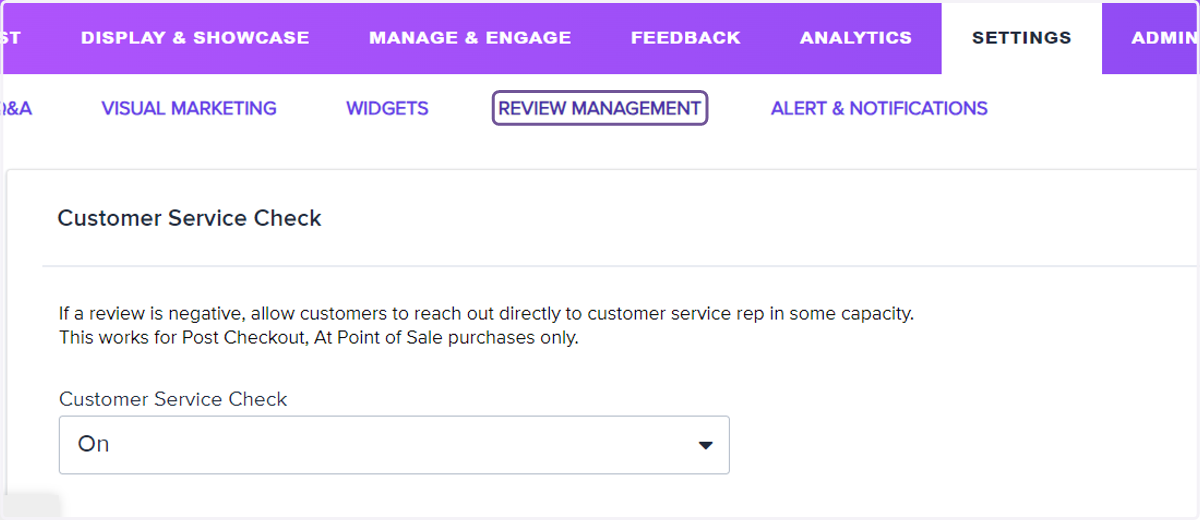
2. Click on REVIEW MANAGEMENT
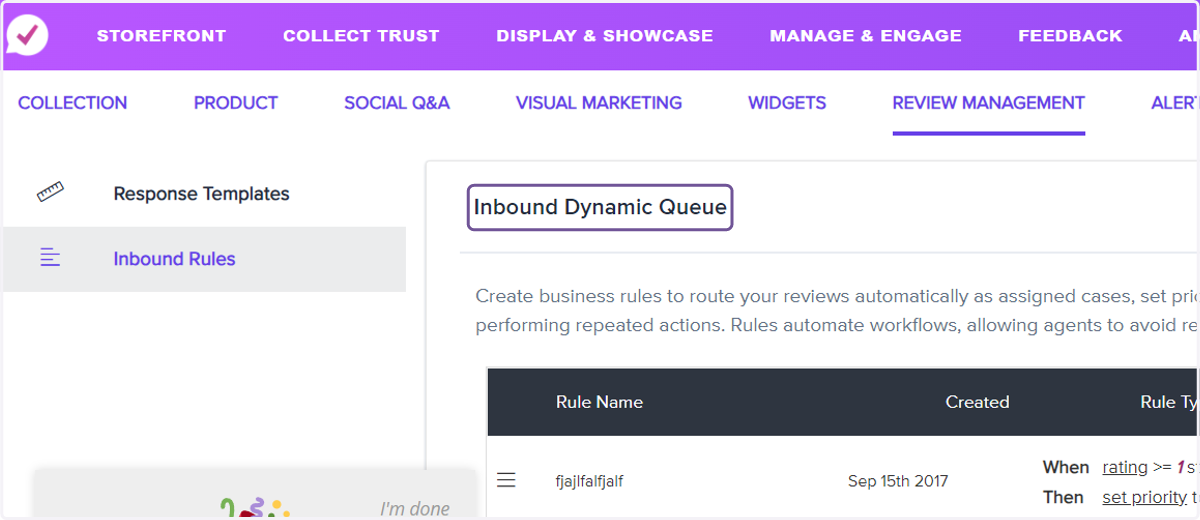
3. Welcome to Inbound Dynamic Queue
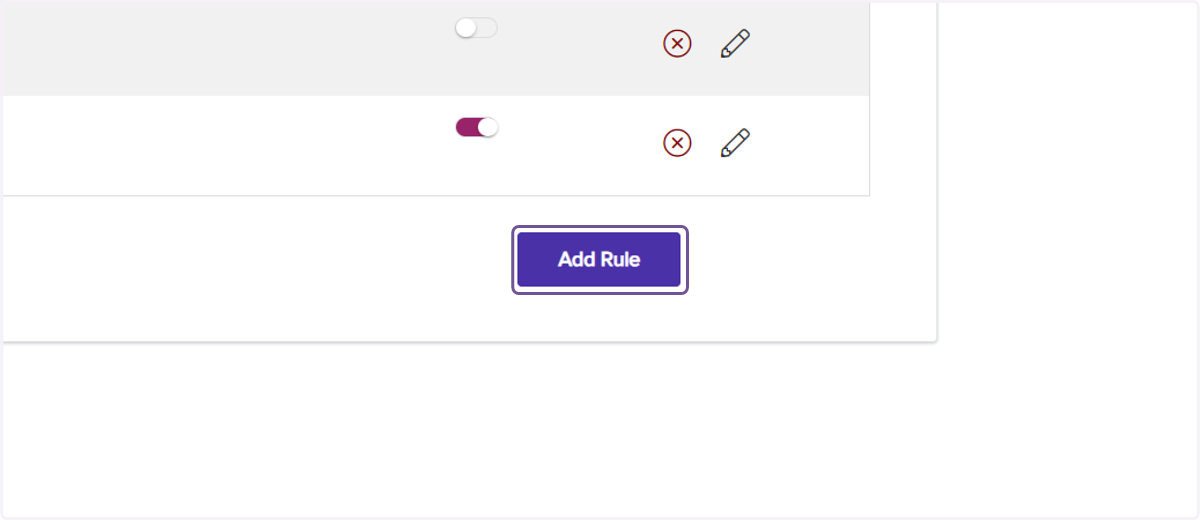
4. Click on Add Rule
5. Enter a name for your inbound rule
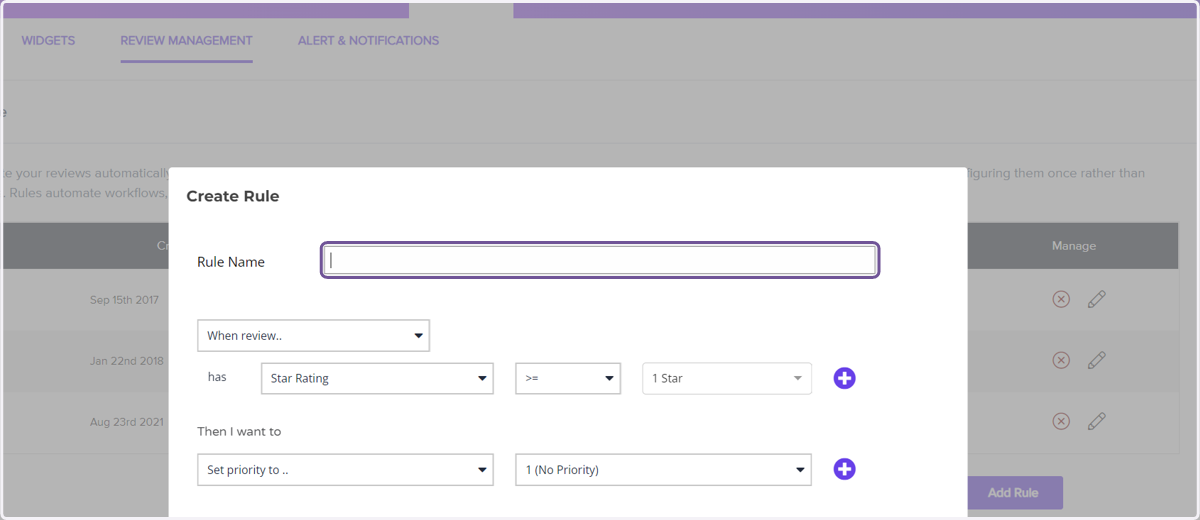
6. Watch this tutorial for creating inbound rules
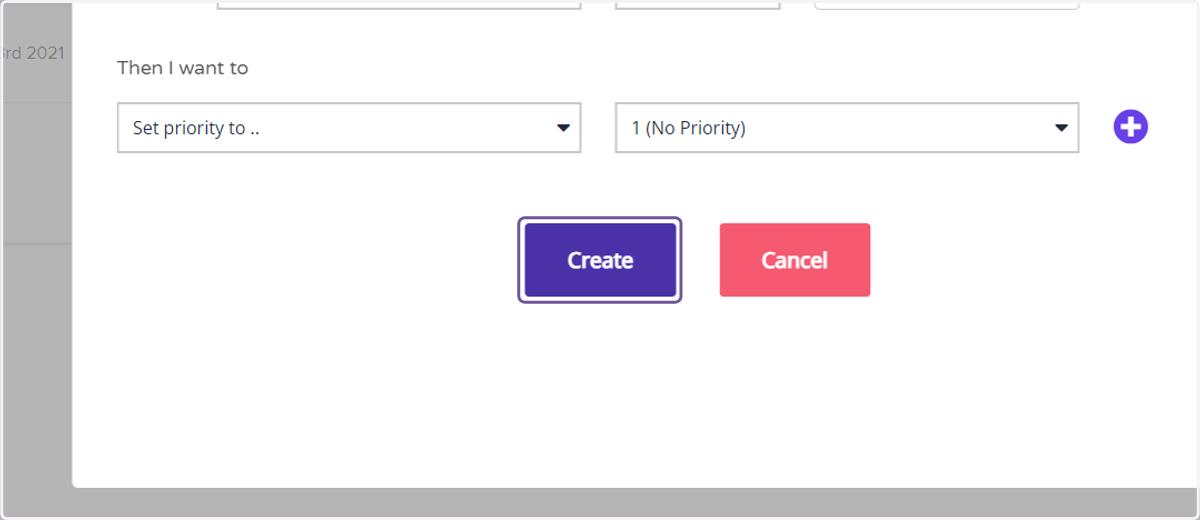
7. Click on Create