LOS: New Feature
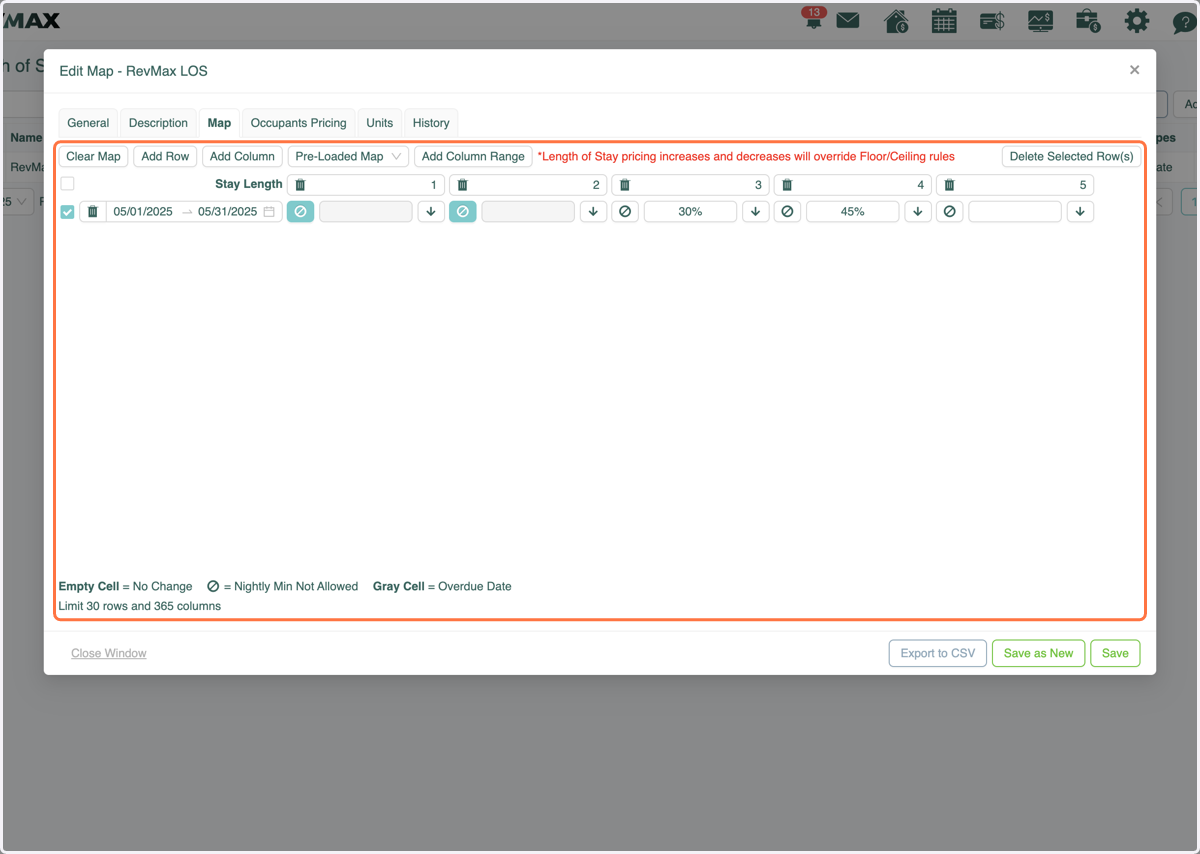
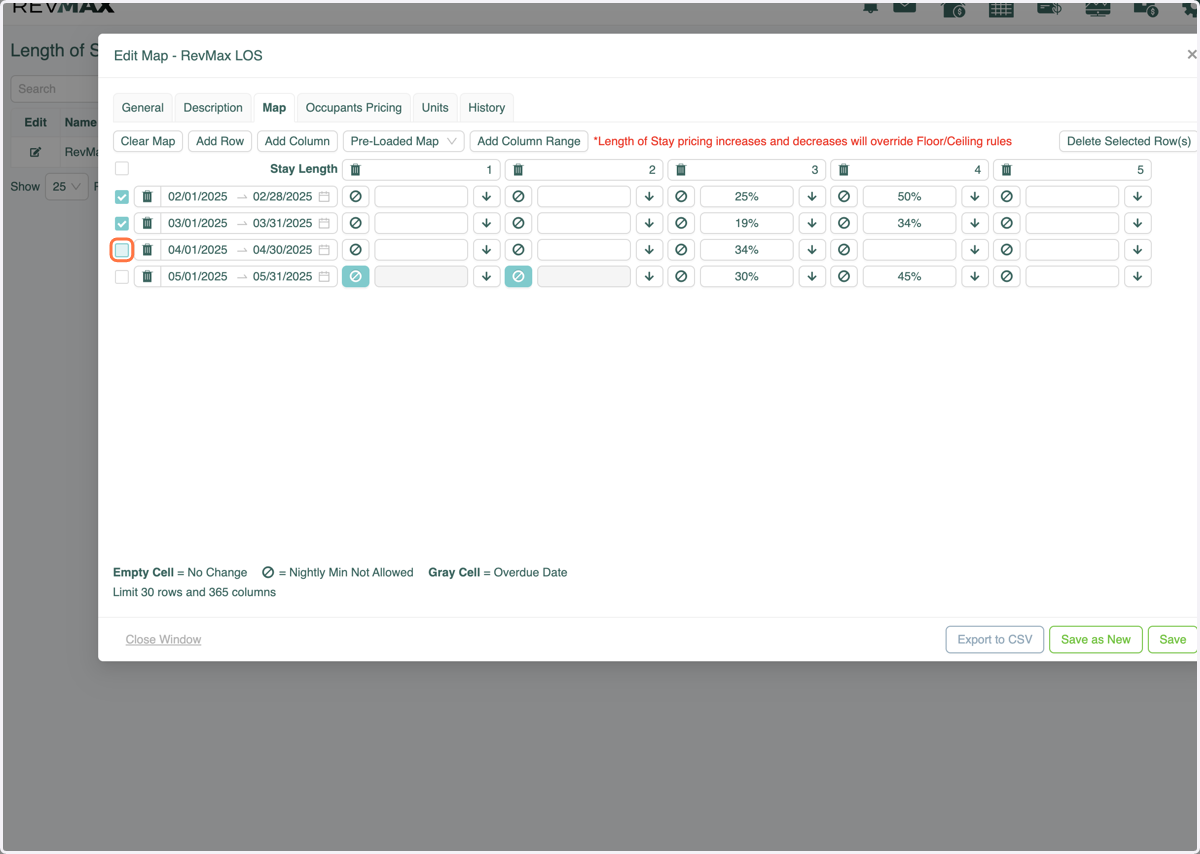
1. NEW FEATURE: You can select multiple rows to bulk delete old dates or timeframes you no longer want. This will help to keep the map cleaner and up to date. Simply select the rows you'd like to delete.
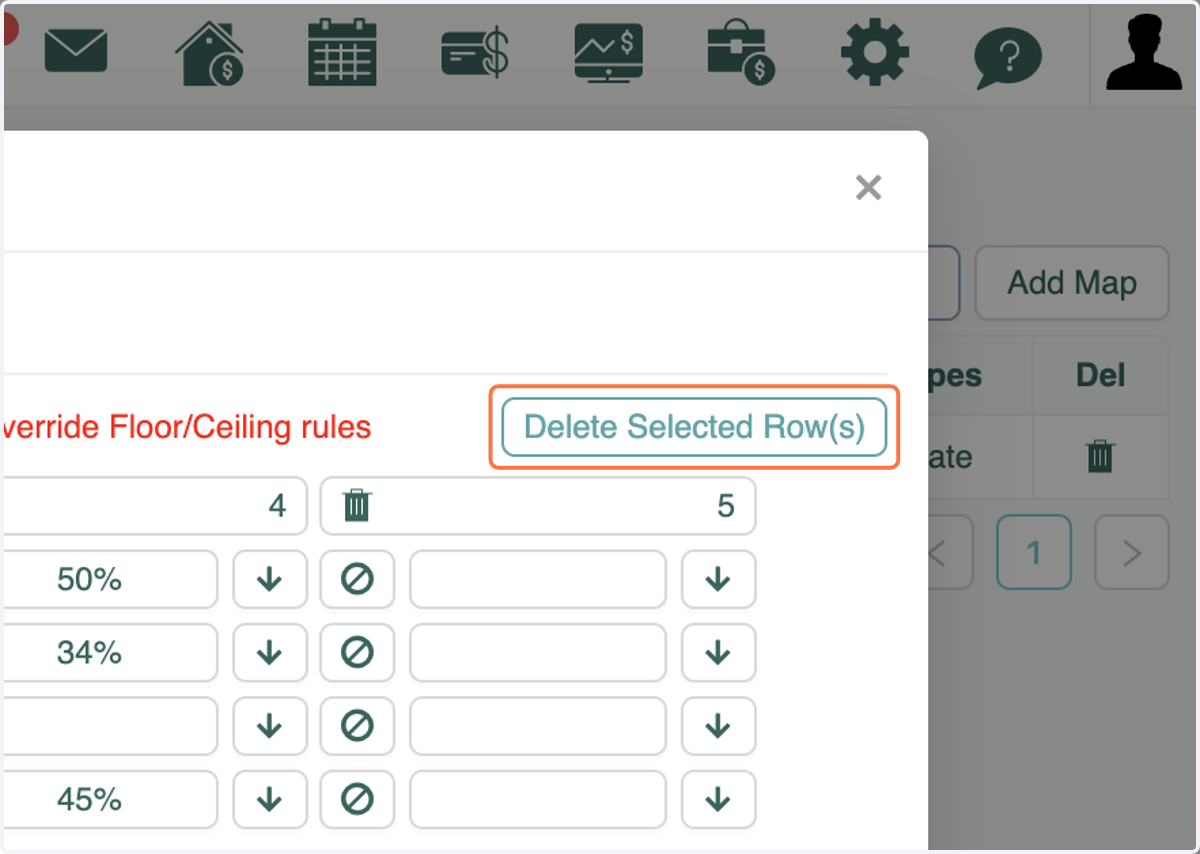
2. Click on Delete Selected Row(s)
3. Those rows will be removed from the LOS map.