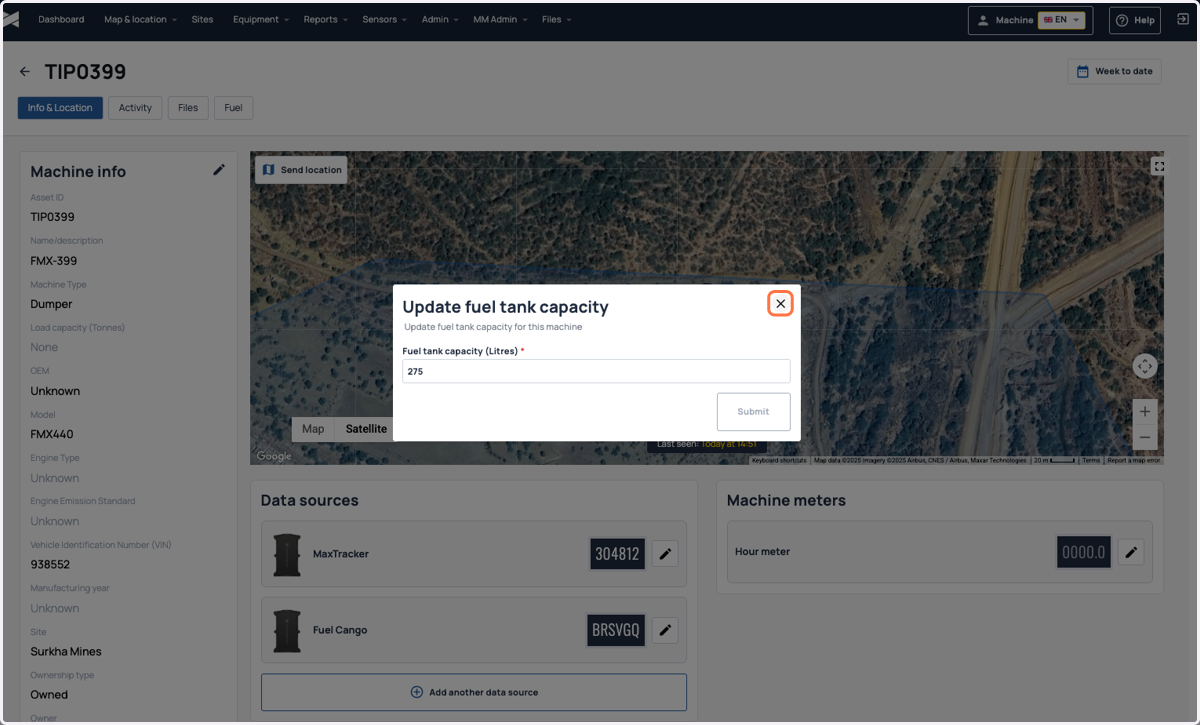
Update Fuel Tank Capacity for a Cango Fuel Sensor
For machines attached with Cango fuel sensor, there is an option to edit the fuel tank capacity from the machine info page
1. Login to the Machine Max platform
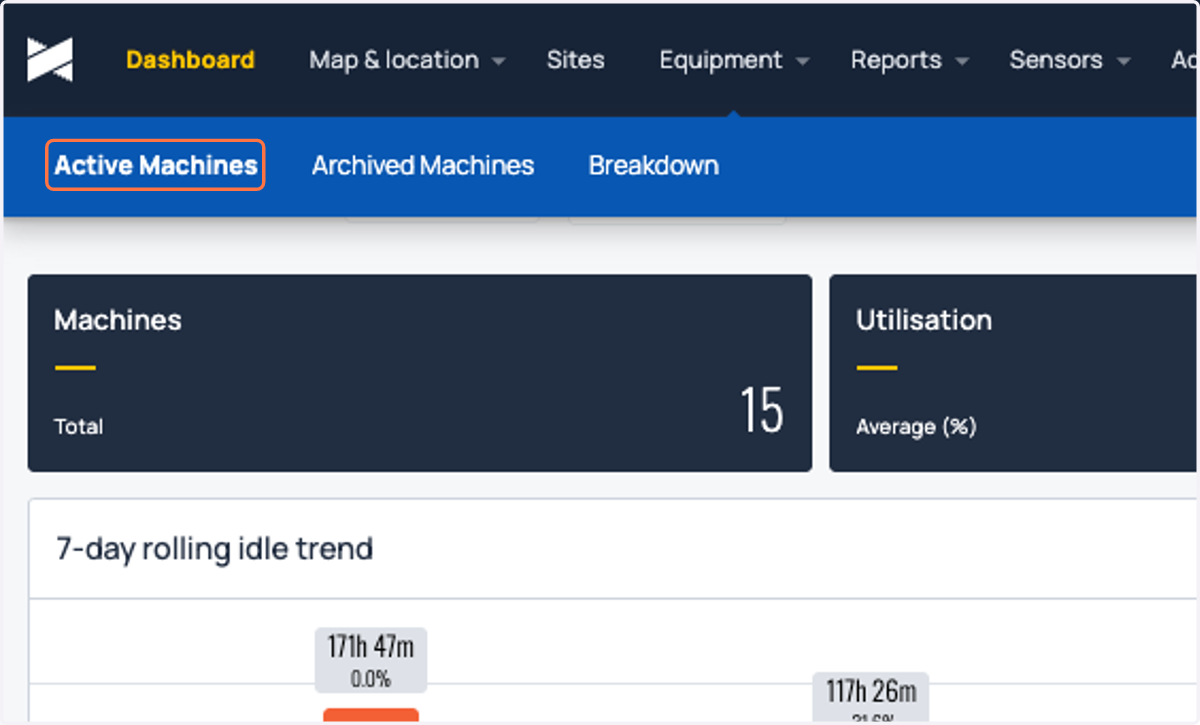
2. Click on Active Machines
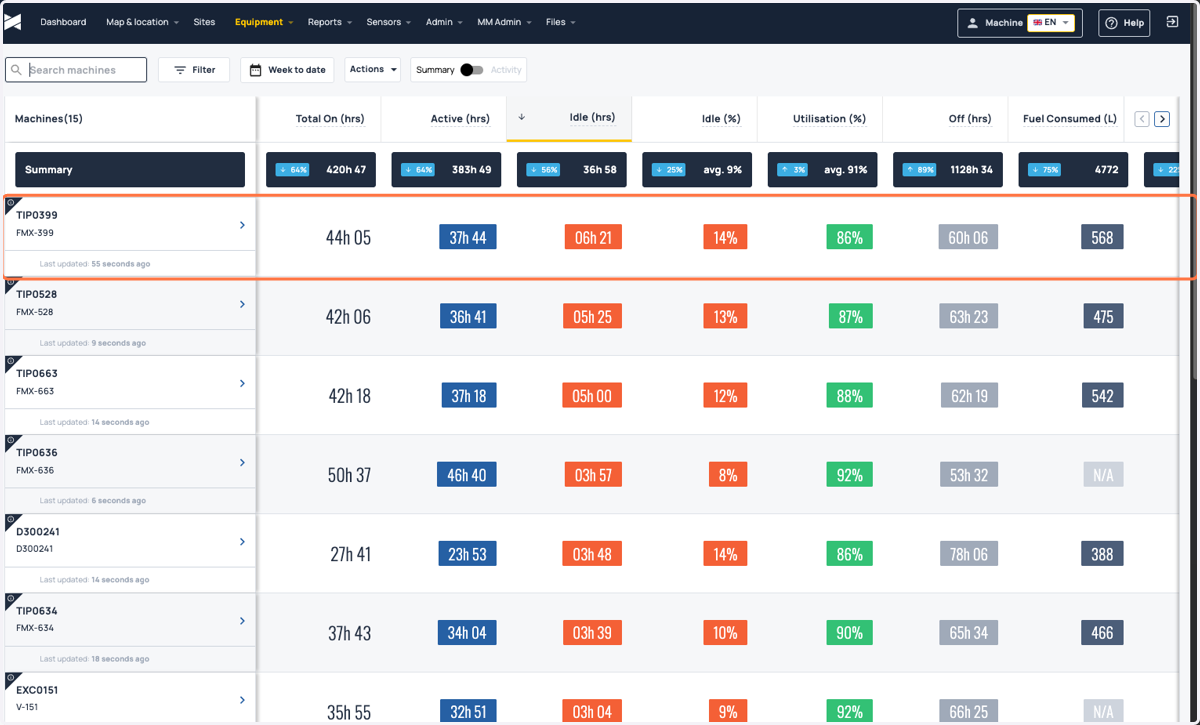
3. Click on the machine for which the tank capacity has to be updated
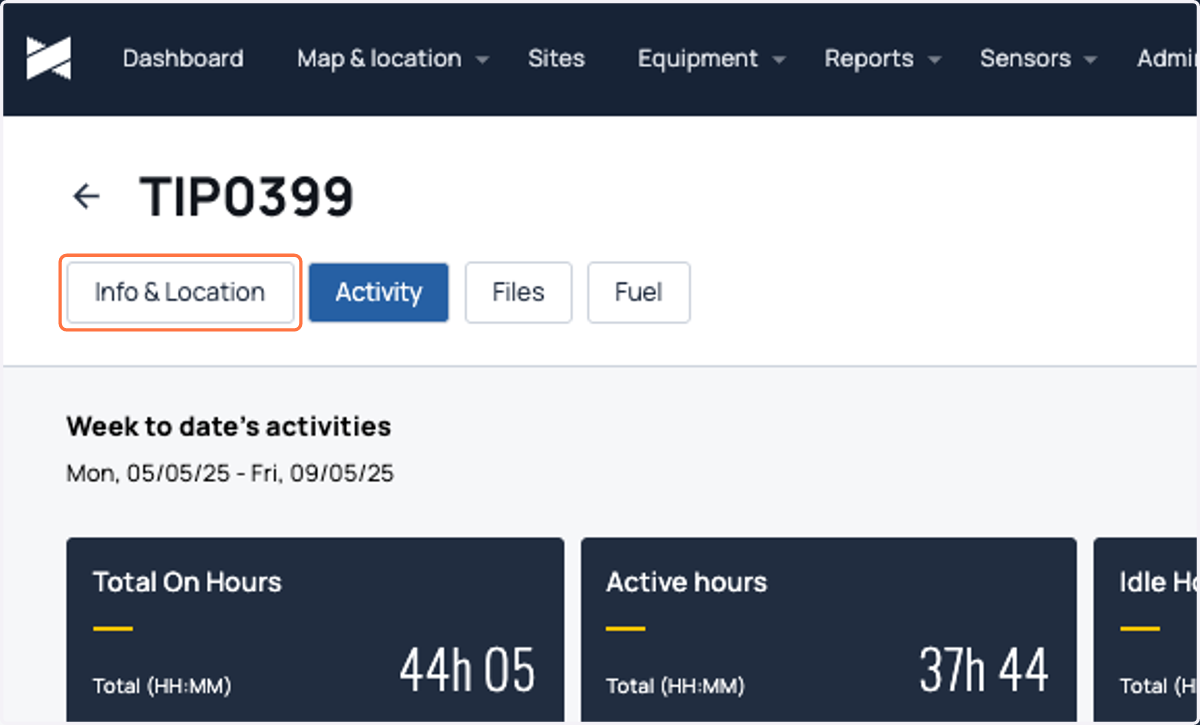
4. Click on Info & Location
5. Click on the edit button next to the Fuel Cango(under Data Sources)
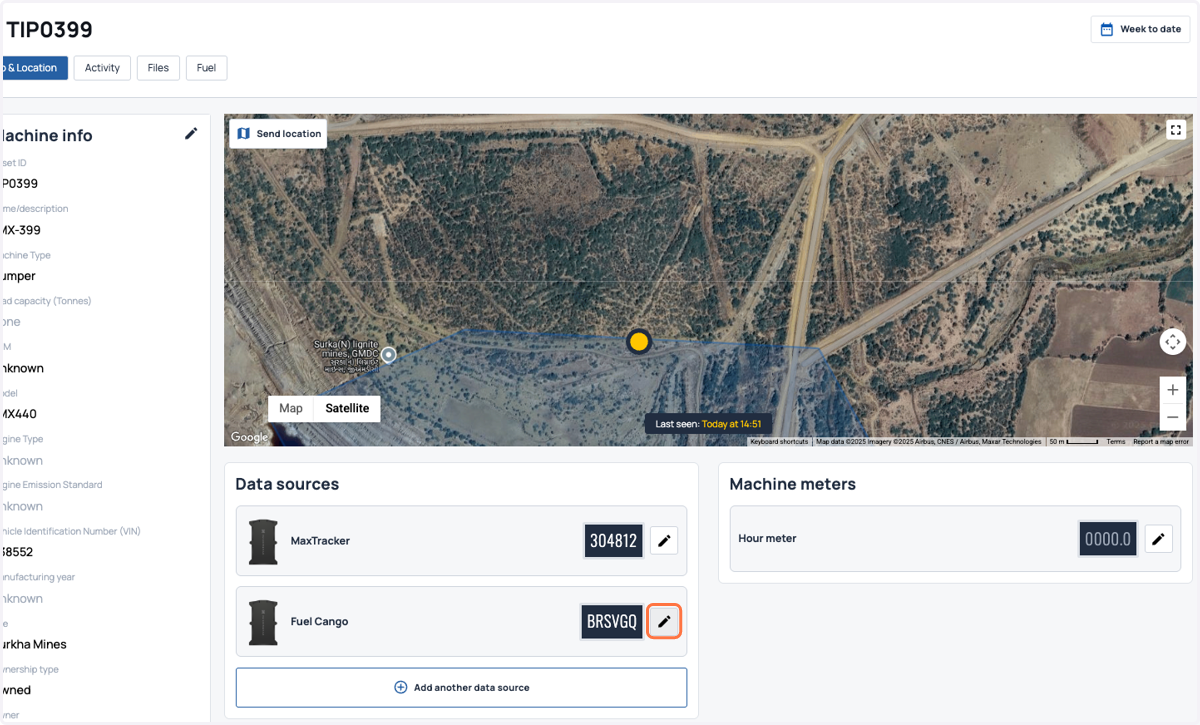
6. Enter right the fuel tank capacity
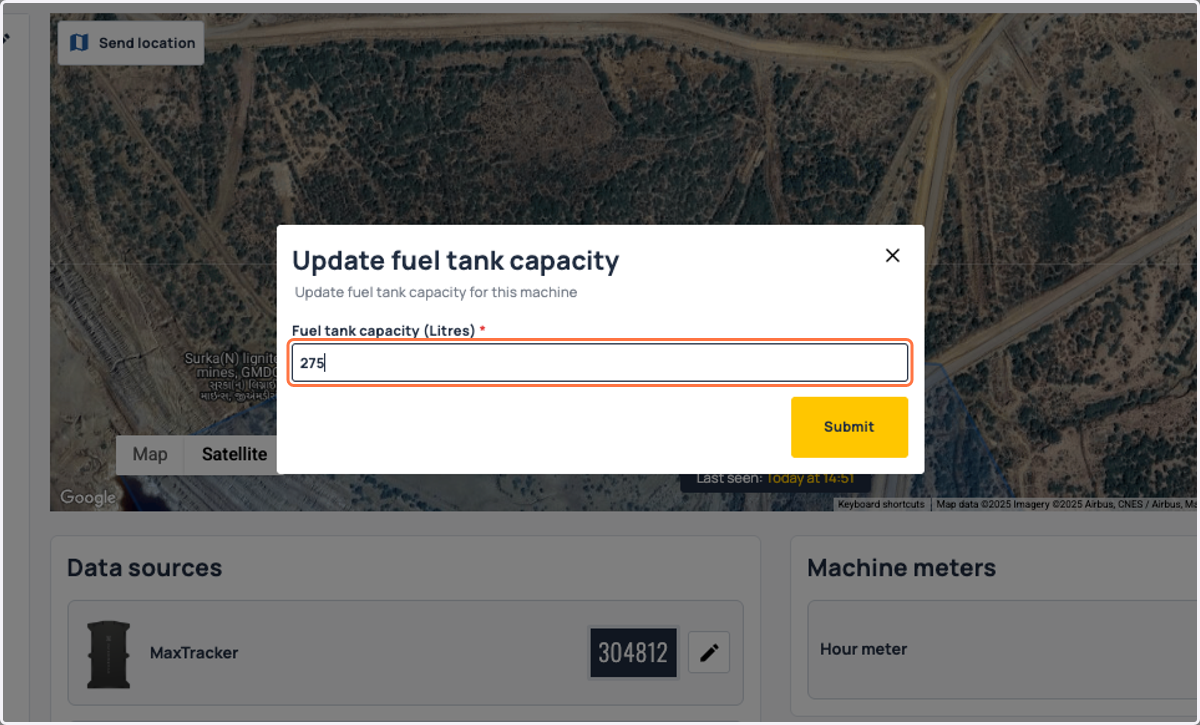
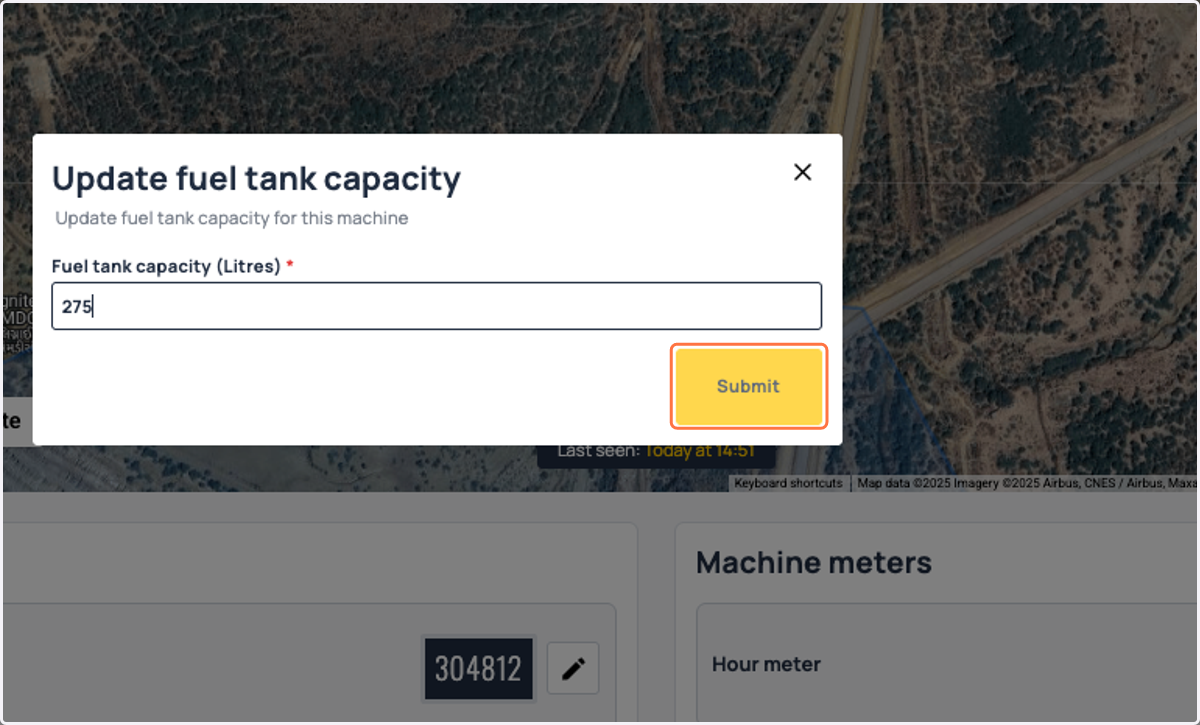
7. Click on Submit
8. You will get a notification on bottom left side of the screen if the value got updated successfully. To check if the right value got updated, click on the edit button again
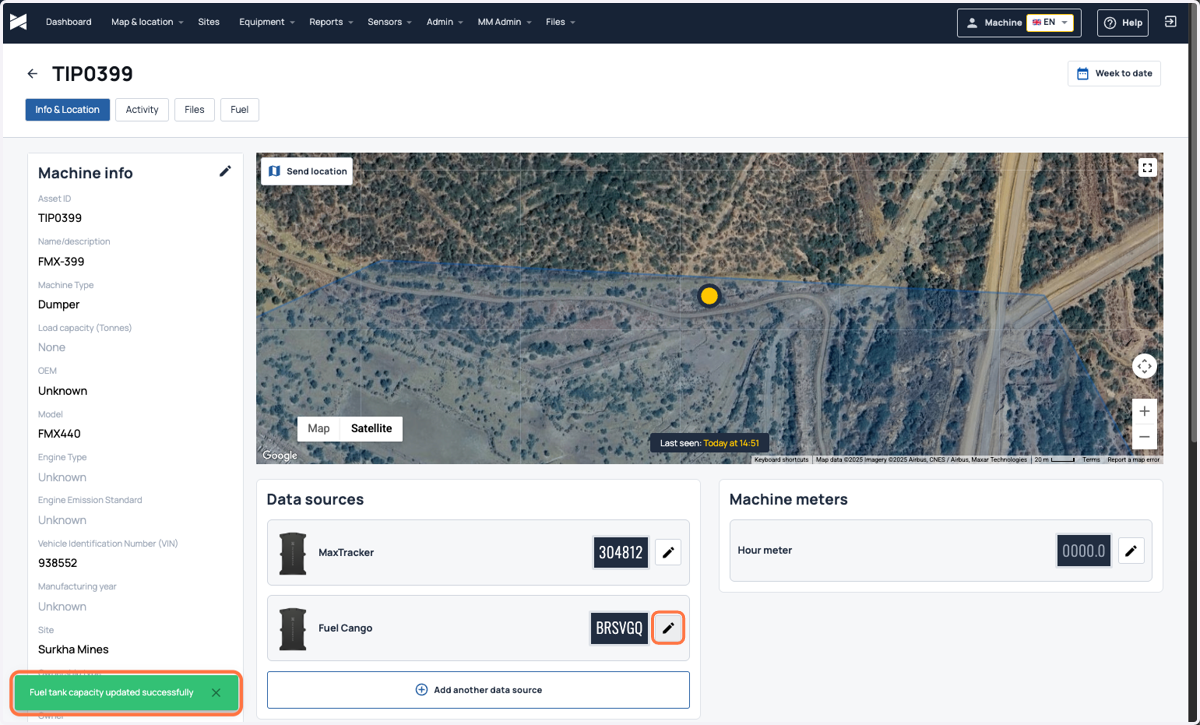
9. Check if the fuel tank capcity is updated