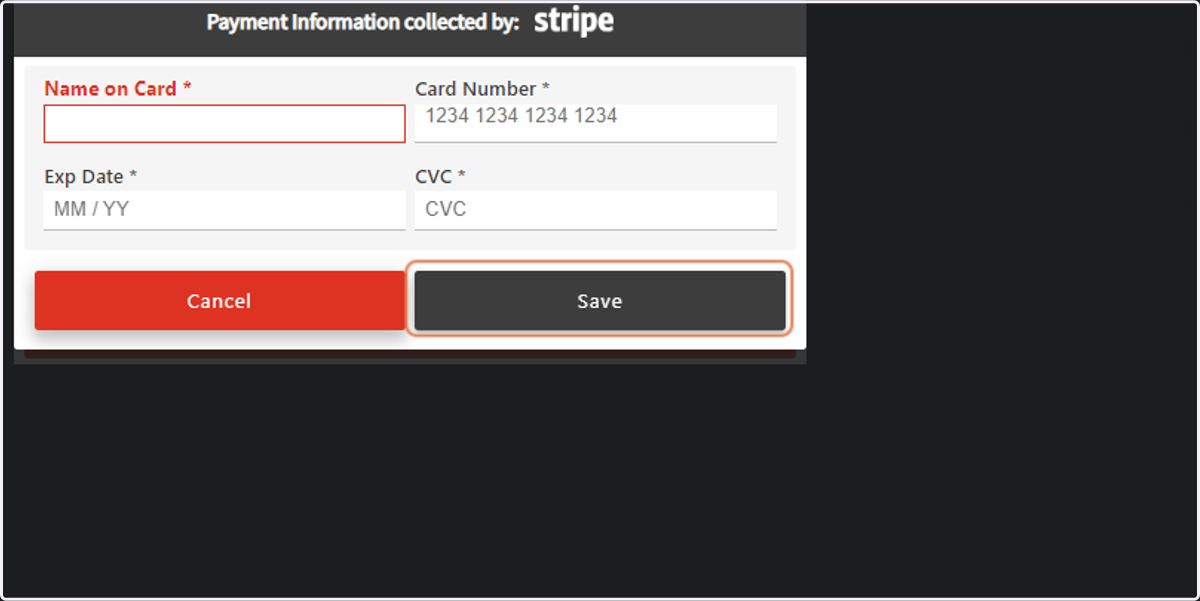
Enrollify: How To Enter Payment Information
Enrollify
1. Go to Enrollify
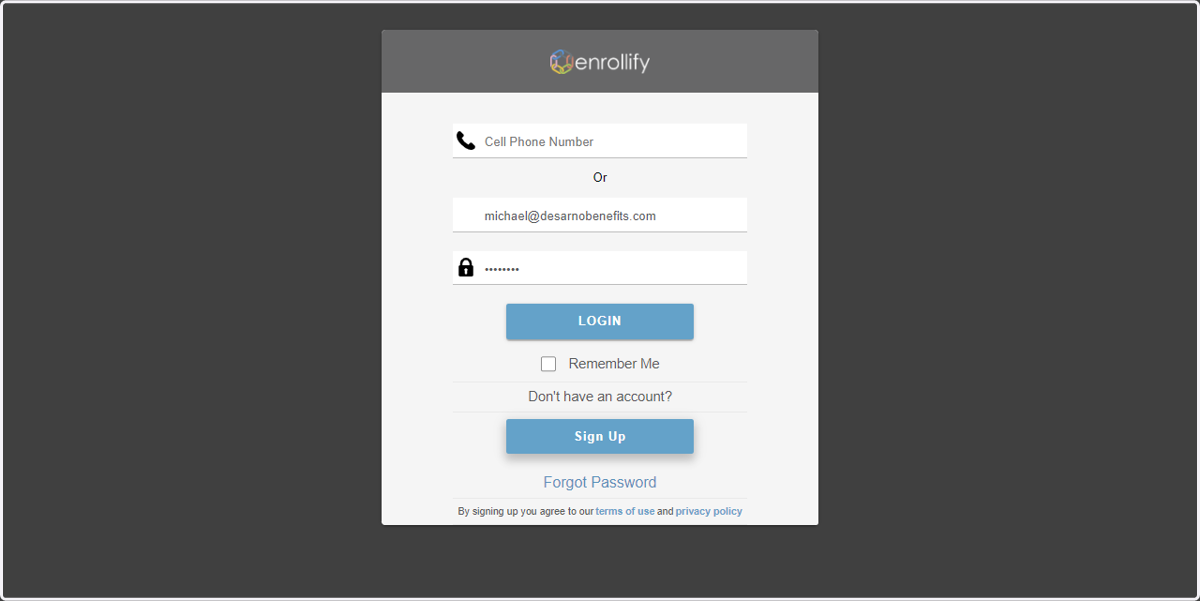
2. Enter Credentials and Click Login.
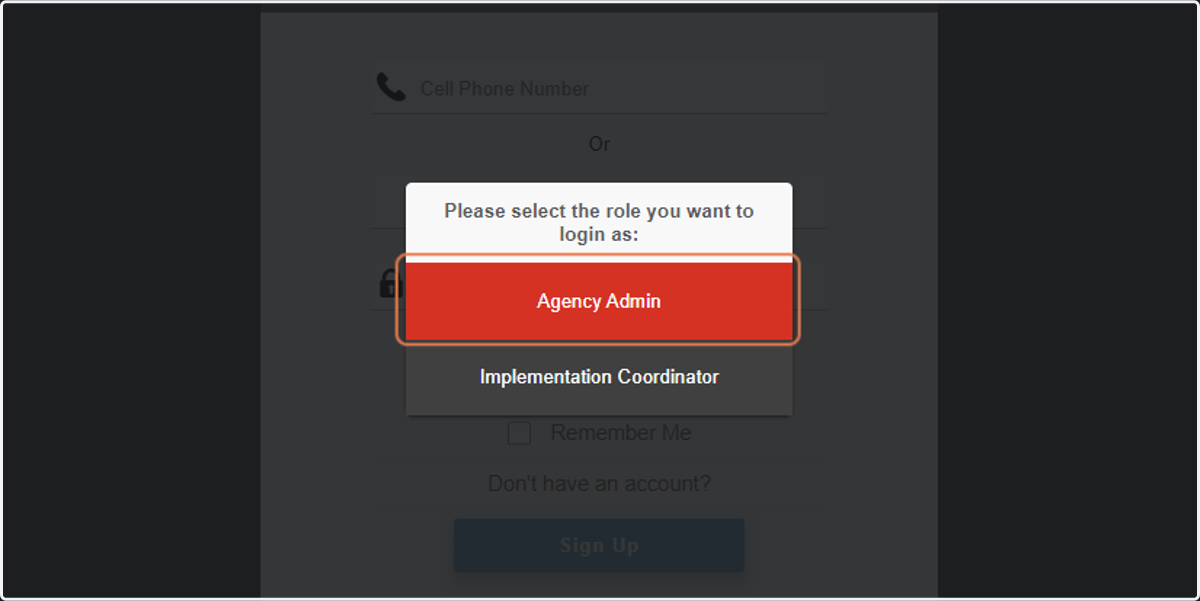
3. Click on Agency Admin
4. Click on the Gear Icon for Settings.

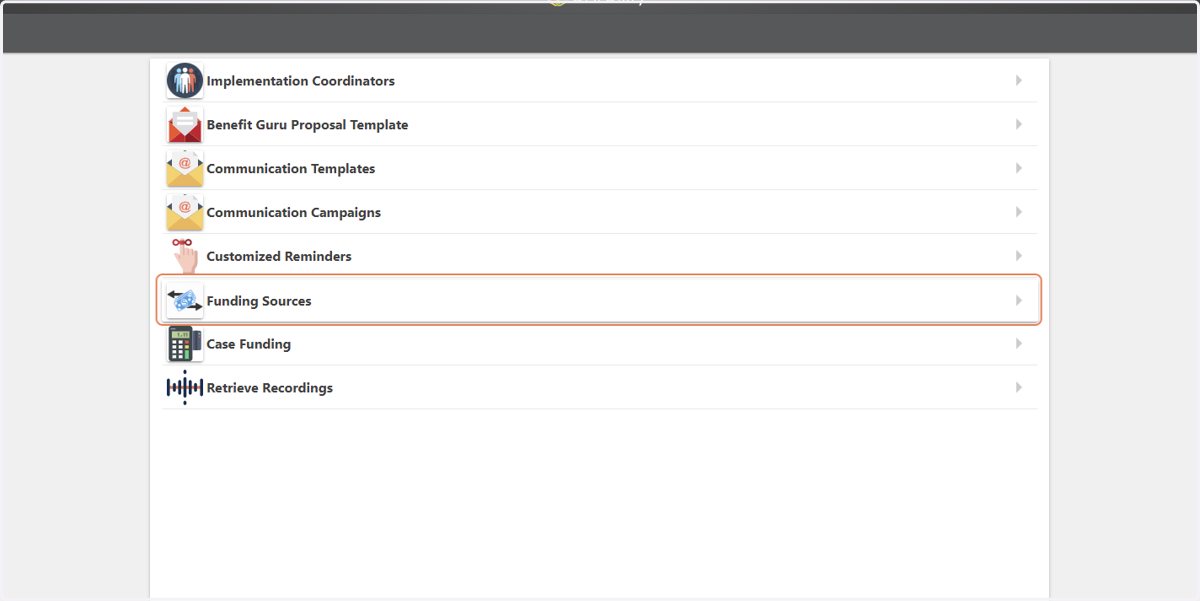
5. Click on Funding Sources
6. Select "CC"
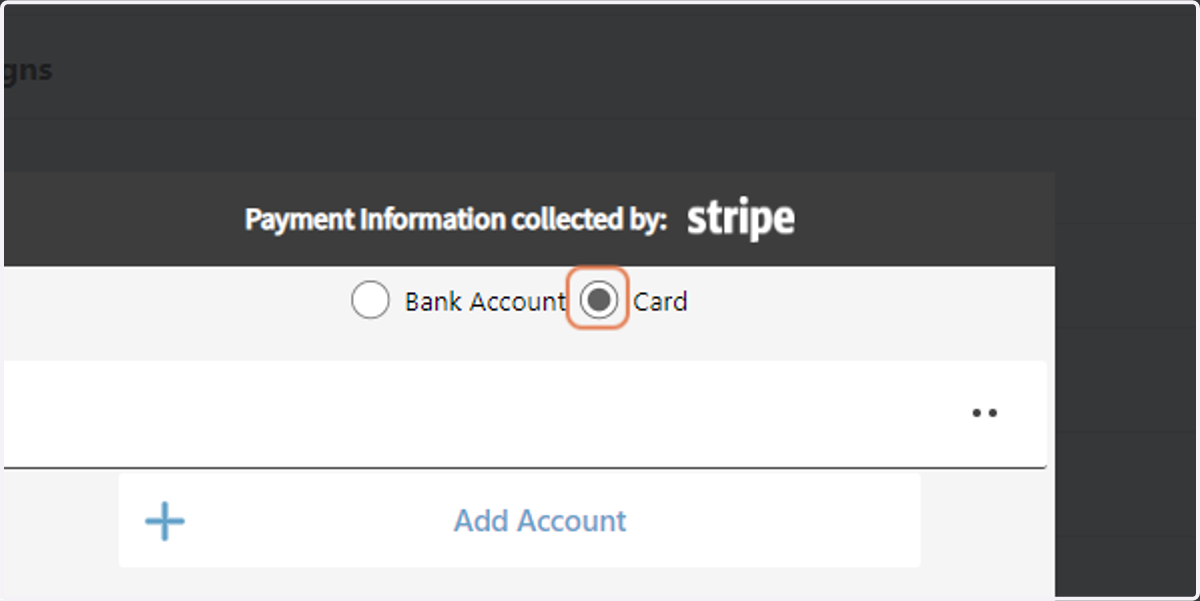
7. Click on Add Account
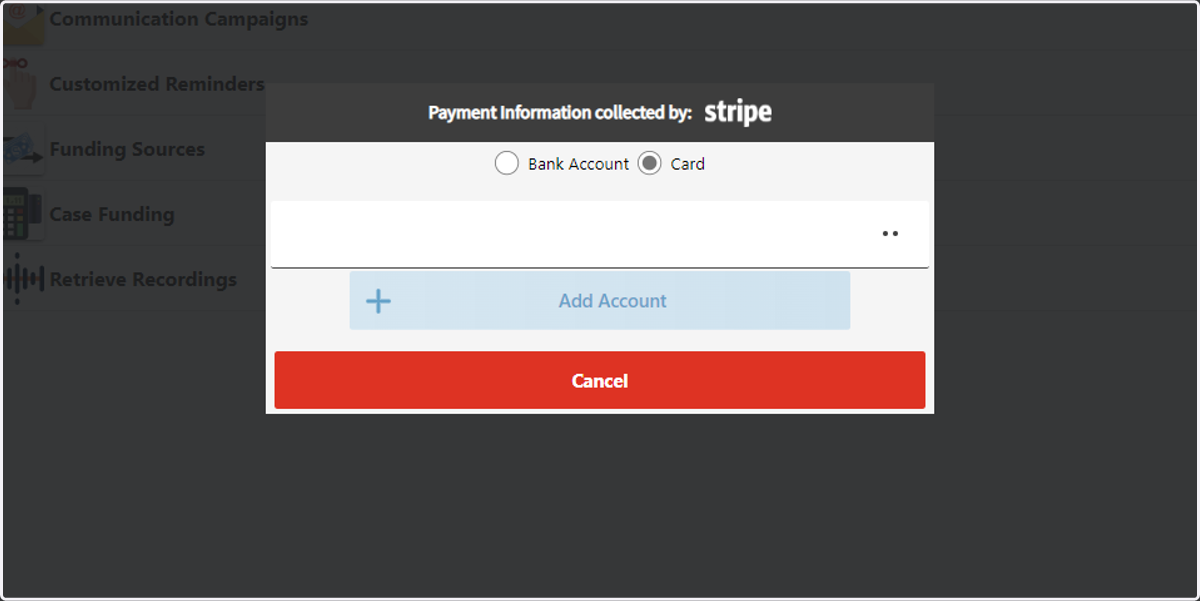
8. Enter Credit Card Information.
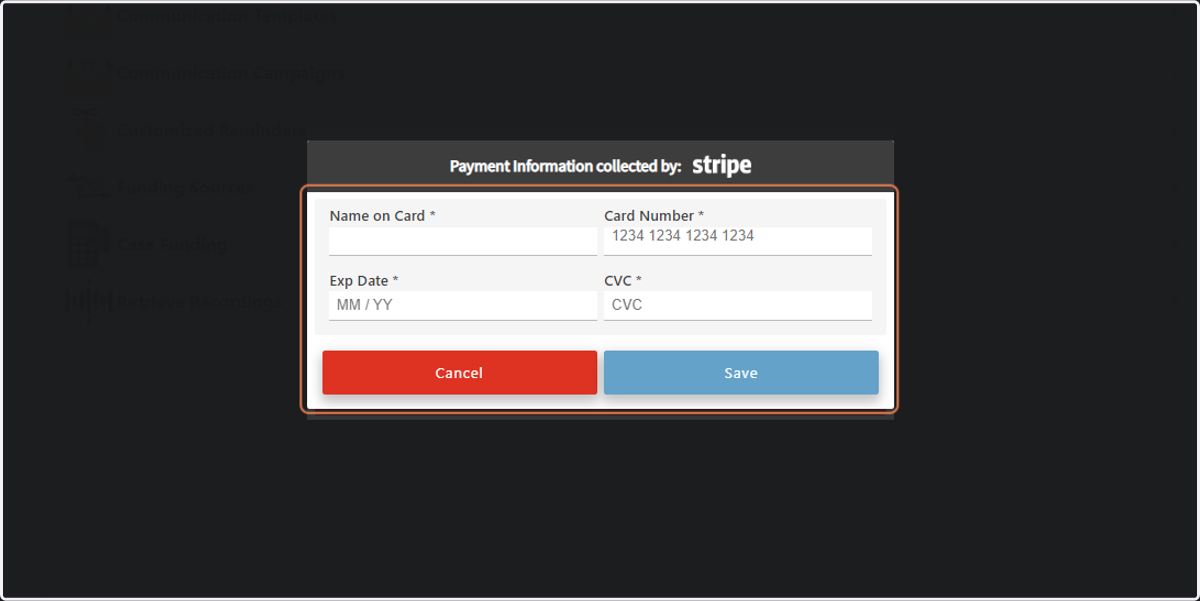
9. Click Save once you have entered your information.