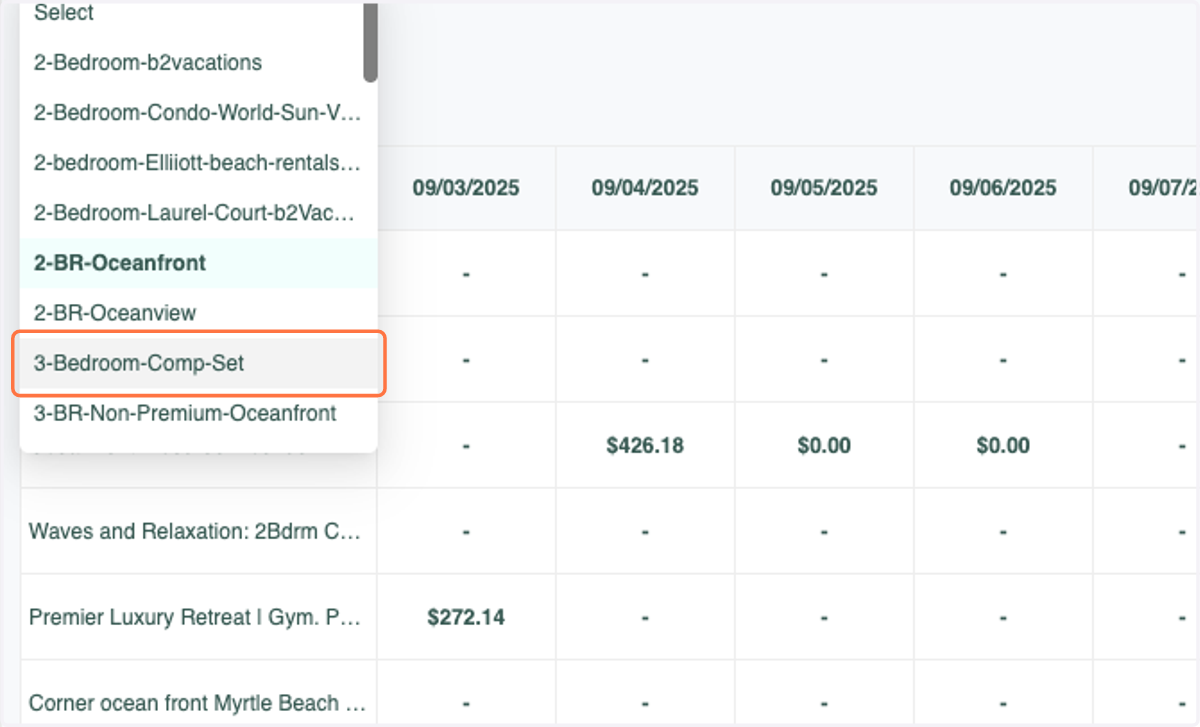
Comp Sets: New Feature
Introducing Comp Set Rate Tables. You can now view 360 days out of daily published rates for units within Comp Sets!
1. Click on Dynamic Pricing Rules
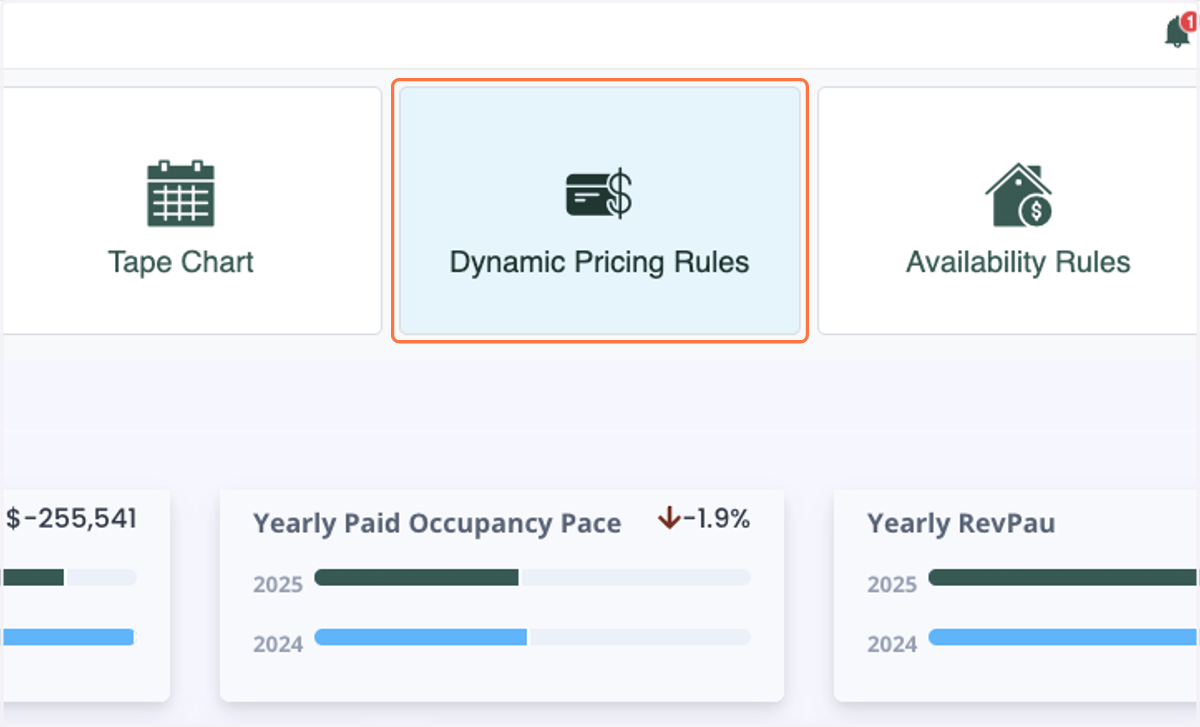
2. Click on Competitive Set Pricing
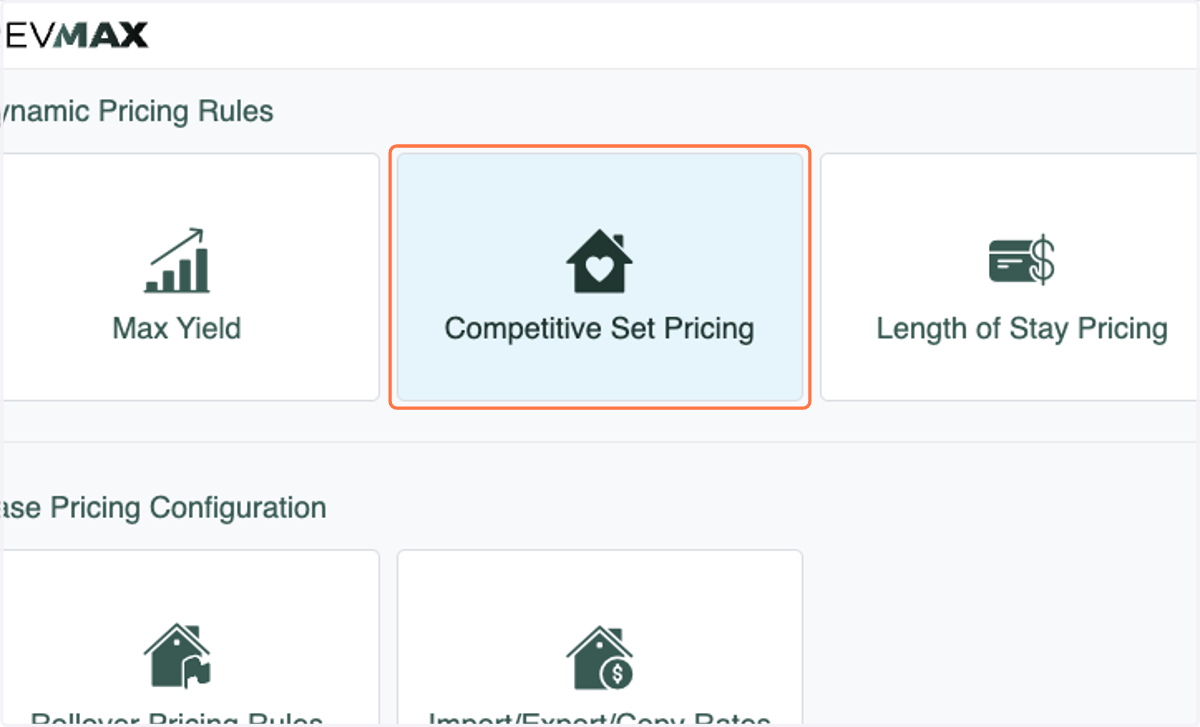
3. Click on Comp Set Rates
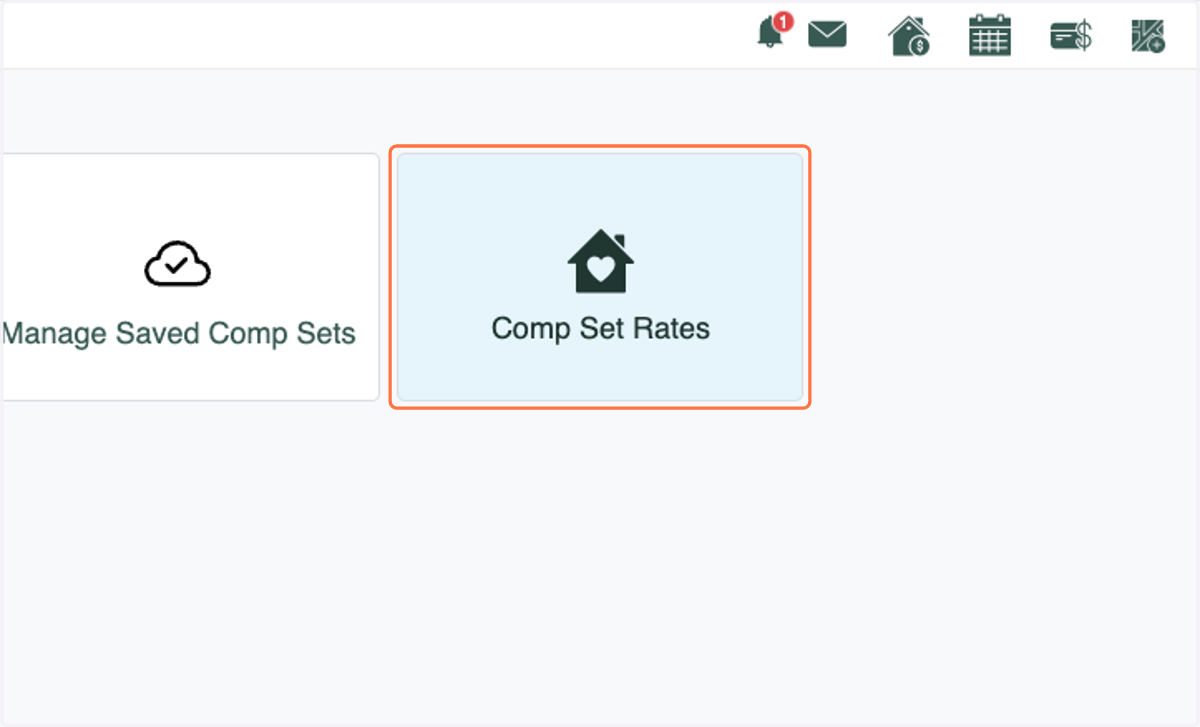
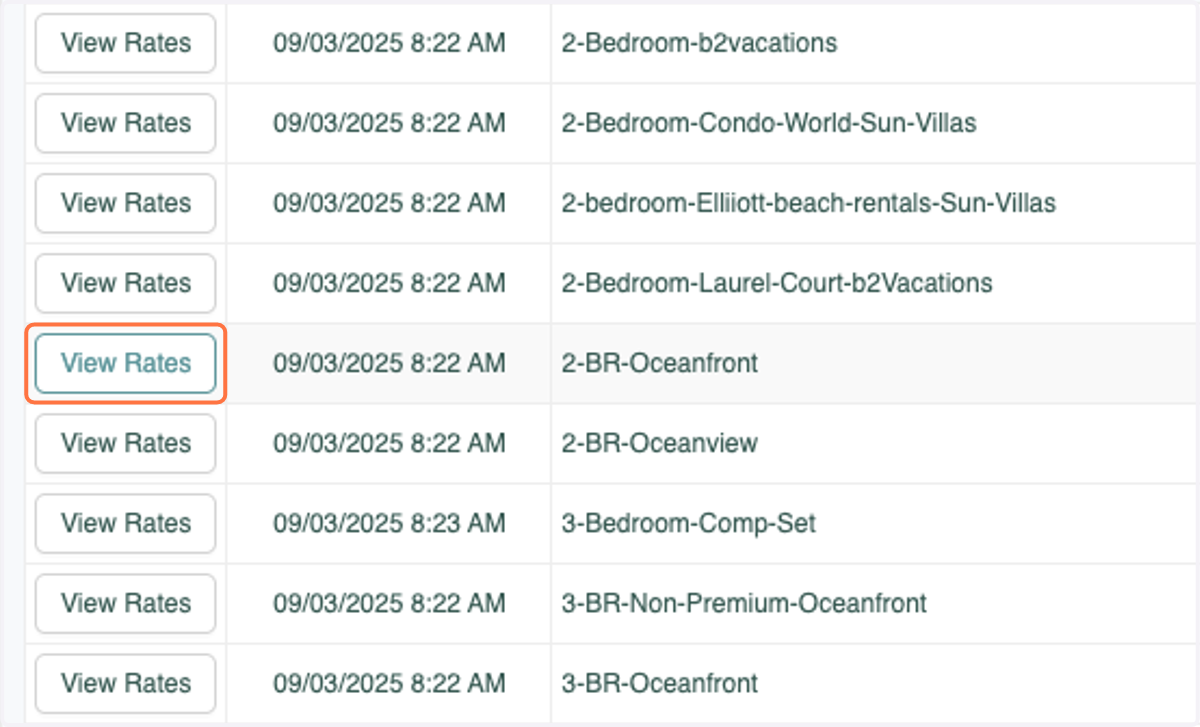
4. Click on View Rates next to any Comp Set that you'd like to view rates for
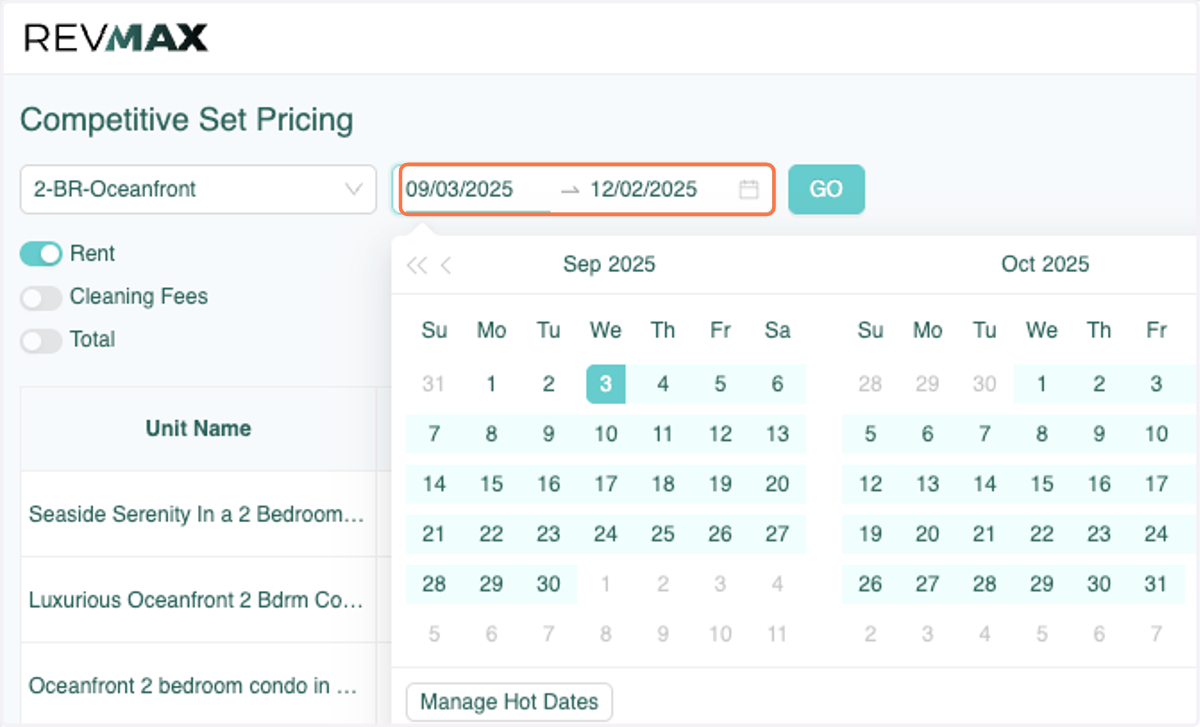
5. Select the dates that you'd like to view rates for.
*This can be for any period of time and for as far out as 360 days of today's date.
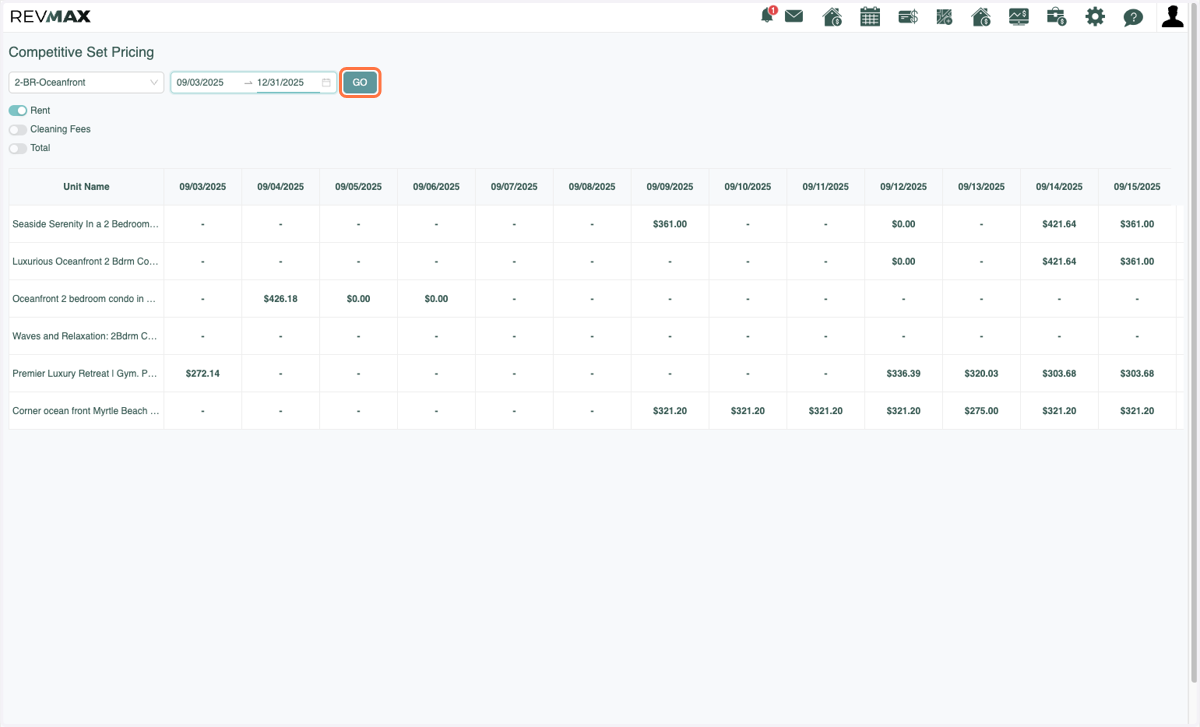
6. Click on GO.
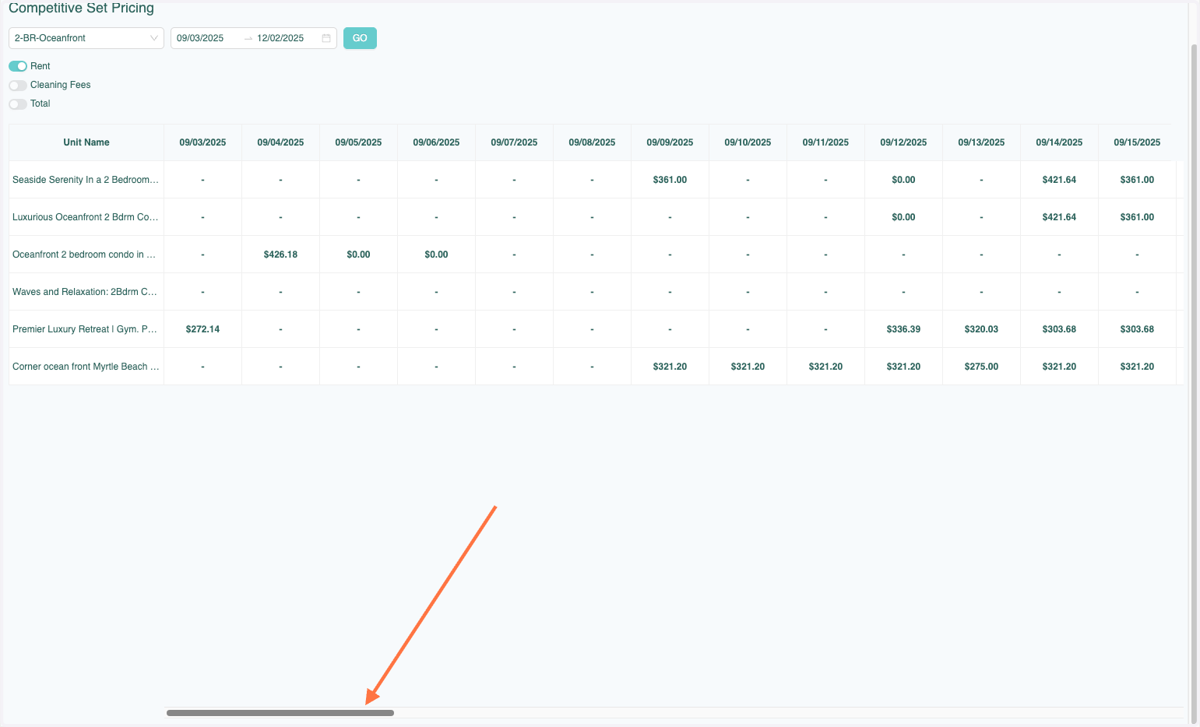
7. Use can use the scroll bar to view dates further out.
* No rate indicates that the unit is not available or booked on that date.
8. You can also switch to other Comp Sets by selecting a different one in the drop down box.