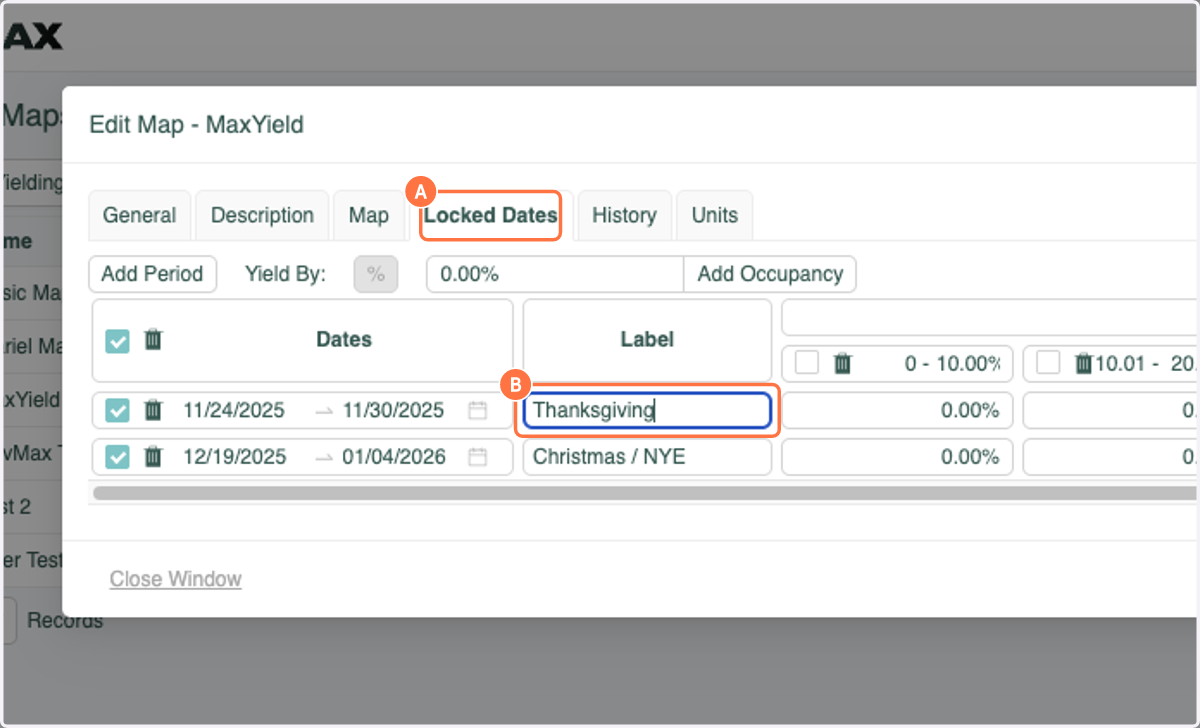
MaxYield: Product Update
You can now keep track of important locked dates by labeling them!
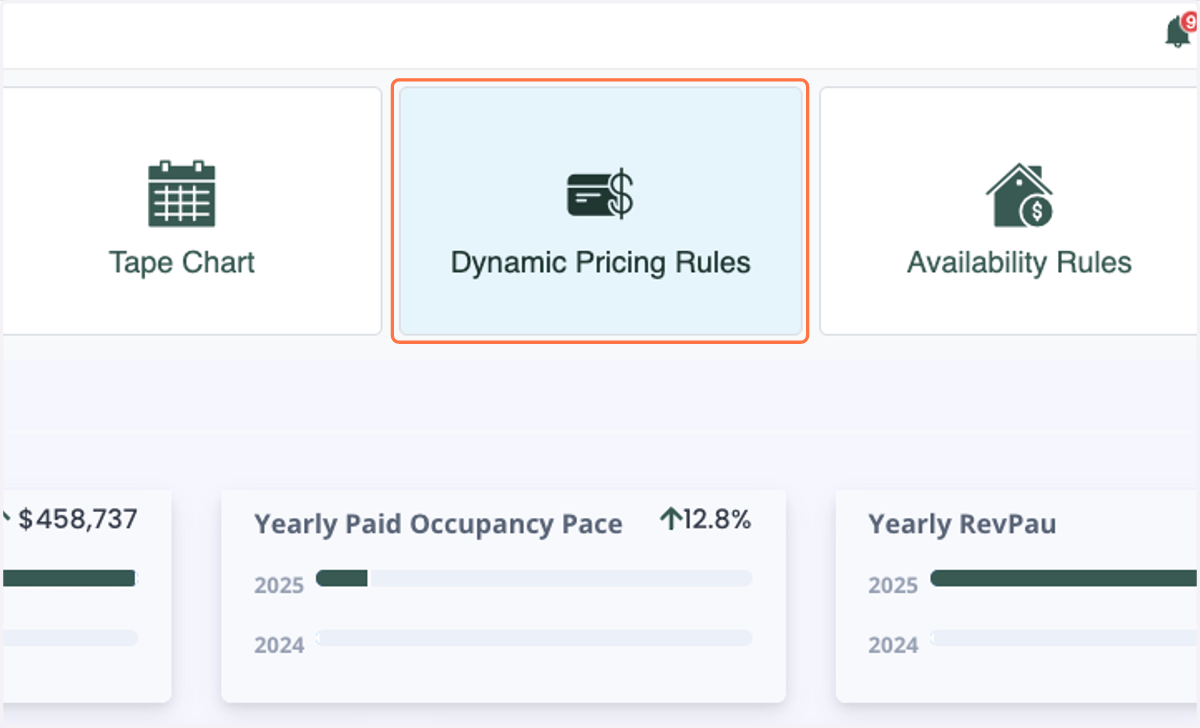
1. Click on Dynamic Pricing Rules
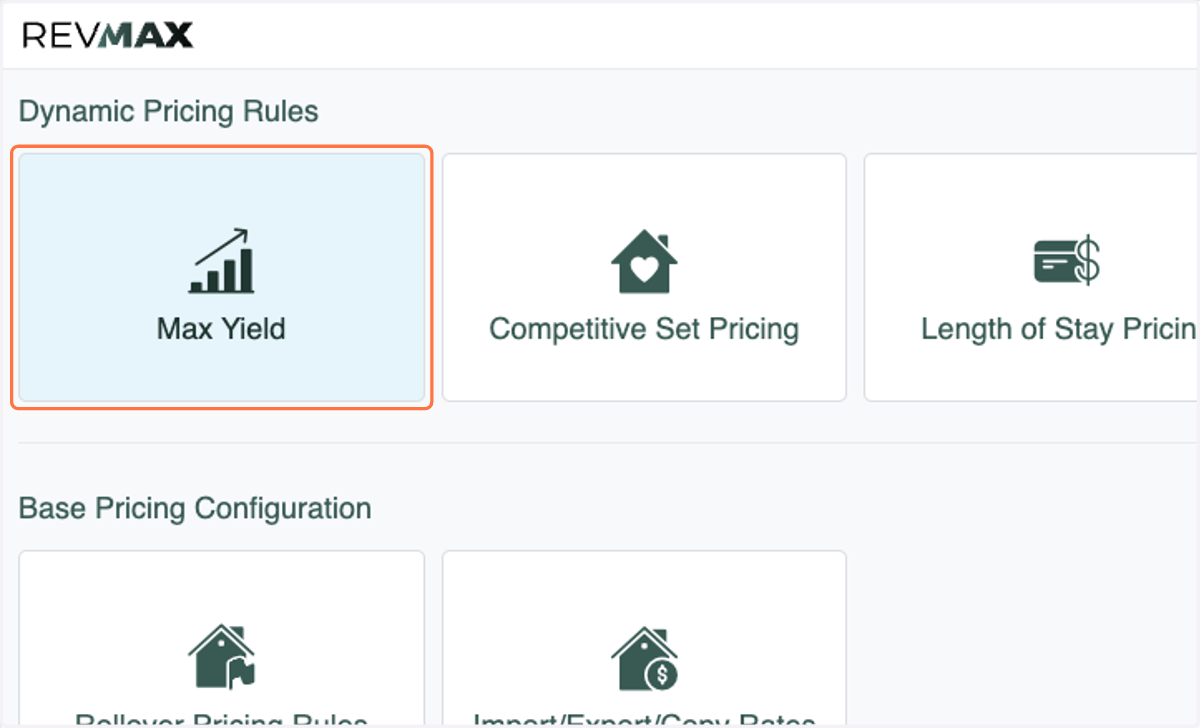
2. Click on Max Yield
3. Click on Maps
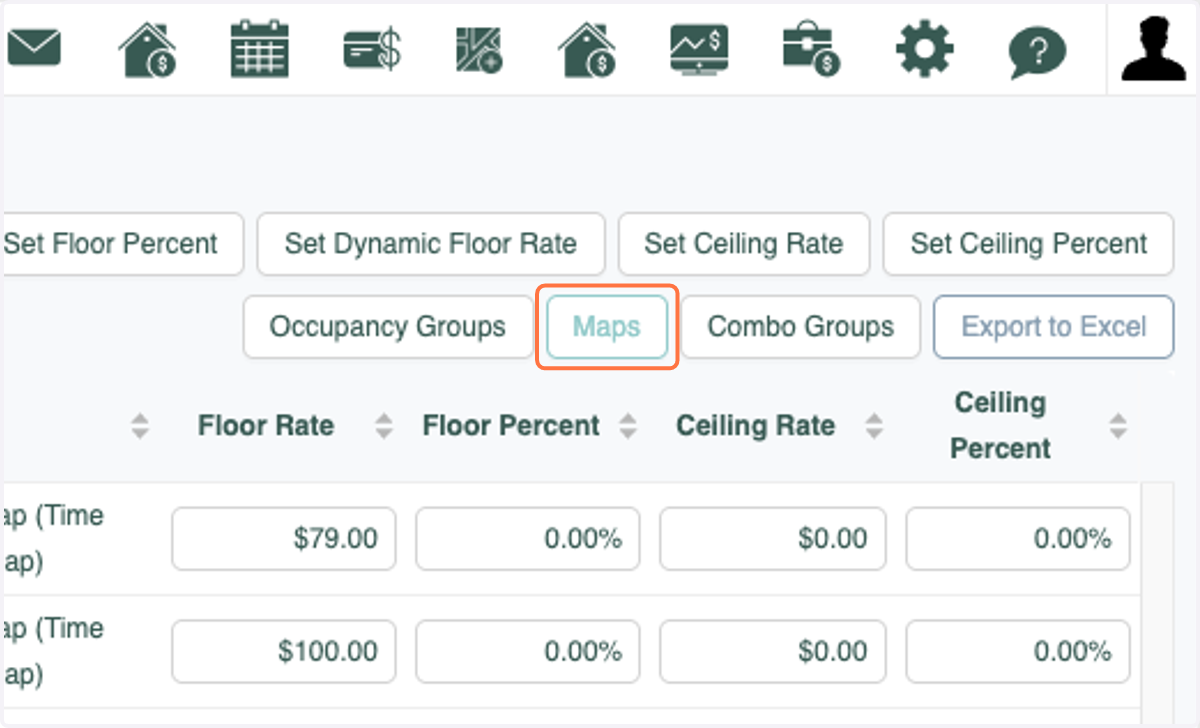
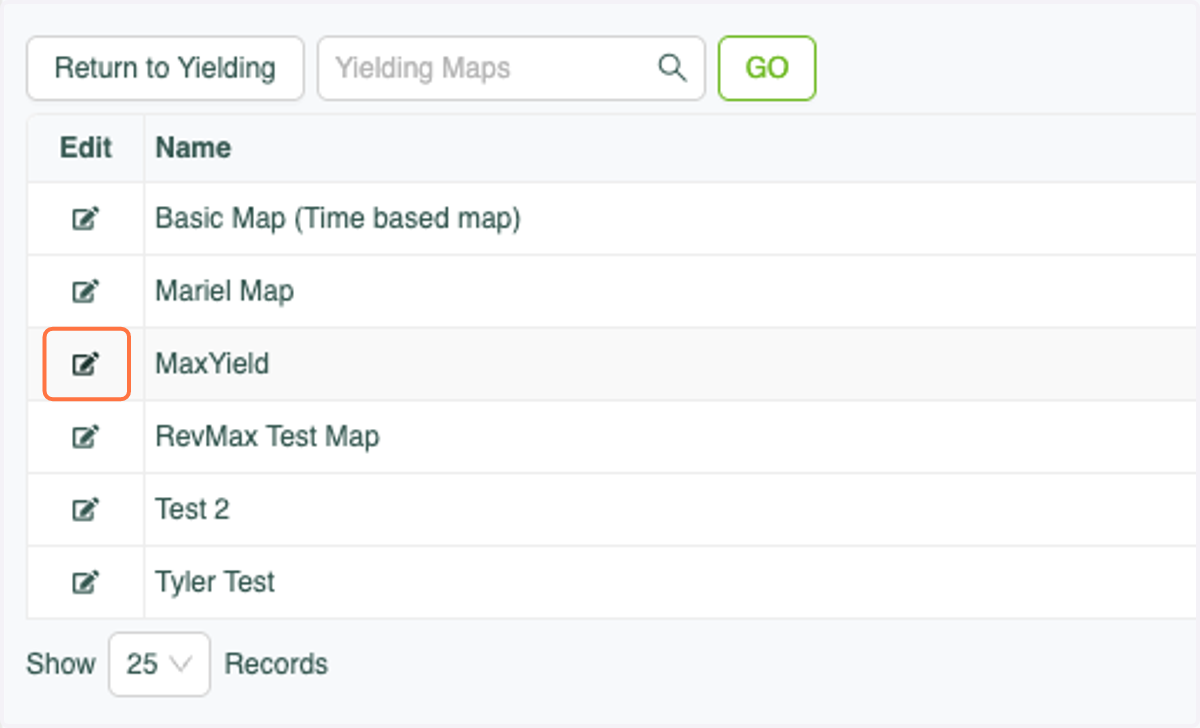
4. Click on Edit next to the map you would like to add labels to. Labels can also be added when adding Locked Dates to a new MaxYield Map.
5. A. Click on Locked Dates
5. B. Enter the Label/Text for the corresponding dates