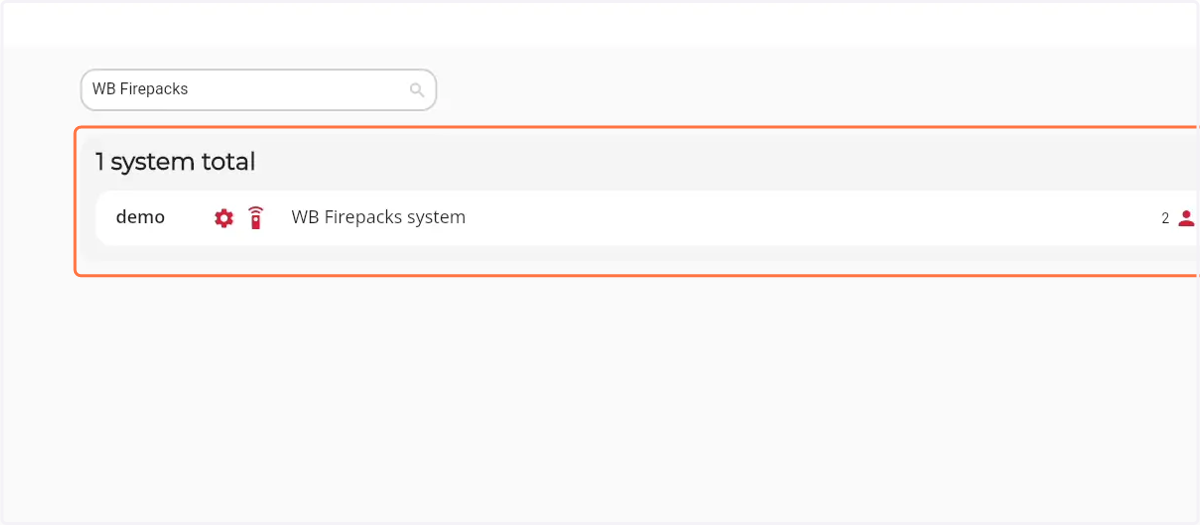
How to search for a specific Firepack
1. Navigate to web.firecoach.app
2. Log in with your Firecoach account
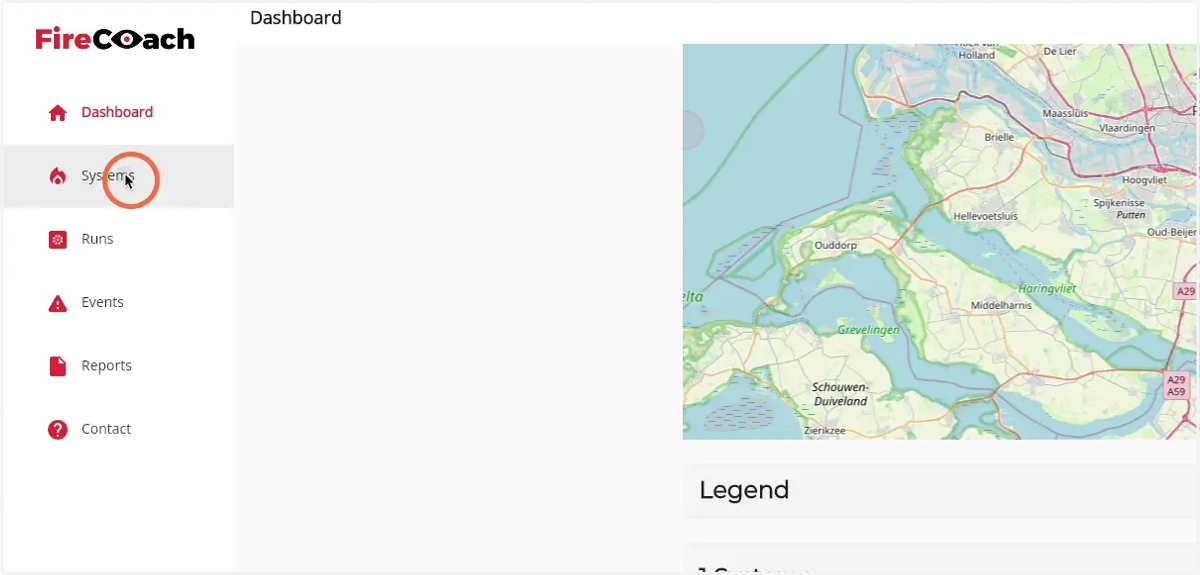
3. Click on 'Systems'
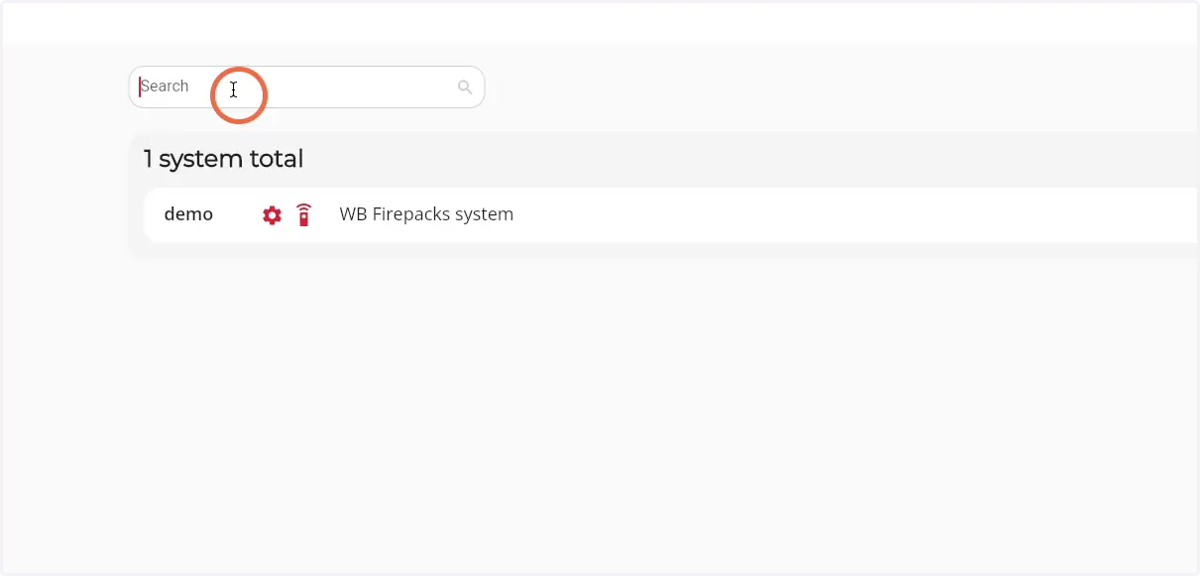
4. Click on the search field
5. Enter the name or ID of the Firepack
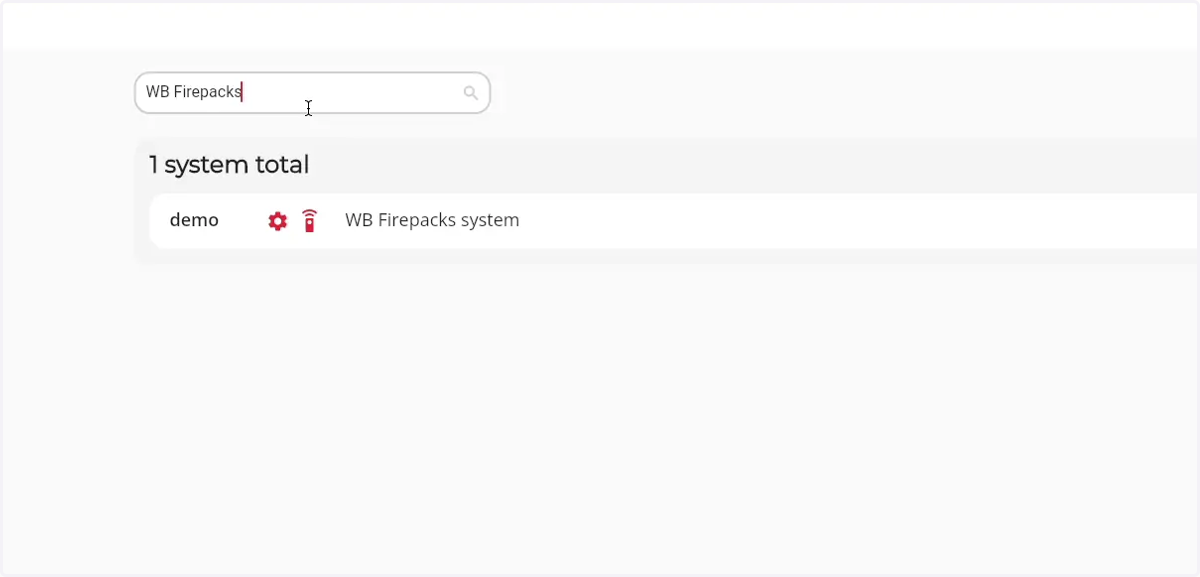
6. All matching results will show in the 'Systems total' component