Changing Letter Visibility
Interfolio
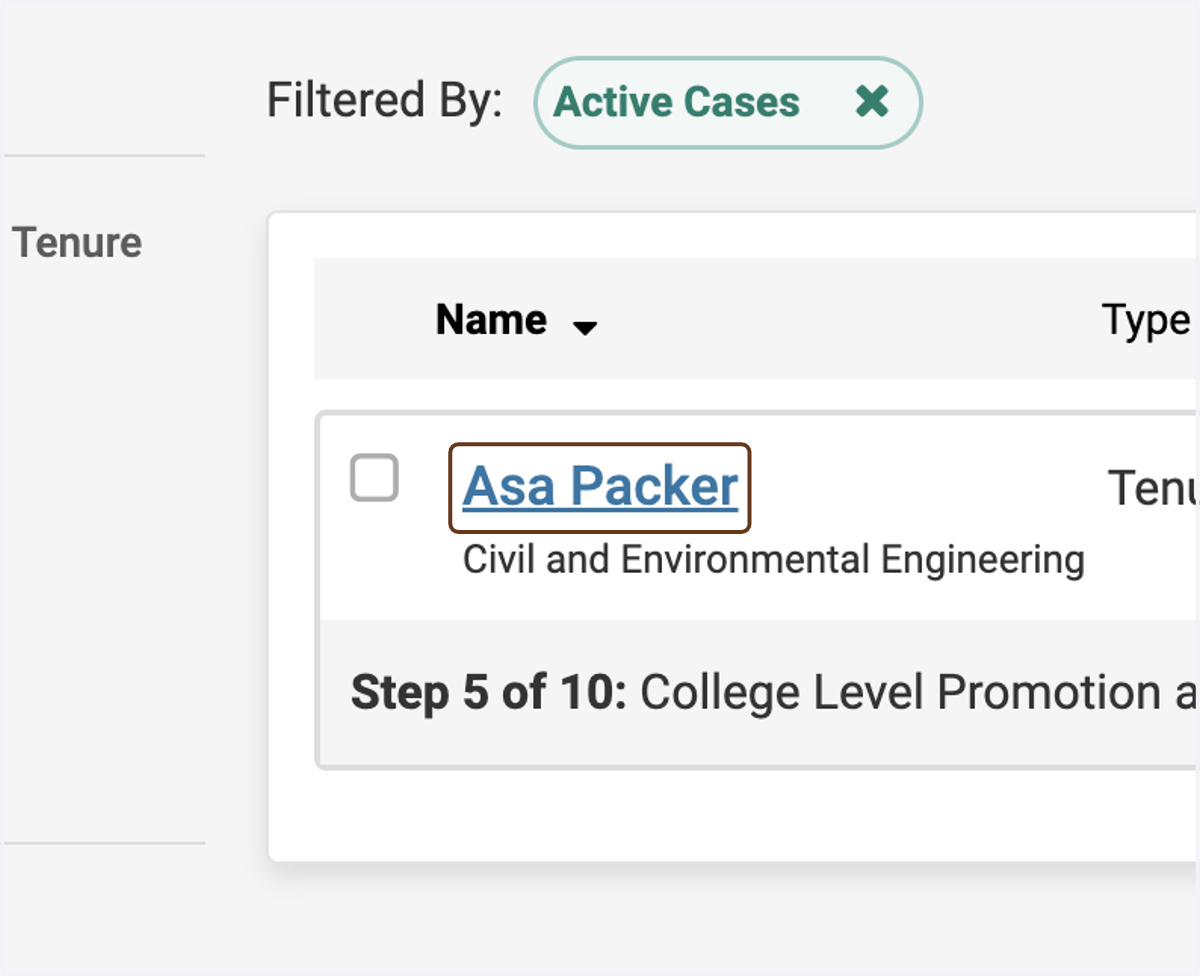
1. Click on the candidate's name
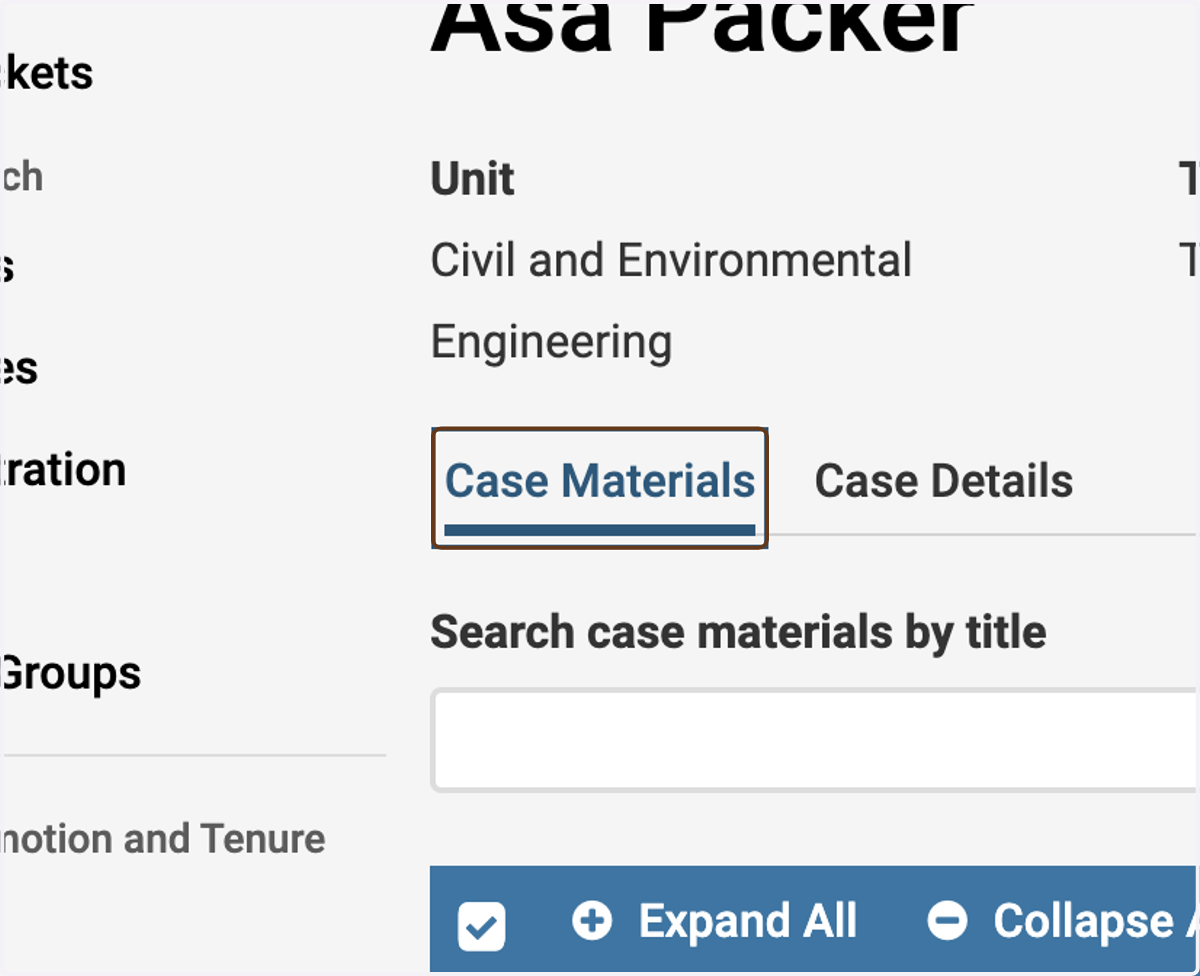
2. Make sure you are on the Case Materials tab
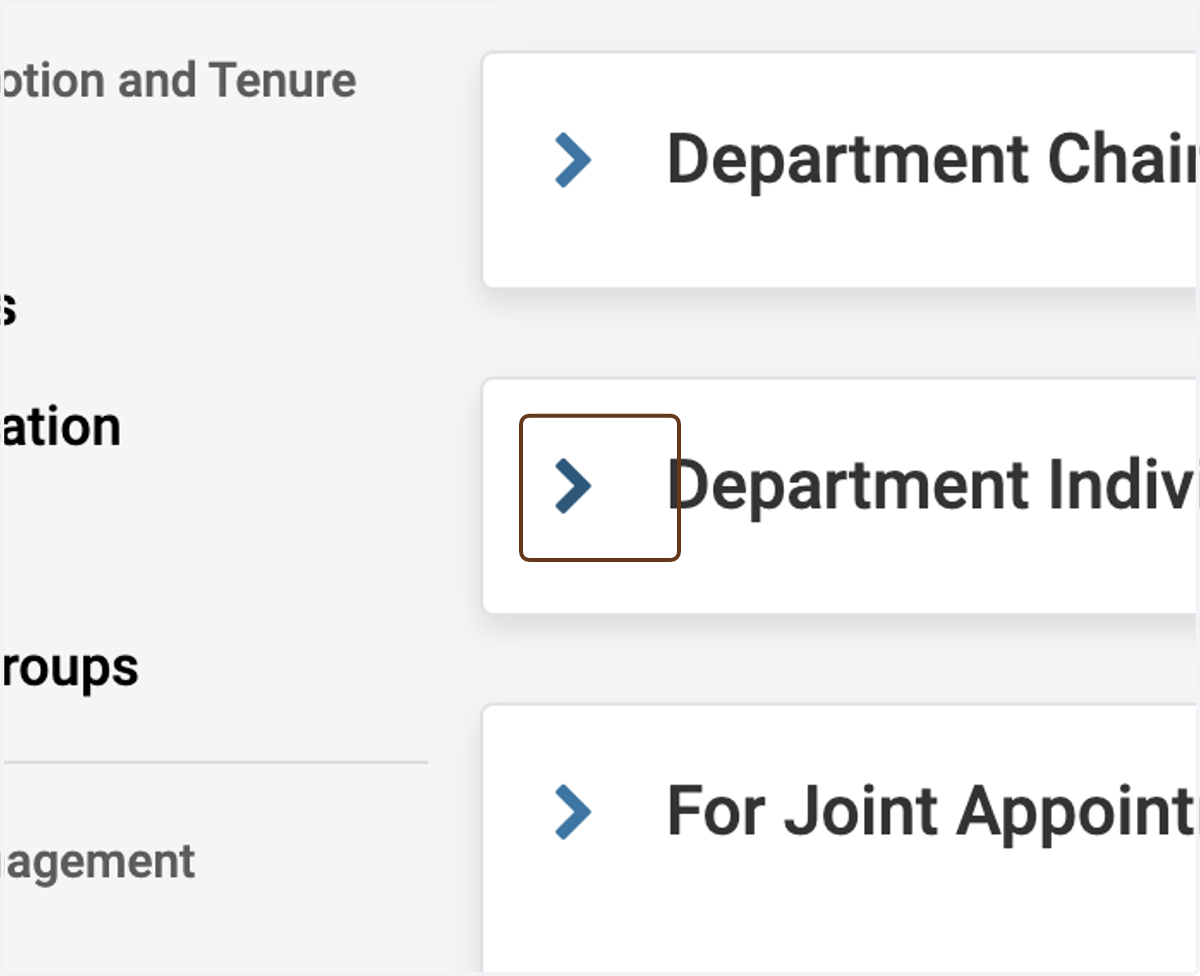
3. Expand the Department Individual Votes and Letters section
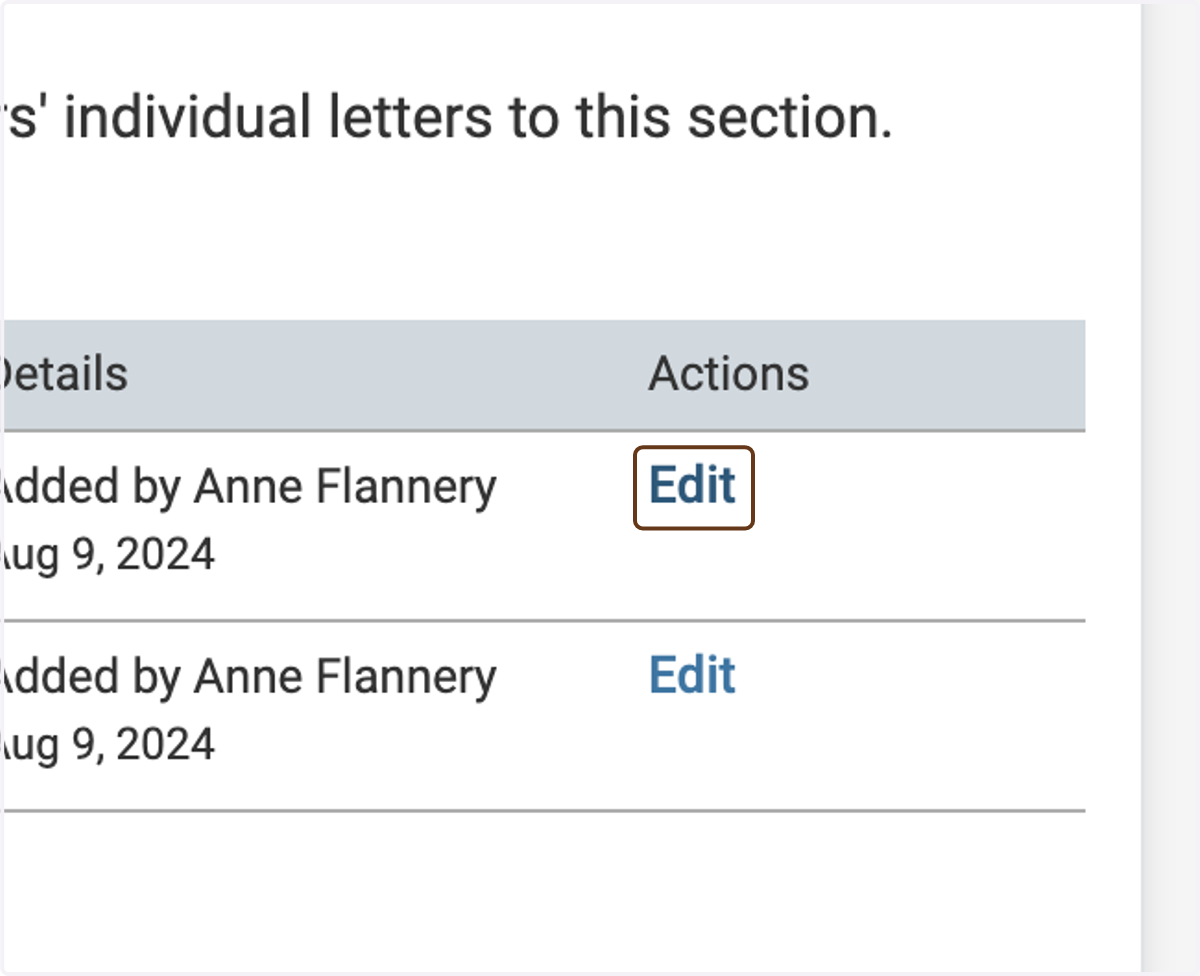
4. Click on Edit next to the letter for which you want to modify visibility
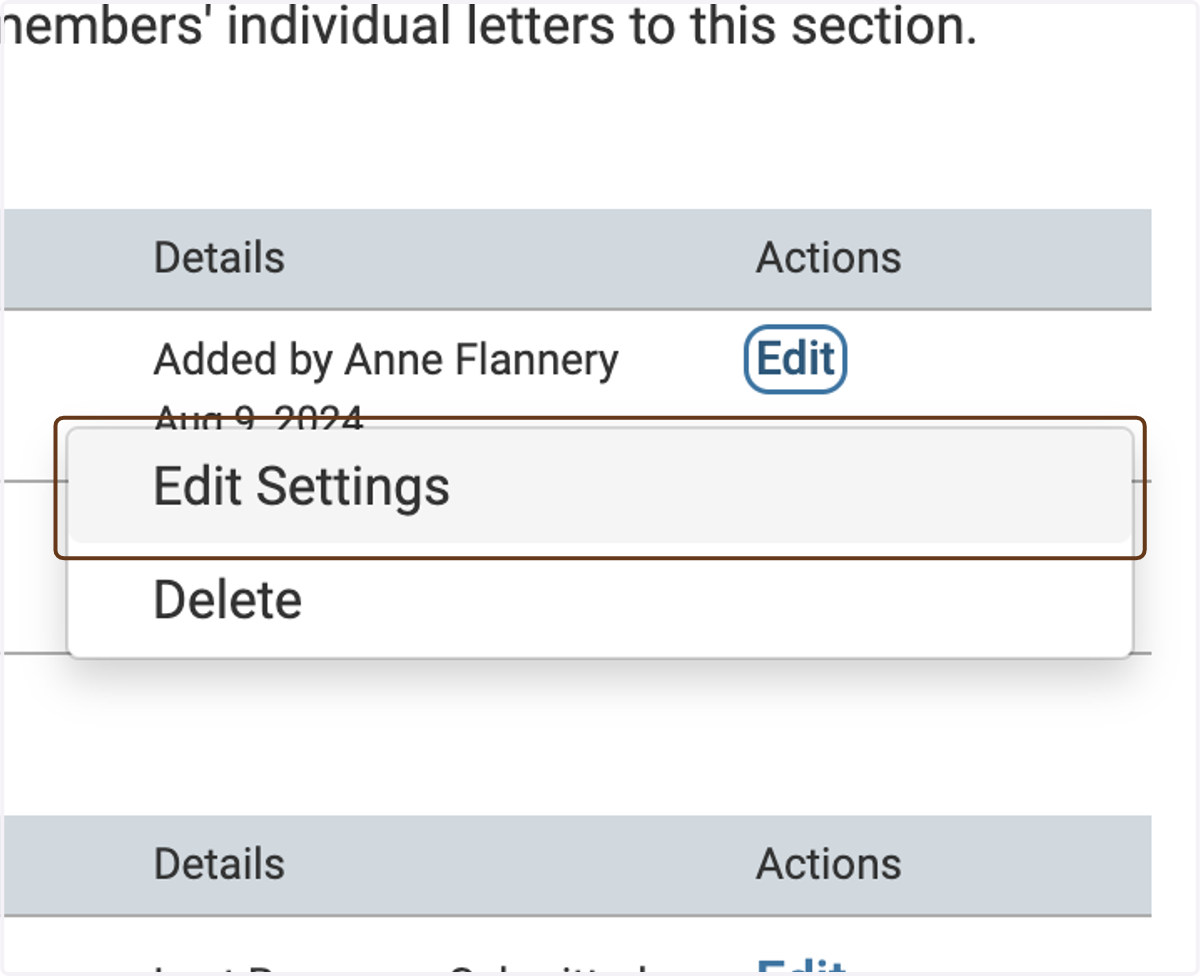
5. Click on Edit Settings
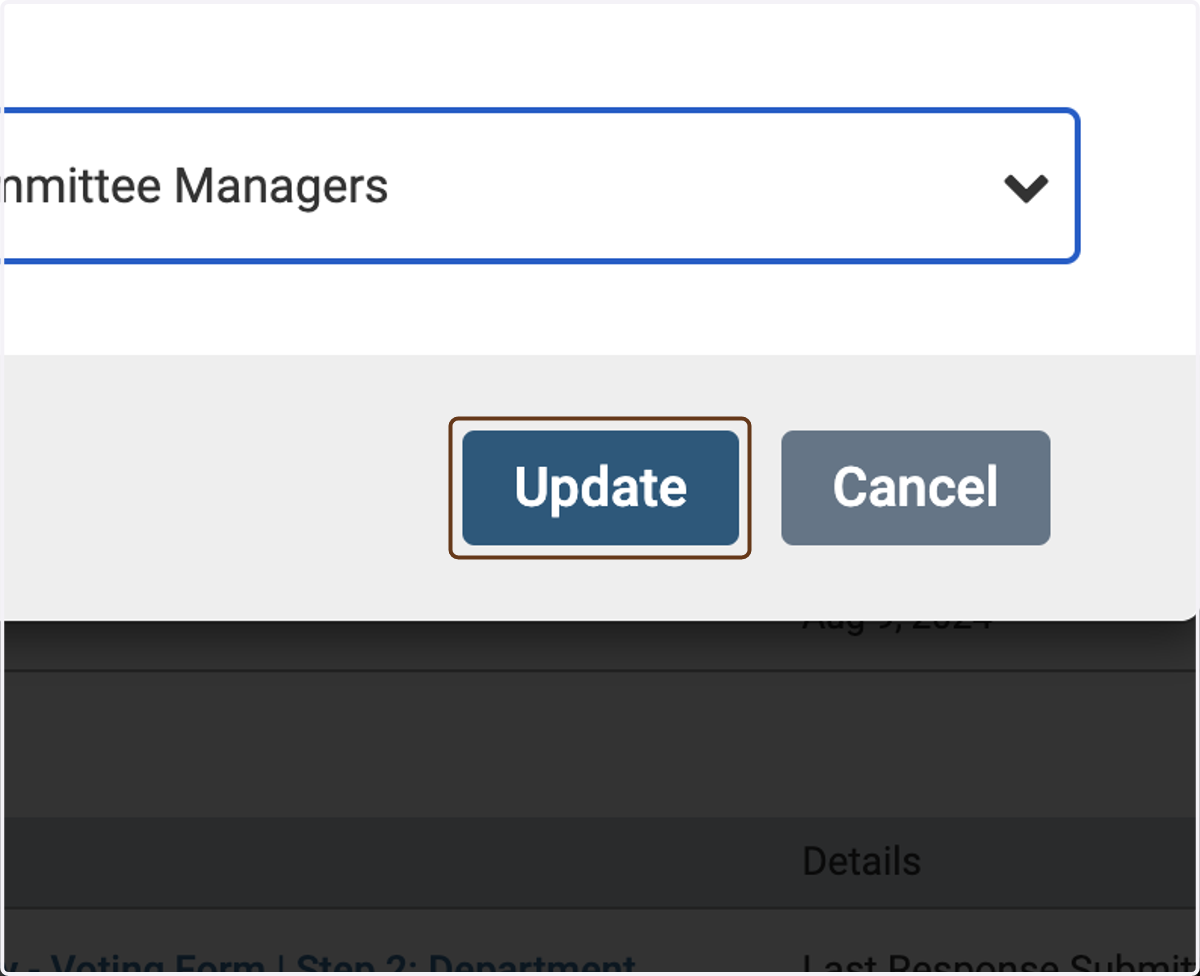
6. Select Administrators & Committee Managers
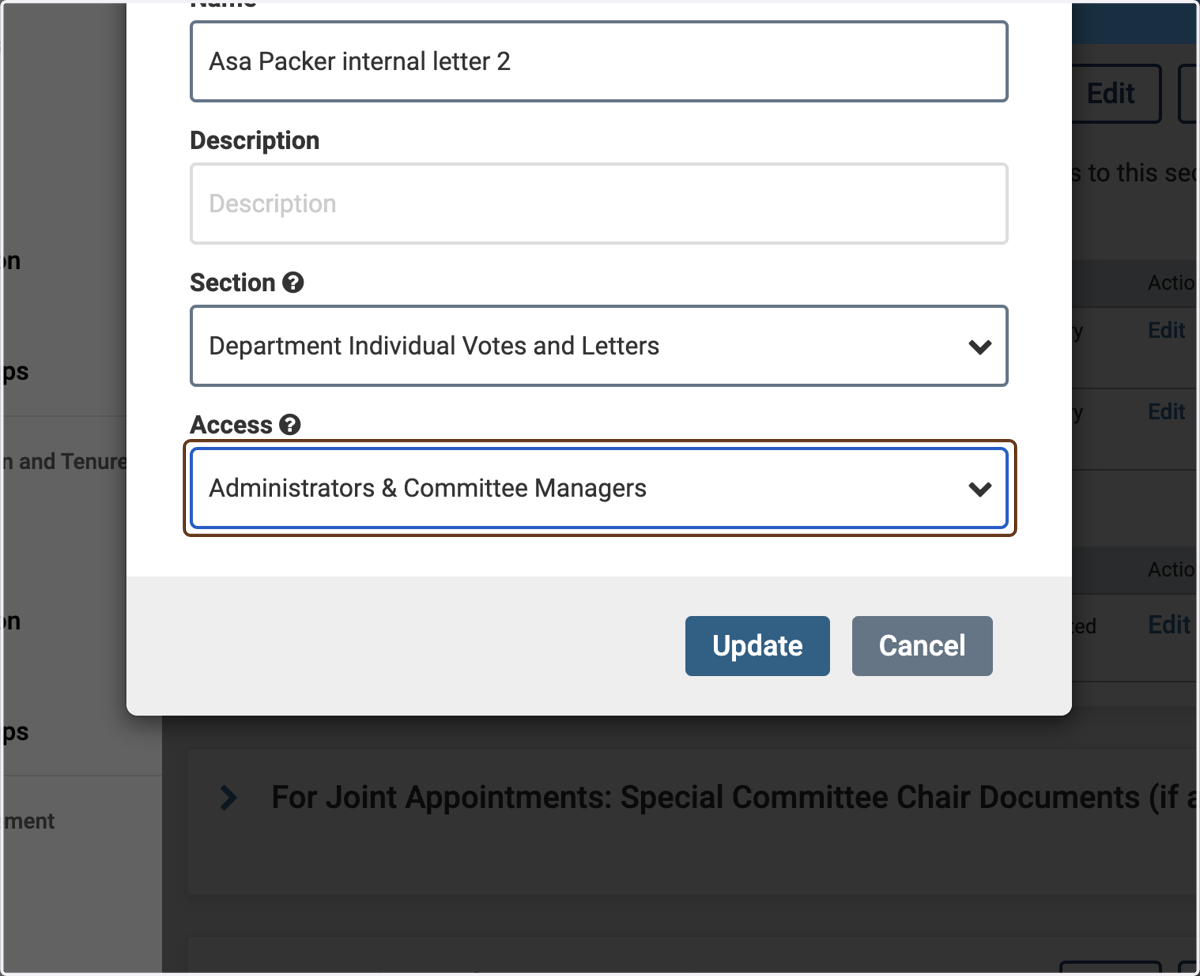
7. Click on Update