Financial Move-In Dates in CRM and how they translate to BI.
Navigate to Yardi Senior CRM
1. The Current State of CRM and BI
Until all Communities are utilizing the Leasing Workflow, the financial and physical move in dates will not be differentiated and must be set on the user's profile to be depicted in BI.
A Lease MUST be generated for this to take effect.
2. In CRM, click on the Future Resident that is not displaying the Financial Move-In Date in the BI Report

3. Navigate to the Move-in Date field on the Profile under the 'Details' tab.

4. Select the Financial Move in Date

5. Click on Save
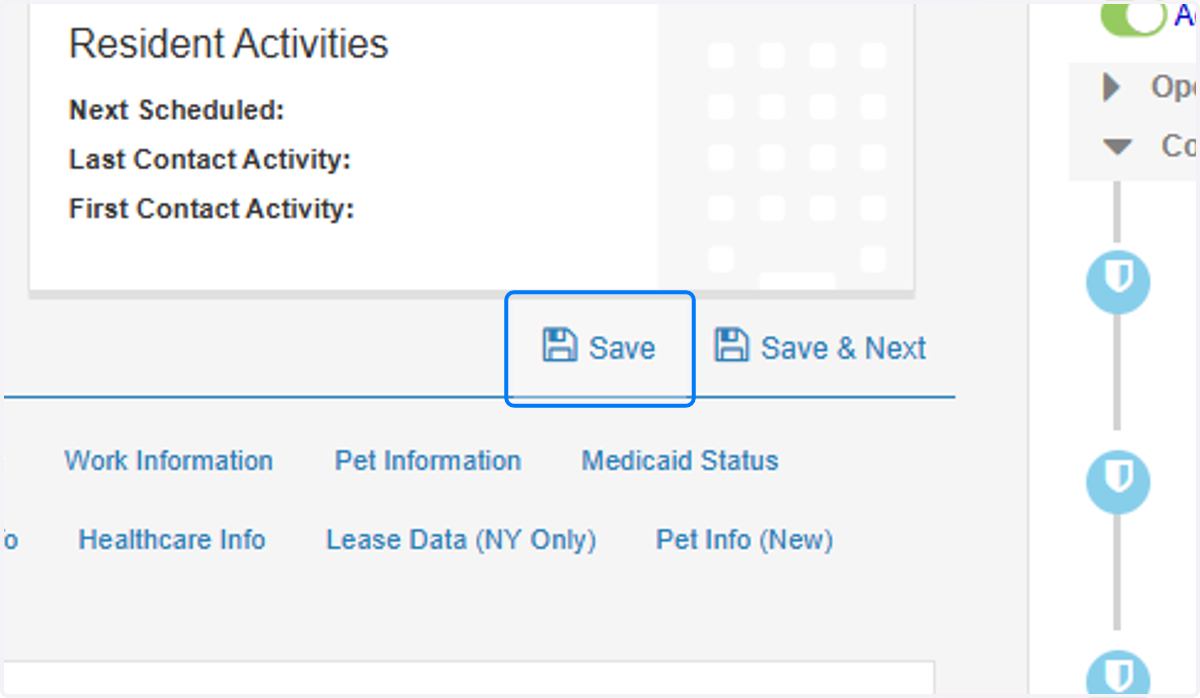
6. This will update the Date for the Future Resident and will be reflected appropriately in BI after it performs a daily update.