IITAP Member - On Demand
This tutorial is for an IITAP Certified member. You can be a CSAT, CSAT-S, CPTT, CCBRT, PSAP, or PSAP-S.
IITAP
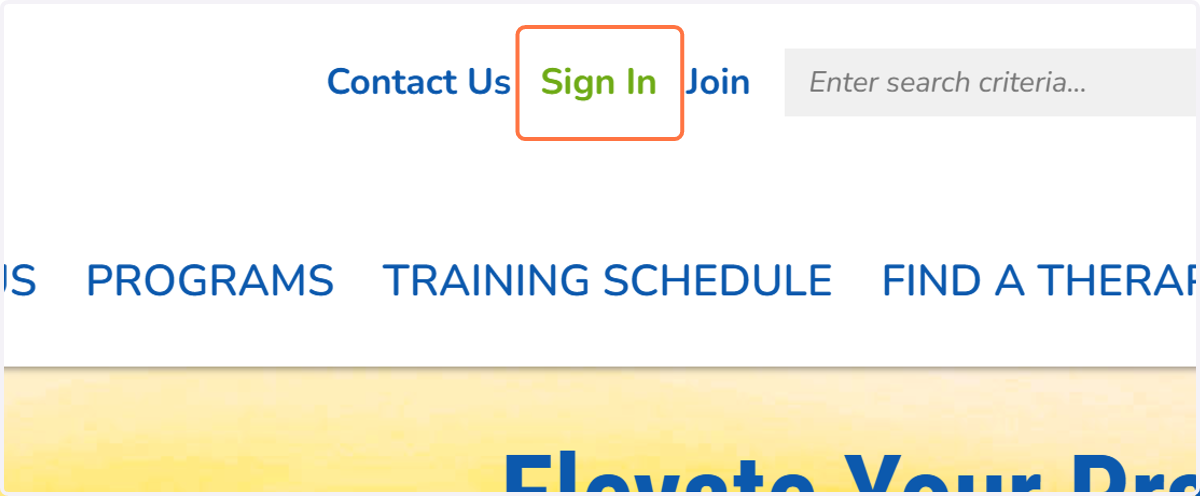
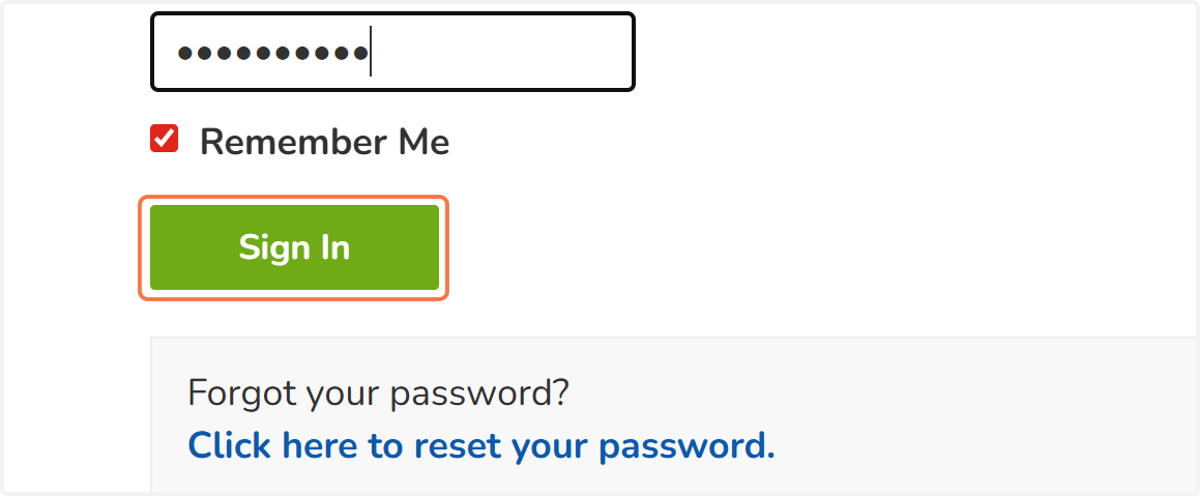
1. Click on Sign In
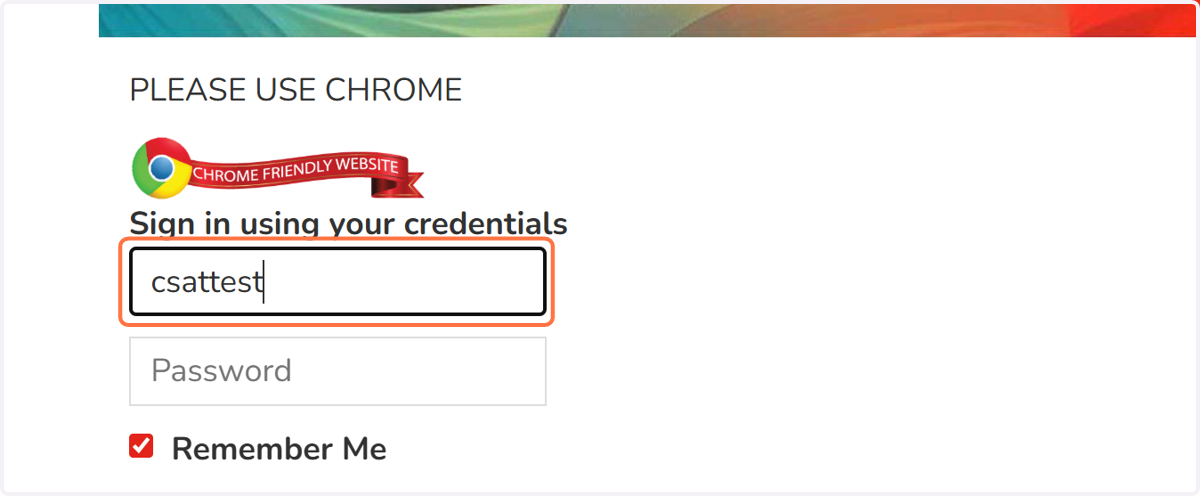
2. Type your username in text field
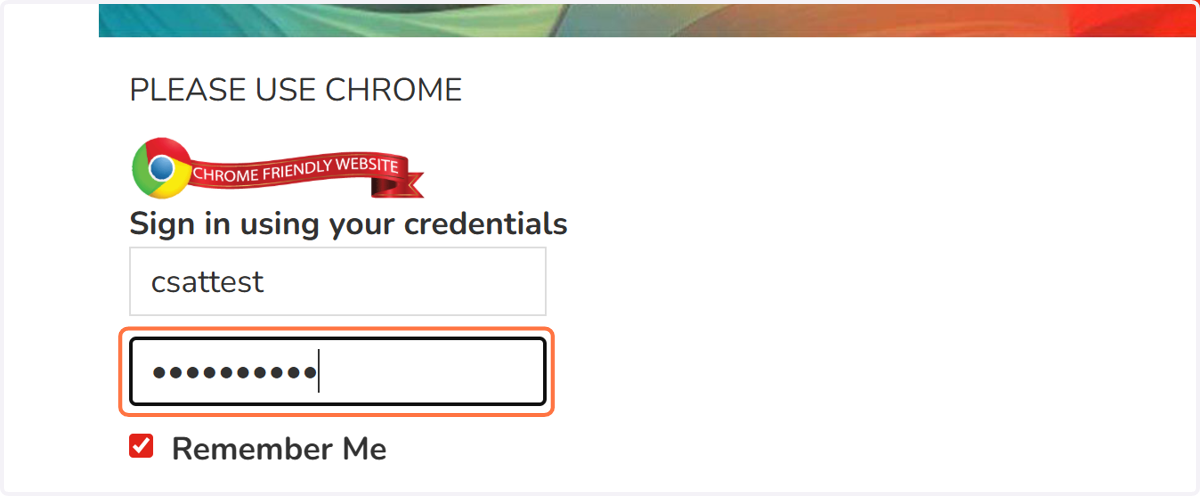
3. Type your password
4. Click on Sign In
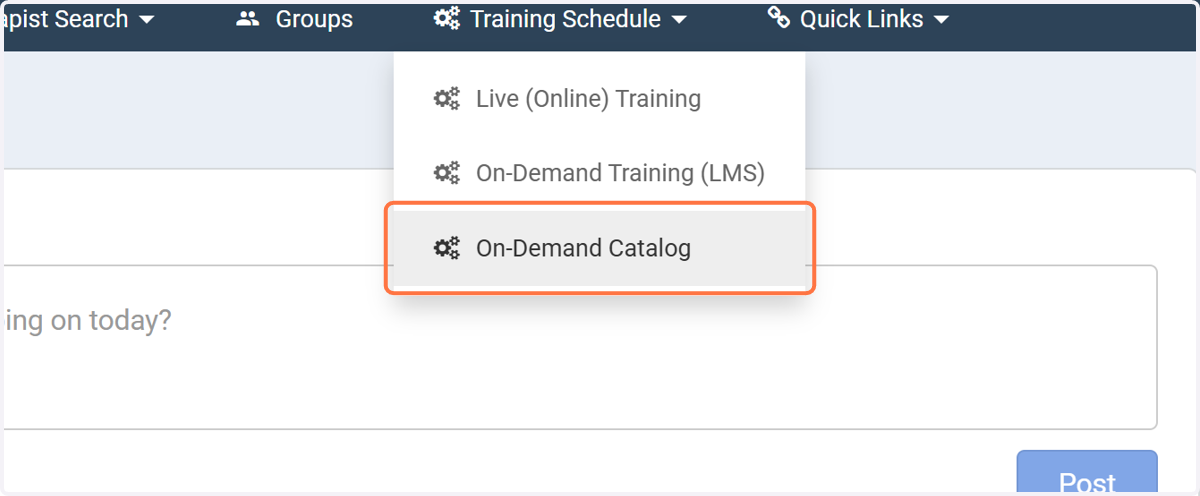
5. Click on On-Demand Catalog
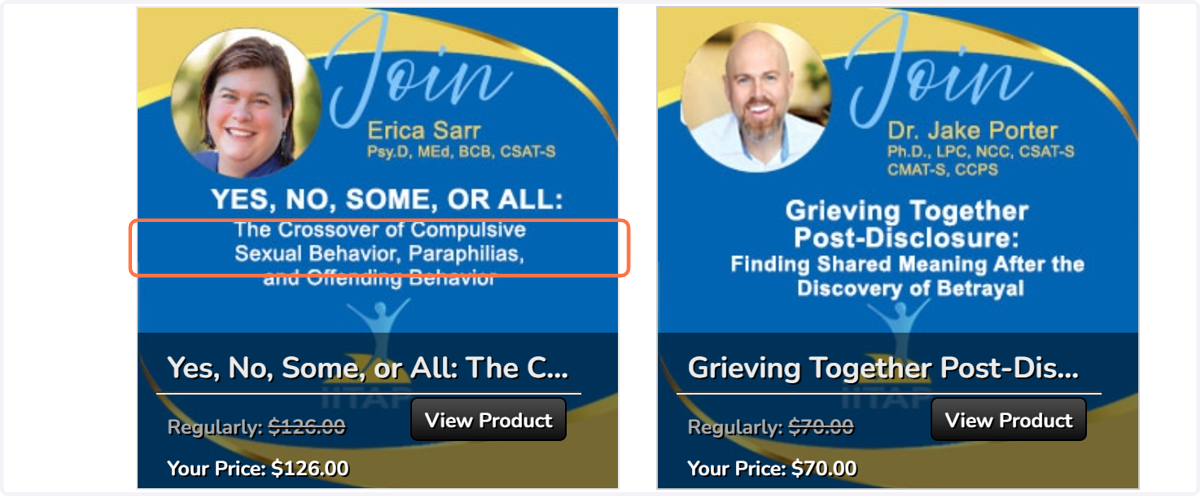
6. Browse through the catalog. When you are ready to purchase a training, click on the image.
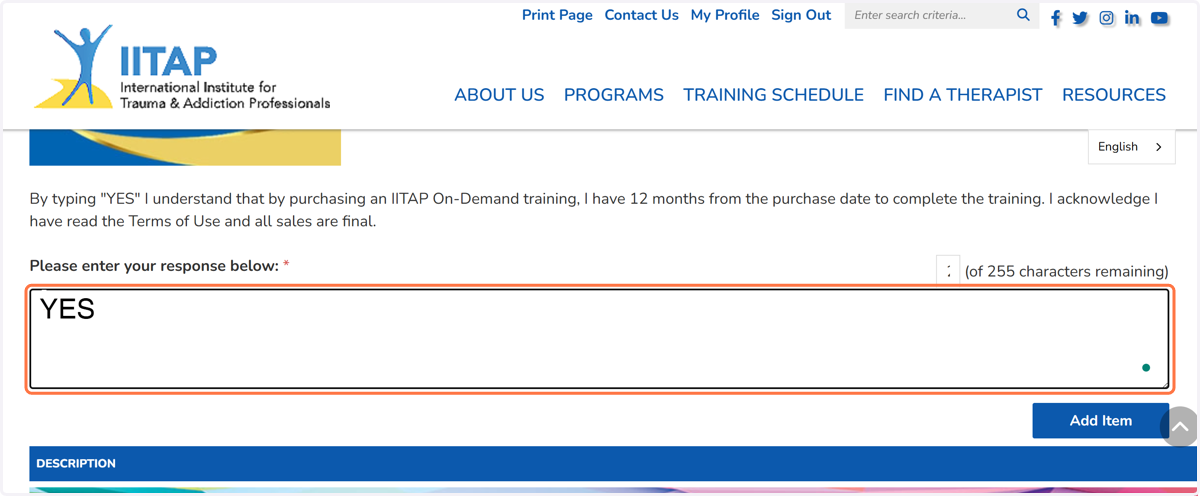
7. Type Yes in text field
By typing "Yes" you understand that you have 12 months from the date of purchasee to complete the on-demand training, you have read the Terms of Use, and all sales are final.
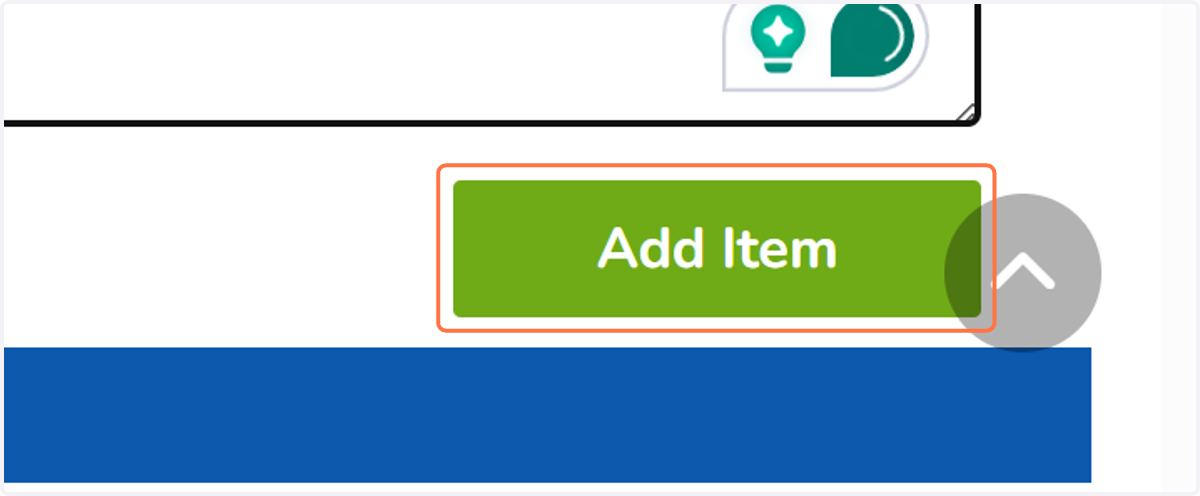
8. Click on Add Item
9. If you have a promo code, type it in the text field
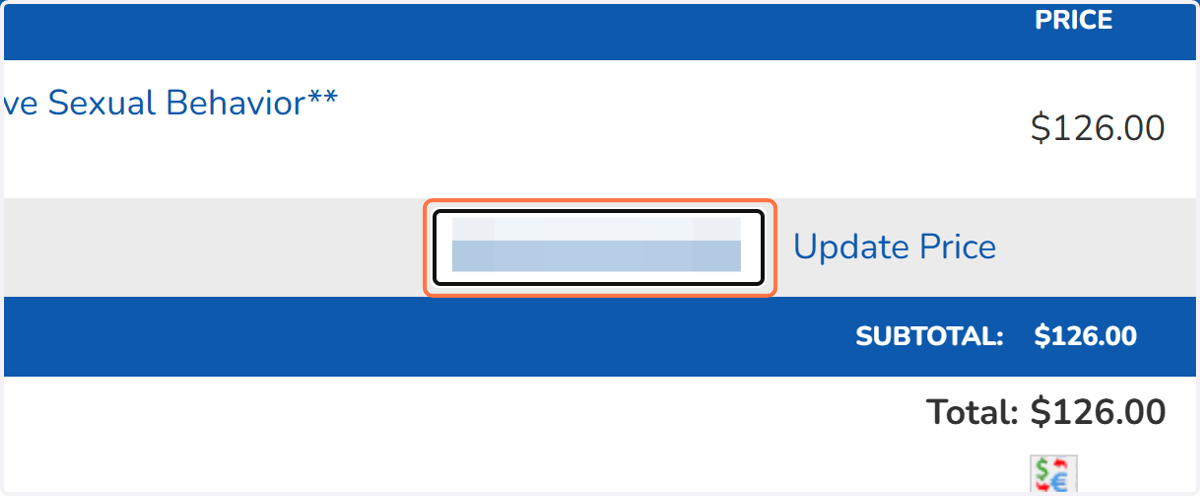
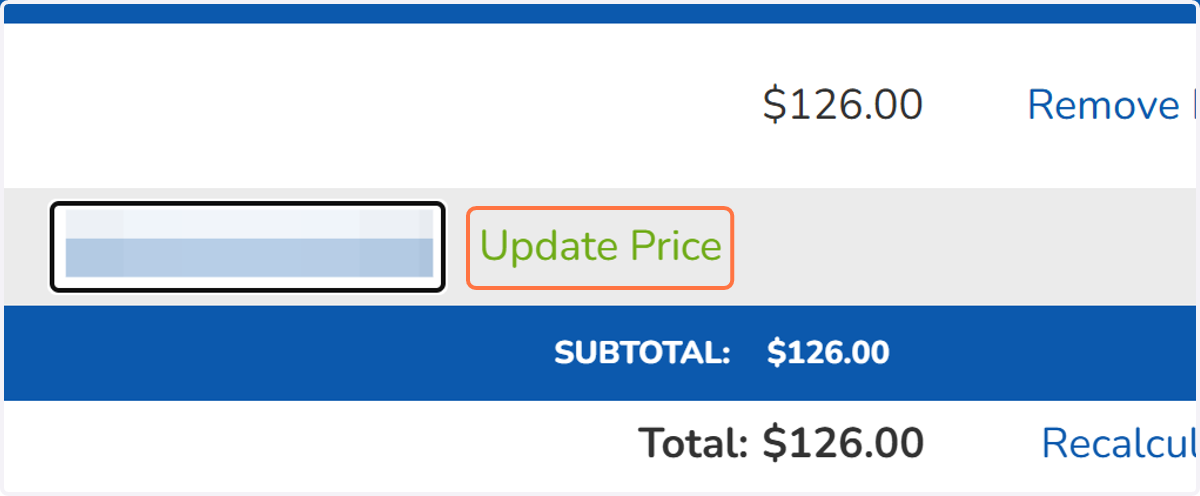
10. Click on Update Price next to the Promo Code
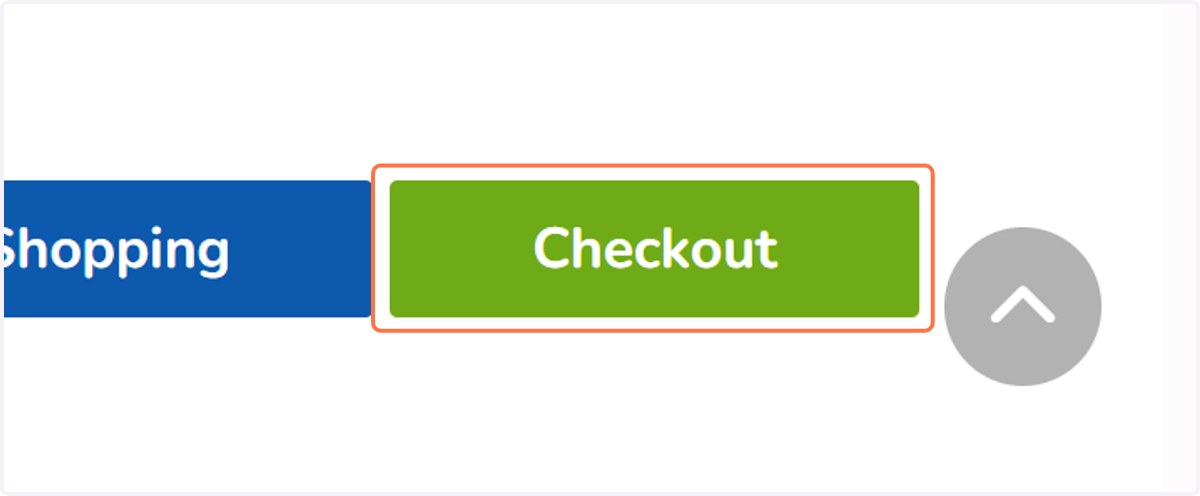
11. Click on Checkout
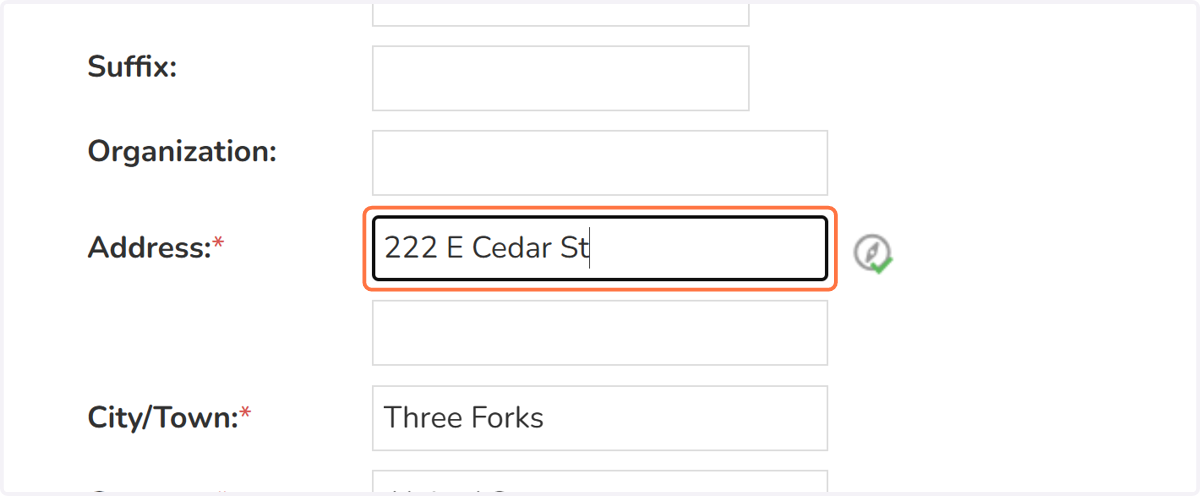
12. Fill out your information in all the required fields
Required fields are designated by a red * asterisk.
13. Click on Proceed To Confirmation >>
14. Review your information for correctness then: Click on Complete Order
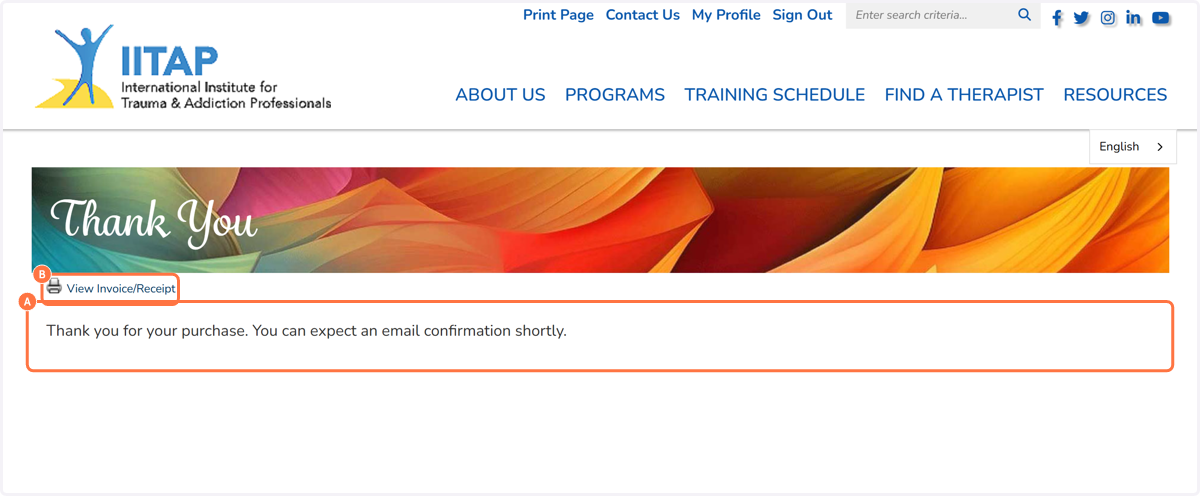
15. A. An email will be sent to your email account shortly with your login link.
15. B. Click on View Invoice/Receipt to print out or save your invoice.
IITAP
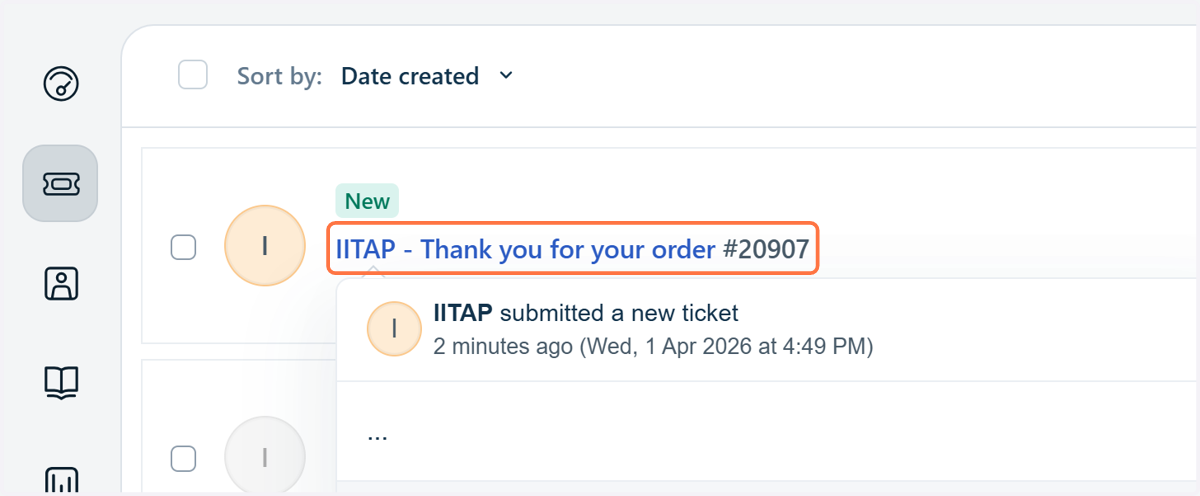
16. Go to your email and Click on the email titled: IITAP - Thank you for your order #20907
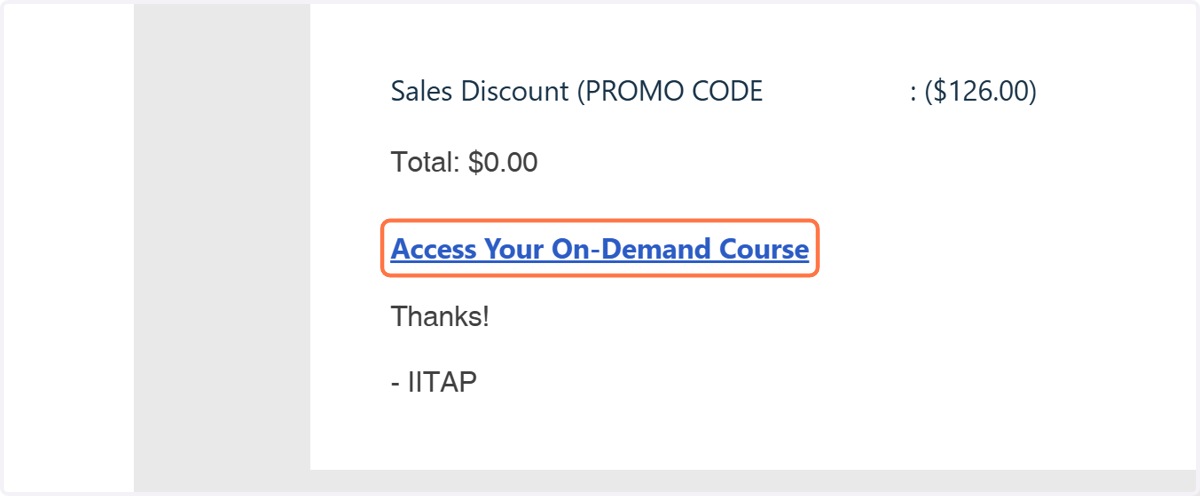
17. Click on Access Your On-Demand Course
pathlms.com
18. Click on Agree & Dismiss
You are now in the On-Demand Training platform.
19. Click on Sign In
You must link your IITAP.com member account with your On-Demand training account in order to get access to the course your purchased.
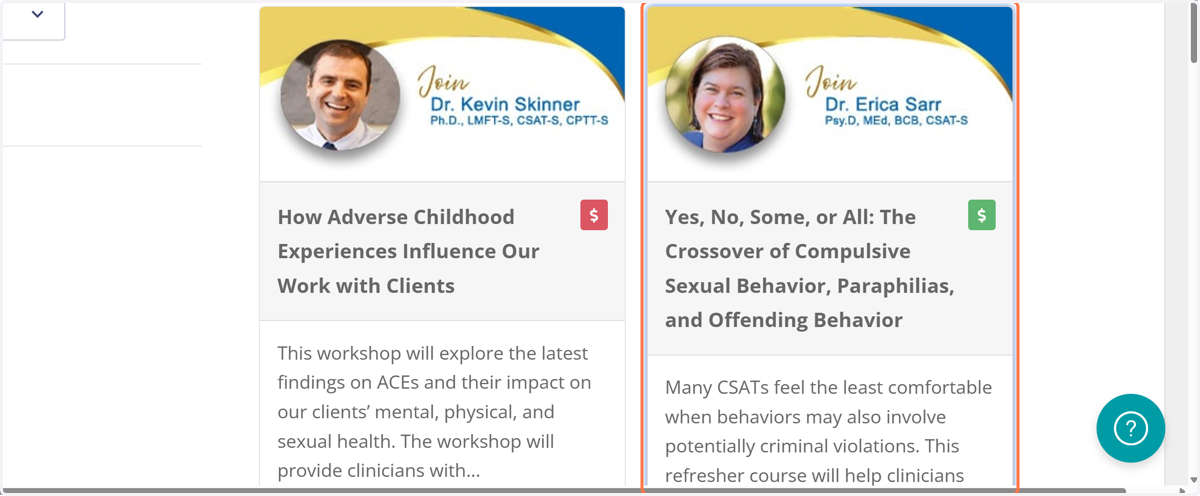
20. Navigate to the course you purchased and click to open
You will notice there is a green dollar sign. This indicates the course you purchased.
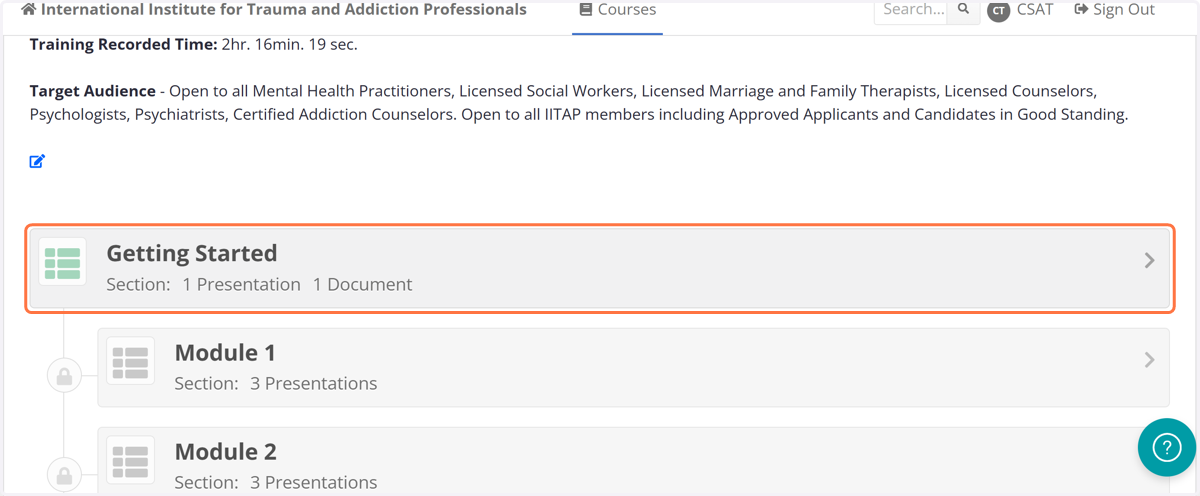
21. Click on Section - Getting Started
You are now ready to begin your training. You can log in and log out anytime. Download all materials and watch the videos in sequential order. You will have a survey and a quiz at the end of the course. You can print off your certificate with a passing score of 70% or better.