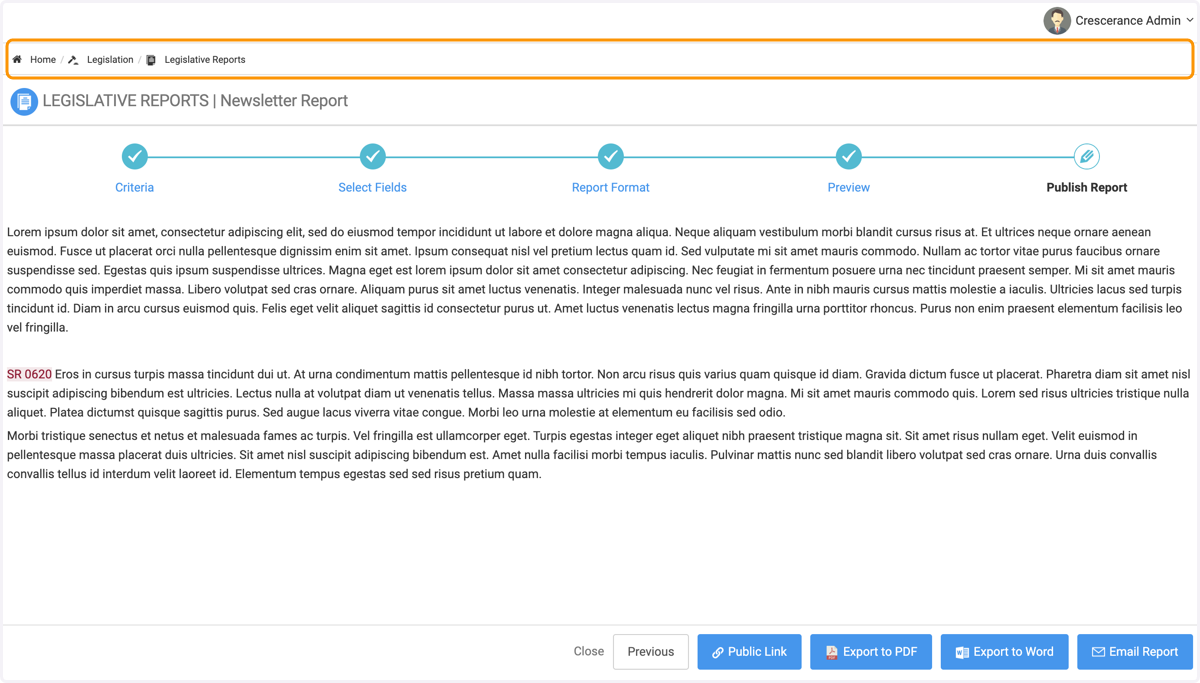
Creating a Newsletter Style Report
The Newsletter style report is exactly what it sounds like, rather than working in a list or a spreadsheet, you'll be working with more organic narrative and inserting the bills into the text
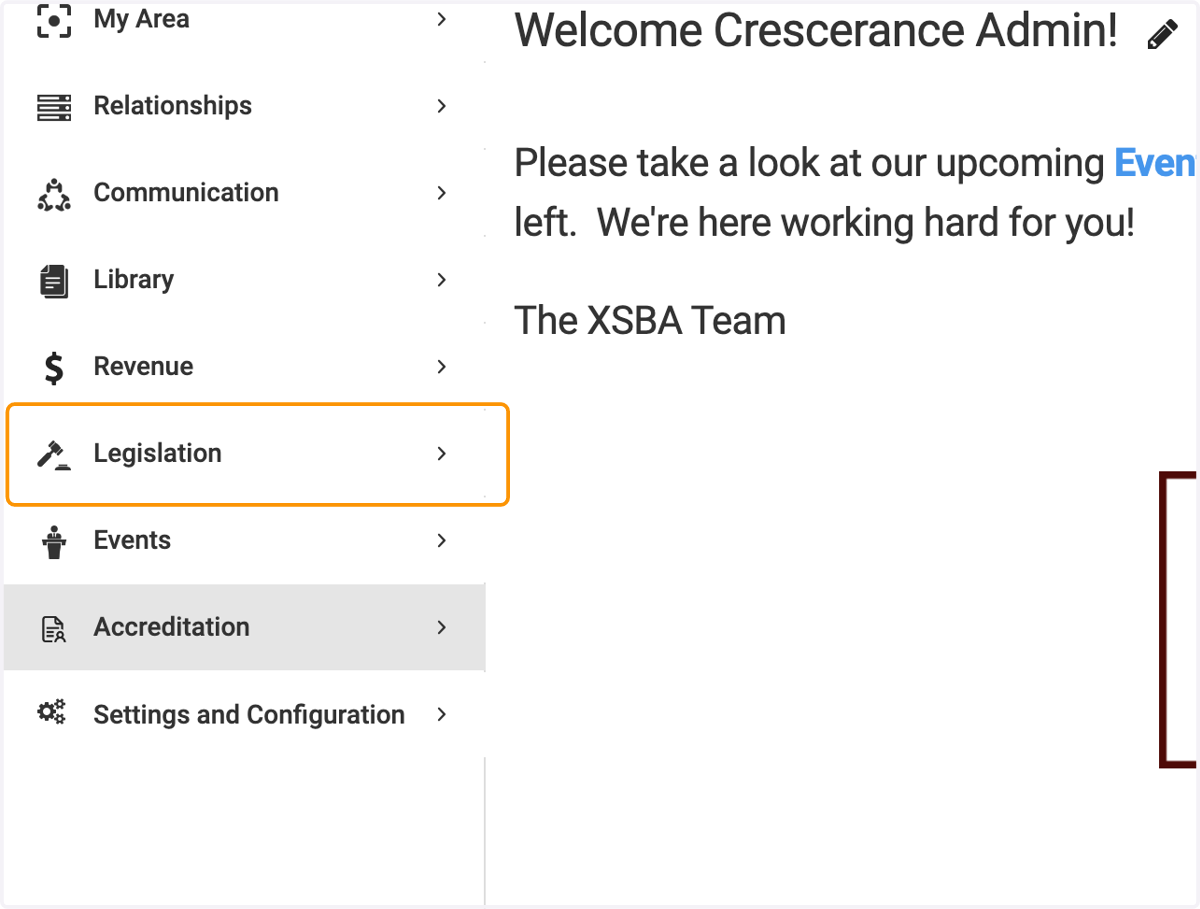
1. Click on Legislation
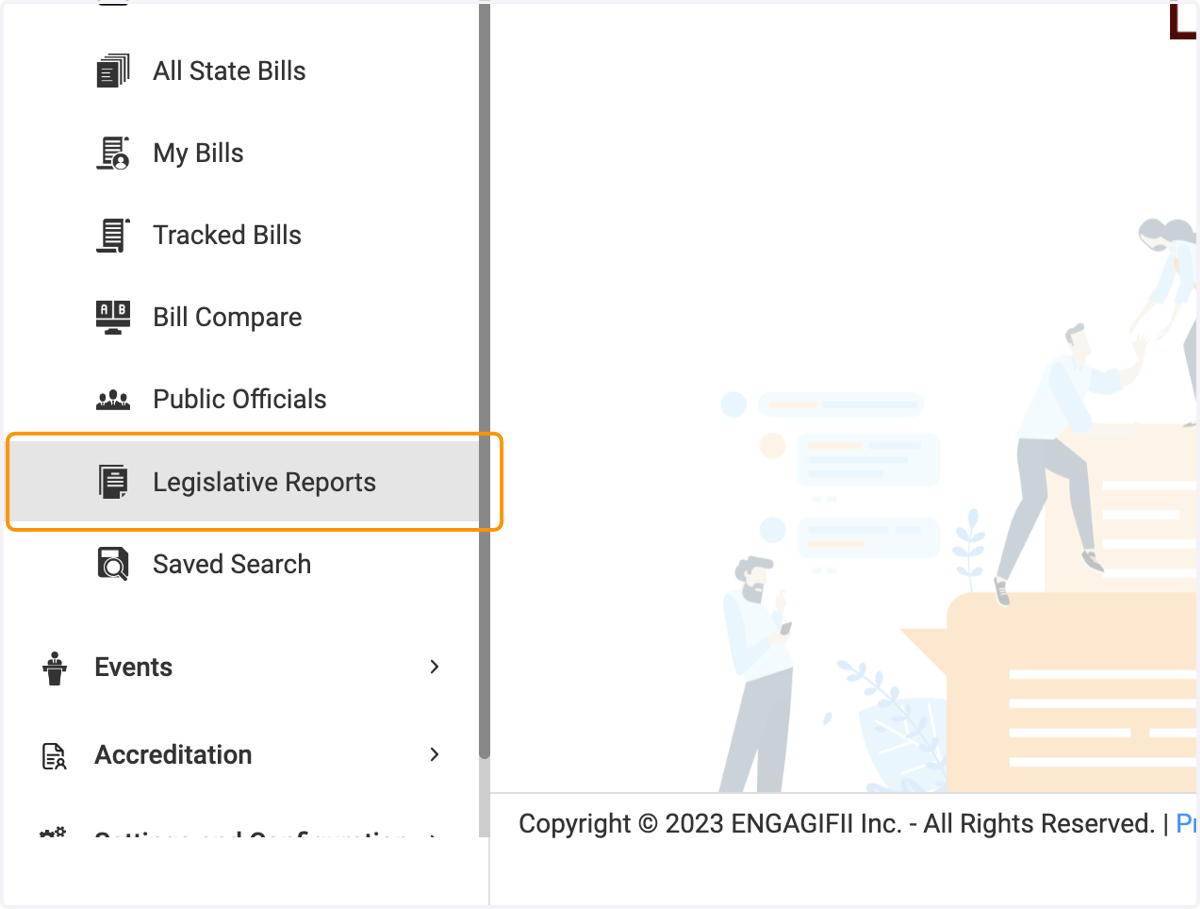
2. Click on Legislative Reports
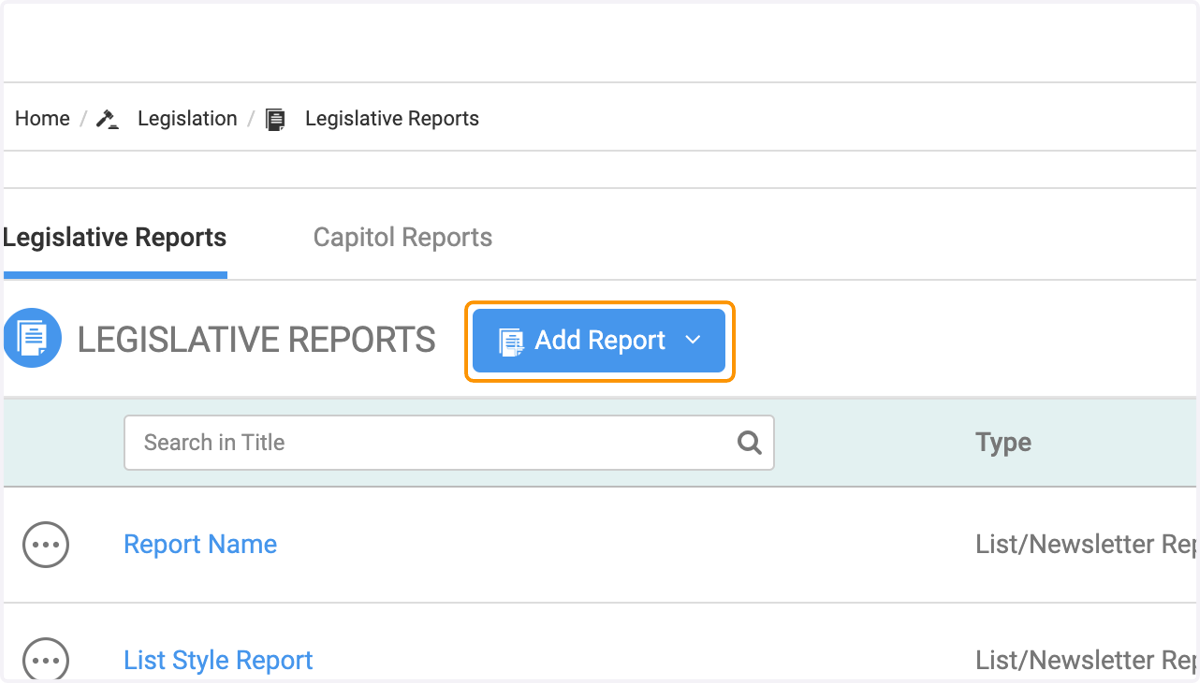
3. Click on Add Report
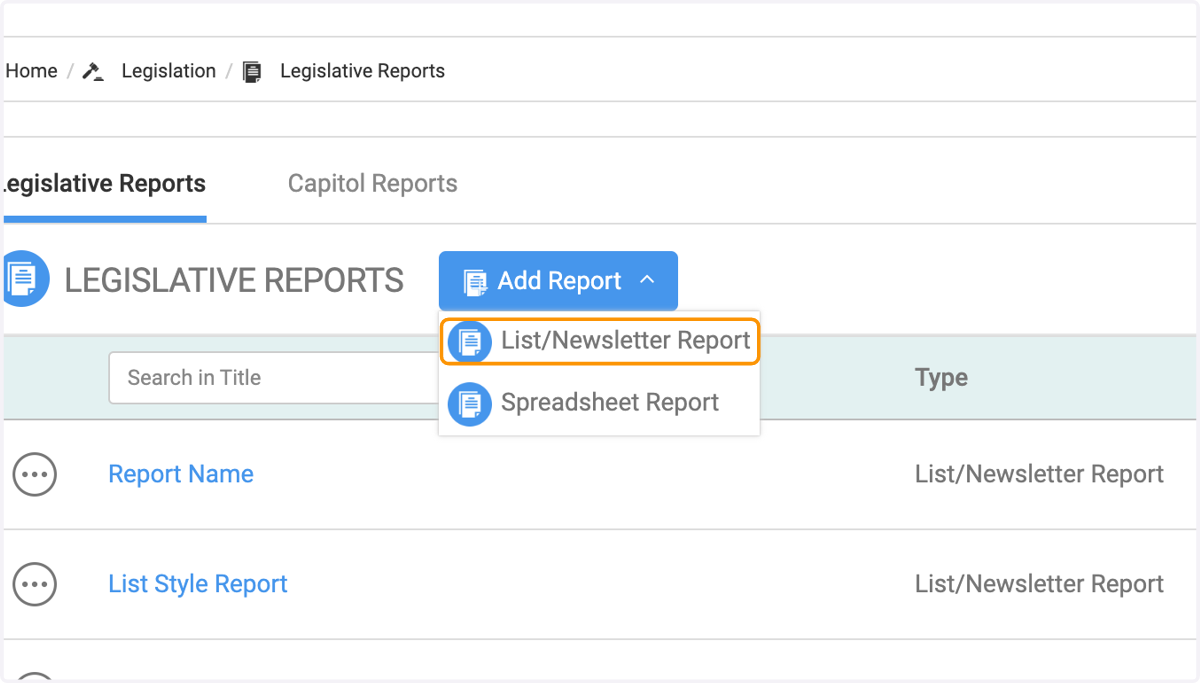
4. Click on List/Newsletter Report
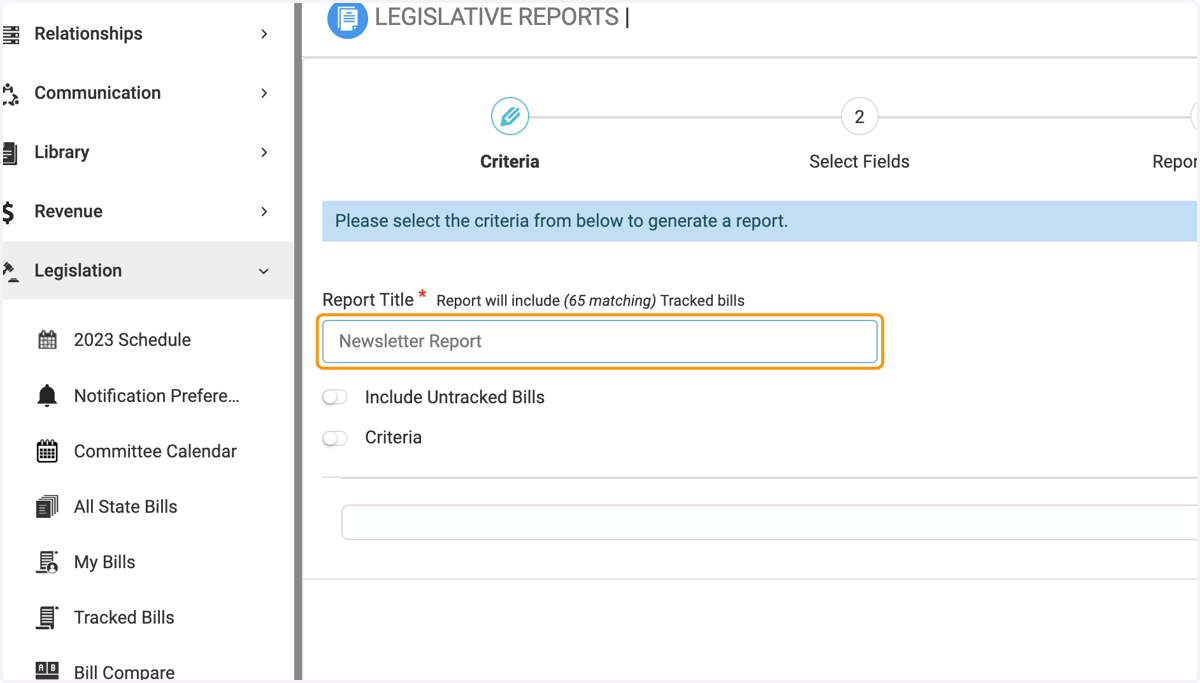
5. Type in the name of your report and do not turn on Criteria
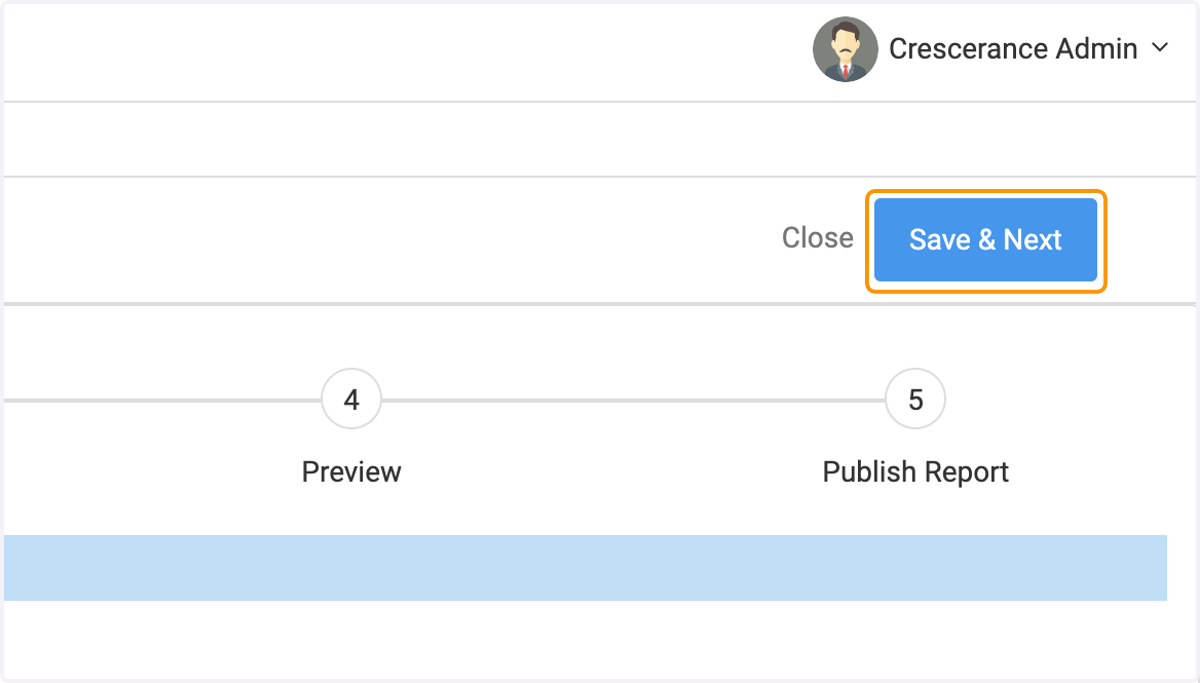
6. Click on Save & Next
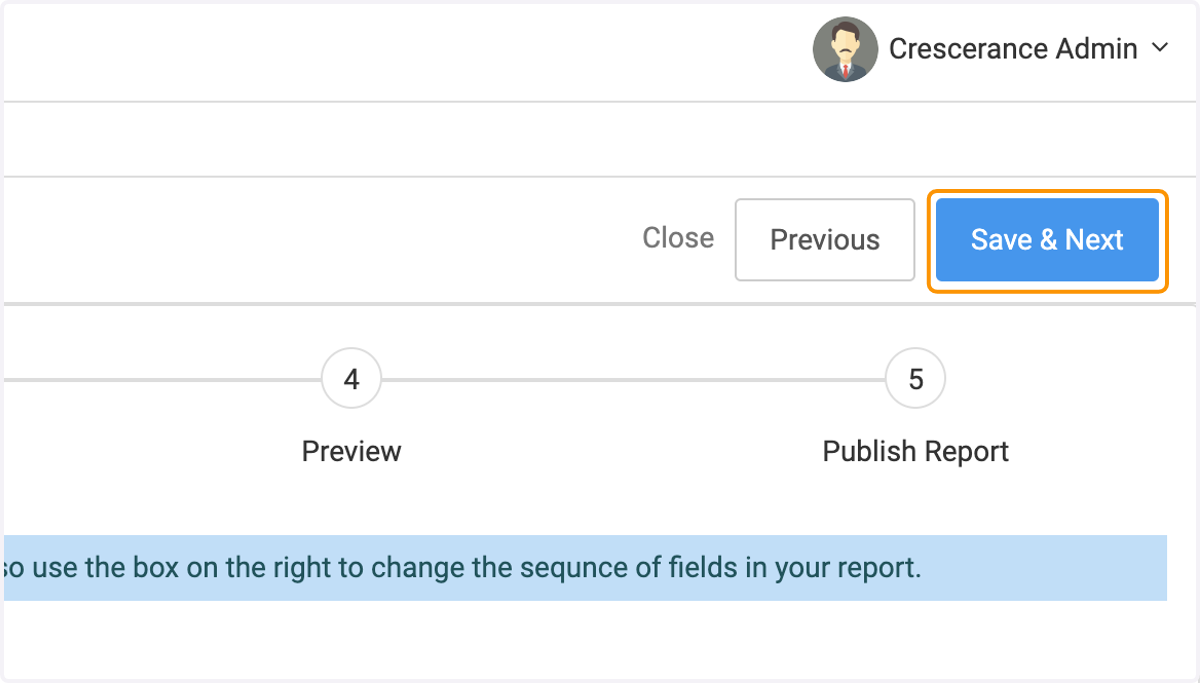
7. On the second step, Select Fields, do not select any fields to add and click Save and Next
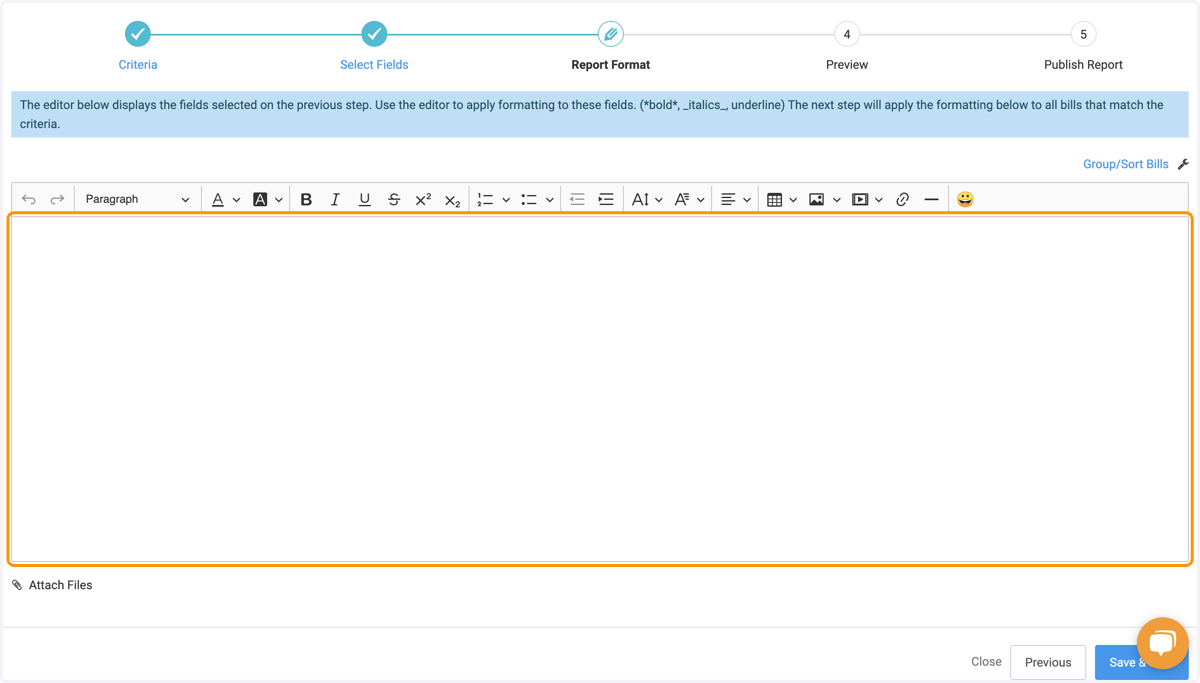
8. Add in your text
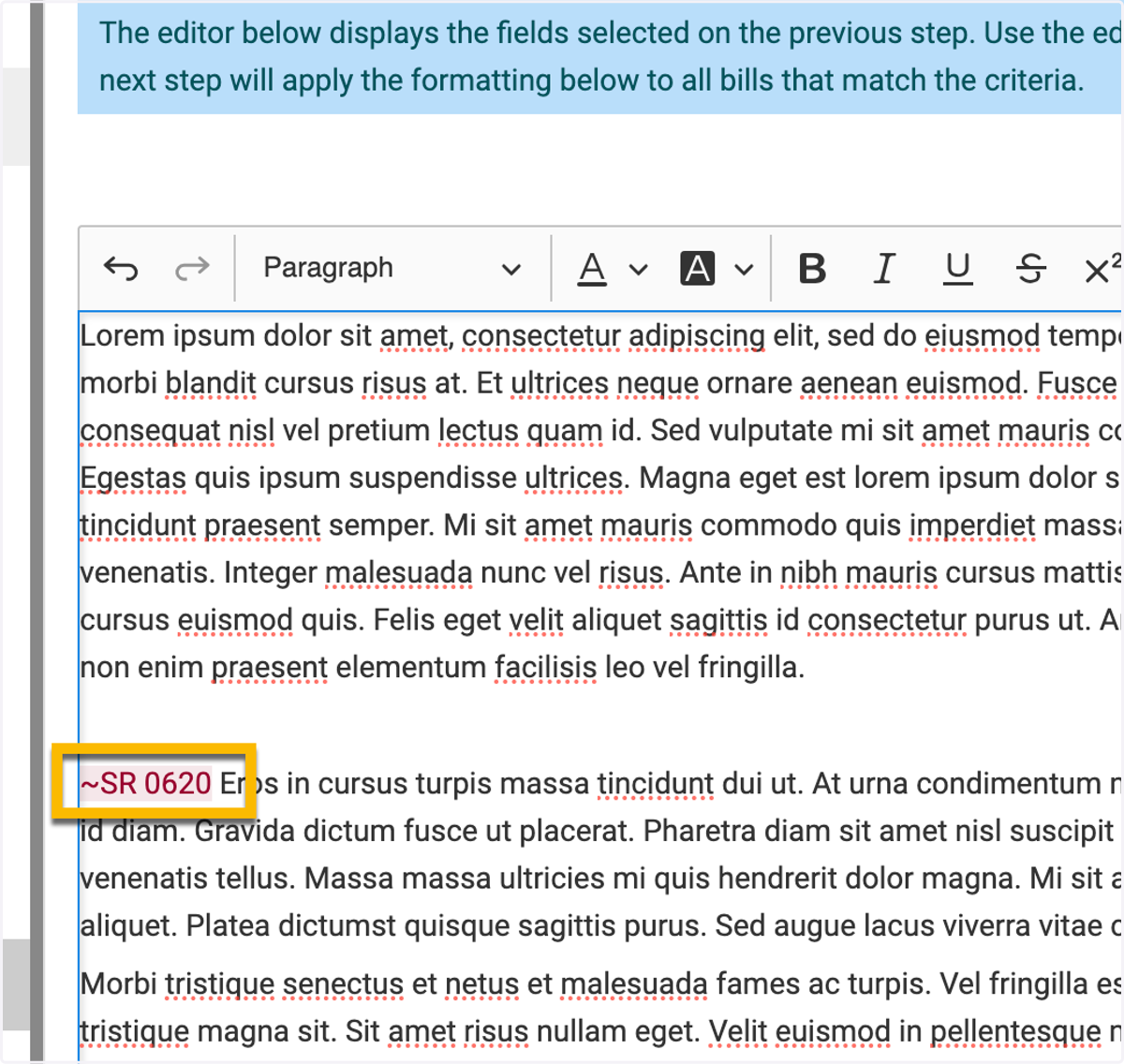
9. When adding in bills to your newsletter, you'll add them in via tilde (~)
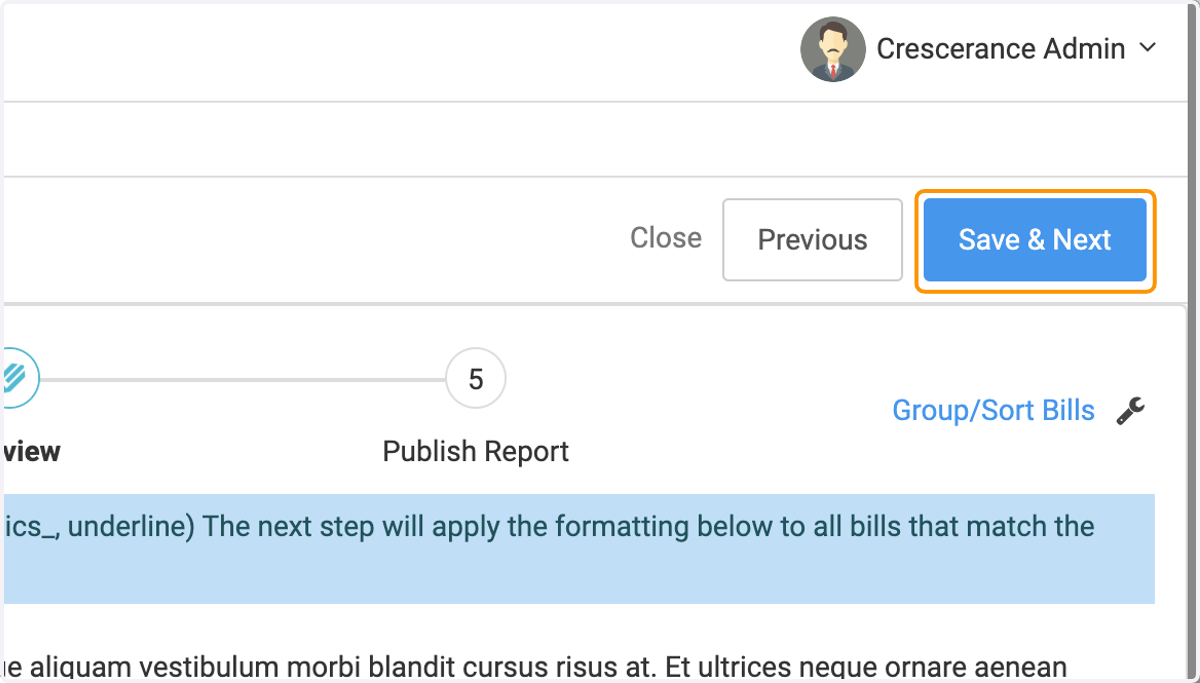
10. Click on Save & Next
11. Lastly, you have your Publish step, where you can share via Public Link, PDF or Word Doc or emailing