WatchGuard Endpoint Security
WatchGuard Cloud
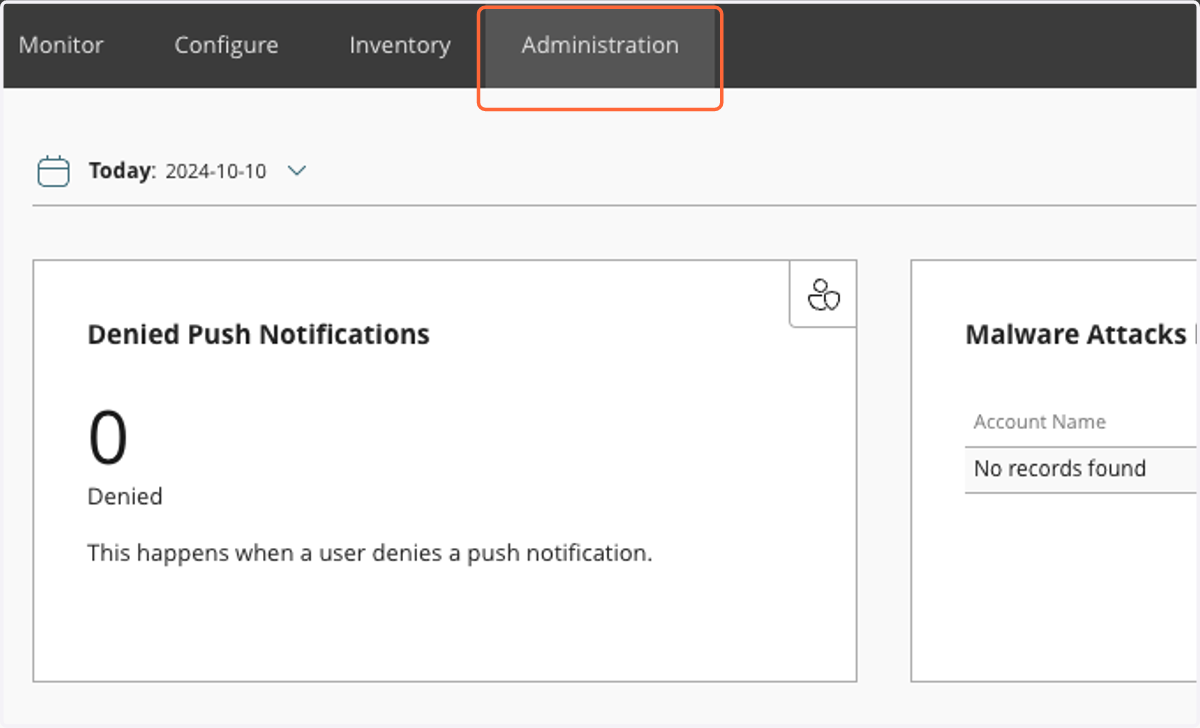
1. Click on Administration
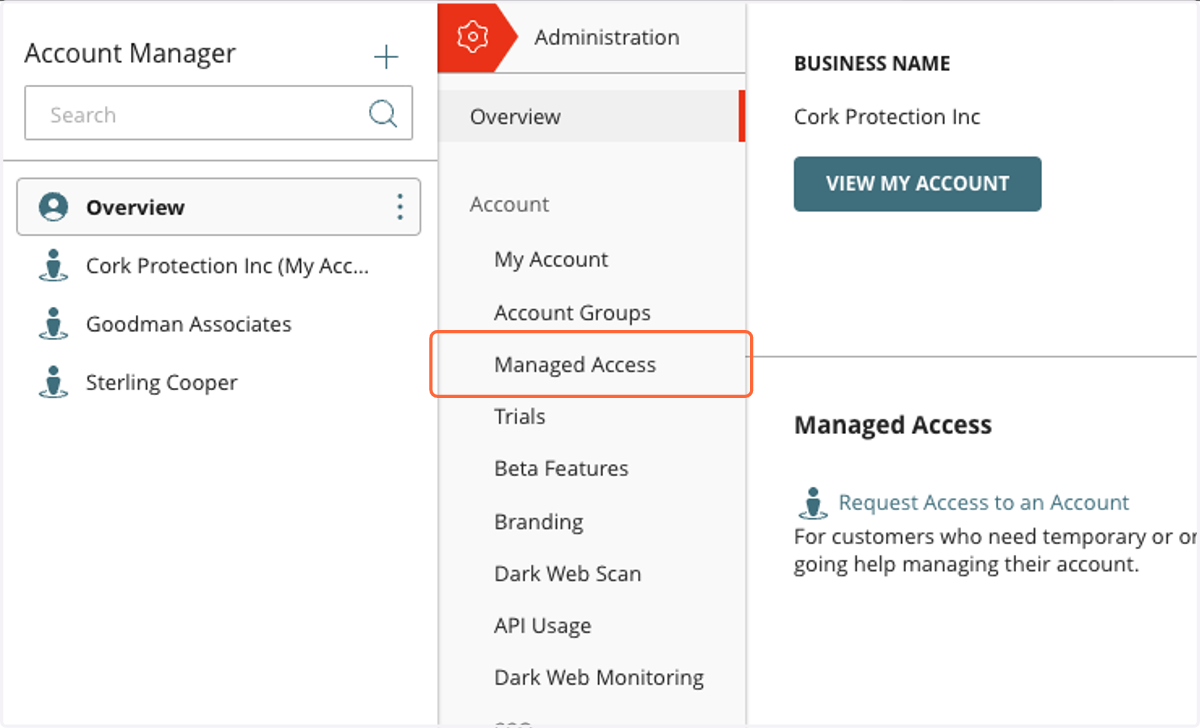
2. Click on Managed Access
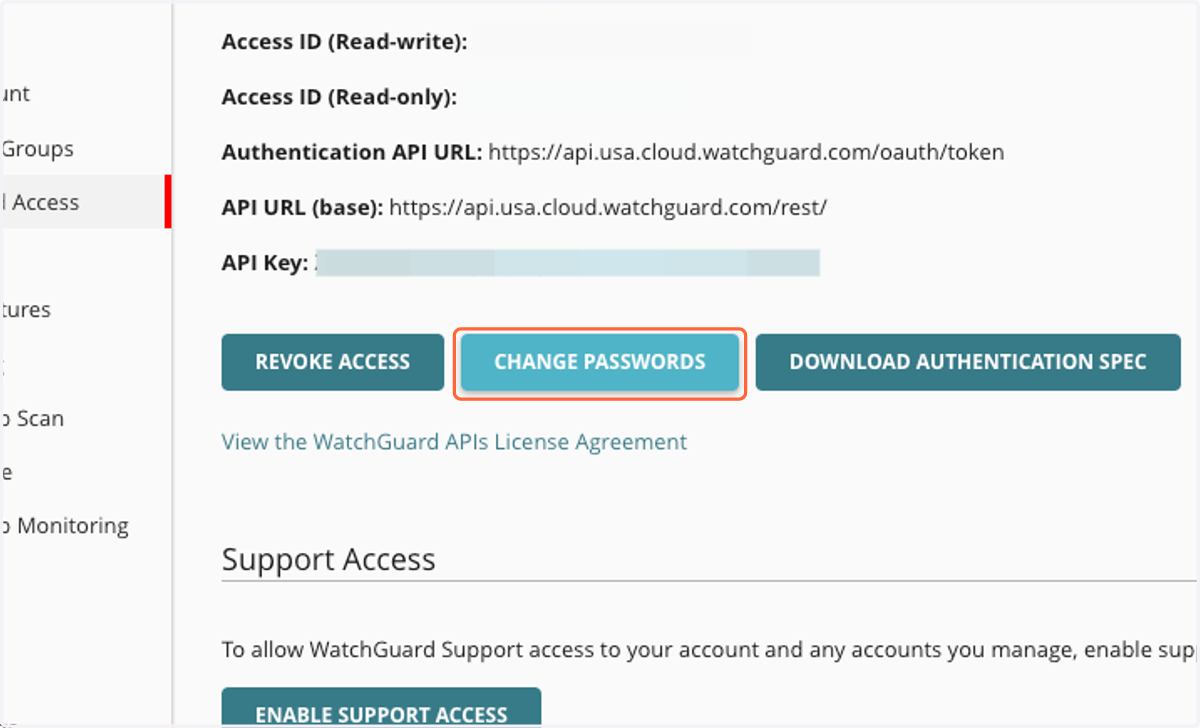
3. Set Your API Access passwords
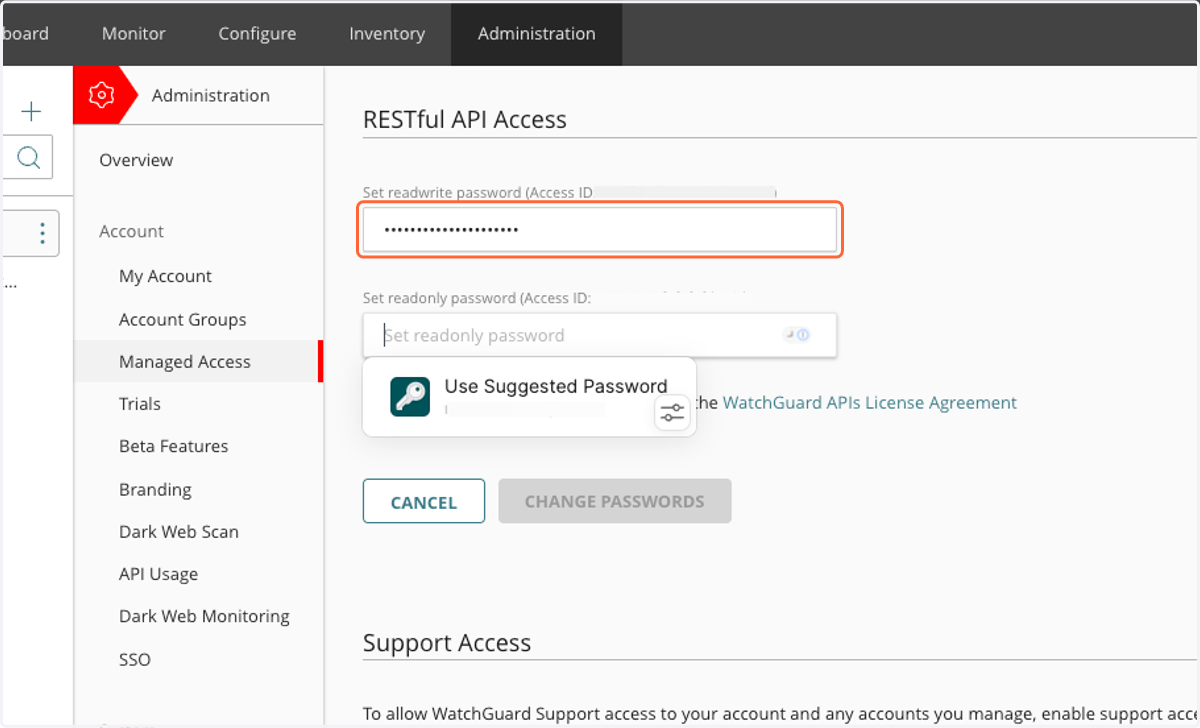
4. Enter a password for read-write
Cork will NOT use this one.
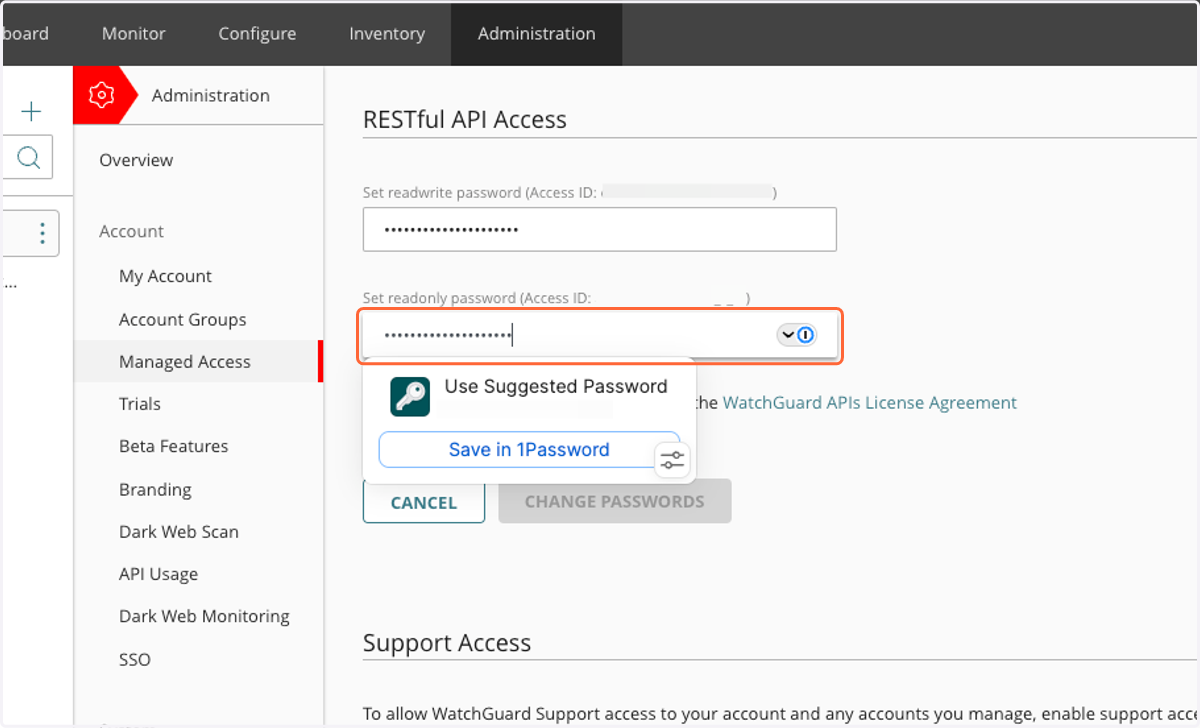
5. Enter a password for read-only
Cork WILL use this one.
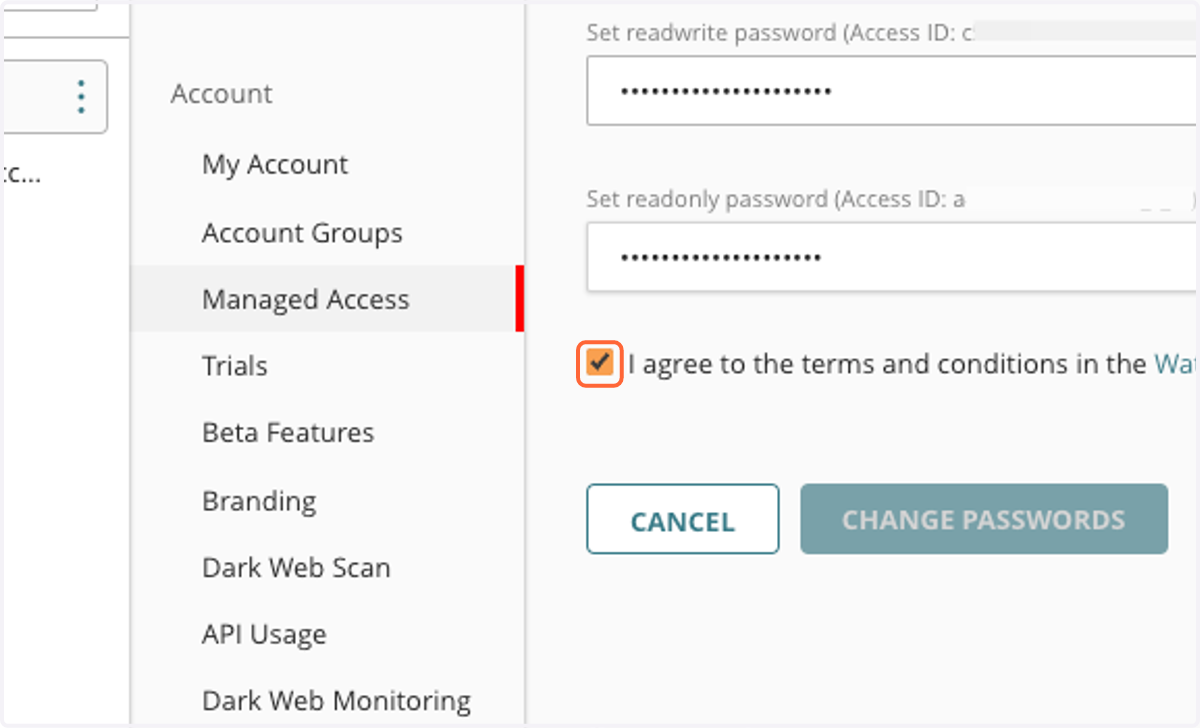
6. Check I agree to the terms and conditions in the WatchGuard APIs License Agreement and click "Change Passwords"
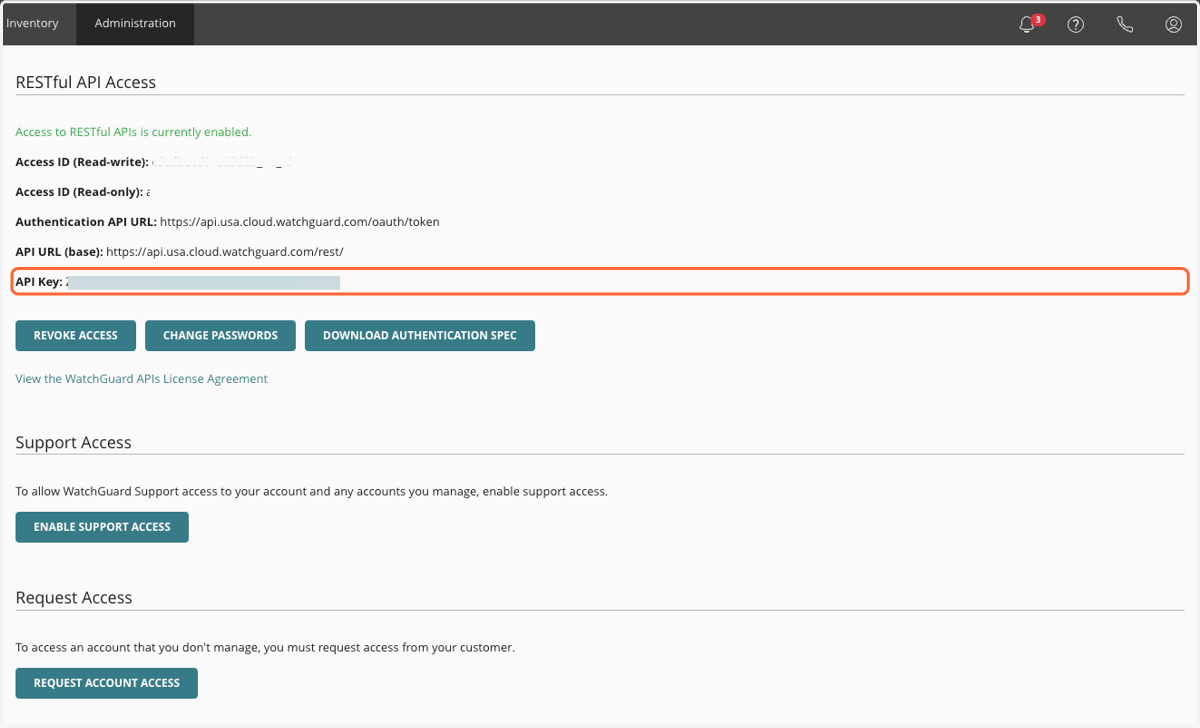
7. Make note of the read-only access ID
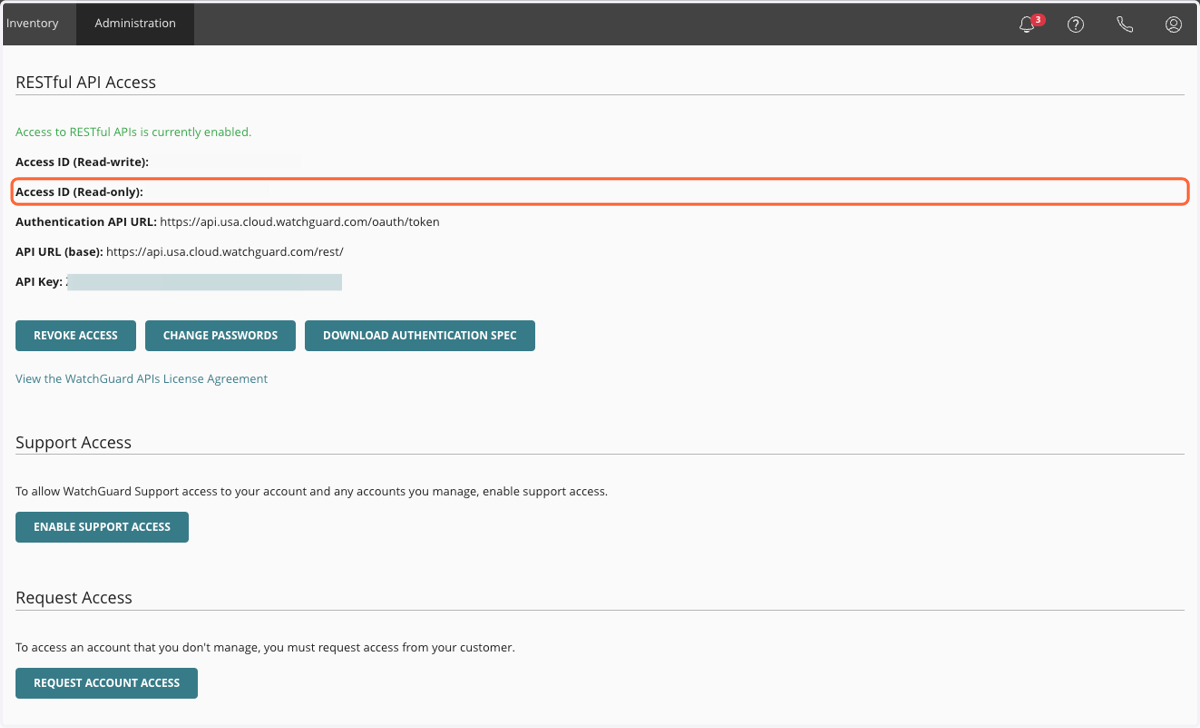
8. Make note of the API key
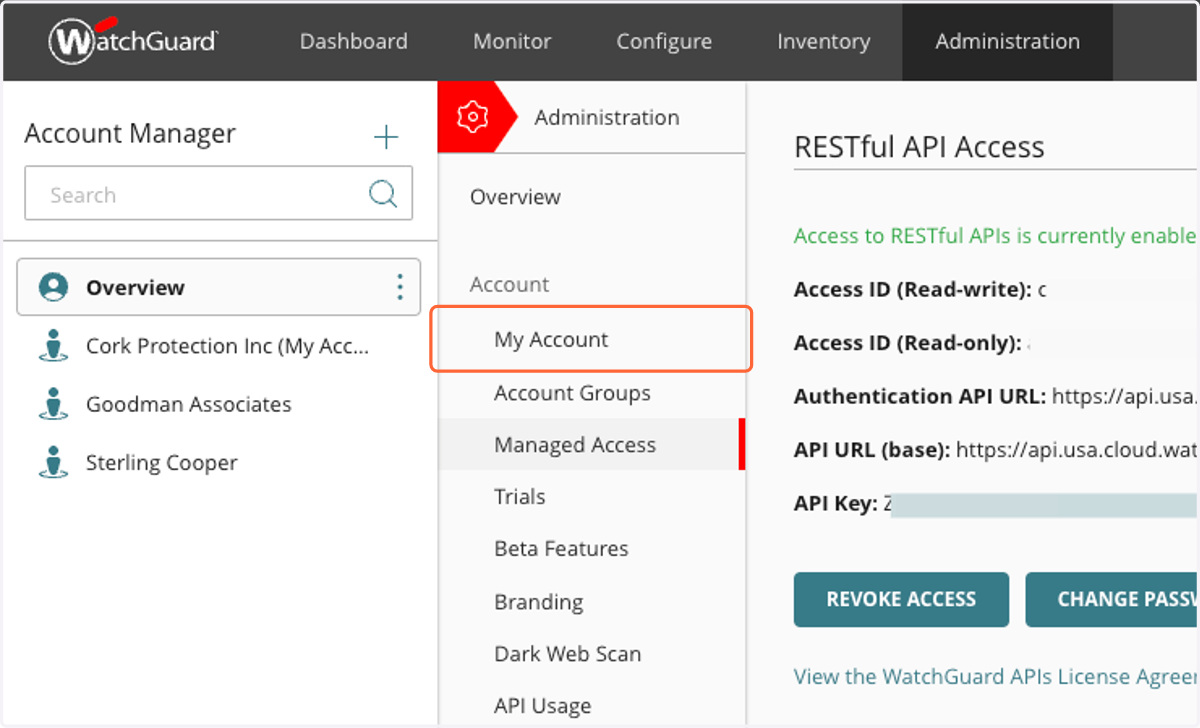
9. Click on My Account
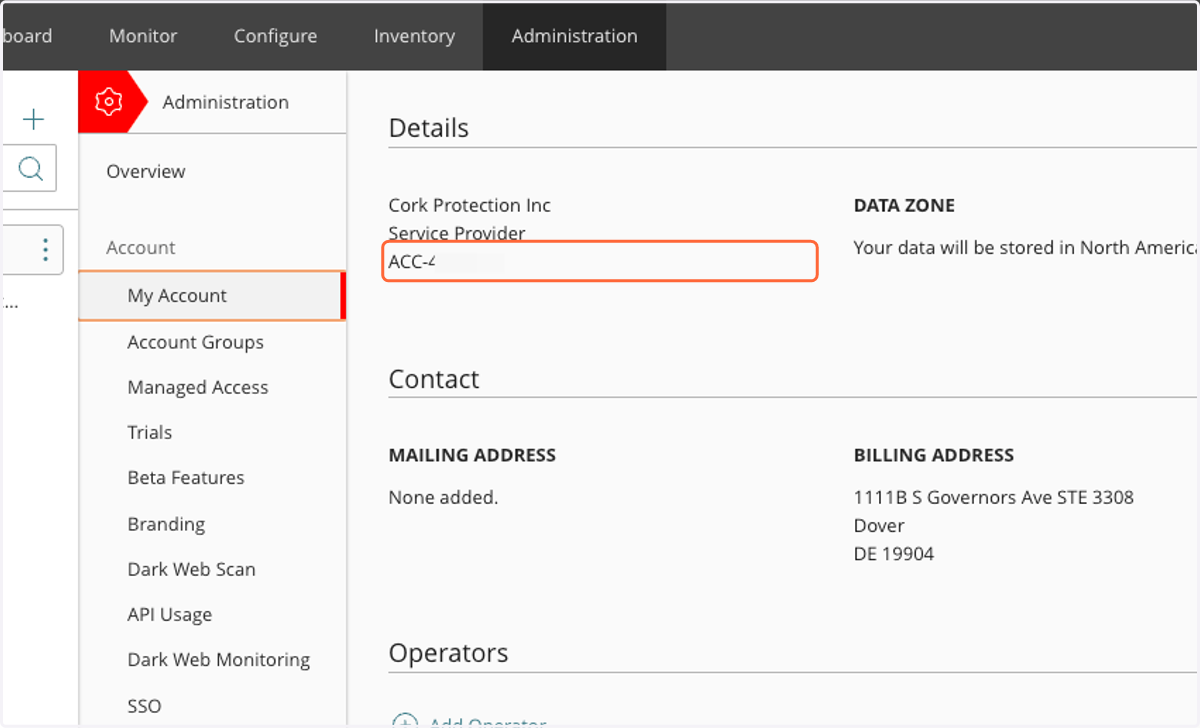
10. Make note of your account ID
This MUST start with ACC-
Cork - Integrations
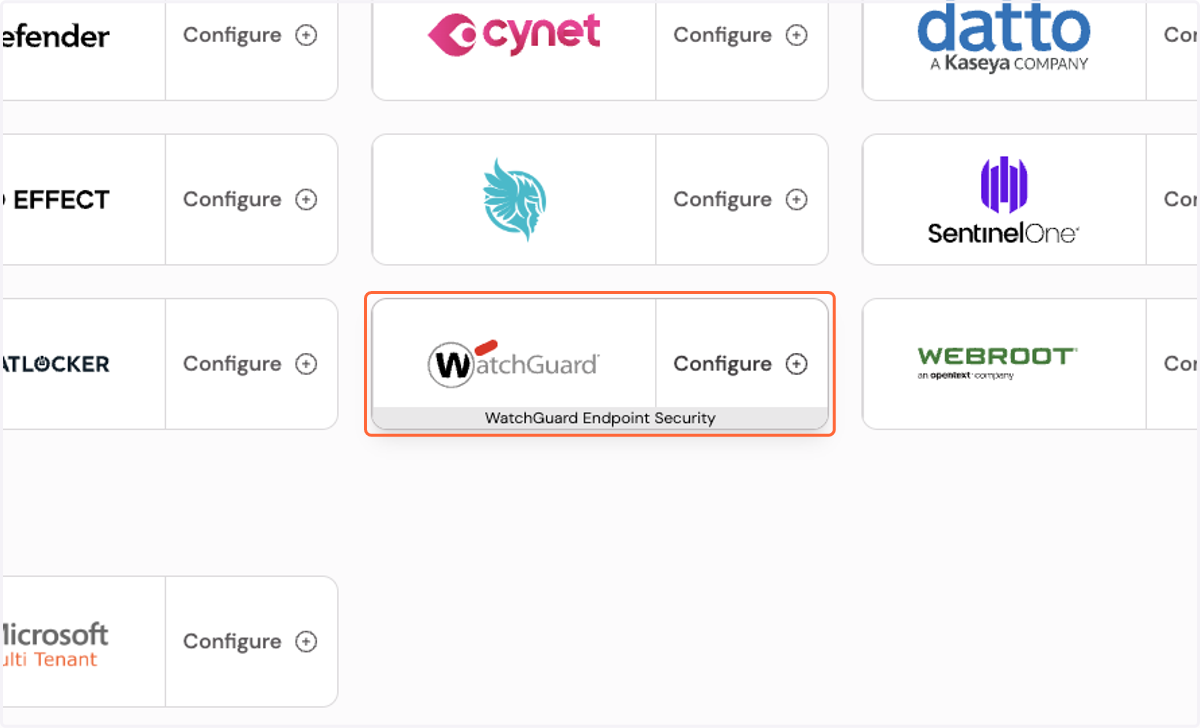
11. Click on Configure WatchGuard Endpoint Security integration…
12. Enter in your Read-Only Access ID
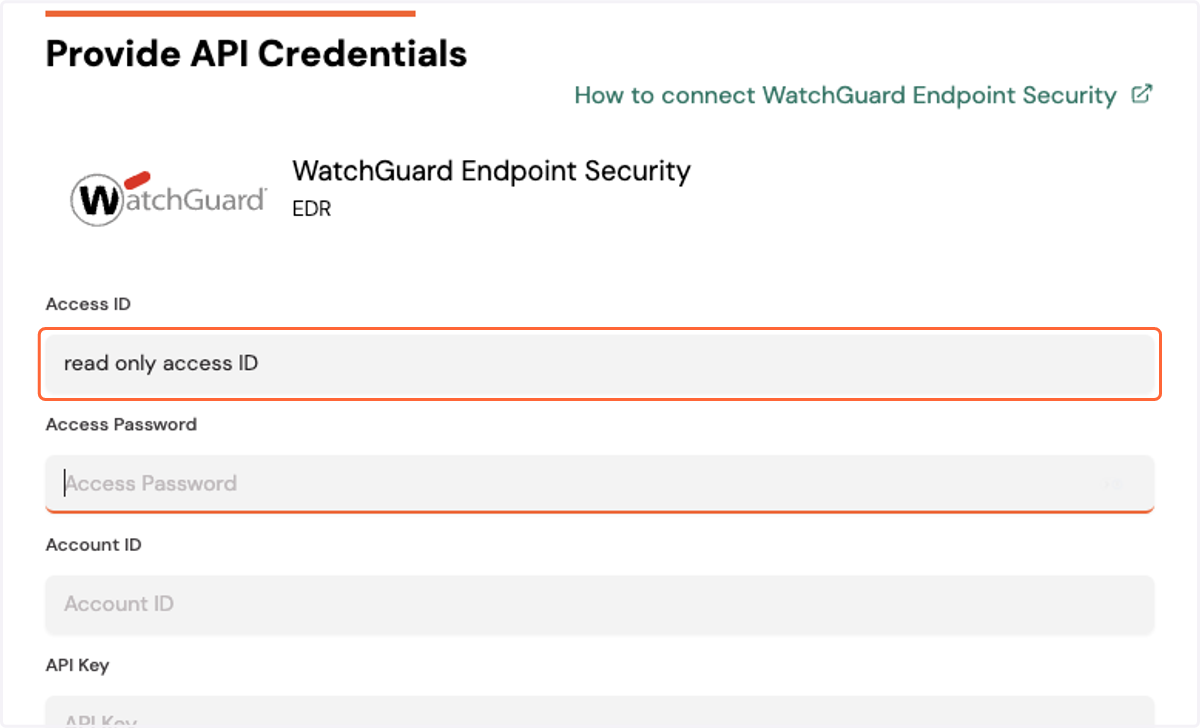
13. Enter in your Read-Only Access Password
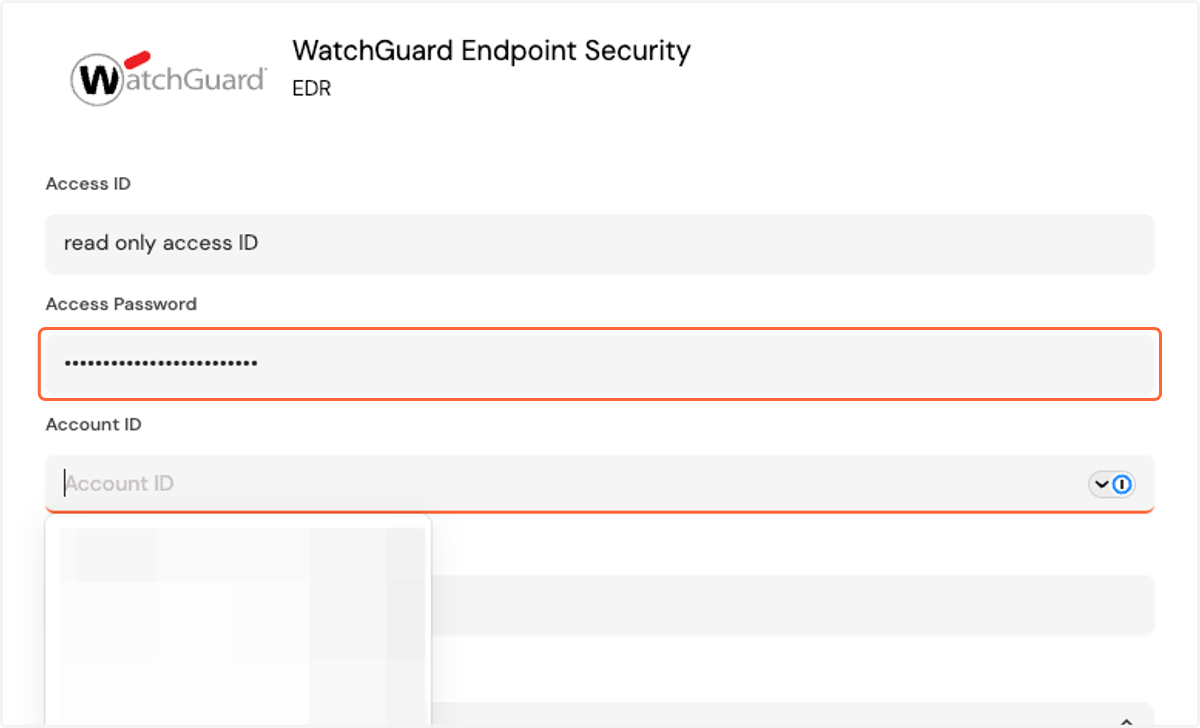
14. Enter in your Account ID
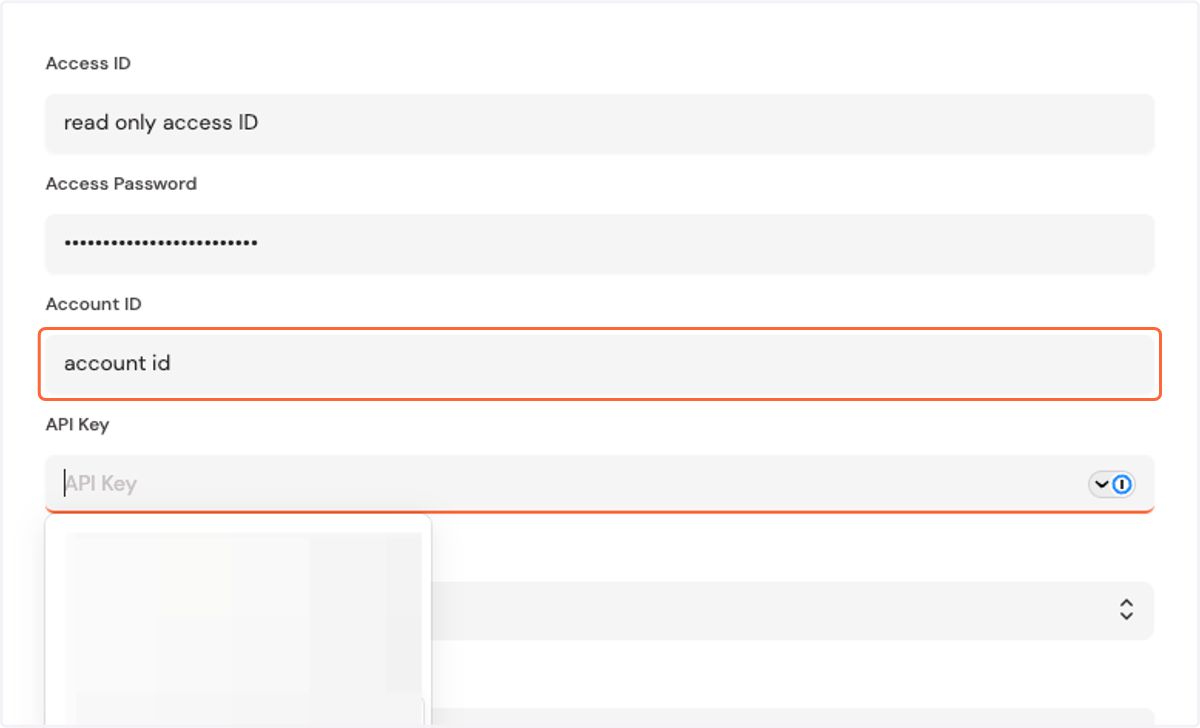
15. Enter in your API Key
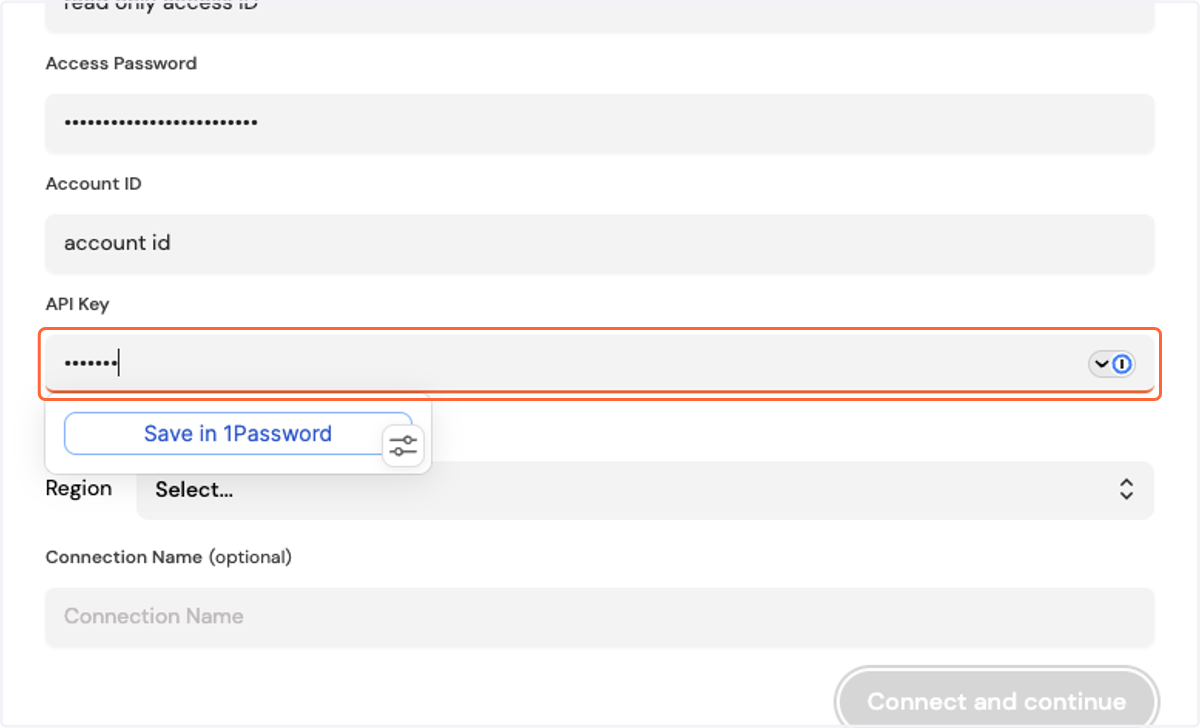
16. Click on Select...
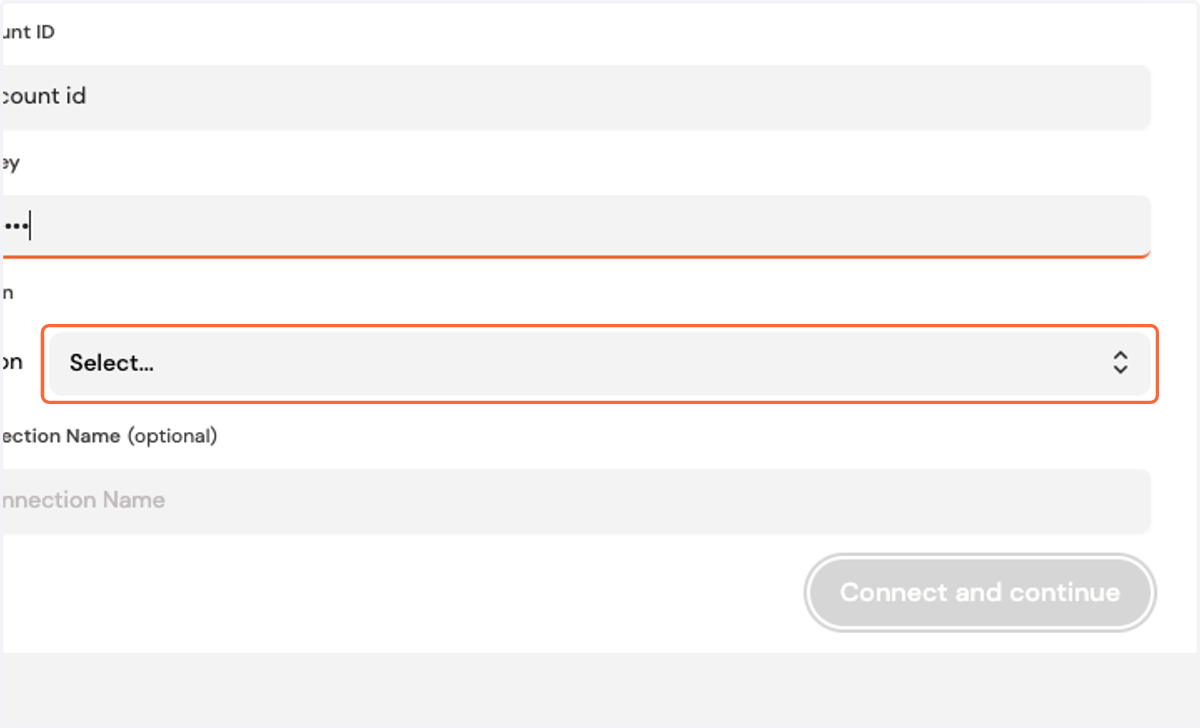
17. Select your Region
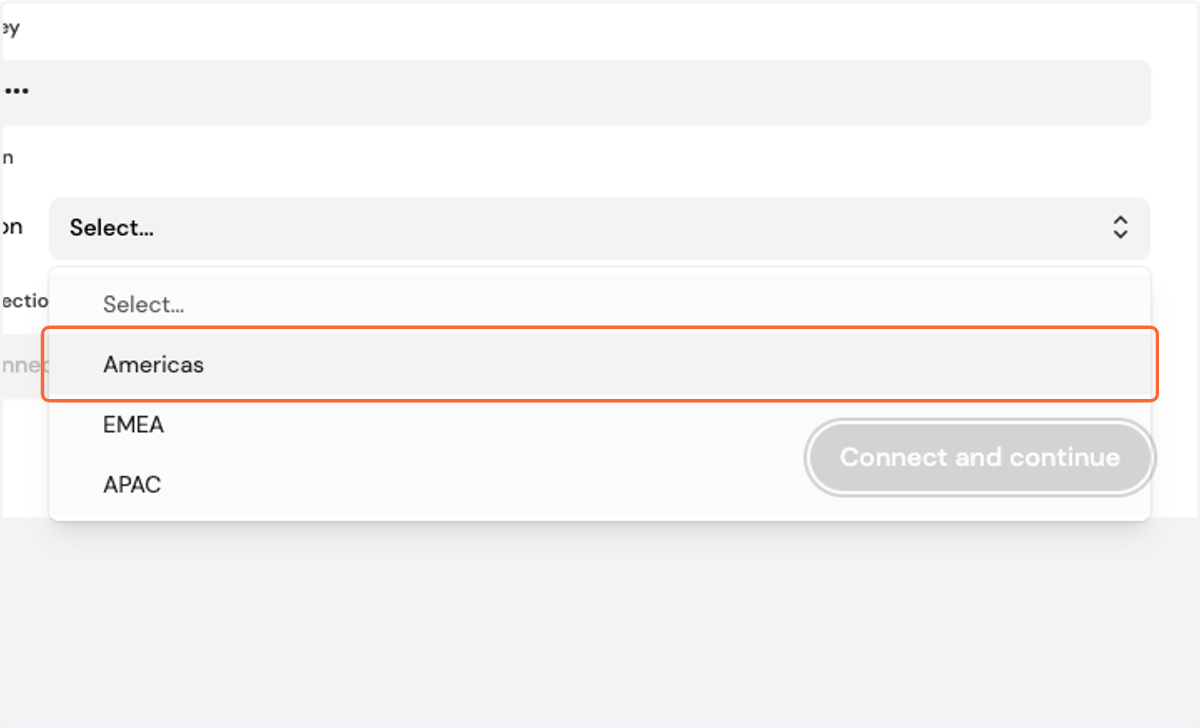
18. Click on Connect and continue