Creating tags when tracking a bill
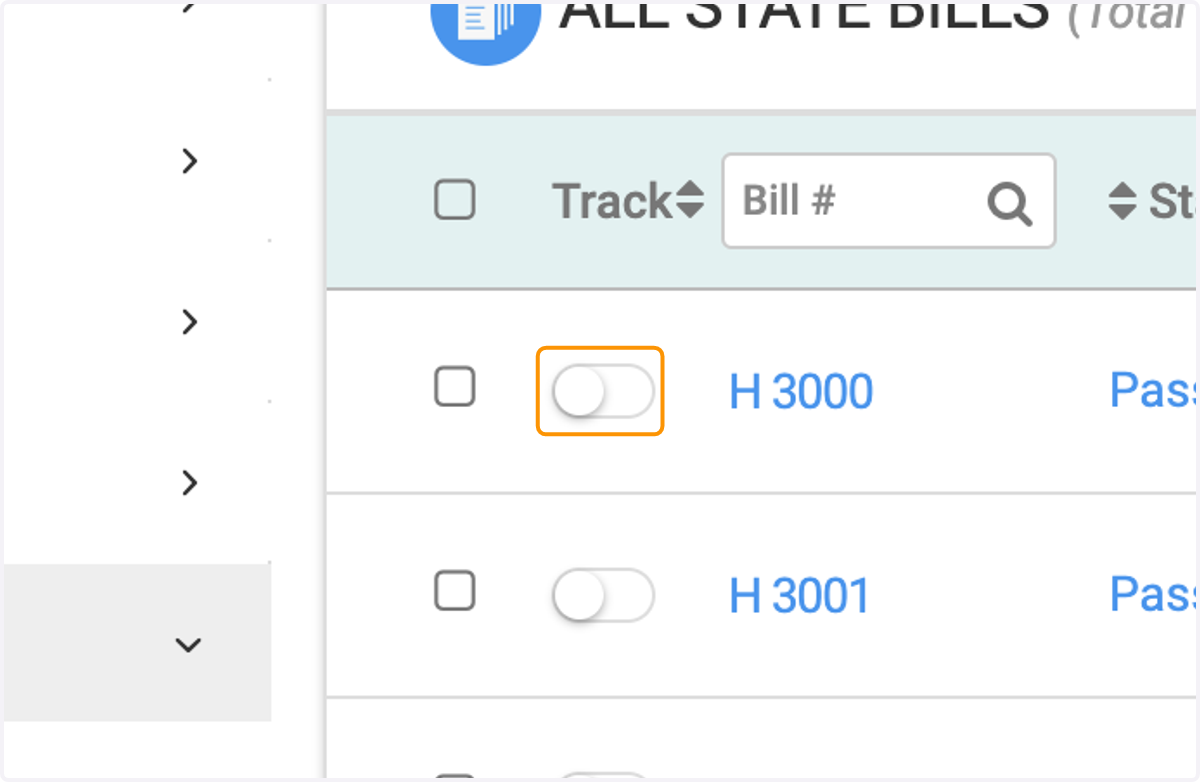
1. Click to track a bill
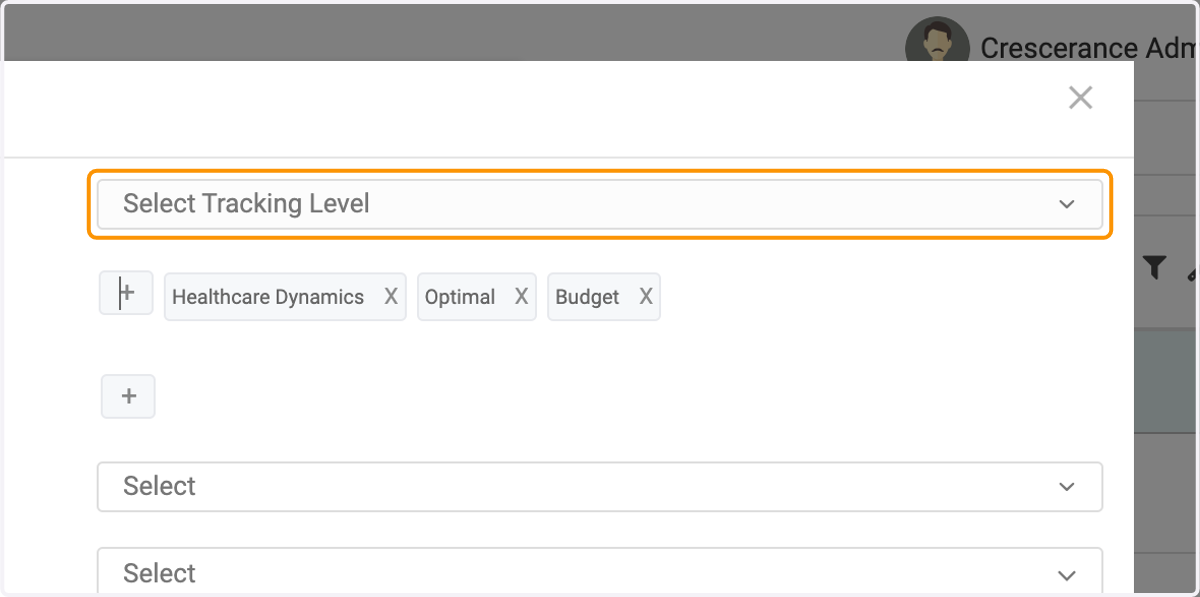
2. Select a tracking level
3. To create a new tag, click on the plus sign on the row associated with Tags
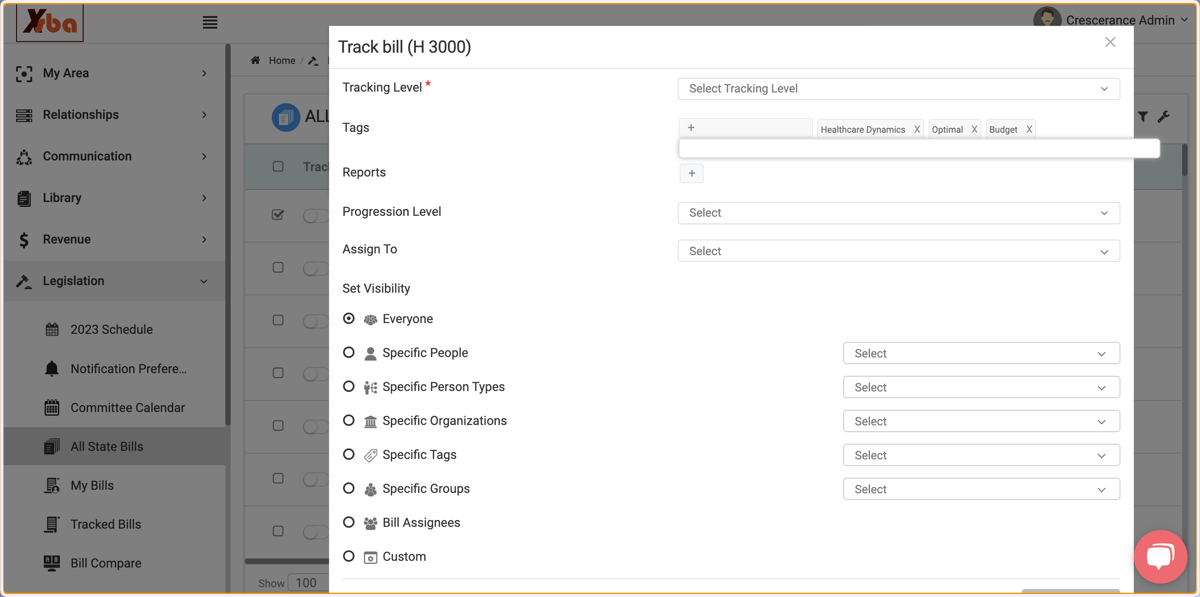
4. Start typing the keyword or phrase you'd like to associate with the tracked bill(s), and add to your overall list of available tags
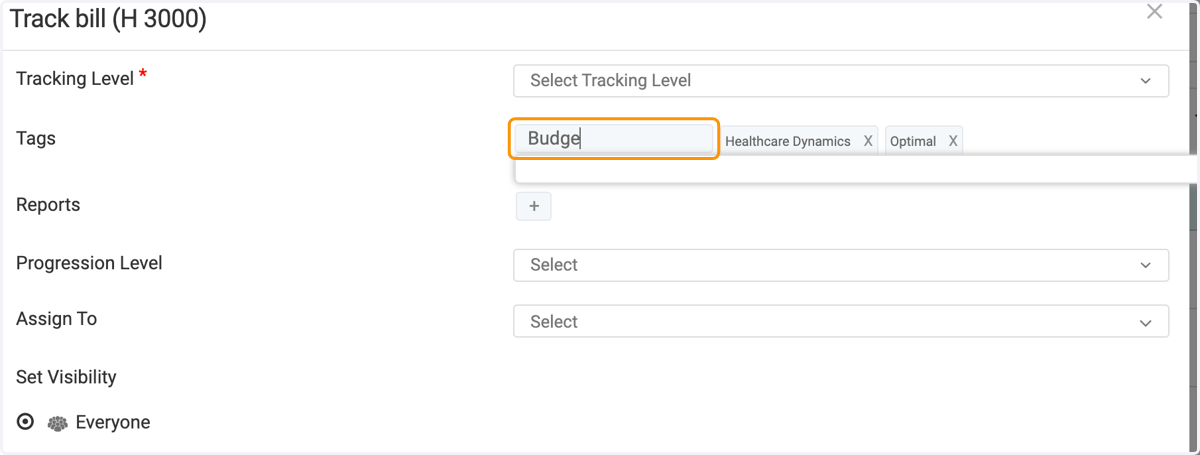
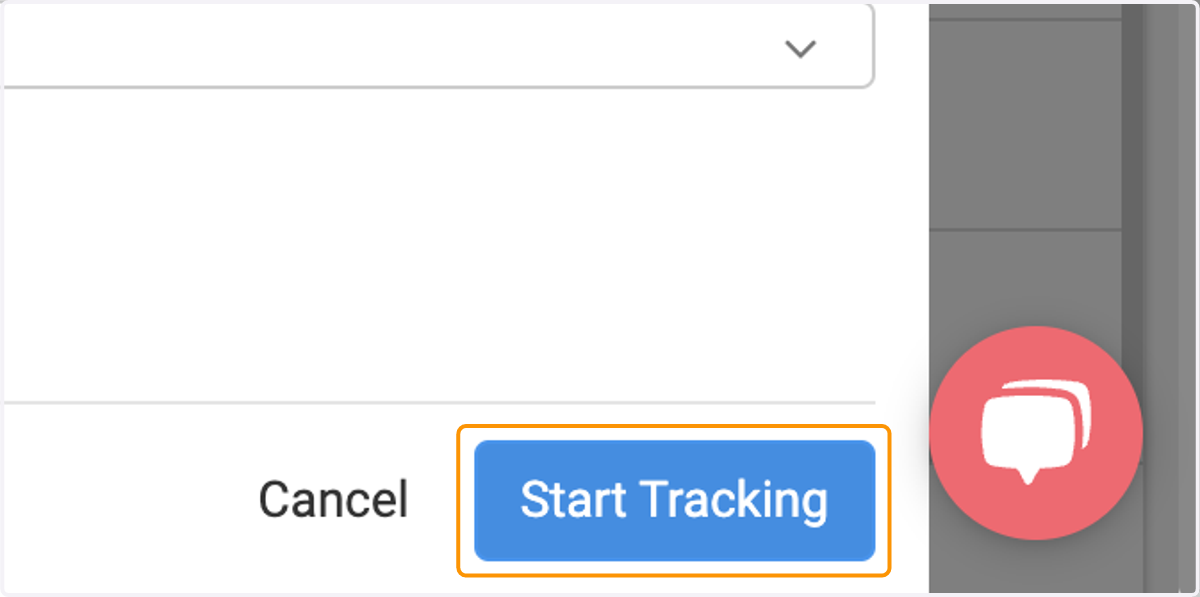
5. Click on 'Start Tracking' to save changes