Employee Login with Email and Password
Logging in as an Employee using Email and Password
1. Initial Sign-Up Email
When you are added to the system, you will receive an automatic email to verify your account. Click on the link and follow the instructions to set up your password.
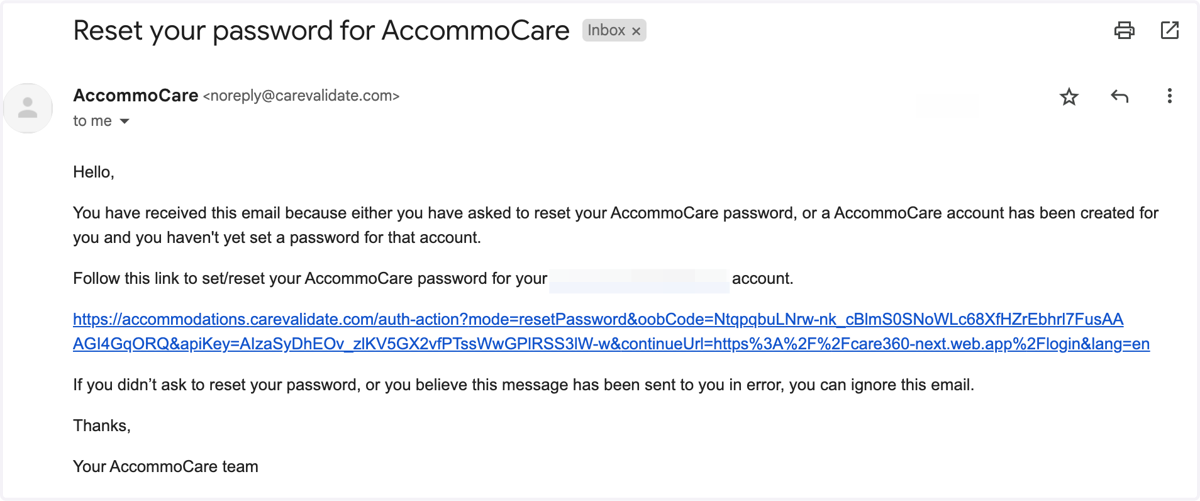
Carevalidate
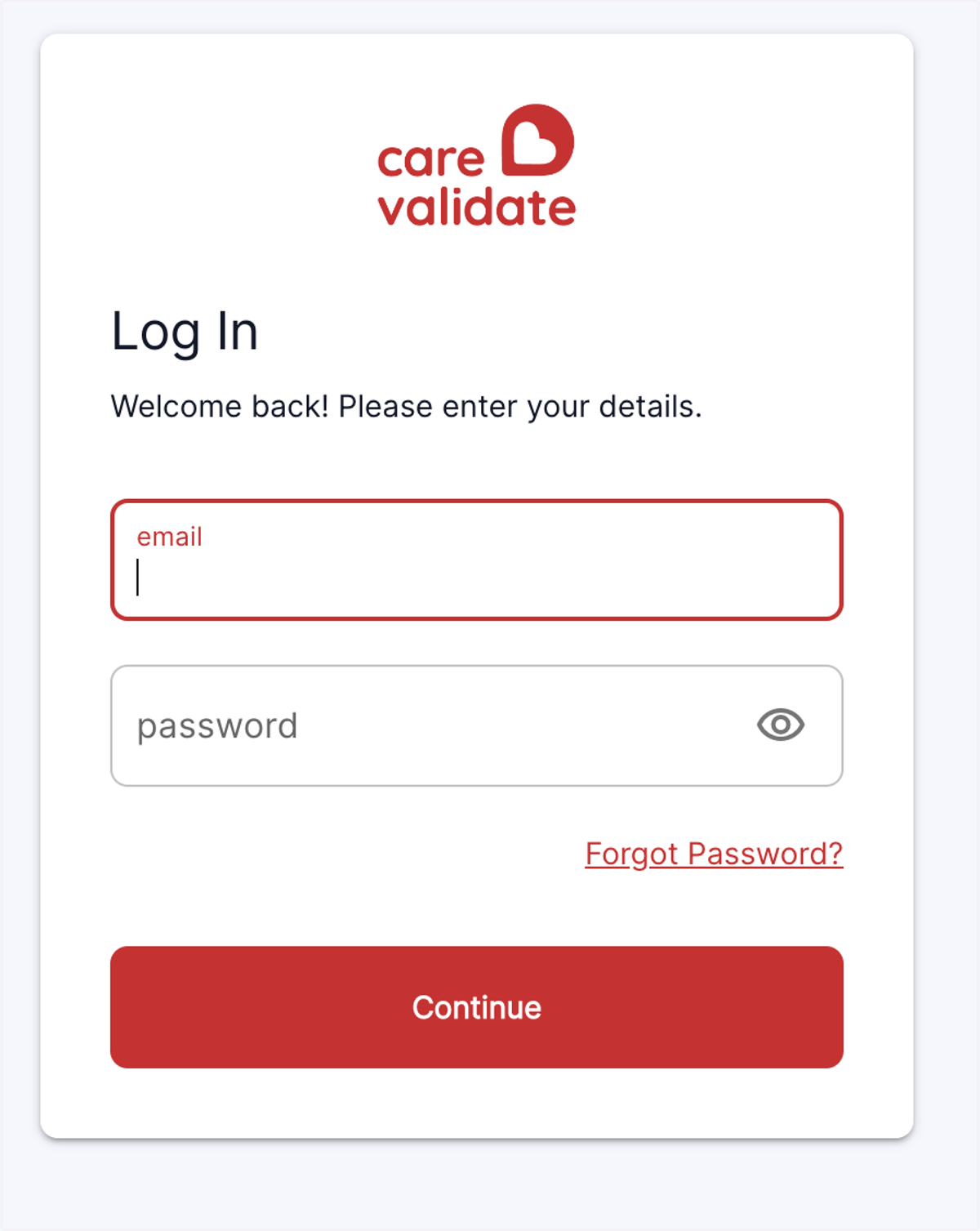
2. Go to https://accommodations.carevalidate.com
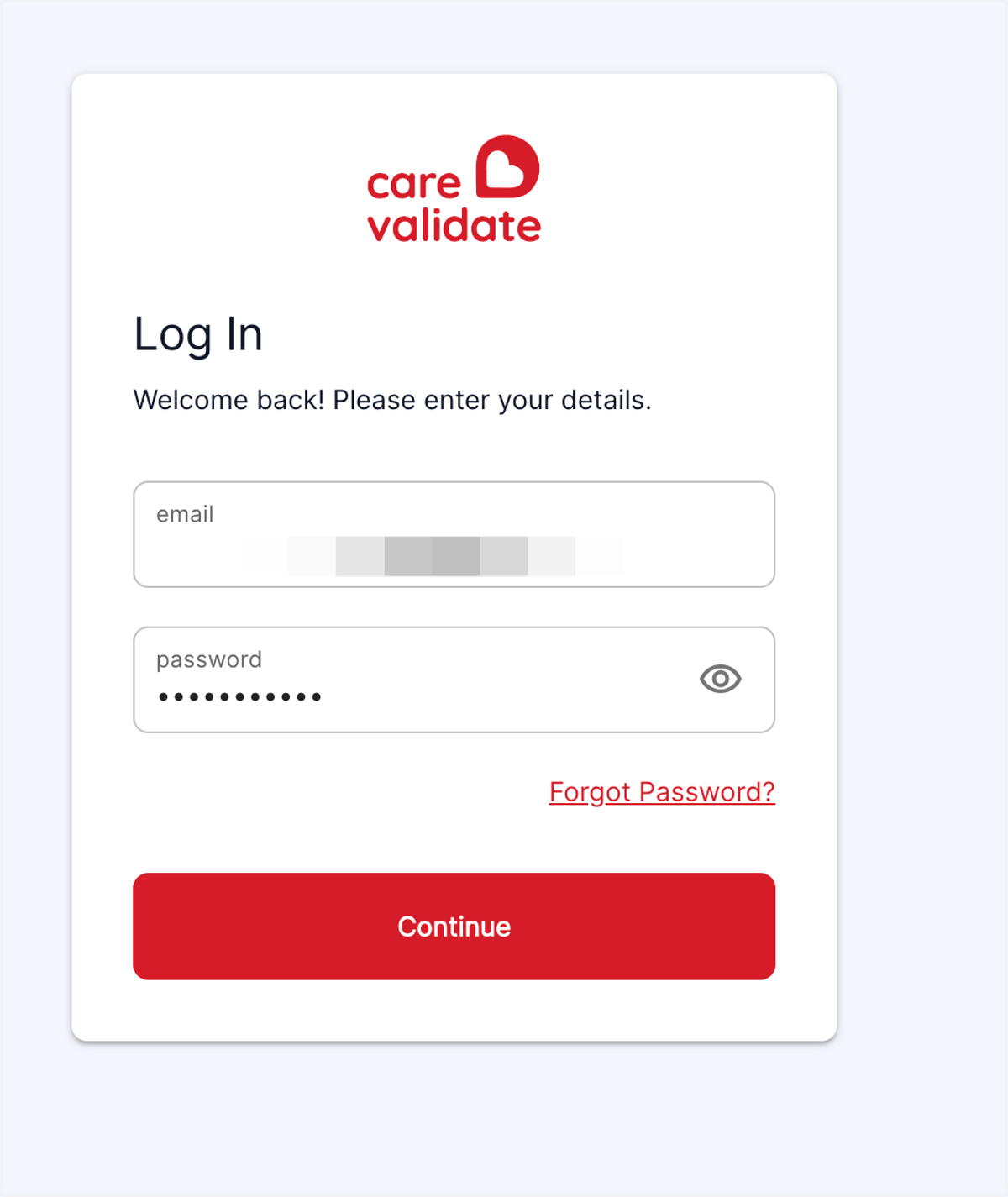
3. Enter your email and password here
4. Click on Sign In
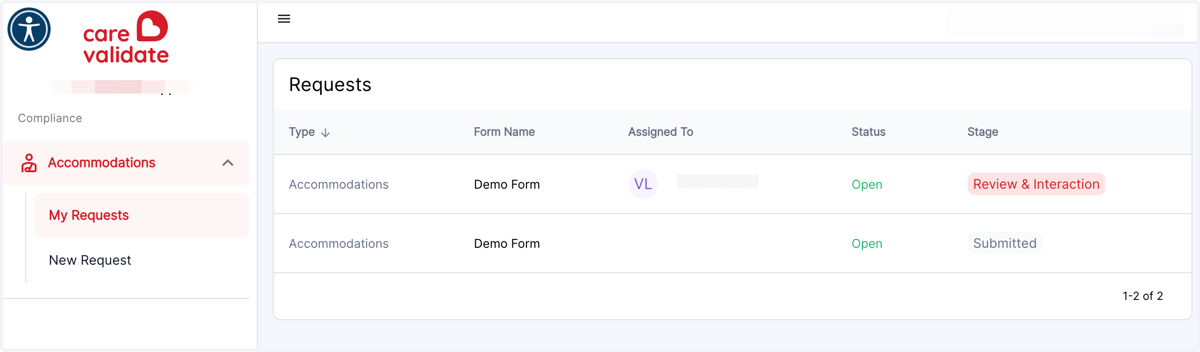
5. My Requests
Here you will be able to see the status of any of your current Requests
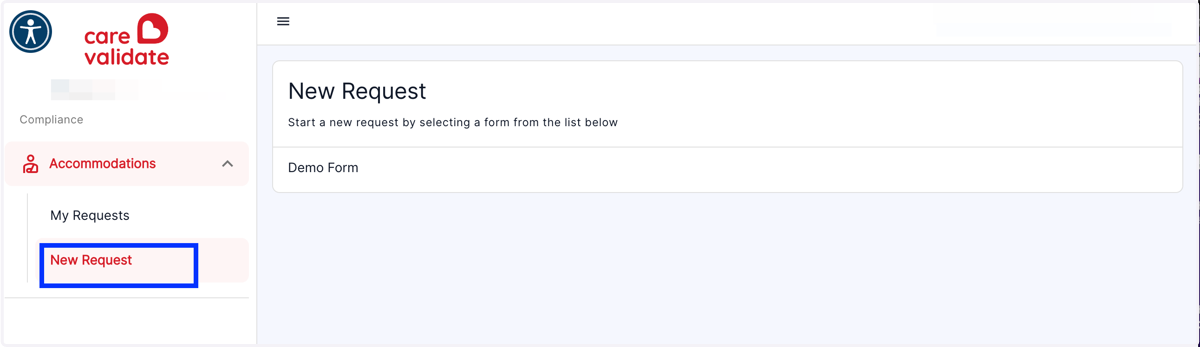
6. New Request
You can start a New Request by clicking on 'New Request' on the sidebar, or one of the New Accommodation Request forms on the righthand side.